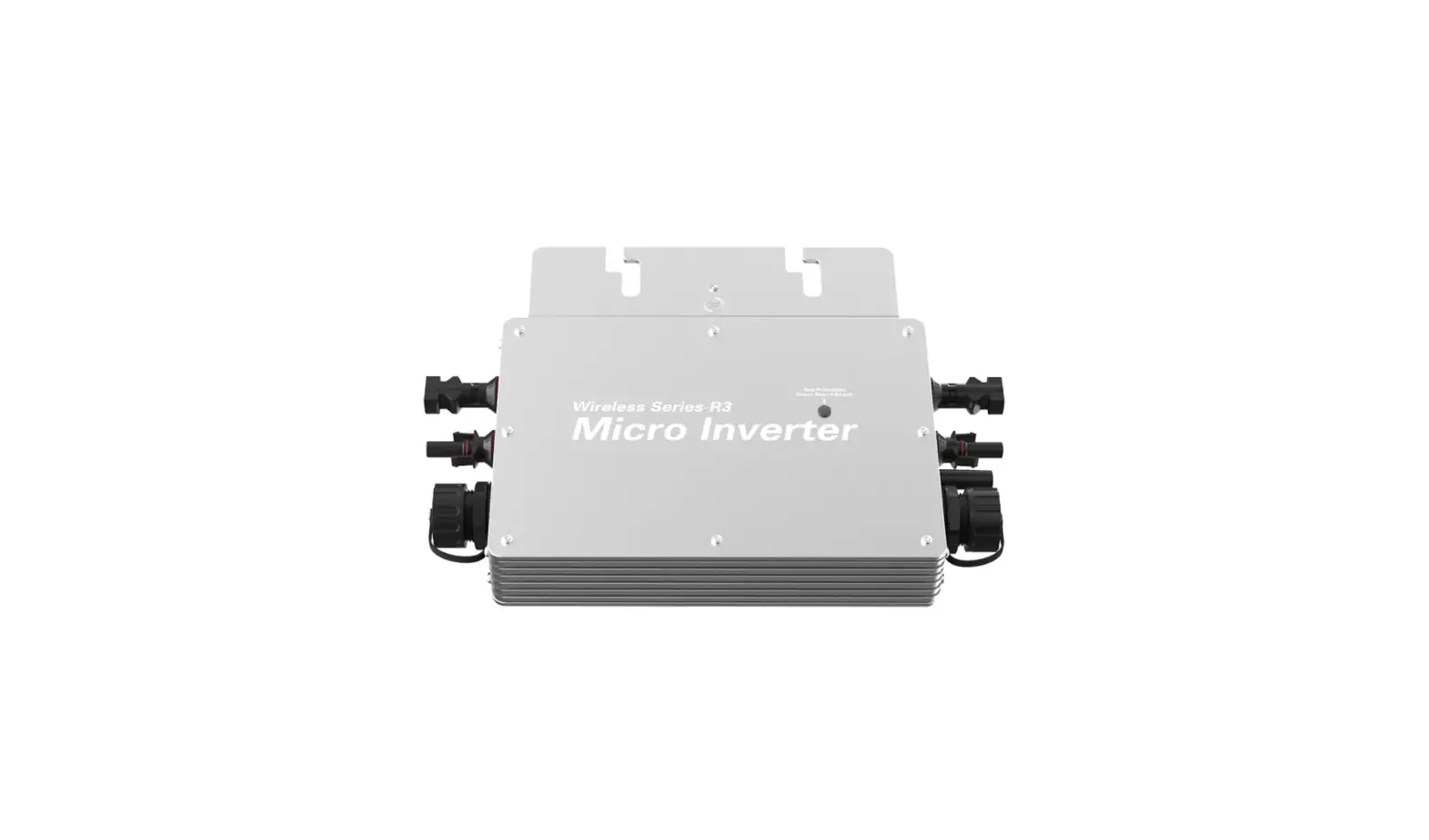
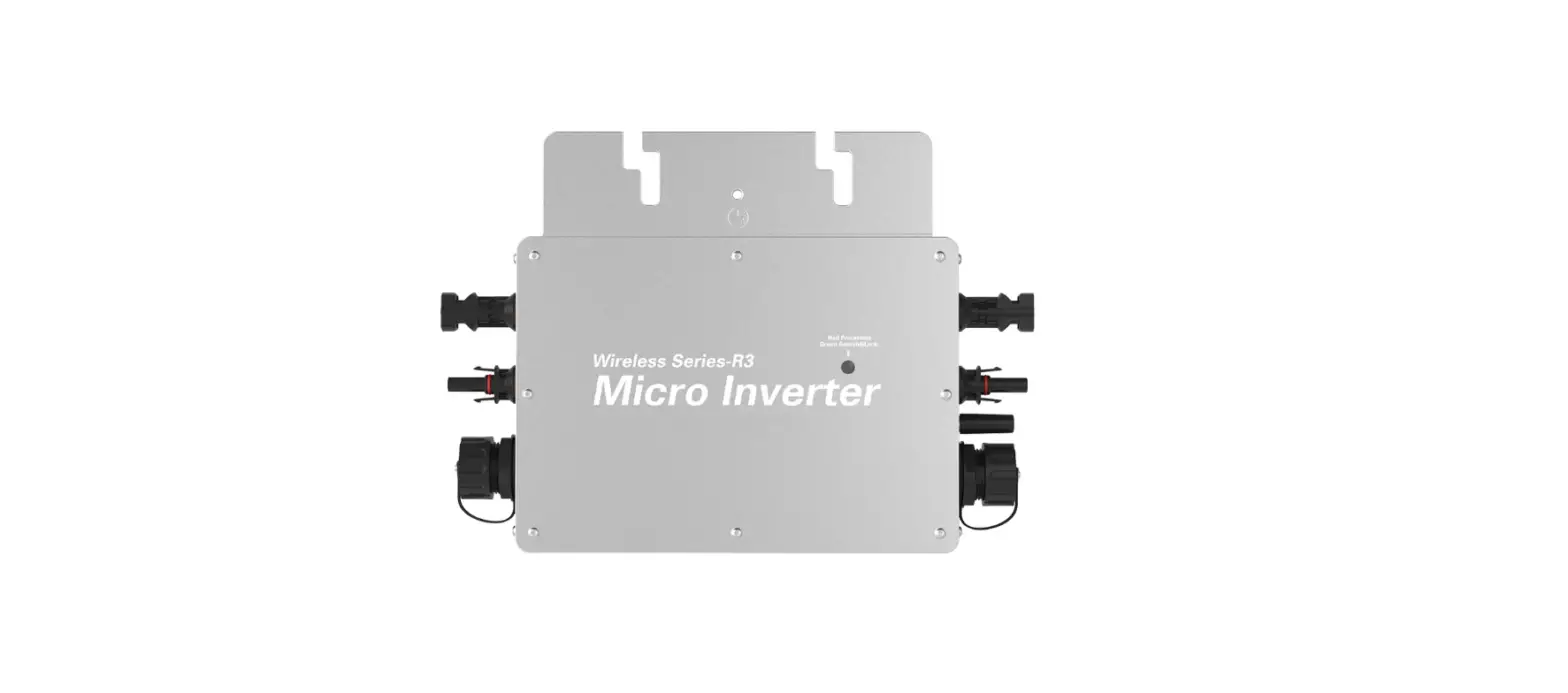
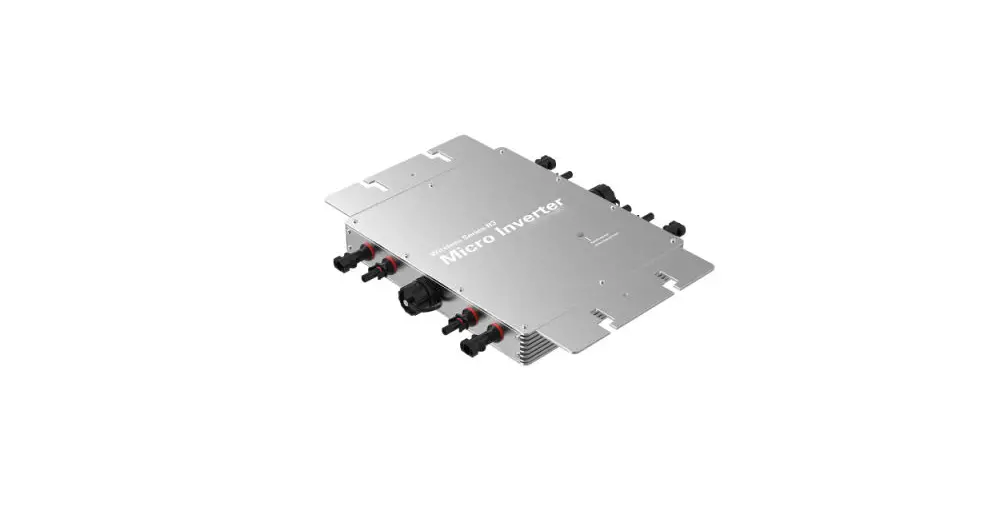
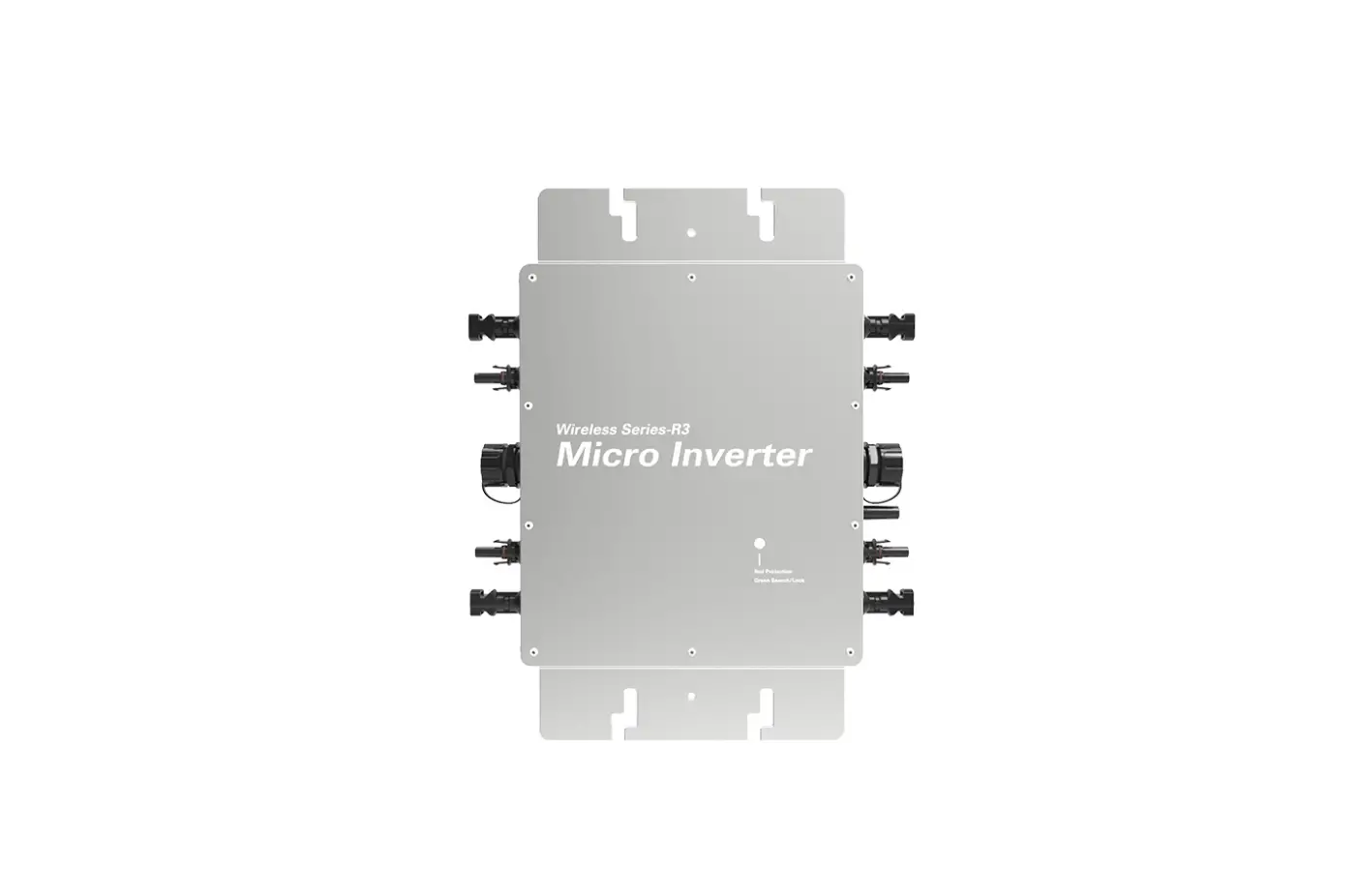
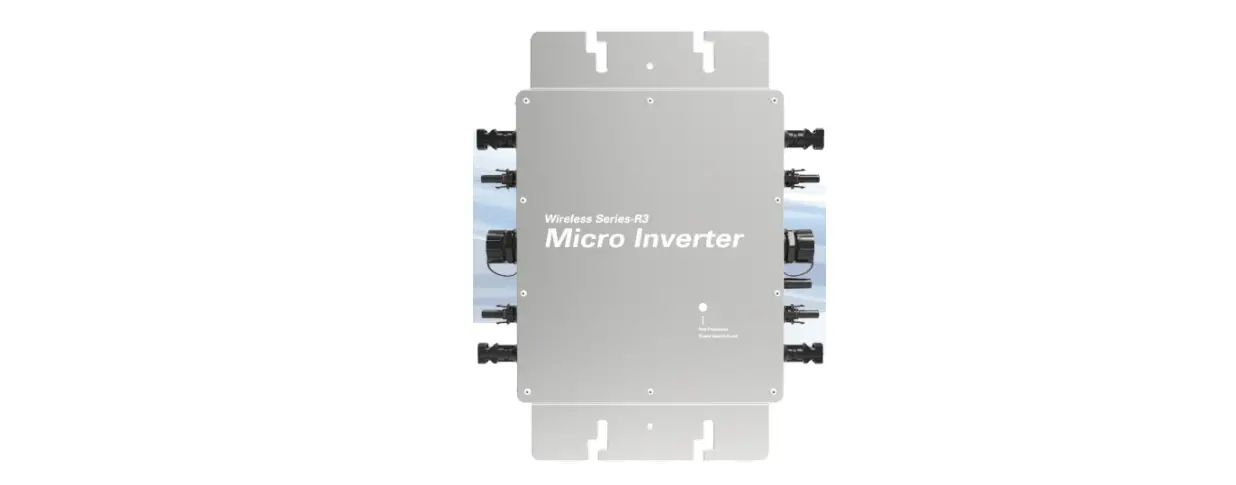
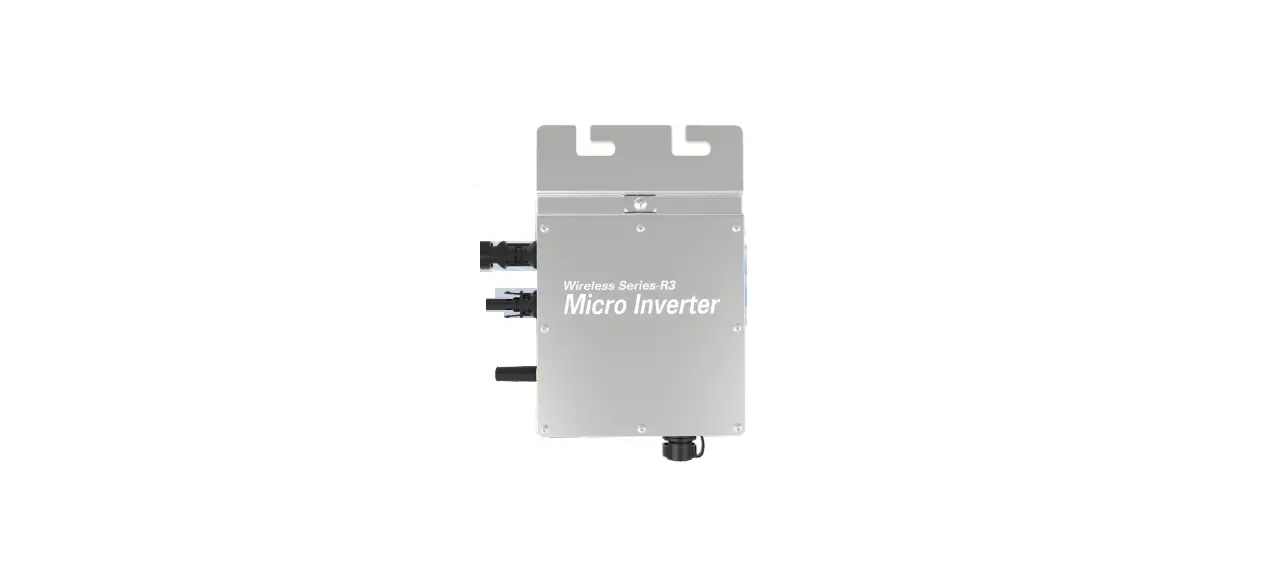
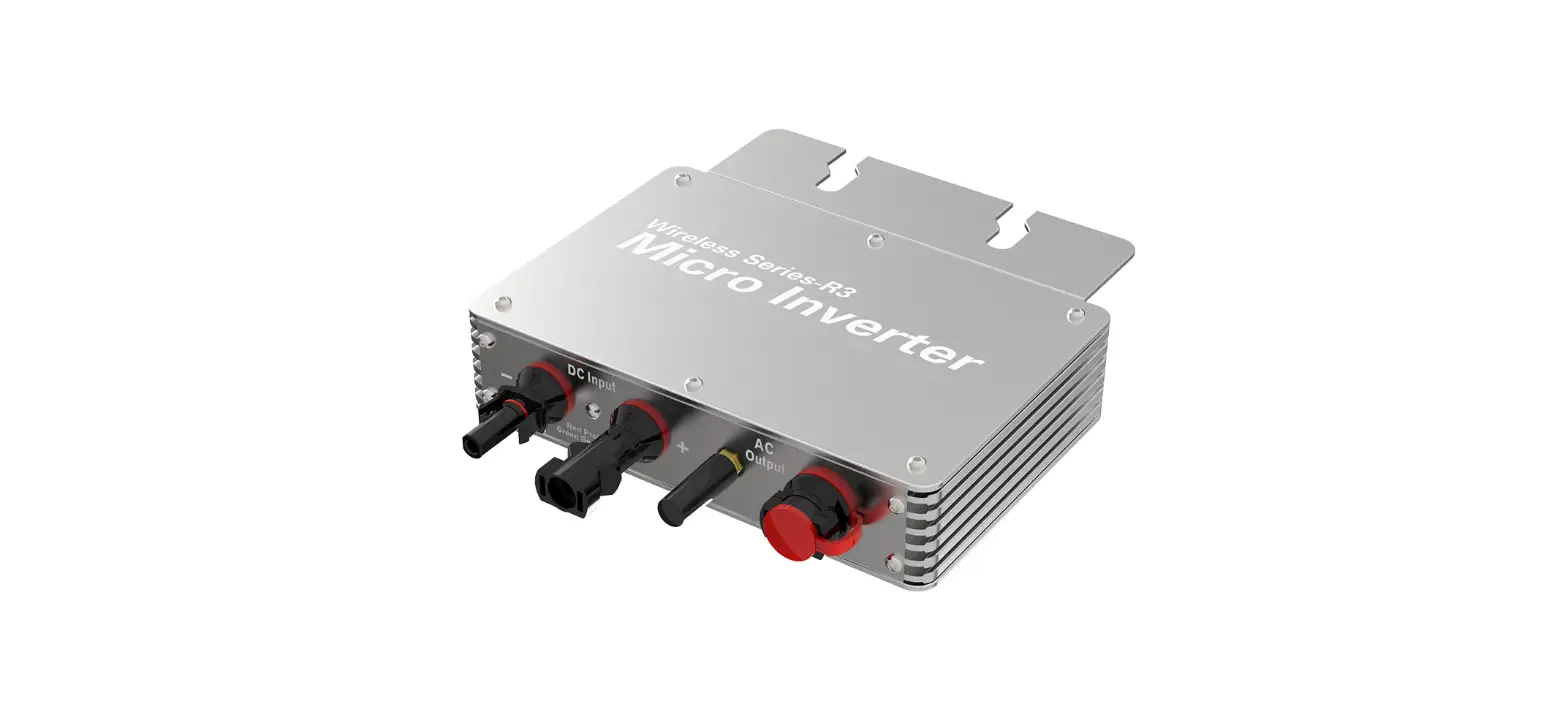
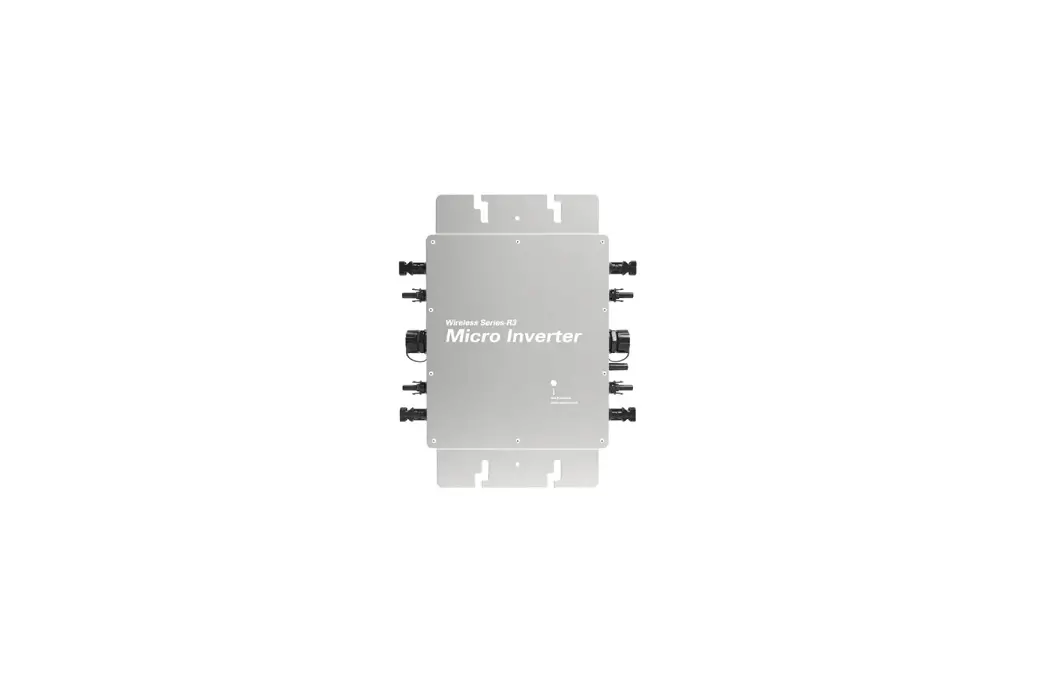
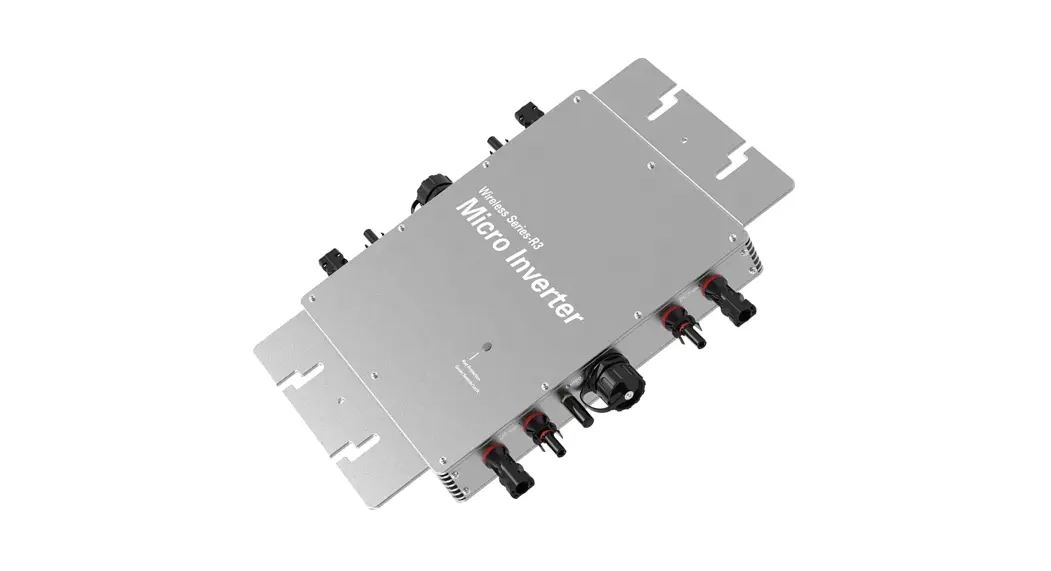
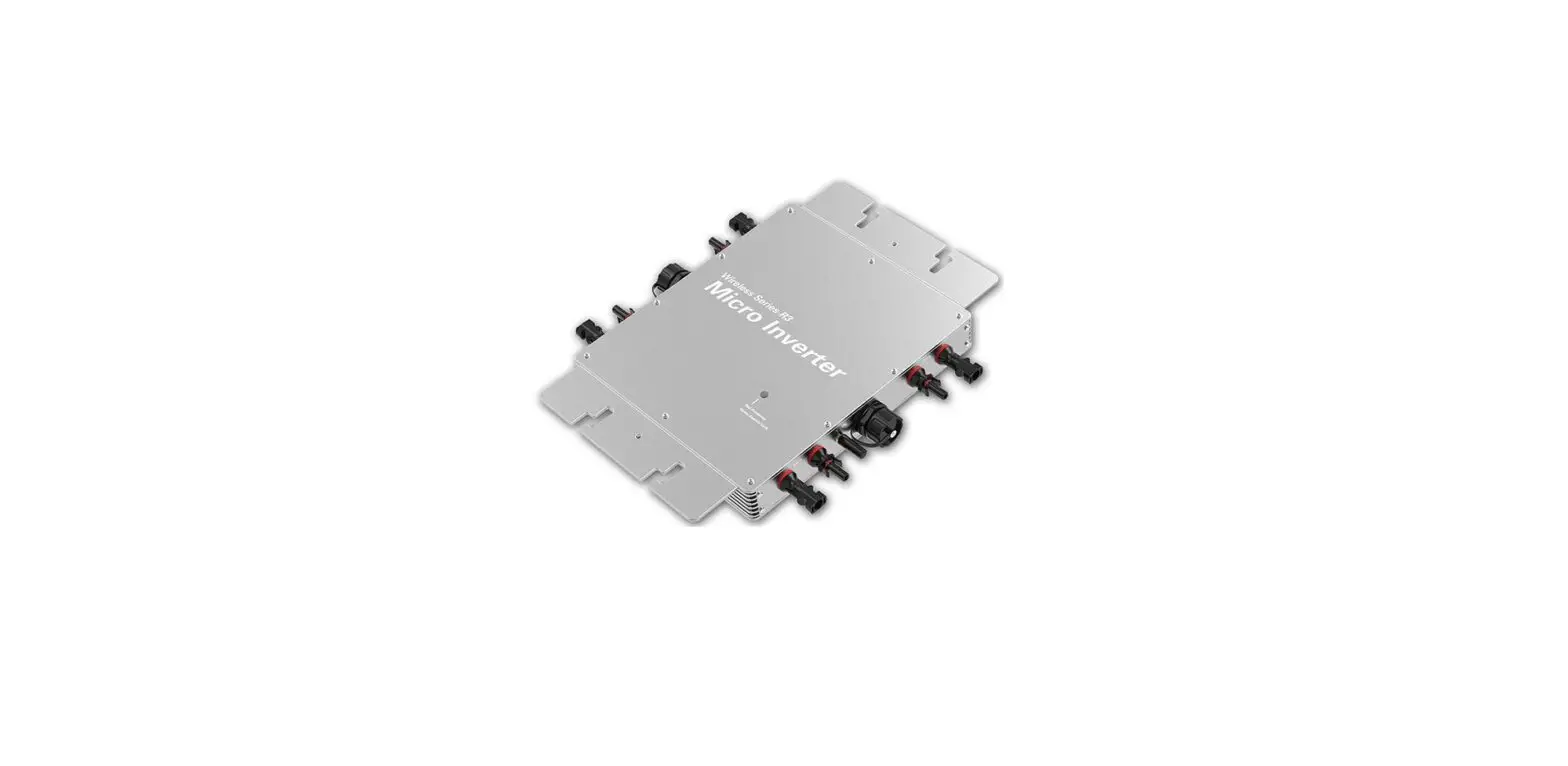
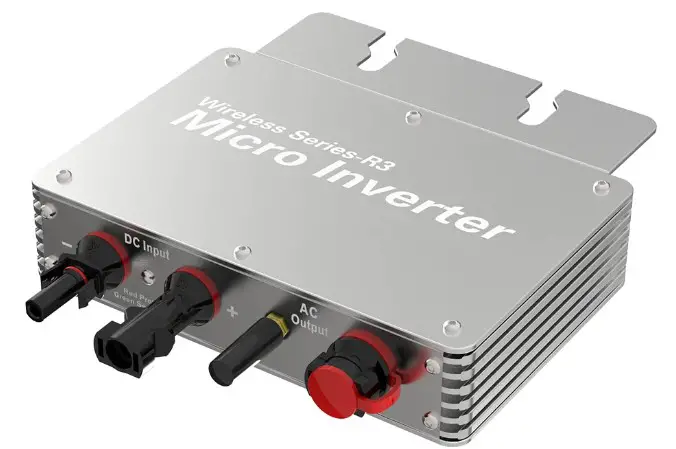
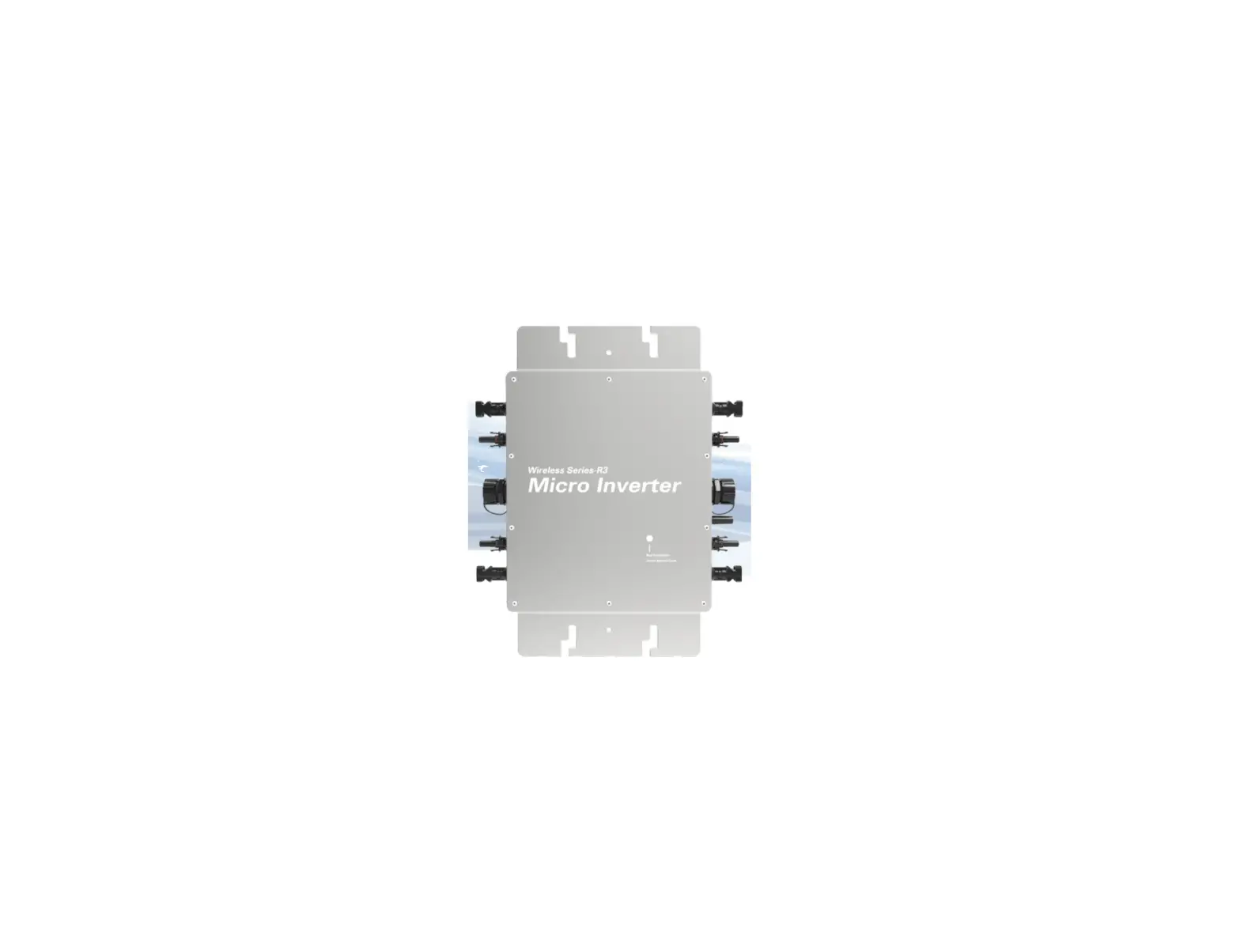
WVC-600 Micro Inverter
Product Information
| Model | WVC-600 |
|---|---|
| Recommended Use Panels | 2 * 375Watt |
| Output Voltage Mode | 120/230V |
| PV Open Circuit Voltage | 33-60VDC |
| Operating Voltage Range | 22-60V |
| Starting Voltage Range | 22-60V |
| Short-Circuit Current | 2 * 15A |
| Maximum Working Current | 2 * 12A |
| Output Parameters @120V | |
| Output Peak Power | 600Watt |
| Rated Output Power | 580Watt |
| Output Current | 5A |
| AC Voltage Range | 85-160VAC |
| AC Frequency Range | 48-51Hz/58-61Hz |
| Power Factor | >95% |
| Number of Branch Connections (Single) | 6PCS (for AC voltage range 85-160VAC) / 12PCS (for AC voltage range 180-280VAC) |
| Output Efficiency | |
| Static MPPT Efficiency | 99.5% |
| Max Output Efficiency | 95% |
Product Usage Instructions
To use the Micro Inverter (model WVC-600), please follow the
instructions below:
- Connect the recommended panels (2 * 375Watt) to the Micro
Inverter. - Ensure that the PV Open Circuit Voltage is within the range of
33-60VDC. - The Micro Inverter operates within an Operating Voltage Range
of 22-60V. Make sure the input voltage falls within this
range. - The Starting Voltage Range is also 22-60V. Ensure that the
input voltage is within this range for proper operation. - Take note of the Short-Circuit Current, which is 2 * 15A. Do
not exceed this current to prevent damage to the Micro
Inverter. - The Maximum Working Current is 2 * 12A. Make sure the current
does not exceed this limit. - For an Output Voltage Mode of 120V, the Micro Inverter provides
an Output Peak Power of 600Watt, Rated Output Power of 580Watt, and
Output Current of 5A. - For an Output Voltage Mode of 230V, the Micro Inverter also
provides an Output Peak Power of 600Watt, Rated Output Power of
580Watt, and Output Current of 2.6A. - Ensure that the AC Voltage Range is either 85-160VAC or
180-280VAC, depending on the number of branch connections. For AC
voltage range 85-160VAC, connect a maximum of 6PCS (single branch).
For AC voltage range 180-280VAC, connect a maximum of 12PCS (single
branch). - The AC Frequency Range should be between 48-51Hz/58-61Hz.
- Ensure that the Power Factor is greater than 95% for optimal
performance. - The Micro Inverter has a Static MPPT Efficiency of 99.5% and a
Max Output Efficiency of 95%.
Micro inverter Use Manual(Life)
Micro Inverter
WVC-600(Life)
Micro inverter Use Manual(Life)
model
WVC-600
Recommend use panels 2*375Watt
Output voltage mode
120/230V
PV Open circuit voltage 33-60VDC
Operating voltage range 22-60V
Starting voltage range 22-60V
short-circuit current
2*15A
Maximum working current 2*12A
Output parameters @120V
Output peak power
600Watt
@230V
600Watt
Rated output power
580Watt
580Watt
Output current
5A
2.6A
AC voltage range
85-160VAC
180-280VAC
AC frequency range
48-51Hz/58-61Hz
48-51Hz/58-61Hz
Power factor
>95%
>95%
Number of branch connections. 6PCSSingle
12PCSSingle
Output efficiency @120V
@230V
Static MPPT efficiency 99.5%
99.5%
Max output efficiency Loss of power at night
95% <0.5W
95% <0.5W
Total current harmonics <5% Appearance and technical features
<5%
Temperature range
-20°C to +50°C
SizeL×W×H
283mm×200mm×41.6mm
Net amount
1.46kg
Waterproof grade
Ip65 NEMA3R
Heat dissipation mode Self-cooling
Communication mode Wi-Fi
Power transmission mode Reverse transmission,Load priority
monitoring system Electromagnetic Detection Power Grid standard
APP EN61000-6-1:2007 EN6100-6-3:2007+A1:2011+AC:2012 EN50549-1EN 50549-2NBR 16149:2013UL1741
Power grid detection
IEC/EN 62109-1 IEC/EN 62109-2 IEC 62116IEEE 1547
Certificate
CECEC , ETL
Packing weight
Specifications
EachPacking
Box5PCS
weight
2.2G
11.5G
Size
342×240×115mm
440×380×260mm
Expert Green Energy
Smart Inverter
IoT Monitoring Platform
Smart mobile “core” life
CO-2 induced environmental analysis Daily and total energy generation in kWh Actual DC input voltage, current and power Actual AC output voltage, current and power Inverter temperature Historical (daily, weekly, monthly) power curve Power losses due to weather induced effects Optional limitation of power output Online switch for the inverter start stop
Communication mode
Router
Ali Could Server
Wi-Fi
Wi-Fi
Wi-Fi
Wi-Fi
Wi-Fi
CO-2 induced environmental analysis Daily and total energy generation in kWh Actual DC input voltage, current and power Actual AC output voltage, current and power
APP
Inverter temperature Optional limitation of power output Online switch for the inverter start stop Historical (daily, weekly, monthly) power curve
Micro inverter Use Manual(Life)
Detailed
Micro Inverter
Exterior
System diagram
antenna
Screw Kit
Accessories
AC Plug
Wi-Fi
Wi-Fi Router
Data exchange
App Control
Ali Could Server
Monitor System
Micro Inverter Array
L/L1 N/L2
Ground
Switch
95684.18Kw Meter
Power Grid
With N wire connection (Single phase 120/230V)
3-N-Neutral
1-L-Live wire
31
2
2-G-Ground
4mm2
G-Yellow & Green
4mm2
N-Blue
4mm2
L-Red
No N wire connection(Single phase 120V)
3-L2-Live wire
31 2
1-L1-Live wire
2-G-Ground
4mm2
G-Yellow & Green
4mm2
N-Blue
4mm2
L-Red
Note: You can purchase a professionally customized AC bus with a T-type connector. Use this AC bus as the AC bus for each branch. Connect it hand in hand to form a modular micro-inverter branch wiring system.
When the inverter is not started/shutdown and has been connected to the grid, the status of the LED indicators is as follows 1) When the inverter is not working —————– Red light is always on 2) When the inverter is in working state ———— Blue light flashes (MPPT is locked to a long light state)
When the inverter is not started/shutdown and is not connected to the grid, the LED indicator status is as follows 1) When the inverter is not working —————– Red light flashes 2) When the inverter is in working state ———— Blue light flashes (MPPT is locked in a long light state), and the red light flashes once every three seconds
Micro inverter Use Manual(Life)
Micro inverter Use Manual(Life)
10:20
68%
DOWNLOAD
Cloud Intelligence APP
Please use the QR code to scan and install the “Cloud Intelligence” client application,System version: Android 5.0, IOS 9 and above
Note
Please strictly observe the following installation conditions a) Connect the communication antenna on the inverter; b) Install the inverter in a place where the Wifi signal is well covered; c) The connected Wi-Fi network needs to be in 2.4G communication mode; d) If the WiFi signal cannot effectively cover the inverter, an additional WiFi signal booster can be installed; e) Turn on the Bluetooth of the mobile phone;
Micro inverter Use Manual(Life)
Features
Smart APP can realize real-time data transmission with the cooperation of Alibaba Cloud IoTThrough graphs and graphic displays in time, users can understand the operation of the power station. The user can monitor the operation and adjust the output power function of the system.
10:20
WVC-MODEM-Collector
68%
…
Setup >
PV Voltage PV Current
36.5V 9.31A
345·4 w PV Power
Output Voltage 231.6V Output Current 2.36A
251·7 w Output Power
1 4 6 . 0 8 k W·h Energy
39·8 Temperature
Power Curve
1635.2w 1635.2w
12:00
39·8
Temperature
Setup PV Input AC Output Temperature
Data query
10:20
Inverter settings
68%
…
LocalTimer Power Adjustment
Energy Clear
5%
25%
50%
75%
100%
Power Switch
Attributes Energy Clear
Power Output Remote switch
Note:The(energy Clear)function can clear the power of the device and cannot be restored. Please operate with caution!!!
Cloud Intelligence APP
INTELLIGENT Iot MONITORING MODEM Number of data collectors per Modem Built-in WiFi IoT data terminal Can be used on any smart device (Android/iOS)
CO-2 induced environmental analysis Daily and total energy generation in kWh Actual DC input voltage, current and power Actual AC output voltage, current and power Inverter temperature Historical (daily, weekly, monthly) power curve Power losses due to weather induced effects Optional limitation of power output Online switch for the inverter start stop
Micro inverter Use Manual(Life)
Bluetooth Mode
Setp 1 Turn on the Bluetooth of
the mobile phone, click the “+” icon to add the device;
Setp 2
When the inverter appears on the automatic discovery page, click the “+” sign
Wi-Fi Mode
Setp 1 Bluetooth distribution network fails, you can click to scan the QR code to operate
Setp 2
Scan the QR code on the inverter to activate network operation
10:20
>
My Home Sunny 22 Outdoor Air Quality Moderate
68%
+
Device Room Group
+
No device.Please add one.
Click to add
10:20
68%
<
Auto Discover
Micro Inverter 28:9C:6E:14:EB:88
+
Click to add
10:20
68%
<
Auto Discover
Click to add
Add Manually
Add Manually
WVC-300 Model:Life
SN:20210225
PK:20000513
Scan QR card
Setp 3
Select WiFi signal, enter the Wi-Fi password; click Next
Setp 4
The system will enter the network configuration state
Setp 3
Select WiFi signal, enter the Wi-Fi password; click Next
Setp 4
The system will enter the network configuration state
10:20
68%
<
Establish Wi-Fi Connection
Only 2.4G Wi-Fi network is supported
You Wi-Fi SSID You Wi-Fi Password
Remember Me
Next
Enter Wifi Password Save Password Next Step
10:20
68%
<
Device Networking
Adding Devices
Bluetooth is connecting,please make sure: The device is powered on; The device is connecting; Put
mobile phone close to the device;
3%
Device is found Connect Device Connect to the router Connect to Cloud
Complete
Network progress
Progress project Network completed
10:20
68%
<
Establish Wi-Fi Connection
Only 2.4G Wi-Fi network is supported
You Wi-Fi SSID You Wi-Fi Password
Remember Me
Next
Enter Wifi Password Save Password Next Step
<
10:20
68%
Device Networking
Adding Devices
Bluetooth is connecting,please make sure: The device is powered on; The device is connecting; Put
mobile phone close to the device;
3%
Device is found Connect Device Connect to the router Connect to Cloud
Complete
Network progress
Progress project Network completed
Micro inverter Use Manual(Life)