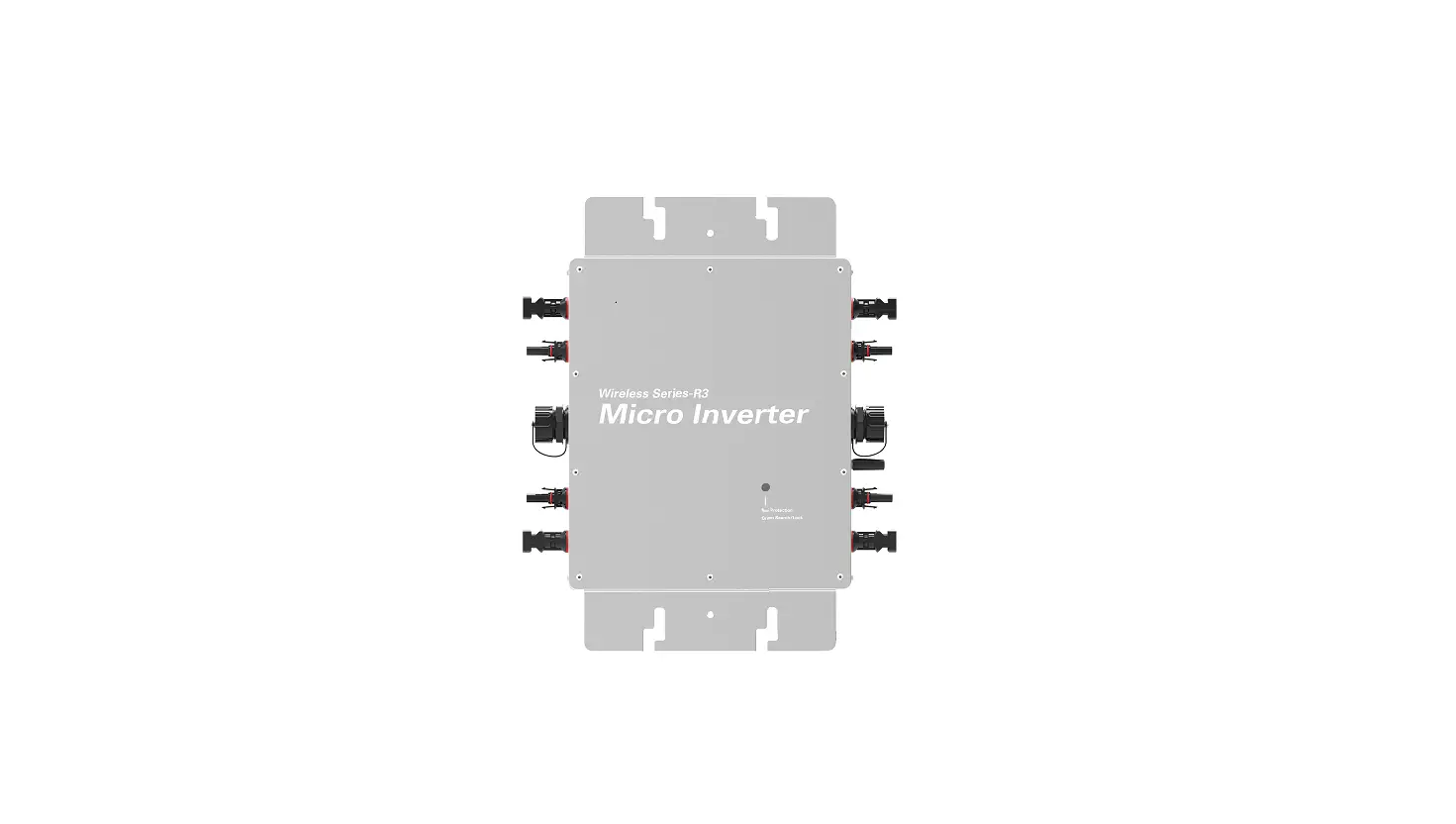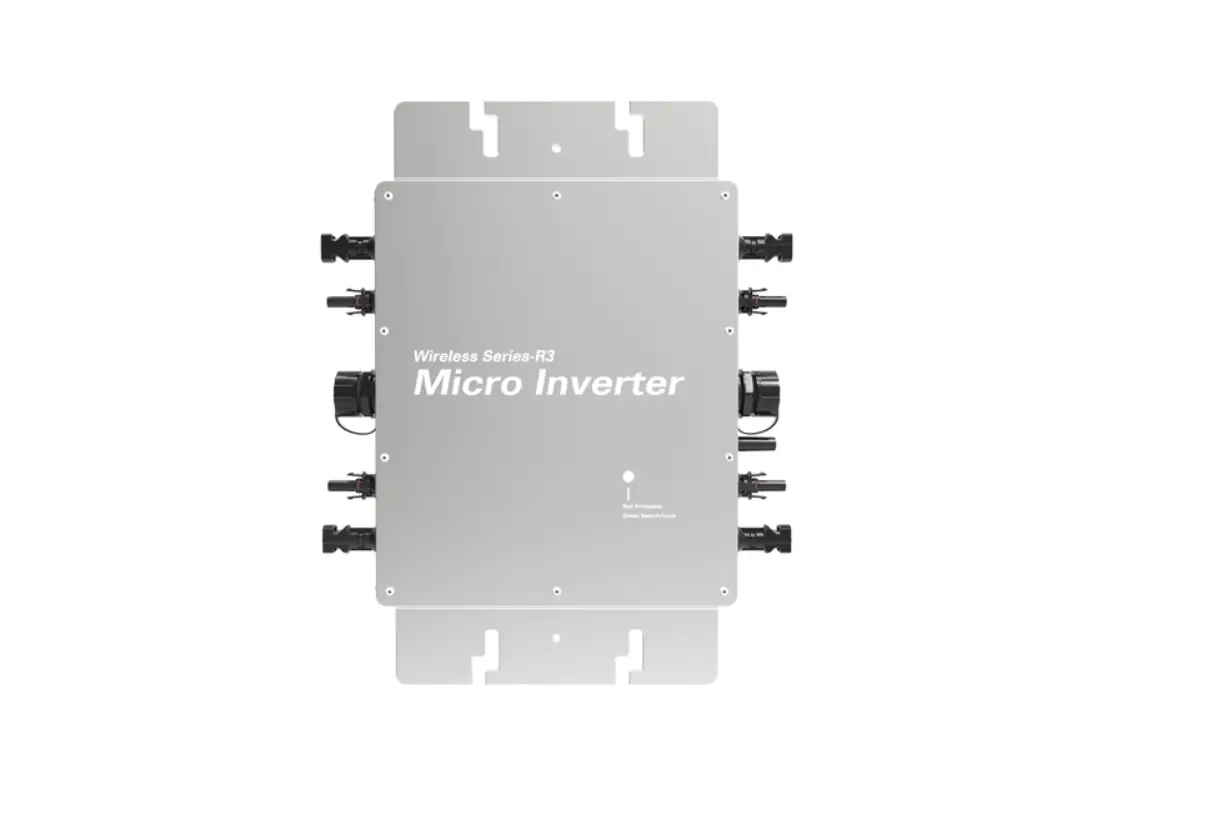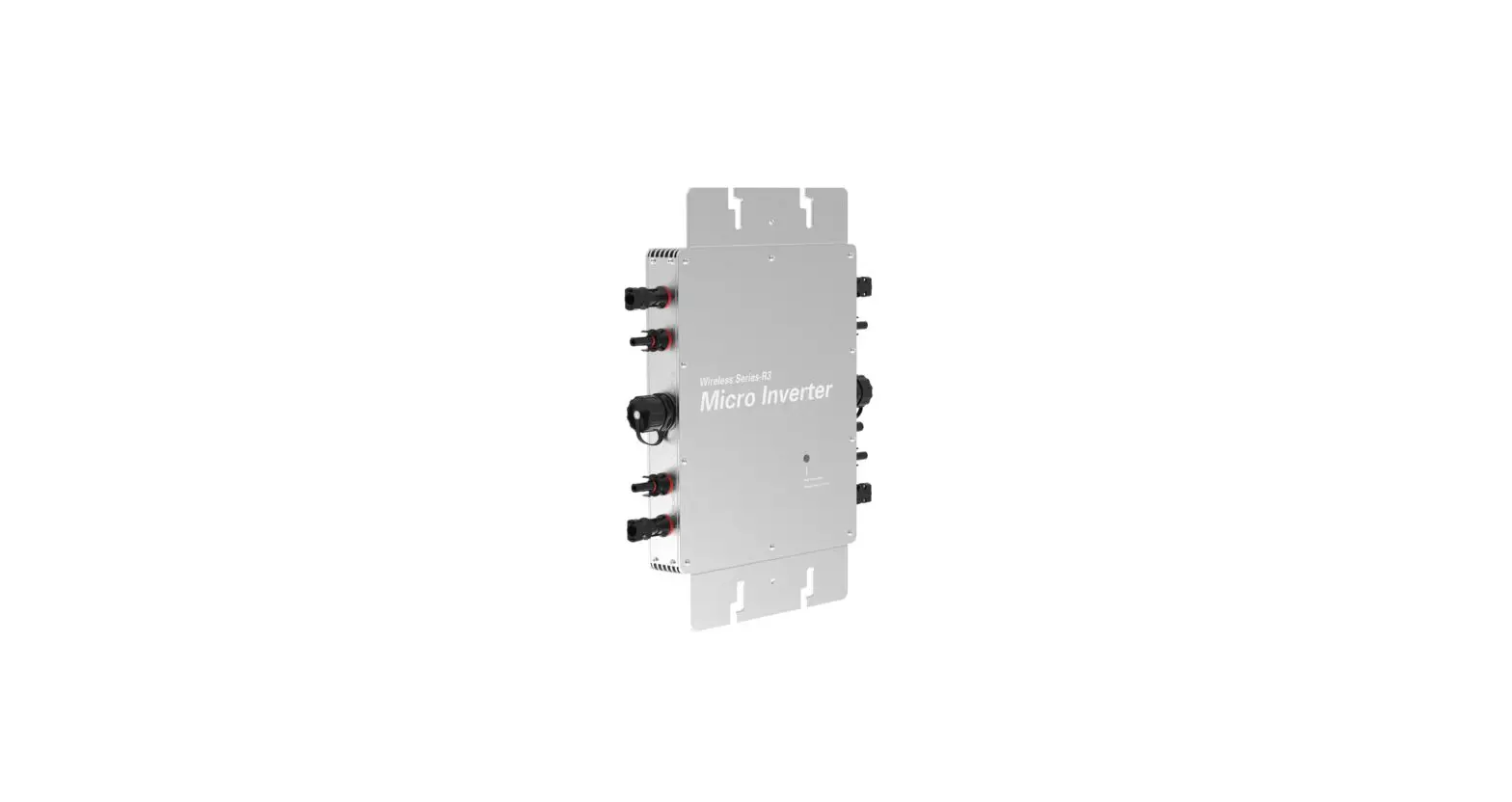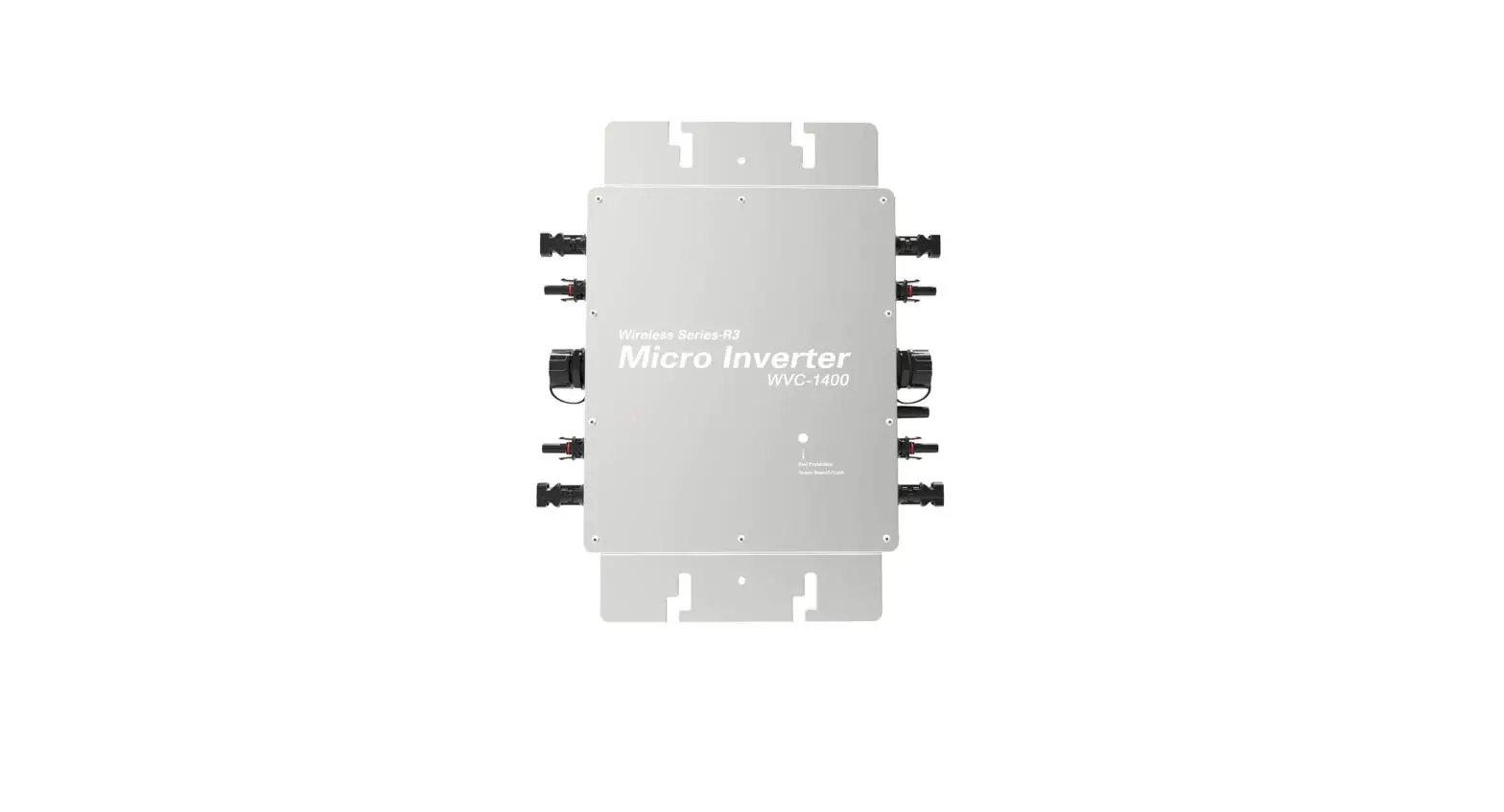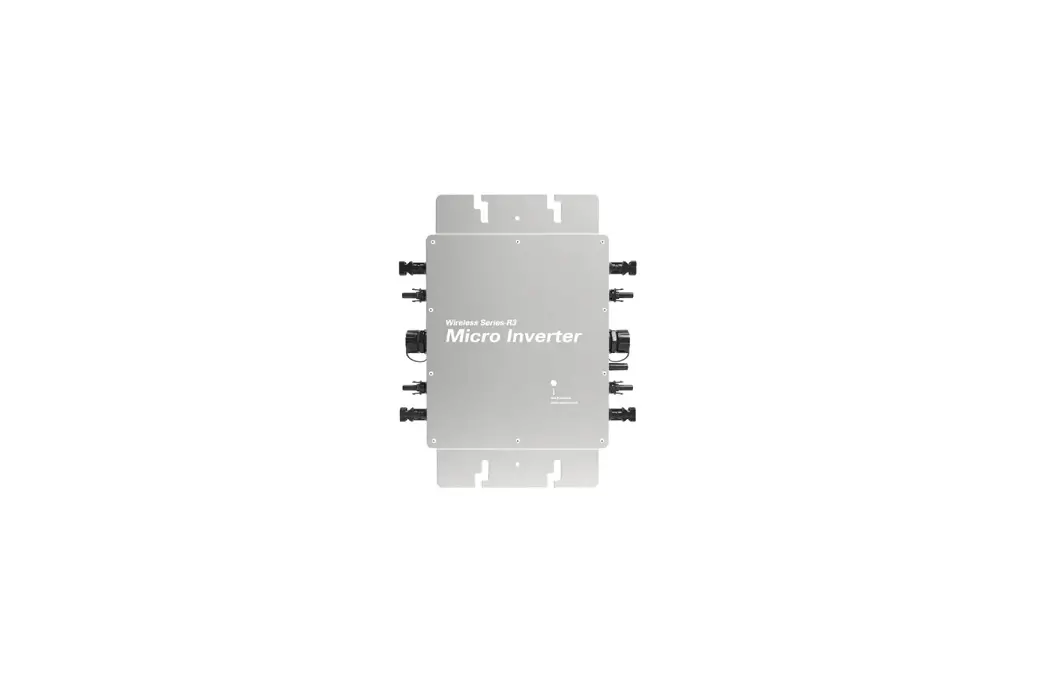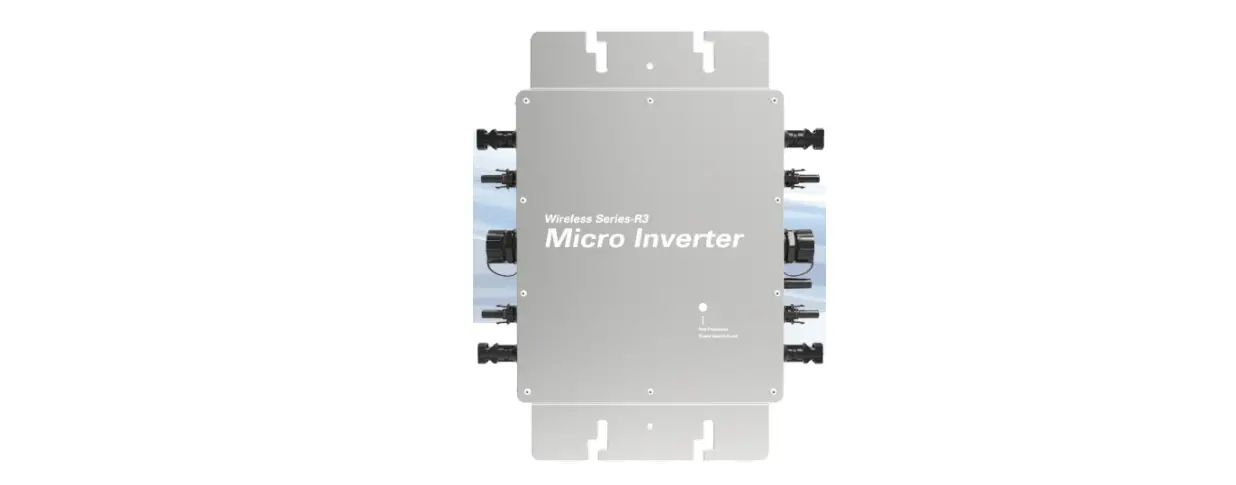

 WVC-2000
USER MANUAL
Green Energy Expert Smart Inverter
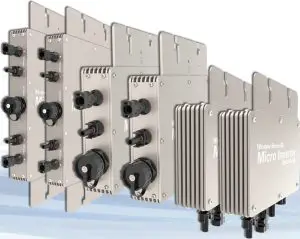
WVC series communication type intelligence Micro grid-connected inverter
- Maximum power point tracking
- Reverse power transmission
- I / 0, fully isolated
- No installation, no maintenance
- Adaptive voltage/frequency
- Internal high precision meter
- App monitoring system
- Forward full-bridge topology
| model | WVC-2000 | |
| Recommend use panels | 4*625Watt | |
| Output voltage mode | 120/230V Auto switch | |
| PV Open circuit voltage | 30-54VOC | |
| Operating voltage range | 22-60V | |
| Starting voltage range | 22-60V | |
| short-circuit current | 4*23A | |
| Maximum working current | 4*20A | |
| Output parameters | @120V | @230V |
| Output peak power | 2200Watt | 2200Watt |
| Rated output power | 2200Watt | 2200Watt |
| Output current | 16.6A | 8.7A |
| AC voltage range | 80-160VAC | 180-280VAC |
| AC frequency range | 48-51Hz/58-61Hz | 48-51Hz/58-61Hz |
| Power factor | >95% | >95% |
| A number of branch connections. | 3PCS ( Single ) | 6PCS ( Single ) |
| Output efficiency | @120V | @230V |
| Static MPPT efficiency | 99.5% | 99.5% |
| Max output efficiency | 95% | 95% |
| Loss of power at night | <0.5W | <0.5W |
| Total current harmonics | <5% | <5% |
Appearance and technical features | ||
| Temperature range | -40°C to +65°C | |
| Size( LxWxH ) | 370mmx300mmx41.6mm | |
| Net amount | 3.0kg | |
| Waterproof grade | Ip6S NEMA3R | |
| Heat dissipation mode | Self-cooling | |
| Communication mode | 433MHz | |
| Power transmission mode | Reverse transmission, Load priority | |
| monitoring system | APP | |
| Electromagnetic Detection | EN61000-6-1:2007 EN6100-6-3:2007+A1:2011+AC:2012 | |
| Power Grid standard | EN50549-1, EN 50549-2, NBR 16149:2013, UL1741 | |
| Power grid detection | IEC/EN 62109-1, IEC/EN 62109-2, IEC 62116, IEEE 1547 | |
| Certificate | CE, ETL, INMETRO, Patented technology | |
| Packing weight | ||
| Specifications | Each ( Packing ) | Box ( 4PCS ) |
| weight | 4.36KG | 18.38KG |
| Size | 430x375x140mm | 430x405x380mm |
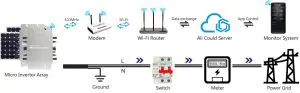
System diagram
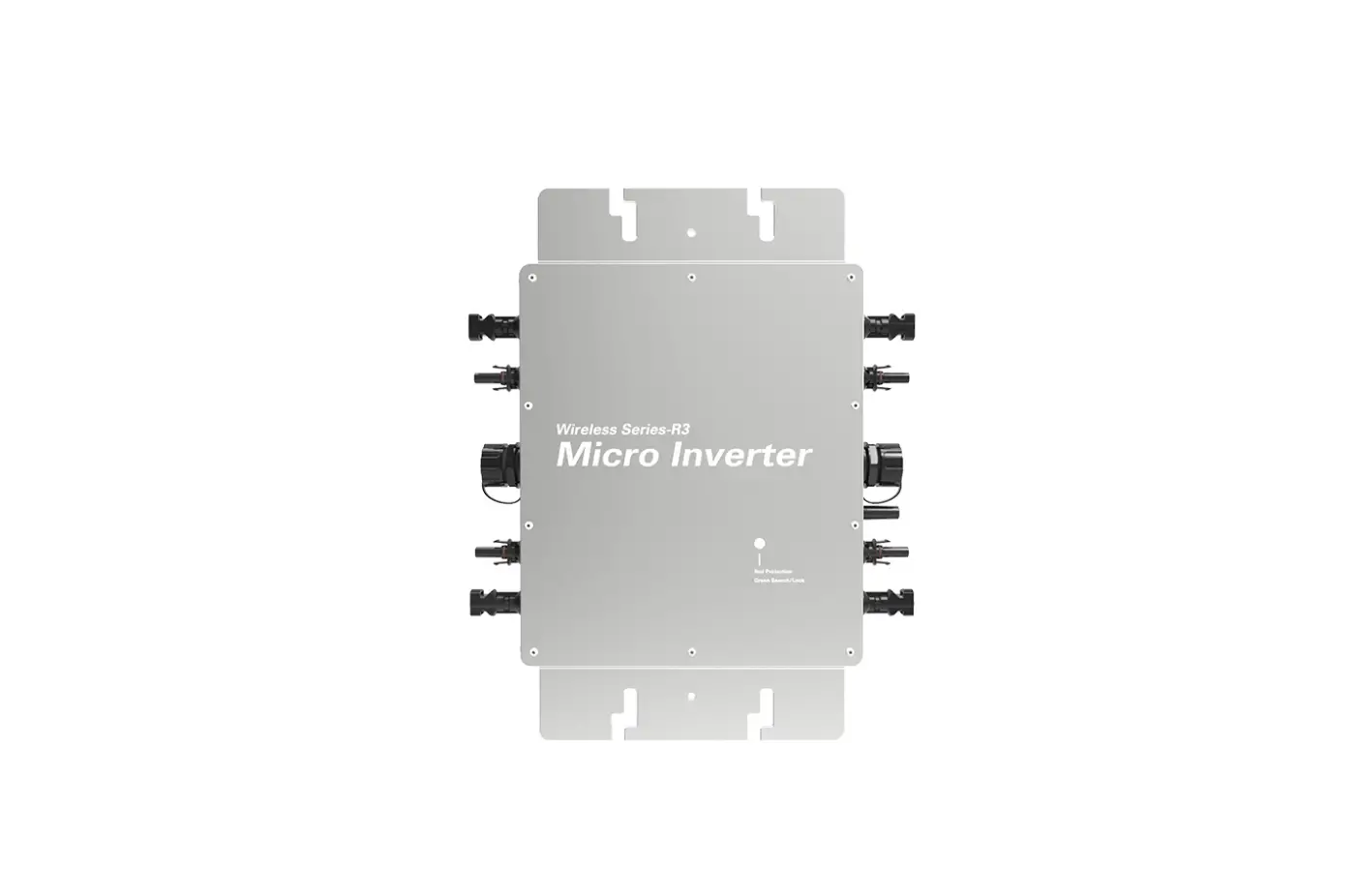
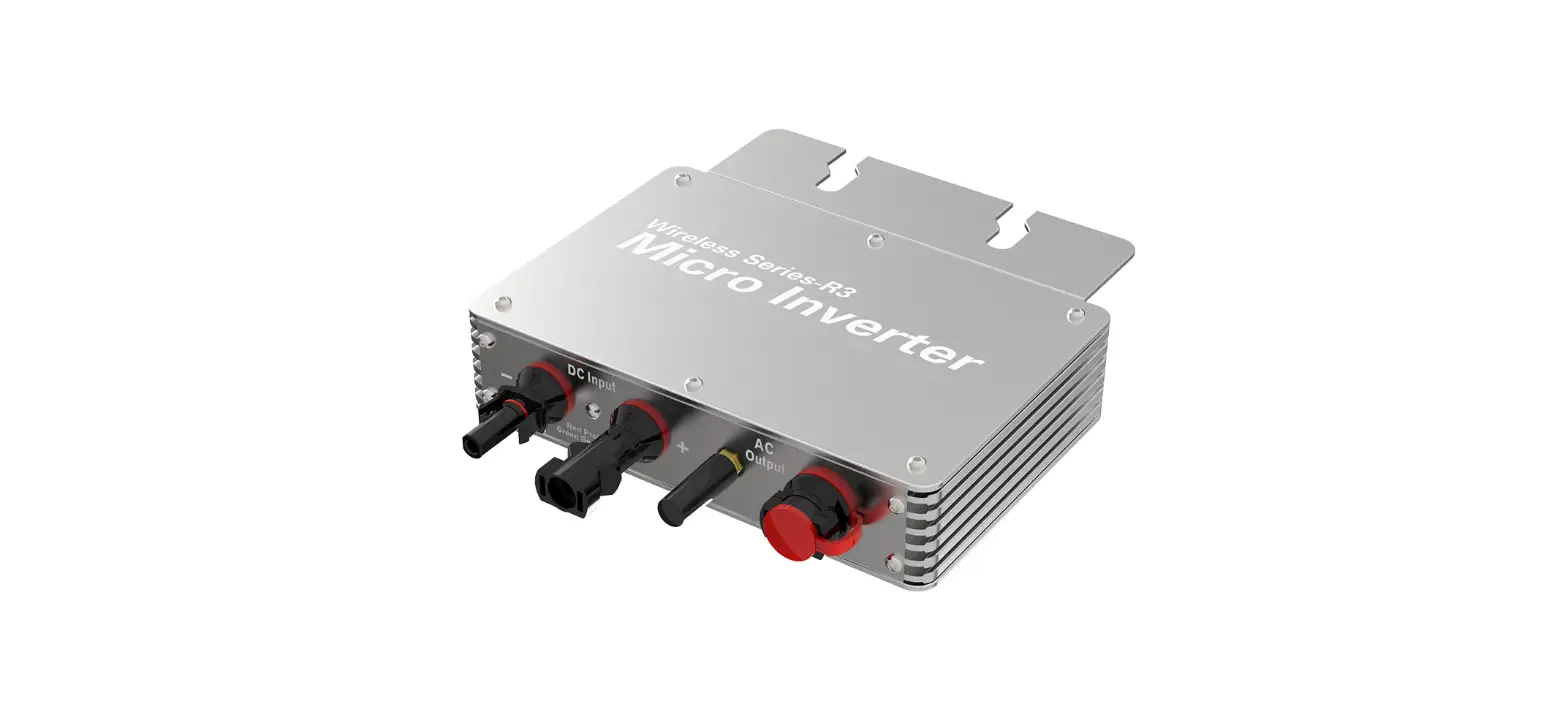
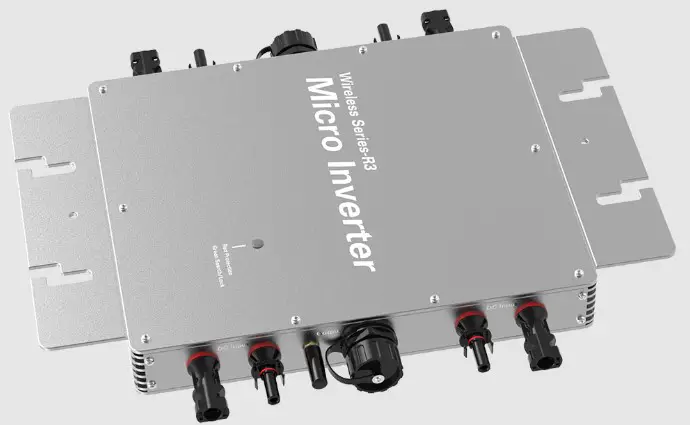
Description of the connector and cable core of the microinverter
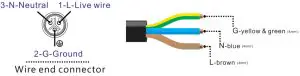
 Note: You can purchase a professionally customized AC bus with a T-type connector. Use this AC bus as the AC bus for each branch. Connect it hand in hand to form a modular micro-inverter branch wiring system.
LED indicator function of micro-inverter
- Red light is on—The micro-inverter is powered on, the red light is on, and the equipment is ready to work;
- Red light flashes—-The micro-inverter is fully prepared and enters the delayed startup state;
- Flashing green MPPTMaximum PowerPoint search status;
- Greenlight is on MPPTMaximum PowerPoint locked state;
- The green light turns red—- a.island protection; b. Frequency protection; c. AC over/under-voltage protection; d. DC voltage over and under-voltage protection; e. fault; f. software shutdown;
Normal working indicator flashing process: Connect the micro-inverter to the AC and DC terminals, and then turn on the power —> the red light will be on for 3 seconds —0 the red light will flash for 30 seconds —0 the green light will flash quickly (MPPT maximum power point search)-0 The green light is on, (MPPT lock).
Software download
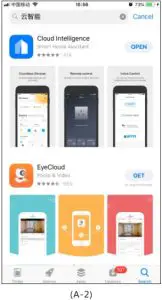
Use the mobile phone OR code scanning function to scan the QR code below to download the application (A-1), or download the “Cloud Smart” application (A-2) through the Apple Store or Google Store.
App: Cloud Intelligence  https://g.aliplus.com/ilop/d.html?locale=all&pk=a1Lb0zQZdEx

- Use your phone to scan QR code, download and install the APP
Support:
Android 5.0 or above
ISO 9.0 or Above
(A-1)
Register & Login
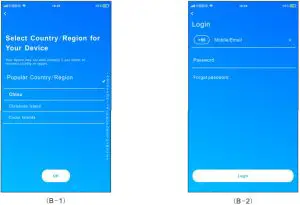
Follow the system prompts to register an account (B-1) and log in to the system (B-2). Users can choose mobile phone/email preferences to register
Add Modem
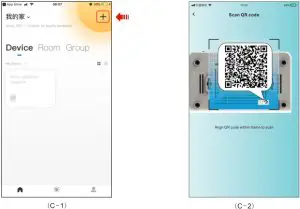
Click the “+” (D-1) in the upper right corner, click the “QR code scan” function button when adding a device page, when the QR code scanning status appears (D-2), please scan the inverter or collector Scan the QR code.
*The inverter QR code is on the front
https://g.aliplus.com/ilop/d.html?locale=all&pk=a1U2BXWPkc8
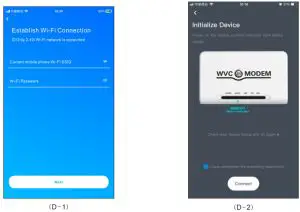
When the Wi-Fi connection page appears, please enter the wifi password currently connected to the mobile phone and click Next (D-1). When the initial device interface appears, press the reset button on the device as prompted to continue the operation (D-2)
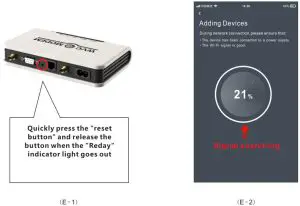
After the Modem is connected to the power supply, short press the reset button on the Modem device and release the button (E-1) when the indicator light is off. At this time, the mobile phone application will send a distribution network signal to enter the distribution network search state (E -2)
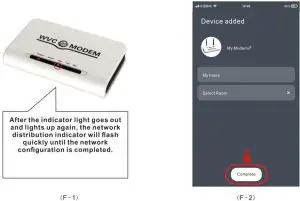
During the network distribution process, the indicator will change from fast flashing to slow flashing (F-1). When the collector completes the network configuration, click Finish (F-2)
*An error was encountered during the adding process, please re-execute the above steps
Add Inverter
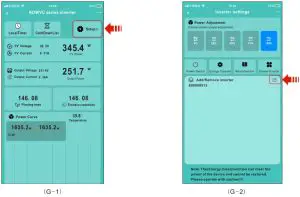
Click “Setup” on the main interface of the collector to enter (G-1) to the Add Inverter page and enter the ID on the inverter into the inverter list (G-2)
Function & display
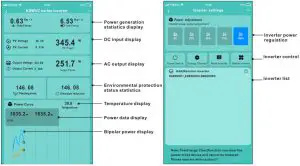
The KDM “Cloud Intelligence” application can effectively provide users with high-speed, stable, and secure data storage and rapid response functions of the device through the server platform of Alibaba Cloud. Using the characteristics of the Internet of Things allows users to DIY their own smart power station system according to their preferences.