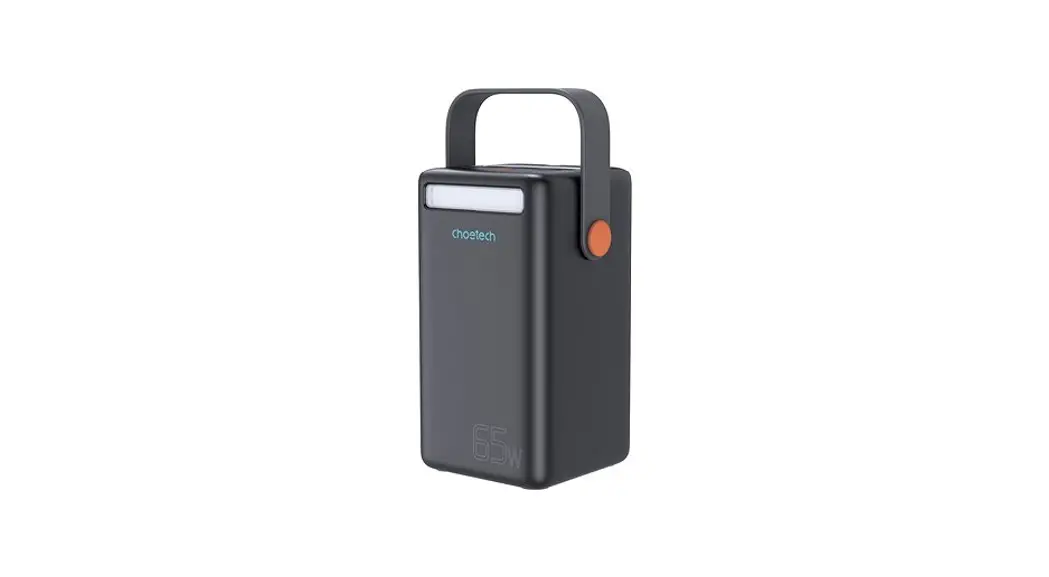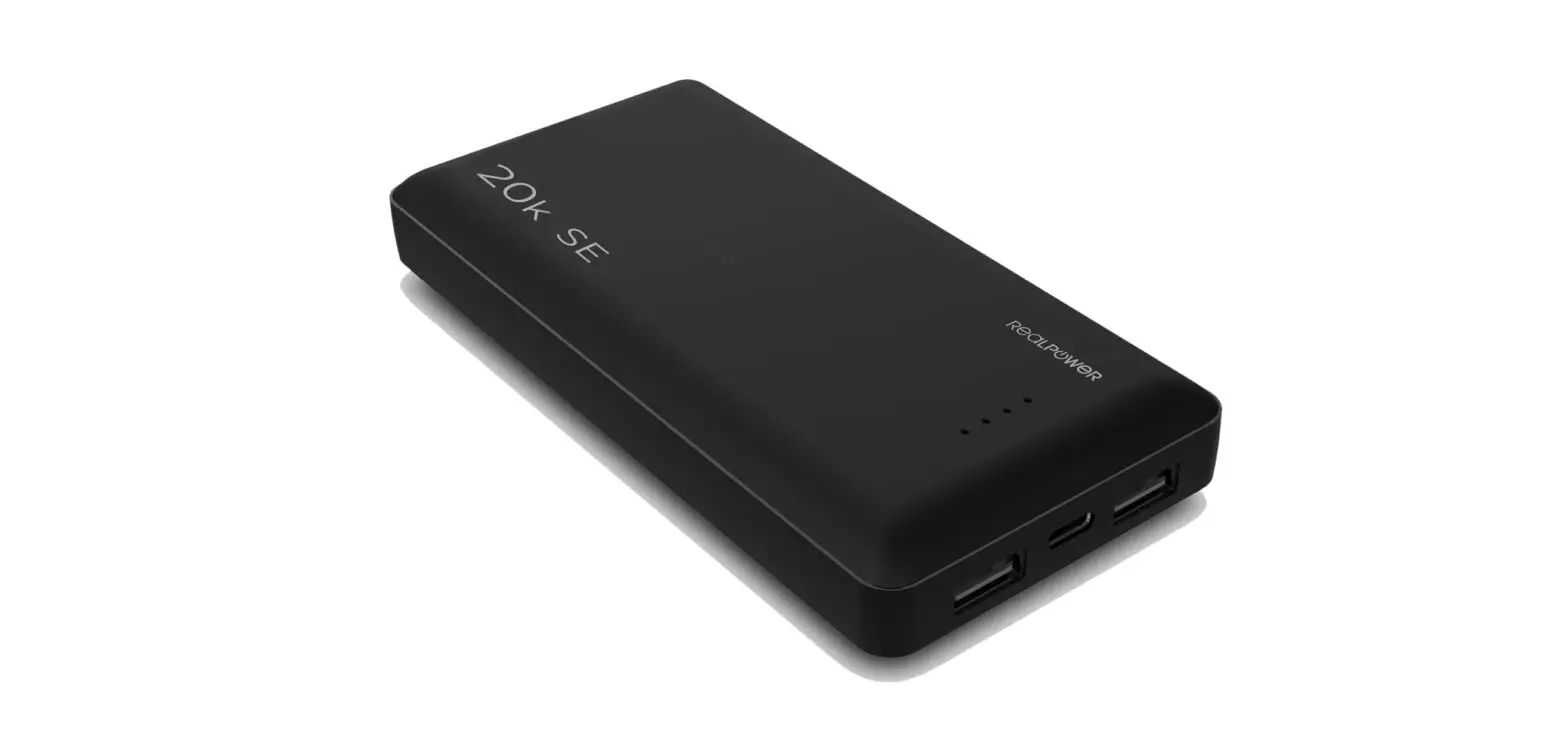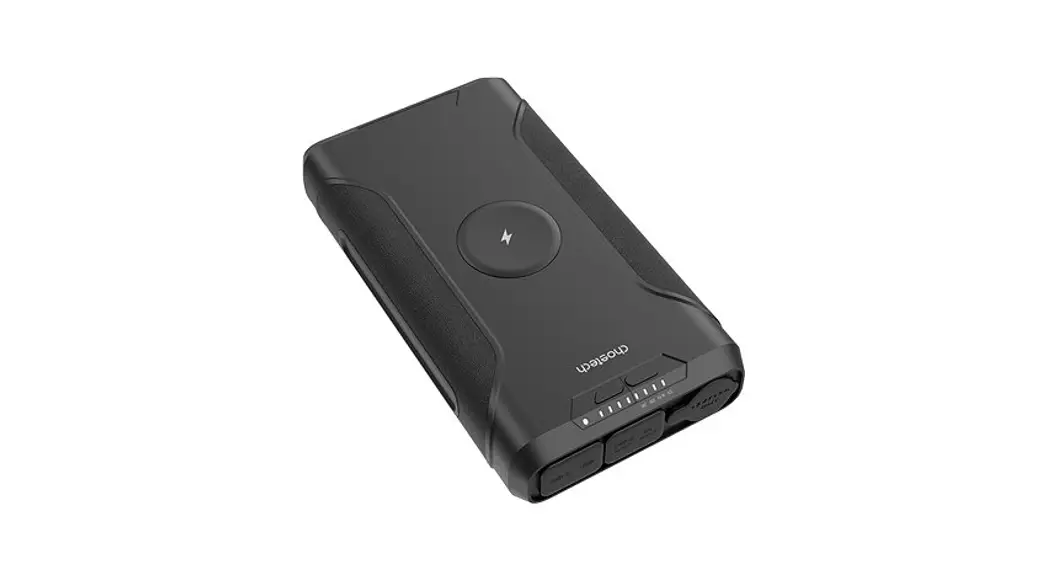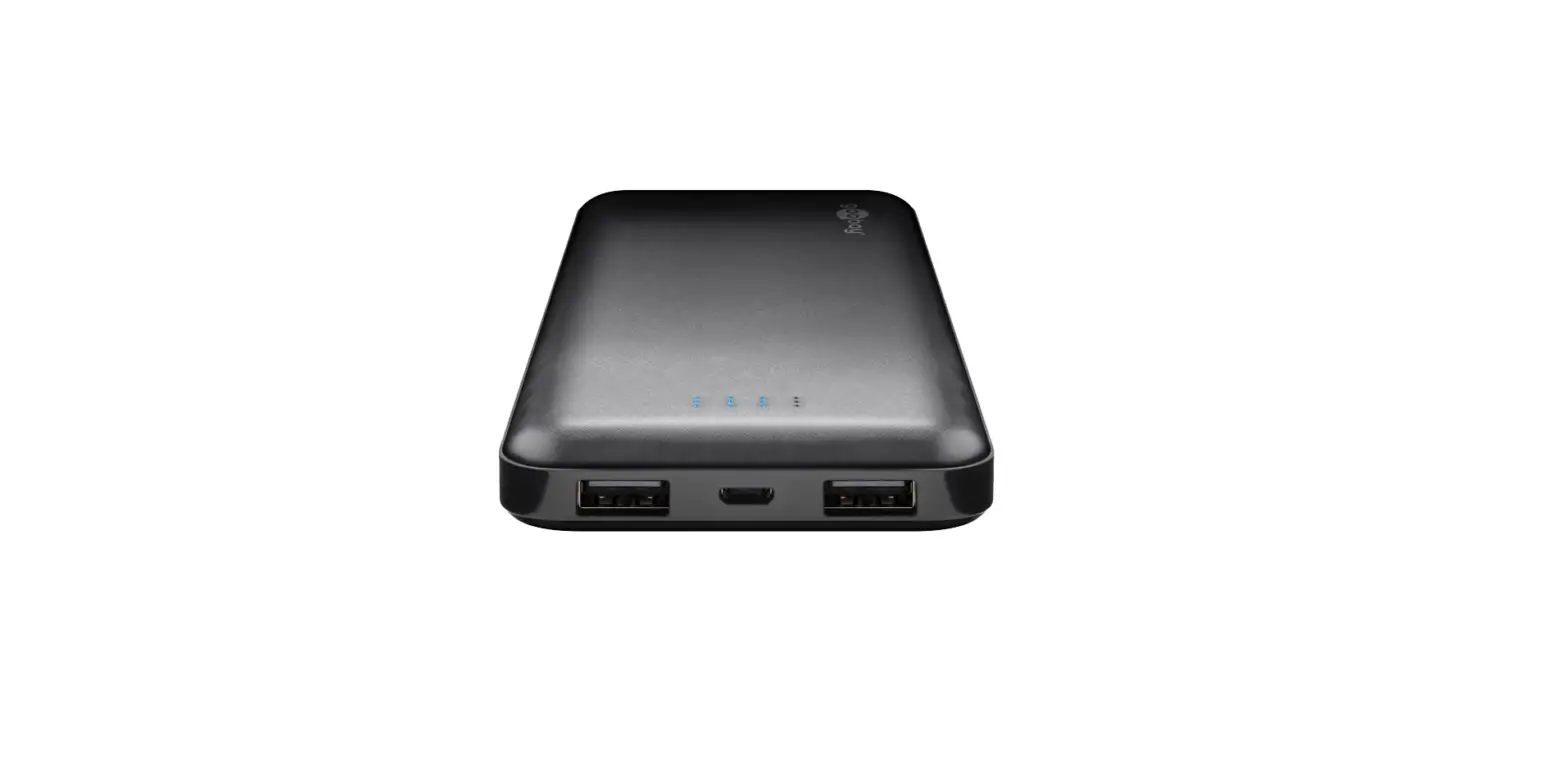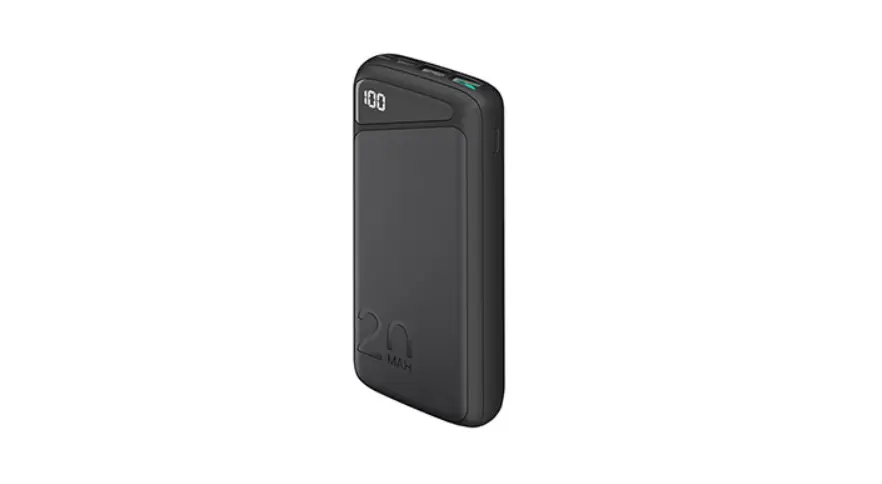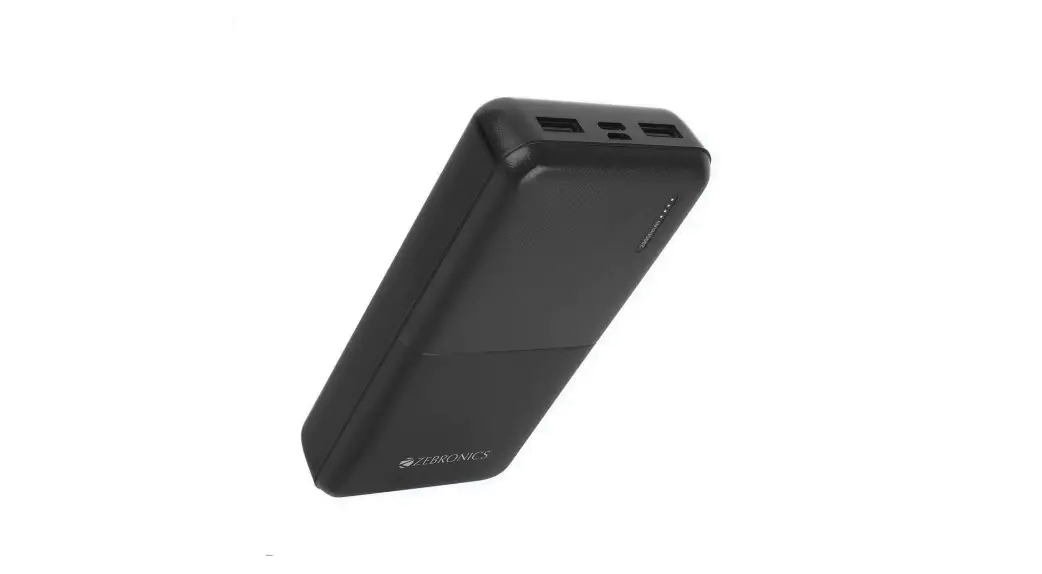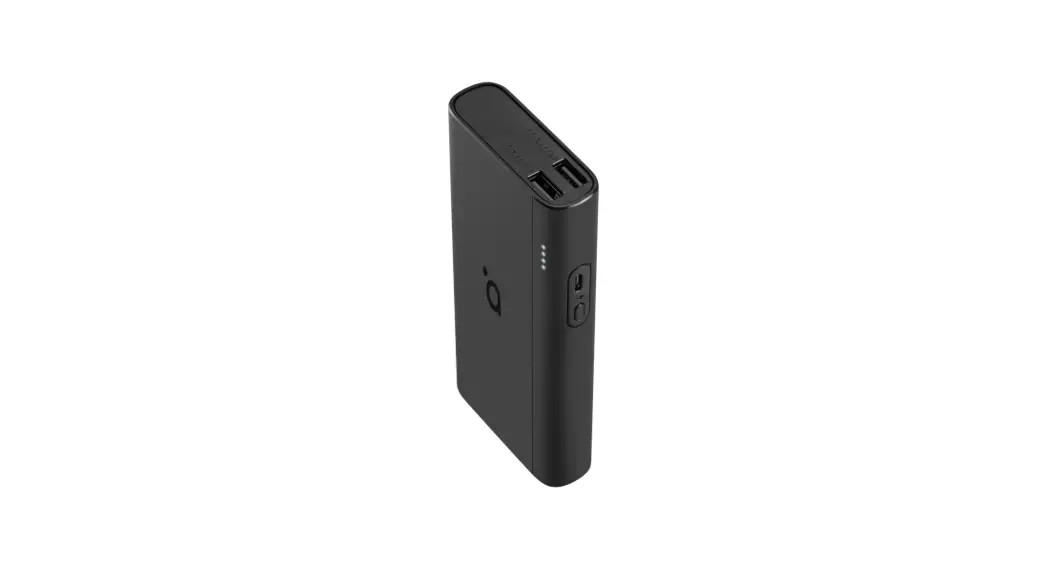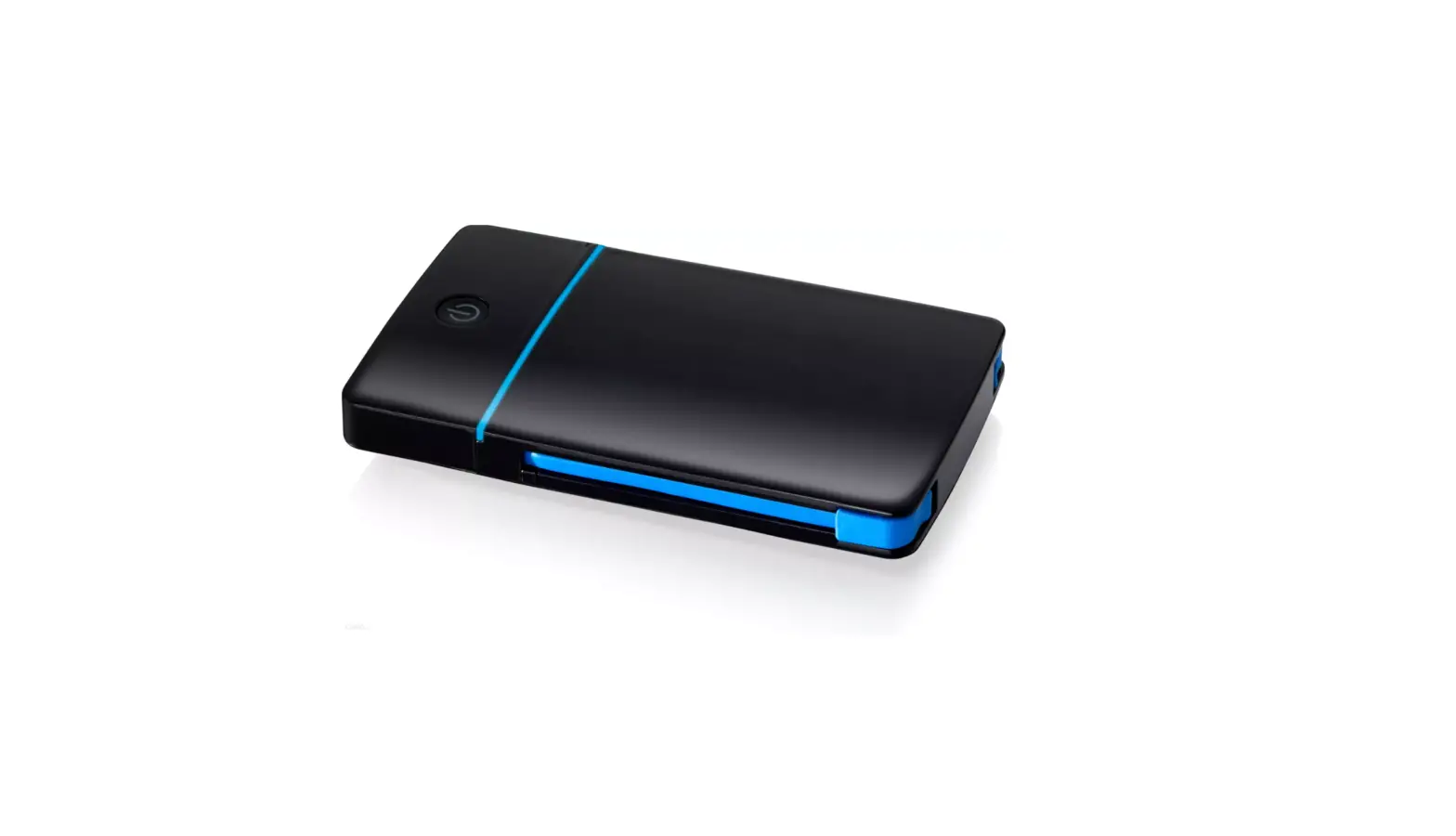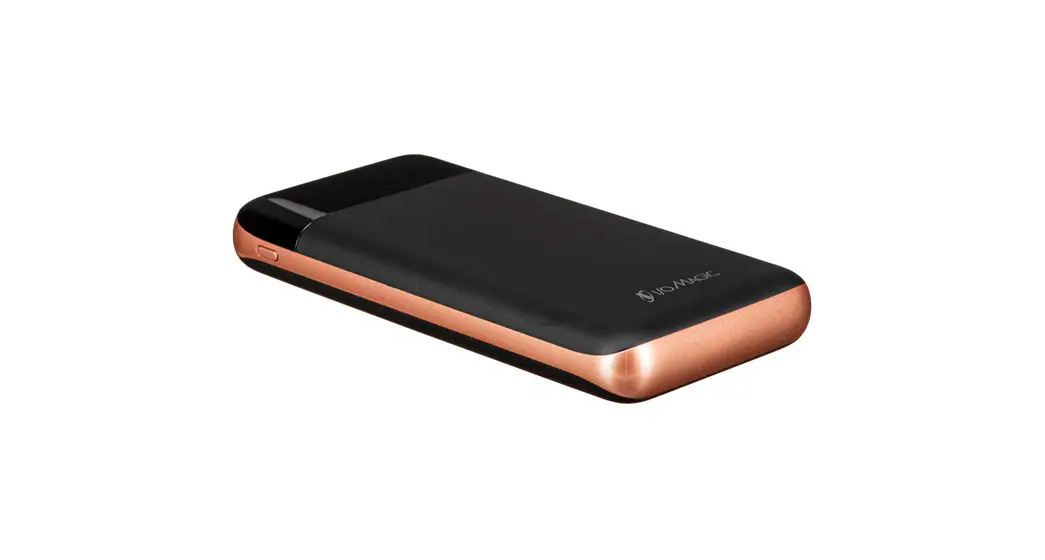

Product Overview
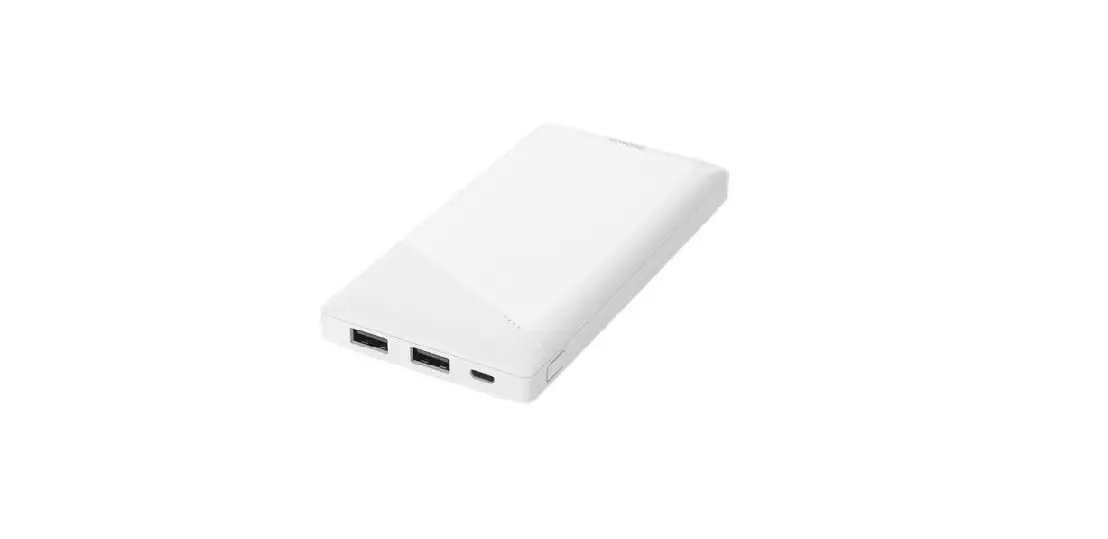
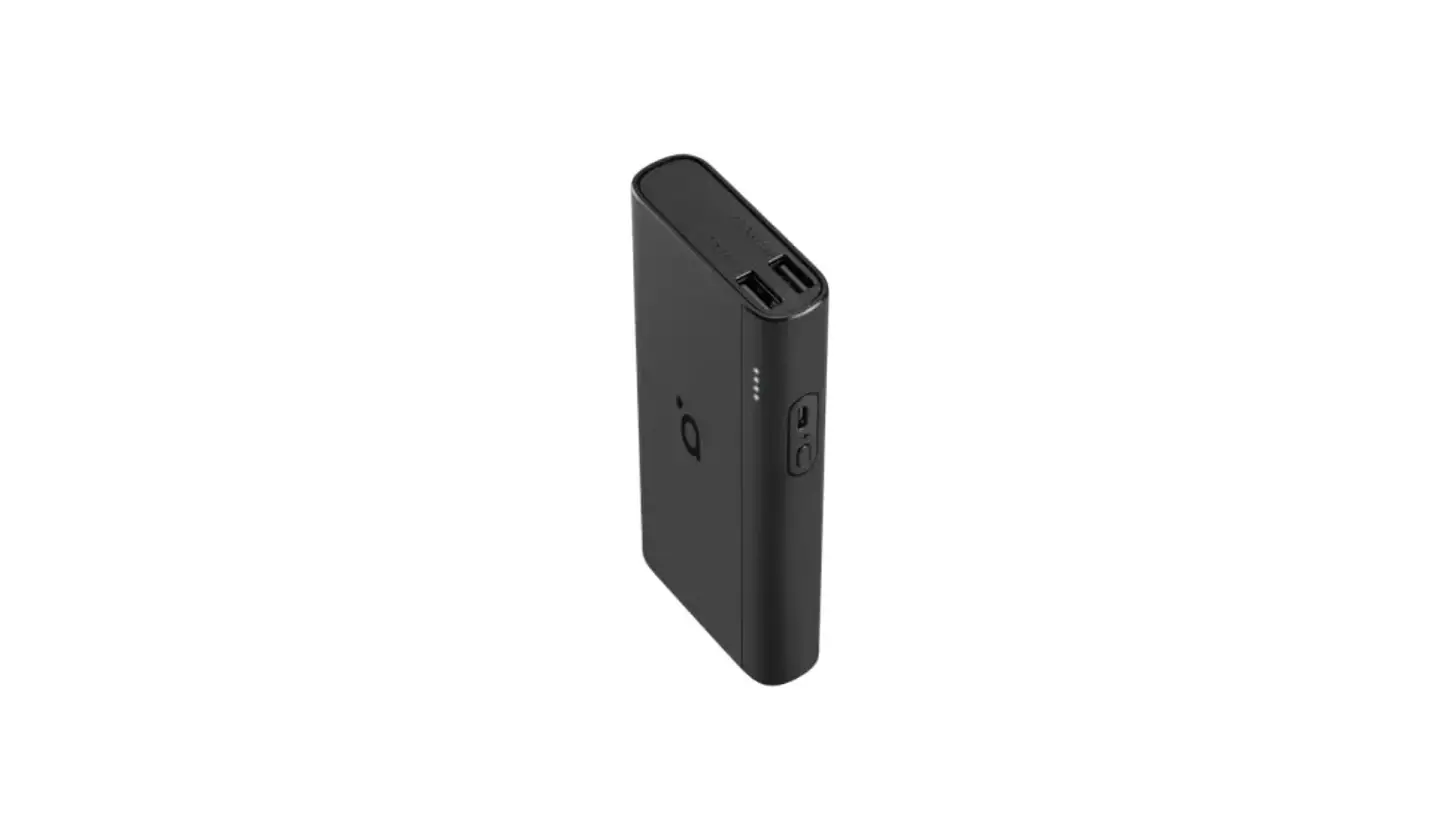
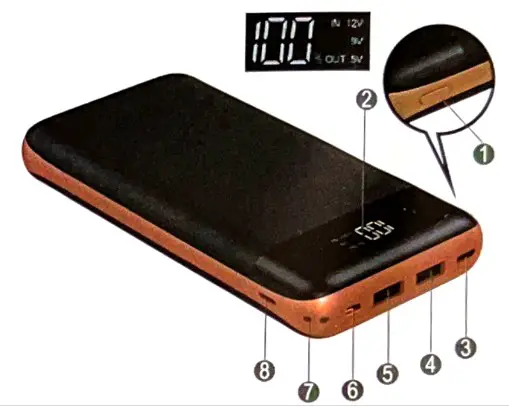
| 1 Button 2 LED Display 3 Type-C Input / Output 4 USB Output 2 | 5 USB Output 1 6 Micro USB Input 7 Lanyard Hole 8 Lightning Input |
Specifications
| Function | Portable power to charge your portable deviceS | |||
| BatteryType | Lithium polymer | MTBF | More than 500 times | |
| Capacity | 20000mAh | Dimension | 153×75.5×21.5mm | |
| Battery voltage | 3.7V / 74W | Weight | 367g | |
| Micro USB Input | 5V-2A/9V-2A | Lightning Input | 5V-1.5A | |
| Type-C Input(PD) | 5V-2A/9V-2A | Safety |  | |
| 2 USB Ports Output | 5V-6V-3N6-9V-2A/9-12V-1.5A | |||
| Type-C Output | 5V-6V-3N6-9V-2A19-12V-1.5A(PD18W) | |||
Power indicator
Press the power button and check the LED display which will shaw how much power is left with the power bank :
| Power indicator | 20 | 50 | 80 | 100 |
| Battery status | 20% | 50% | 80% | 100% |
Compatibility
Compatible with iPhone, Samsung, Motorola, Nokia and other major Mobile Phones & Tablets manufacturer.
How to charge for power bank
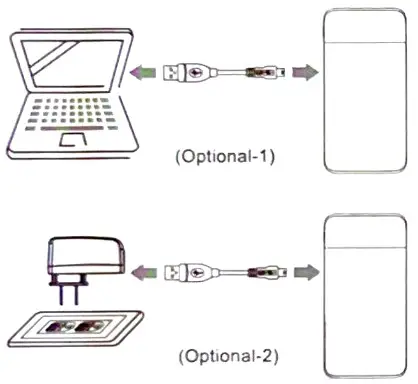
Piug Micro USB cable to the USB port of the Portable Power Bank and connect your PC/laptop/USB AC adapter to charge the Portable Power Bank.
Power bank charge for other devices
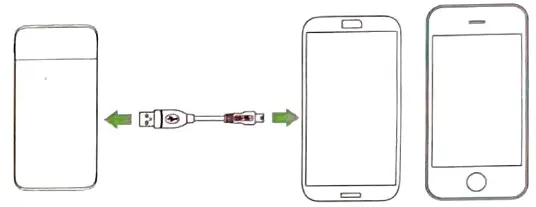
Insert the USB Cable to your Portable Power Bank and connect your USB device via the appropriate USB cable to start charging your device.
 CAUTION
Please Charge this Power Bank for a minimum of 8 hours prior to use for Optimum Battery Performance. Keep battery in normal temperature. Do not store In high heat or direct sunlight.
To activate your product warranty and obtain support, you must go to www.iomagic.com to register your product.
WARRANTY
One (1) Year Limited Warranty please refer to: www.iomagic.com