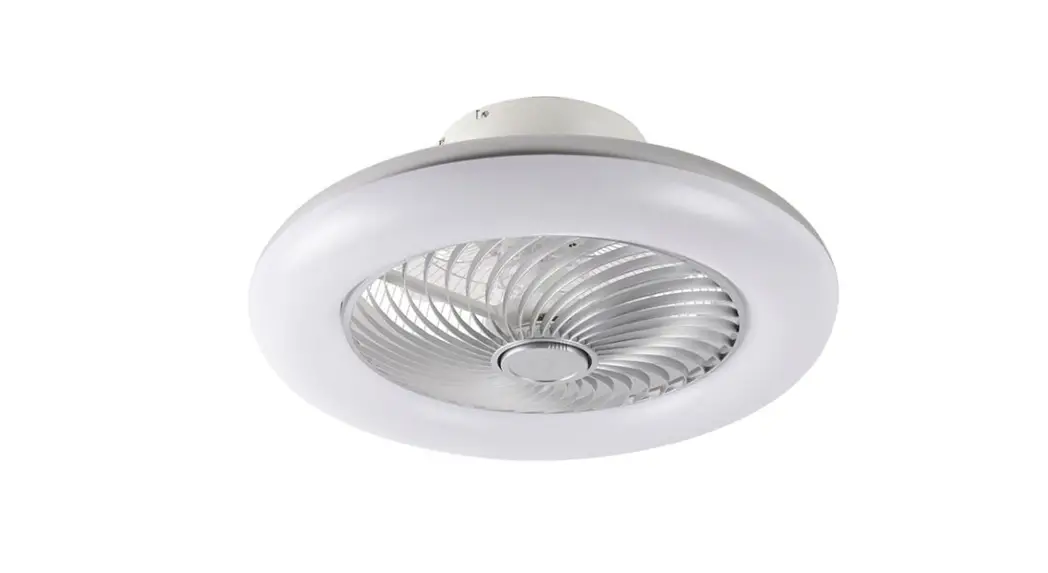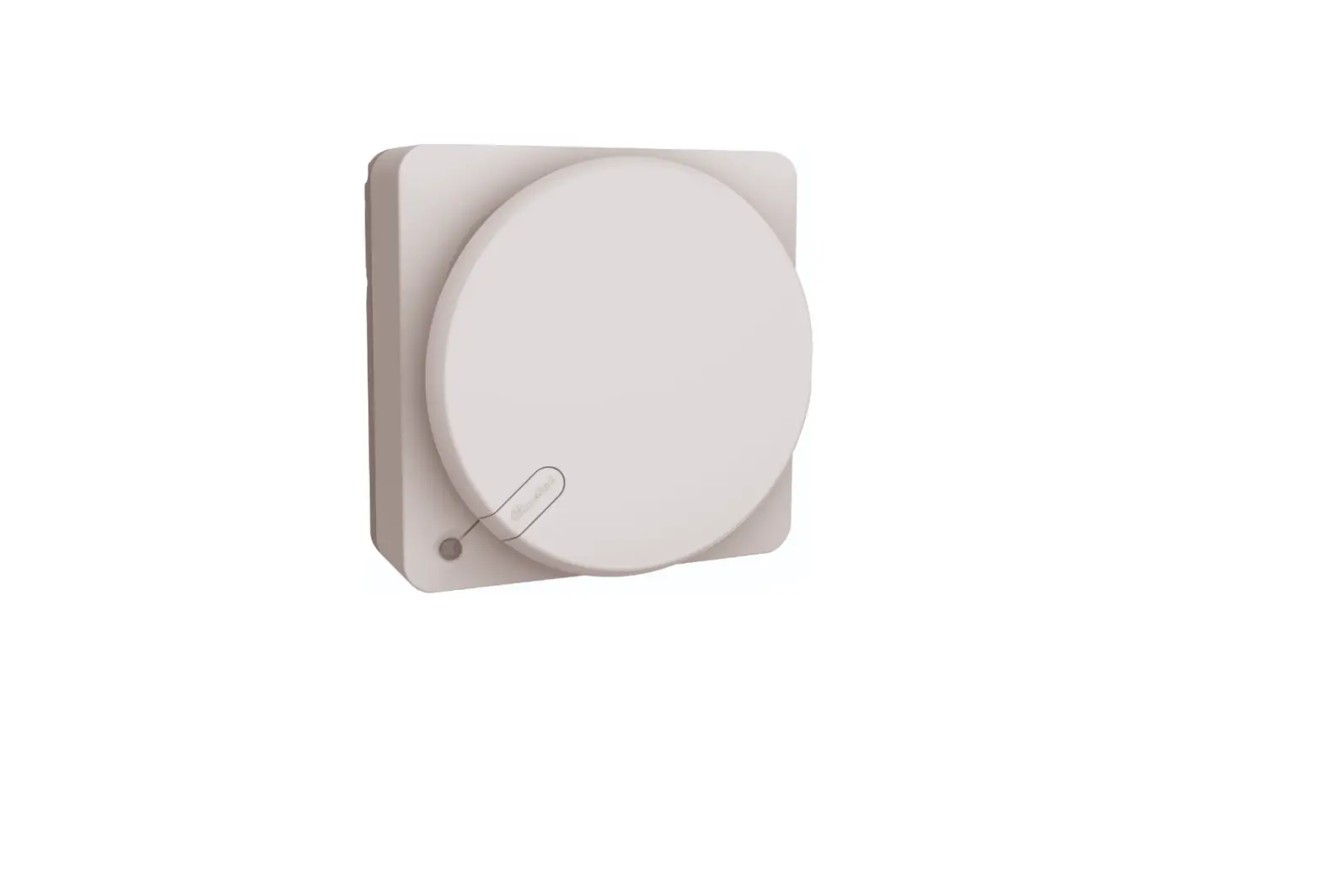
 ClimaRad S-Fan Plus Supply Fan
 ClimaRad S-Fan Plus Supply Fan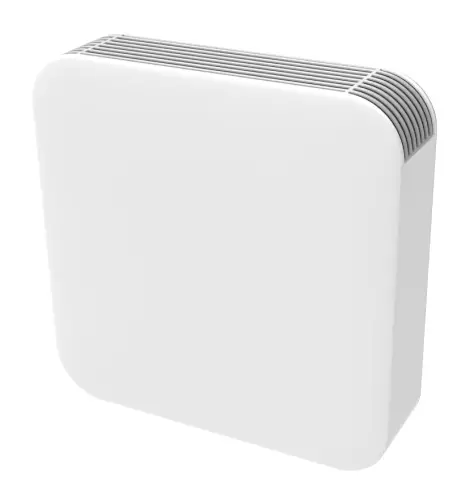
Operation of the ClimaRad S-Fan+
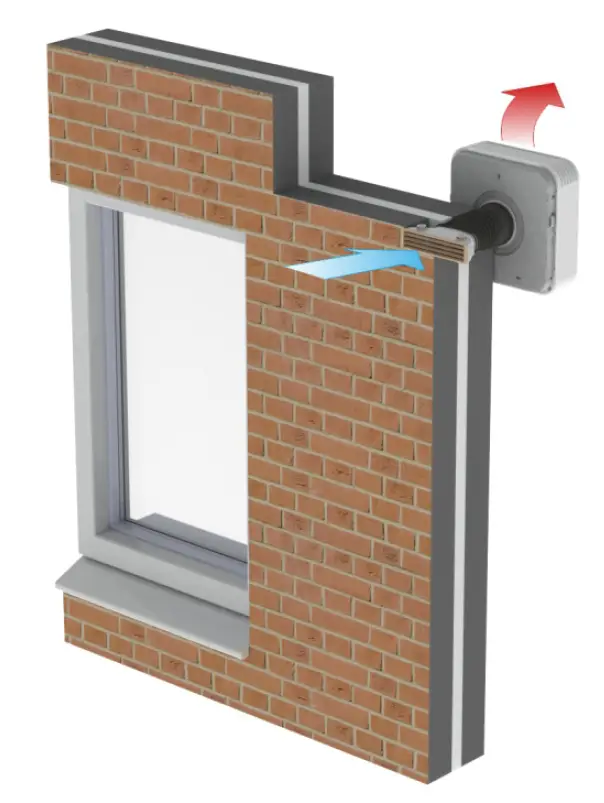
Operation ClimaRad S-Fan+
The ClimaRad S-Fan+ can be operated by using the control panel on the underside of the device.
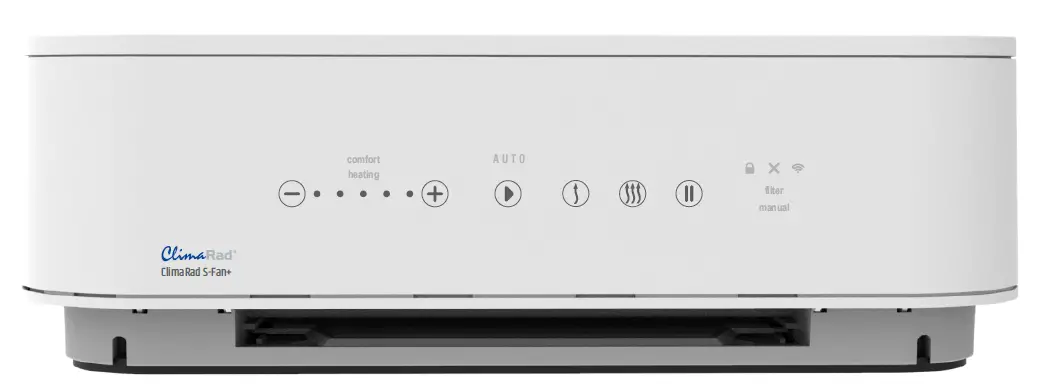
Function keys
AUTO
Automatic control. The room ventilation is controlled automatically by your ClimaRad Fan+, which ventilates on the basis of CO and RH measurements. 
 Manual: manual ventilation using outside air: You can set your desired ventilation speed with the + and – keys on the control panel. After a period of 8 hours, the ClimaRad S-Fan+ will switch back to the automatic setting. Use this function for example when you want to lower the temperature in your bedroom by a few degrees at night in the summer (summer night ventilation).
 Pause/Off. Use this function if you (temporarily) do not want to ventilate. After a period of 4 hours, the ClimaRad S-Fan+ switches back to the automatic setting. When the button is pressed for 5 seconds, the unit switches off. In case of emergencies you can use this function to switch off the device.
 Comfort mode. The ClimaRad S-Fan+ will pre-heat the external air to 12°C. After a period of 4 hours, the ClimaRad S-Fan+ will switch back to the automatic setting.
 Heating. By switching this function on, the ClimaRad S-Fan+ will heat the room. After a period of 2 hours, the ClimaRad S-Fan+ will switch back to the automatic setting. The duration can be selected with the + and – keys on the control panel .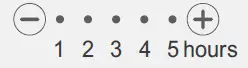
 Child lock. The child lock will be activated when you press and hold the three buttons on the panel for 4 seconds.
Messages
 Child lock. The child lock is switched on. Press and hold the three buttons for 4 seconds to switch it off.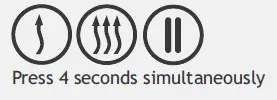
 Malfunction. A malfunction has occurred. Contact your technician or housing corporation.
 Dirty filter. Replace the air filter or contact your technician or housing corporation. After replacement, press and hold the + and – buttons for 6 seconds.
 Pairing. The ClimaRad S-Fan+ can be linked to other ClimaRad products. Press the buttons briefly and simultaneously.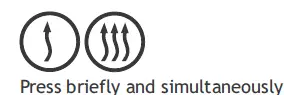
ClimaRad B.V. – Lübeckstraat 25 – 7575 EE – Oldenzaal – NL –
[email protected]
www.climarad.co.uk
tel. +31 541 358130