
Quick Start Guide
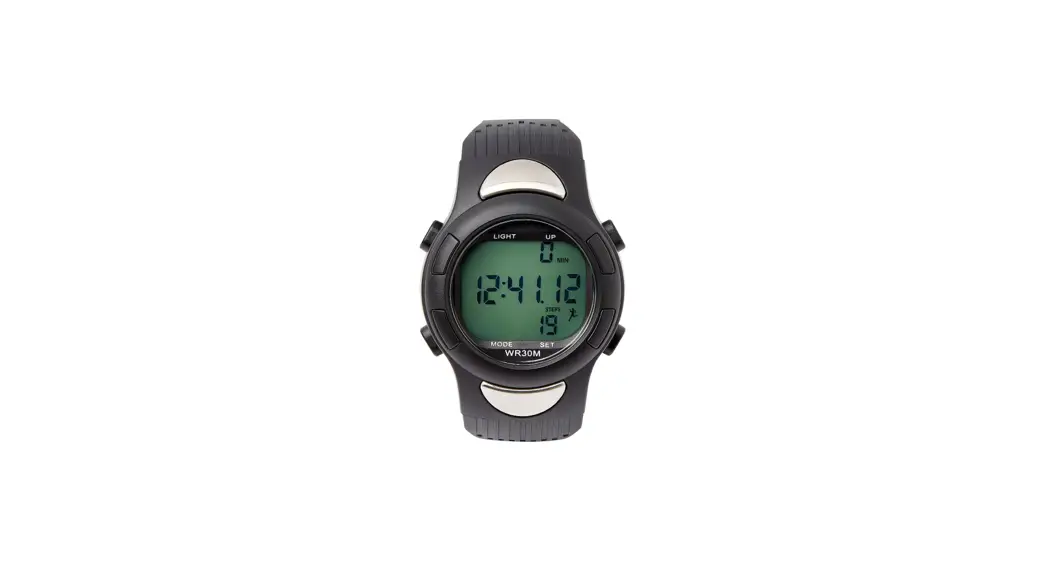
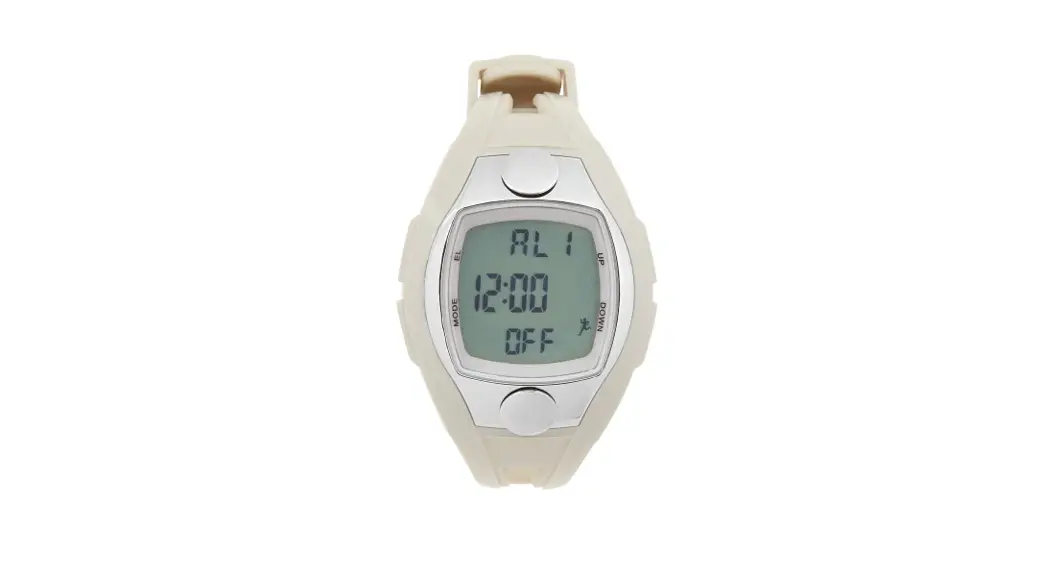
Heart Rate Watch
MDSP3045
Turning on the Watch
A. Press & hold all 4 buttons. Watch screen will show “HoLd”
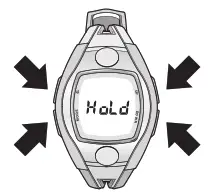 B. Continue holding all 4 buttons
C. Release buttons when watch displays numbers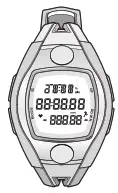
Using the Pedometer Mode
NOTE: When you turn the watch ON, the pedometer will default to ON
A. Start from time screen (the Home screen)
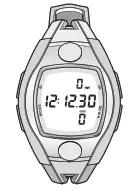 B.) Press and hold UP until an icon of a runner appears in the bottom right corner of the watch screen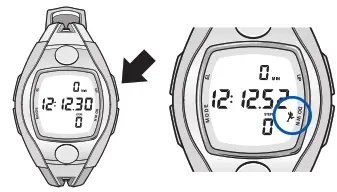
Using the Heart Rate Mode
NOTE: You can measure heart rate at any time/from any screen while using the watch
A. Wear the watch for at least five minutes before measuring
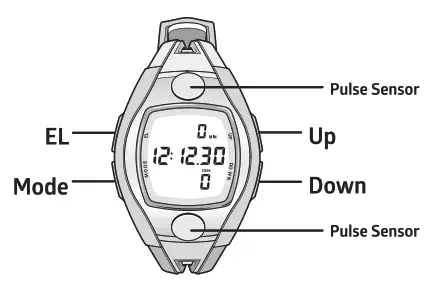
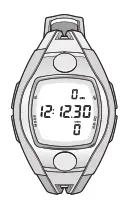 B. Use two fingers to cover both silver metal pulse sensors
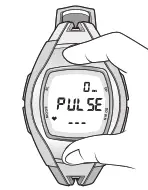 C. Cover the sensors fully and exert light & even pressure. Keep your fingers on the sensors
D.The heart rate icon will flash when a heartbeat is detected
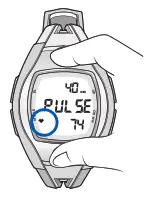 E. The heart rate value (bottom) will update in real-time. The percentage (top) is a reflection of how hard your heart is working
F Press MODE to return to time screen
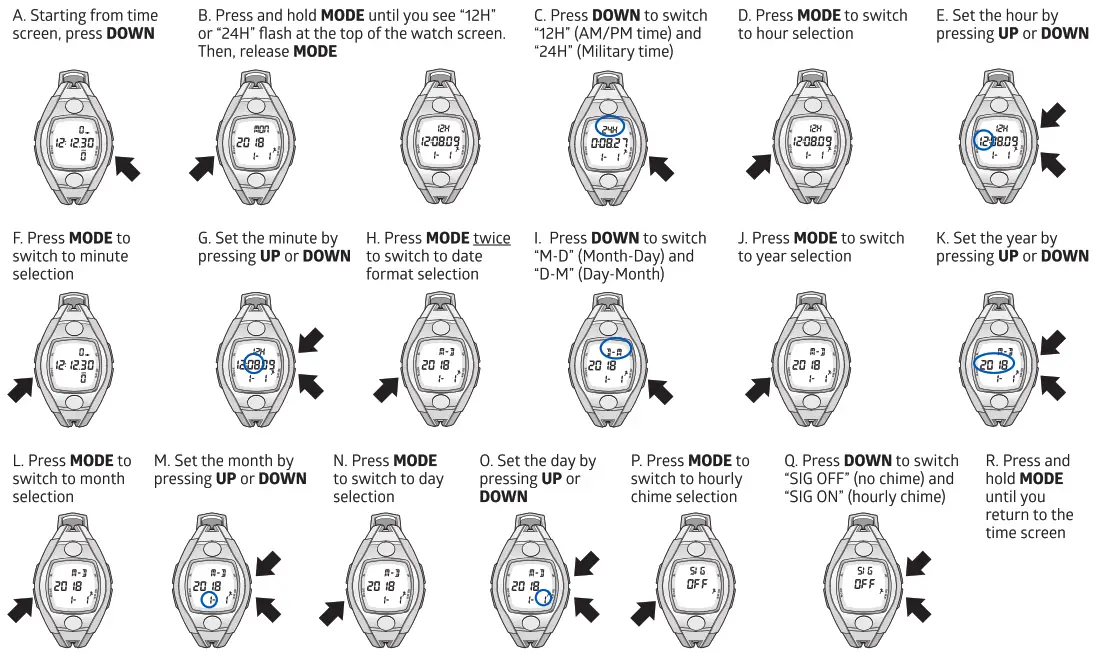
 Setting the Date & Time
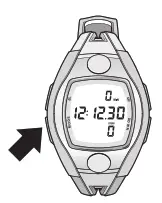 Setting the Date & Time
NOTE: When setting the Date & Time, UP moves the value forward and DOWN moves the value backward.
To watch a video walkthrough of this item, scan the QR code (right) https://vimeo.com/368814430
or type in the URL (below) on your computer: https://www.medline.com/sku/item/MDPMDSP3045