
Quick Start Guide
OTbeat Burn Quick Start Guide
Instructions for:
- Getting Started
- Downloading the Orangetheory App
- Charging Device
- Proper Placement
- Pairing Device
- LED Guide
- Caring for Device
- Technical Specifications
Getting Started:
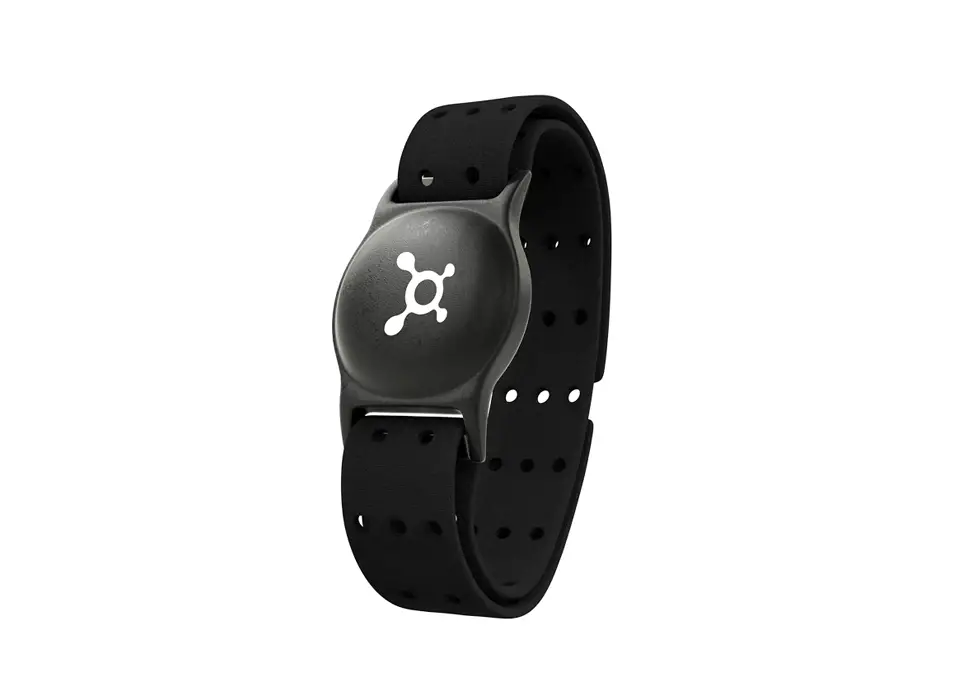
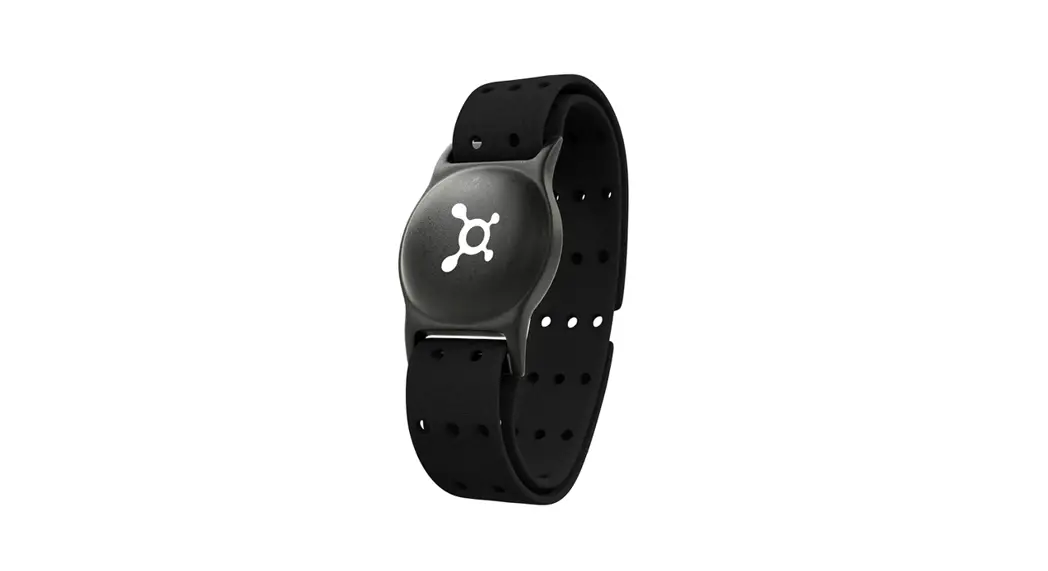
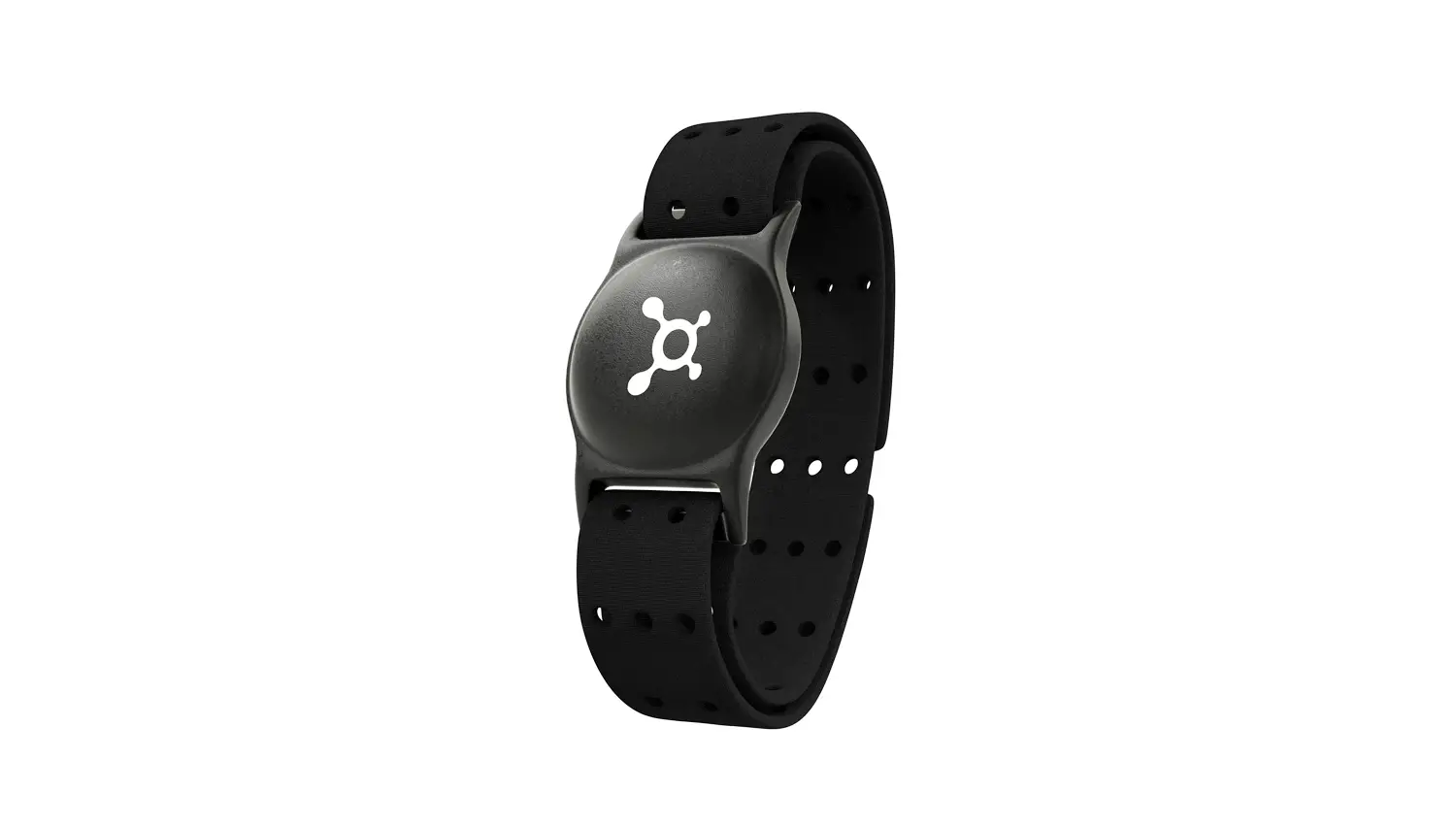
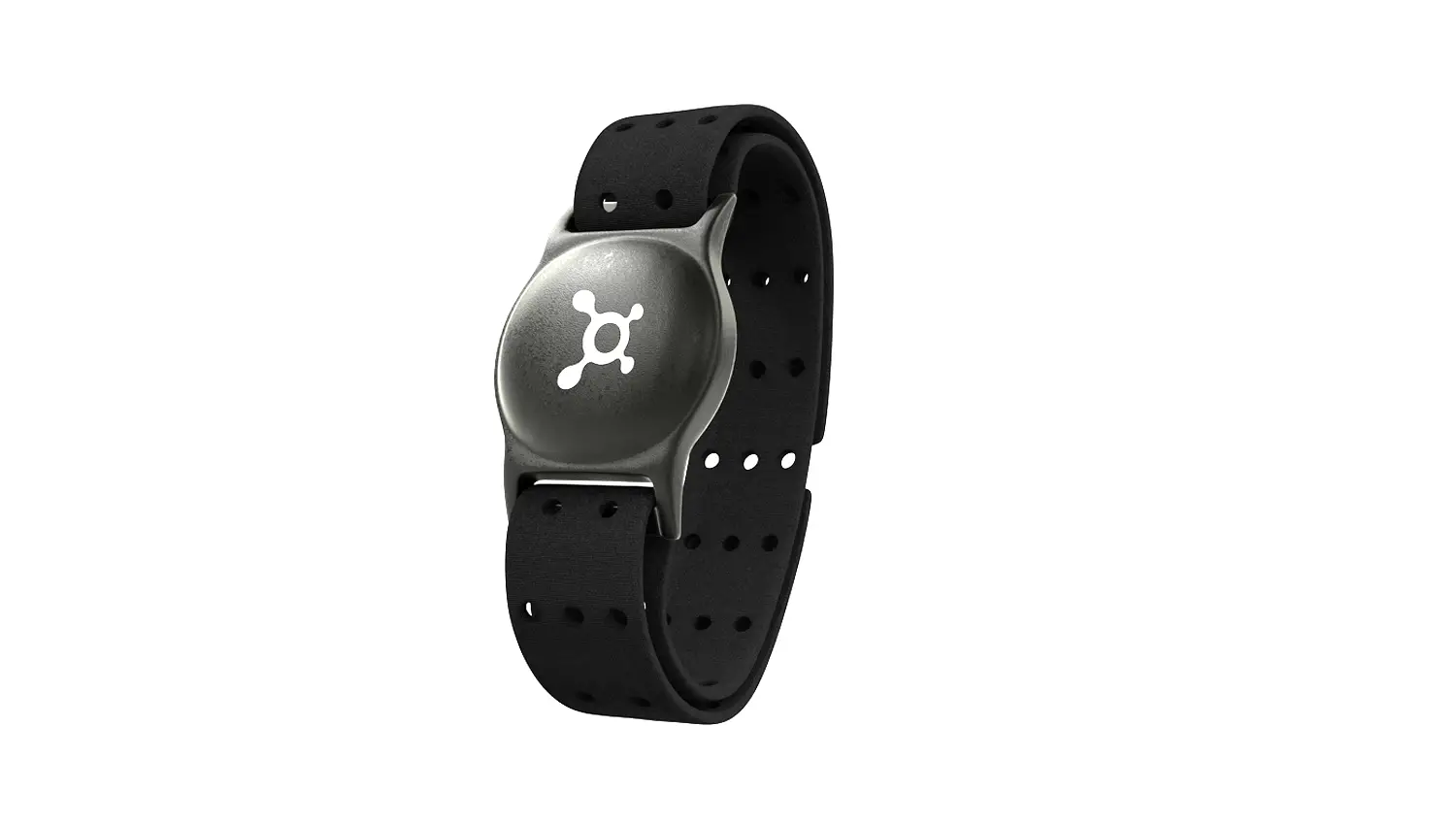
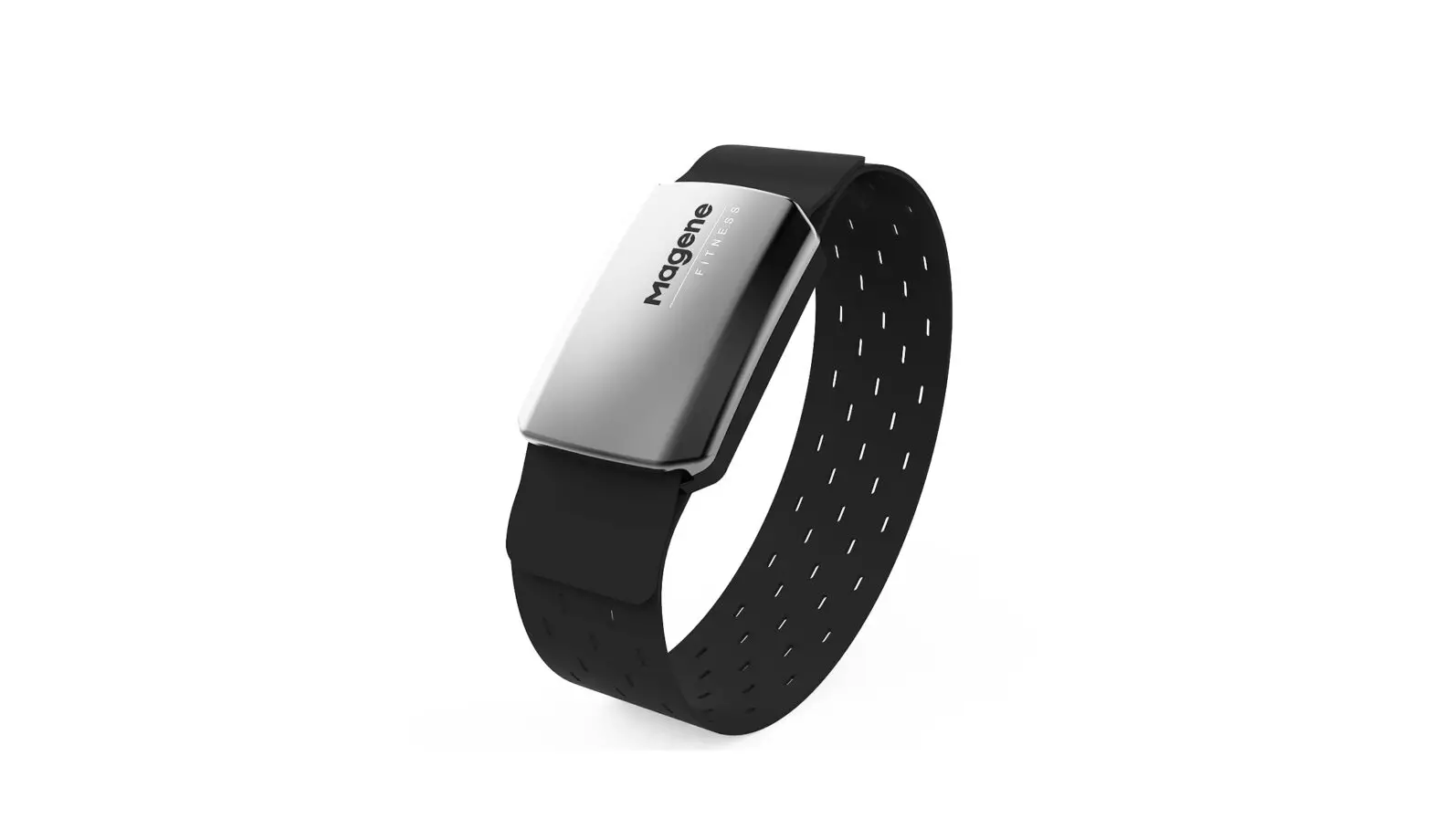
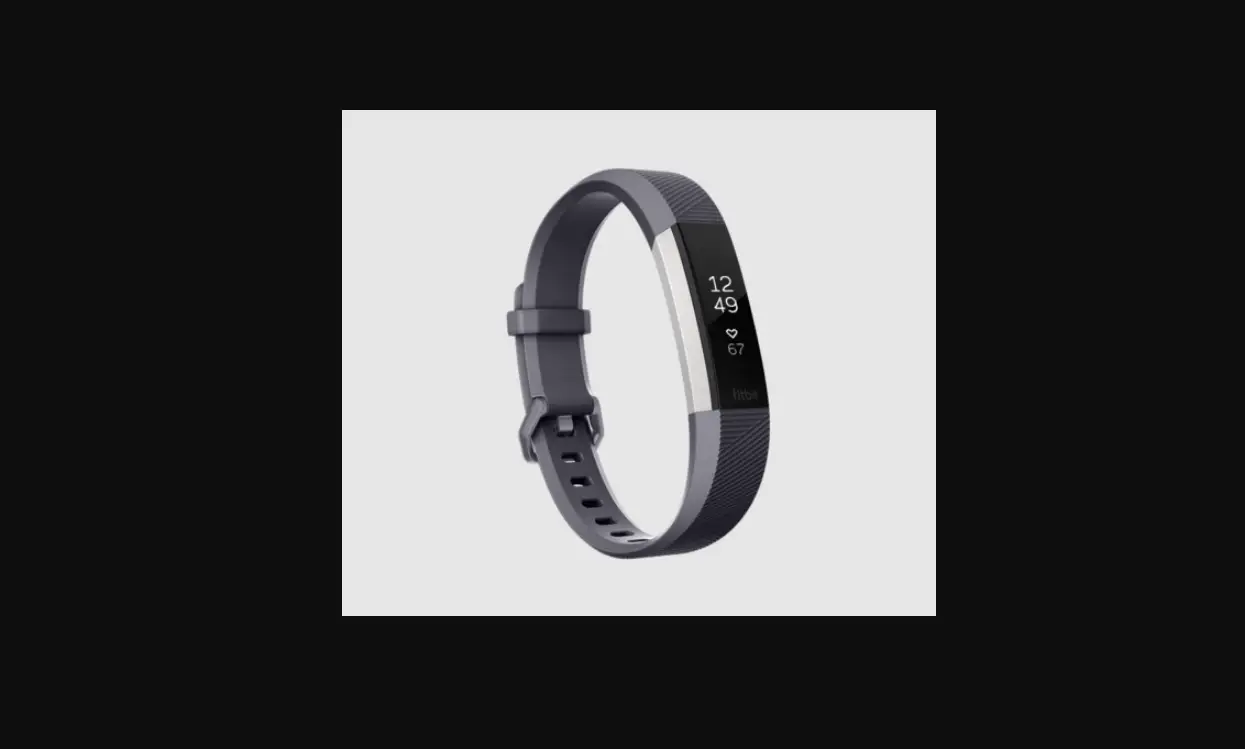
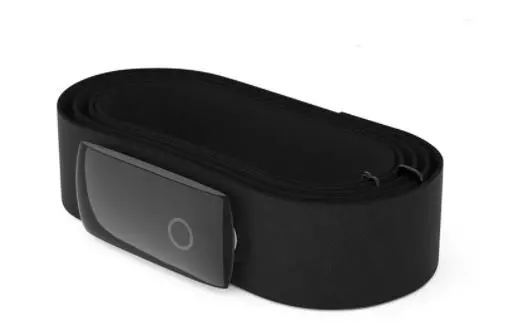
- Included in packaging: OTbeat Burn, SM band, LG band, & USB cord
- Remove OTbeat Burn from packaging
- Connect USB cord into charging port of the device to wake the device from manufacturing sleep mode
- The LED light will appear after a few seconds
Downloading the Orangetheory App:

Note: Fully charge the device before attempting to pair for the first time.
OTbeat Burn – Charging Device
Charging Device:
- Open rubber port cover on the back of the device
- Plugin mini-USB connector into a device port
- Plugin regular USB connector into charging block (not provided)
- Plug-in charging block into a wall outlet
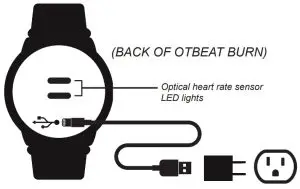
Device can be connected directly to a computer USB port for charging.
Note: Charging time will vary due to differences in voltage between wall outlet and computer.
The battery is fully charged when Green LED is continuously on
During charging: Red LED light will blink slowly
LED indication for charging is on front of the device
OTbeat Burn – Proper Placement
Proper Placement:
To transmit accurate data from your device:
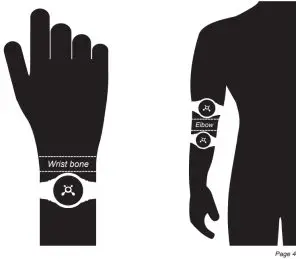
- Fasten the device snugly in one of the below placement options
Note: Ideal placement is above or below the elbow. - Wear device below, and not directly on top, of wrist bone* or elbow
- The optical sensor on the back should make good contact with the skin
*For placement on wrist, measure two fingers above the wrist bone
OTbeat Burn – Pairing Device
Pairing Device:
- Once OTbeat Burn is fully charged, double click the center of the Splat to power ON the device

 Set power ON: Short button press (Blue LED blinks for 5 seconds)
 Set power OFF: Long button press (Red LED light blinks quickly for 5 seconds then turns off)
 - Launch the Settings app on your mobile device
- Ensure your Bluetooth settings are on

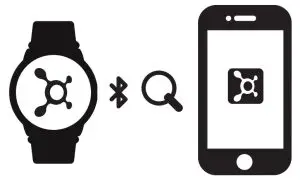
- Open the Orangetheory app on a mobile phone.

- Use the Orangetheory app to search for a device
*Once the device appears, OTbeat Burn is successfully connected to an app
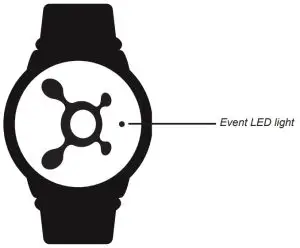
 Set power ON: Short button press (Blue LED blinks for 5 seconds)
 Set power OFF: Long button press (Red LED light blinks quickly for 5 seconds then turns off)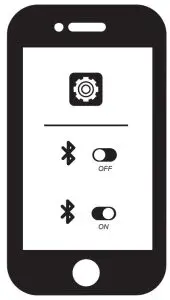
OTbeat Burn – LED Guide
LED Guide:
Heart Rate Detection LED Indication:
Alternating BLUE and GREEN: Detecting heart rate
Alternating BLUE and RED: No heart rate detected
Blinking GREEN: Heart rate detected
Blinking ORANGE: Heart rate zones are changing
Bluetooth Connection State:
Blue LED blinks for 5 seconds: After turning on the unit
Blue LED continuously on for 5 seconds: Connected
Green LED continuously on: Updating firmware
Battery LED Light
During Charging:
Red LED blinks slowly: Charging
Green LED continuously on: Battery full
Battery State:
Red LED blinks three times: Low battery at <15% (repeat every
5 min. until reach critical level)
Red LED continuously on for 2 sec: Device powering off
OTbeat Burn – Caring for Device
Caring for Device:
- To ensure accurate readings, clean the sensors with a soft cloth after use
- OTbeat Burn unit and strap are waterproof to IP67 specifications and can be easily cleaned with mild soap and cool water
- Use a cotton swab and rubbing alcohol to clean the USB charging contacts when necessary. Do NOT contact the USB charging port
- Do not use any abrasive chemicals to clean the OTbeat Burn unit, sensor, or strap. This will cause permanent damage
OTbeat Burn – Technical Specifications
Technical Specifications:
Feature | Description |
| Functions | heart rate detection and transmission (ANT+ or Bluetooth 5.0), battery low alert |
| Heart Rate Range | 30 to 220 BPM in 1 BPM resolution |
| Heart Rate Accuracy | +/-5 BPM |
| Transmission | ANT+ /BLE |
| Power Supply | 3.8V Li-ion Polymer rechargeable battery |
| ANT+ or BLE Transmission Distance | 15 Meters |
| Battery Lifetime (PPG&BLE always on) | Up to 24 hours of continuous Detection |
| Water Resistance Level | IP67 |
| Storage Temperature | -20 to +60◦C |
| Operating Temperature | 0 to +40C |
| Memory capacity | 6 hours detection |
For more information visit orangetheory.com