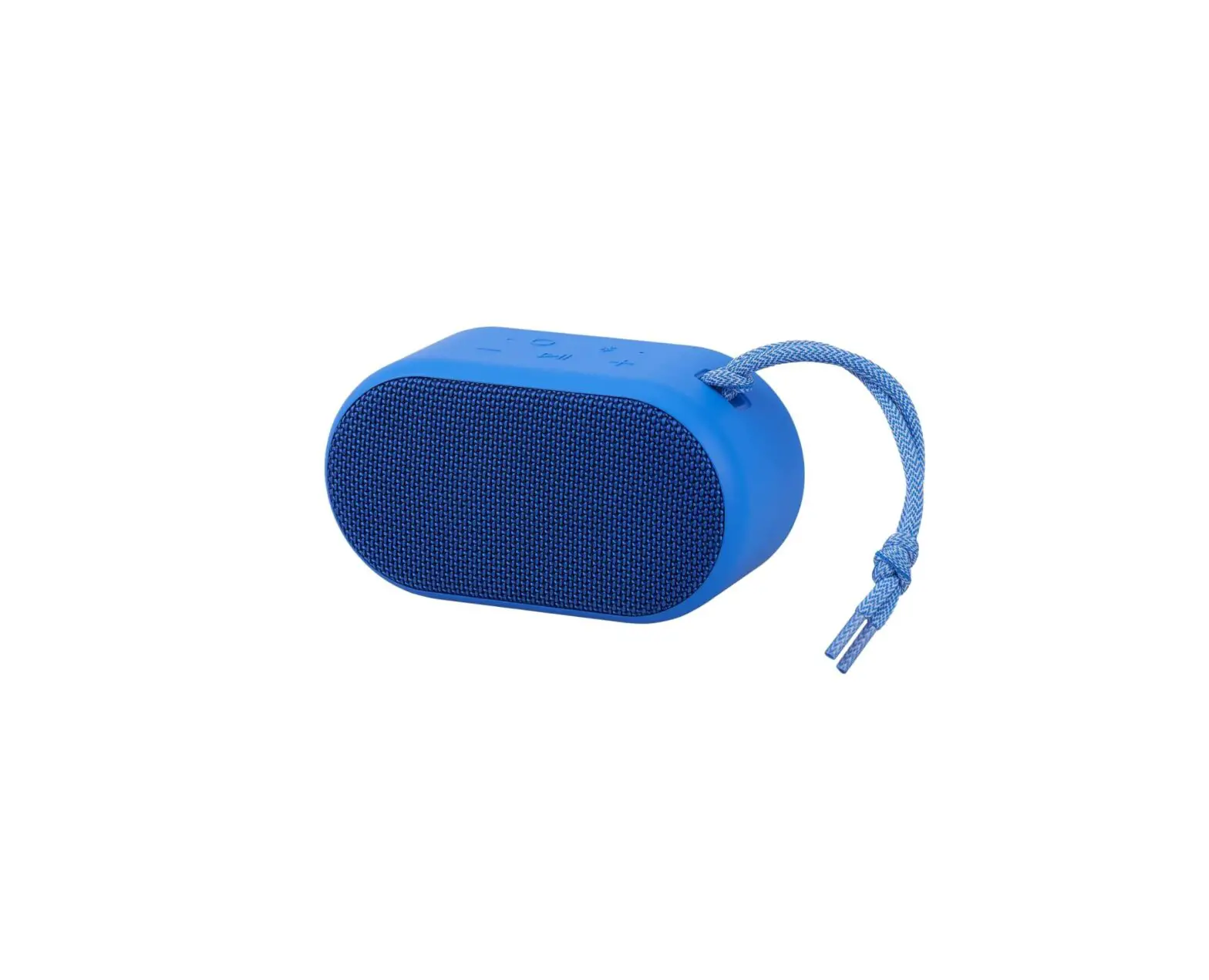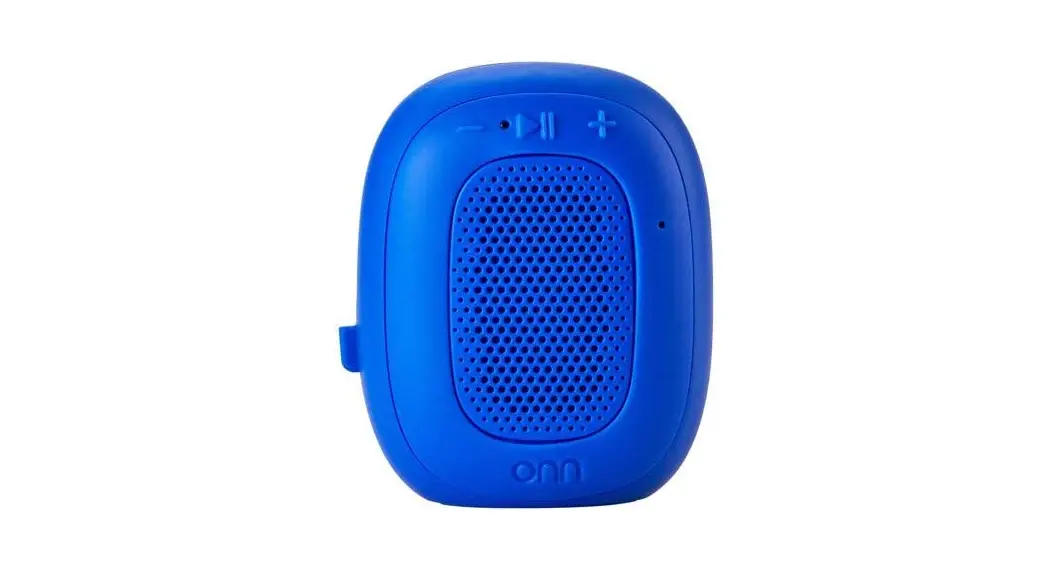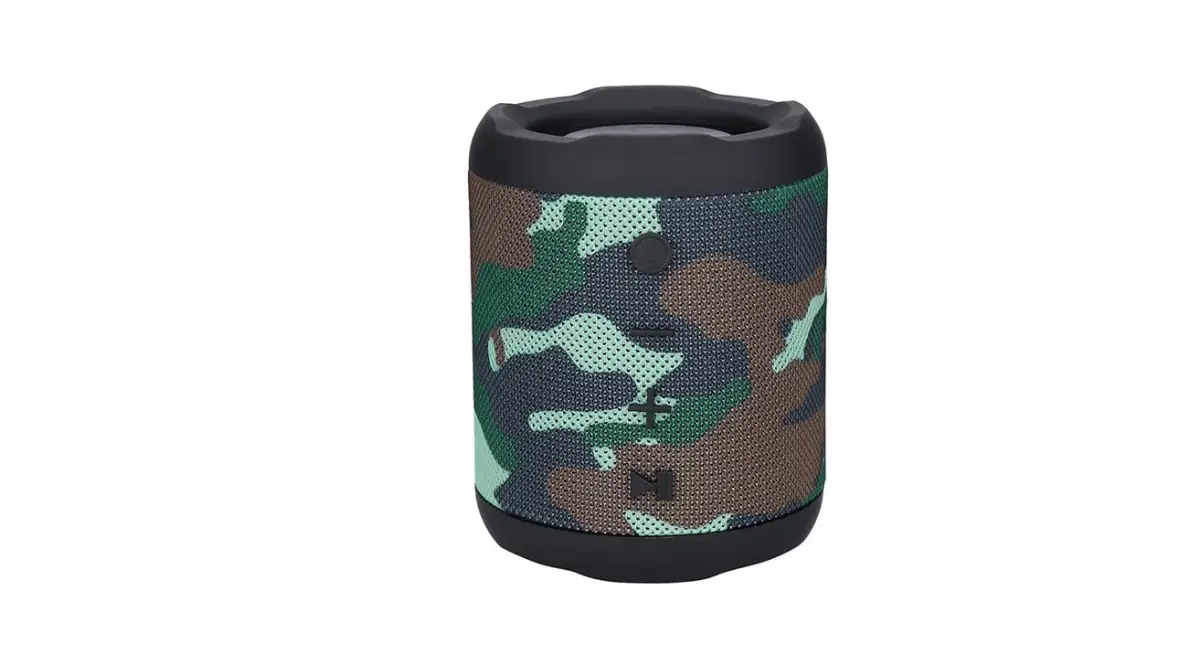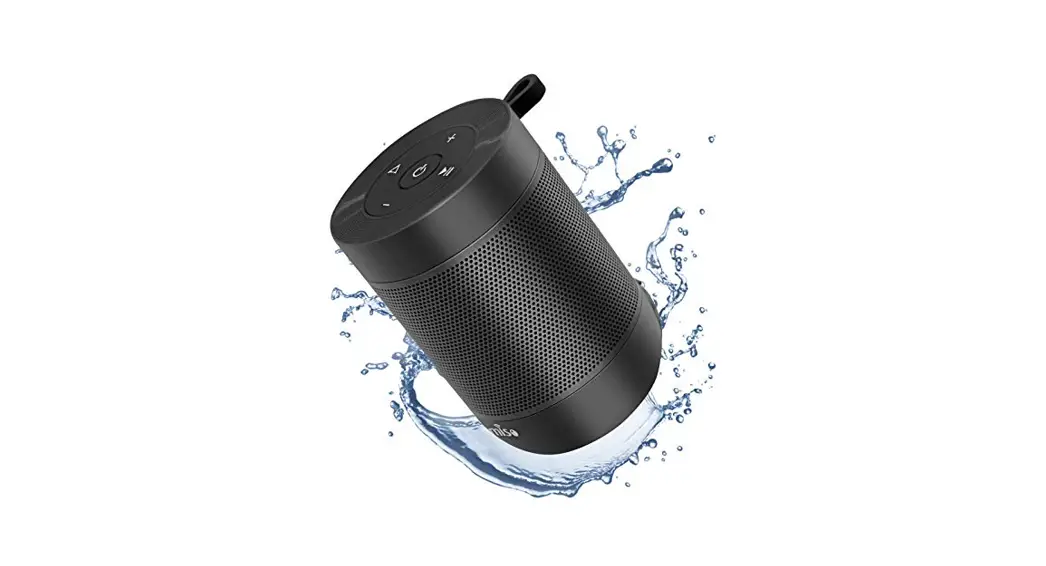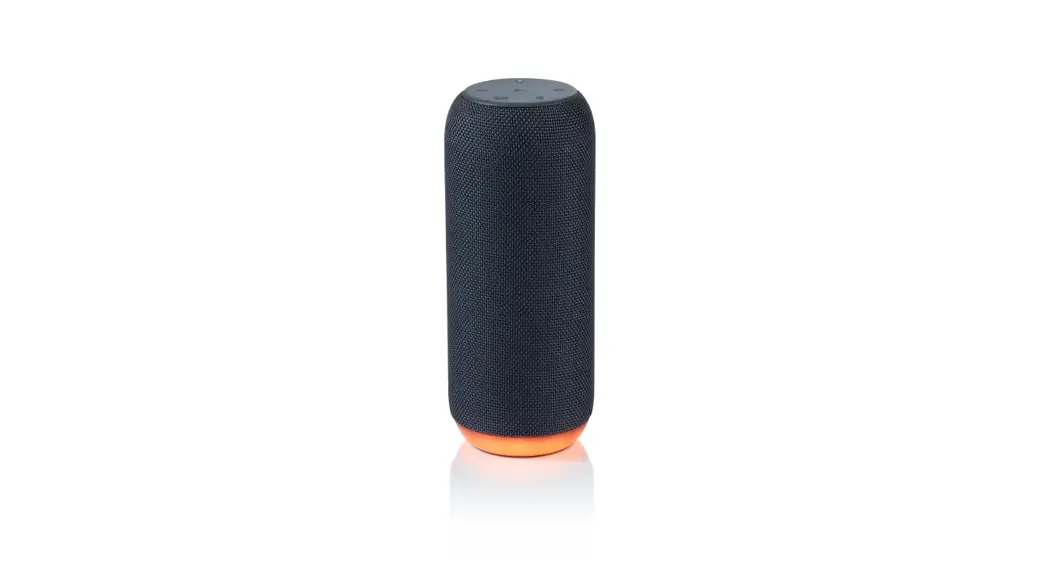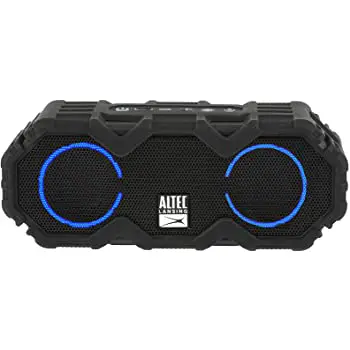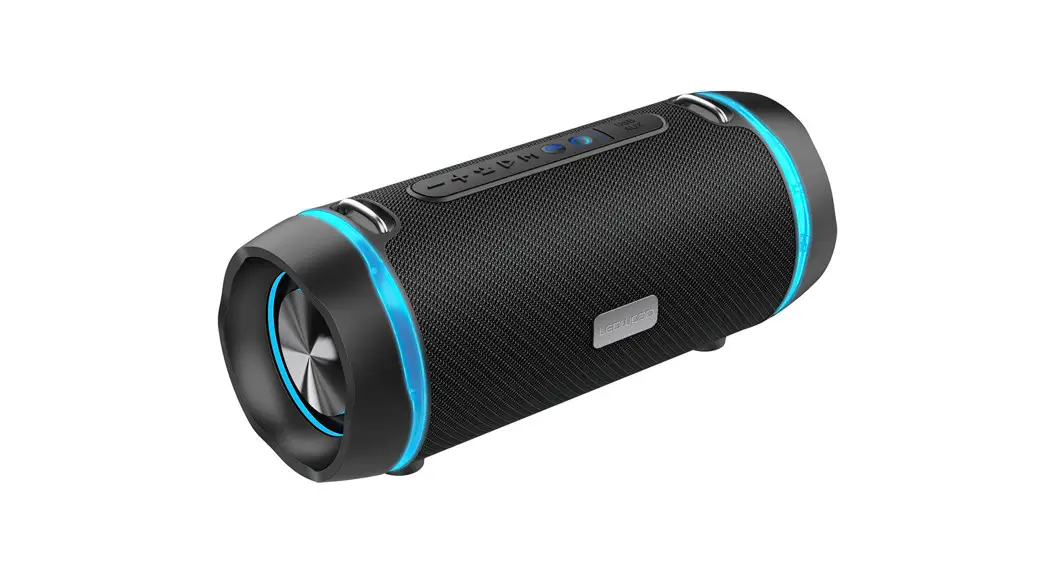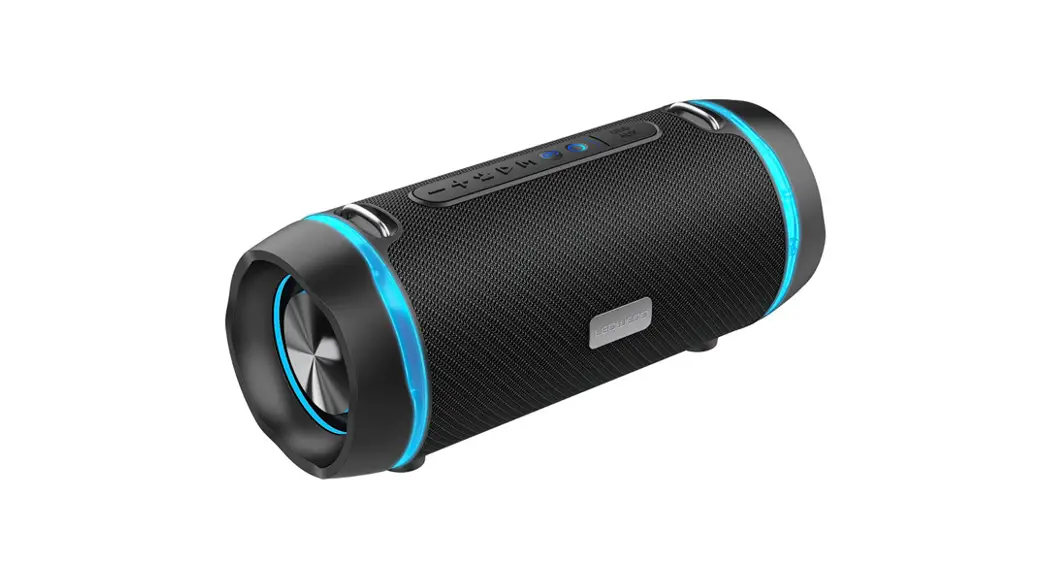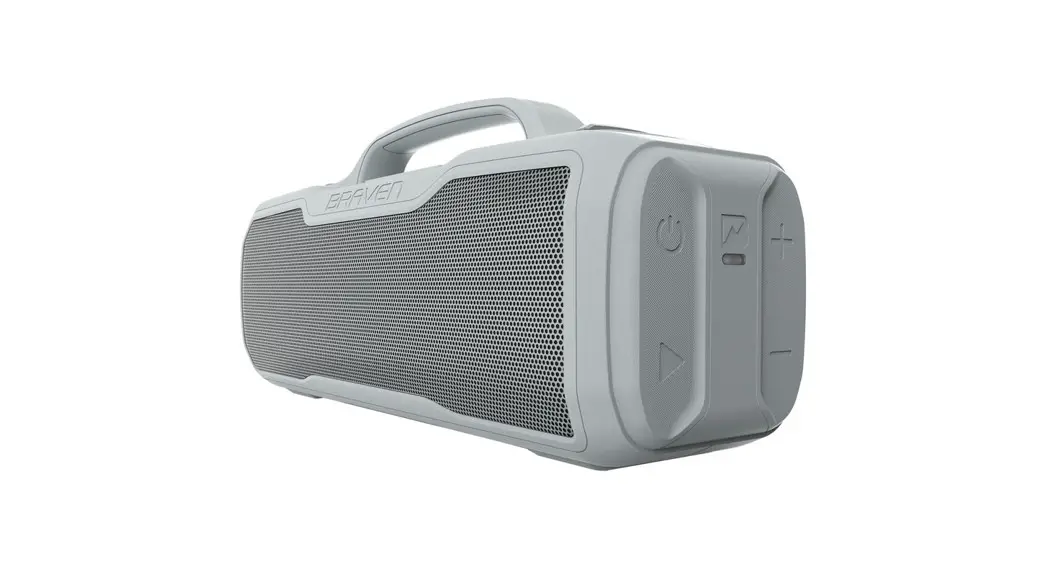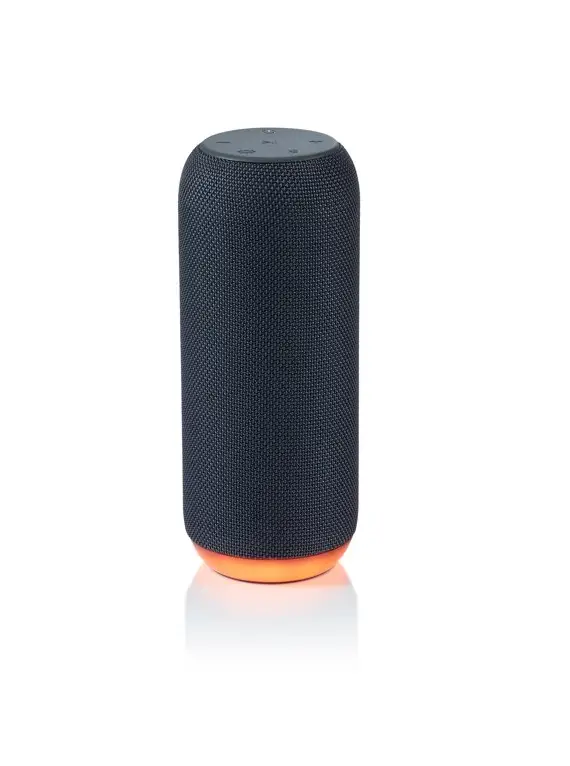
 onn BM2020 Medium Rugged Speaker
 onn BM2020 Medium Rugged Speaker
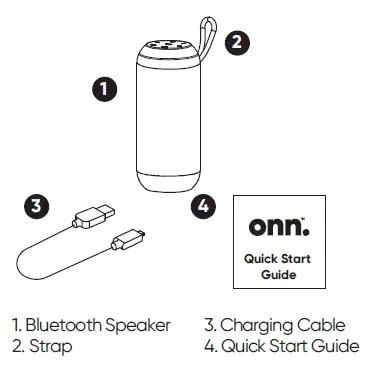
What is in the Box
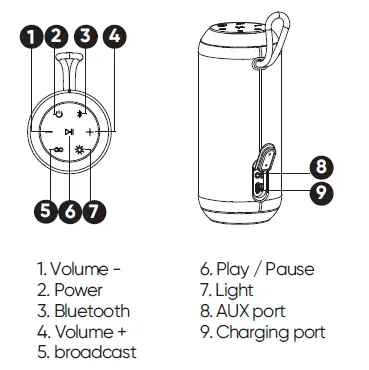
Get to Know Small Rugged Speaker
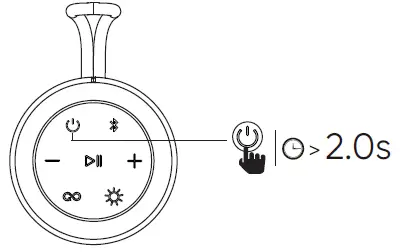
Power ON/OFF and Bluetooth Pairing
Press “ power ” button for 2s to turn on or turn off.
 Short press “ bluetooth” button to activate the bluetooth device. Use phone to search device’s pairing name “ onn. Rugged Speaker M ”, click pairing name for connection and pairing.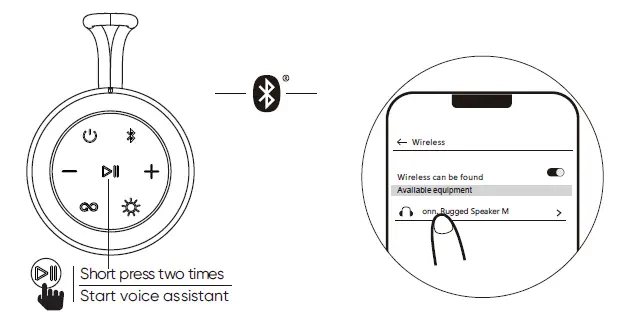
Play Music
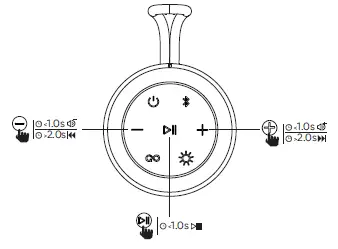
- Short press “
 ” button to execute play and pause.
 - Short press volume “+” to increase volume.
- Long press volume “+” to next song.
- Short press volume “-” to reduce volume.
- Long press volume “-” to previous song.
Answer/End/Reject A Call
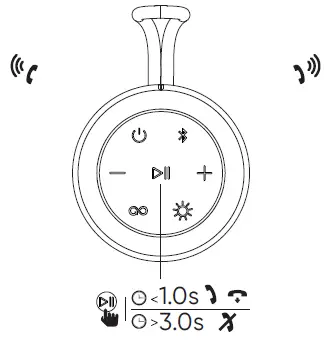
- Short press “ ” button to answer incoming calls.
- Short press “ ” to end the call.
- Long press “” button for 3s to reject a call.
Pairing two Speakers Together
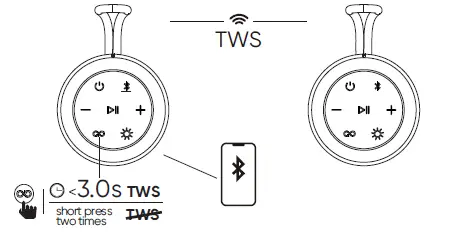
Power on two speakers at the same time, and wait for prompt tone “ Searching for connection ” from both speakers. Then choose one of the speakers as primary, and long press “  ” button for 3s to enter TWS pairing mode. You will hear “ left channel, right channel ” and now the two speakers are paired. Use your mobile device to pair with the primary speaker by Bluetooth pairing method, you are now able to play audio in unison using your mobile device. In addition, press “ ” button two times will disconnect the TWS.
Clear Pairing Records and Reset Speaker
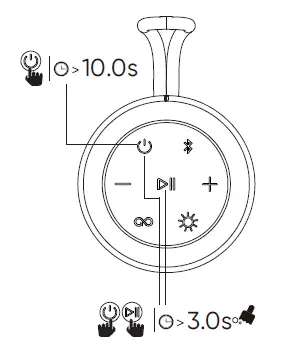
Press “ power button ” “  ” for 3s, all pairing records will be cleared and restore default volume.
Press “ power button ” for 10s, The speaker can be reset.
Charging and Connect Outside Audio
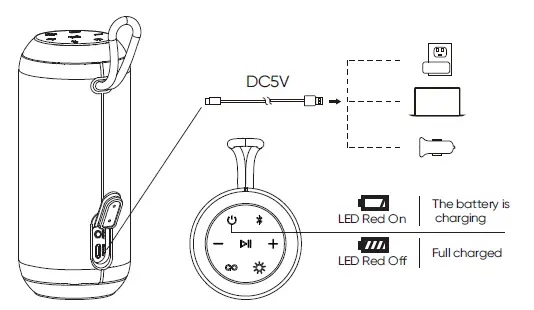
To preserve battery lifespan, fully charge at least once every 45 days.
It takes about four hours to fully charge.
FCC Statment
Changes or modifications to this unit not expressly approved by the party responsible for compliance could void the user’s authority to operate the equipment.
NOTE: This equipment has been tested and found to comply with the limits for a Class B digital device, pursuant to Part 15 of the FCC Rules. These limits are designed to provide reasonable protection against harmful interference in a residential installation. This equipment generates, uses and can radiate radio frequency energy and, if not installed and used in accordance with the instructions, may cause harmful interference to radio communications.
However, there is no guarantee that interference will not occur in a particular installation. If this equipment does cause harmful interference to radio or television reception, which can be determined or more of the following measures:
- Reorient or relocate the receiving antenna.
- Increase the separation between the equipment and receiver.
- Consult the dealer or an experienced radio/TV technician for help.
This device complies with Part 15 of the FCC Rules. Operation is subject to the following two conditions:
- this device may not cause harmful interference, and
- this device must accept any interference received, including interference that may cause undesired operation.
Need help?
We’re here for you every day from 7 a.m. – 9 p.m. CST. Give us a call at 1-888-516-2630
©2022 Walmart
onn. is a trademark of Walmart All Rights Reserved.