
IN VEHICLE INSTALLATION
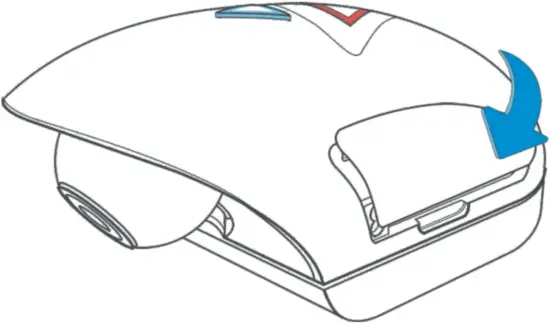
3. Replace side cover
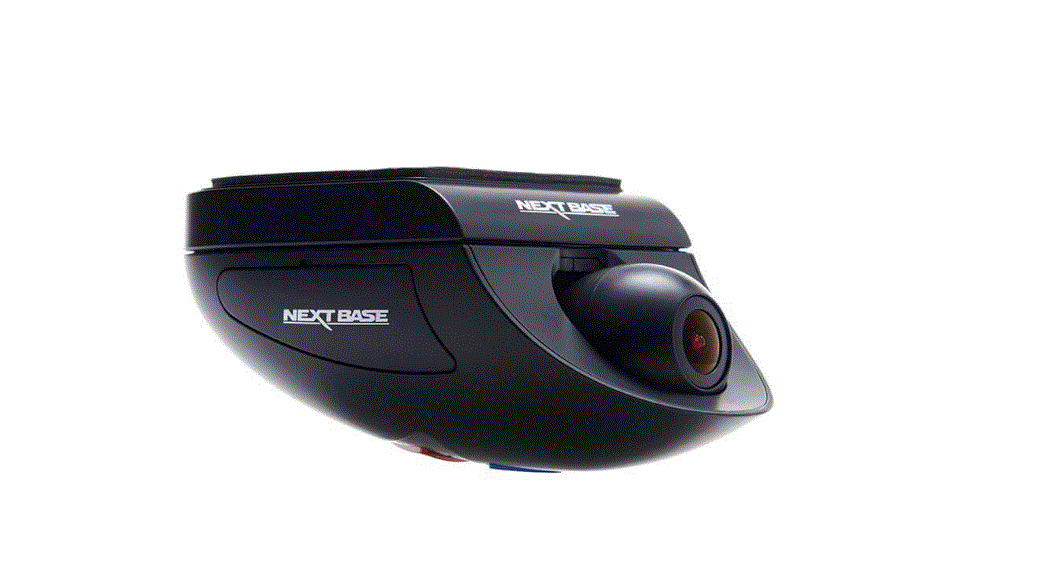
Click the side cover back in to place, with the curved edge engaging firstly.
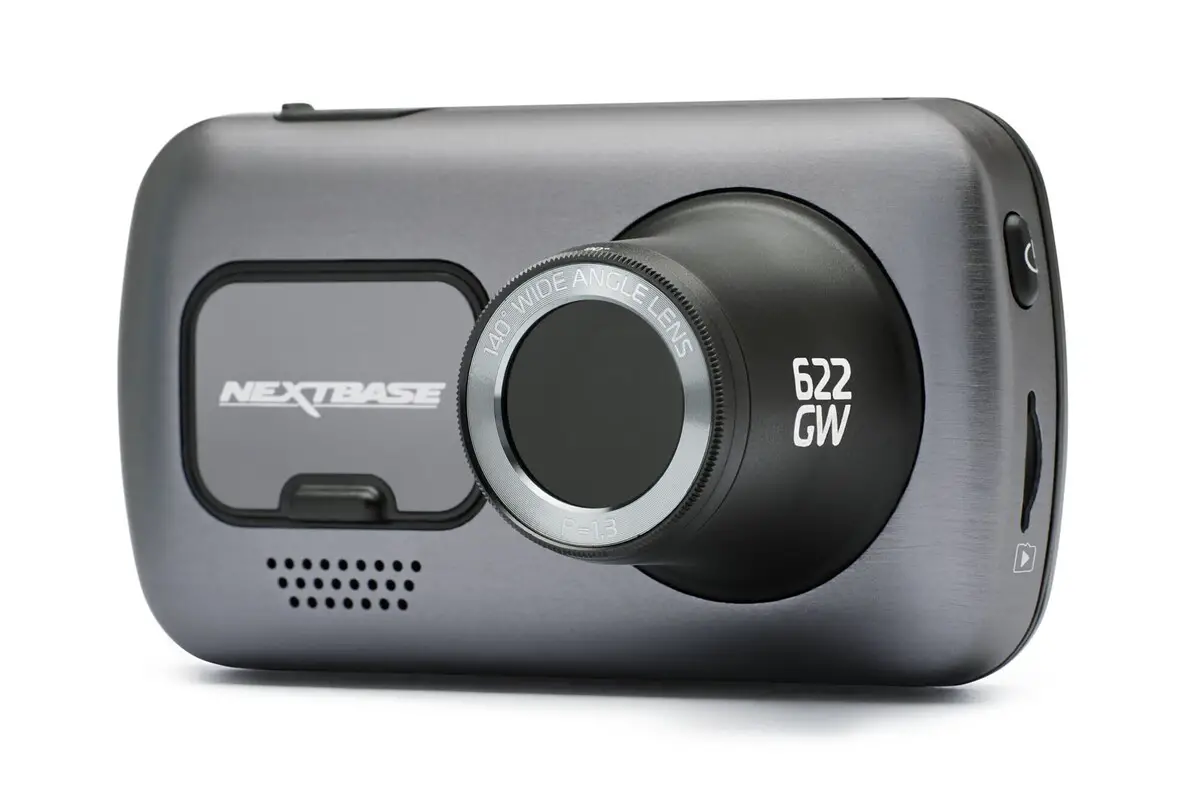
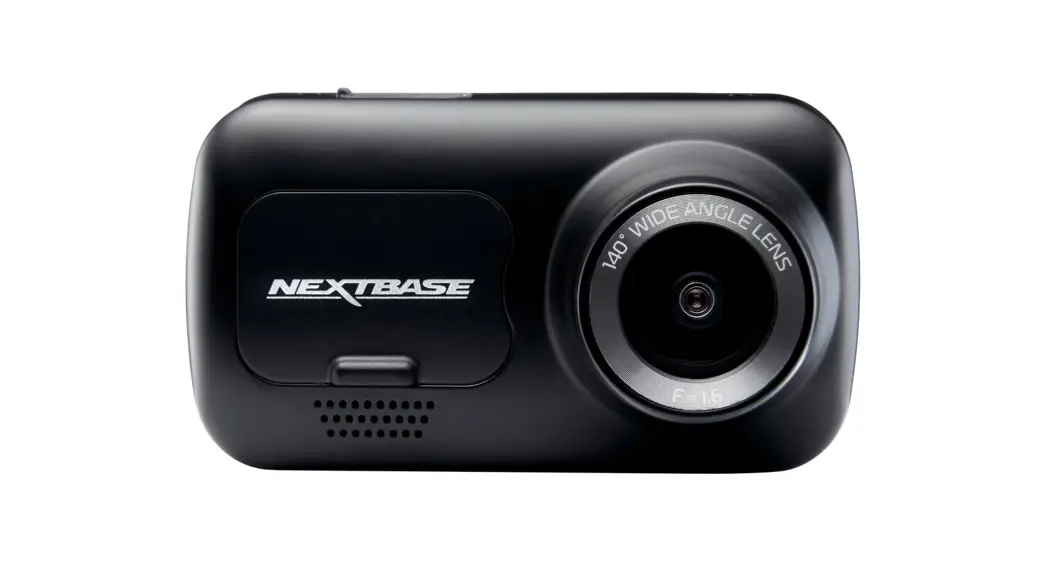
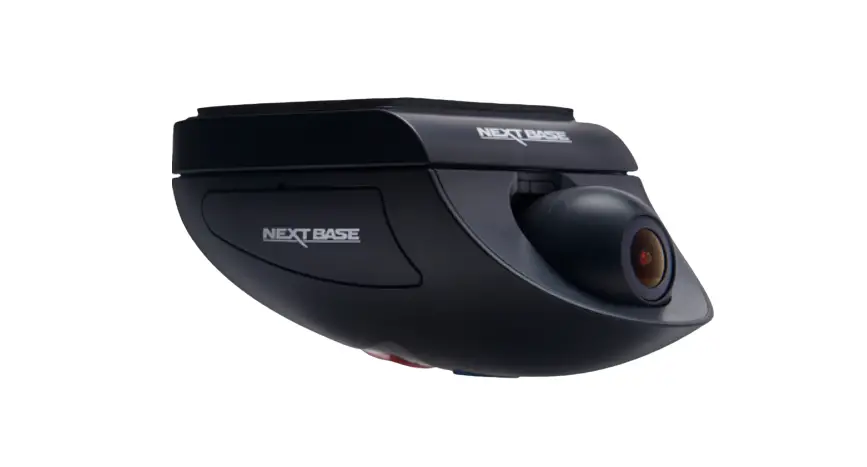
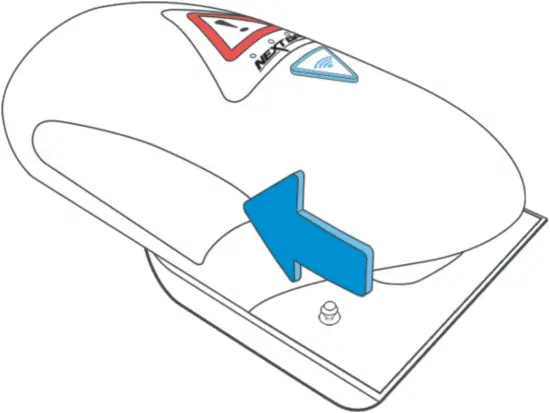
4. Remove camera from mount
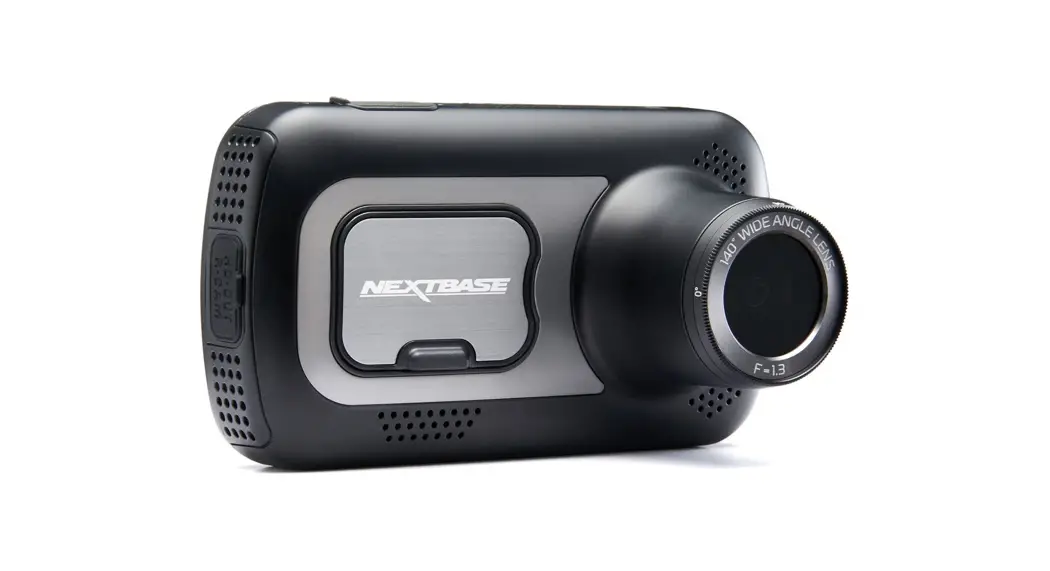
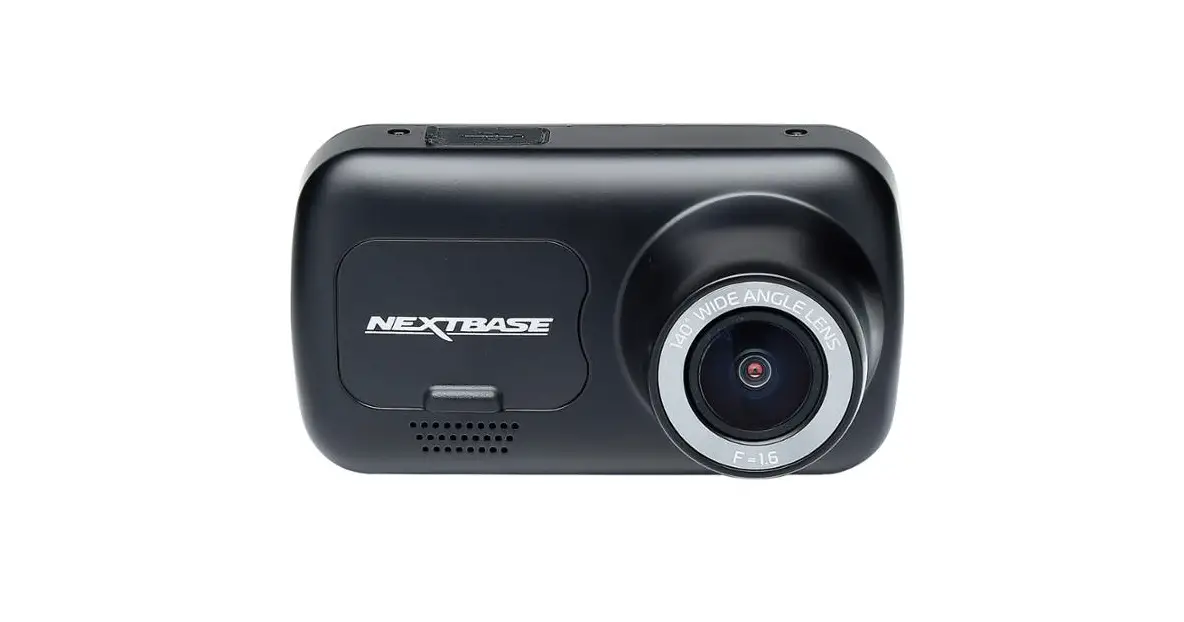
Slide the mount towards the camera lens to disengage the mount.
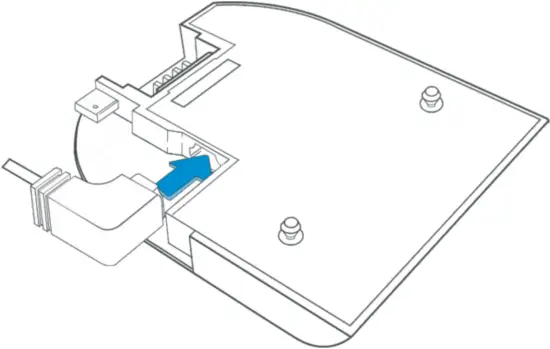
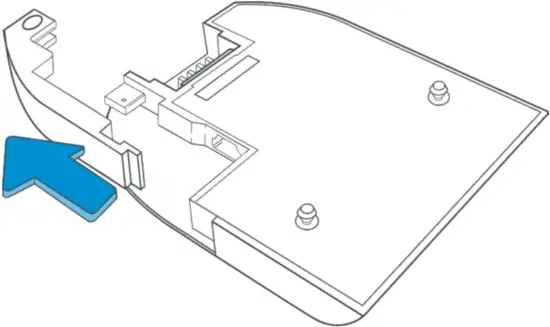
5. Remove cable lock
The cable lock is in the corner of the mount and can be twisted away from the mount itself and then disengaged completely from the mount.
6. Connect power
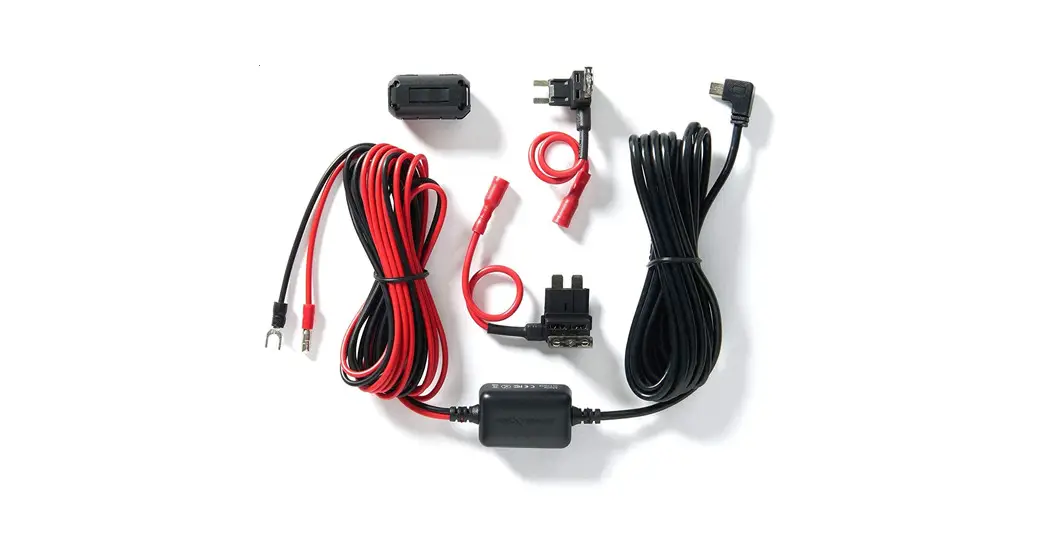
Connect the supplied Car Power cable in to the Mini USB socket marked ‘For use with 90 connector’.
Note:
– The Nextbase hardwire kit connector will utilize the mini USB socket marked ‘For use with straight connector’.