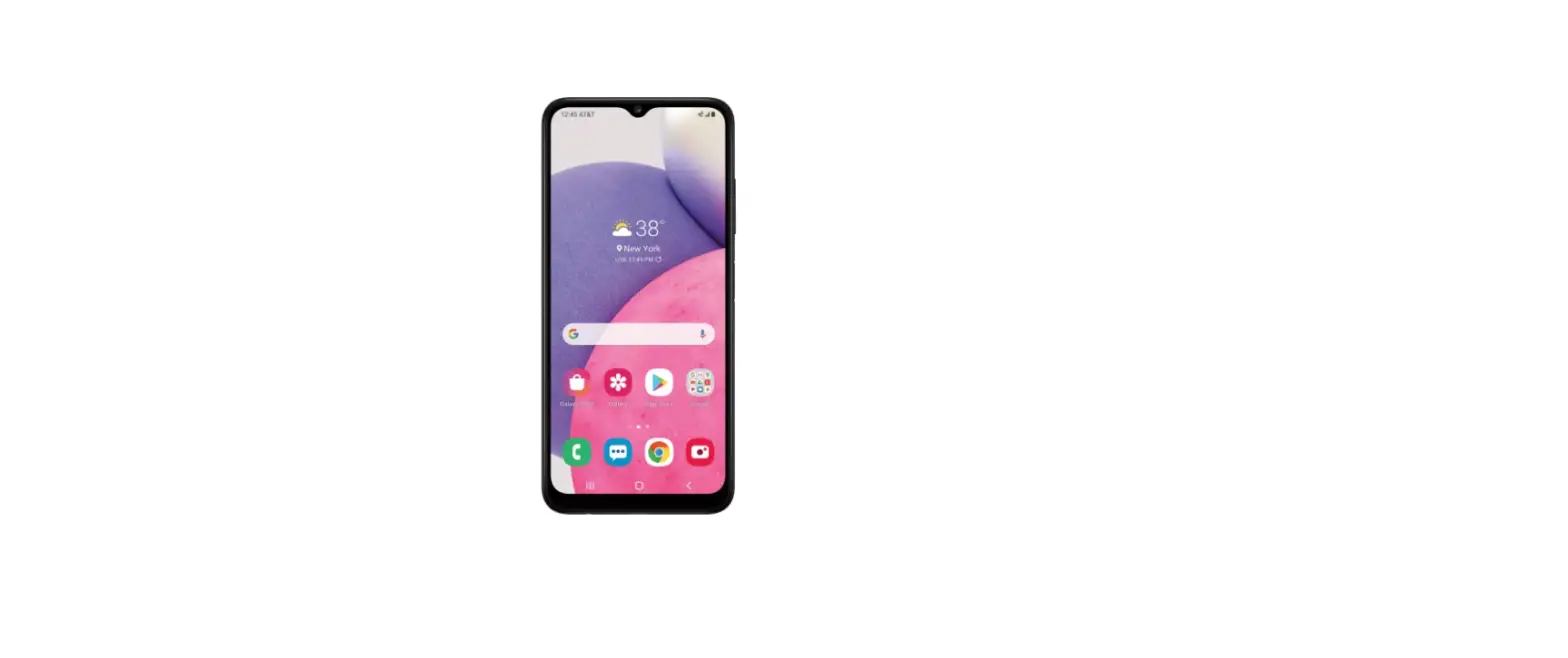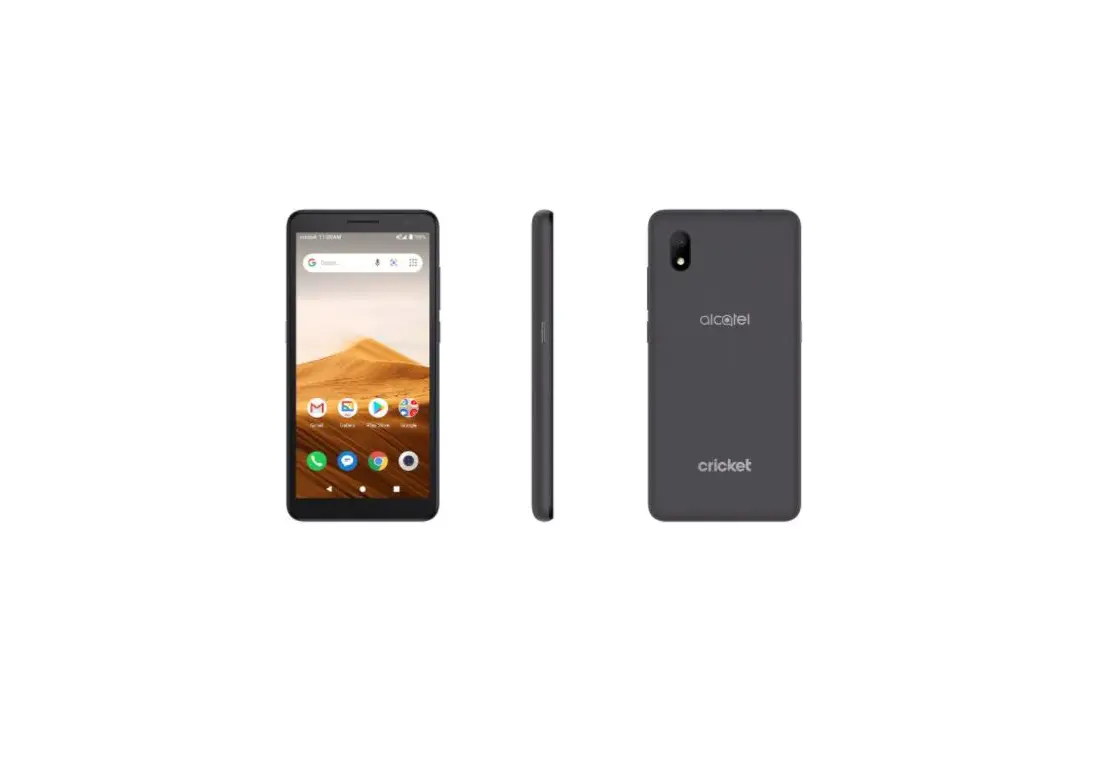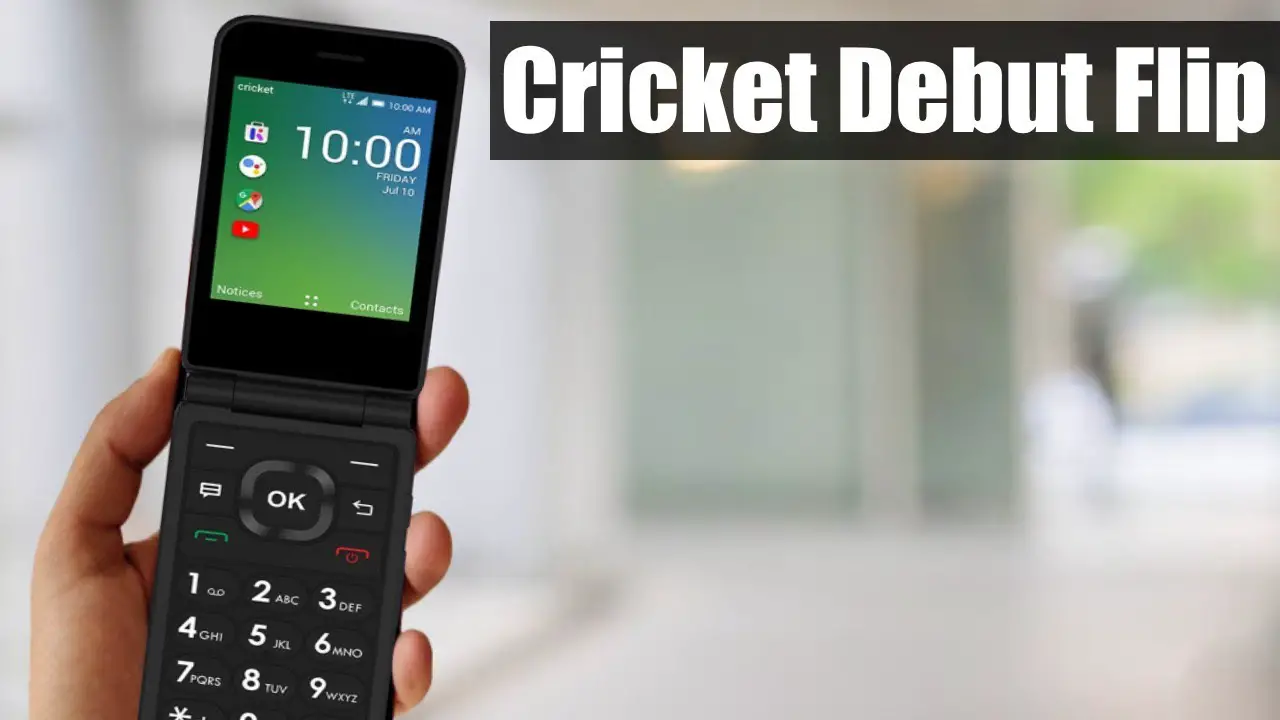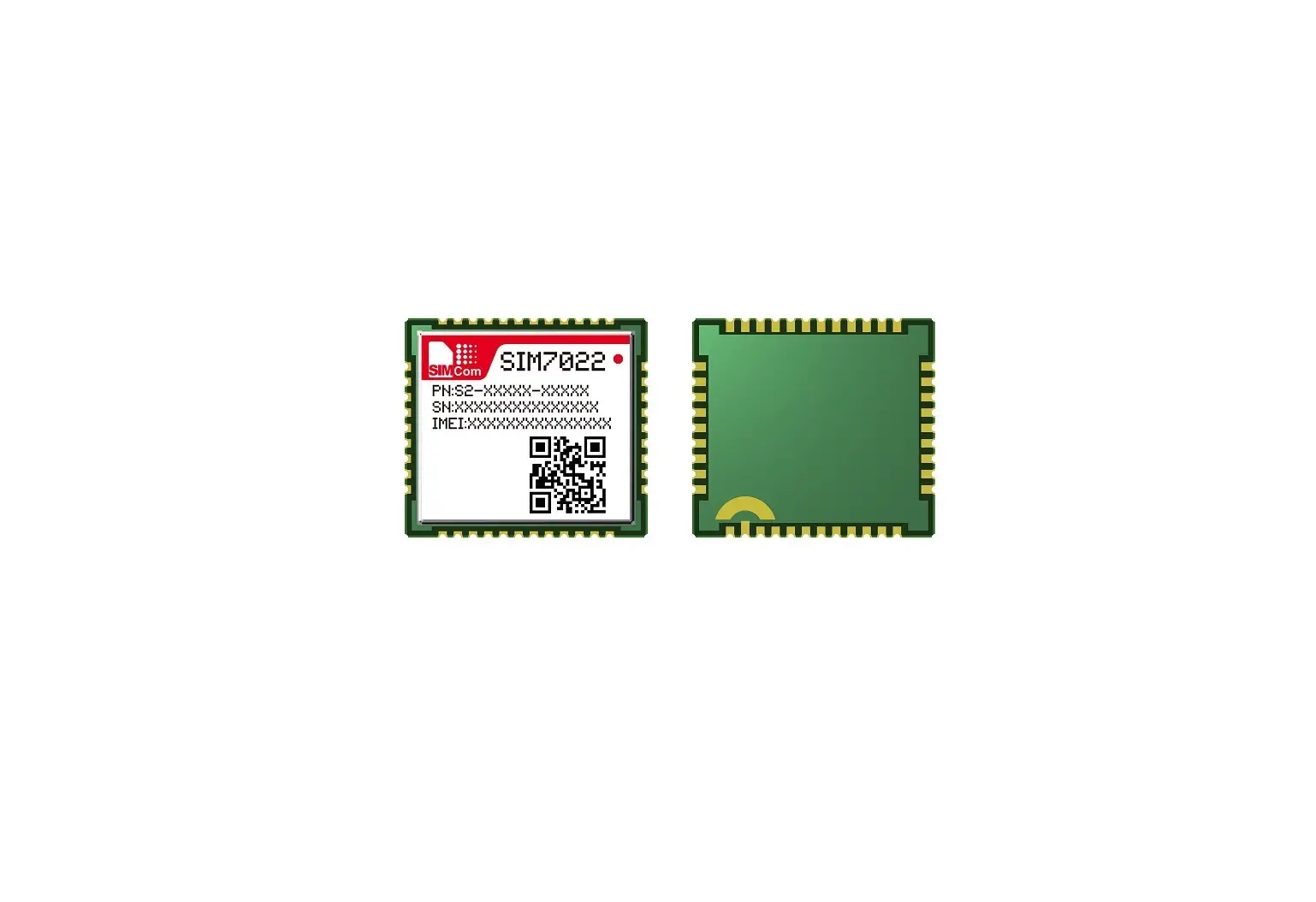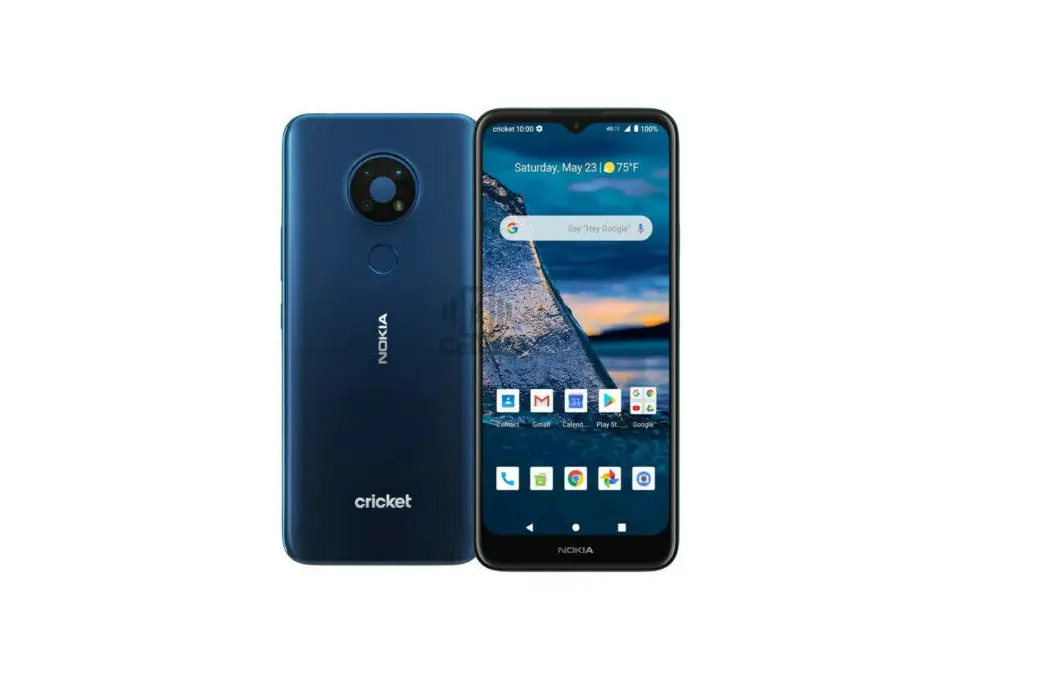
cricket SIM Kit User Guide
Before You Begin
Current Cricket customers: Have your username and password ready.
New Cricket customers: If you’re keeping your phone number you’ll need the following:
- PIN number
- Existing account name
- Existing phone number
Note: Your phone will not work until you complete activation and data setup on the next two panels.
Activate on Your Phone
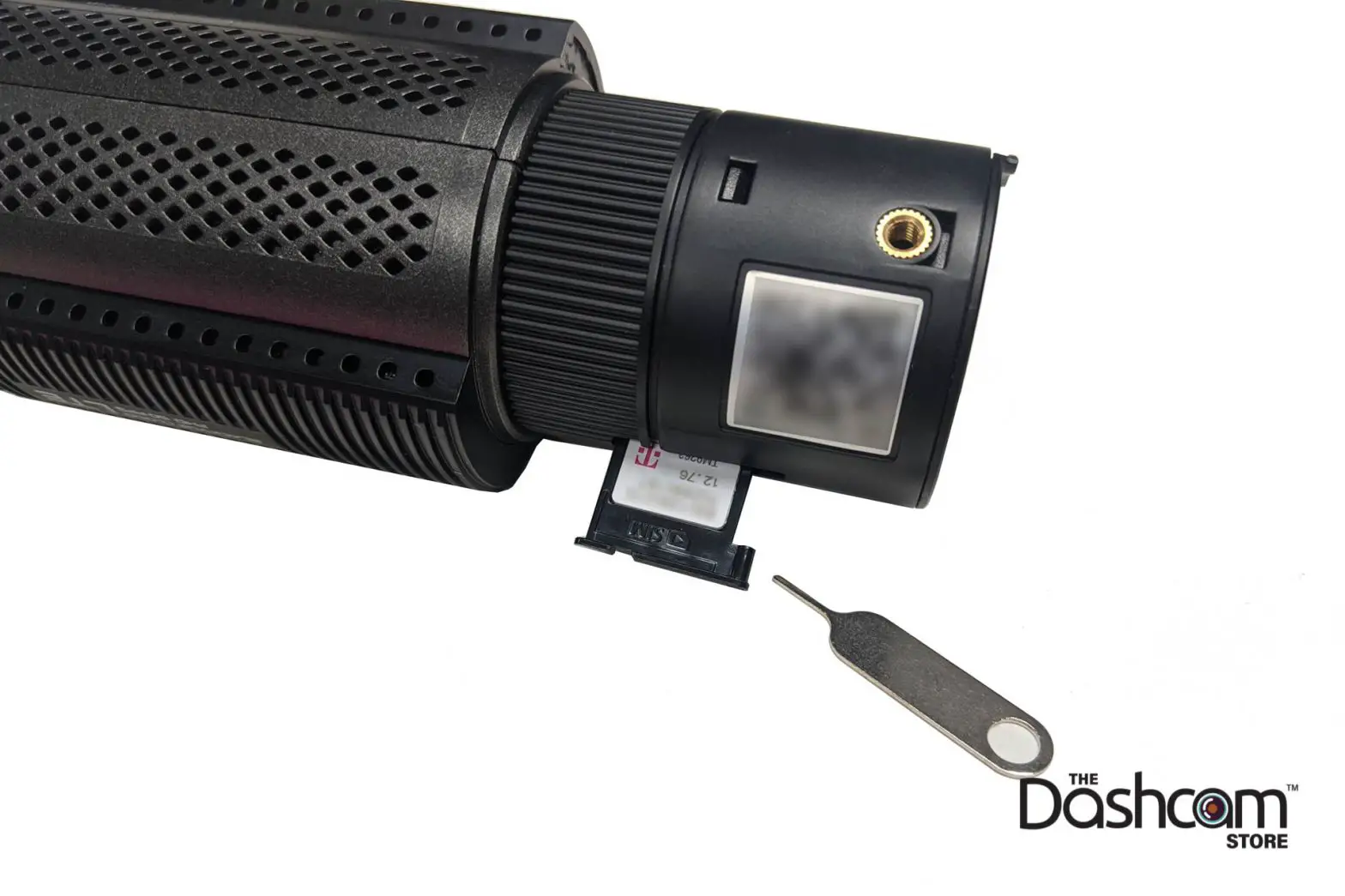
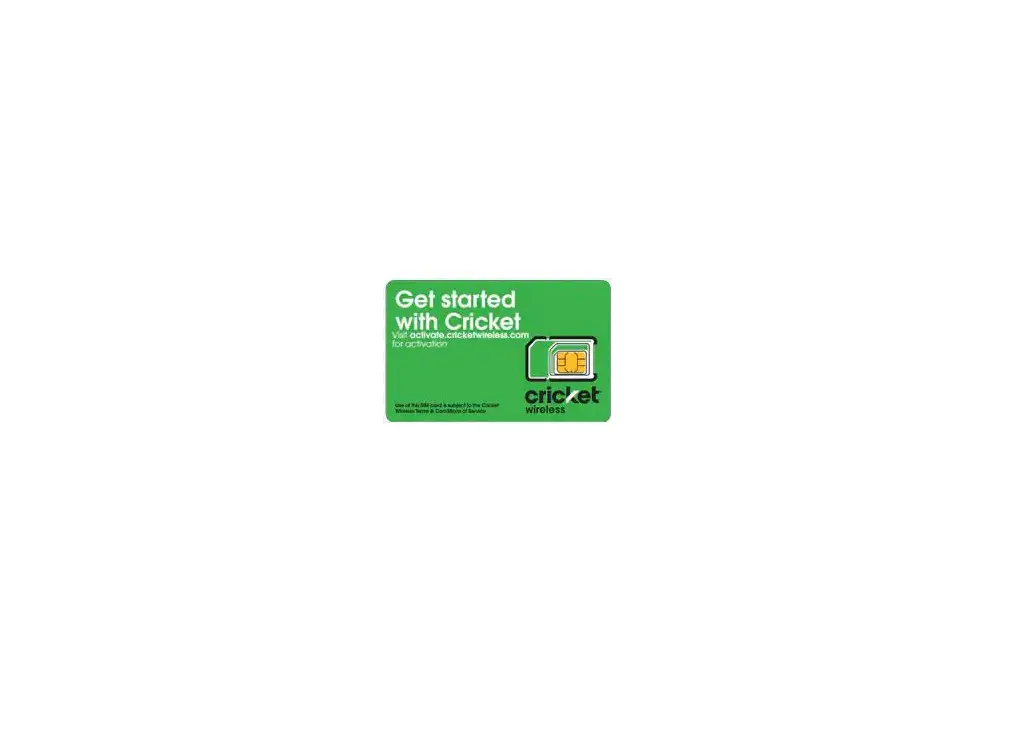
(1) Insert your new Cricket SIM card
(2) Turn on your device and complete device setup
You can skip Gmail setup and revisit at a later time.
(3) Follow on-device instructions 4 You may need to manually check your messages for a text that includes detailed steps.
Note: If you have any issues during activation, visit us at activate.cricketwireless.com or call 1-855-619-6021. 
Set up Your Data
Once you’ve activated your phone, set up your data on the Cricket network so you can access the internet and use picture/video messaging (MMS).
iPhone
Simply update your software to the latest version. Go to Settings > General > Software Update and tap Download and Install.
Android
Check the notification bar at the top of your phone or check your texts for a Configuration Message. Follow the prompts to Install both internet and MMS (picture/video message) settings.
Note: For complete iPhone, Android and other operating system instructions, visit cricketwireless.com/BYOD and select your phone type under Check Your Data Settings.

© 2021 Cricket Wireless LLC. All rights reserved.
CSGA4089 0221
 Cricket Breeze-Thru
 BYOP: Bring Your Own Phone | Cricket Wireless