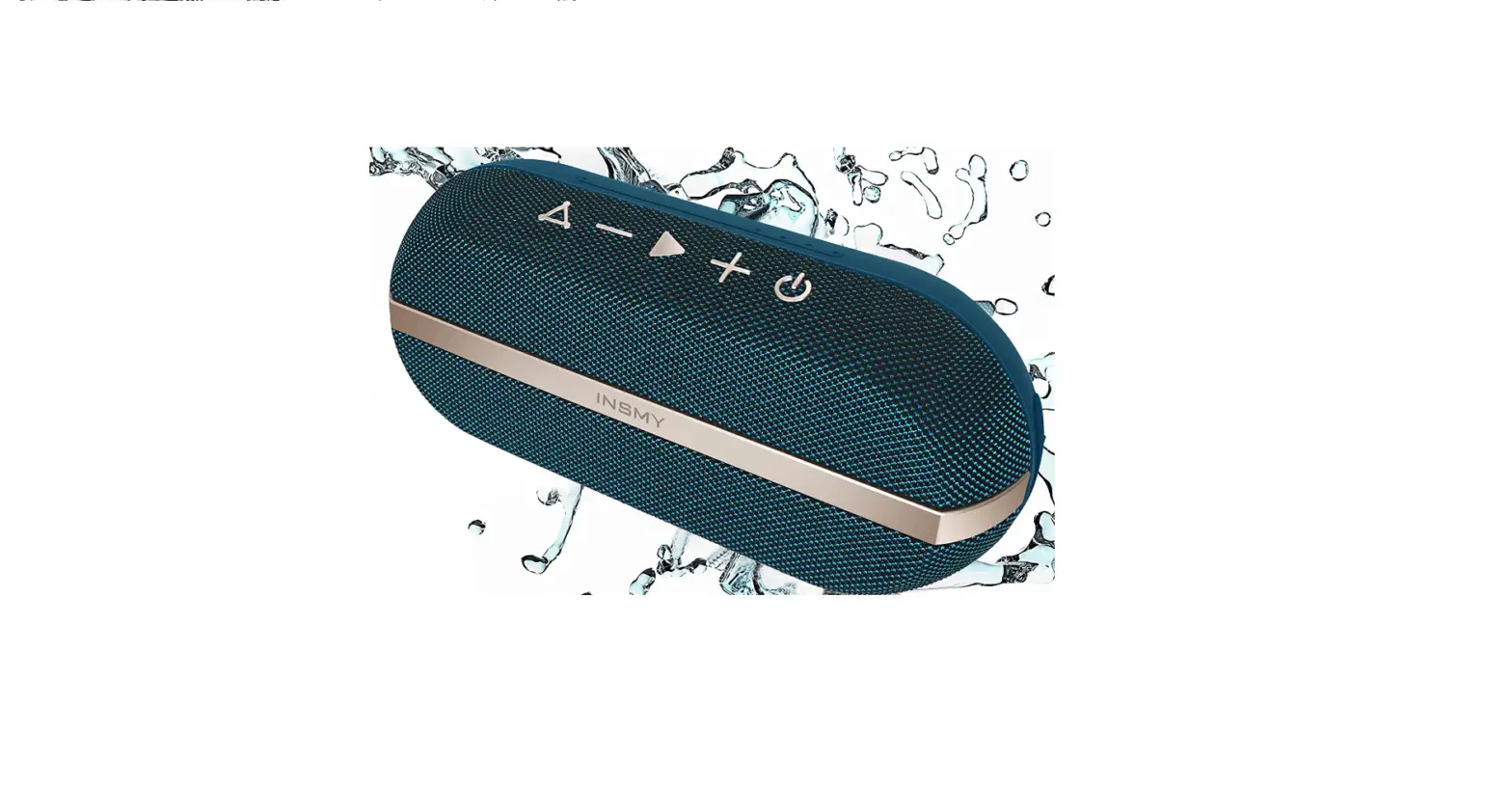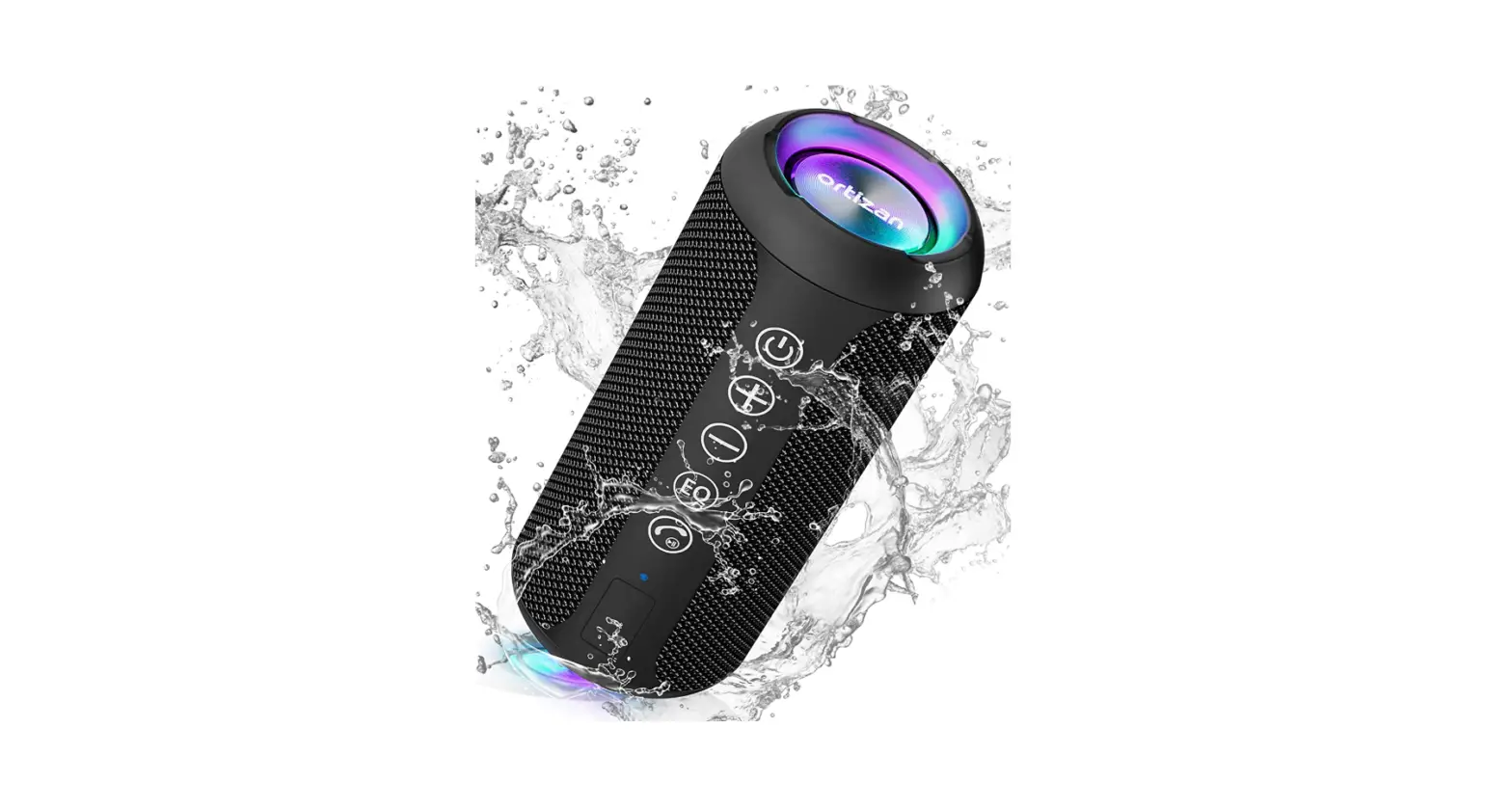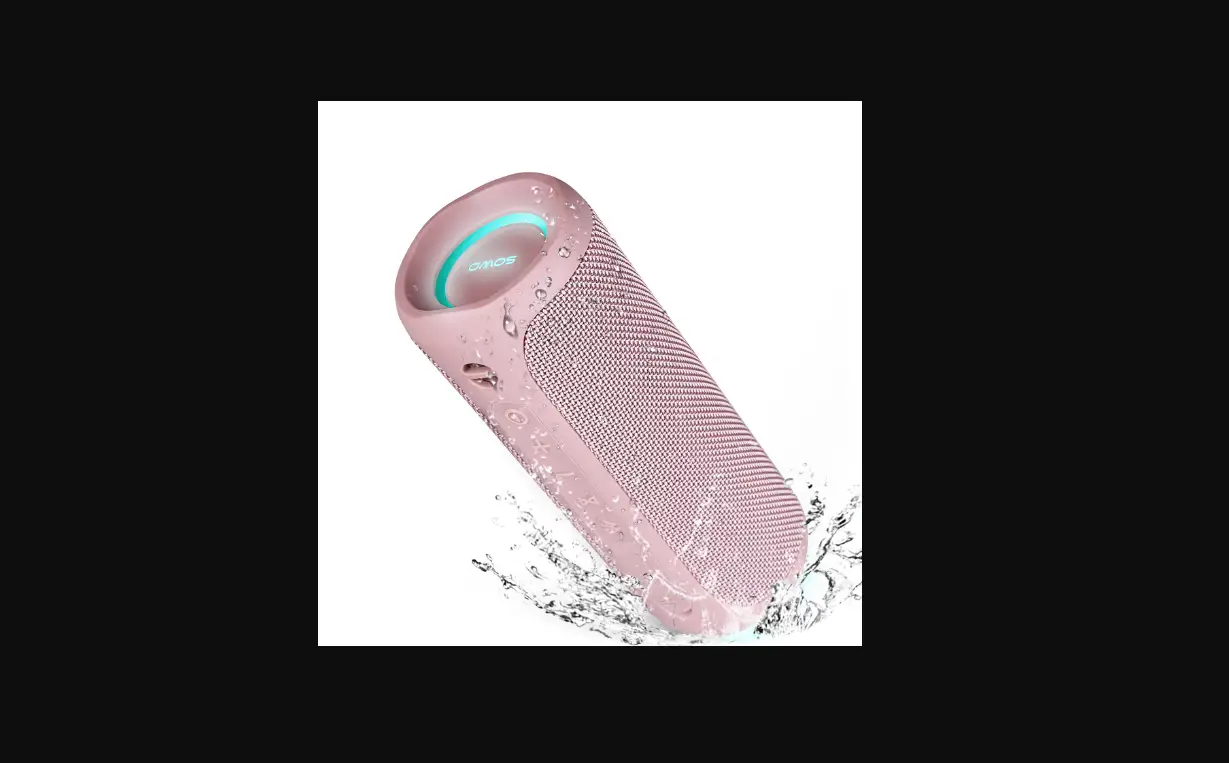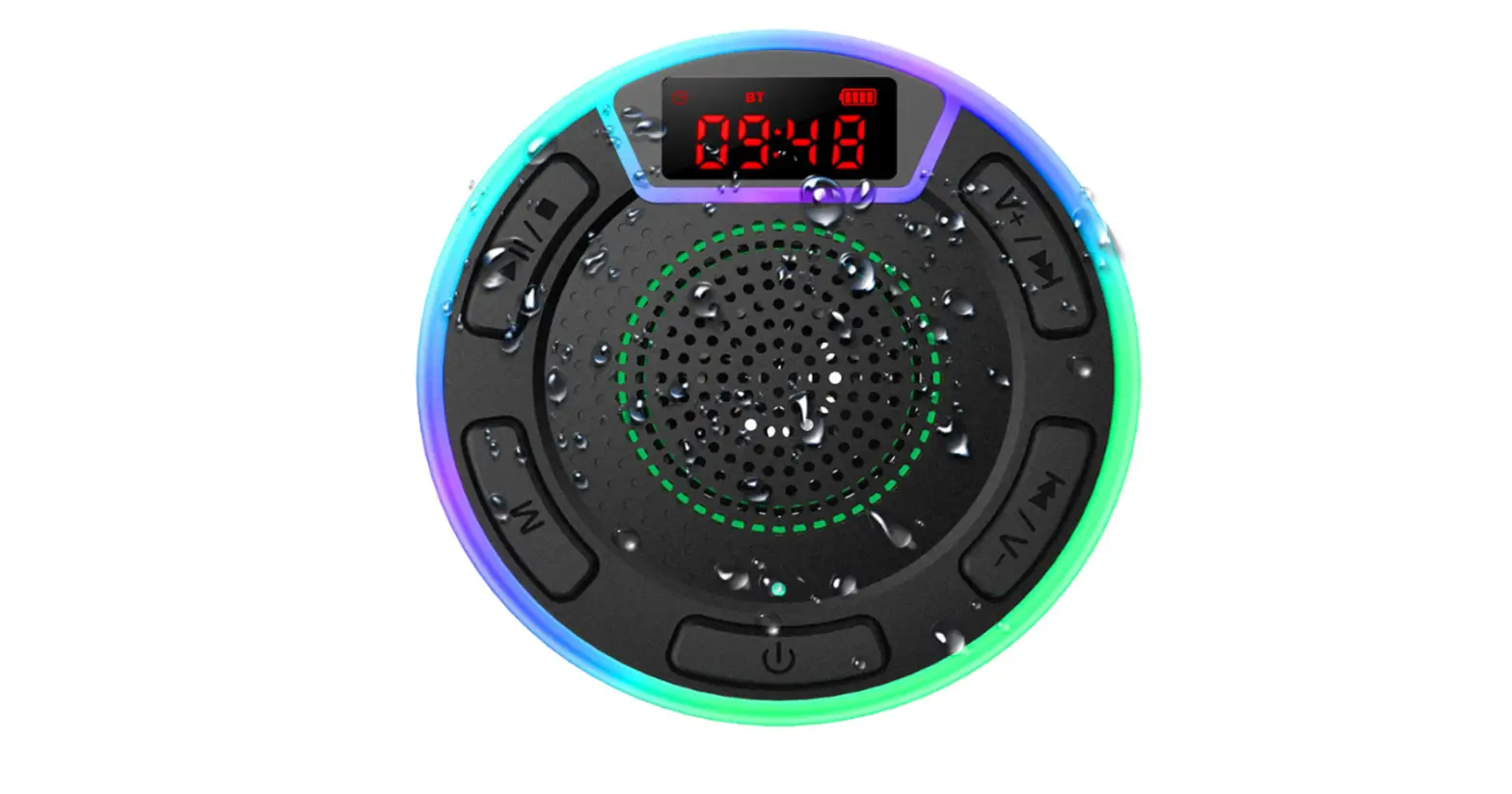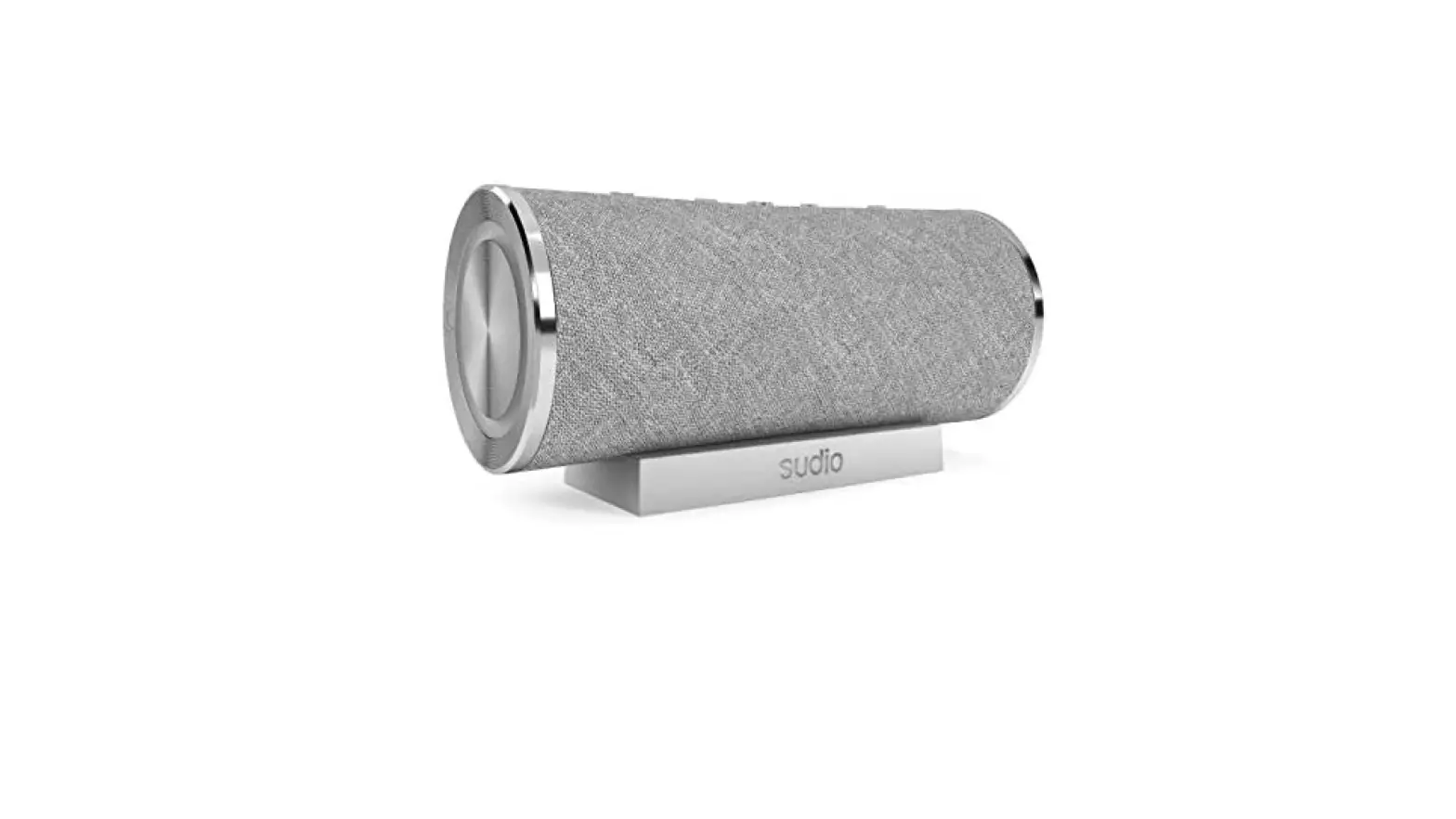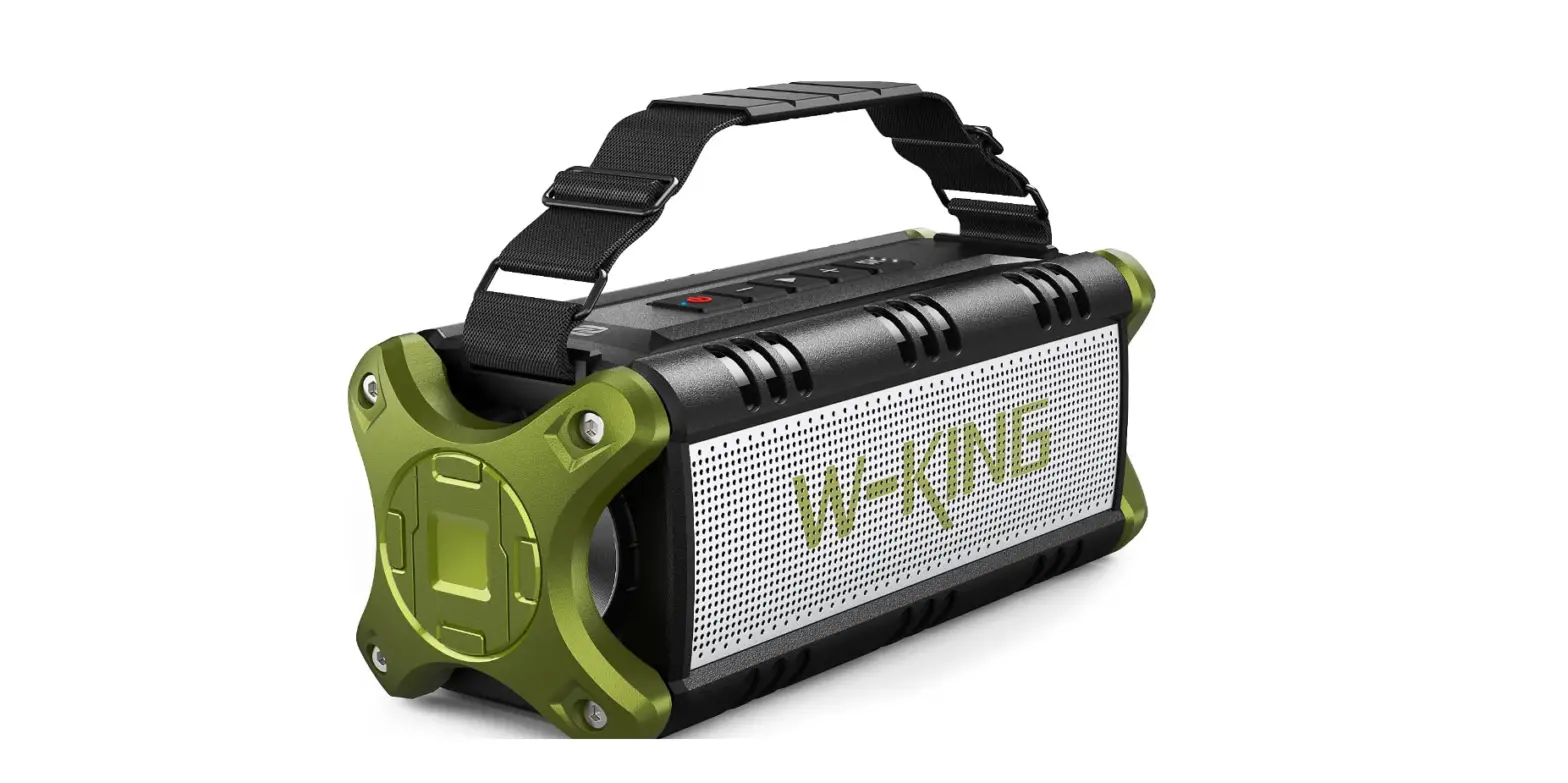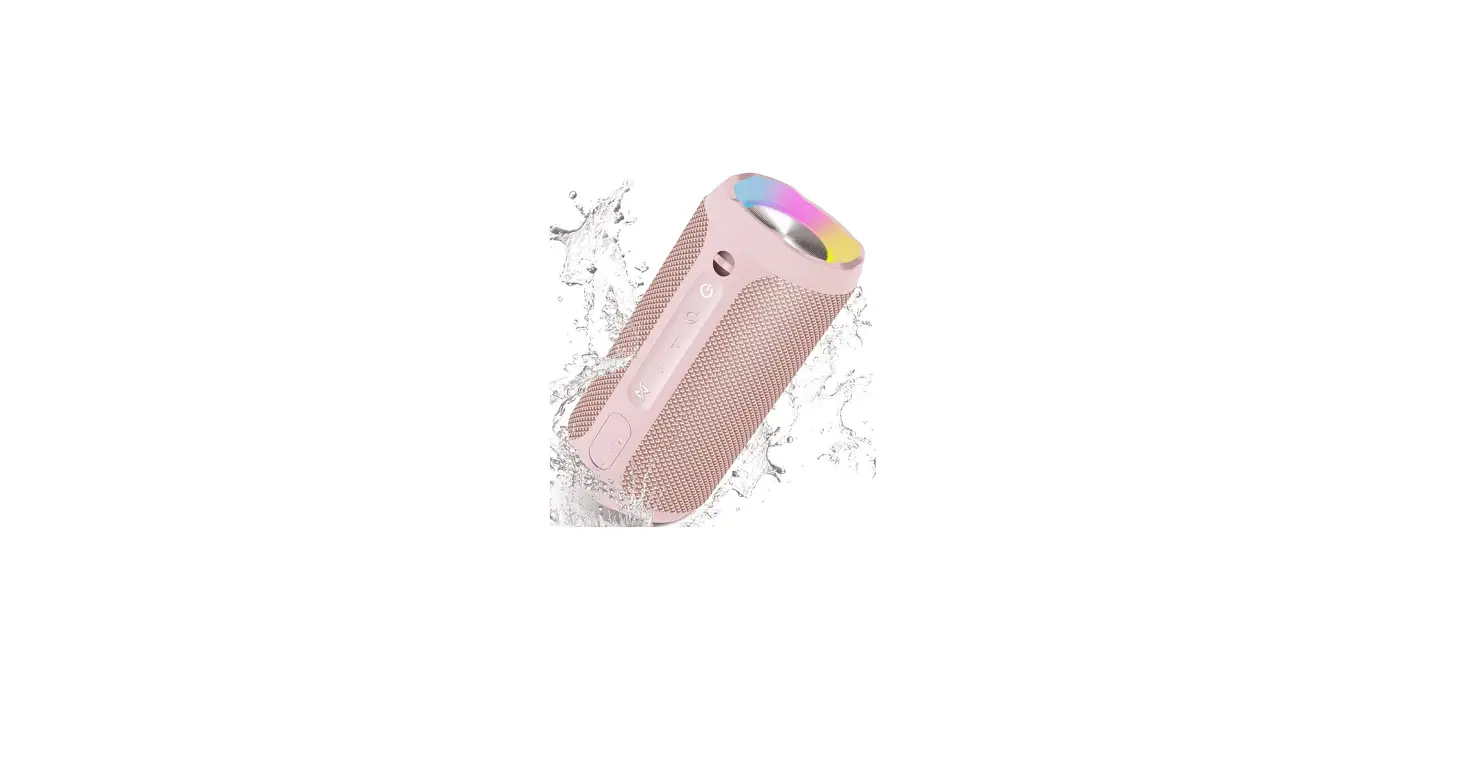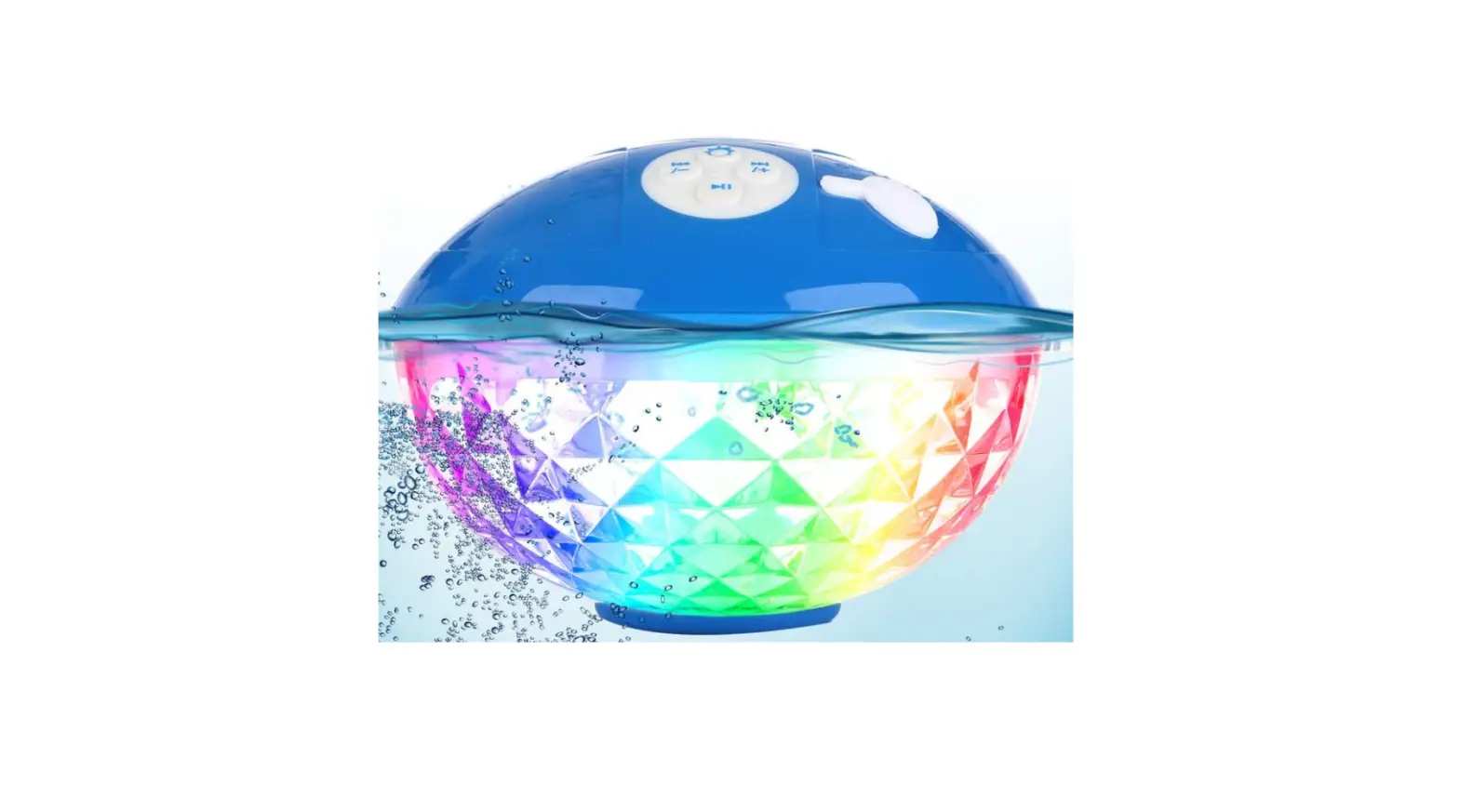
Fiodio
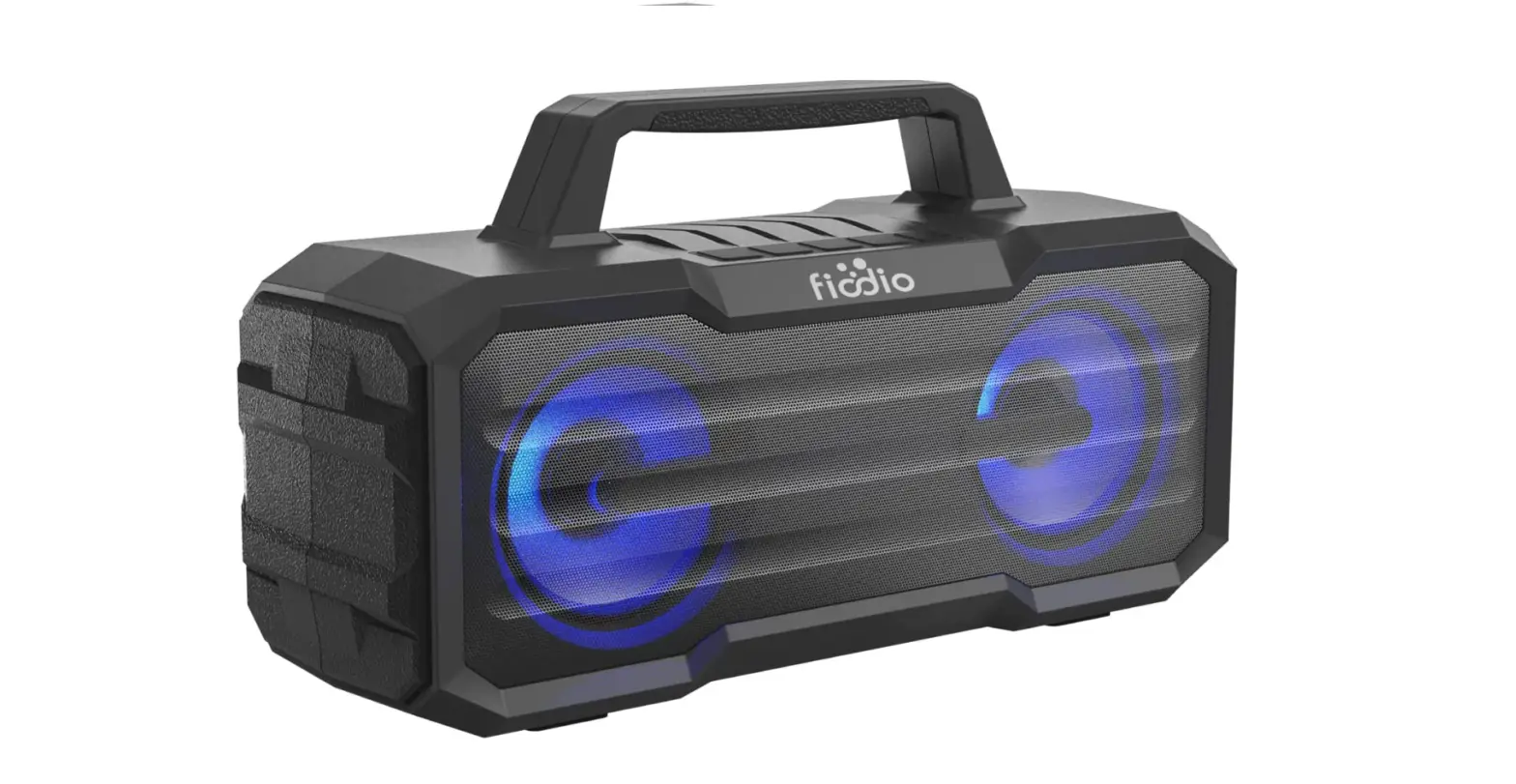
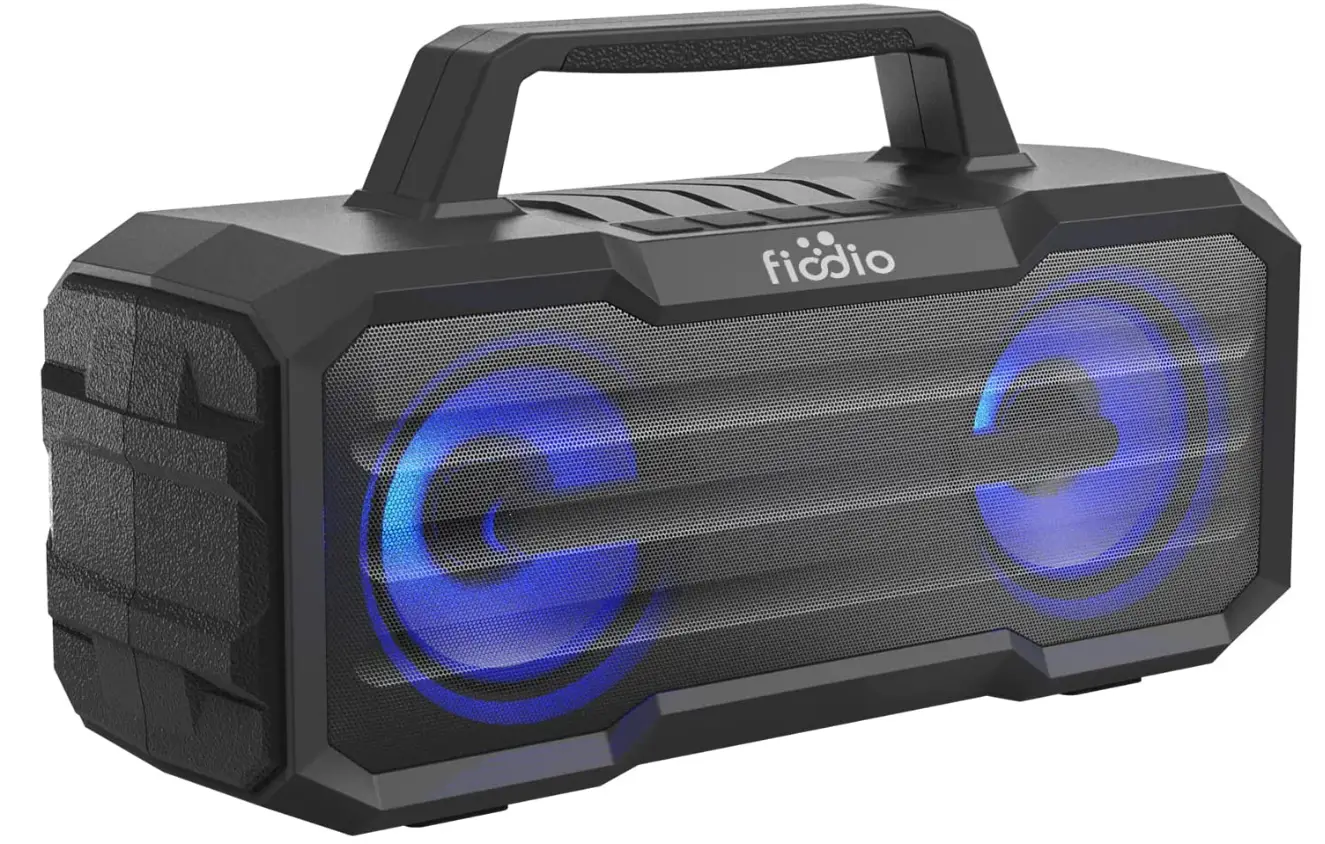
Fiodio IPX6 Waterproof Portable Speakers, Wireless Outdoor Travel Party Speaker
Specifications
- Product Dimensions
11.7 x 4.1 x 6.5 inches - Item Weight
3.52 pounds - Connectivity Technology
USB - Speaker Type
Outdoor - Recommended
Outdoor,Camping,Beach - Output Power
5W*2 (RMS) - Driver Size
3 inches 40 1 0W*2 - S/N Ratio
70dB - Water Resistant Level
IPXS - Brand
Fiodio
Introduction
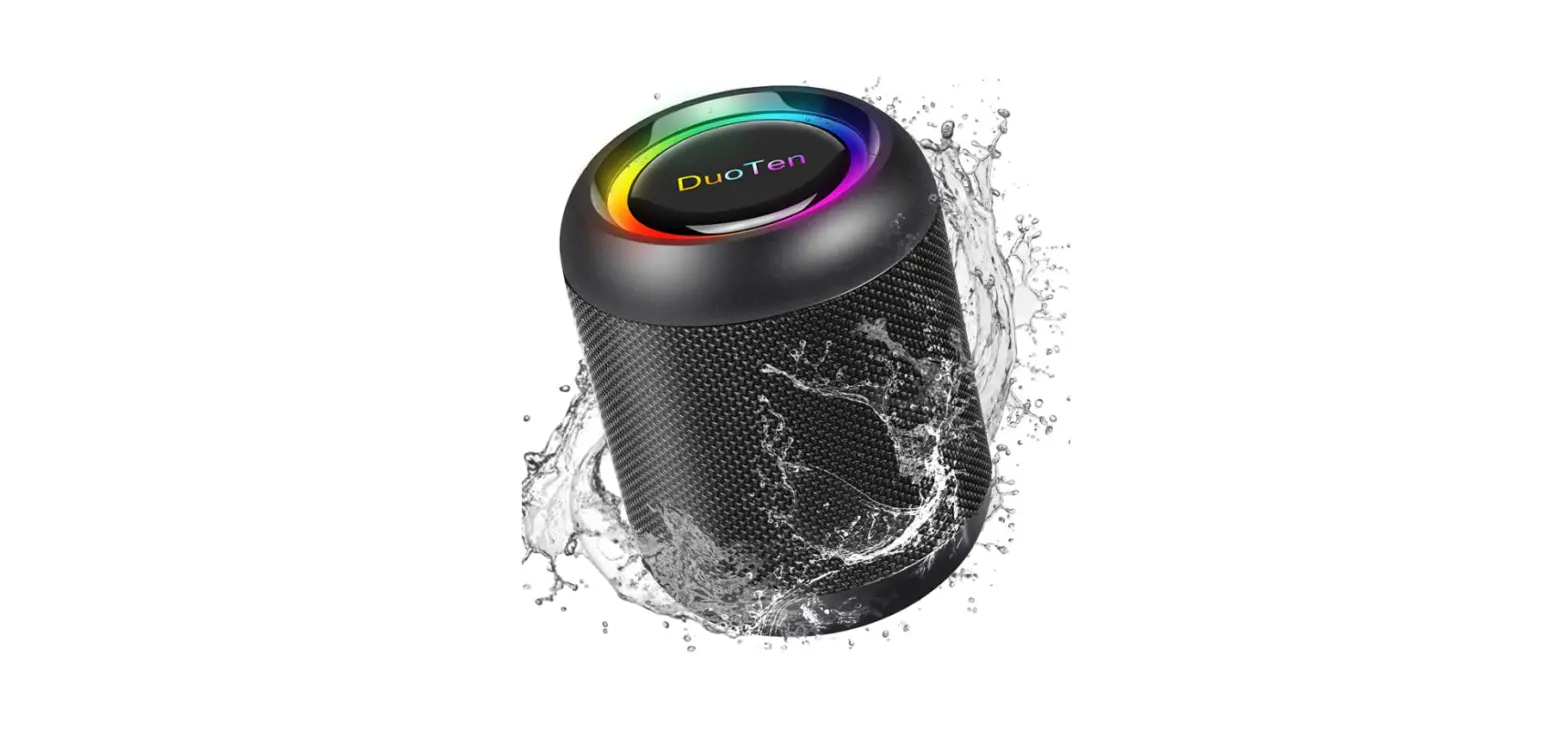
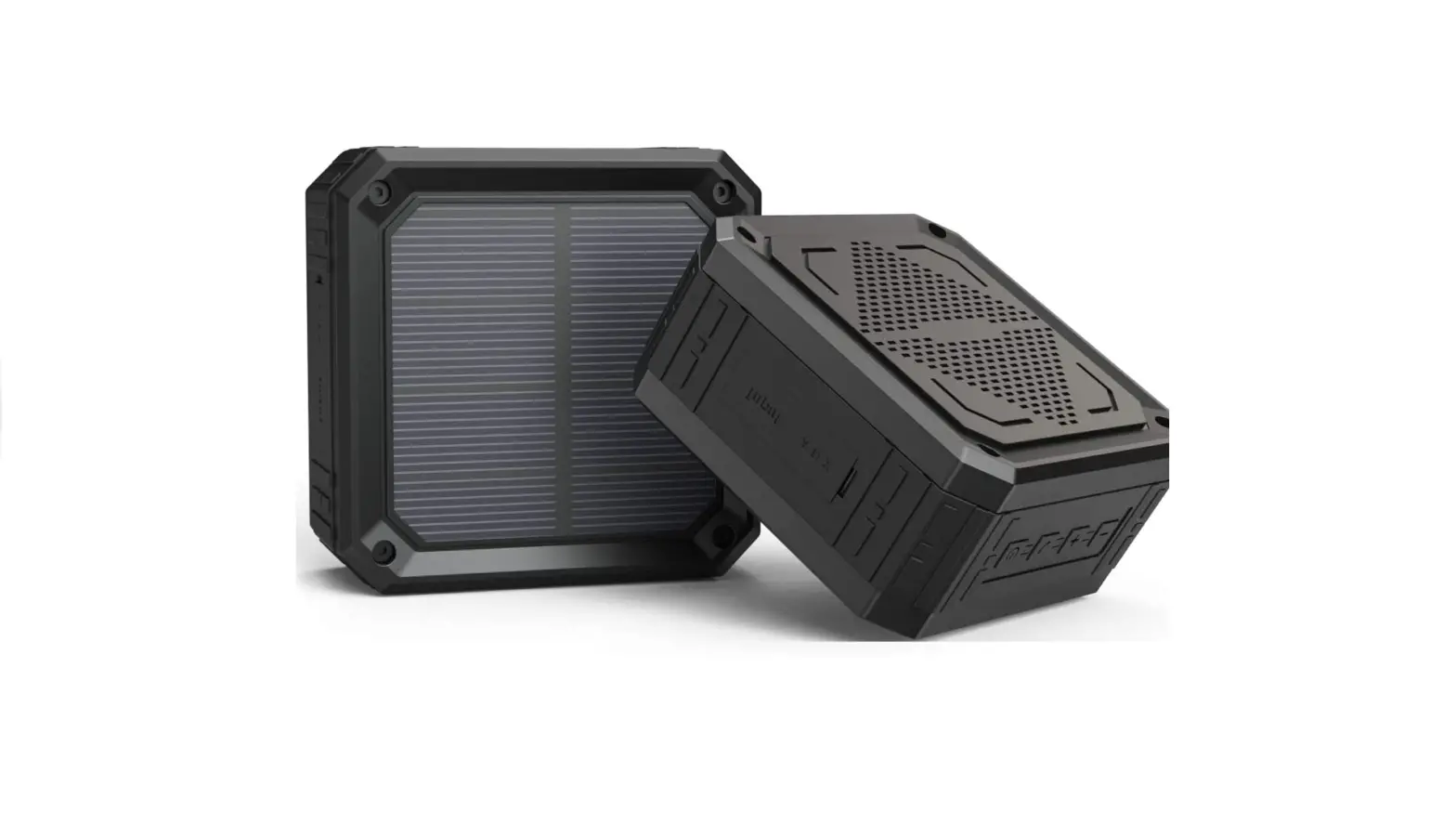
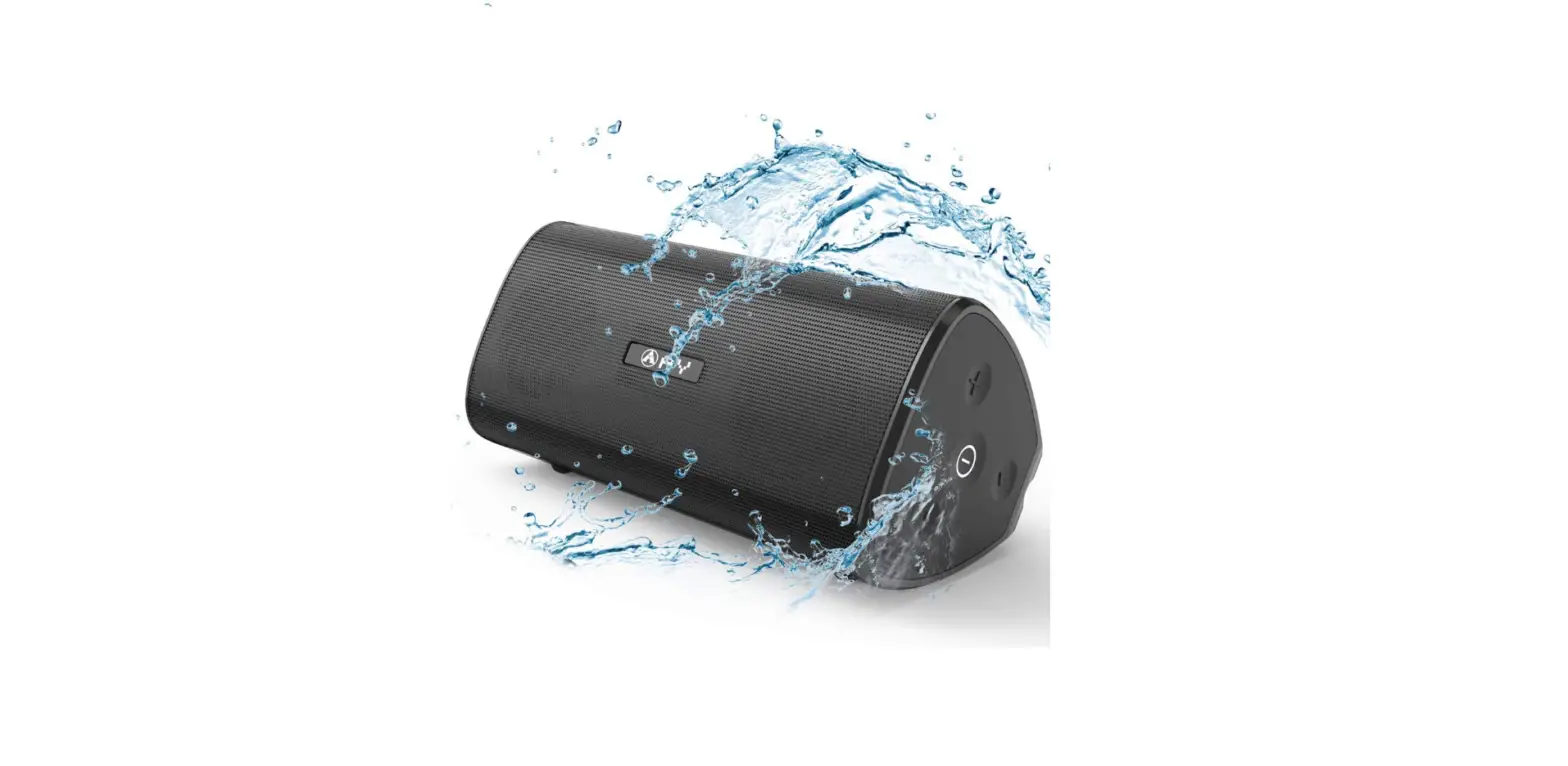
The speaker is waterproof and has an IPX6 rating. In bad weather or at the pool, don’t be scared to listen to music. With a big in-built 4000mAh rechargeable battery, you may listen to music for up to 7 hours. Sound in All Directions: Intense 360° beautiful sound in all directions. Designed to Withstand Any Harm: Not only is your loud portable speaker durable and shockproof, but it’s also waterproof, dustproof, and sandproof. Take it on your next camping trip or beach get-together. The FIODIO speaker offers exceptional sound quality, and it may enhance your quality of life with powerful stereo and precise bass, whether you’re at home or on a business trip.
What’s In the Box?
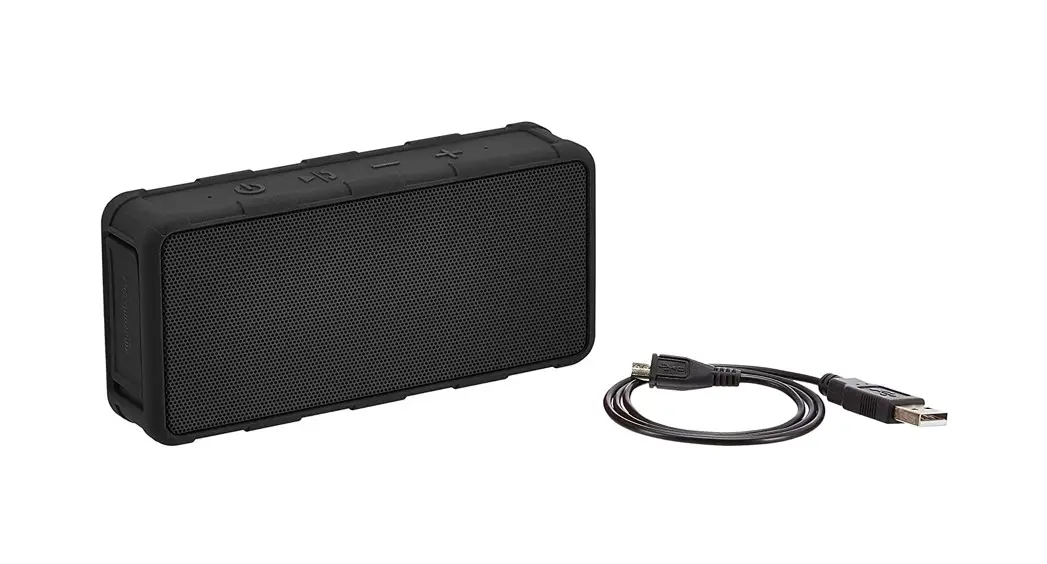
- Wireless Speaker x 1
- Instruction Manual x 1
- USB Charging Cable x 1
Waterproof to IPX5
You can take the FIODIO waterproof speaker with you everywhere you go. You never have to be concerned about it being harmed by water. It’s a terrific birthday or holiday gift because of its portable and sporty appearance.
Charging the Speaker
Before using the speaker for the first time, charge it for at least two hours.
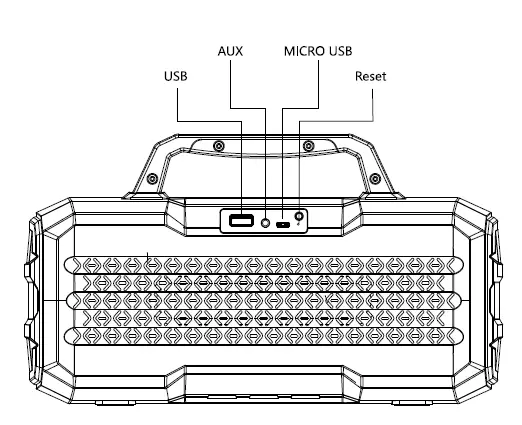
- Plug the USB cable into the port on the speaker, plug the other end into the USB port on a computer/ AC USB power adaptor.
- Red LED will turn on to indicate that the unit is charging.
- Red LED will turn off when fully charged.
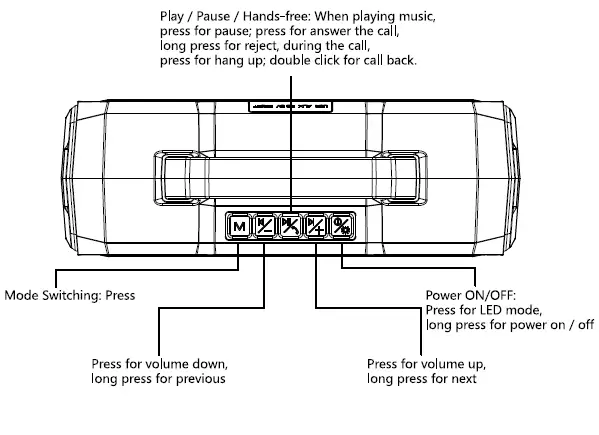
Power ON/OFF
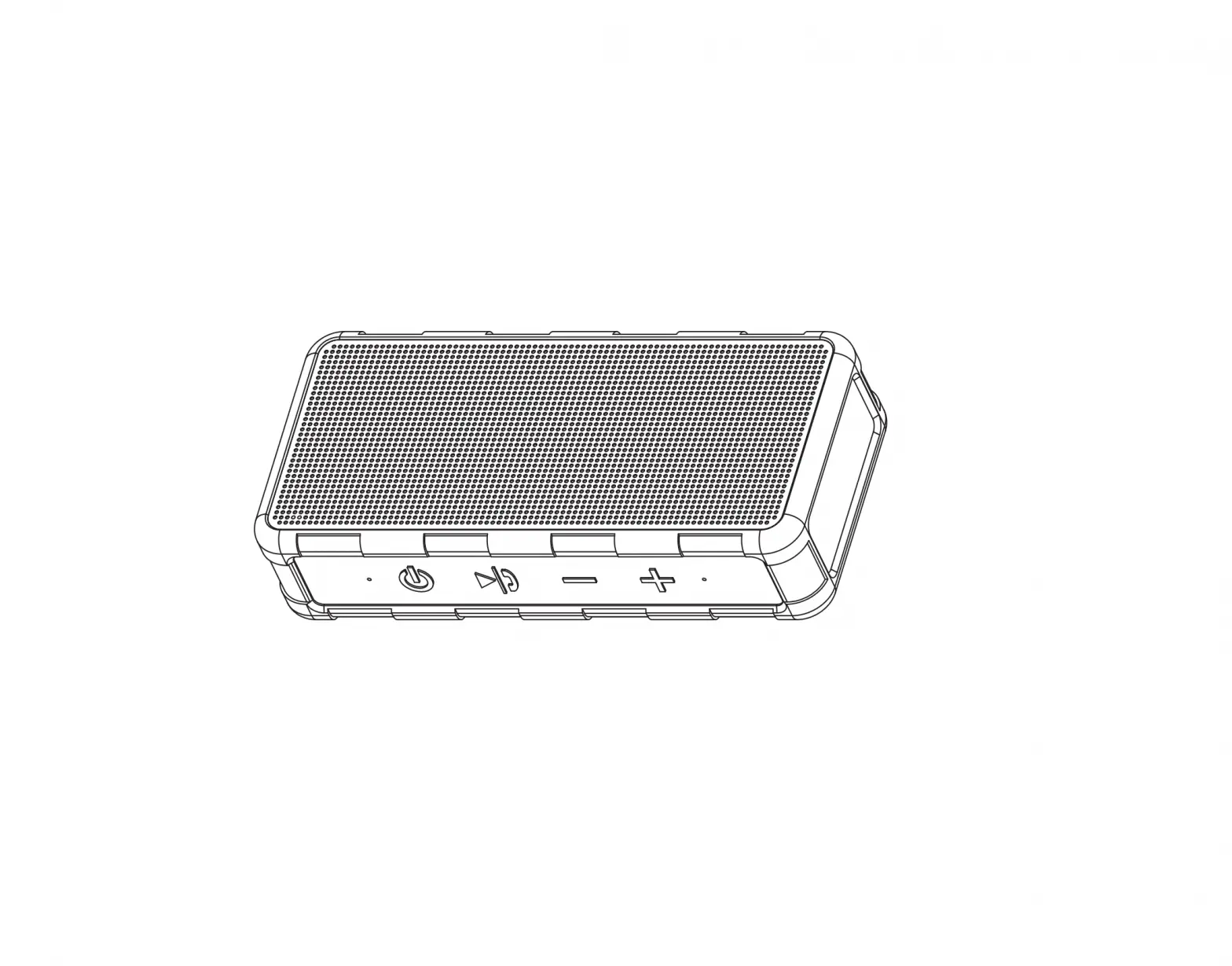
- Long press to turn on the bluetooth speaker, and the machine prompts’ POWER ON”
- The prompt sounds and enters the Bluetooth mode
- Long press again to turn off the bluetooth speaker. The machine prompts ‘POWER OFF”
Pairing the Speaker
- Place the speaker near the Bluetooth enabled device.
- Long press the Power button to start the Bluetooth speaker, speaker prompt sounds, the speaker is now in pairing mode.
- Follow the instructions of your device to search for the speaker.
- The speaker is called “FIODIO F-510” , enter the PIN ‘0000’ if needed.
- When the connection is successful, there will be a voice prompt.
- Once the speaker is on, it will trying to paid with the last connected device, if connection fails speaker enters pairing mode. To re-enter Bluetooth pairing mode if already connected to a device, press and hold the play/pause button for three seconds.
Bluetooth operating instructions
- After the Bluetooth connection is successful, press to play music, press again to pause music.
- Press the to decrease volume, and long press for previous song.
- Press the ” ¾” to increase volume, and long press for next song.
AUX operating instructions
- Power ON, insert the 3.5mm audio cable into the AUX port, and automatically switch to AUX. You can also press the ” M” to switch to AUX mode to play music, and voice prompt AUX status.
- Press the to decrease volume.
- Press the Forward button to increase volume.
- Press the to play/ pause music.
USB operating instructions
- Turn on the speaker, insert the USB flash drive into the USB port, and automatically switch to USB. You can also press the “M” to switch to USB mode to play music, and voice prompt USB status
- Press the to decrease volume, and long press for previous song.
- Press the to increase volume, and long press for next song.
- Press the to play/ pause music.
Frequently Asked Questions
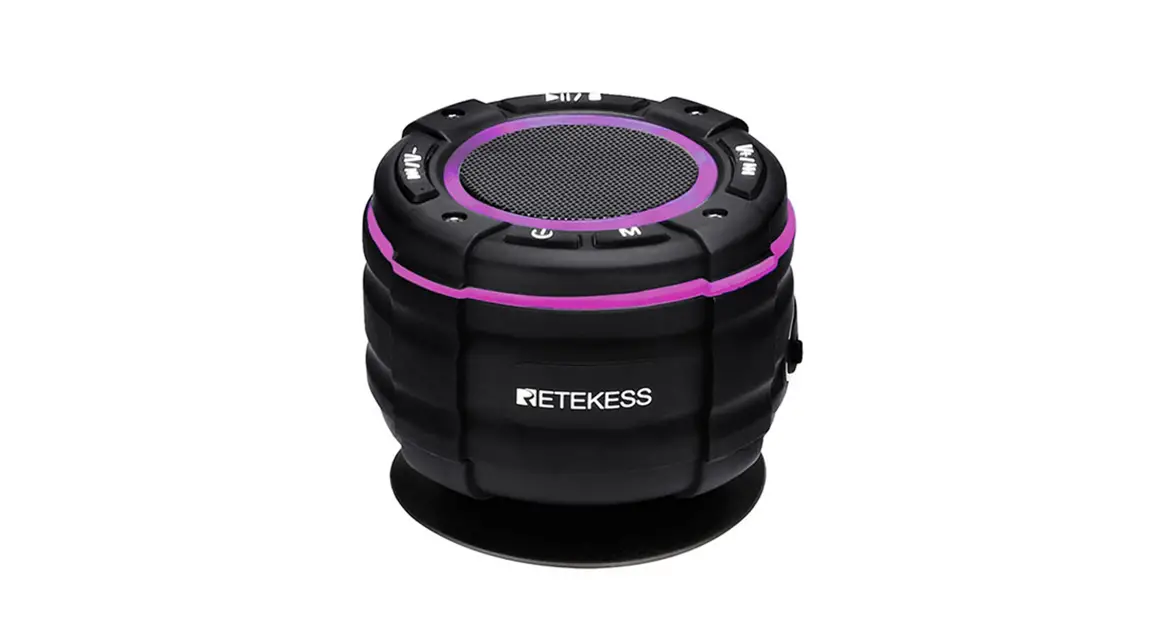
- Can you set it to show only one color?
Yes. There are 3 single color options for you, blue, green and red. Just push the on/off button to switch the color mode. - Is this Bluetooth?
Yes - What is the wattage?
Have no idea, it does its job well. For the price don’t expect a lot of tone, bass, etc. - You don’t disclose the wattage or battery size anywhere so I’m going to assume it’s a piece of junk if you won’t disclose the specs
I can use it all day just on the battery for the price point it works well for me. - Can you turn off flashing lights?
Yes - How long does it need to charge?
Sorry I don’t know, we return it, poor bass quality. - Can you pair 2 speakers to same device ?
If you’re talking about pairing to your phone then maybe… I never tried. - How far of a wireless range does this speaker have?
Pretty far I am able to leave my phone inside while I listen in the garage. - Can the bluetooth speaker play music stored on a SD card on it?
No, it cannot. - Does it have fm radio?
Buy itself no but since its blutooth your phone can hook up to it and play the radio off it or whatever else youd like. - I am looking for speakers to use for an outdoor wedding would this have enough volume, if even using 2 separate speakers?
The W-King Speakers can be paired together and are super loud and have good bass & sound quality. I just love mine after wasting $$ on 3 others that just didn’t didn’t sound good & weren’t loud enough. - Can you plug in to TV to hear shows better?
If you have an auxiliary cord then yes. - Will it auto shut off when not in use or do I have to manually turn it off?
It ll shut down about 30 mins not in use. - Does this device have a tf/sd card slot so that music on these cards can be played?
No it only has a USB slot and an auxillary input. - How do you turn on the lights?
Just press the power button again, it is also the light button. - Do the lights sync with the music?
It dosen’t sync with the music, but still enhances the party atmosphere very much - Does it sync up to an android phone…like a samsung galaxy 7. 8 or 10?
Yes it does. A word of caution: it stopped working after 4 months. - Why does it only charge to 70% and then stop charging?
How can you tell it’s only 70%. There is no meter other than what the Bluetooth says it will last me all day as long as I turn off the lights. - Can you play music without the lights?
Yes….just hit the power button a few time and it cycles through the lights, then goes dark. I like dark for at work.