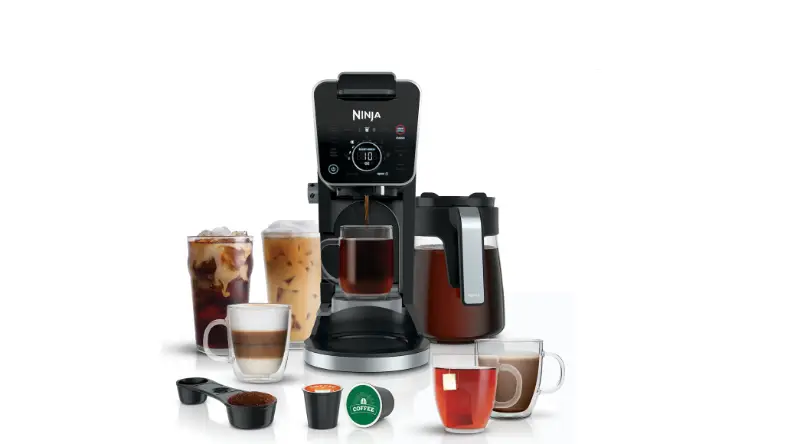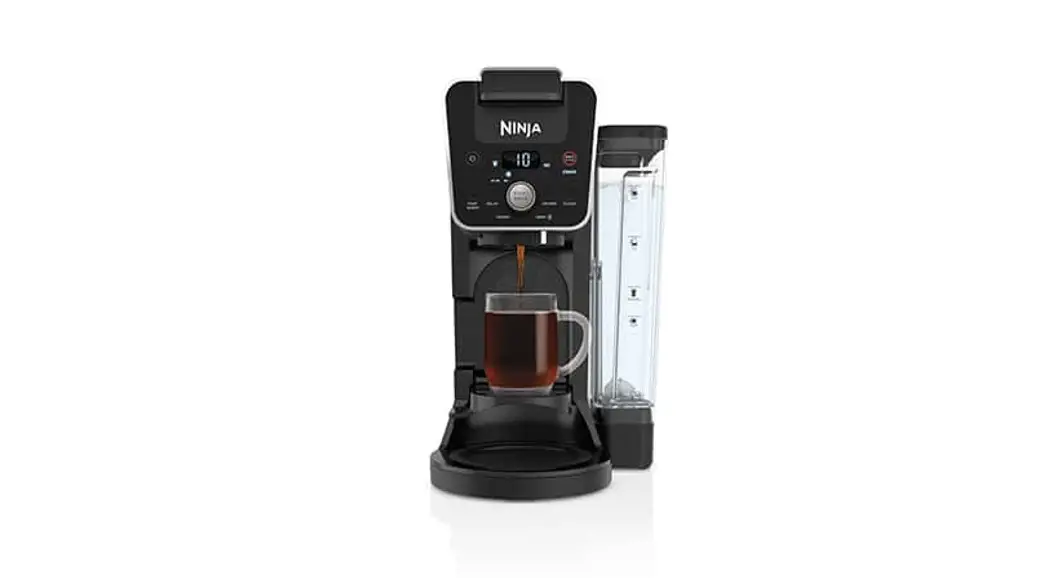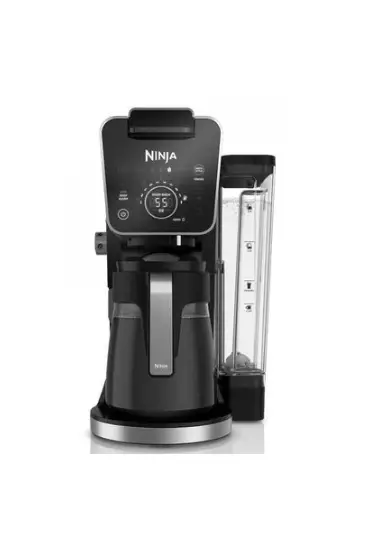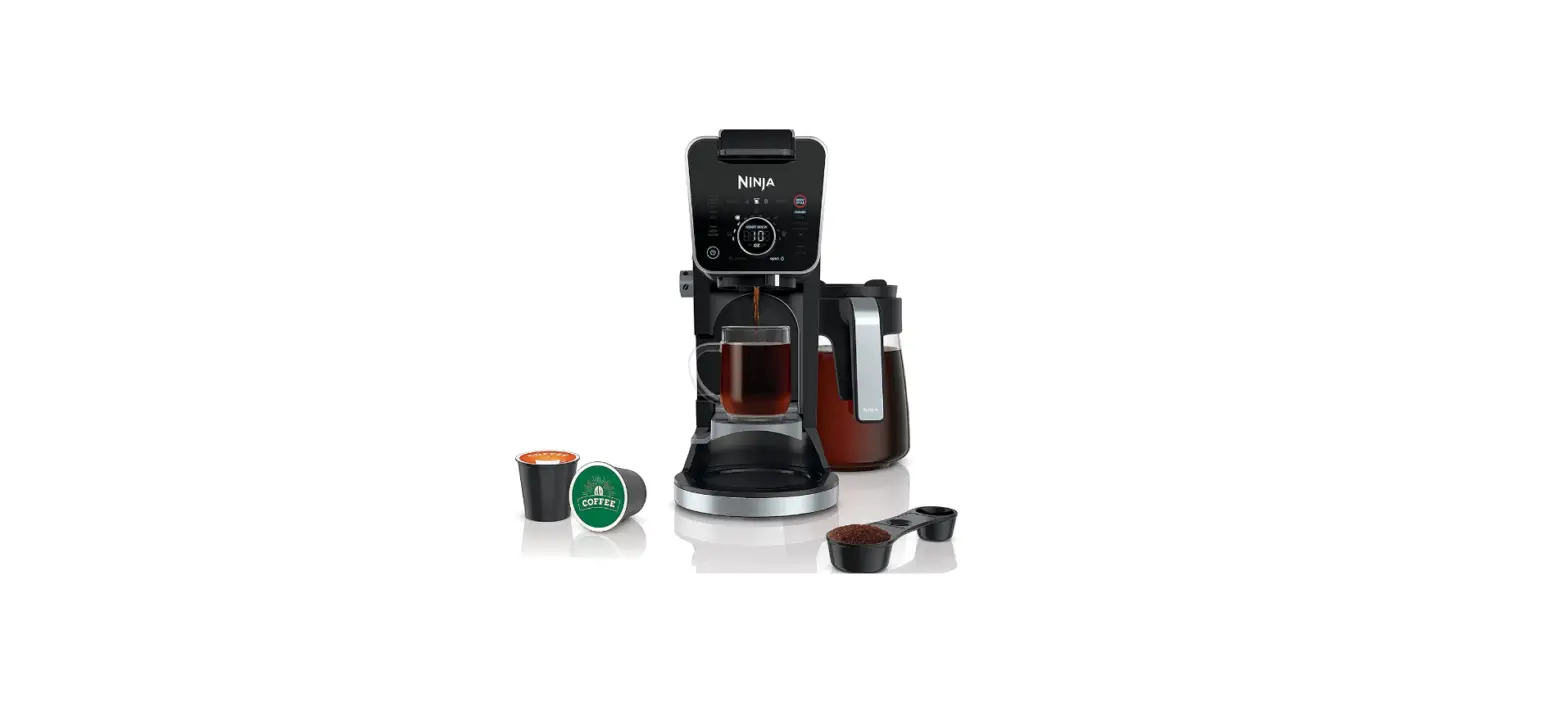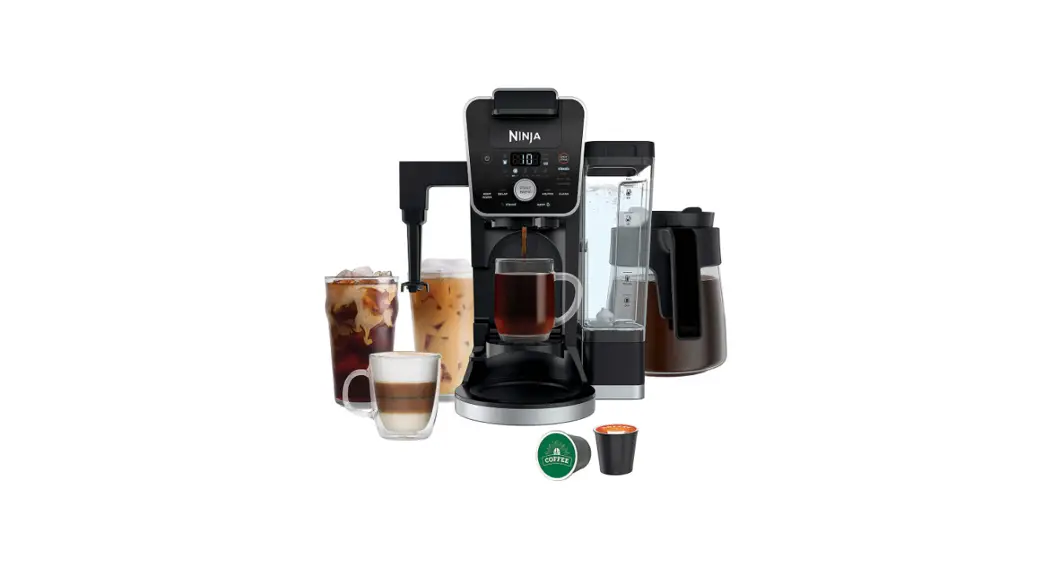
 DualBrew
GROUNDS & PODS
SPECIALTY COFFEE SYSTEM
QUICK START GUIDE
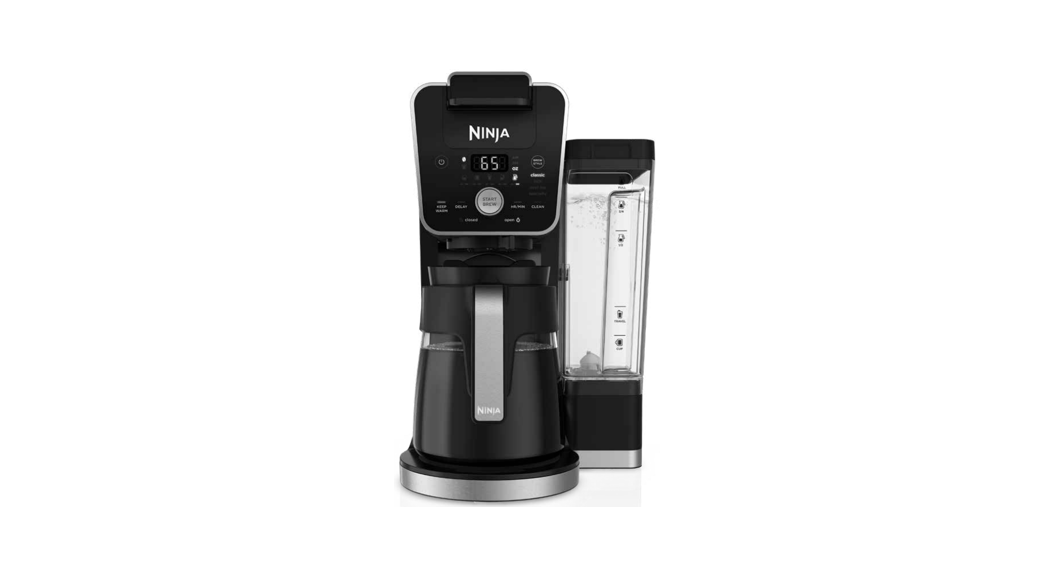
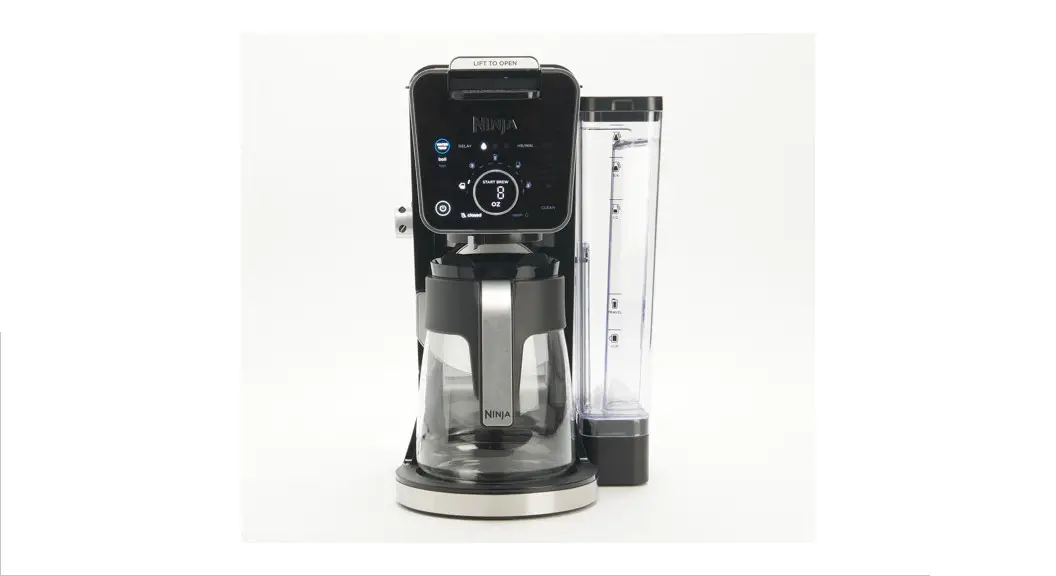
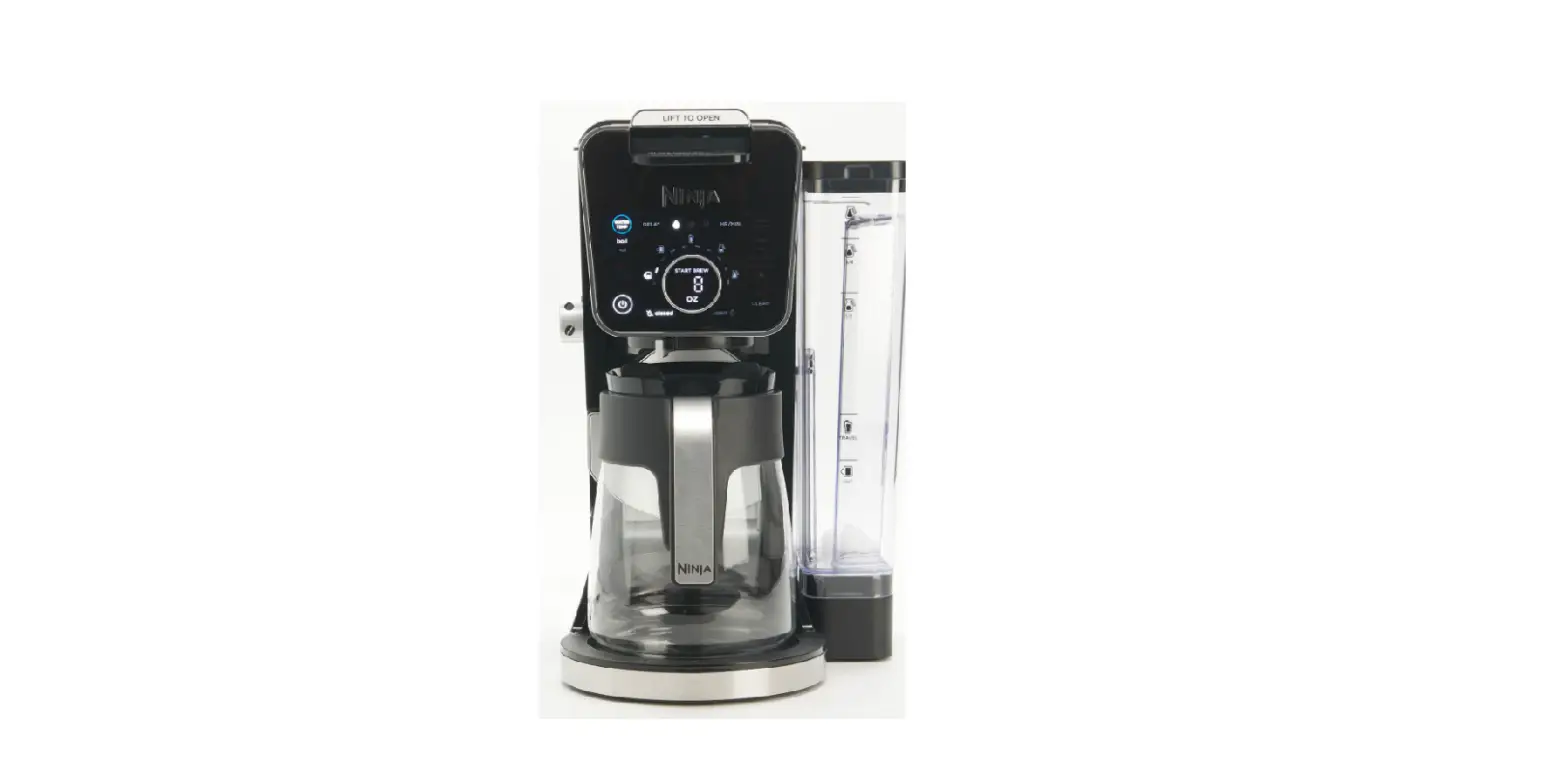
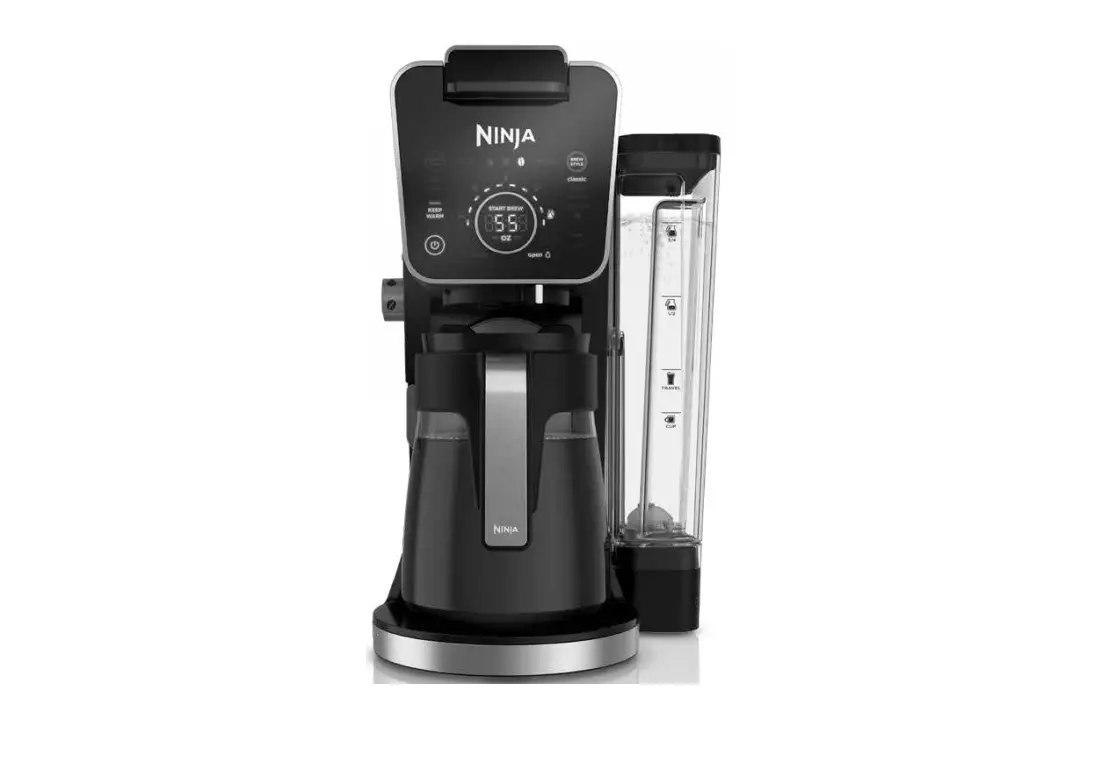
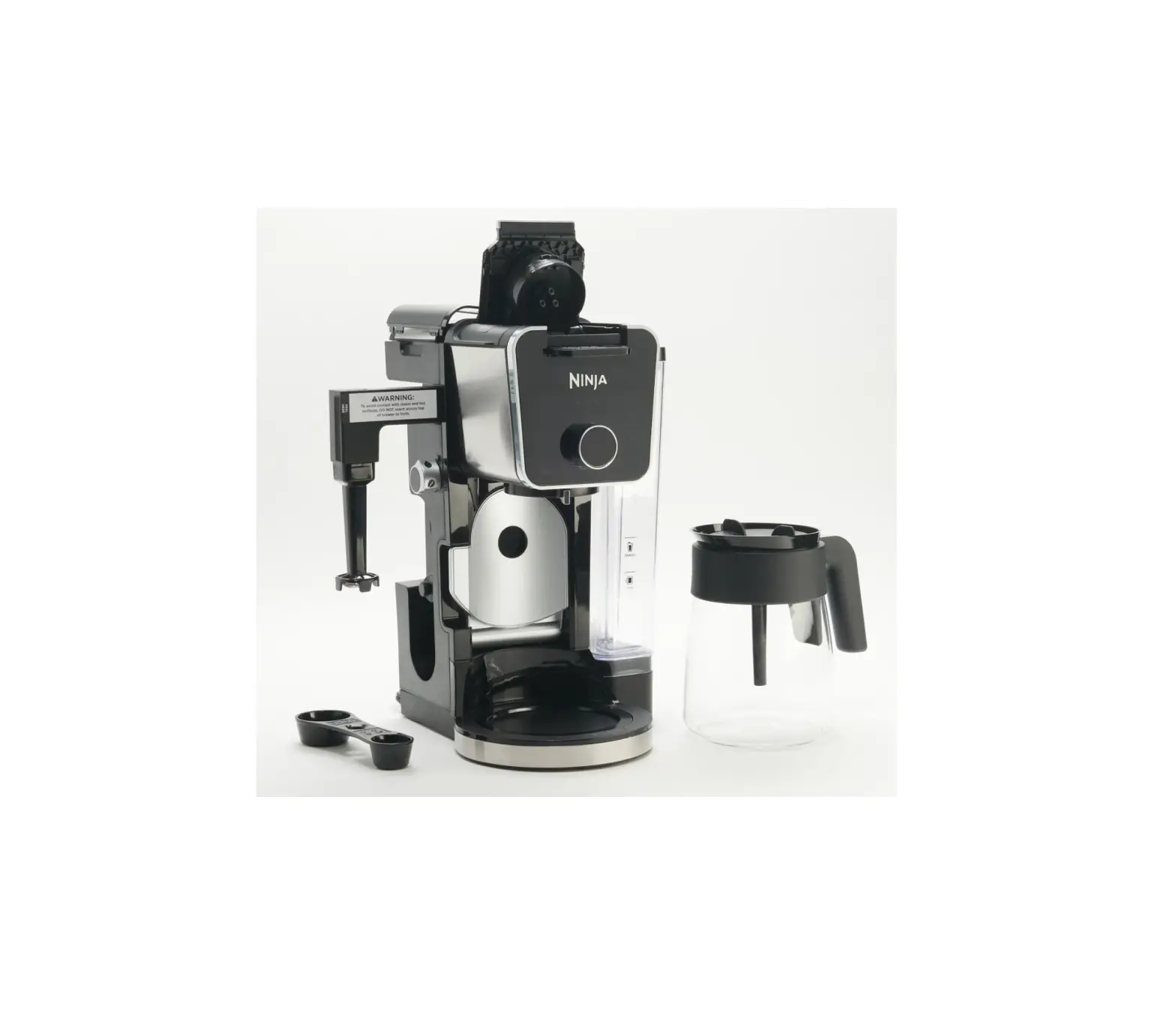
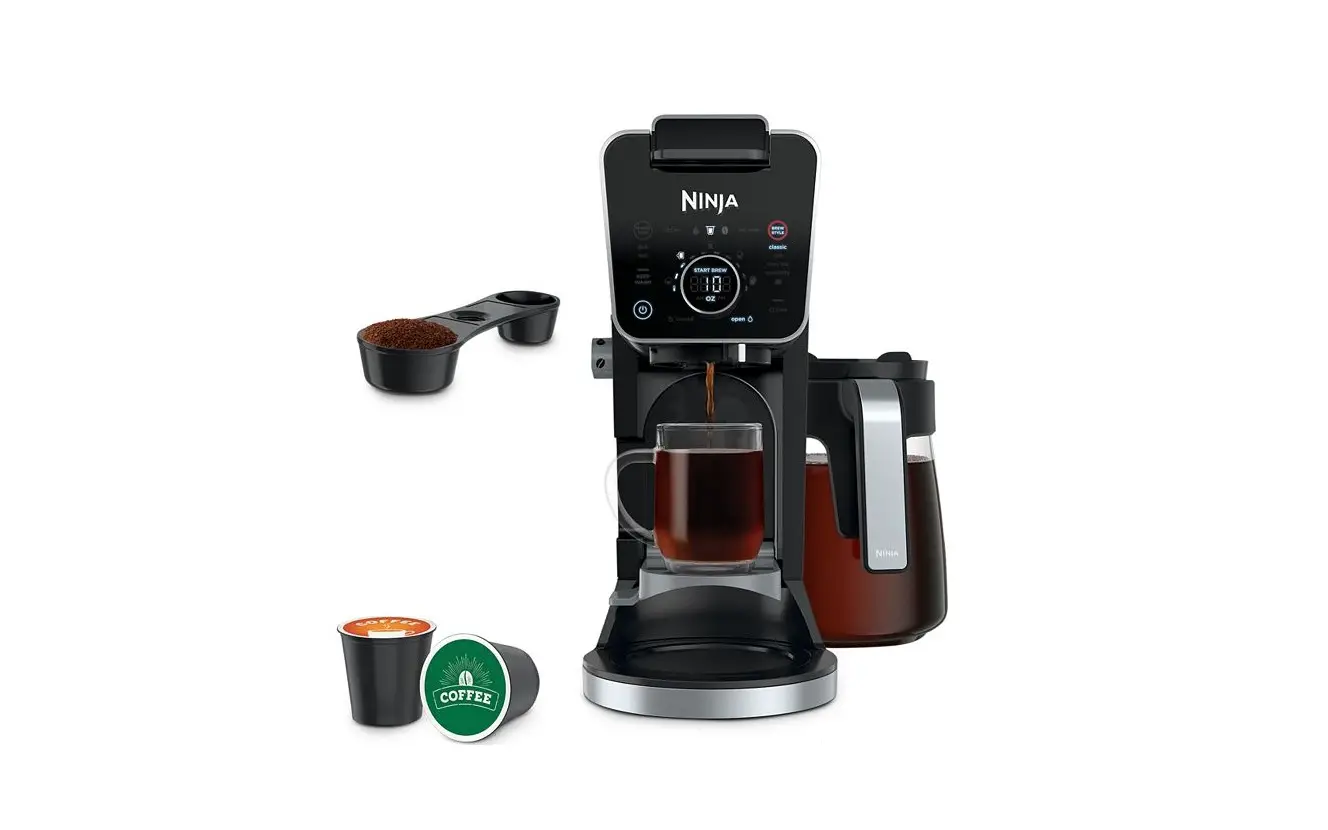
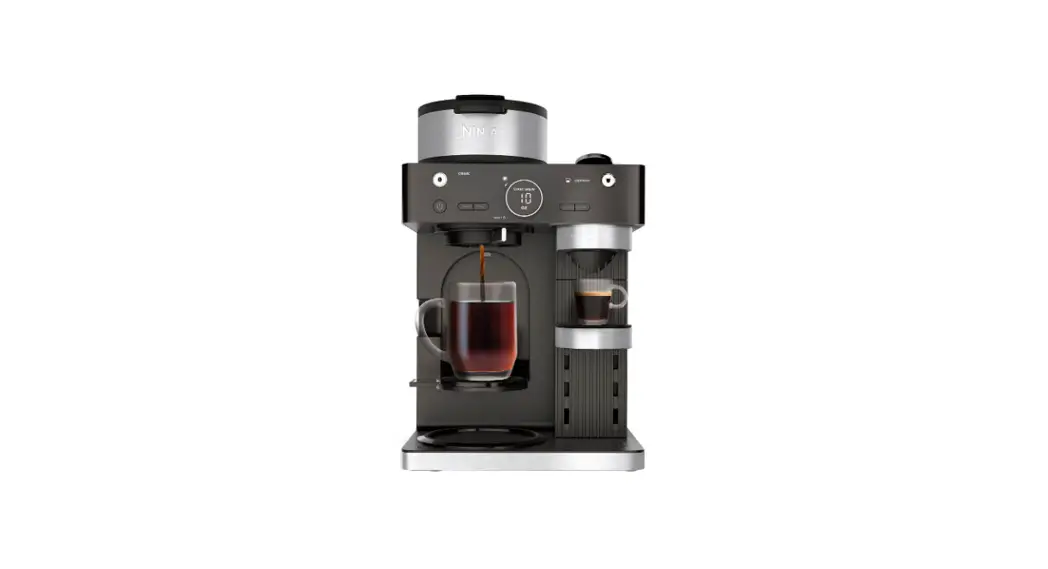
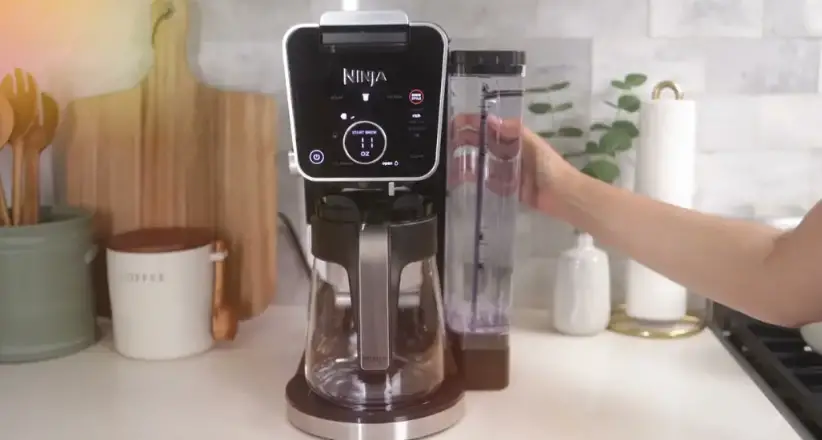
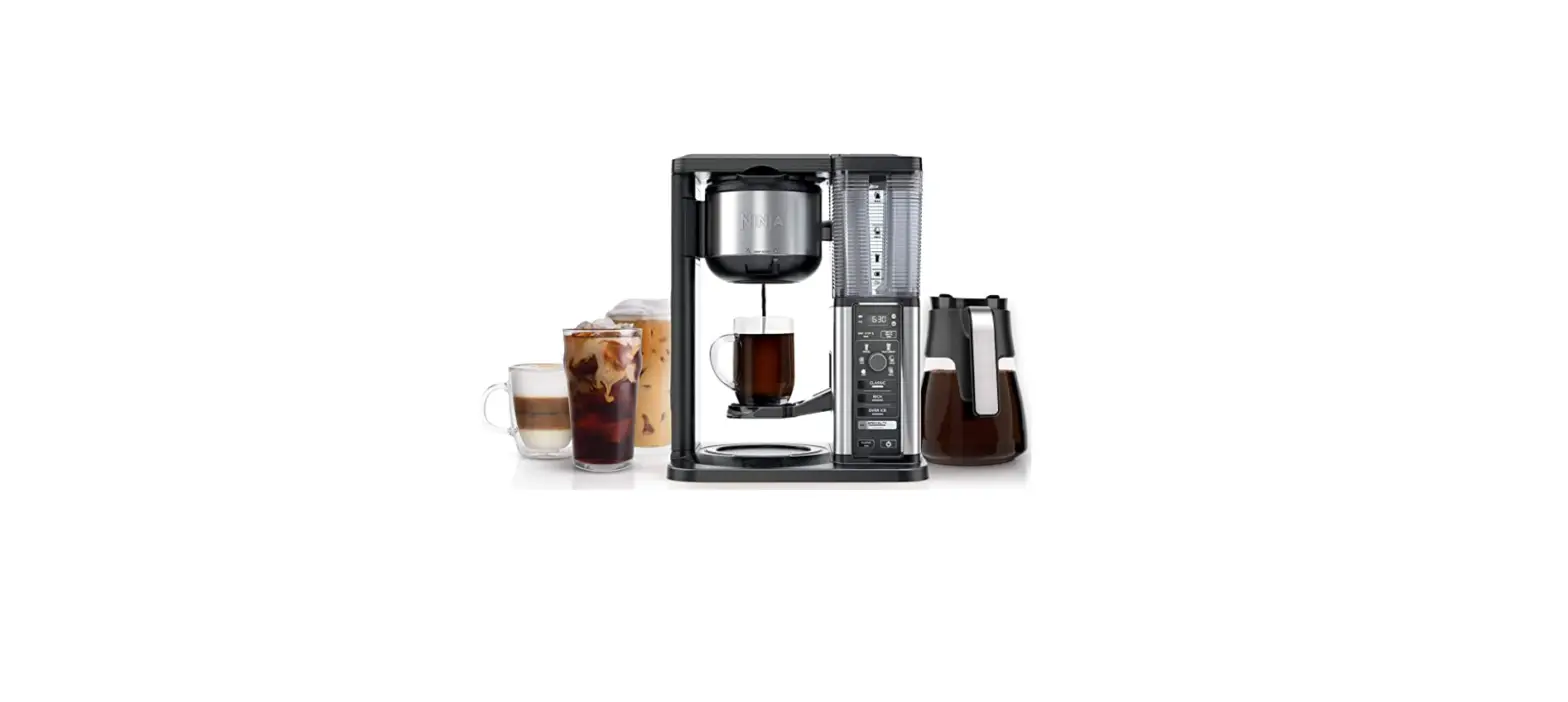
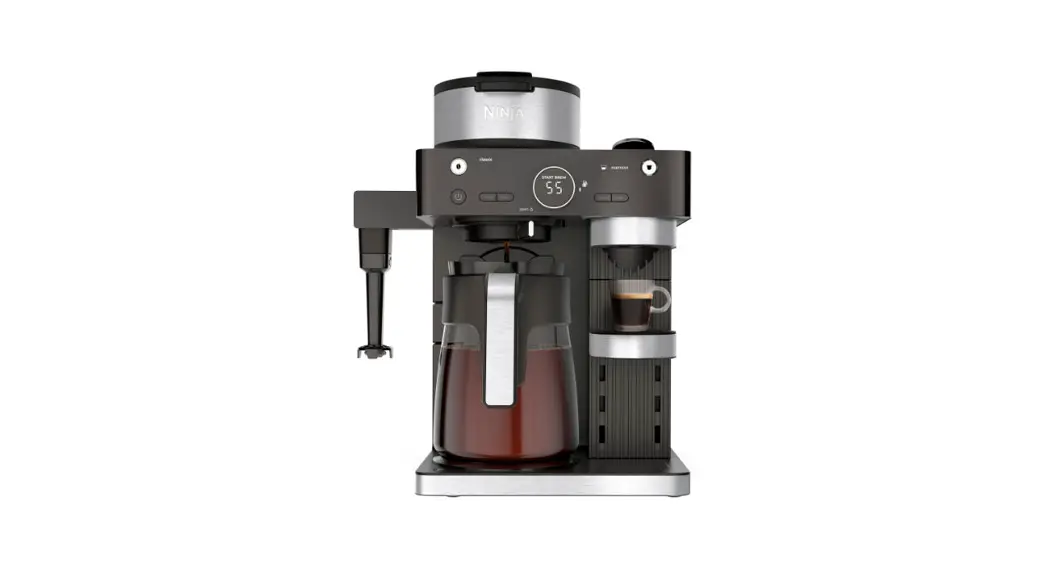
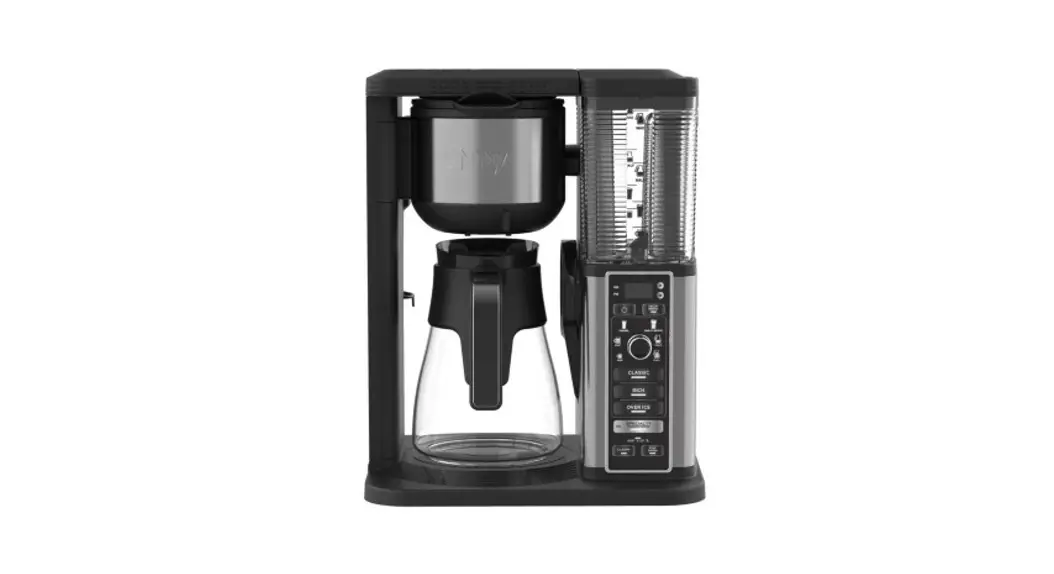
NINJA CFP451CCO DualBrew Coffee Maker
BEFORE YOUR FIRST BREW
To prime your brewer:
- Plug it into an outlet and turn it on.
- Fill the water reservoir to the Full line with fresh water and place it on the base.
- Remove the Ninja Pod Adapter and slide the Sliding Lid into the closed position (refer to steps on page 3).
- Place the empty carafe under the brew basket and run a Full Carafe, Classic brew.
Once the brew is complete, discard the water and you’re ready to go.
If you live in a high-altitude area be sure to run a calibration brew. Refer to the Owner’s Guide for complete instructions. If you live in a high-altitude area, running a calibration brew is required. Not running a high-altitude calibration brew in a high-altitude area will result in excessive steaming during brewing. Refer to page 7 of the Owner’s Guide for instructions on running a high-altitude calibration brew.
HERE’S WHAT’S IN THE BOX
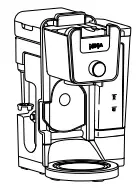
NINJA DUALBREW
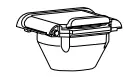
NINJA POD ADAPTER
Comes fully installed in the brewer. Always ensure to insert it over the brew basket when brewing pods.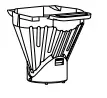 BREW BASKET
Comes fully installed in the brewer. It must always be inserted when brewing pods or grounds.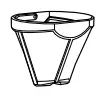
PERMANENT FILTER
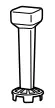
FROTHER WHISK
Included in the box. Must be assembled on the brewer.
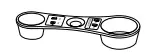
NINJA SMART SCOOP™
Use this to measure coffee grounds.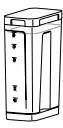
2.1 L (70 OZ.)
REMOVABLE WATER RESERVOIR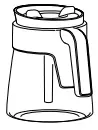
14 CUP GLASS CARAFE
FILLING THE WATER RESERVOIR
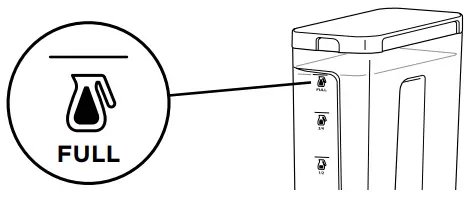
FILL TO THE FULL LINE
Fill up to, but do not exceed, the Full line.
LOCKING AND REMOVING THE NINJA POD ADAPTER
The Ninja DualBrew Specialty Coffee System comes with a unique Ninja Pod Adapter already installed on the brewer. Always ensure the adapter is installed over the brew basket. 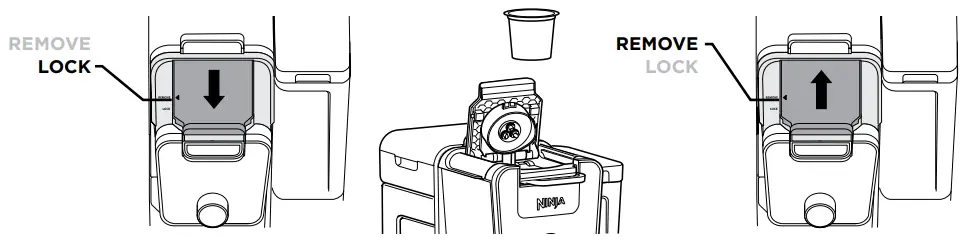
- Once the adapter is installed in the brewer, make sure the position indicator on the left side of the adapter is aligned with LOCK by pulling the handle toward you. Then, lift to open the handle, insert a pod, firmly push down on the handle to pierce the pod, and begin programming your brew.
- To uninstall the adapter, remove the used pod and close the handle. Push the handle away from you so the position indicator is in the REMOVE position. Then, using the edges on the left and right, lift the adapter out of the brewer.
NOTE: The Ninja Pod Adapter is compatible only with K-Cup pods. It is not compatible with reusable K-Cup filters. If using ground coffee, use the Grounds mode with a paper or permanent filter (sold separately) to brew a single-serve size.
SLIDING LID
The sliding lid is used only when brewing loose coffee grounds. To use it, first remove the Ninja Pod Adapter.
Then, using the handle on top of the brewer, slide the lid toward you until it firmly clicks into place. 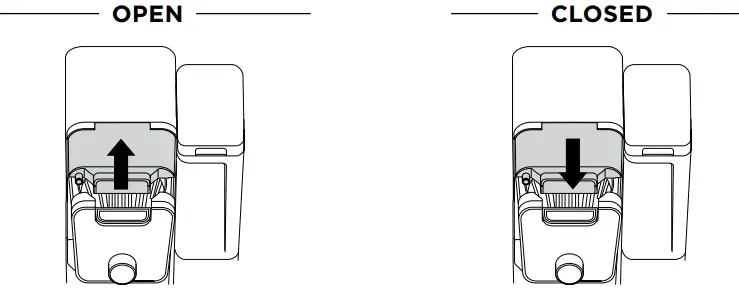
CUP, MUG, OR CARAFE
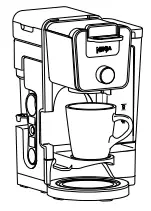 CUP
CUP
Pull down the cup platform to set a mug on it.
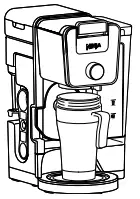
TRAVEL MUG & XL SIZES
Place an XL Cup, Travel Mug, or XL Tumbler on the base of the brewer.
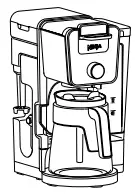 CARAFE
Place the carafe on the Intelligent Warming Plate.
INTELLIGENT WARMING PLATE
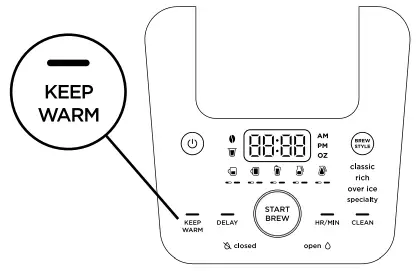
The Intelligent Warming Plate will automatically turn on while brewing a Classic or Rich brew on any Carafe size and remain on for 2 hours. To adjust how long the ntelligent Warming Plate remains on (up to 4 hours), refer to the Owner’s Guide.
When the Intelligent Warming Plate is on, it can be turned off manually by pressing KEEP WARM.
It can be turned on manually by pressing KEEP WARM while a Classic or Rich brew and any Carafe size is selected in Grounds mode.
IMPORTANT: The light on the base of the brewer will illuminate only when the warming plate is hot and will remain illuminated until the plate has cooled down.
NINJA SMART SCOOP™
The Ninja Smart Scoop is used for accurately measuring coffee grounds. The numbers beside the icons show the number of level scoops recommended for each brew size.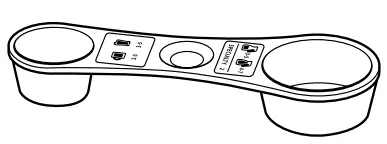
IMPORTANT: Always measure with level scoops of a medium grind size. Use fewer scoops when brewing decaf coffee. DO NOT use a paper filter in conjunction with a permanent filter.
| SERVING SIZE | NINJA SMART SCOOP |
| GROUND COFFEE | |
 | 2–3 small scoops |
 | 3–5 small scoops |
 | 3–5 big scoops |
 | 4–7 big scoops |
 Specialty 118 ml (4 oz.) Specialty 118 ml (4 oz.) | 2 big scoops |
BREW BASKET AND NINJA POD ADAPTER ASSEMBLY
BREW BASKET MUST BE INSERTED WHEN USING GROUNDS OR PODS.

GROUNDS
BREW BASKET
Must always be inserted when brewing pods or grounds.
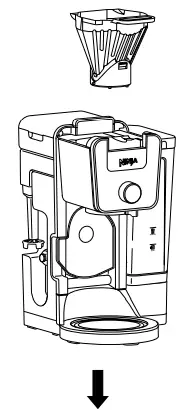
INSERT FILTER
Insert the permanent filter into the brew basket. If using paper filters, fold the #4 paper cone filter along the seams, open the top fully, then insert filter firmly into the brew basket.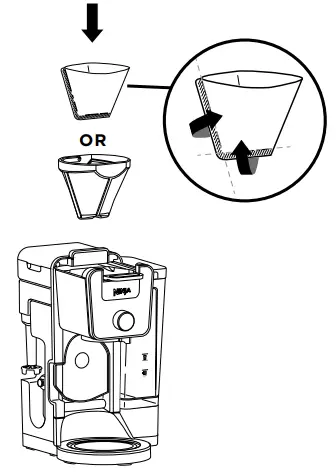

PODS
BREW BASKET
Must always be inserted when brewing pods or grounds. Do not insert a filter.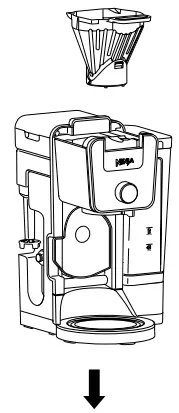
NINJA POD ADAPTER
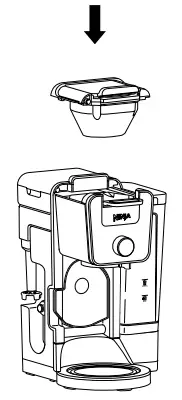
Ensure adapter is in the REMOVE position before installing. Always insert over the brew basket when brewing pods.
- CHOOSE A METHOD

GROUNDS
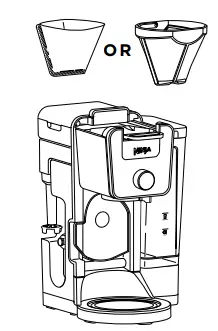
Ensure the brew basket is installed and the Ninja Pod Adapter is removed. Then, insert the permanent filter or a paper filter in the basket (refer to steps on pages 3 and 5). 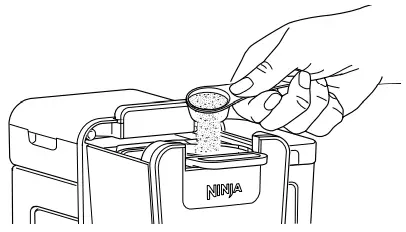
Use the Ninja Smart Scoop™ to add your desired amount of coffee grounds (refer to the Smart Scoop section on page 4).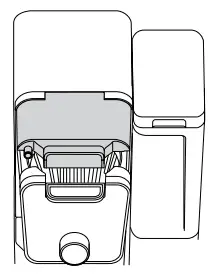 Slide the sliding lid forward, ensuring it is completely closed.
PODS
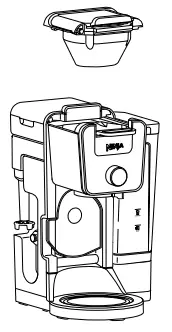 Ensure the brew basket and Ninja Pod Adapter are installed in the brewer (refer to steps on pages 3 and 5).
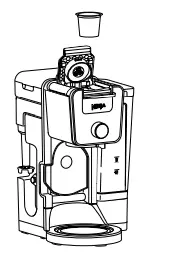 Lift adapter handle to reveal pod holder and insert a pod.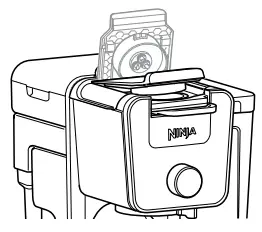
Firmly push down on the handle to pierce the pod. Some noise and resistance is normal.
CHOOSE A SIZE
GROUNDS
*Approximate brew volumes based on Classic brew. Rich brew will produce slightly less output. Refer to the Approximate Brew Volumes chart in the Owner’s Guide for more information.
 | 237 ml (8 oz.) |
 | 296 ml (10 oz.) |
 | 355 ml (12 oz.) |
 | 444 ml (15 oz.) |
| 532 ml (18 oz.) |
 | 828 ml (28 oz.) |
 | 1.2 L (40 oz.) |
 | 1.5 L (52 oz.) |
 | 1.9 L (65 oz.) |
PODS
Pods cannot brew in carafe sizes. *Approximate brewvolumes based on Classic brew. Rich brew will produce slightly less output. Refer to the ApproximatBrew Volumes hain the Owner’s Guide for more information.
| 177 ml (6 oz.) |
| 237 ml (8 oz.) |
| 296 ml (10 oz.) |
| 355 ml (12 oz.) |
NOTE: Make sure to use a vessel that is big enough for the brew size you select.
CHOOSE A BREW
Smooth, well- balanced flavor. Specially designed to brew hot over ice for freshly brewed iced coffee that is not watered down.
Always fill your vessel to the top with ice cubes before brewing Over Ice.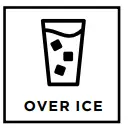 Richer than classic, with more intense flavor that stands up to milk, cream, or flavoring.
 A super-rich concentrate that allows you to make coffee-based drinks like cappuccinos and lattes.
Will only brew 118 ml (4 oz). 
NOTE: DO NOT use any glassware except the provided Ninja carafe, which is made of specialized glass that is safe to use.
BREW
 Press the START BREW button to start brewing. There will be an illuminating progress bar on the display to track the status of your brew.
THE BREW MAY PAUSE ONCE OR MULTIPLE TIMES DURING THE BREW CYCLE.
THAT’S OK. Pausing allows the coffee grounds to fully extract and unlock the full flavor of the brew style.
NOTE: Ensure the drip stop is open before starting your brew.
DRIP STOP
The drip stop is used to close off the brew basket to prevent any coffee from dispensing. You will need to manually open and close the drip stop by moving the handle to your desired position. The drip stop can be closed and reopened at any point before, during, or after a brew.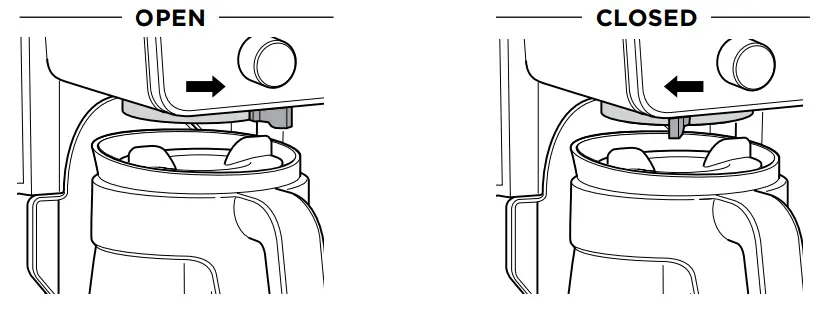
CAN’T WAIT FOR THAT FIRST CUP?
Close the drip stop to pause the brew cycle, and pour yourself a cup. Then, reopen the drip stop to continue the brew.
STOP THE DRIPS AFTER A BREW
At the end of a brew, close the drip stop to prevent coffee dripping from the brew basket and Ninja® Pod Adapter.
FROTHING
THE INTEGRATED FROTHER DOES NOT HEAT MILK.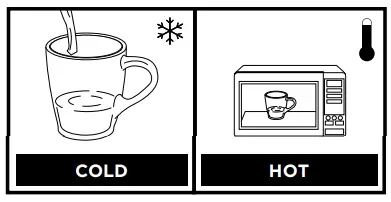
- Add milk to your cup until it is about1 ⁄3 full.
 For cold froth, continue to Step 2.
 For hot froth, microwave for 45–60 seconds.
- Swing the arm of the frother toward the front of the brewer. Install the frother whisk by twisting it to the right.

- Hold the cup under the frother and submerge the whisk just below the surface of the milk. Press and hold the button on top of the frother and froth for 30–45 seconds.
- Remove the frother whisk by twisting it to the left. Keep your cup below the whisk while you carry it to your sink or dishwasher for easy cleaning.
 For cold froth, continue to Step 2.
 For hot froth, microwave for 45–60 seconds.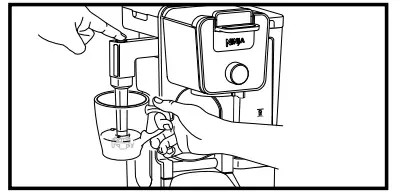
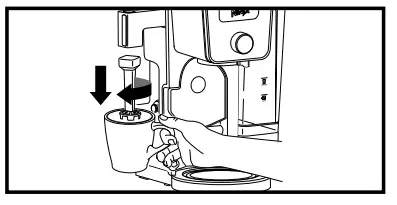
 WARNING: To avoid contact with steam and hot surfaces, DO NOT reach across top of brewer to froth.
GUIDE TO KEEPING COFFEE HOT
The type of cup you brew into can greatly influence the temperature of your coffee when drinking.
| CERAMIC CUP | PAPER CUP | |||
| Cup Temperature | Room temperature | Pre-warmed with hot water | Pre-warmed in microwave with milk | Room temperature |
| Drinking Temperature | Hot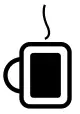 | Hotter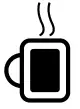 | Hotter | Hottest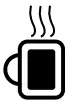 |
| Why is there a difference? | A cold ceramic mug will steal heat from the coffee as it warms itself up. | If the mug is already warm, it will not steal as much heat from the coffee. | Just like your cold mug, cold milk lowers the temperature of your coffee. | Unlike a ceramic mug, a thinner paper cup does not steal substantial heat from the coffee. |
NOTE: DO NOT put the carafe in the microwave.
SCAN HERE  https://qr.ninjakitchen.com/cfp450ccoseries?qr=1
TO ACCESS OWNER’S GUIDE, FAQs, AND MORE.
Notes
DualBrew
GROUNDS & PODS
SPECIALTY COFFEE SYSTEM
For questions or to register your product, contact us at 1-855-520-7816 or visit us online at ninjakitchen.ca
 @ninjakitchencanada
CFP451CCO_QSG_MP_E_MV5
© 2022 SharkNinja Operating LLC
NINJA is a registered trademark of SharkNinja Operating LLC.
NINJA SMART SCOOP is a trademark of SharkNinja Operating LLC.
K-CUP is a registered trademark of Keurig Green Mountain, Inc. Use of the K-CUP trademark does not imply any affiliation
with or endorsement by Keurig Green Mountain, Inc.
This product may be covered by one or more US patents. See sharkninja.com/patents for more information.
 Ninja Kitchen Canada
 sharkninja.com/patents