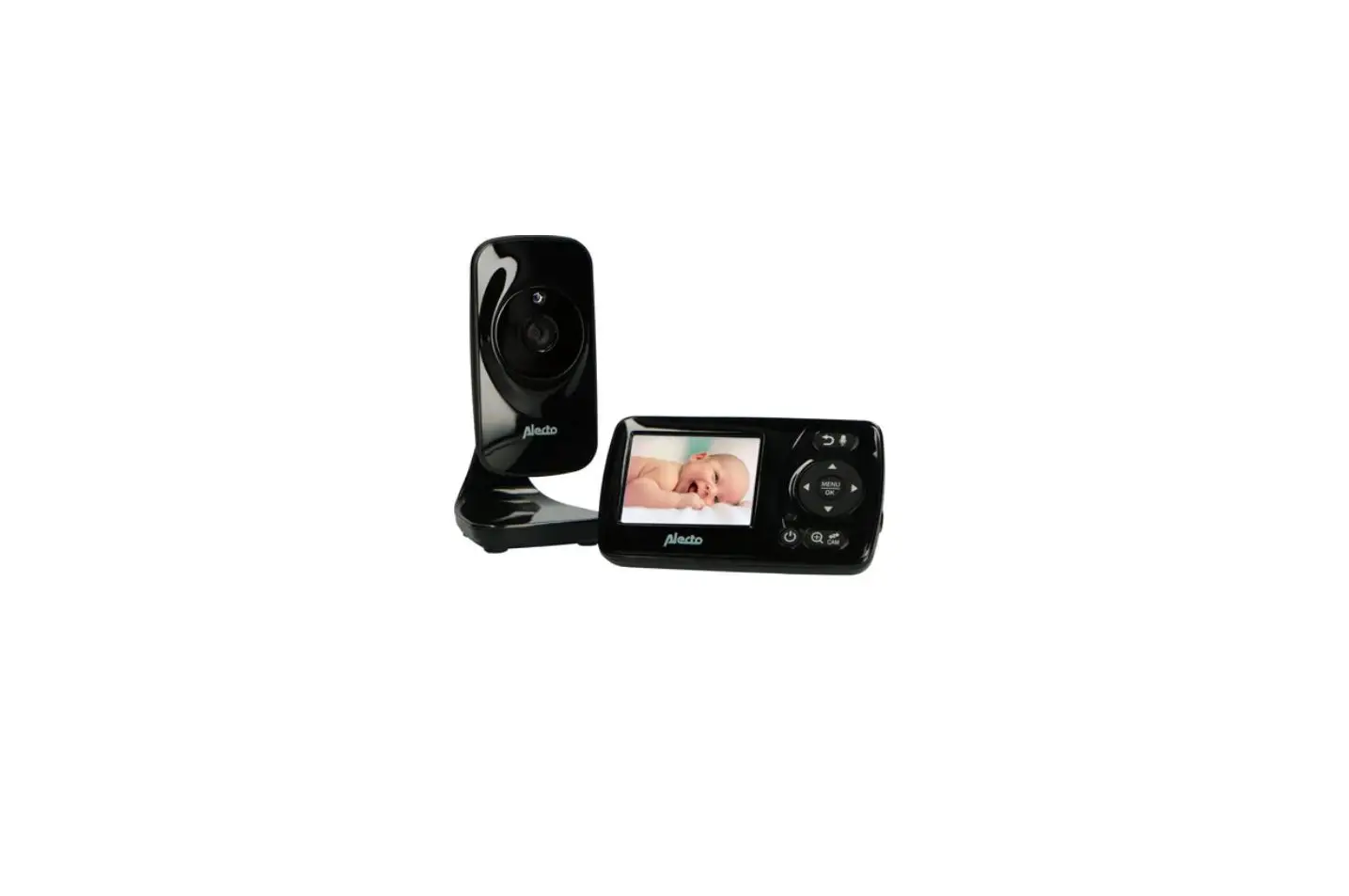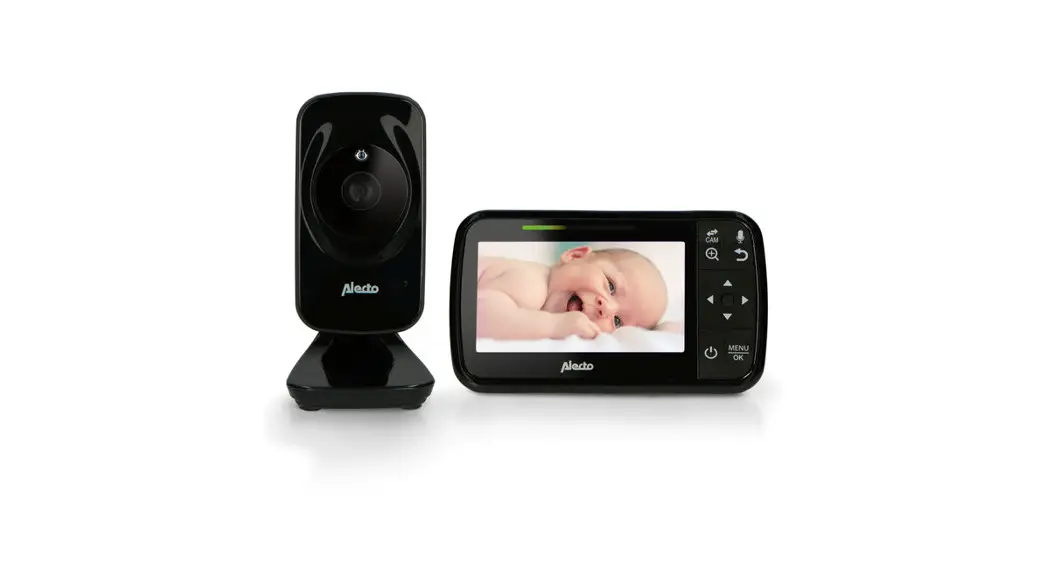

DVM149C
Pairing the baby unit and parent unit
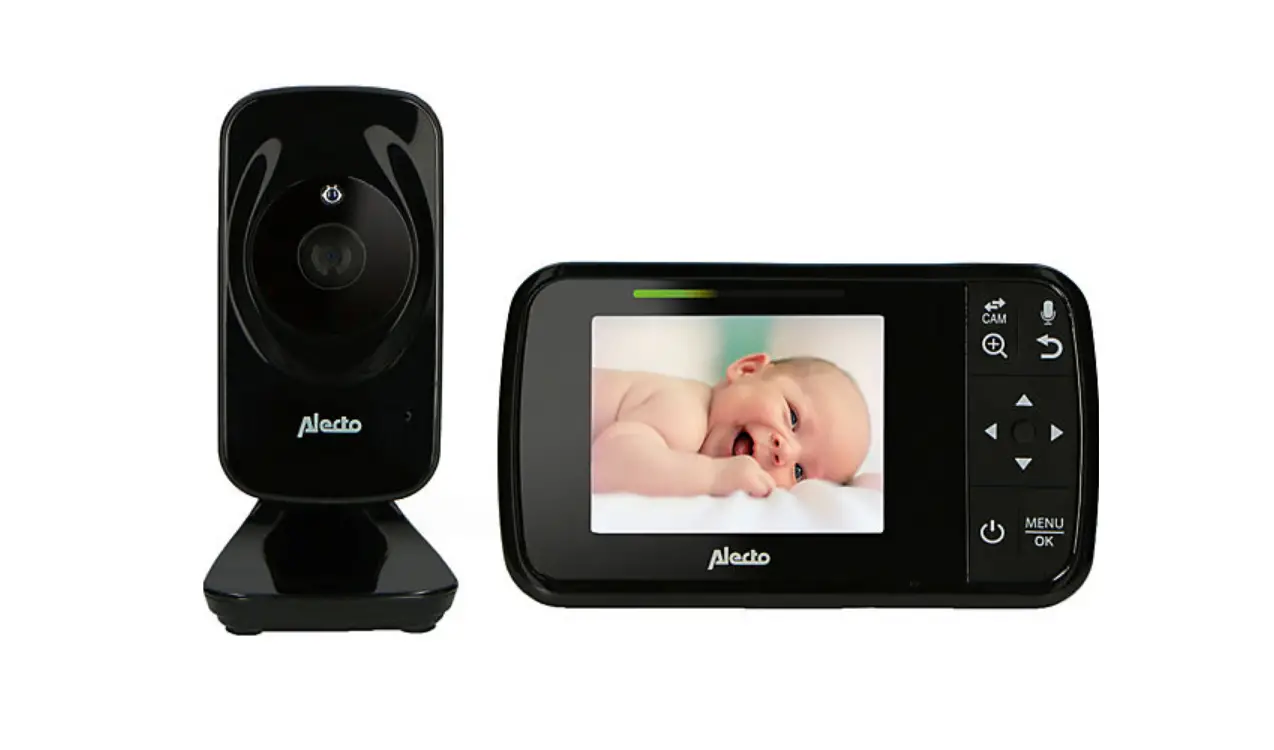
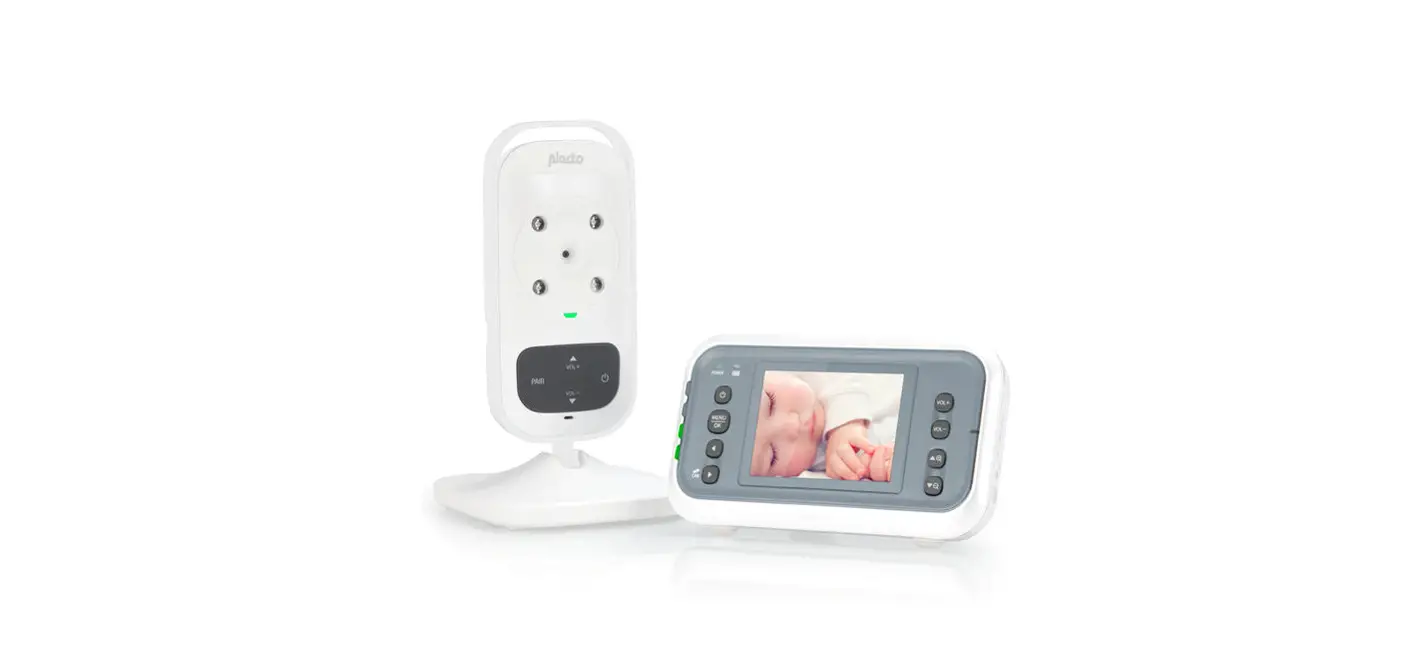
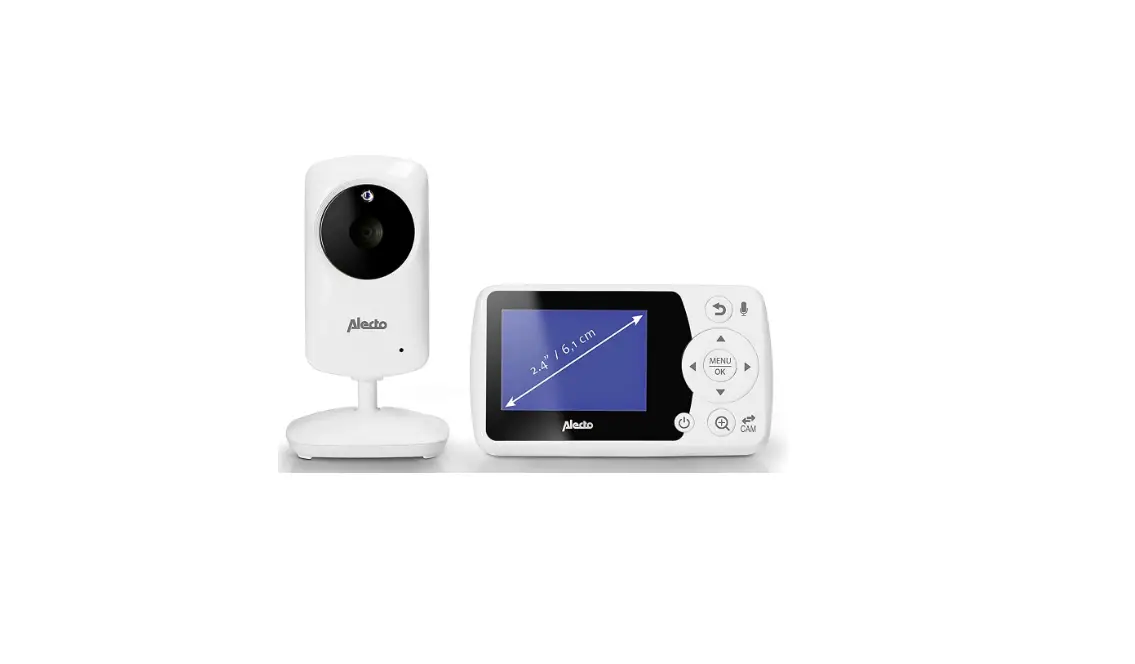
To re-register your baby unit, or register a new baby unit, follow the instructions below.
Note: Before you begin pairing, be sure to have the parent unit and baby unit side by side.
- Press the MENU/OK key. The menu will pop up.
- Press the LEFT
 key or RIGHT ► key until the icon
  is highlighted.


- Press the MENU/OK key.
- Press the UP key or DOWN key to select ADD CAM
 then press the MENU/OK key.
 - While the hourglass icon
 is displayed, press the PAIR button on the back of the baby unit.
 - Once paired, it will display
 on the LCD screen.
 - If unsuccessful, please repeat the above steps.
- Press the
 key to exit.
 is highlighted.
 then press the MENU/OK key.
 is displayed, press the PAIR button on the back of the baby unit.
 on the LCD screen.
 key to exit.
VERKLARING VAN CONFORMITEIT
Hierbij verklaar ik, Hesdo, dat het type radioapparatuur Alecto DVM149C conform is met Richtlijn 2014/53/EU. De volledige tekst van de EU-conformiteitsverklaring kan worden geraadpleegd op het volgende internetadres: http://DOC.hesdo.com/DVM149-DOC.pdf
Hesdo BV
Azielaan 12
5232 BA, ‘s-Hertogenbosch
The Netherlands
www.alectobaby.n1