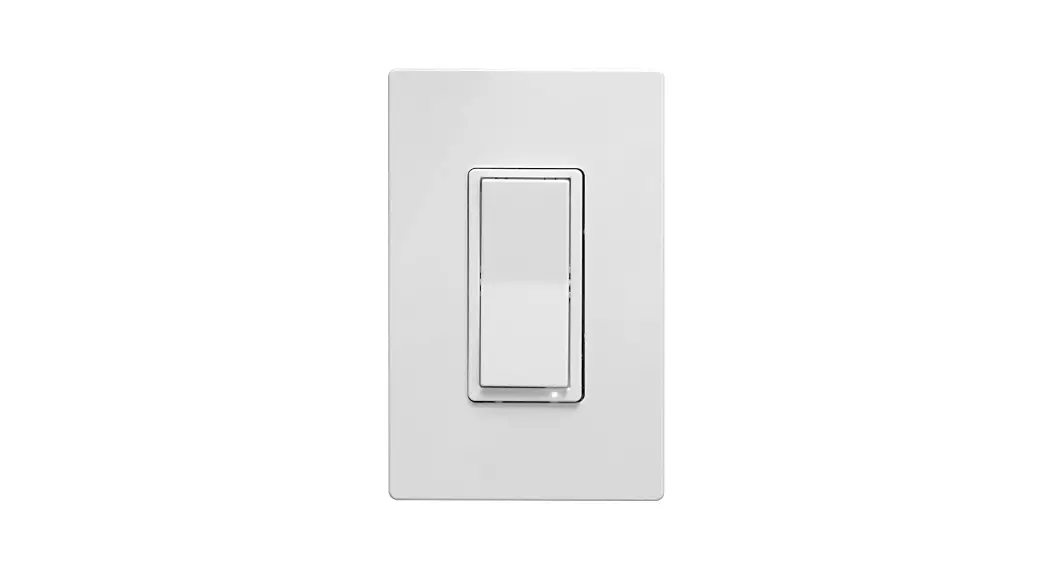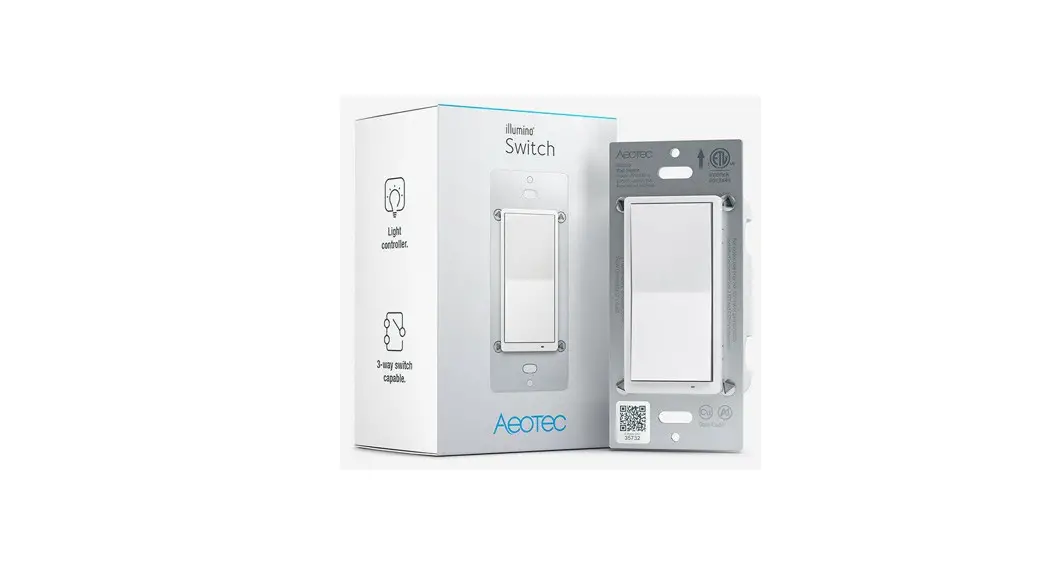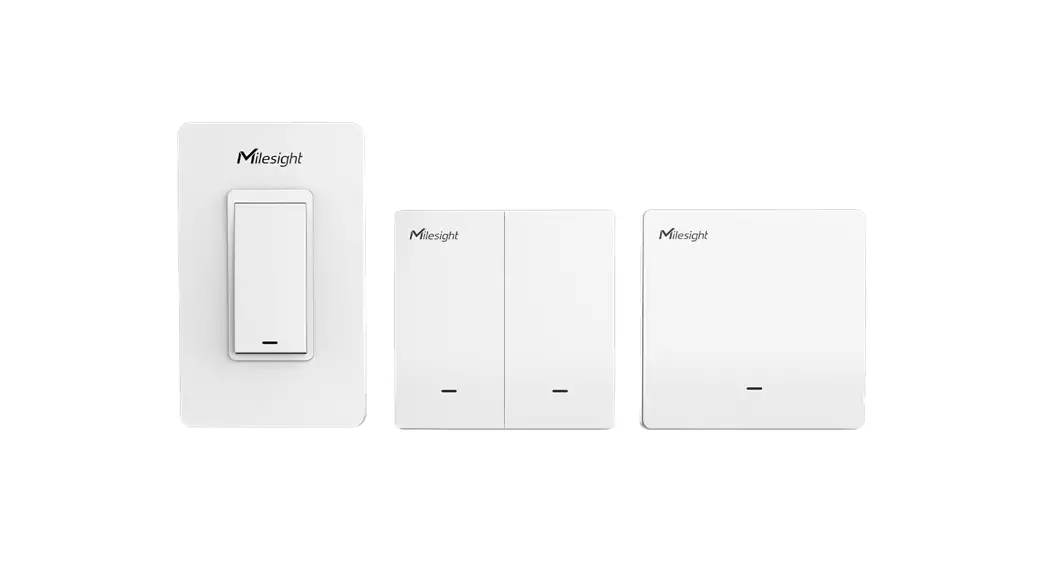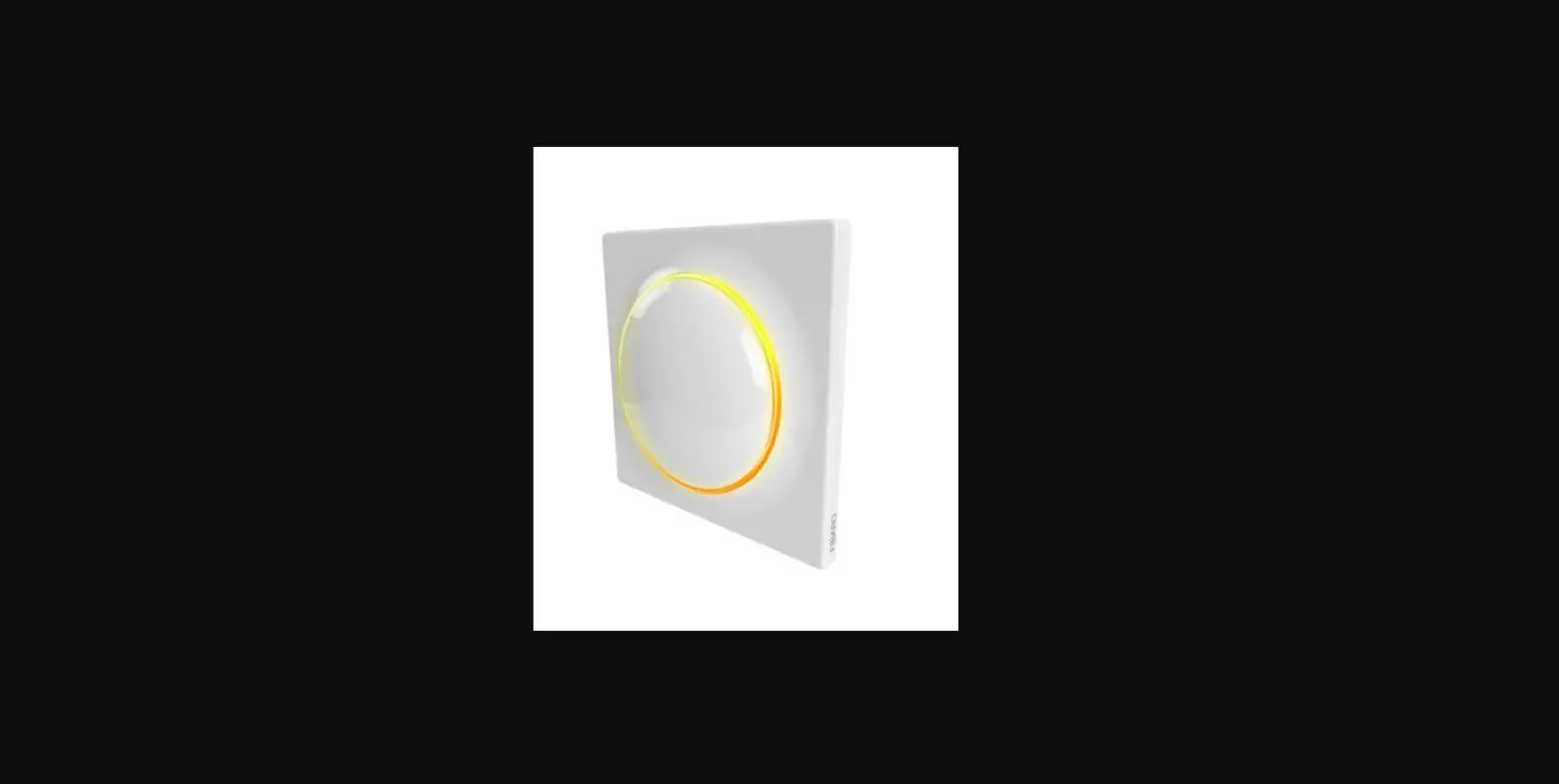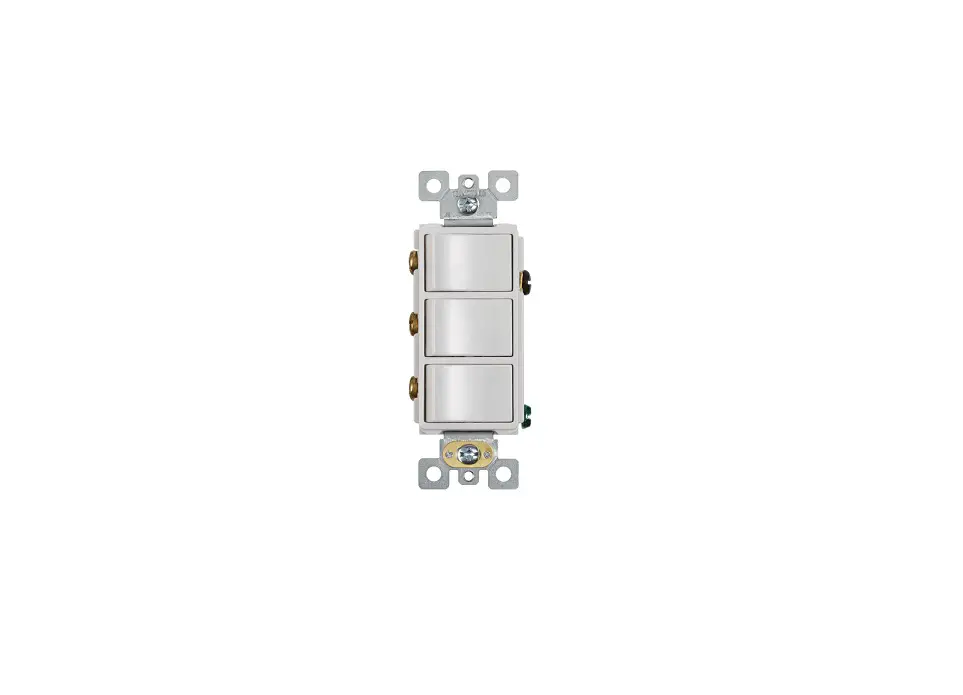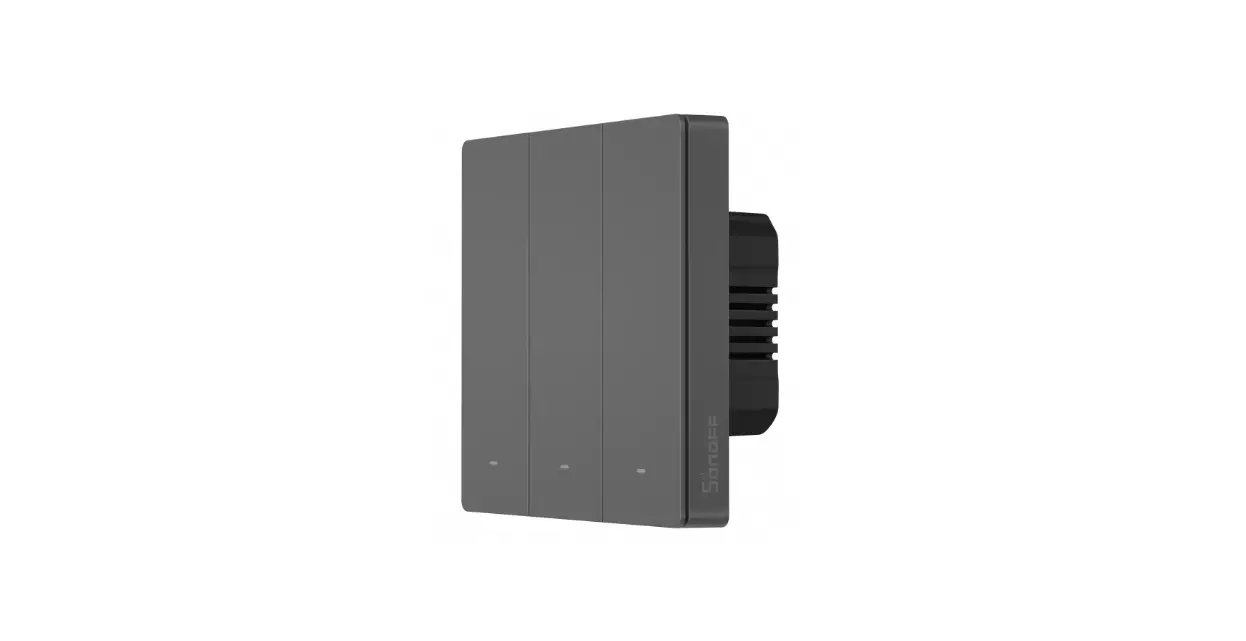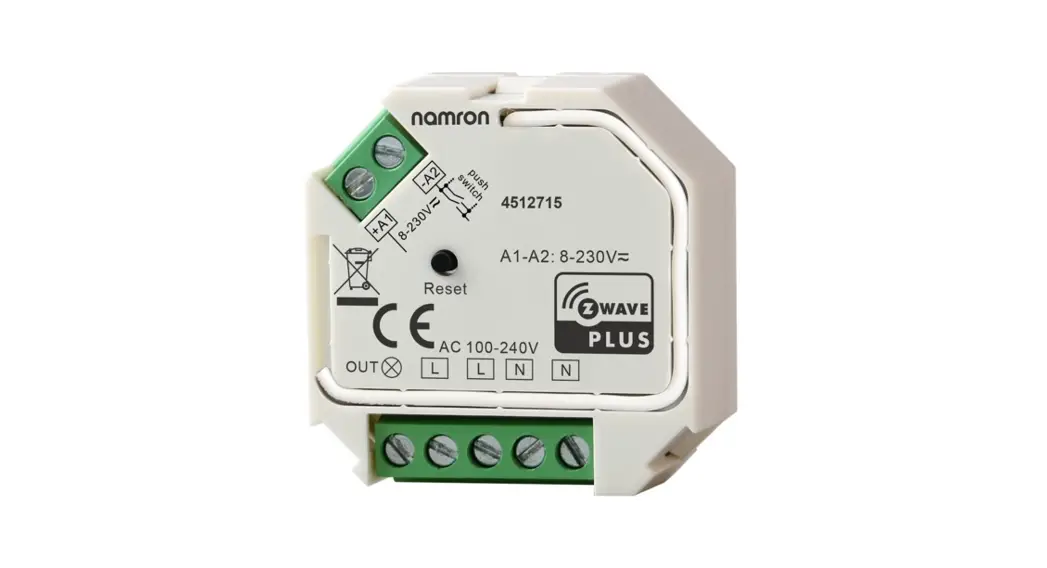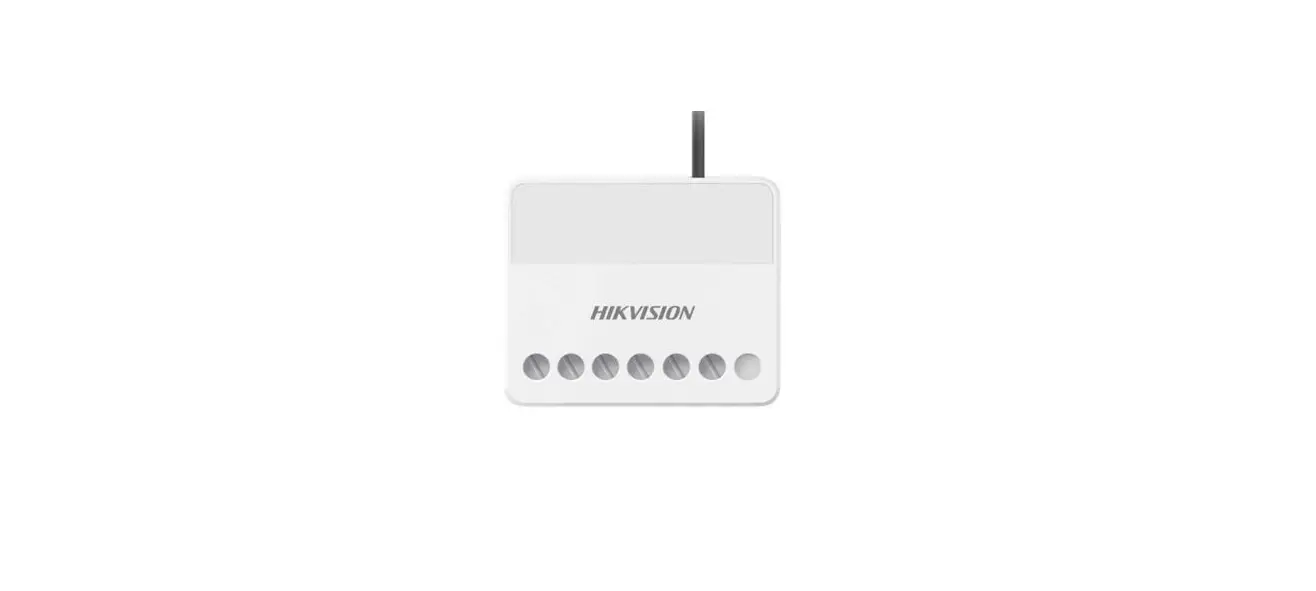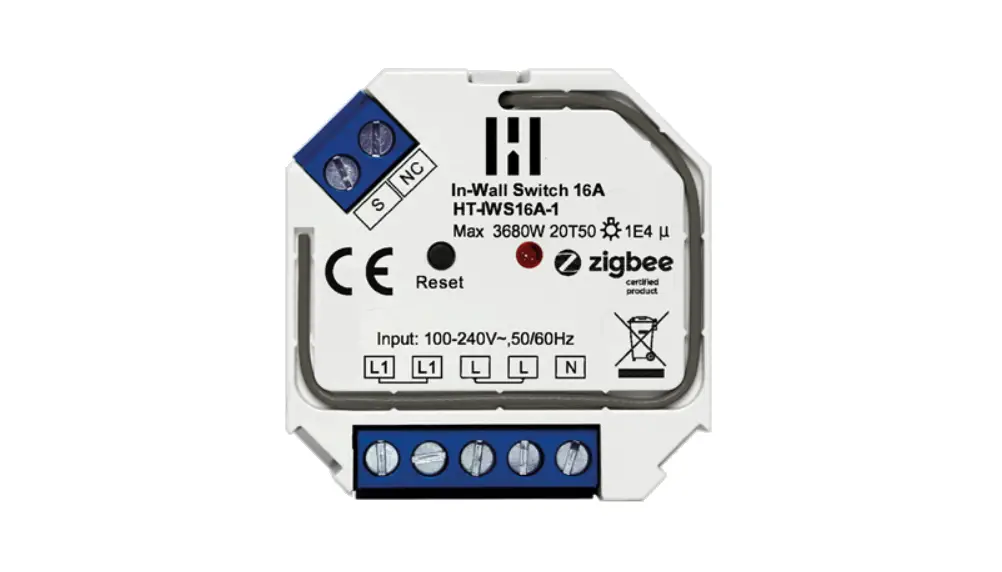

Heimgard 16A In Wall Switch 16A
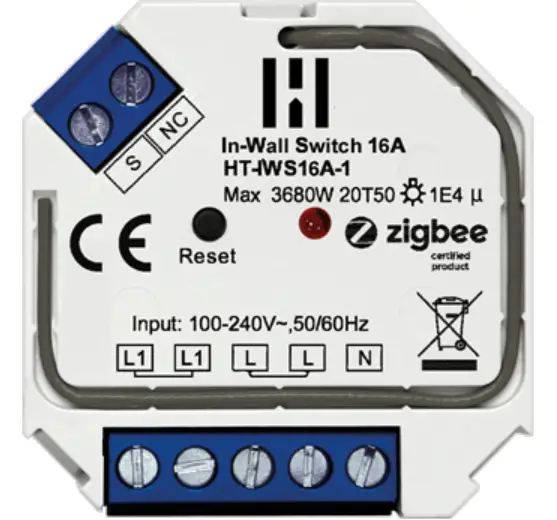
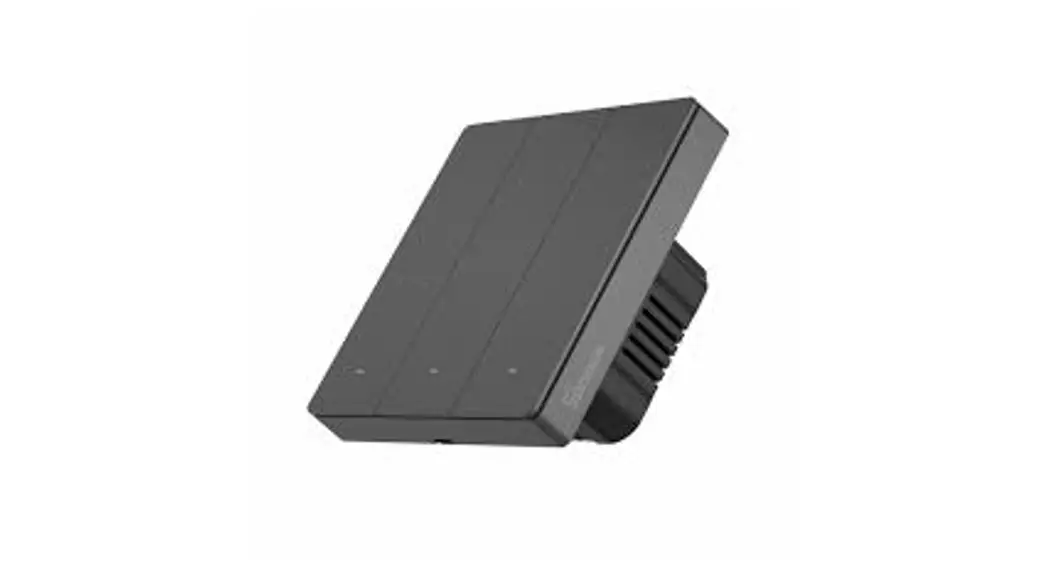
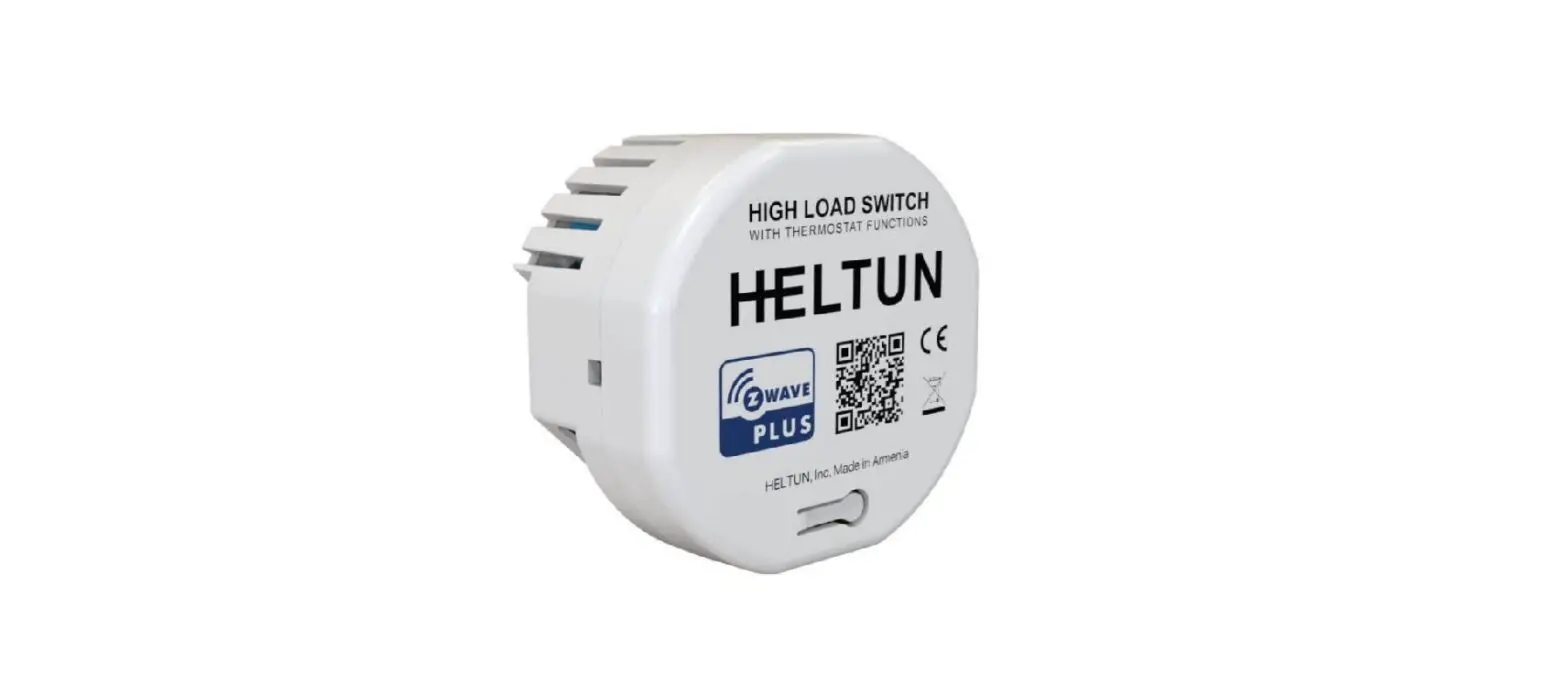
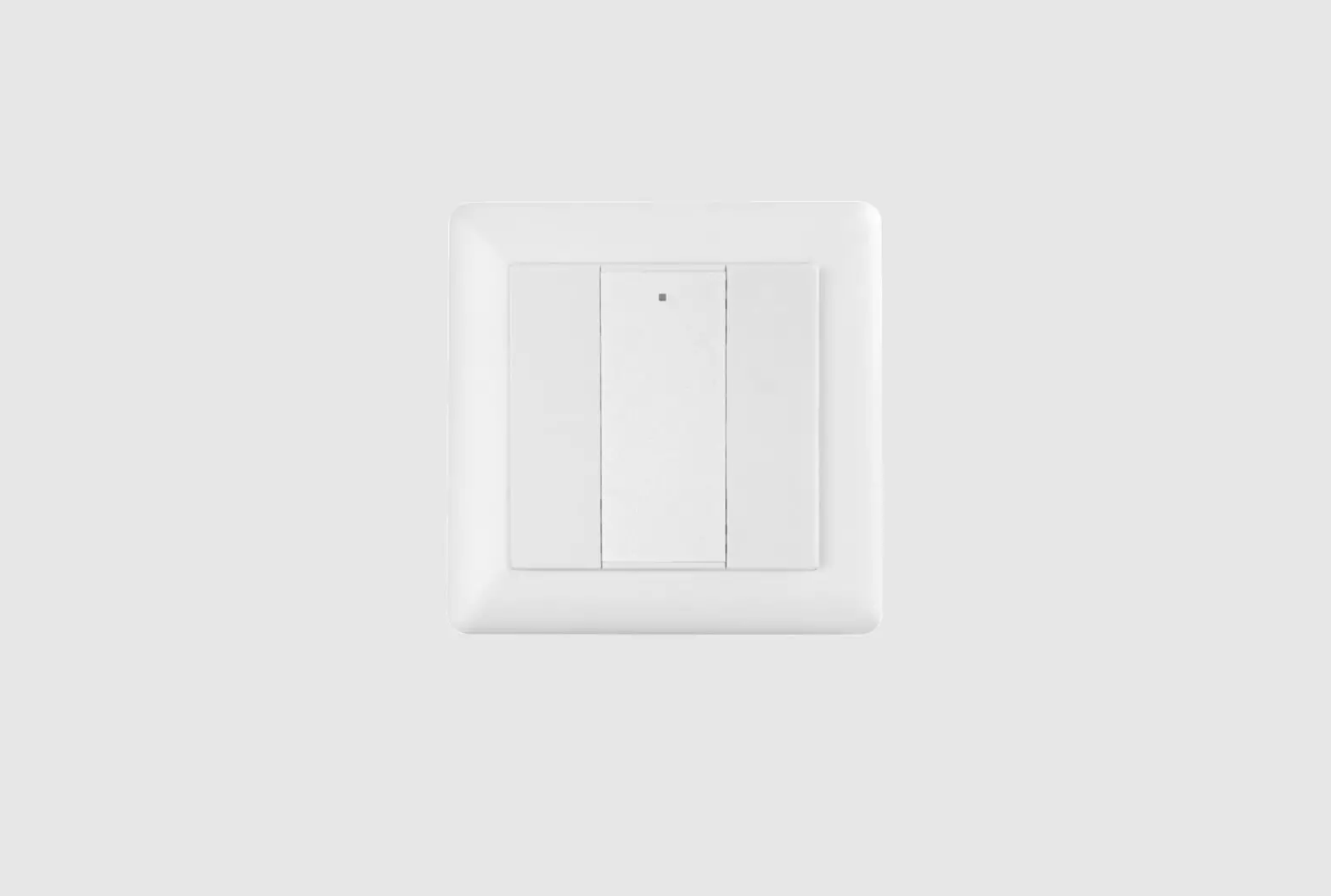
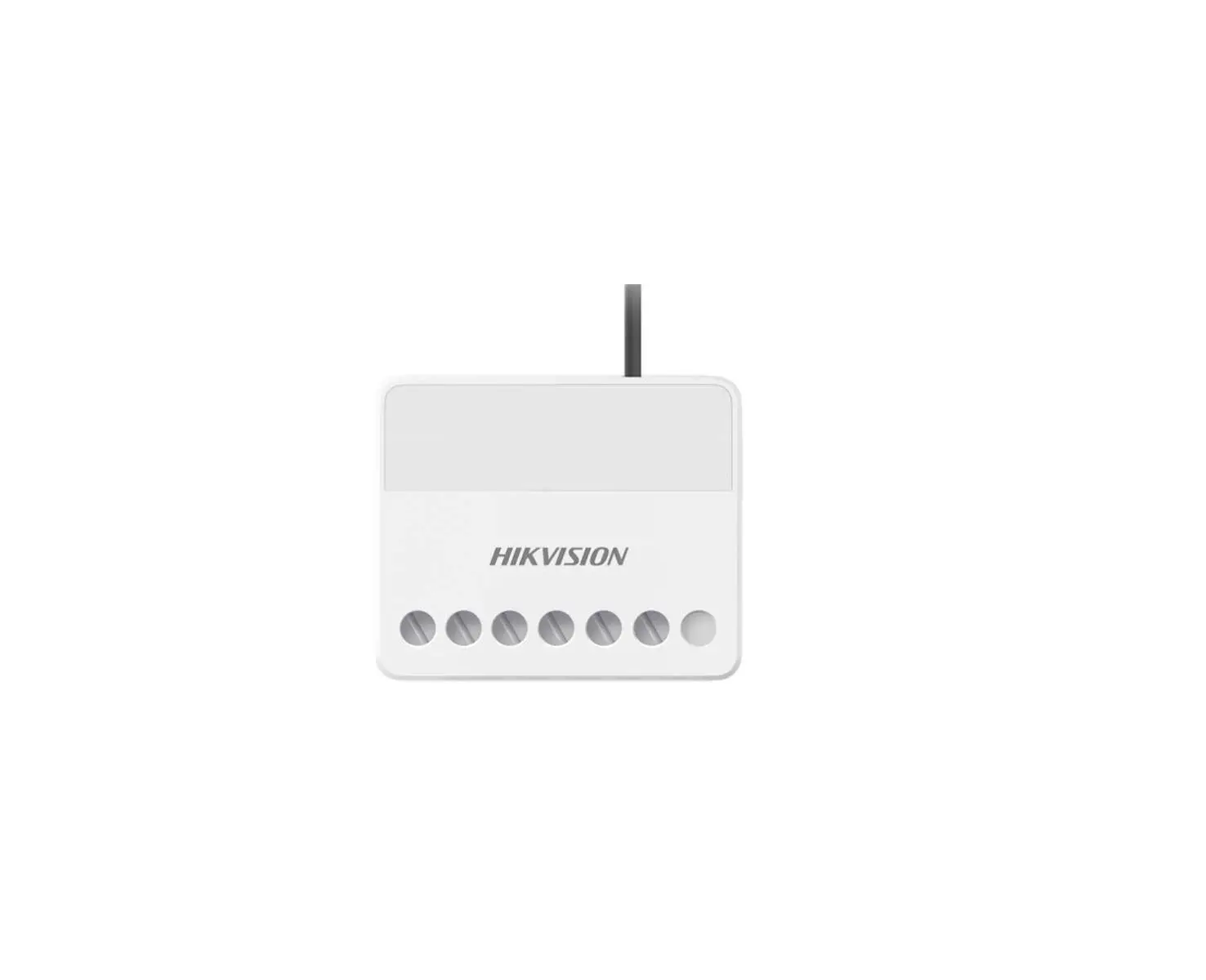
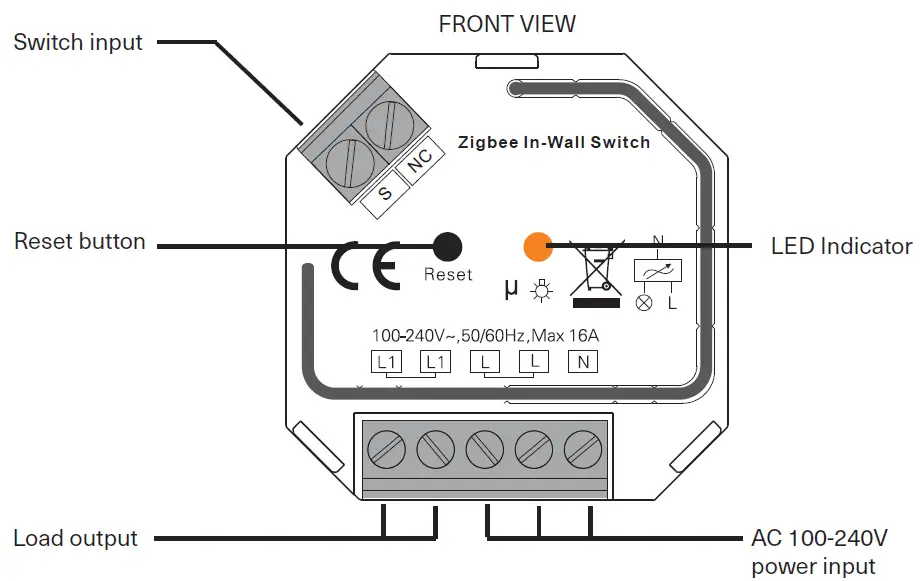
Device overview
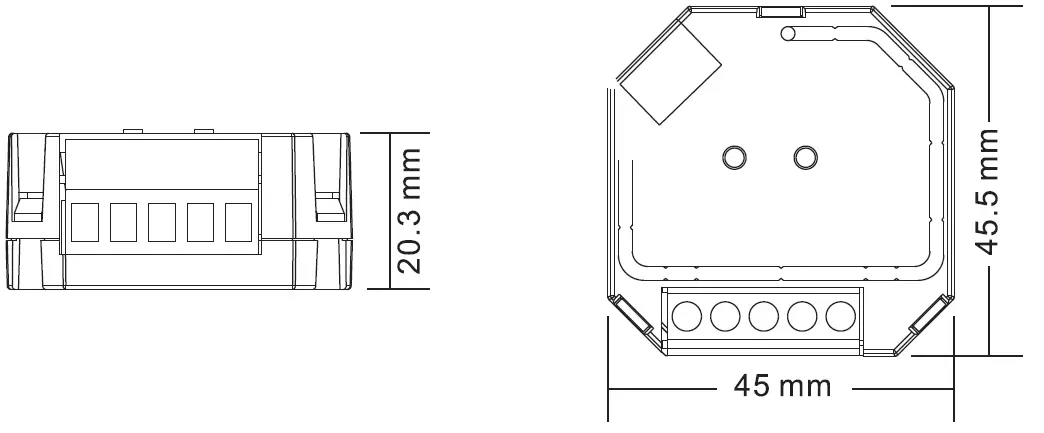
Device Specifications
| Input voltage | Output voltage | Output current | Size (LxWxH) |
| 100-240VAC | 100-240VAC | 16A max | 45.5x45x20.3 mm |
Product Specifications
| Compatible Load Types | |||
| Load Symbol | Load Type | Maximum Load | Remarks |
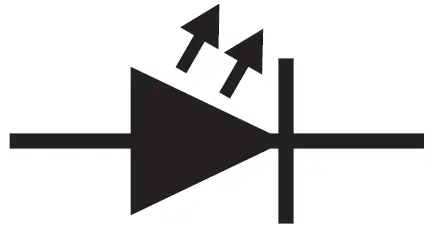 | LED lamps with transformers | 1220W @ 230V 580W @ 110V | Due to variety of LED lamp designs, maximum number of LED lamps is further dependent on power factor result when connected to switch |
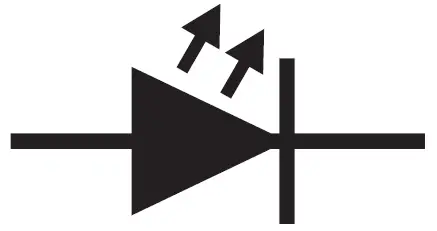 | LED drivers | 1220W @ 230V 580W @ 110V | Maximum permitted number of drivers is 1220W divided by driver nameplate power rating |
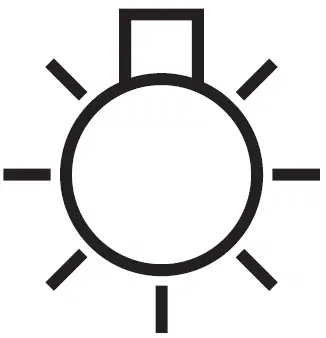 | Incandescent lighting, HV Halogen lamps | 3680W @ 230V 1760W @ 110V | |
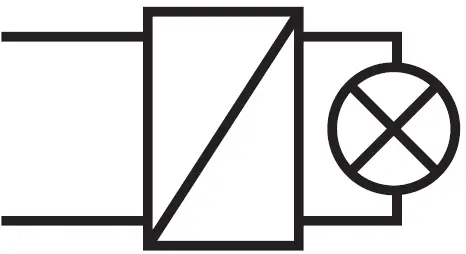 | Low voltage halogen lighting with electronic transformers | 1220W @ 230V 580W @ 110V | |
 | Electrical appliances such as television, refrigerator, water heating etc. | 3680W @ 230V 1760W @ 110V | |
Wiring
Notes for the diagrams:
- L – terminal for live lead
- N – terminal for neutral lead
- L1 – output terminals of the device (controlling connected light source) S – terminal for external switch
- NC – No Connection
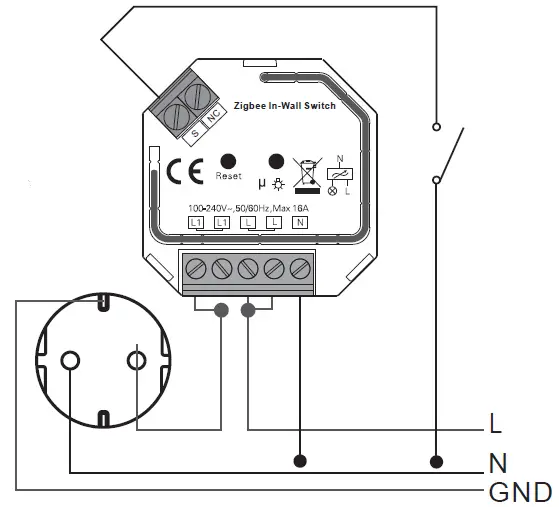
Connecting to the Hub
These steps are to be followed after the switch has been properly installed and wired by a certified electrician.
- At the circuit breaker, turn off the power to the switch.
- Open the Heimgard app and follow the steps listed here to connect to your device

- Turn the circuit breaker power on to your switch. It will automatically enter pairing mode.
The LED indicator light on the switch will flash 2 times slowly to indicate pairing. - When the LED indicator flashes 5 times and then remains on the device has been found in your app.
- You will now see the In-wall switch in your new devices list. Configure the switch by giving it a name and adding it to a room.
Your device is able to be controlled by your app, remote control or with on-wall switch.

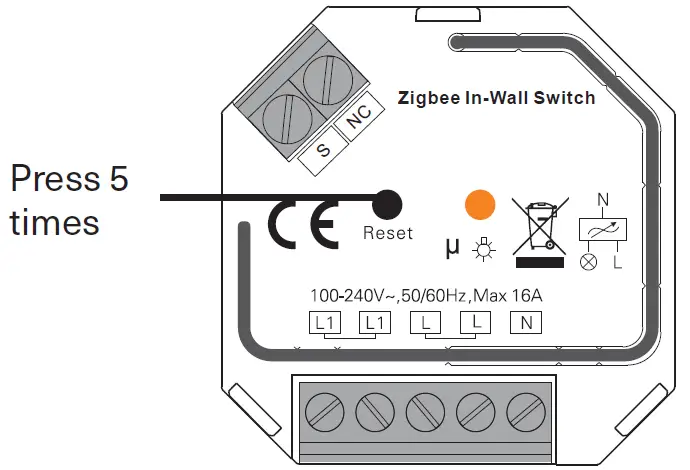
Factory Reset
If your switch has previously been connected to a different Hub, you may need to perform a factory reset.
- Quickly press the reset button 5 times continuously.
If you do not have access to the device, turn on and off the power supply 5 times from the either the circuit breaker or light switch.
- The device that is connected to this switch will flash or turn on/off 3 times to indicate successful reset.
You will have to reconfigure your device.
Note: make sure your light bulb is functioning properly
Need help?
- Website: heimgard.com/support
- Email: [email protected]
- Facebook: facebook.com/heimgardnorge/
- Telephone: +47 649 44 422
Visit heimgard.com for more information and tips on how to use.
Important safety information
- Read through these instructions and follow accordingly.
- Clean only with dry soft cloth. Household cleaners and solvents can damage the finish on your device.
- Do not install near any heat sources such as radiators, heat registers, stoves or other device that produce heat.
- Do not use this device near water.
- Warning: To reduce the risk of fire or electric shock, do not expose this device to rain or moisture.
- Do not expose device to dripping or splashing.
- Protect the attached cables from being walked on or pinched, particularly at plugs, convenience receptacles, and the point the exit the apparatus.
- Only use attachments/accessories specified by the manufacturer.
- Unplug this device during lightning storms or when unused for long periods of time.
- All servicing should be performed by qualified service personnel. Servicing is required when the device has been damaged in any way.
- Operating temperature: -10°C to +50°C
- Operating relative humidity: < 95% RH (no condensation)
Dispose the product properly at the end of life. This is electronic waste which should be recycled accordingly.
 Forside - Heimgard