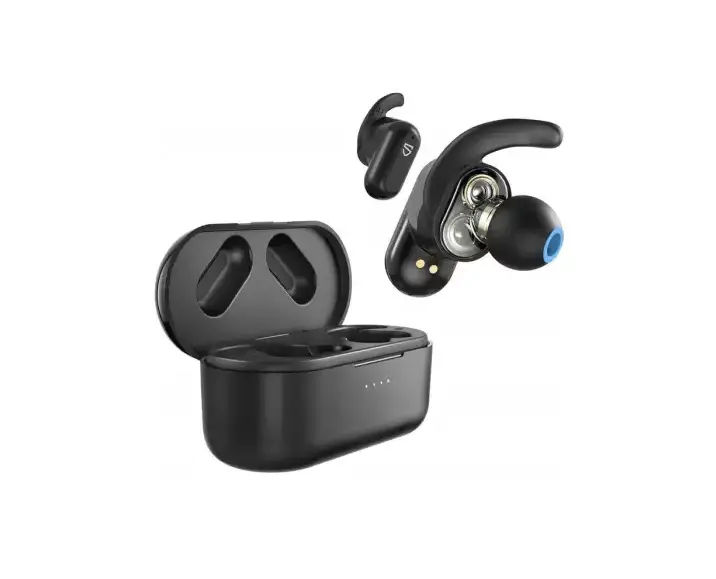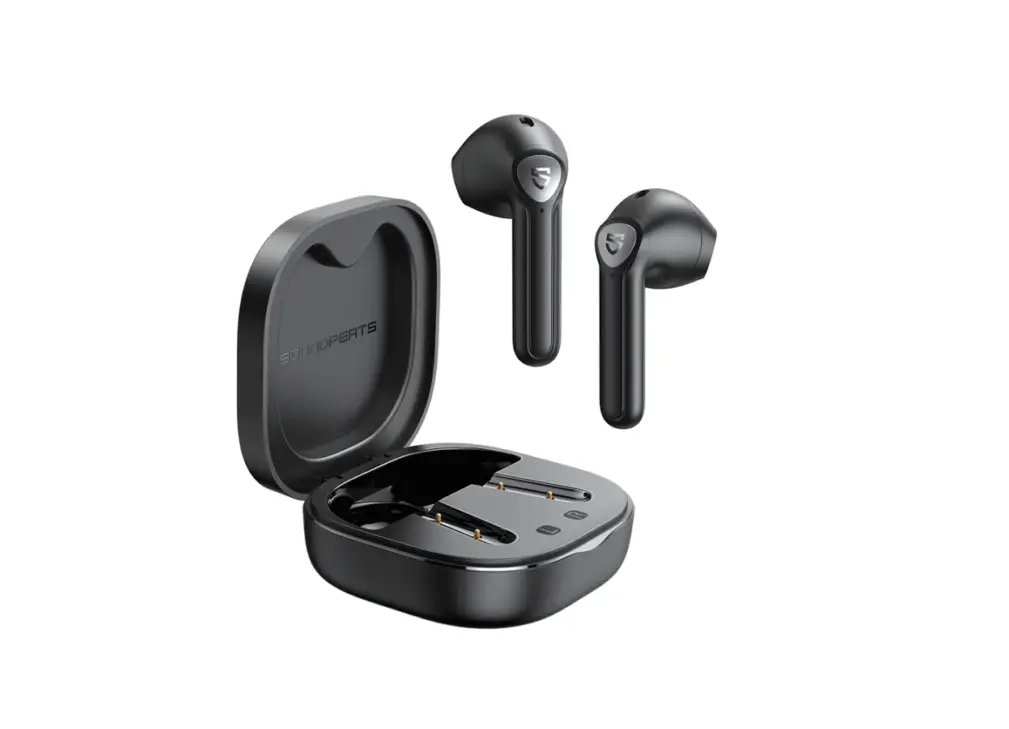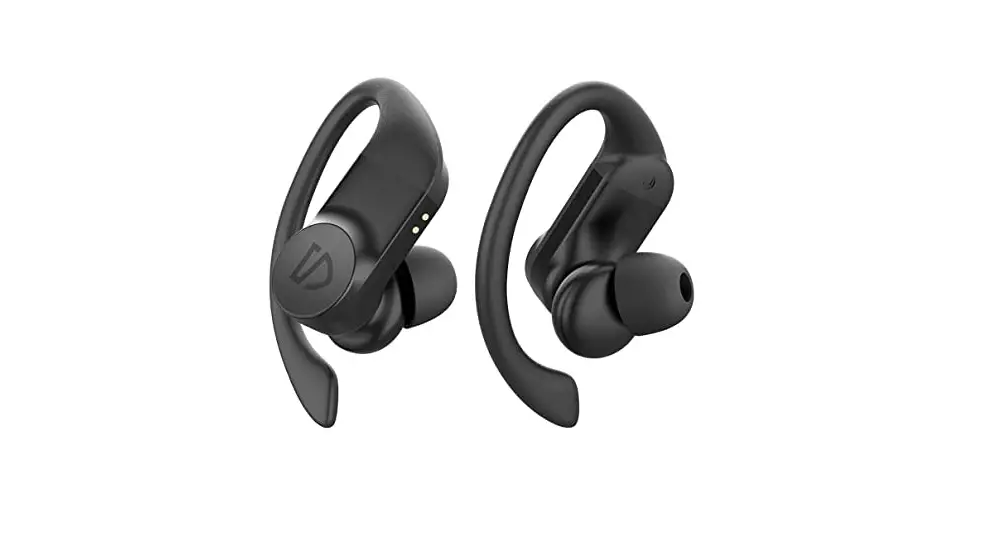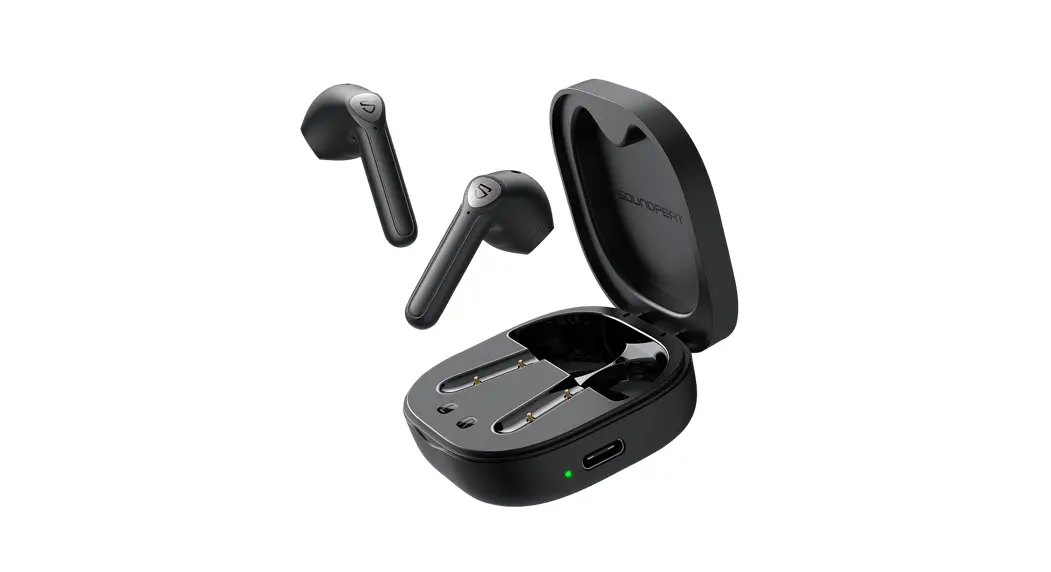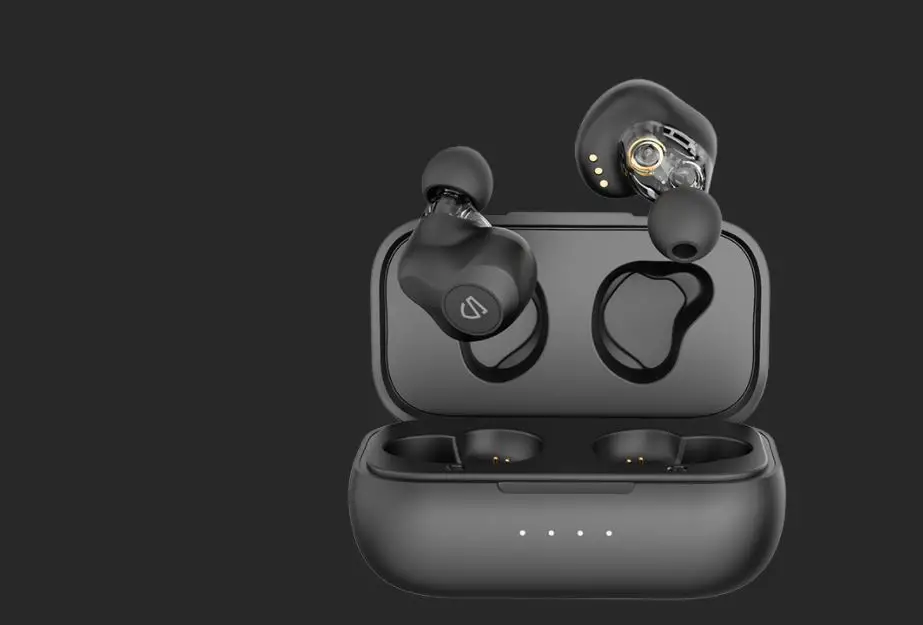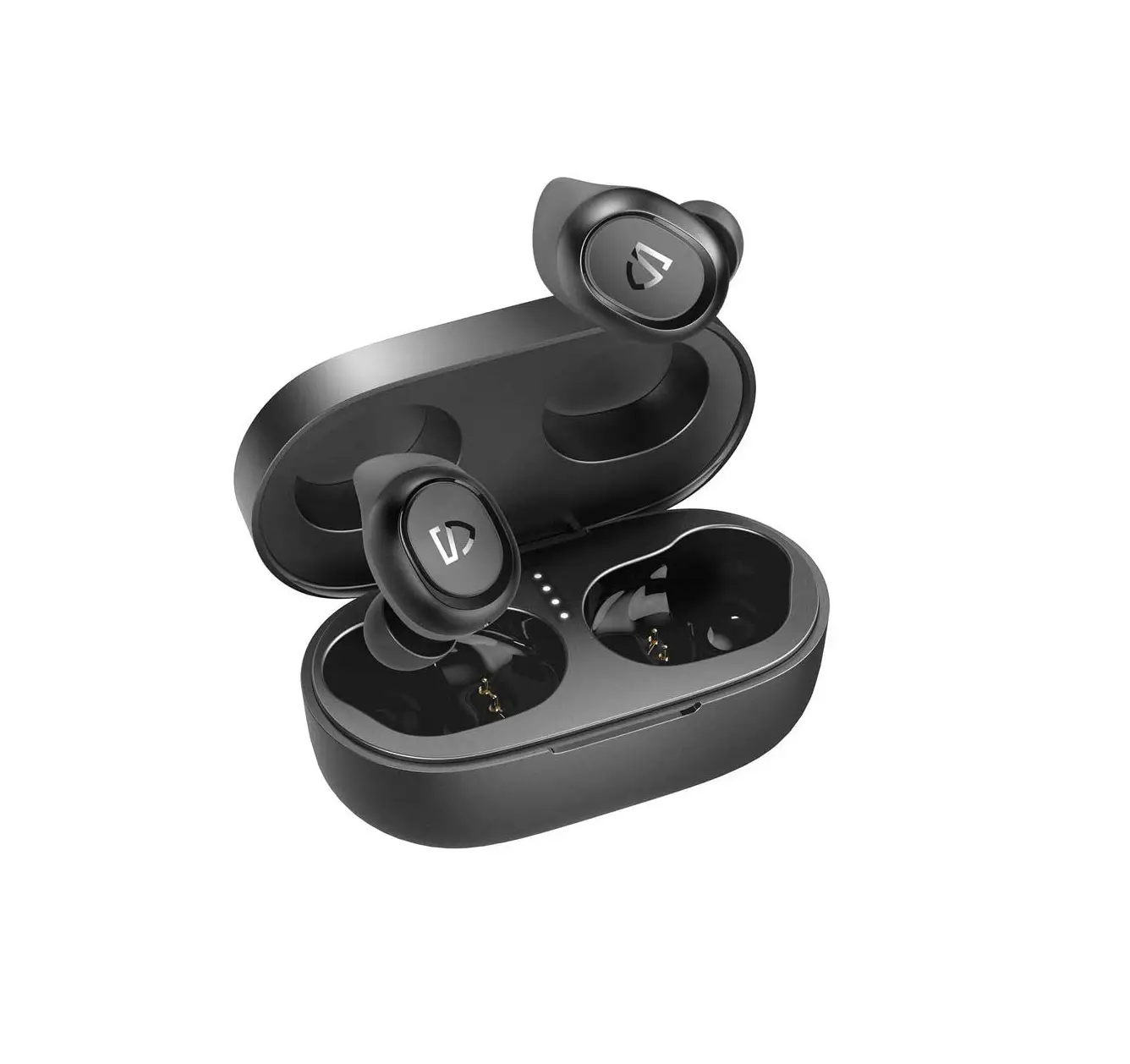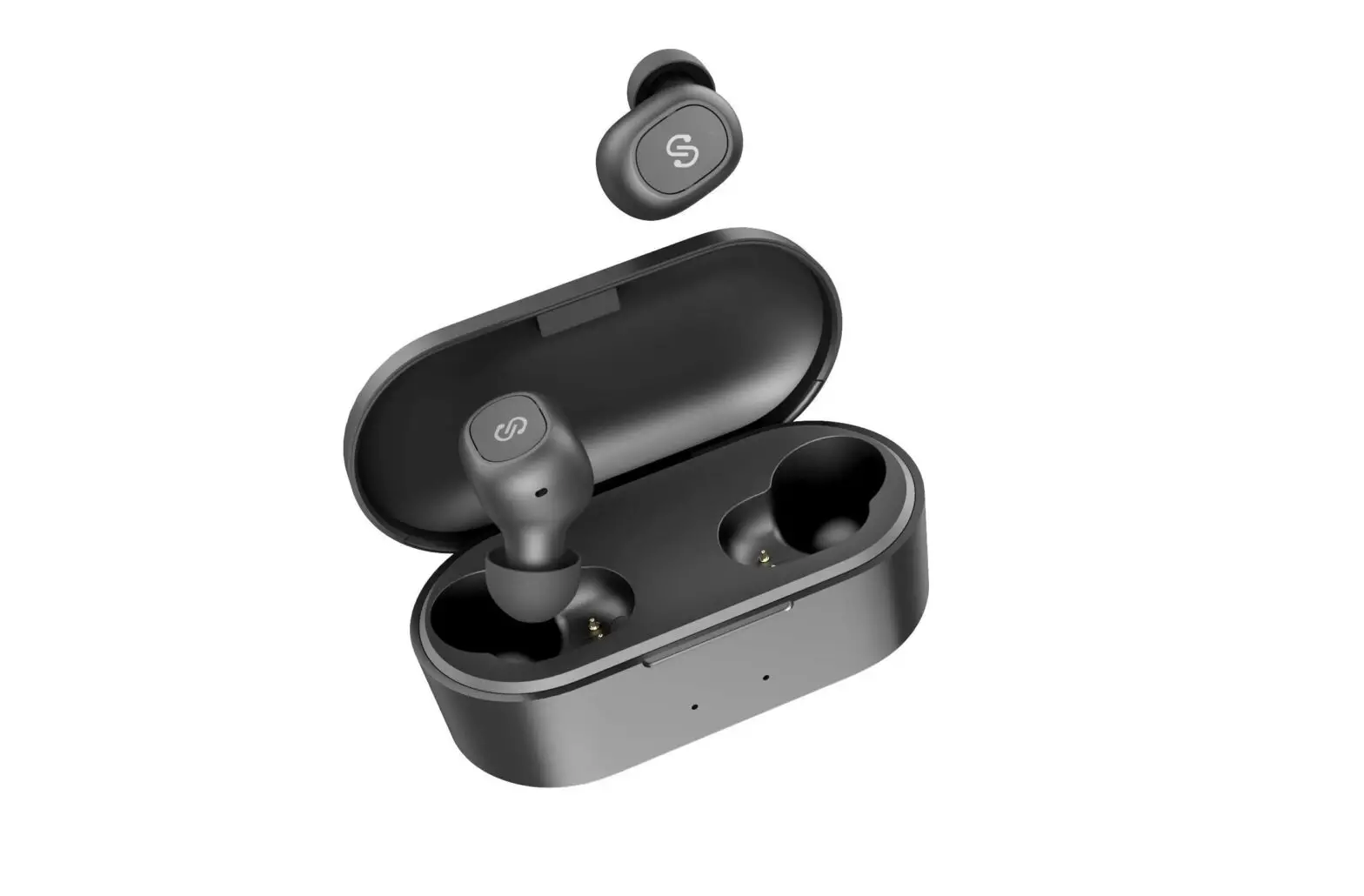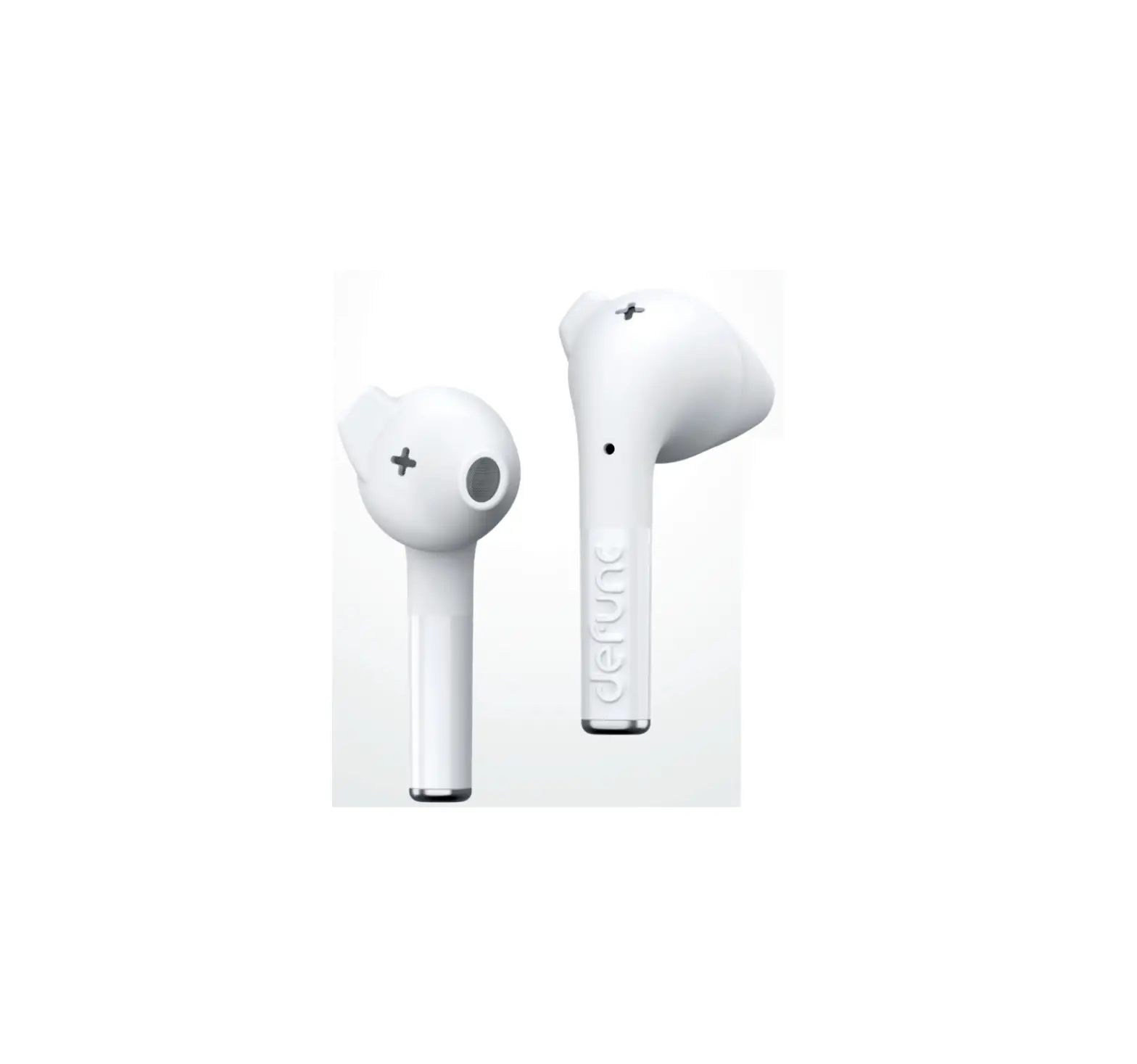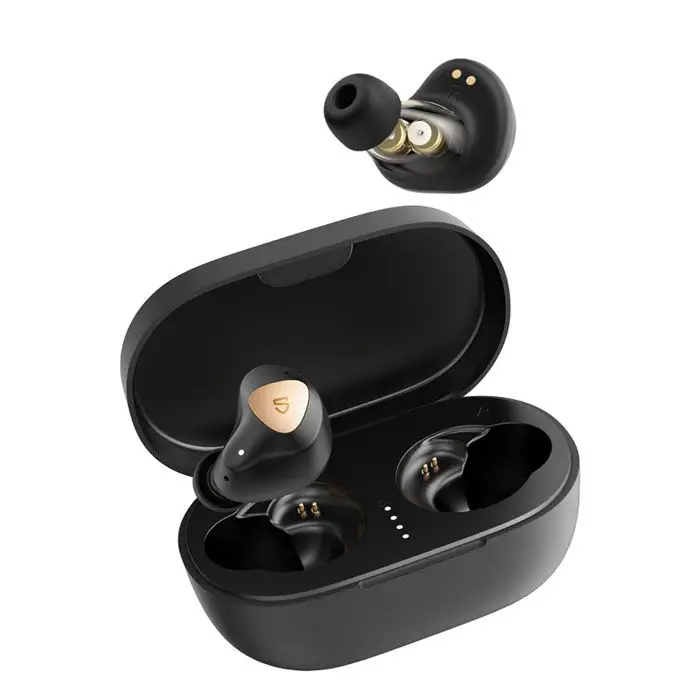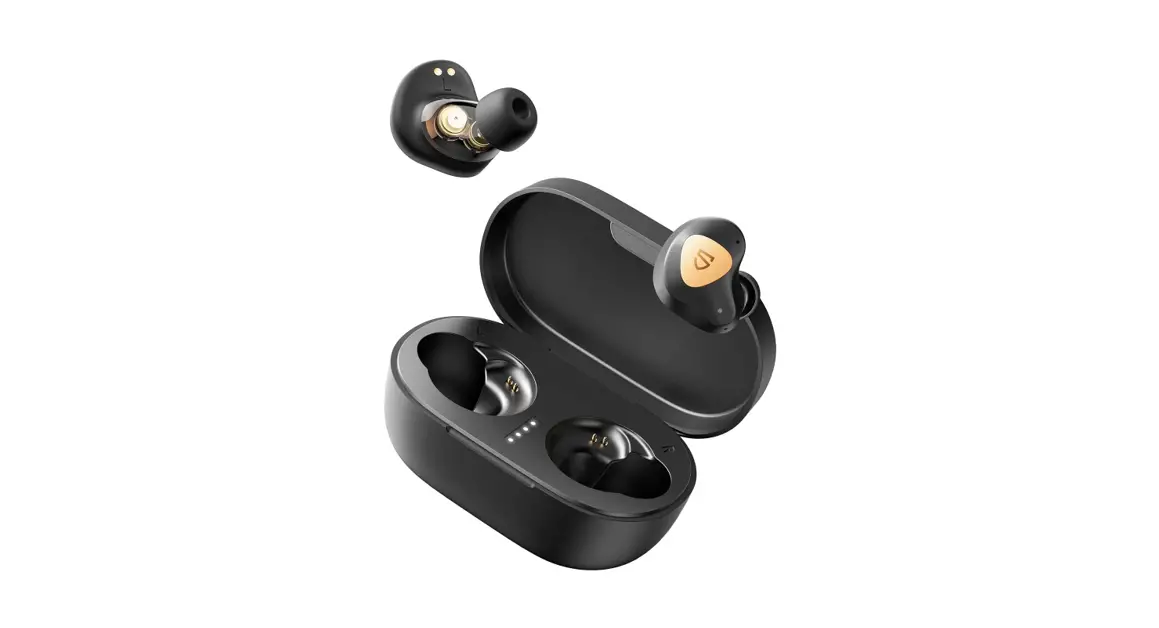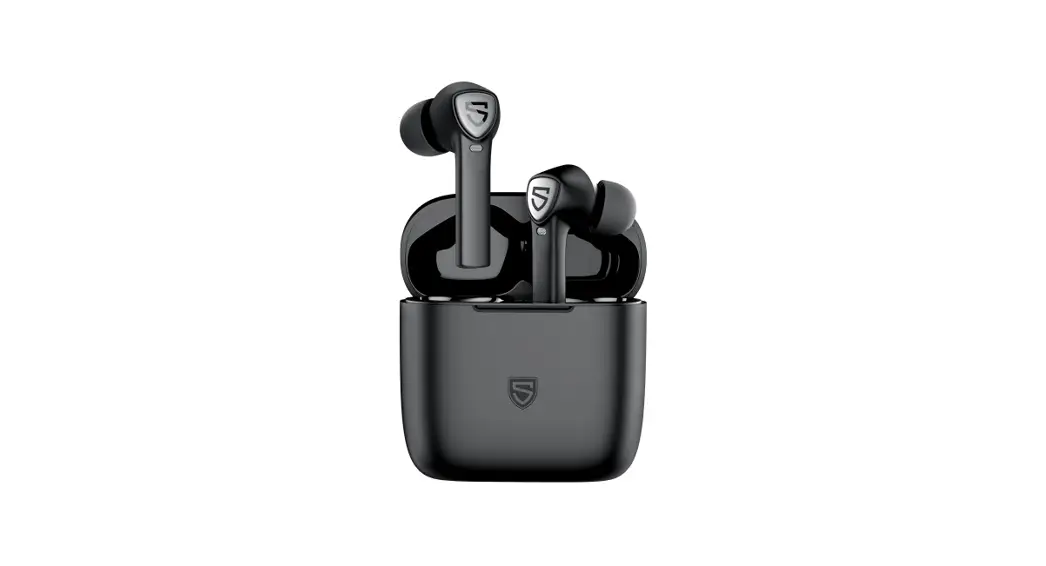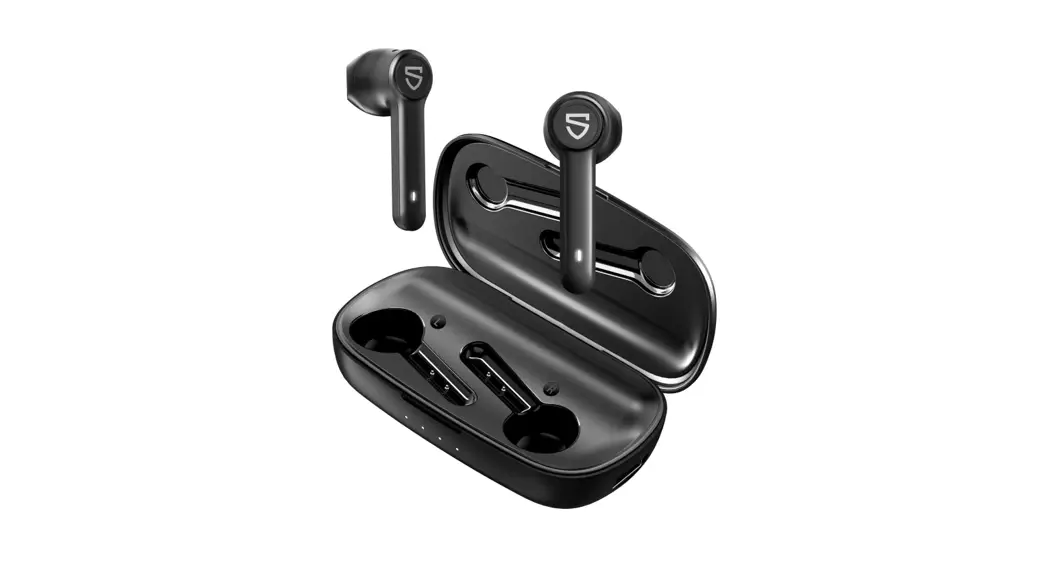
 TrueShift2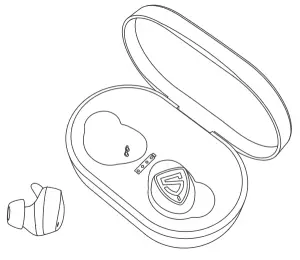
USER MANUAL
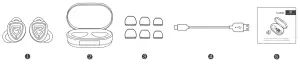
Package Content
Specifications
| Bluetooth Version | 5 |
| Bluetooth Chipset | AB1536U |
| Maximum working range | 10m (without obstacle ) |
| Working Time | About 6 hours |
| Earbuds Charging Time | About 2 hours |
| Charging Case Charging Time | About 4 hours |
| Charging Case Recharge Earbuds | 16 times |
| Output | 5V/1A |
Product Diagram
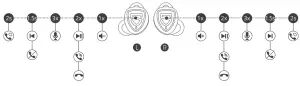
| Power On | Auto: Take out from charging case Manually: Press and hold the MFB for 1.5s with earbuds off |
| Power Off | Auto: Place back into charging case Manually: Press and hold the MFB for 10s with earbuds on |
| Volume + | Single tap the right MFB |
| Volume | Single tap the left MFB |
| Play / Pause | Double-tap the MFB |
| Previous Track | Press and hold left MFB for 1.5s |
| Next Track | Press and hold right MFB for 1.5s |
| Answer / Hang Up Phone Call | Double-tap the MFB |
| Reject Phone Call | Press and hold the MFB for 1.5s |
| Switch Between Two Calls | Press and hold the MFB for 2s |
| Activate Voice Assistant | Triple tap the MFB |
Wearing
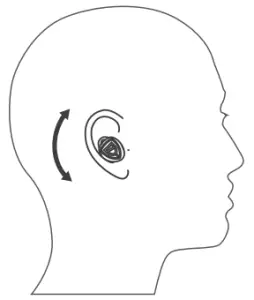
- Identify the left and right earbuds.
- Insert the earbuds into your ears and adjust to find the best angle with the microphone downwards.
- Make sure the eartips seal the ear canals.
Getting Start
Pairing and Re-Pairing
- Left and right earbuds will pair with each other when taken out simultaneously from the charging case with power. After pairing successfully, the left and right earphones will emit a prompt sound of a successful pairing. Then the left earphone indicator flashes white, and the right indicator flashes in red and white with voice prompt “pairing”, which indicates that the earbuds enter the pairing mode.
- Activate the Bluetooth in your device and hit “SOUNDPEATS TrueShift2” on the Bluetooth list, once paired, the right earbud will emit a voice prompt“connected”.
- SOUNDPEATS TrueShift2 can remember previously paired devices. Activate the Bluetooth in your device they have paired before, and they would automatically connect to it after being taken out from the case. If not, hit “SOUNDPEATS TrueShift2” on the Bluetooth list and re-connect it.
Note:
- If one earbud doesn’t pair to the other one within 6 seconds, it would enter pairing mode and search for a Bluetooth device. Both earbuds support working alone.
- If you want to change the pairing device connected with the earbuds already, please have the earbuds enter pairing mode by pressing and holding the MFB for 6 seconds.
Factory Reset
(Try the following steps if you fail building connection between two earbuds, or between earbuds and device)
- Clear the pairing record between the earbuds and all of your devices.
- Hold and press the MFB of both earbuds for 10 seconds when in charging status, the LED indicator of both earbuds will flash white and red for 2 times if resetting successfully.
Charging
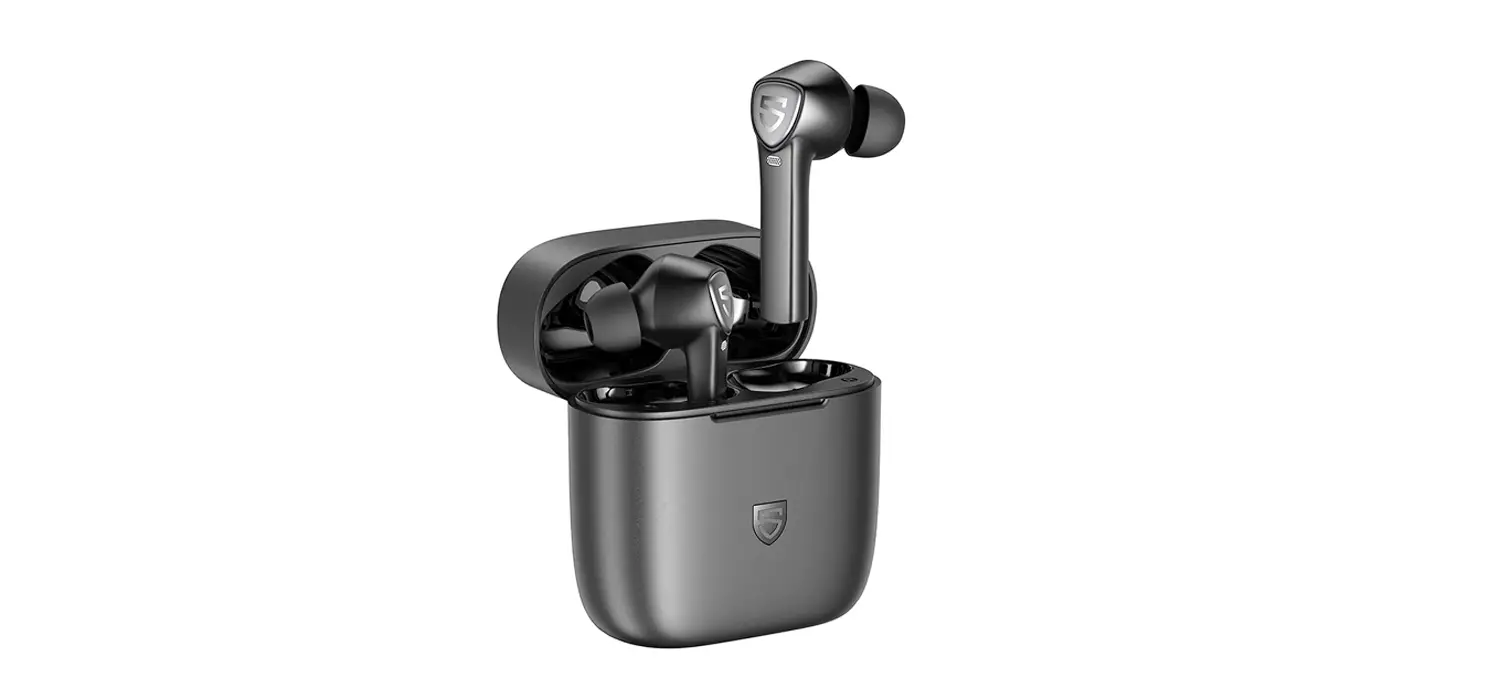
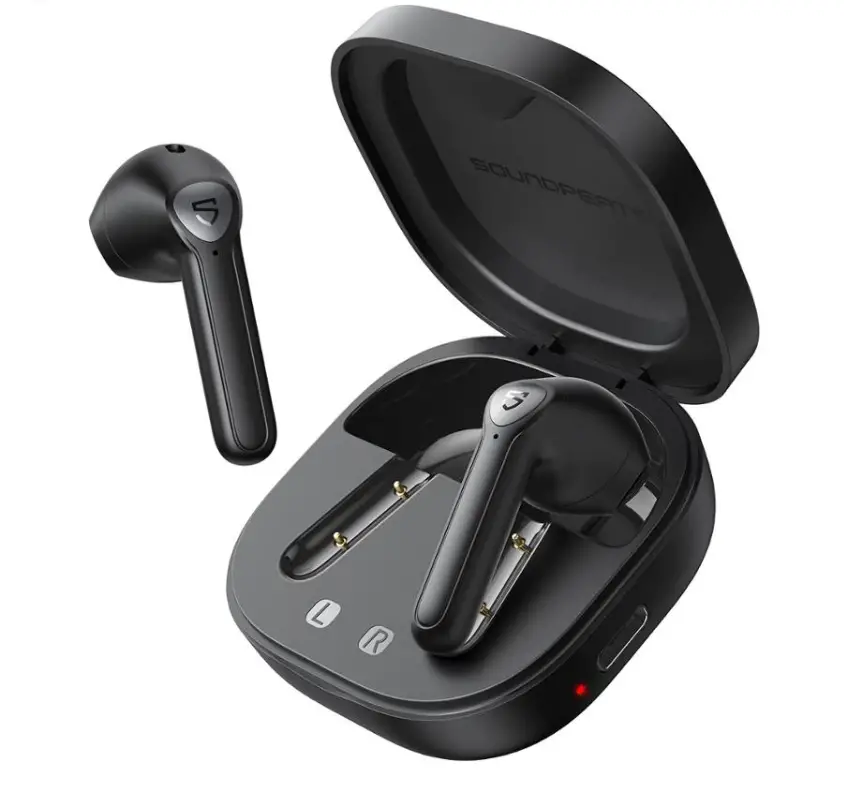
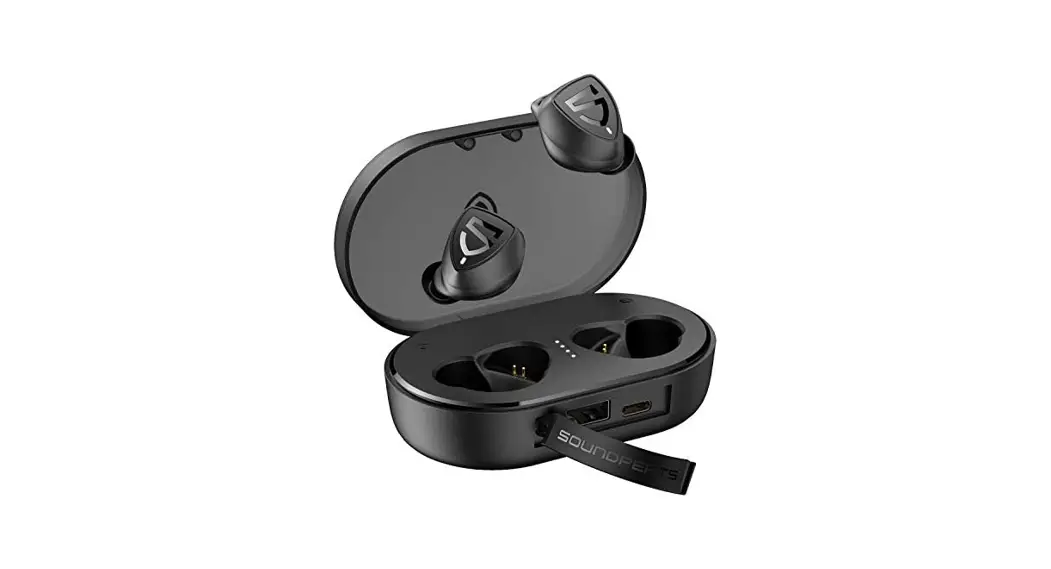
soundpeats TrueShift2 Bluetooth earphones are equipped with a compact and lightweight charging case which is not only a charging dock to charge the earphones, but also a carrying case. With a built-in rechargeable battery, the charging case can provide up to 16 times the full charge for the earphones.
Charge the earbuds
The earphones are partially charged at the factory. Please make sure they are fully charged before first use.
- Put the earphones into corresponding charging slots, make sure the charging contactors are attached.
- The LED indicators on the earphones turn red to start charging.
- The earphones are fully charged when the red indicator turns off.=
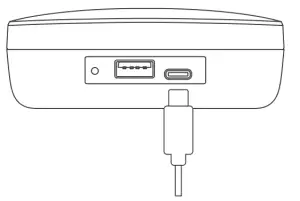
Charge the case
When putting the earbuds into the charging case, and then the earphone LED is not on, which means the charging case battery is low, you should charge it in time.
- Connect the charging port with any USB charging adapter(The current is no greater than 1A).
- Please charge the earphones at least once every 3 months when not in use for a long time.
Charge other devices
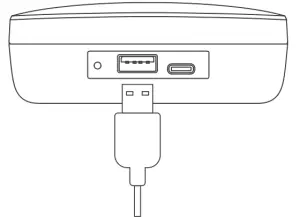
When your phone or other device is low on power, connect the charging cable to the charging box to make an emergency charge for your phone or another device.(Charging box has a stable output of 5V / 1A)
Warranty Conditions
All new SOUNDPEATS products are entitled to a two-year warranty from the original date of purchase.
The proof of purchase proves that the product was purchased in the Alza.CZ sales chain, during the warranty period you can then use the free service or you can replace the product.
The warranty does not apply to:
- Use of the device in violation of the instructions, use of non-original parts, or damage caused by illegal software.
- Self-disassembly or damage caused by disassembly and assembly by an unauthorized repair shop.
- The cause of the failure is caused by negligence or force majeure, such as accidents (fire, water, immersion, compression by an external force, fall, etc.) and natural disasters (lightning, earthquake, typhoon, etc.).
- Natural wear, damage, and aging of consumables or components during use (such as hearing protectors, silicone hearing protectors, batteries, etc.).
- The use of non-original components is prohibited.
- Other unspecified items will be implemented in accordance with the applicable laws and regulations of the country or region where the product is sold.
If you need repairs or other services during the warranty period, contact the product importer directly, you must provide the original undamaged proof of purchase with the original date of purchase.
Alza.CZ’s liability for product failures and hardware defects is limited to replacement or repair specified in this warranty regulation. There are time limits in this warranty statement.
Safety Information
- Read these safety instructions carefully.
- Keep these safety instructions.
- Pay attention to all warnings.
- Follow all instructions.
- Only clean the earplugs with a dry cloth.
- Choking danger: The appliance contains small parts and is not suitable for children.
- Do not place the device near heat sources such as radiators, hot air regulators, fireplaces or heat-generating speakers (including amplifiers).
- Do not use the device in places where you need to concentrate on the surroundings, such as while driving and the like.
- Do not immerse the device in water or expose it to a humid environment for a long time. Do not use it while swimming or surfing.
- High music volume can cause hearing loss over time. If you experience tinnitus (ringing in your ears), pain, or discomfort after using your ear audio device, the volume is probably too high for your ears.
- To prevent hearing loss, turn down the volume of the music player before connecting it to your mobile phone, and then gradually increase it to a comfortable volume.
- It is recommended to use the accessories specified by the manufacturer.
- Do not expose the battery to excessive heat such as sunshine, fire, or the like.
- Make sure that the power supply is within the specified voltage range.
- If the device does not charge with AC power, unplug the cable from the USB-C interface.
- Rely on our staff. If a fault occurs on the device, it must be repaired by a professional. The headphones do not work properly if: the power cord or plug is damaged, there is water in the device, foreign objects have fallen into it, the device is exposed to rain or moisture, or if it falls from a height.
Notice of EU Declaration of Conformity
This device complies with the European RED Directive (Directive 2014/53 / EU) and the RoHS Directive No. 2011/65 / EU, incl. of amendments 2015/863 EU. You will receive a complete EU declaration of conformity from the importer.

WEEE
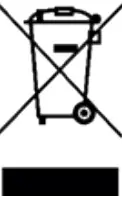
This product must not be disposed of as normal household waste in accordance with the EU Directive on Waste Electrical and Electronic Equipment (WEEE – 2012/19 / EU). Instead, it shall be returned to the place of purchase or handed over to a public collection point for the recyclable waste.
IMPORTER
Alza.cz a.s.
Jankovcova 1522/53, Holešovice
170 00 Prague 7
www.alza.cz