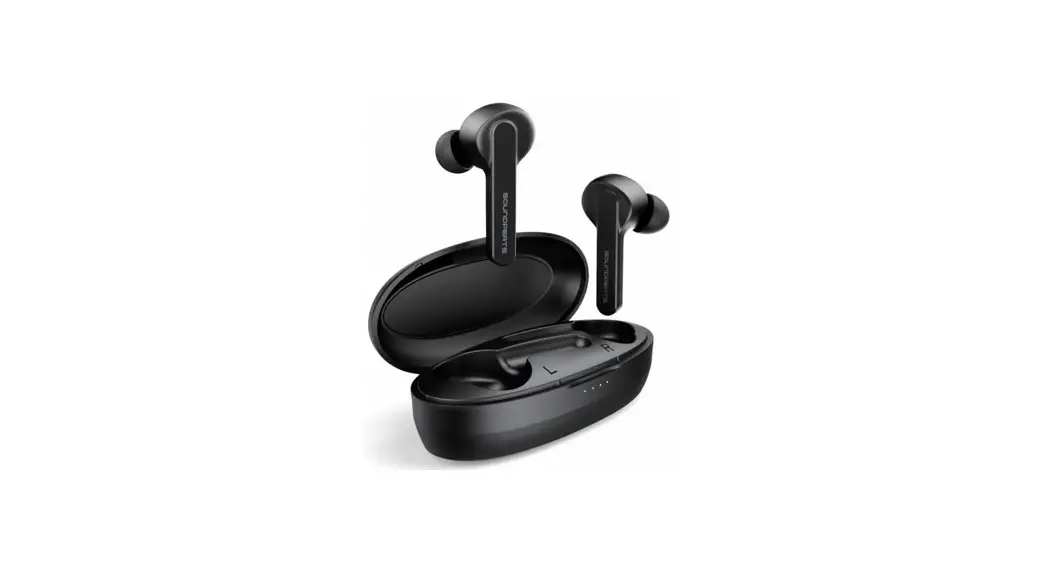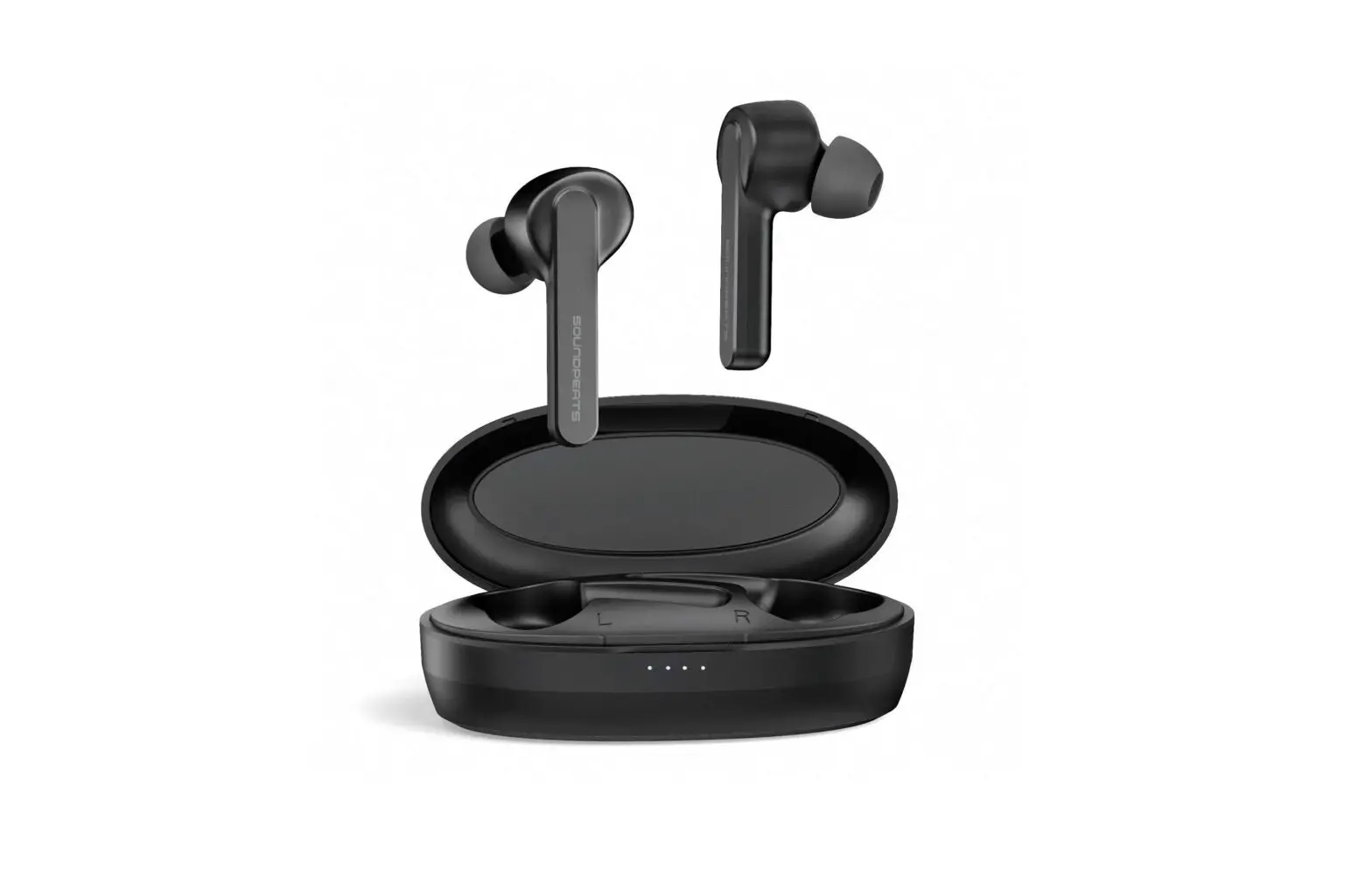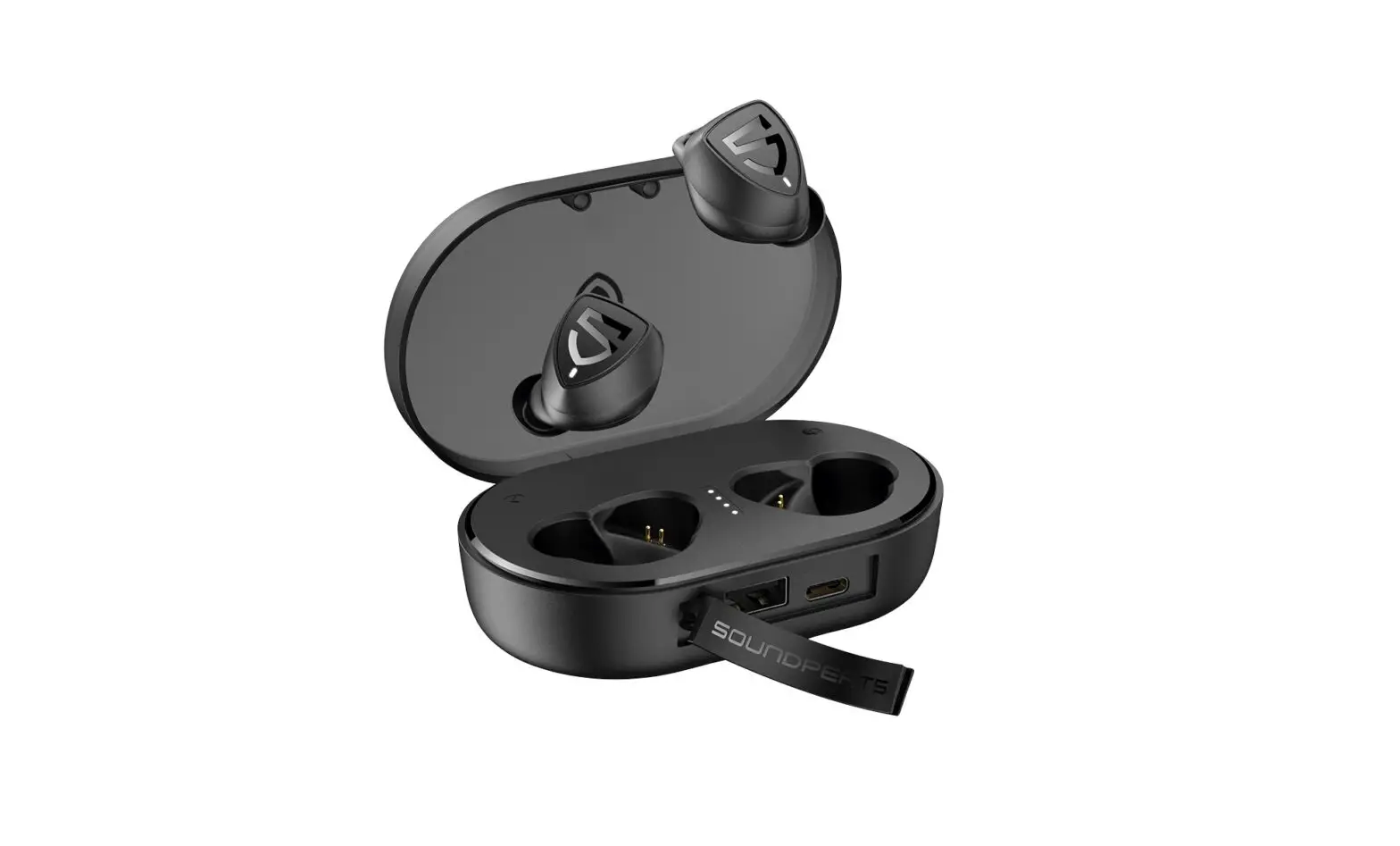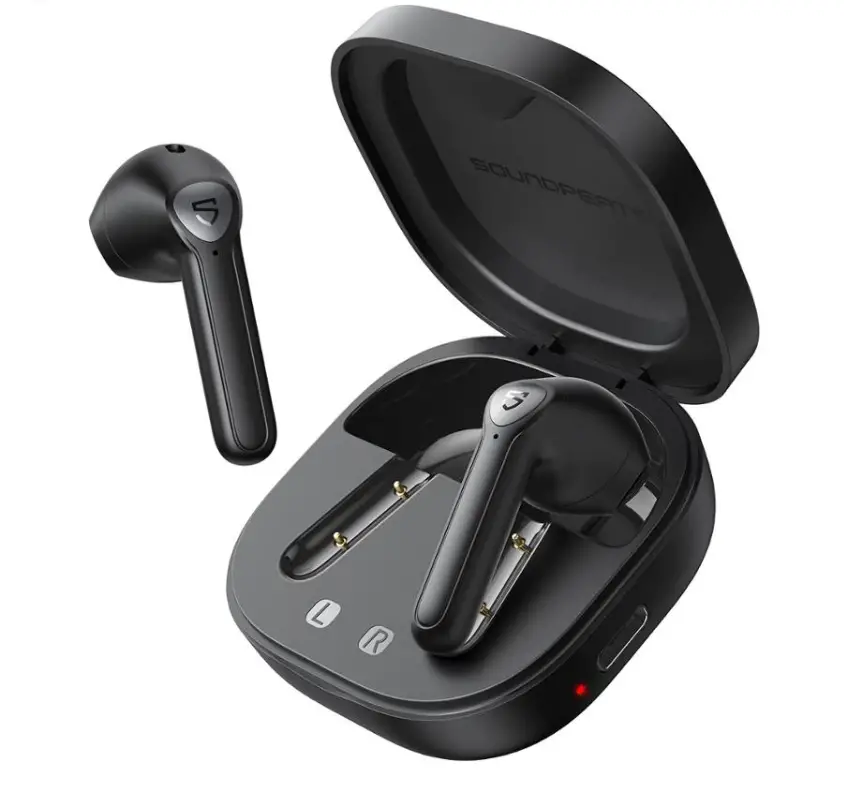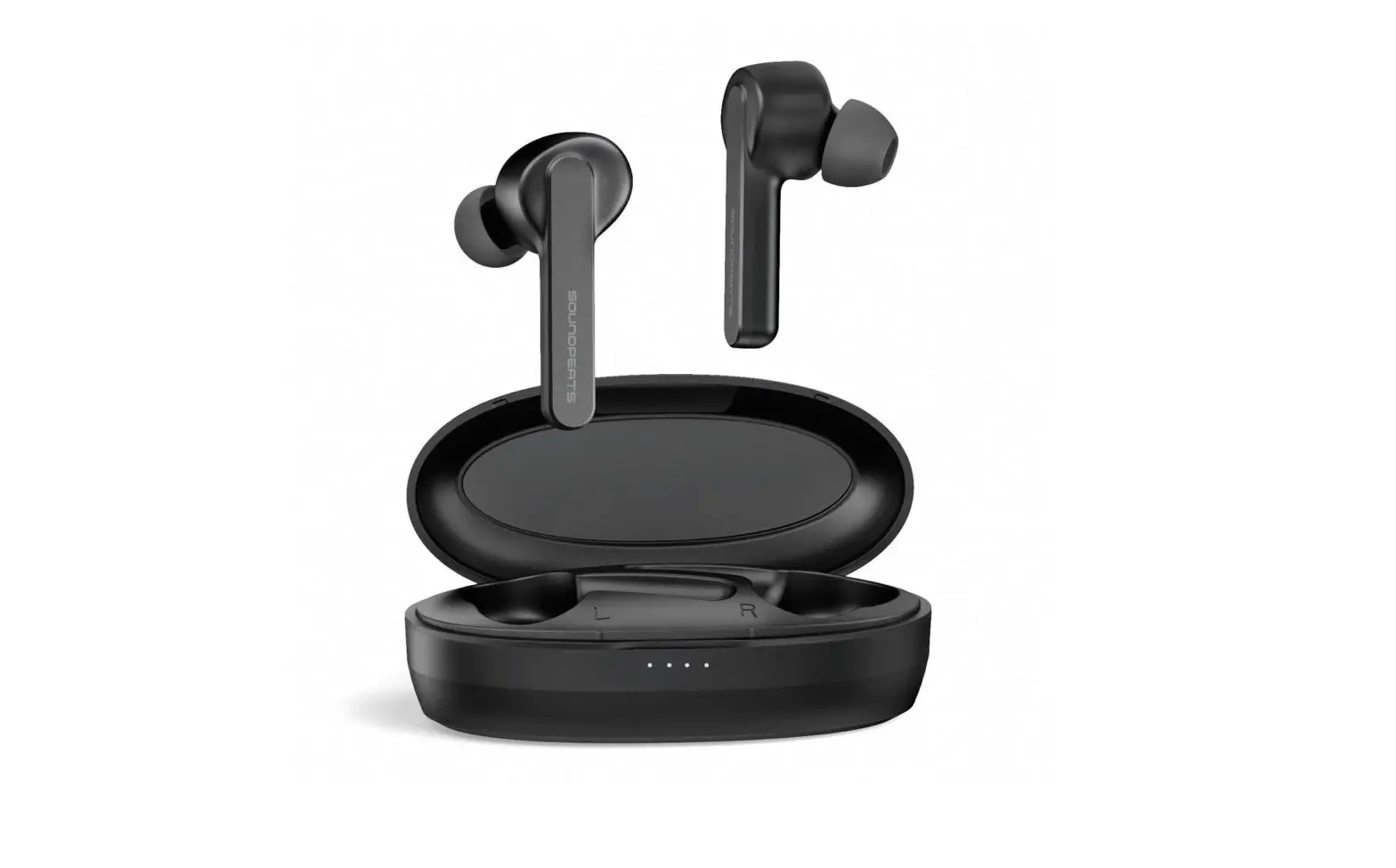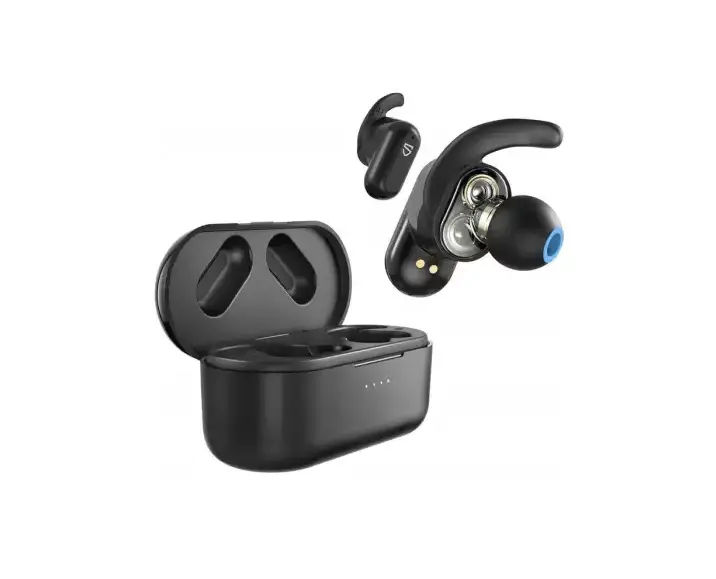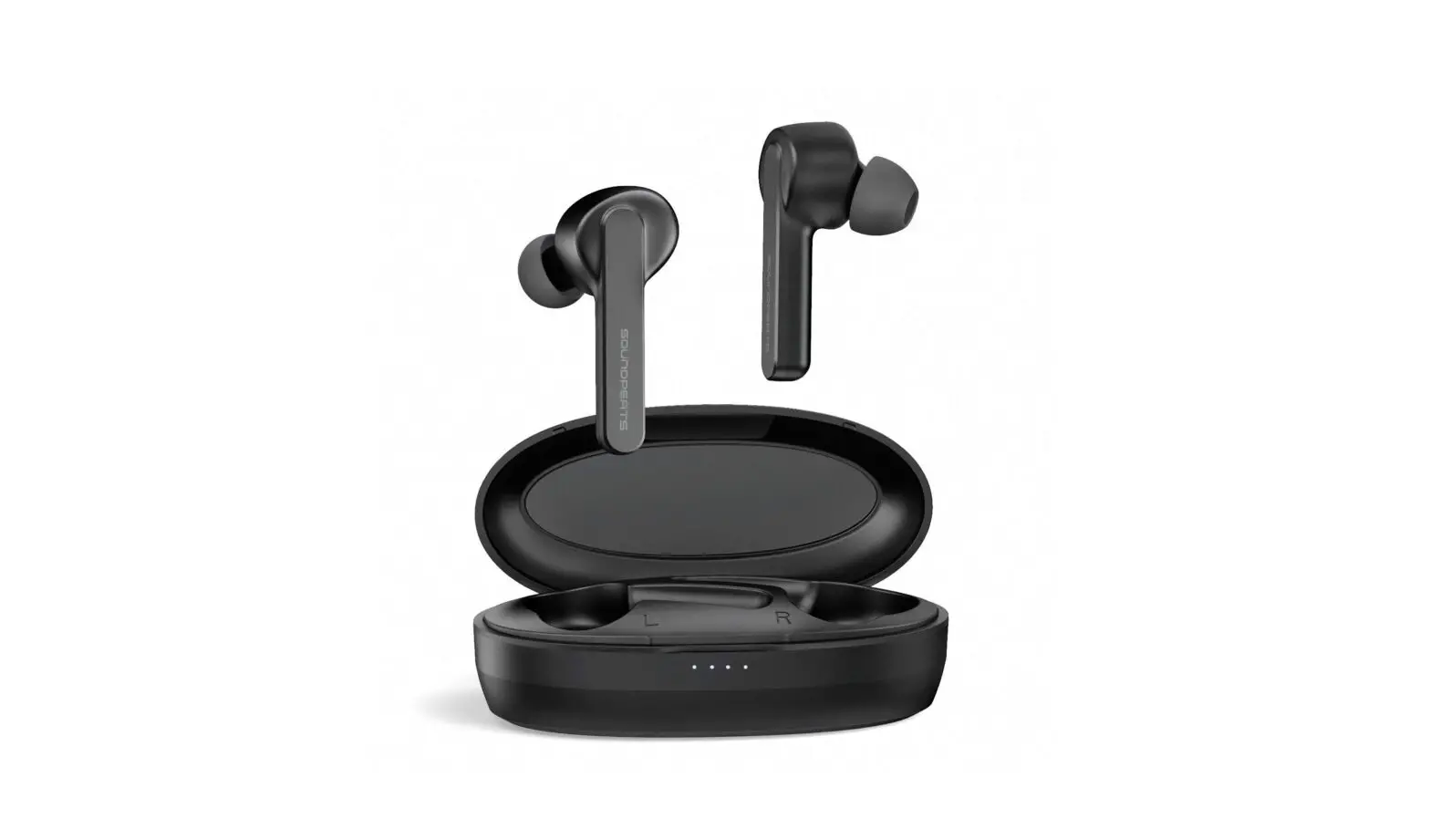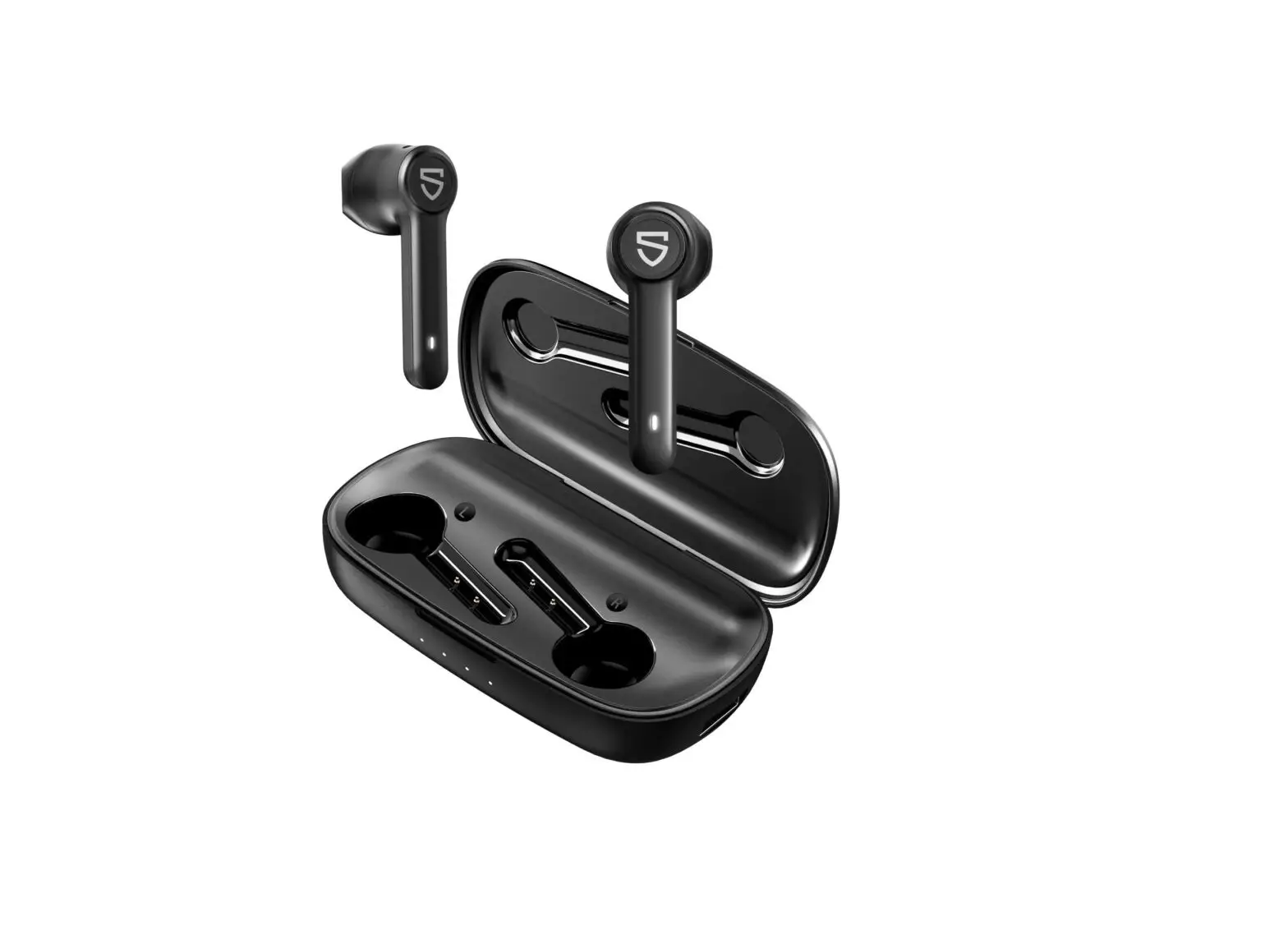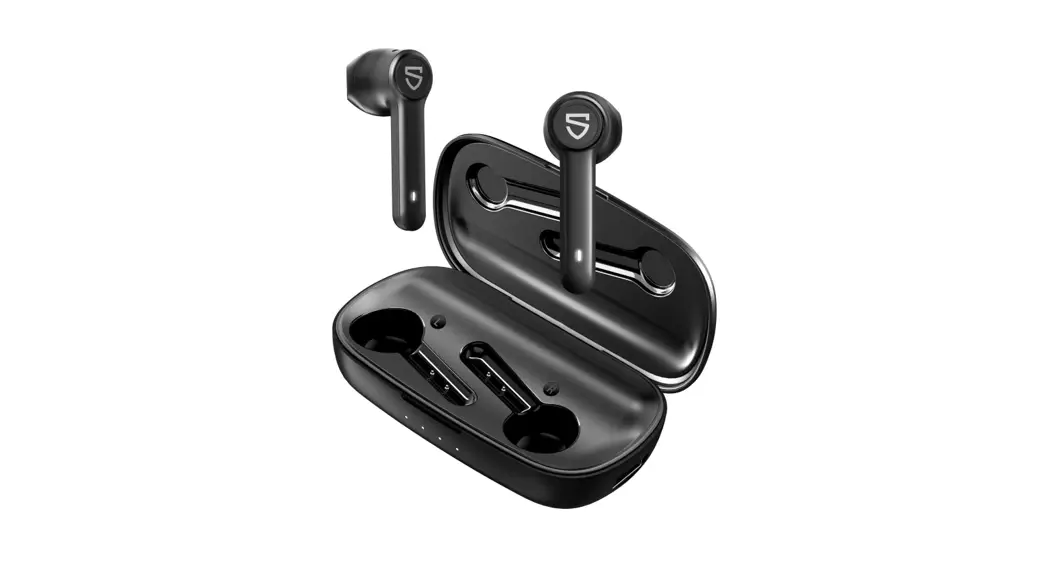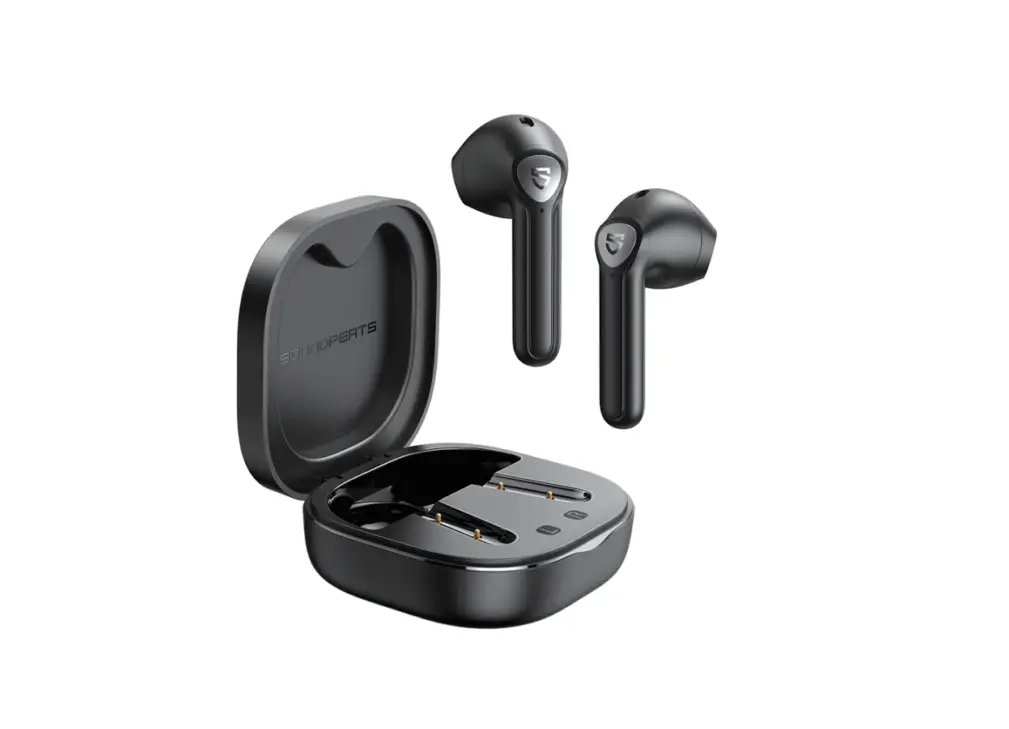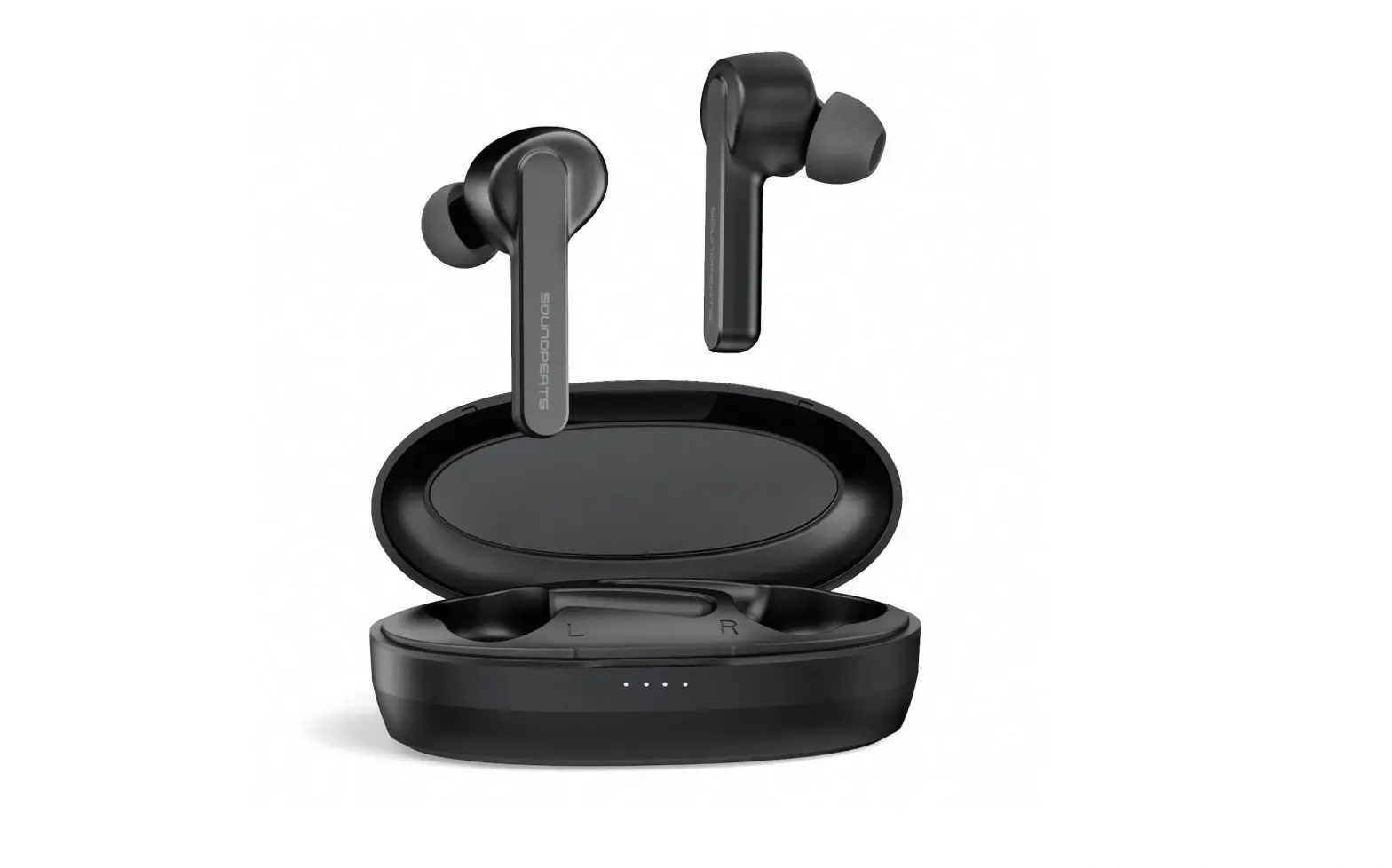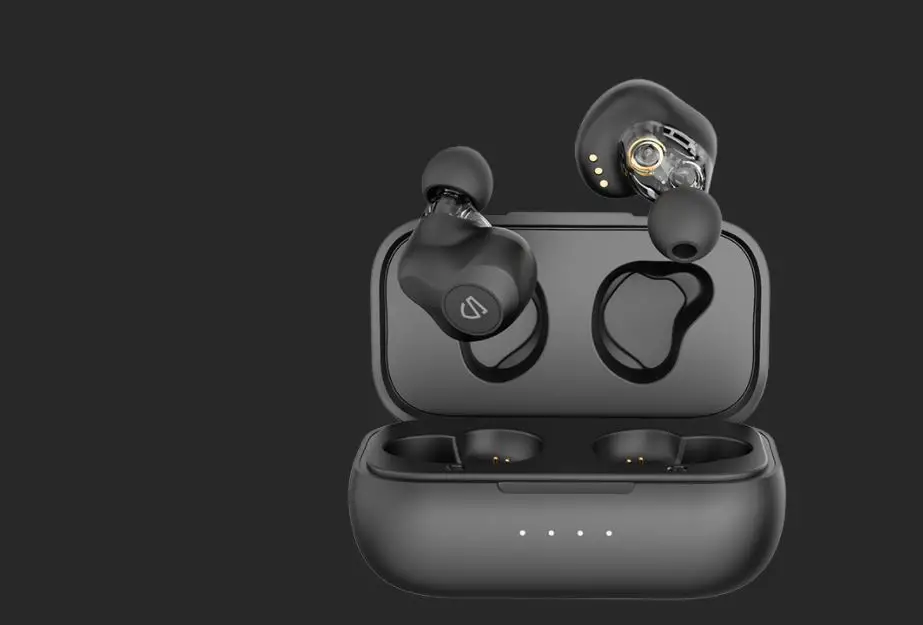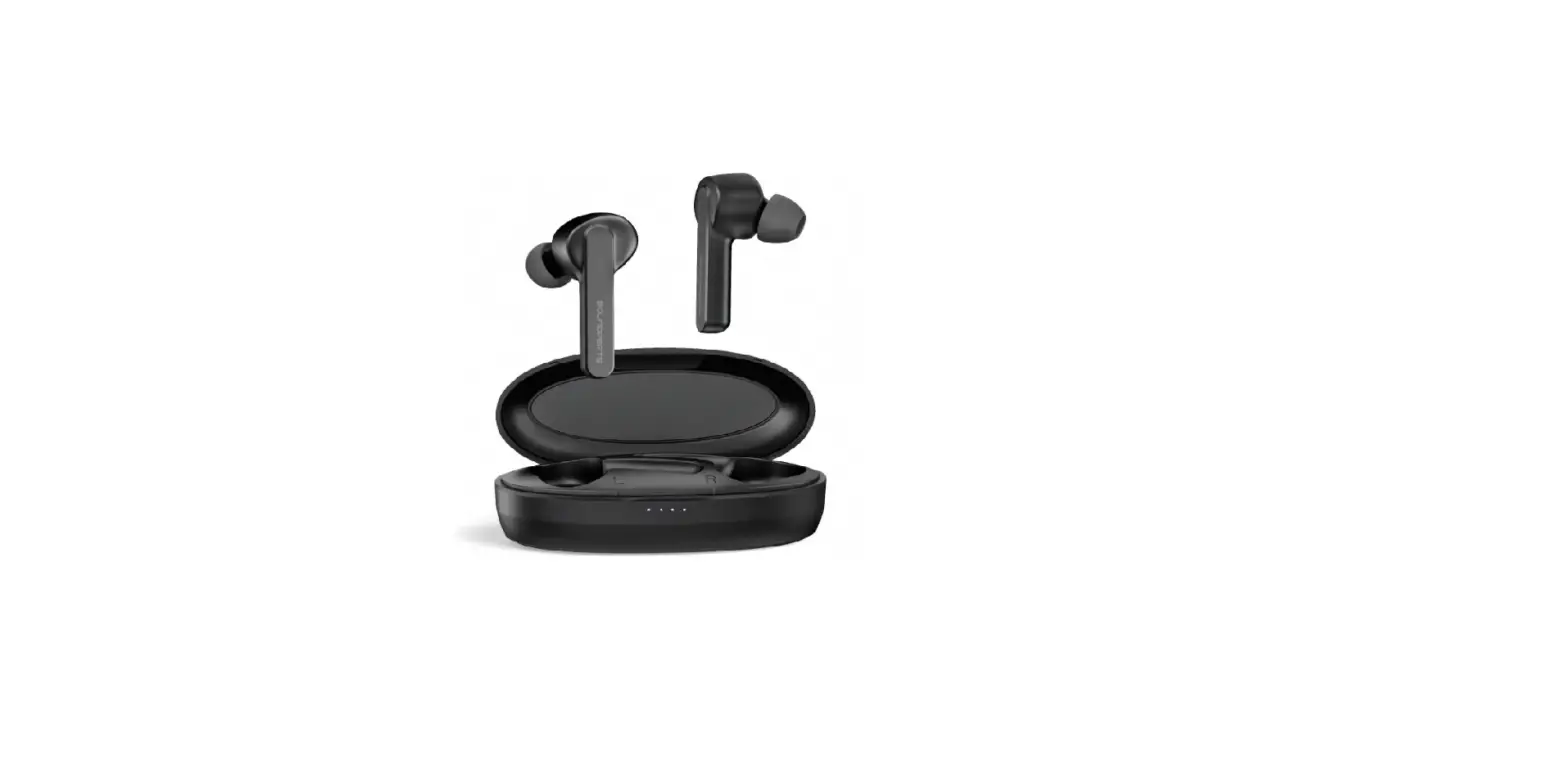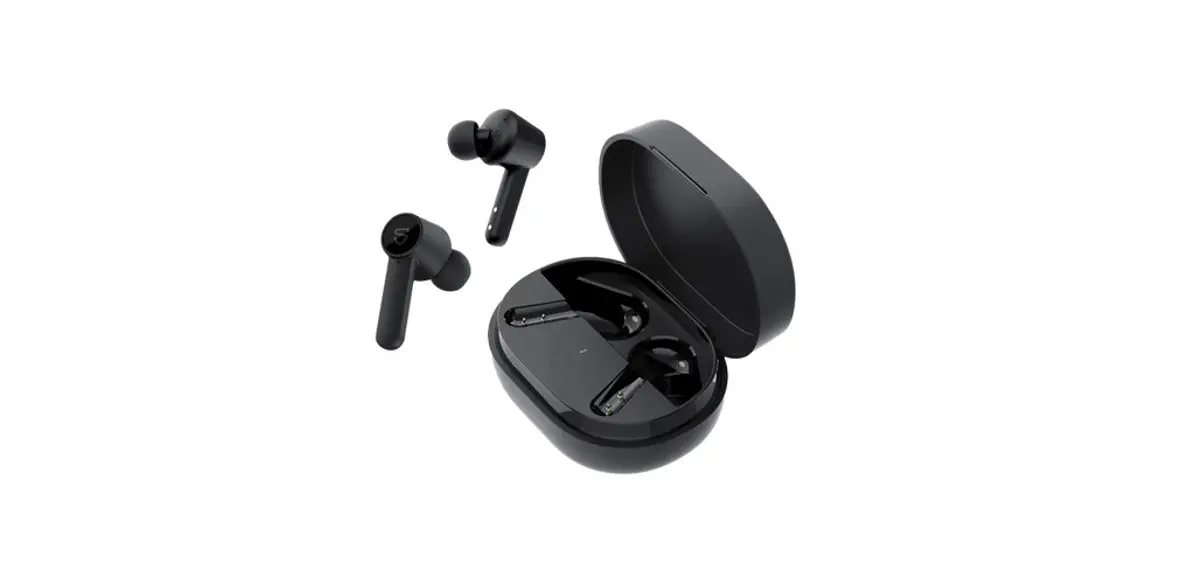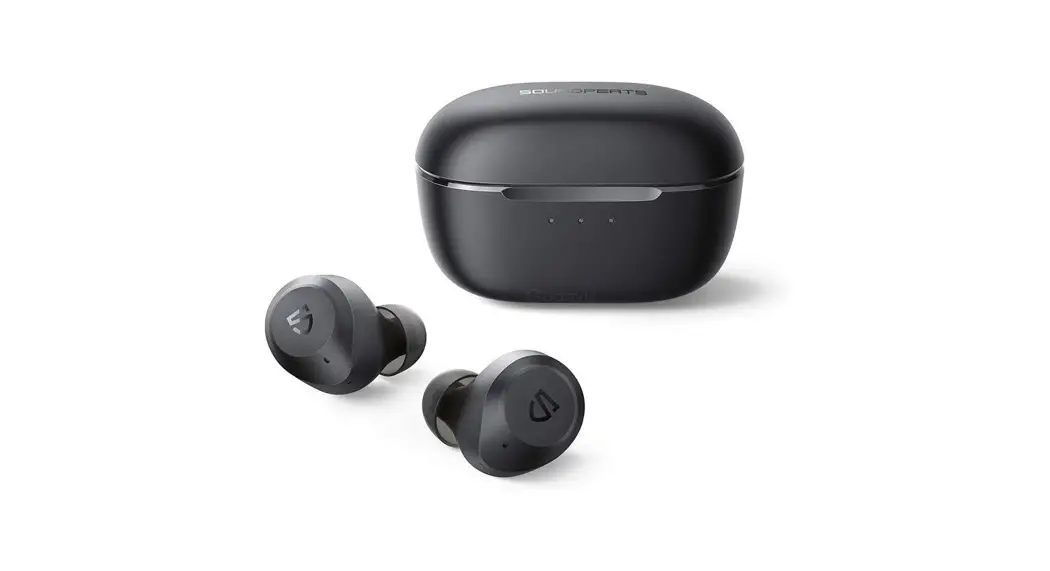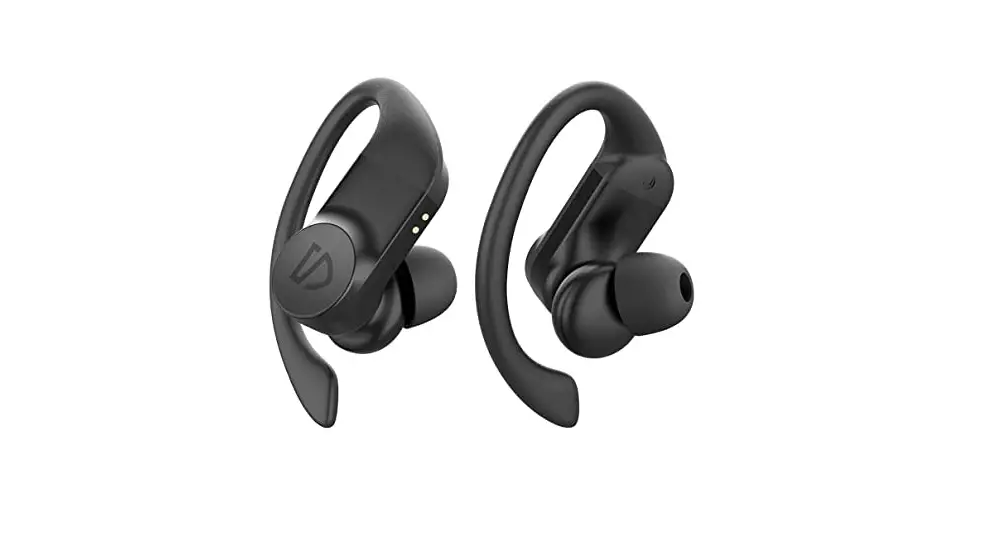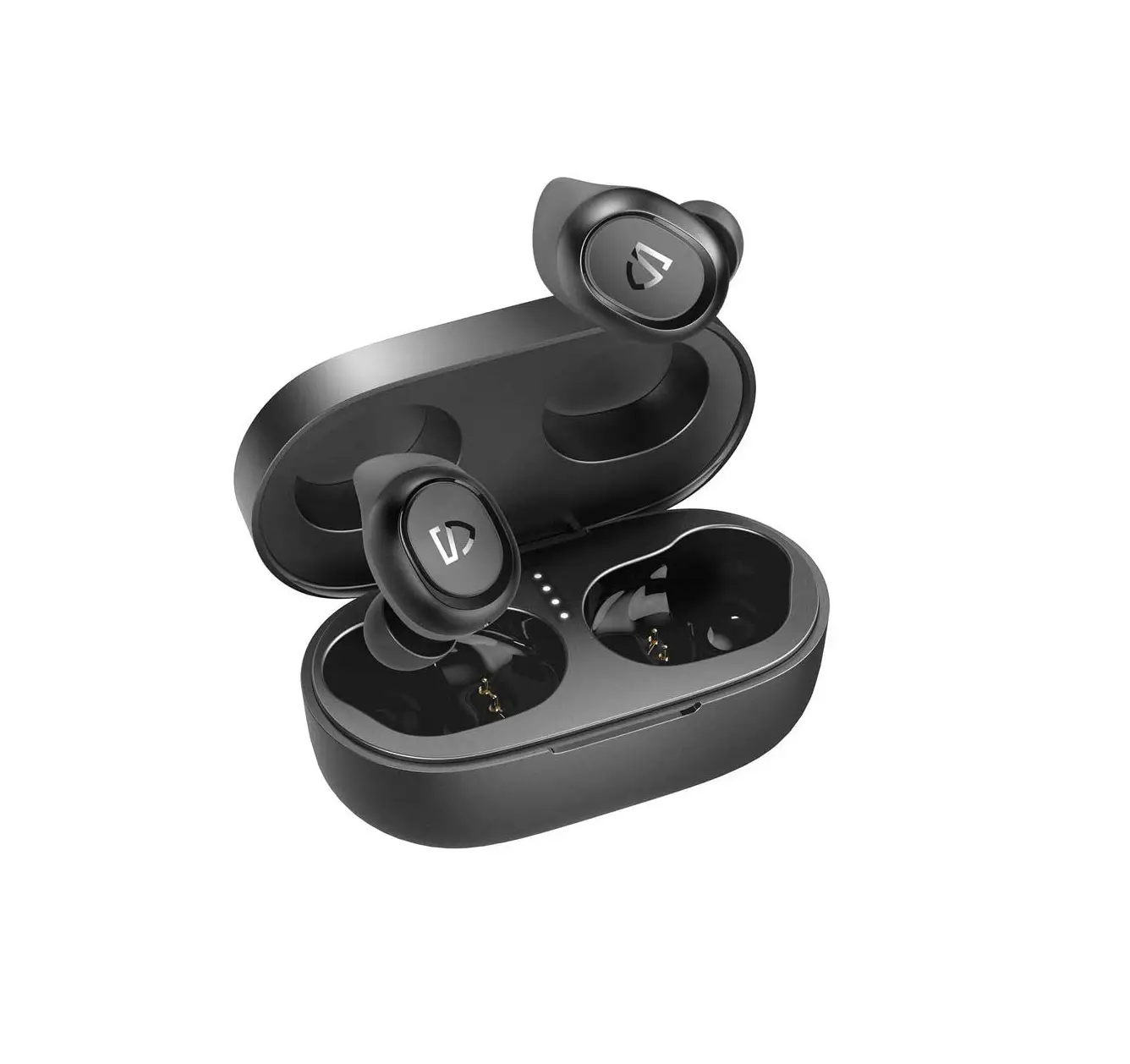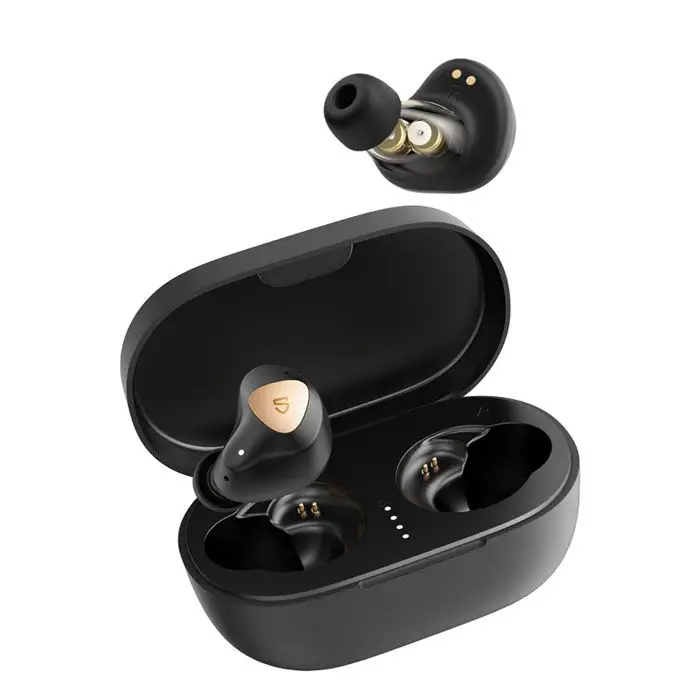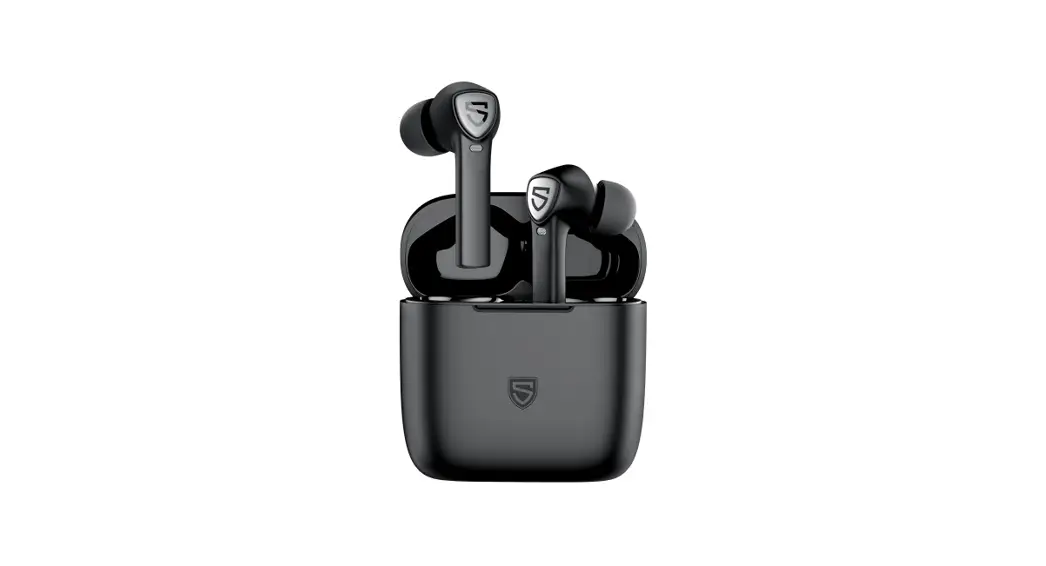

True Capsule2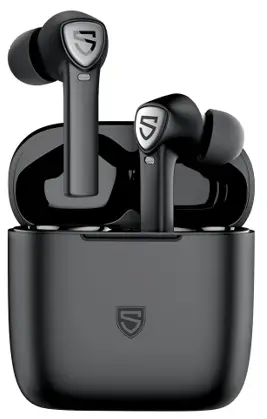
User Manual
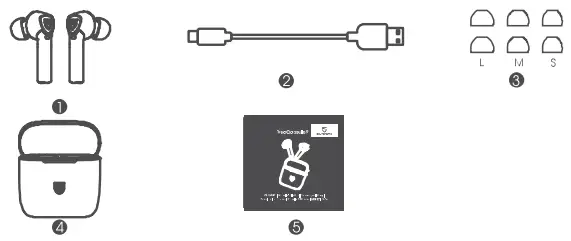
Package Content
Specifications
| Bluetooth Version | 5.0 |
| Bluetooth Chip | QCC3020 |
| Maximum World Range | 10m (without obstacle) |
| Talking Time | About 8 hours |
| Earbuds Charging Time | About 1.5 hours |
| Charging Case Charging Time | About 2 hours |
| Charging Case Recharge Earbuds | 4 times |
| Dimension (L * W * D) | 42.0*20.4*24.2mm (earbud) |
Product Diagram
Control
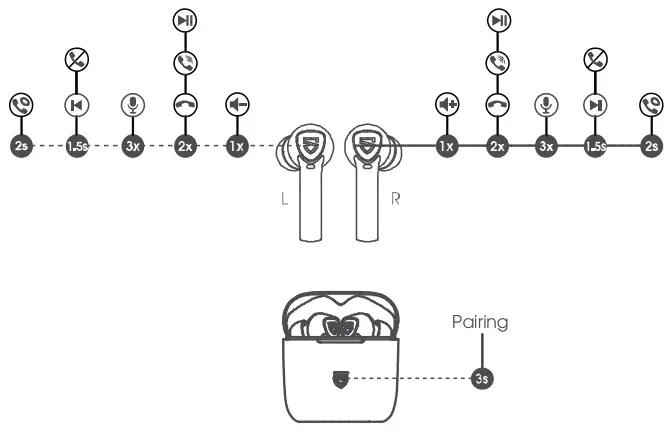
| Power On | Automatically: Open the charging case Manually: Long press the multifunction button for 1.5s |
| Power Off | Automatically: Place the earbuds back into the charging docks and close the charging case Manually: Long press the multifunction button for Los |
| Play | Automatically: Put on the earbuds Manually: Double click the multifunction button |
| Pause | Automatic*: Take off the earbuds Manually: Double click the multifunction button |
| Volume – | Click the left multifunction button once |
| Volume + | Click the right multifunction button once |
| Previous Track | Long press the left multifunction button for 1.5s |
| Next Track | Long press the right multifunction button for 1.5s |
| Answer / Hang Up Phone Call | Double click the multifunction button |
| Reject Phone Call | Long press the multifunction button for 1.5s |
| Switch Between Two Active Calls | Long press the multifunction button for 2s |
| Enter Pairing Mode Manually | Place the earbuds back into the charging docks and open the charging case, long-press the button of the charging case for 3s |
| Activate Voice Assistant | Click the multifunction button three times |
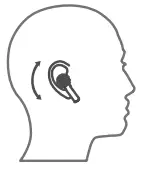
Wearing the Earphones
- Identify the left and right earbuds.
- Rotate the earbuds, and adjust them to find the best angle.

Getting Started
Pairing&Re-pairing
- When the charging case is powered, open the charging case and ensure that the headphones are in the charging case, then both earbuds will enter TWS pairing mode automatically. You will hear a voice prompt when the left and right earbuds connect to each other successfully. Then you need to long-press the button of the charging case for 3s, the white indicator of the charging case starts to flash in white with a voice prompt “pairing” indicating pairing mode.
- ” SOUNDPEATS TrueCapsule2″ will show up on the Bluetooth list, click it to connect You will hear a voice prompt “connected” from the right earbud when the earbuds connect with your device successfully. Then the prompt of “SOUNDPEATS TrueCapsule2 L” will show up to request pairing, dick it to complete the pairing.
IOSBluetooth Pairing Request
“Headset” would like to pair with your iPhone.Cancel Pair 
Andriod
Bluetooth Pairing Request
Pair with SOUNDPEATS TrueCapsule2 L?Cancel Pair - soundpeats TrueCapsule2 Bluetooth earbuds can remember previously paired devices. When you make the second connection, simply activate the Bluetooth in your device, and take out both earbuds from the charging case. They will connect to each other, and reconnect to your device automatically if the earbud doesn’t automatically connect to your device, please activate the Bluetooth in your device and hit “SOUNDPEATS TrueCapsule2 ” on The Bluetooth list.
- Mono Mode: After successful pairing of SOUNDPEATS TrueCapsule2, the left and right earbud can be used separately

Note:
- When SOUNDPEATS TrueCapsule2 L requests pairing, please select pairing, otherwise, the earphones can’t be used on mono mode properly
- When SOUNDPEATS TrueCcpsule2 has connected with a mobile phone with Qualcomm Snapdragon 855 chip or a higher Qualcomm chip, it will automatically connect the two pairing names without mind pairing again.
- If you want to change the pairing device in the connected state, please place the earbuds back into the charging docks and open the charging case, then press the button of the charging case for 3s to have it enter pairing mode directly and pair to a new device.
Factory Reset
(Try the following steps if you fail to build a connection between two earbuds, or between earphones aid devices)
- Clear pairing record between the earbuds and all your devices.
- Place back both earbuds into the charging docks and open the charging case. Then long-press the button of the charging case for 10s until the LED light of the charging case Oust] while Twice resel successfully.
Charging
soundpeats TrueCapsule2 Bluetooth earphones are equipped with a lightweight charging case that can not only charge the earphones but also a case that is convenient to carry and stores the earphones. A built-in rechargeable battery can charge two earphones 4 times.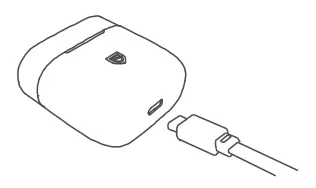
Charging the headset
The earphones are partially charged at the factory. Please make sure they are fully direct to belote lirsl use.
- Put the earphones into corresponding charging docks.
- The LED indicator of the charging case flashes to indicate that the earphones have been successfully placed.
- CBSE the charging case and the earphones stat to charge.
Charging the case
When the charging case battery is low, the LED indicator of the charging case is red. Please charge the case soon.
- Connect the charging port with Type-C charging adapter. (Please make sure the current is not greater than 1A)
- Please charge the case at least once every 3 months when not in use for a long time.
Warranty
We warrant this device 12 MONTHS from the date of the original purchase for manufacturer defects. [email protected]
 www.soundpeatsaudio.com
Please scan the QR code to check the detailed PDF manual for more details.
 https://soundpeatsaudio.com/downloads/
FCC Statement
This equipment has been tested and found to comply with the limits for a Class B digital device, pursuant to Part 15 of the FCC rules. These limits are designed to provide reasonable protection against harmful interference in a residential installation. This equipment generates uses and can radiate radio frequency energy and, if not installed and used in accordance with the instructions, may cause harmful interference to radio communications. However, there is no guarantee that interference will not occur in a particular installation. If this equipment does cause harmful interference to radio or television reception, which can be determined by turning the equipment off and on, the user is encouraged to try to correct the interference by one or more of the following measures:
- Reorient or relocate the receiving antenna.
- Increase the separation between the equipment and receiver.
- Connect the equipment into an outlet on a circuit different from that to which the receiver is connected.
- Consult the dealer or an experienced radio/TV technician for help.
This device complies with part 15 of the FCC rules. Operation is subject to the following two conditions:
- This device may not cause harmful interference.
- this device must accept any interference received, including interference that may cause undesired operation.
Changes or modifications not expressly approved by the party responsible for compliance could void the user’s authority to operate the equipment.
MANUFACTURER
Shenzhen SoundSOUL Information Technology Company Limited
 Room 1308-1309, Building B, Huaihai Square, Chuangye Road, Longhua District Shenzhen, China. 518109
[email protected] www.soundpeatsaudio.com

 SOUNDPEATS TrueWireless Earbuds & Headphones for Sound.