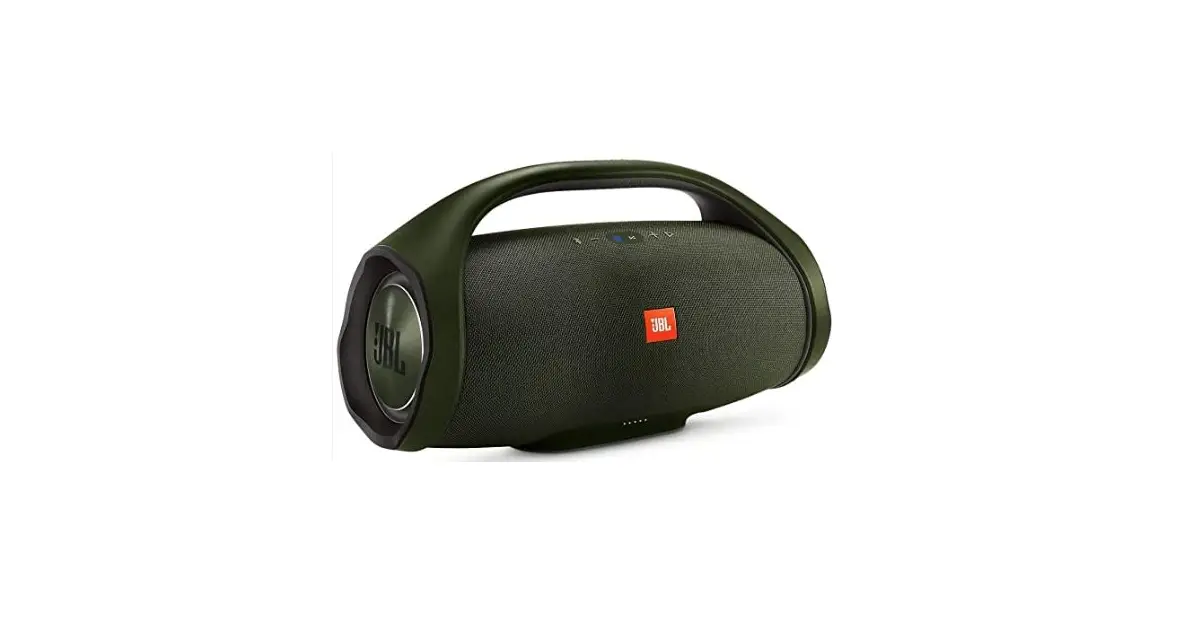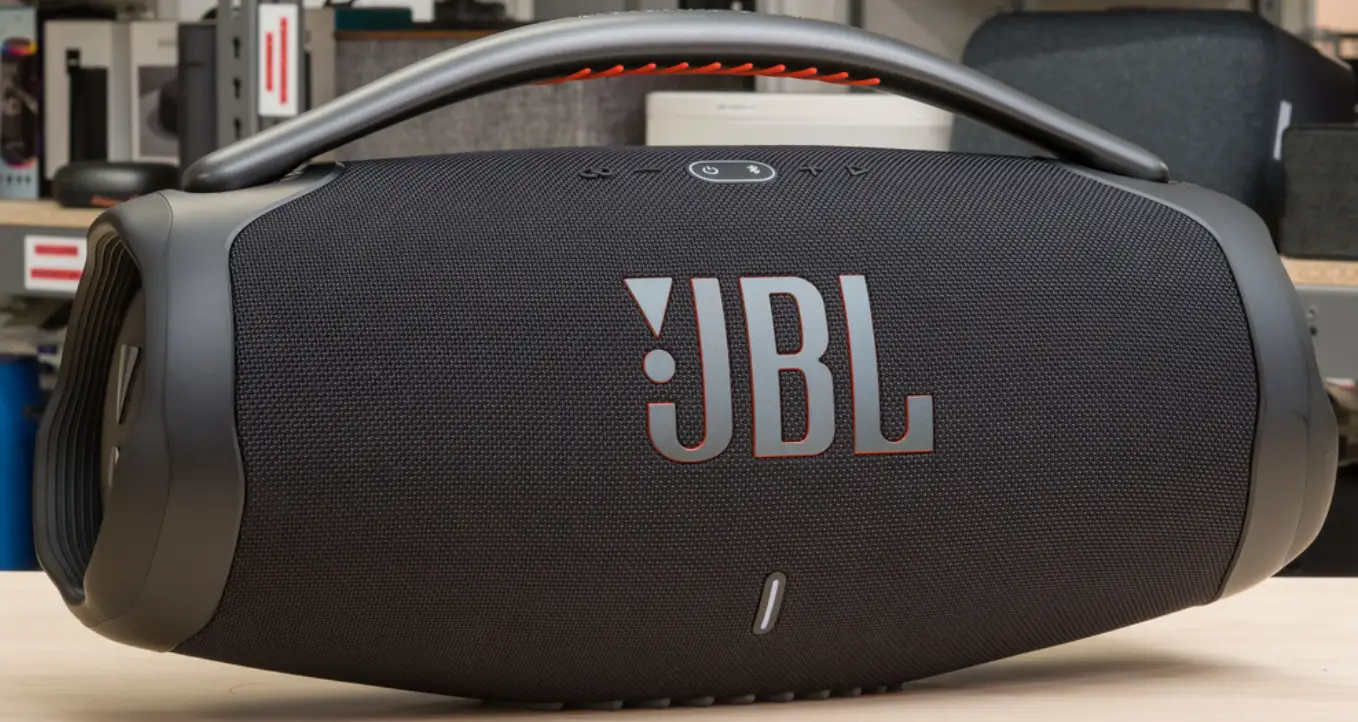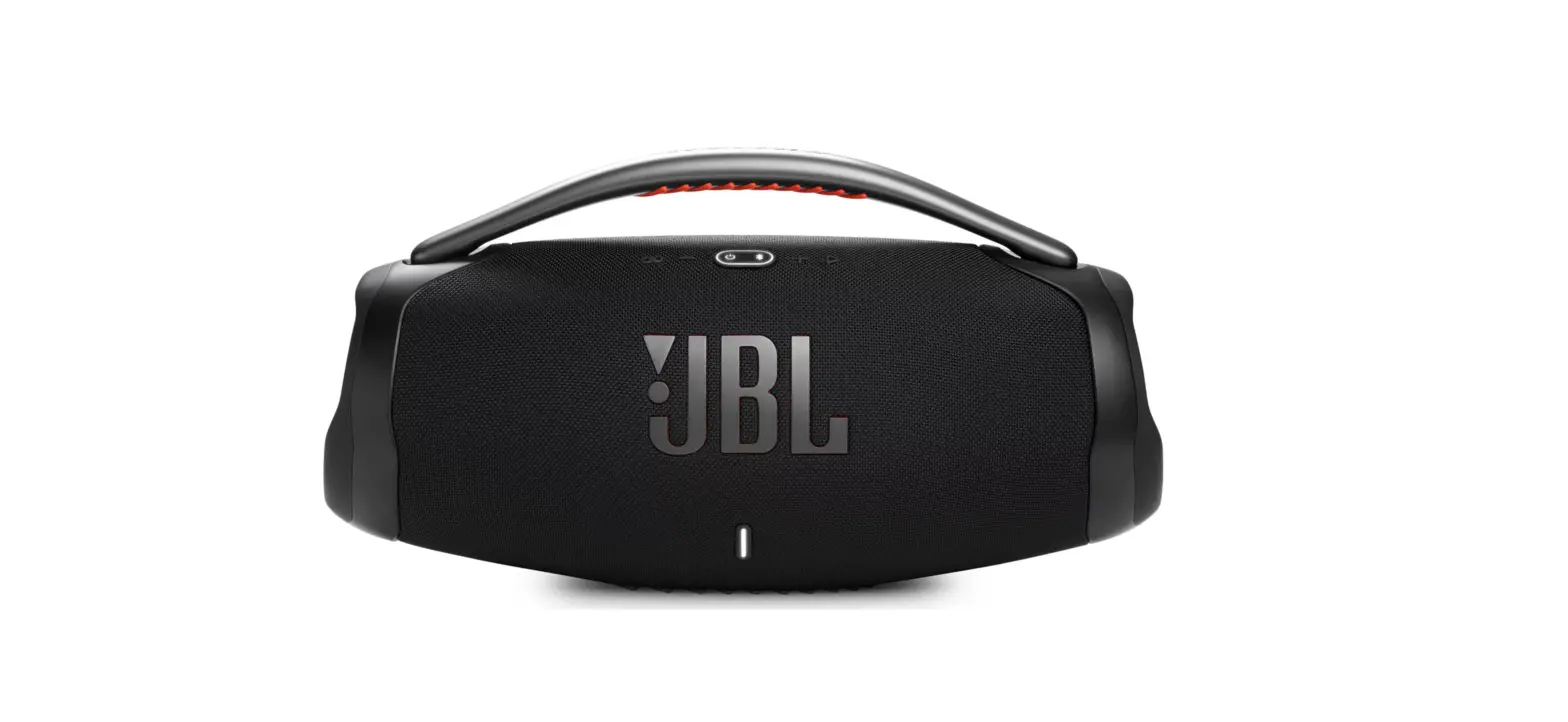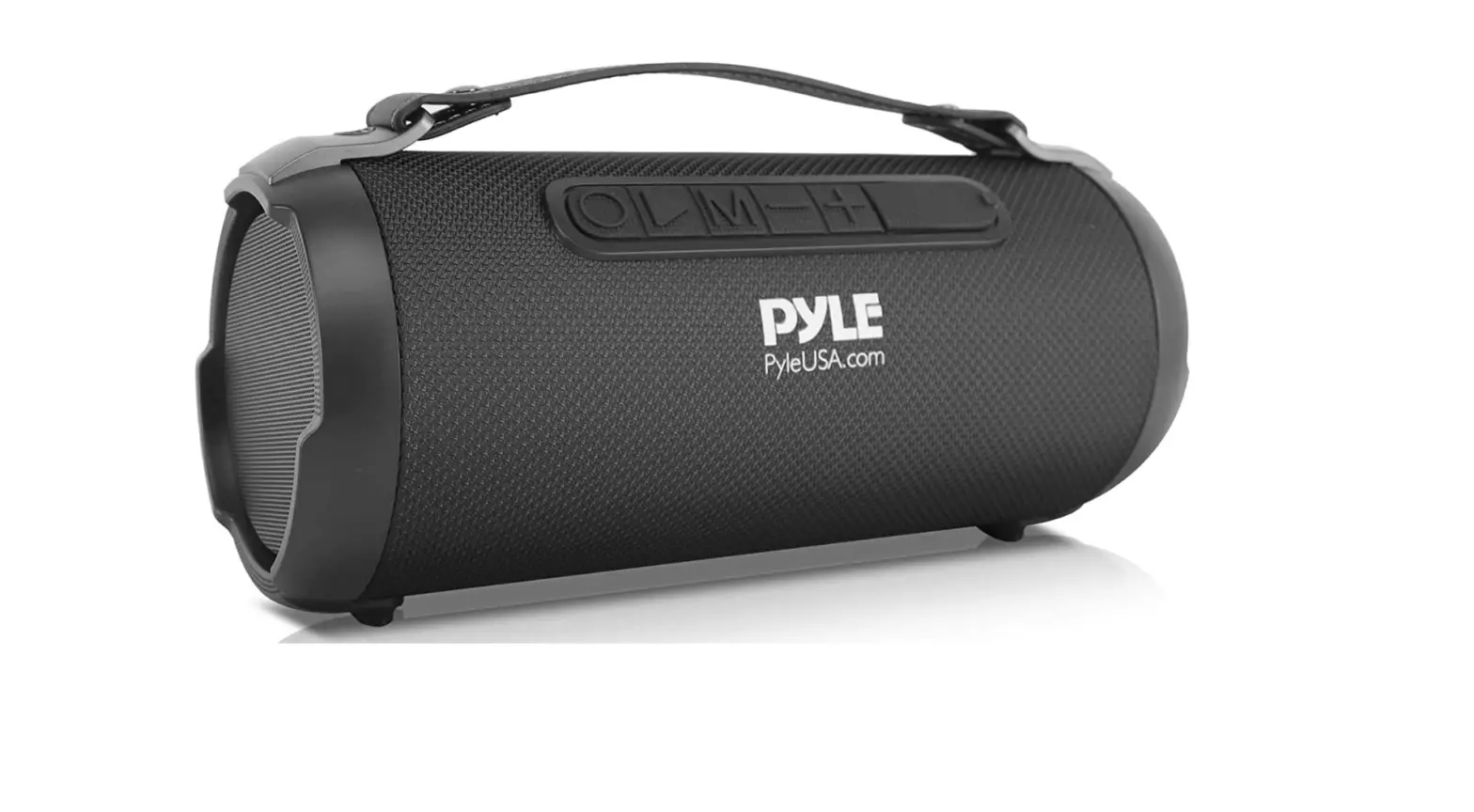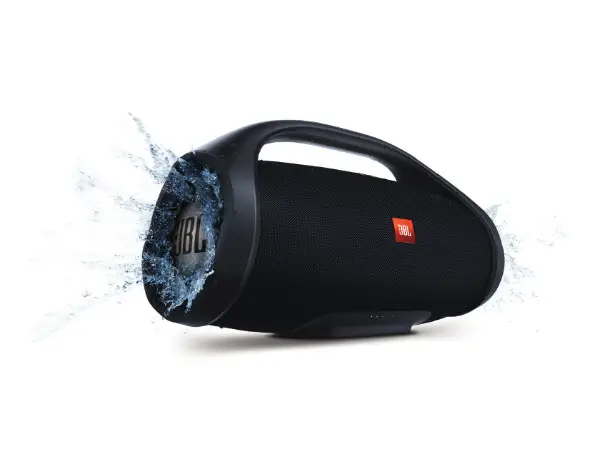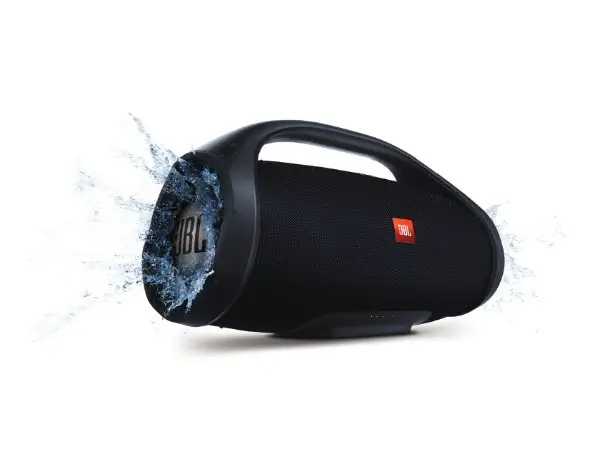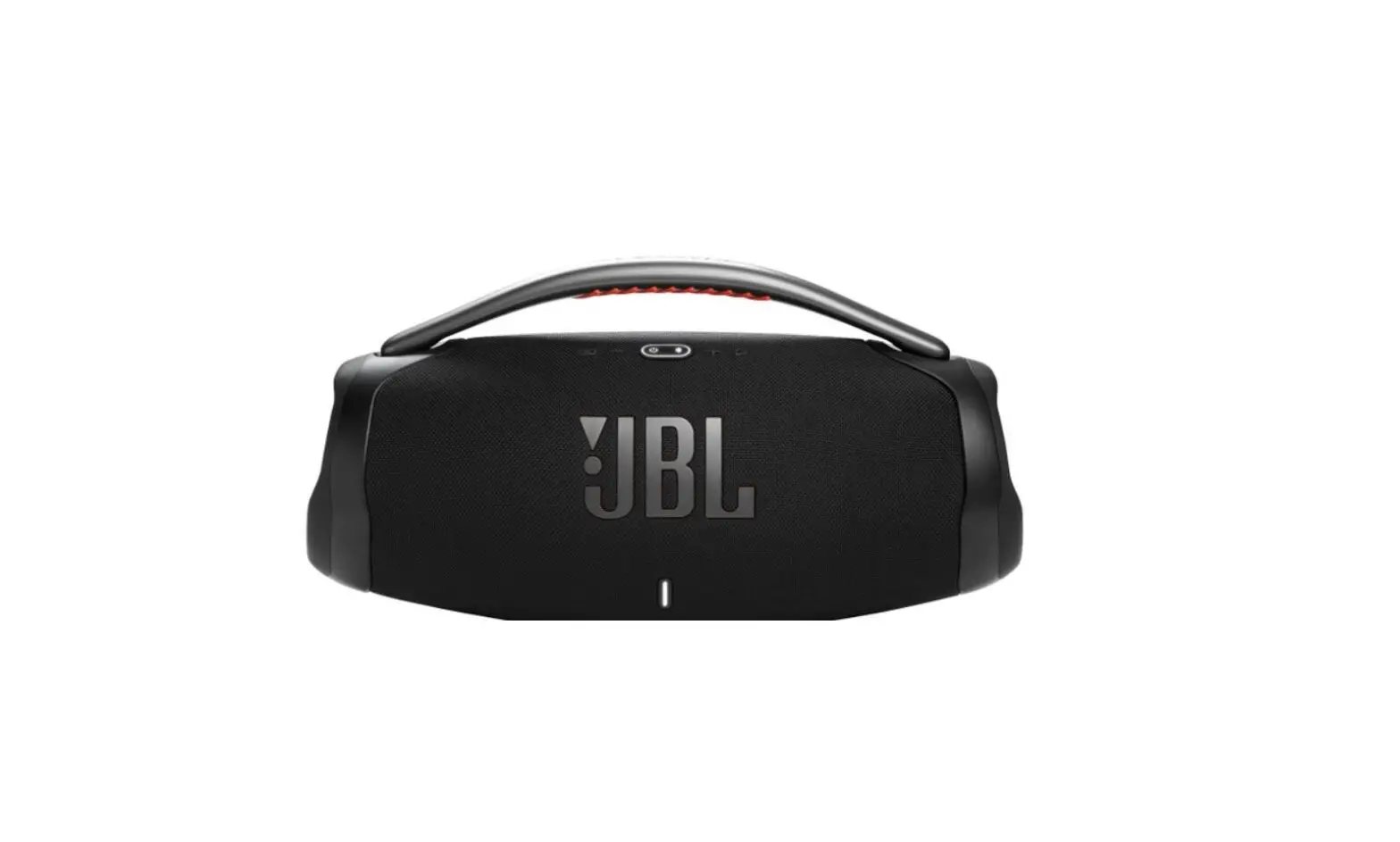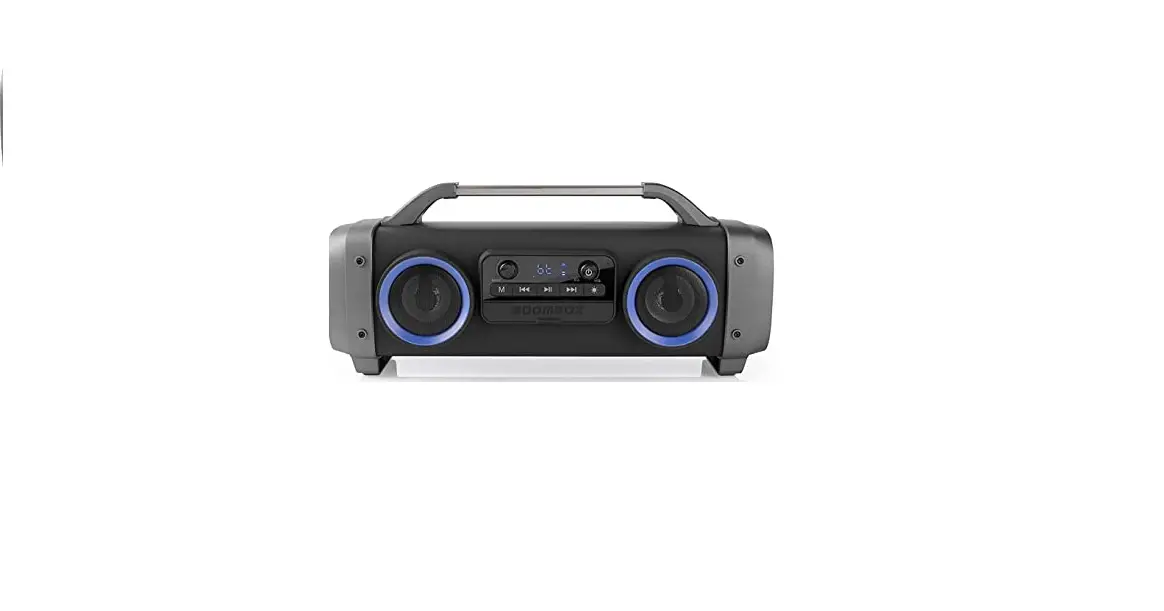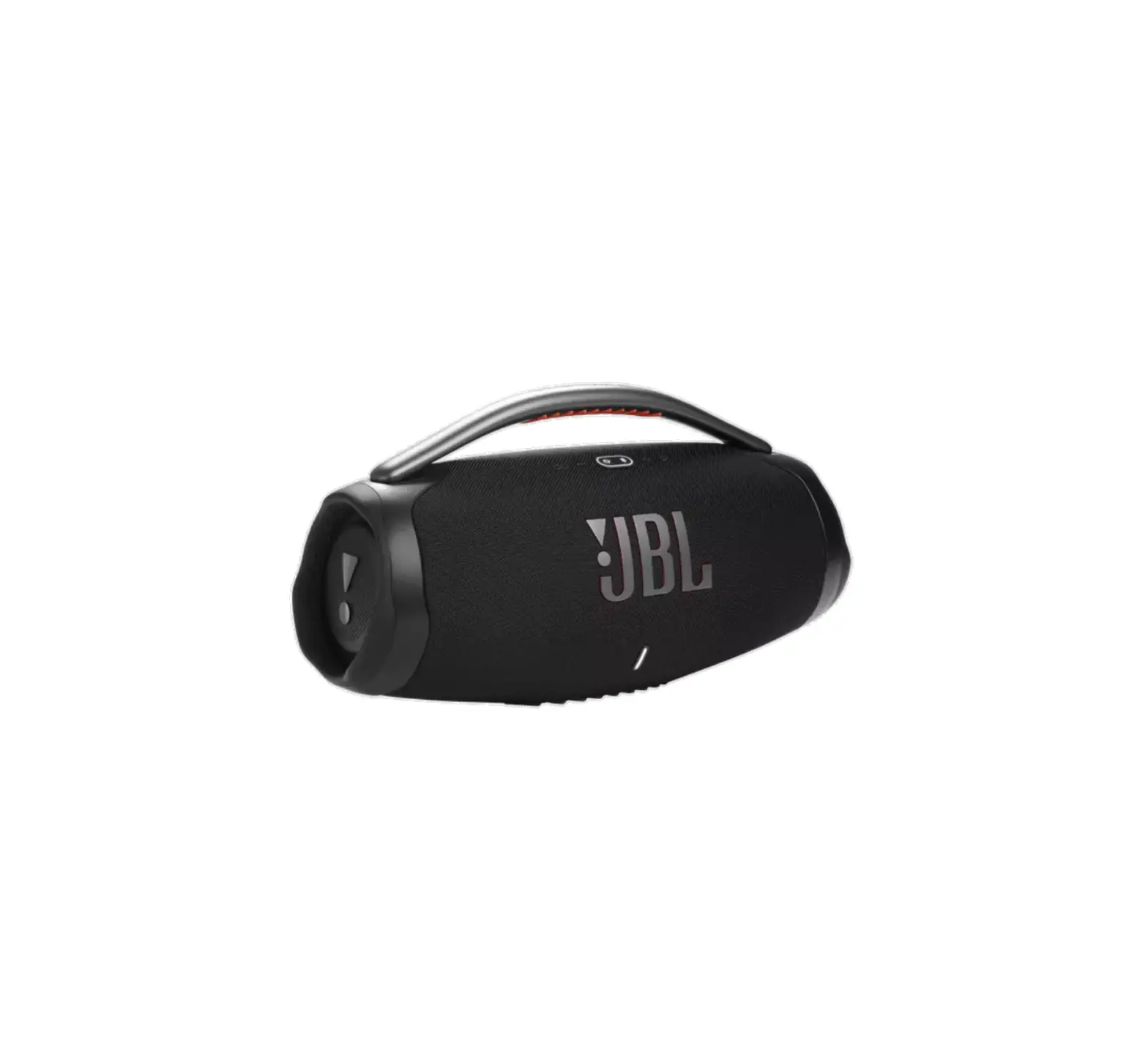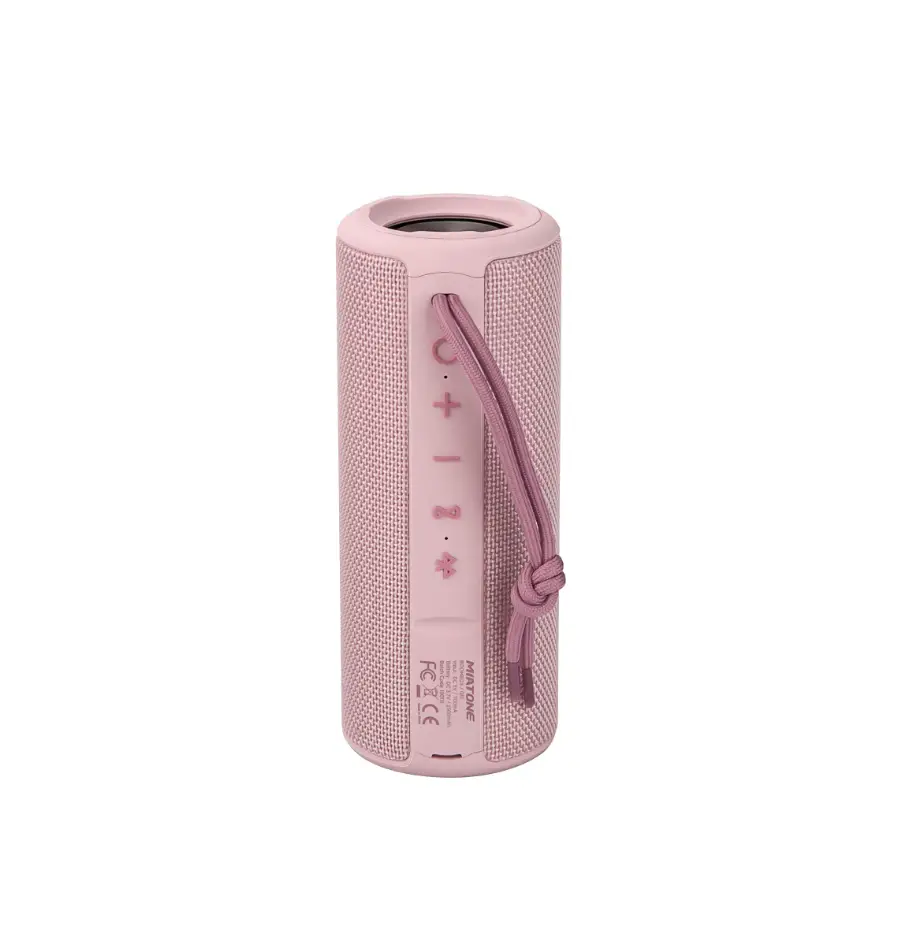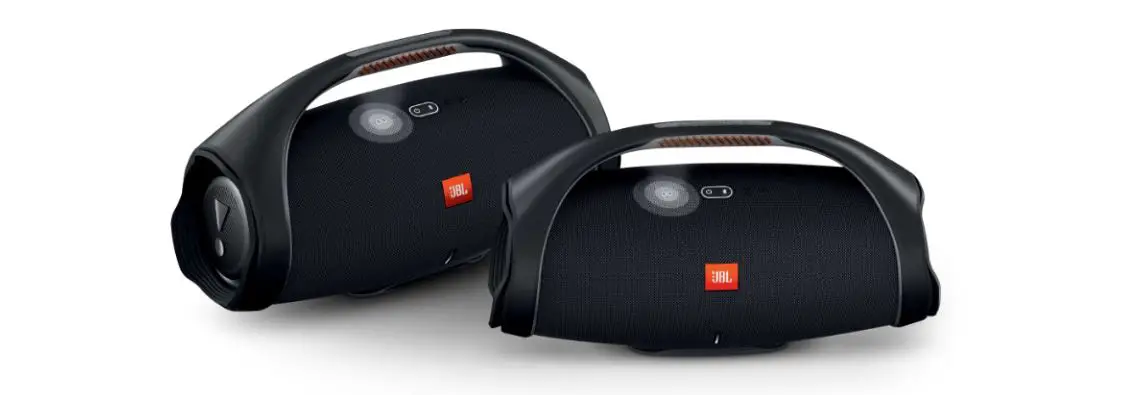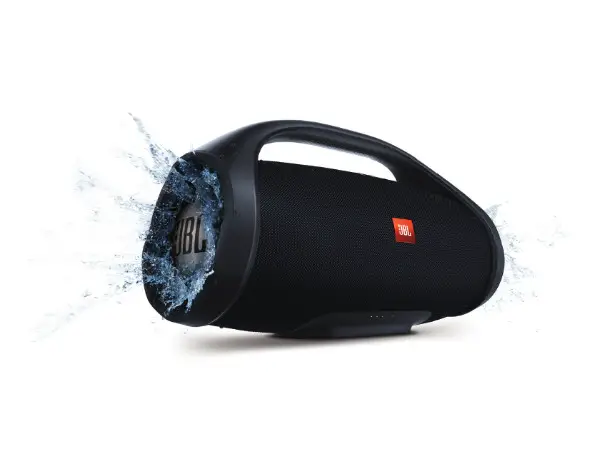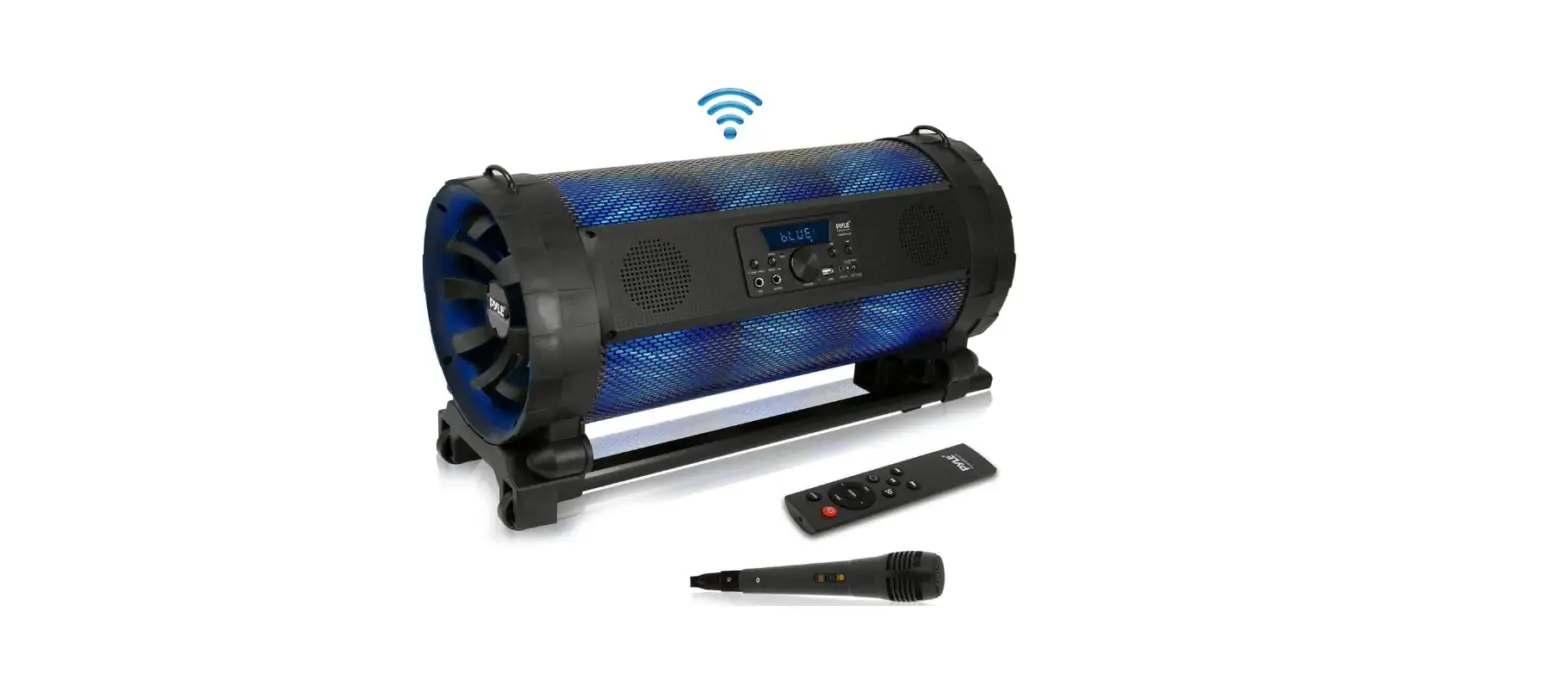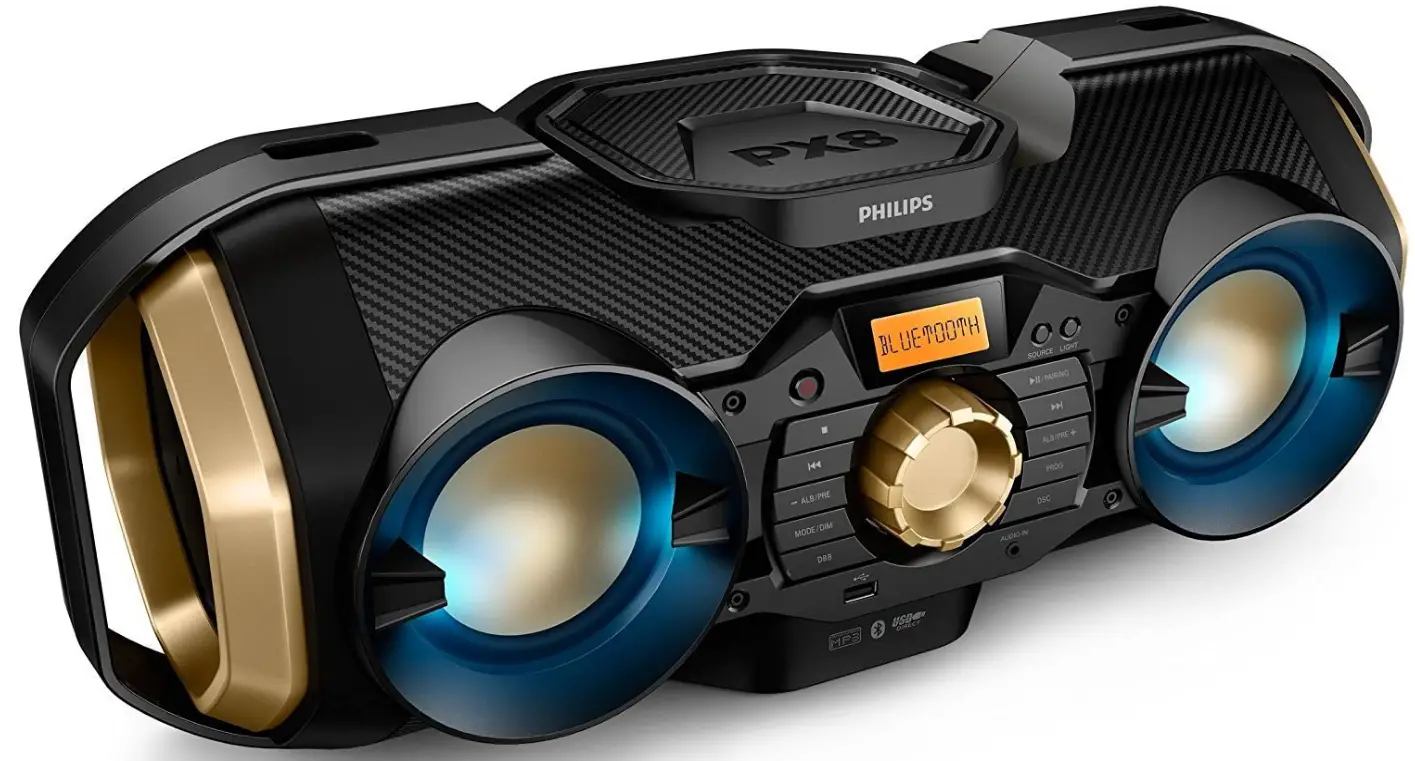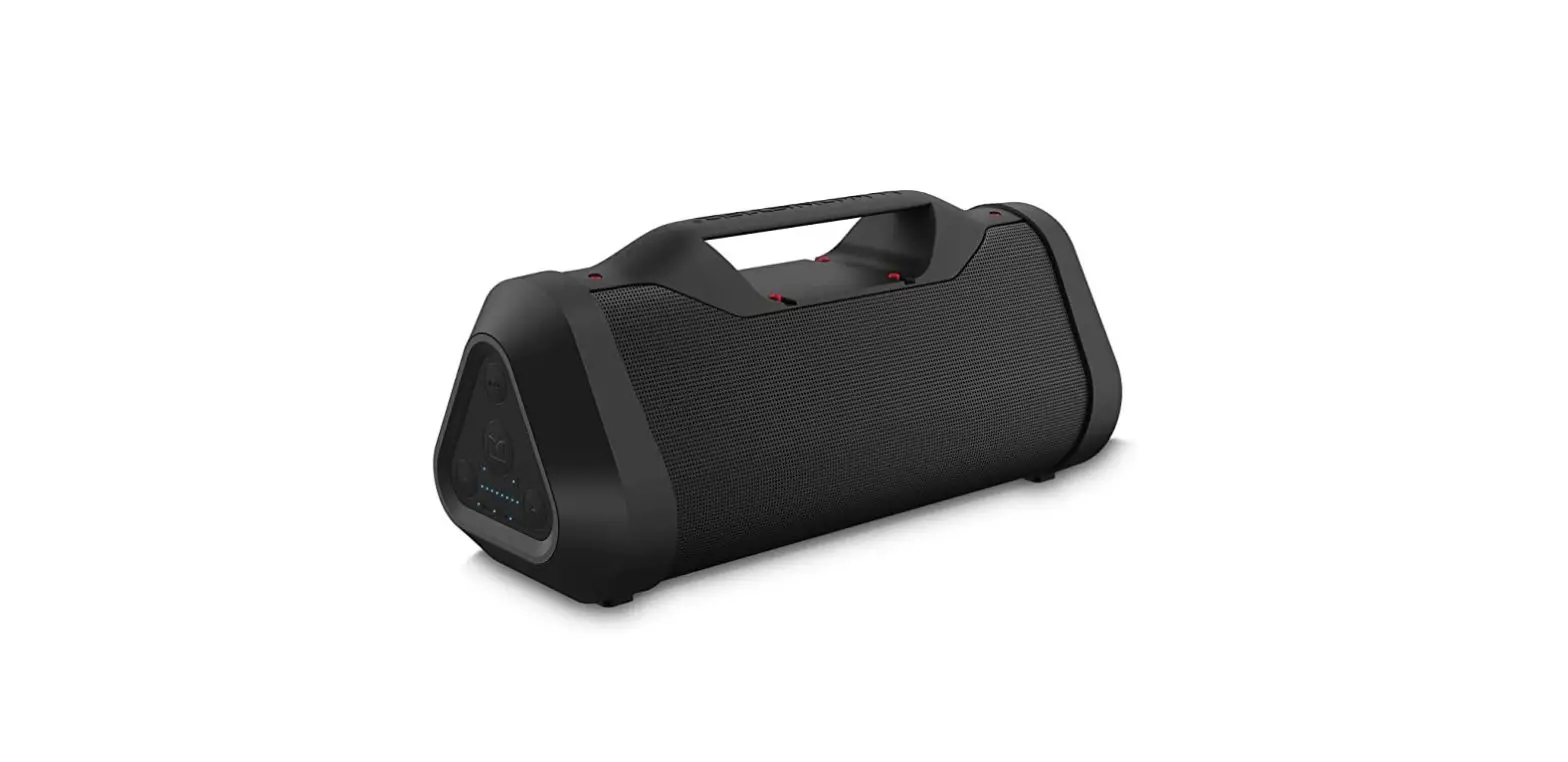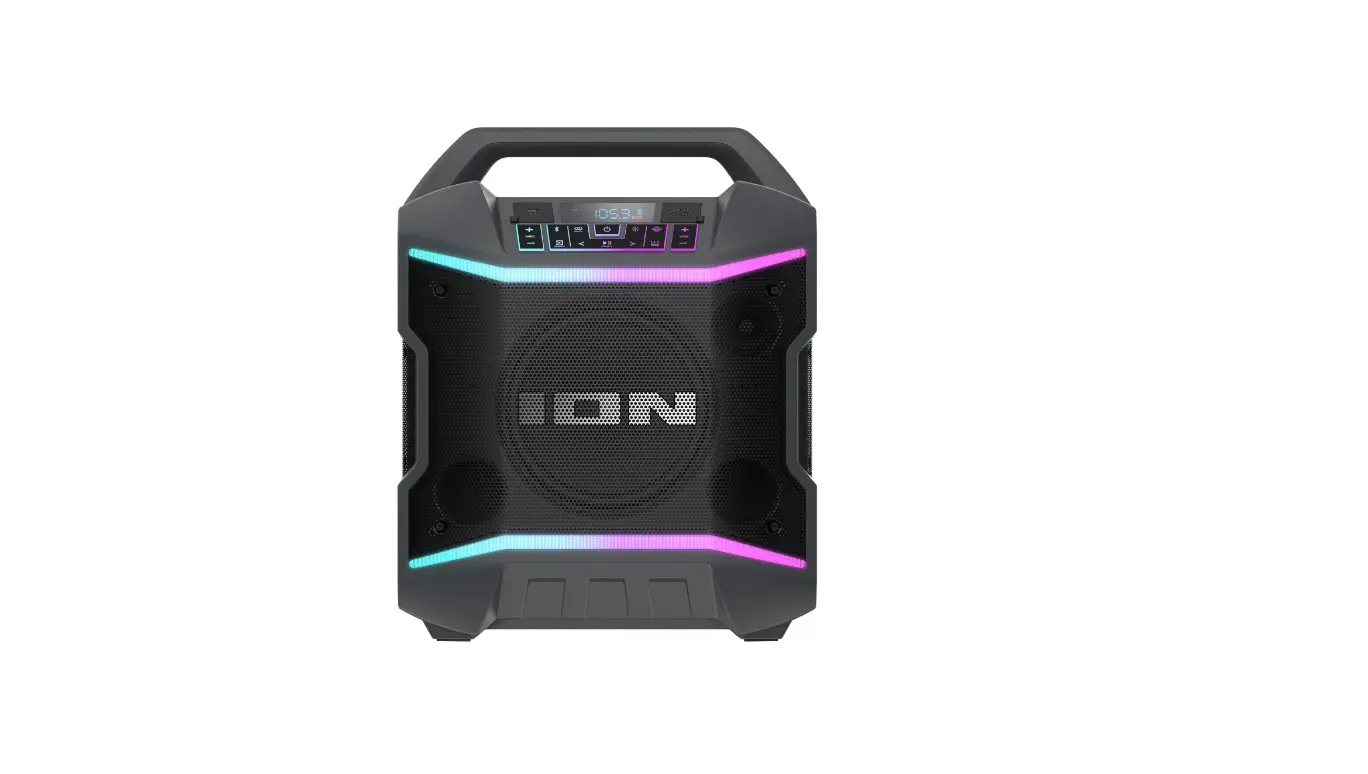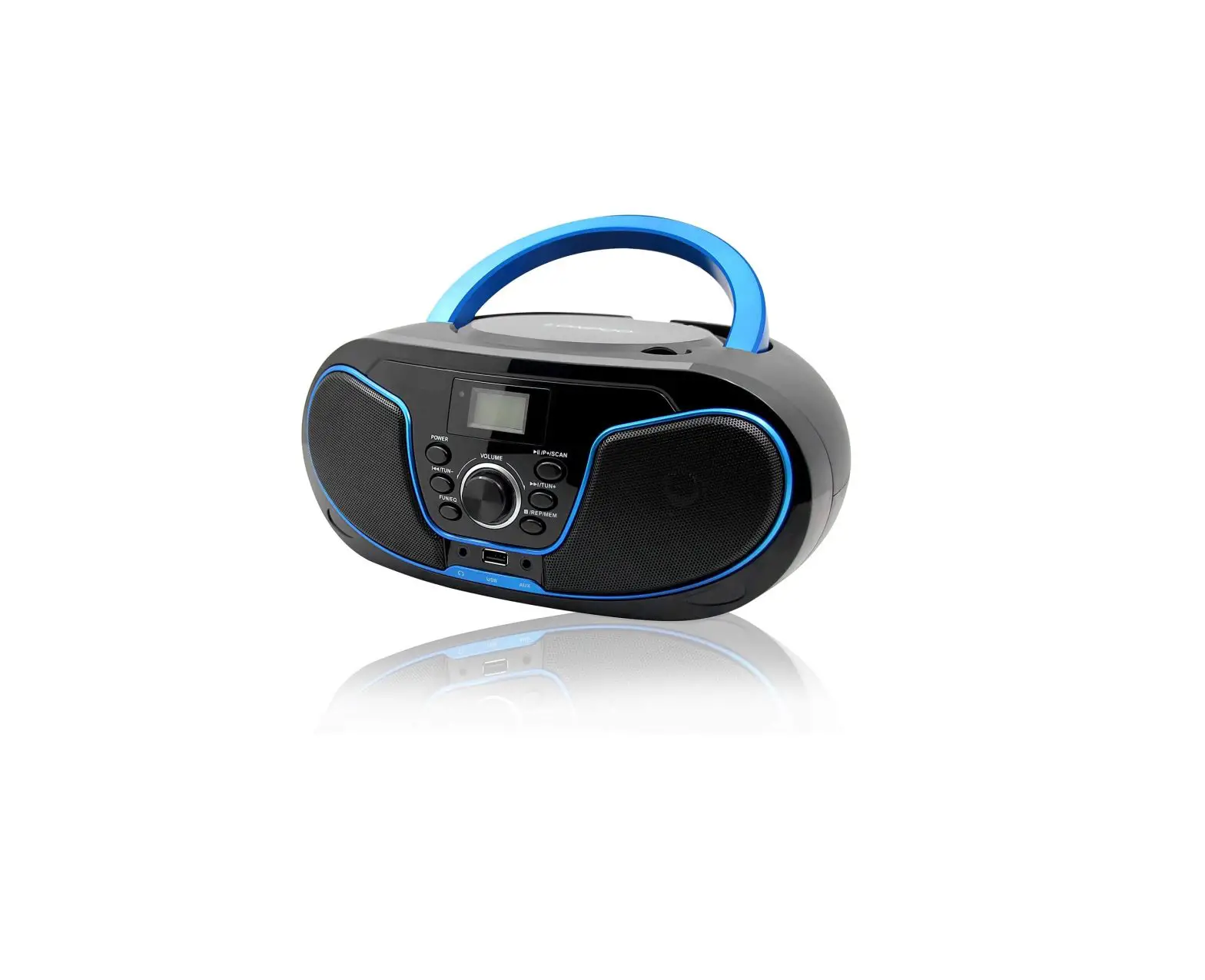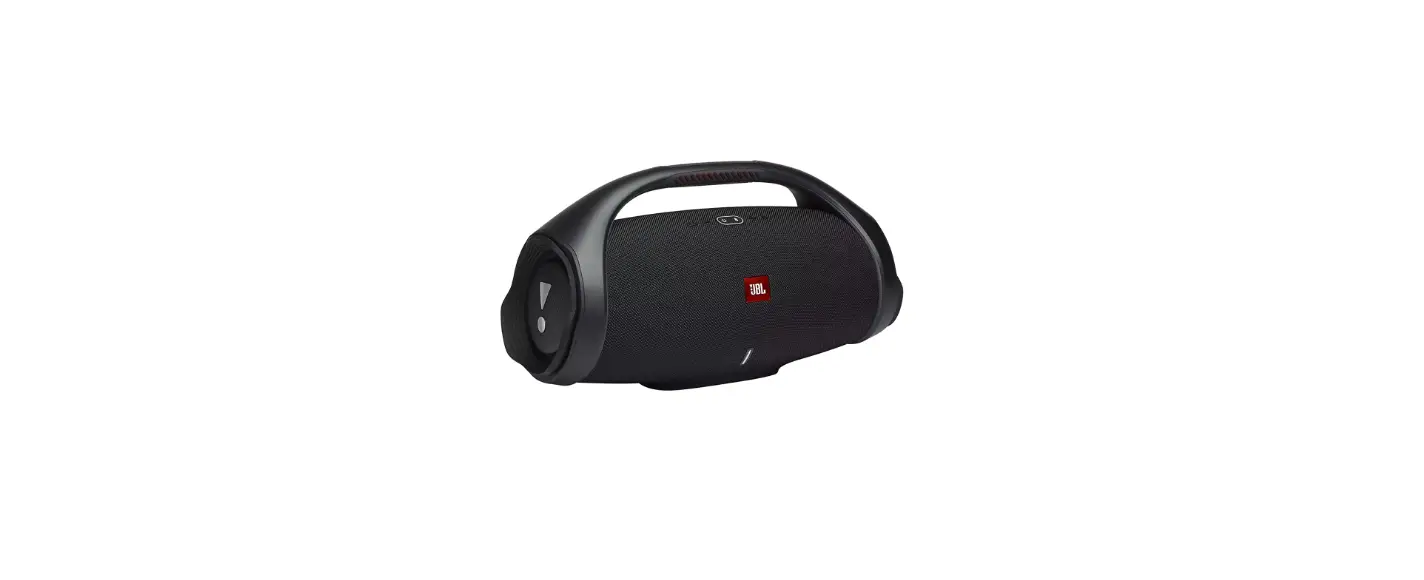

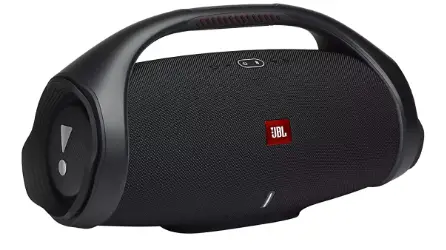
F D Boombox Mini Wireless Bluetooth Music HiFi Portable Speaker
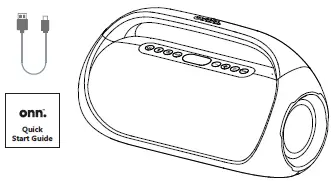
What’s in the Box
Check to make sure you have everything below
- 1 USB-C power cable
- 1 Quick Start Guide
- 1 Portable FM Boombox
Get to Know Your Boombox
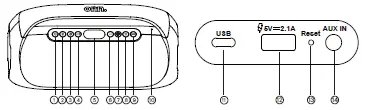
- Power
- Bluetooth
- Source
- Play/Pause
- LED display
- Volume down/ Previous track
- Volume up/ Next track
- Light
- Bass boost
- Microphone
- USB-C charging port
- USB Emergency power charging port
- Reset
- 3.5 mm AUX input
Let’s Get Started
Press & hold to power on/off the speaker
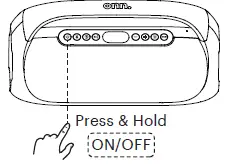
Fully charge the battery if you might not use this speaker in the near future. Place it in a cool, dry place. Recommend to charge it at least one time for every half year, in order to keep the battery performing well. Empty battery too long may result in fewer hours of usage between charges. Built-in Rechargeable Li-ion Battery: 7.4V 4000mAh
Connect Your Boombox
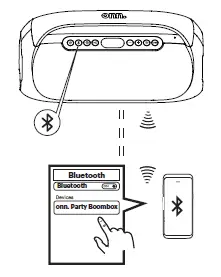
Connect to your device through Bluetooth® wireless technology, search for the entry “onn. Party Boombox”.
Want Your Party to the Next Level
- Power on both speakers, press & hold
 of each speaker to enter Party Sync Mode
 - When two speakers paired, you will hear “left channel, right channel”. The left channel is the master.
- Use your mobile device to pair with the master speaker by Bluetooth pairing method.
- Press & hold again to disconnect Party Sync Mode.
 of each speaker to enter Party Sync Mode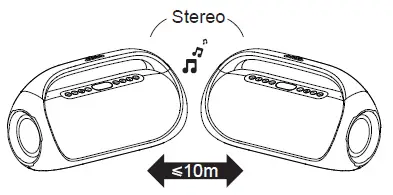
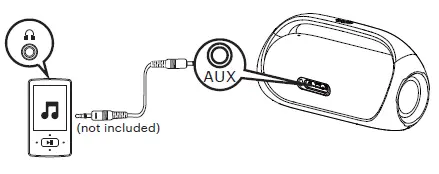
Wired Use? Yes
- Use a 3.5 mm AUX cable (not included) to connect the speaker to your audio source.
- Press Play on your audio source device and adjust the volume on the speaker
In AUX mode, can’t be used, you can ONLY control it by your audio source device.
Listen to Your Favorite Radios
- Press
 to select FM mode.
 - Press
 or
or to scan and select FM stations step by step.
 - Press & hold or to scan and seek (jump to the next available station).
- In FM Mode, press and hold
 to assign the current station to a preset number, the LED screen will show “SAV” to show the station has been saved. The preset number can be changed by pressing and .
 - In FM Mode, press repeatedly to select a saved radio station.
 to select FM mode.
 or
or to scan and select FM stations step by step.
Take a Phone Call
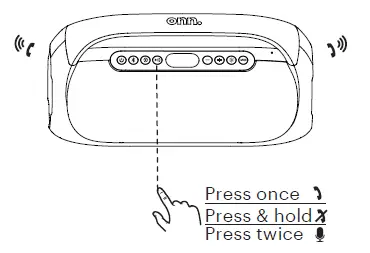
- Press once to answer an incoming call, press again to hang up the call.
- Press & hold to reject an incoming call.
Press twice to wake up the voice assistant of your device.
Want More Lighting Effects
- Press & hold
 to turn on/off the light.
 - Quick press to switch 6 between different multicolor LED lightings
 to turn on/off the light.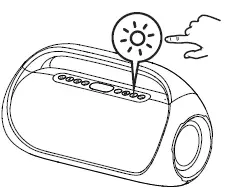
More tips:
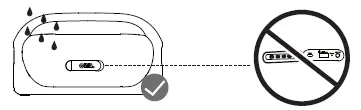
- Always keep the charging port dry before connecting power.
- To ensure it is waterproof, always close the protective cover securely
Charge Your Boombox
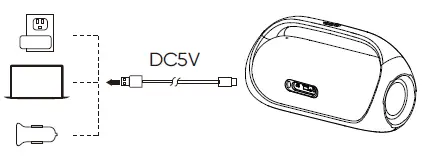
- USB-A charging port with emergency power can charge your other smart devices (5V 2.1A output), when this Boombox is powered on.
- Connect USB-C to 5V power adapter. Recommend to use the in-box power cable to charge your Boombox.
- The battery icon will flash when charging, and all battery segments will be lit and remain solid white once fully charged.
We’d love to hear from you. Scan with your Walmart app and let us know what you think.