Make a one-time payment anytime online using your credit/debit card or from your banking account online. To pay by credit or debit card, we accept Visa, MasterCard, American Express and Discover.
To make a payment without signing in, go to www.att.com/FastPay.
Make a payment
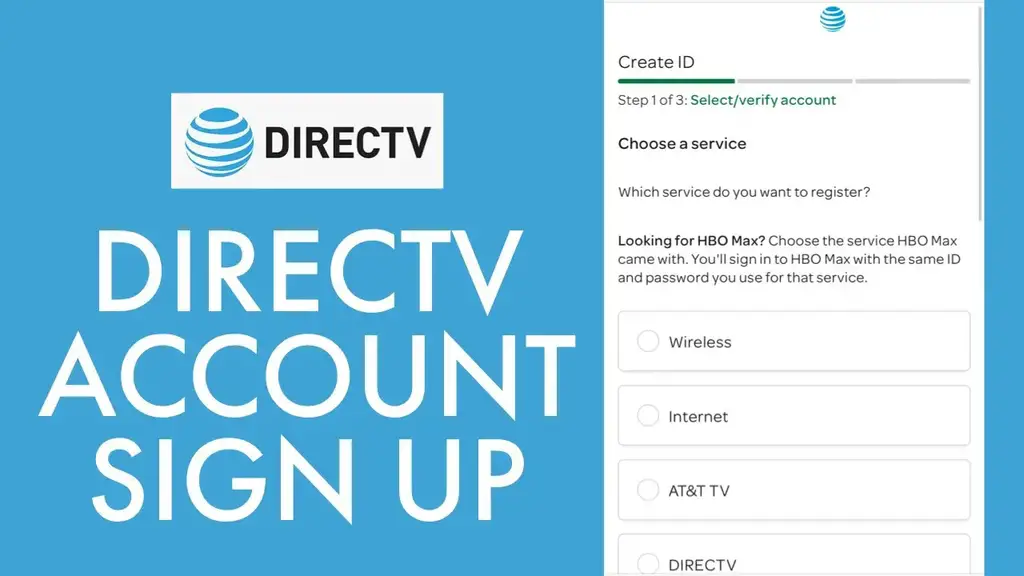
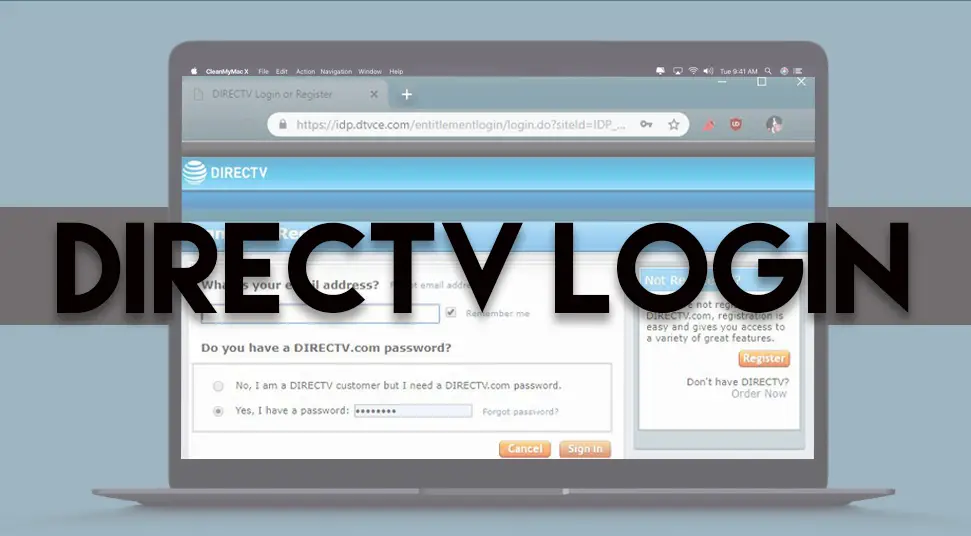
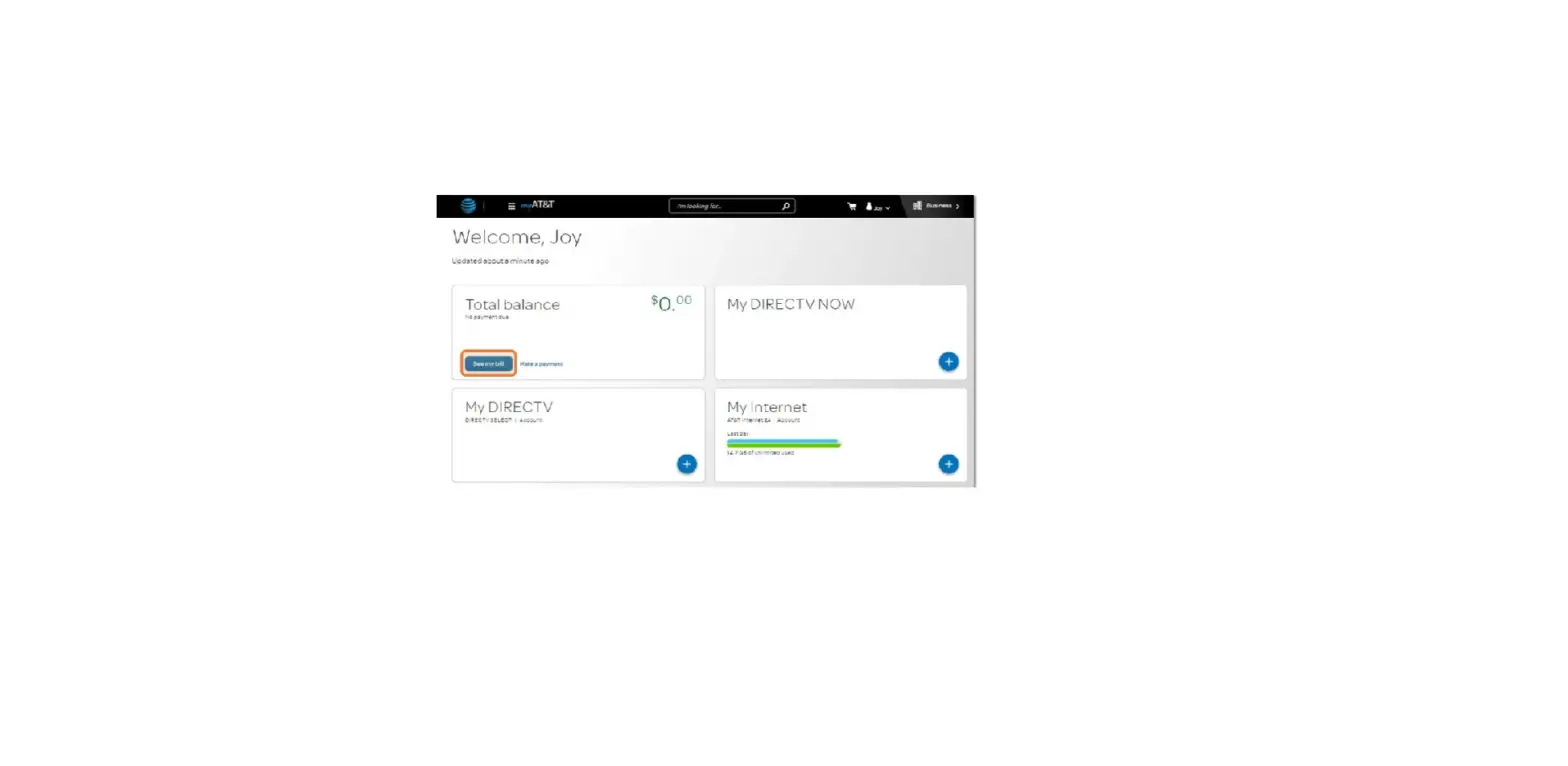
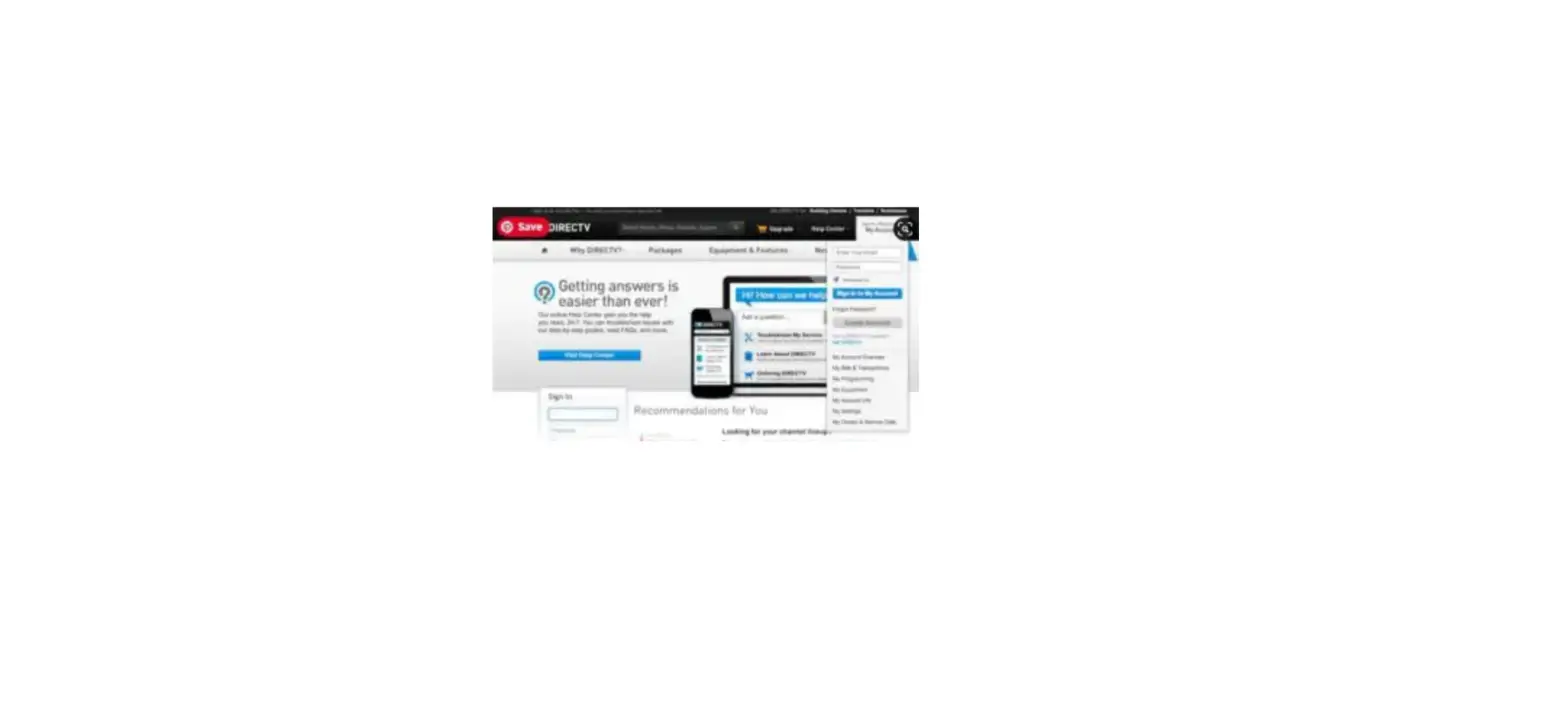
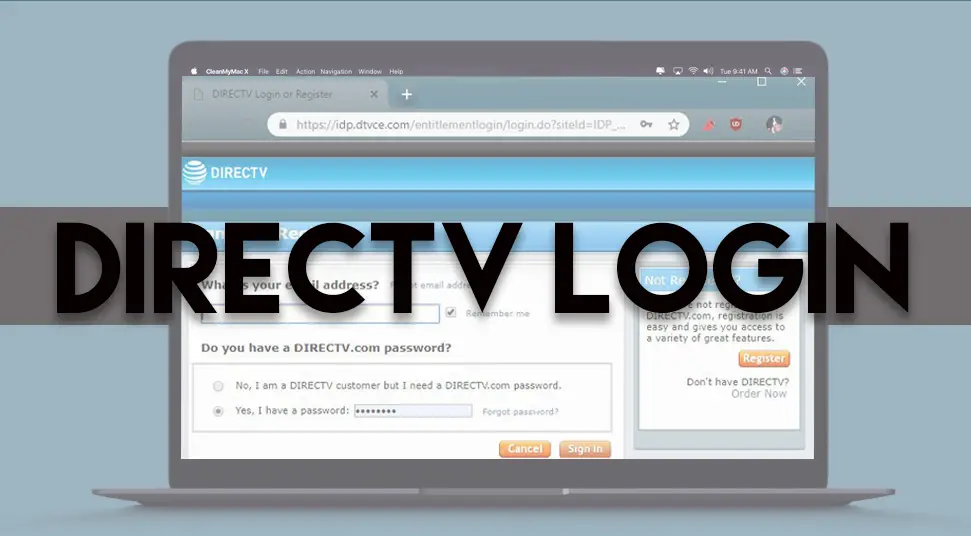
- Sign in to your DIRECTV account. If you don’t have an online account, select Register.
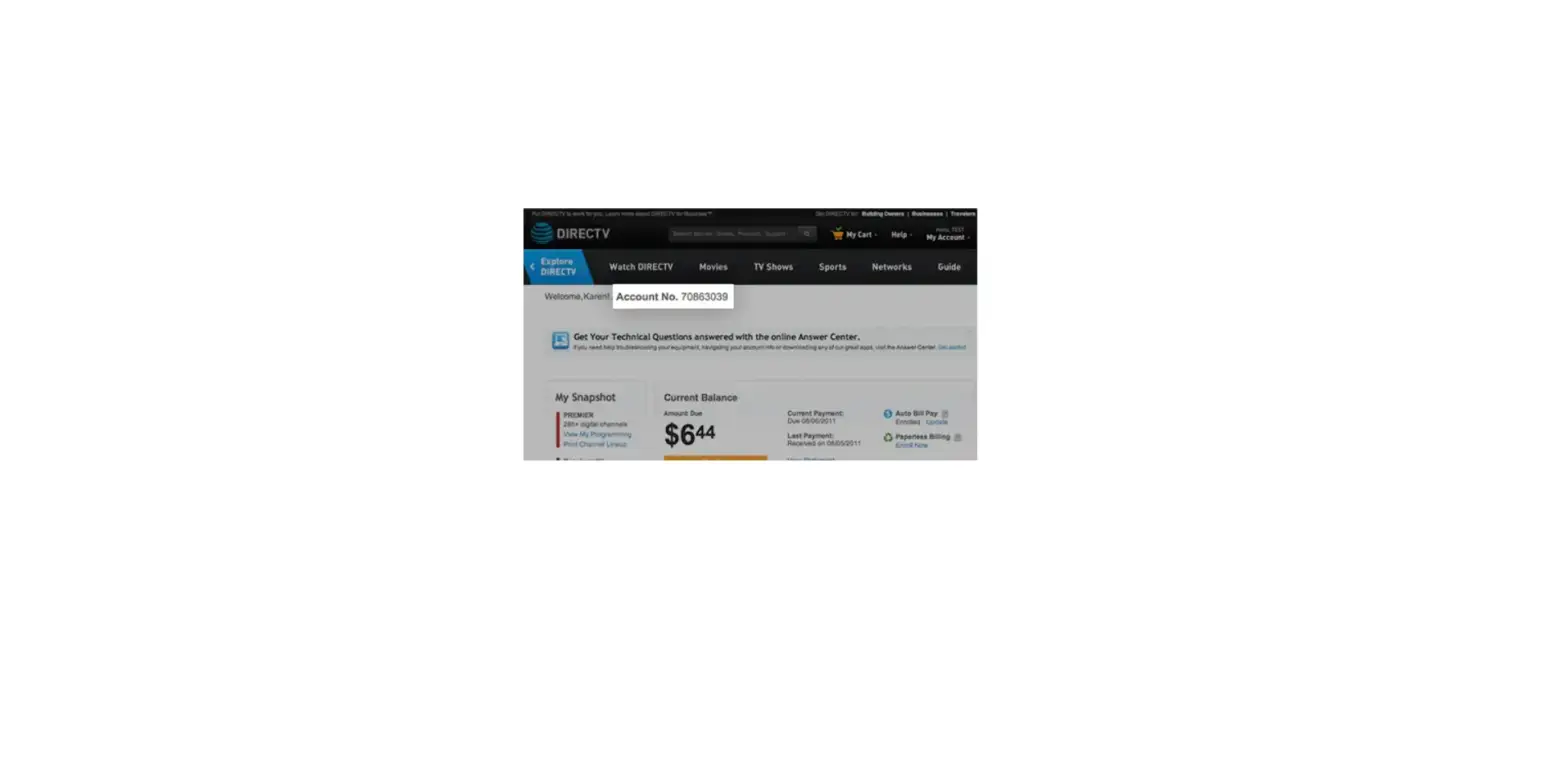
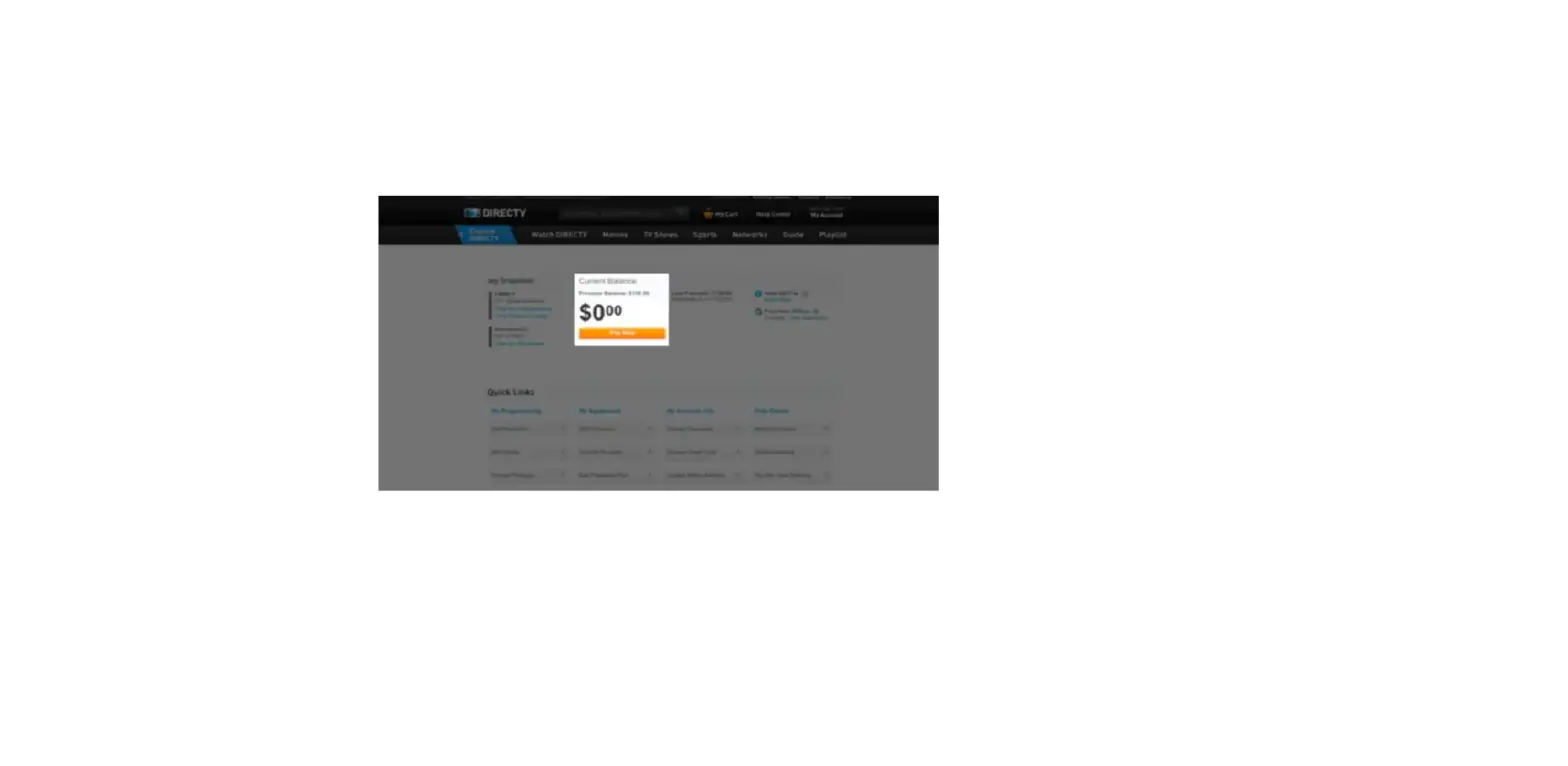
- On your Account Overview page, select Pay Now.
- Select either Checking Account or Credit or Debit Card for payment method.
- Checking – enter your bank’s routing number and checking account number. Select Done.
- Credit or Debit Card – select Pay Now.
Note: If you don’t want to use the credit/debit card on file, select Use another credit or debit card and enter the new card information. Then select Done.
- Review your information and select Make Payment to complete.