If you want to view and pay your bill, upgrade your service, or order new equipment, it’s easy and convenient to do on directv.com.
Step 1
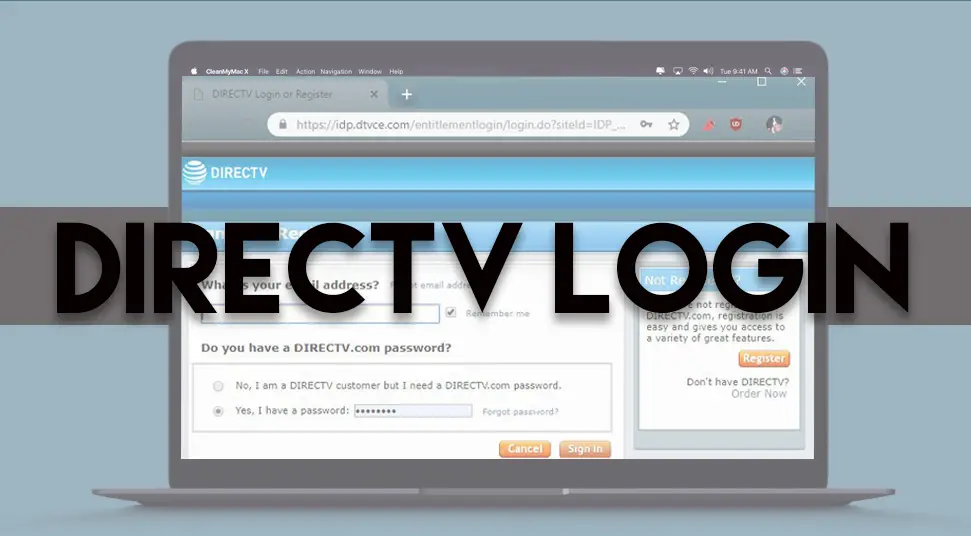
Sign in to your DIRECTV account.
Step 2
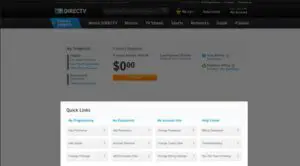
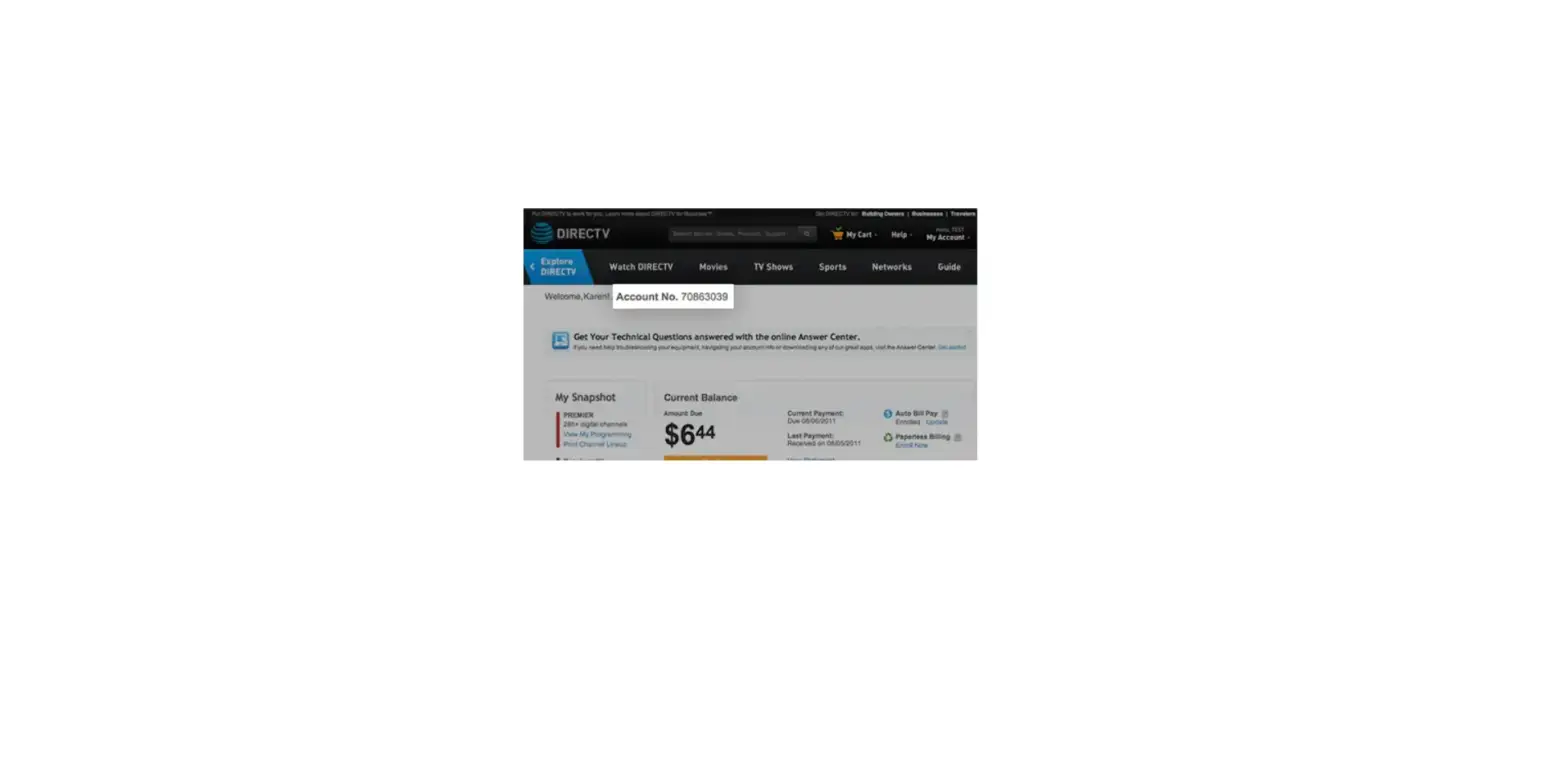
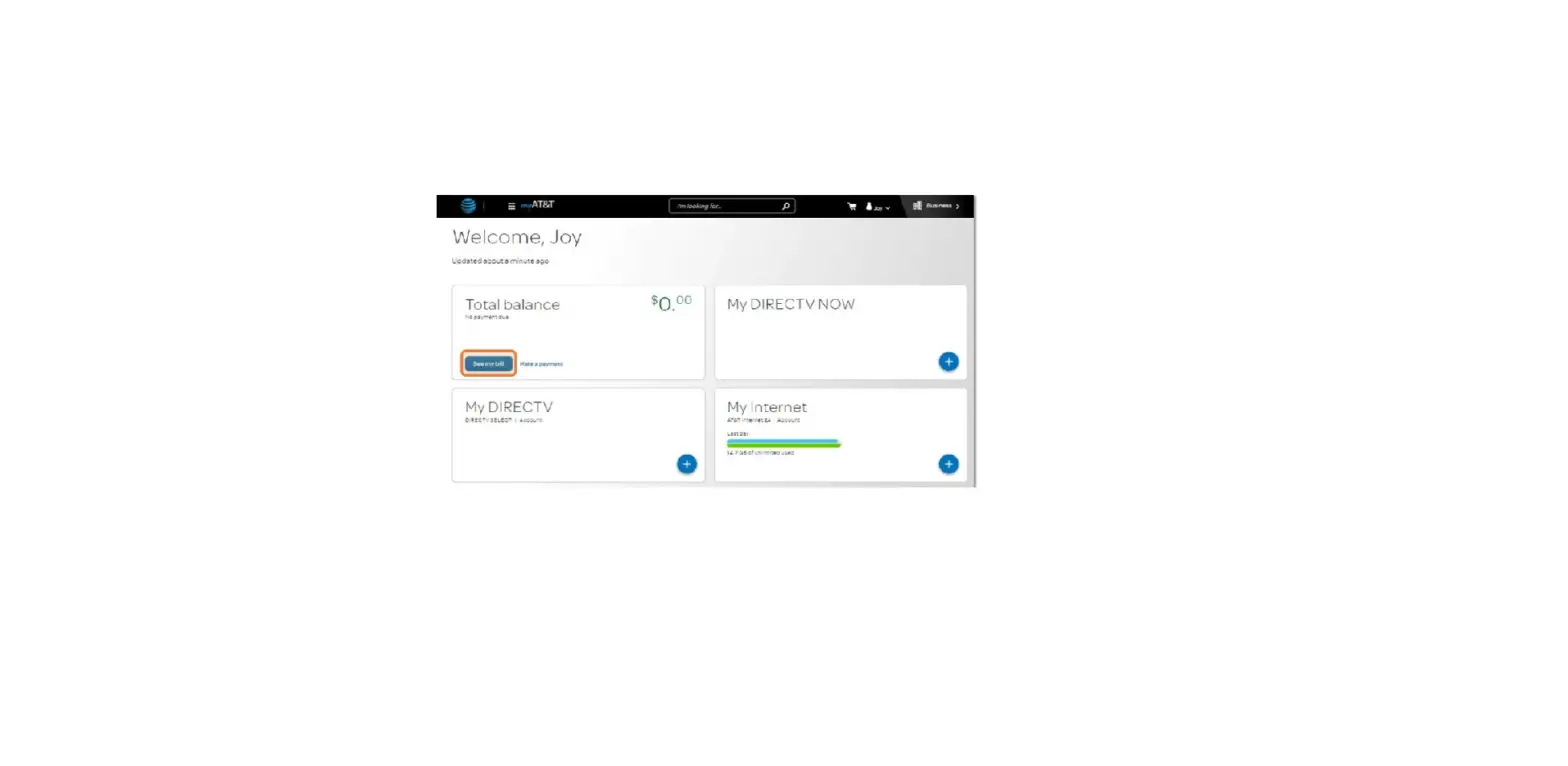
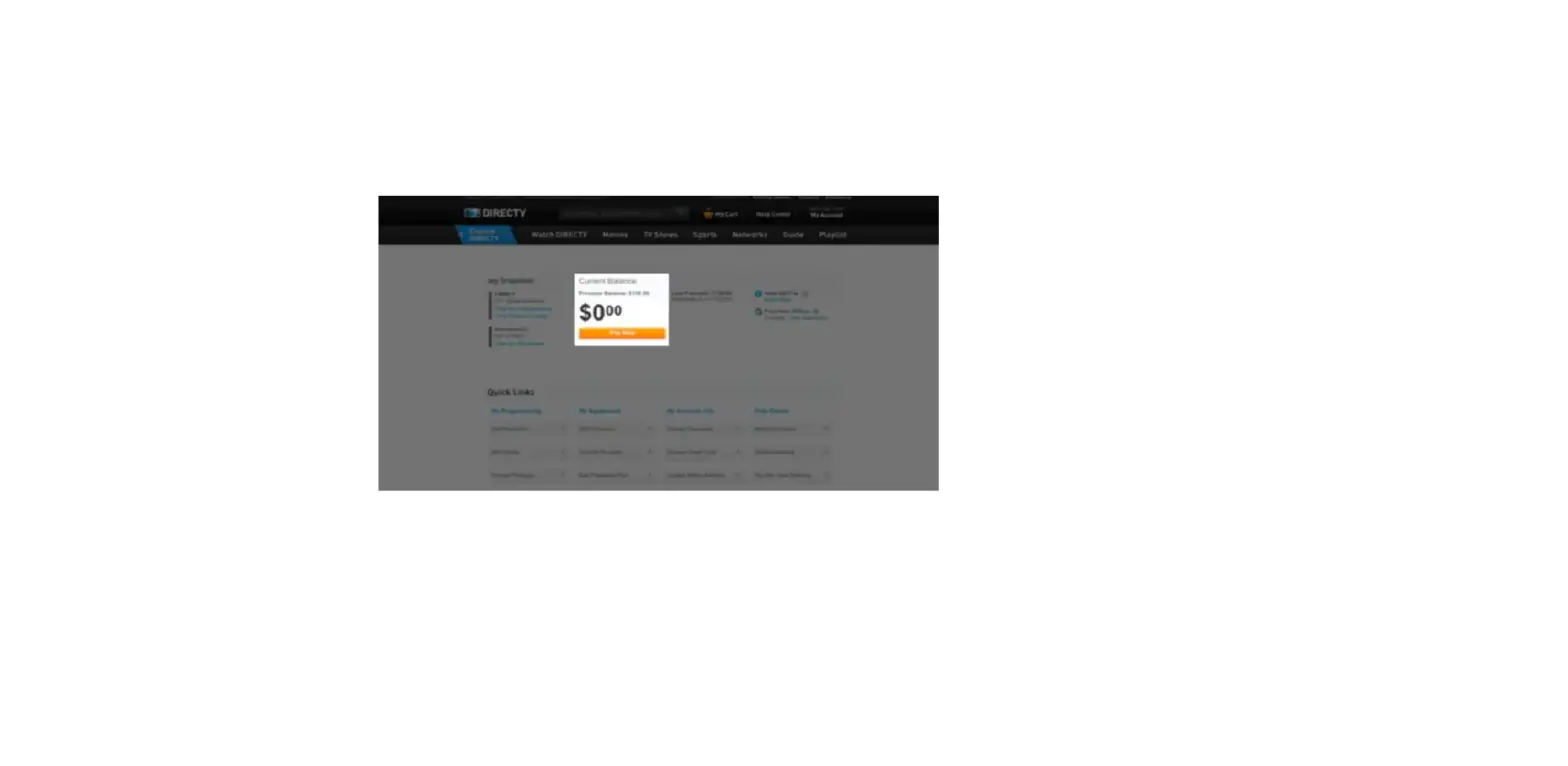
In the Current Balance section, you can pay your bill, view your statement (for Paperless Billing customers), and sign up for Auto Bill Pay and Paperless Billing.
Step 3
The My Snapshot section gives you a quick overview of your DIRECTV account.
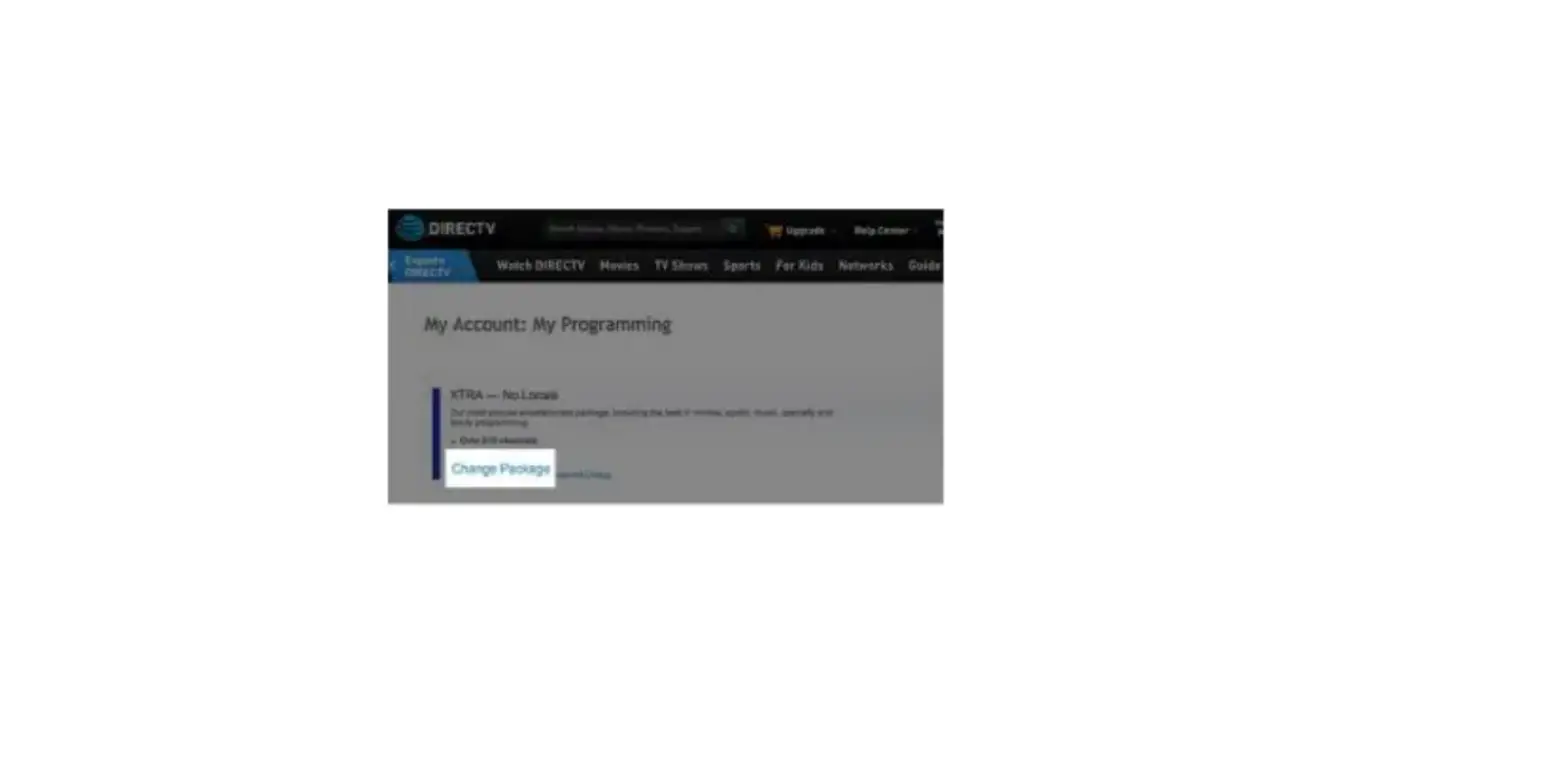
To see or upgrade your TV package, select View My Programming. To see or upgrade your equipment and receivers, choose View My Equipment.
Step 4
The Quick Links section contains links to easily upgrade your programming, add premium and sports channels, order additional equipment, update your account information, view FAQs, and more.