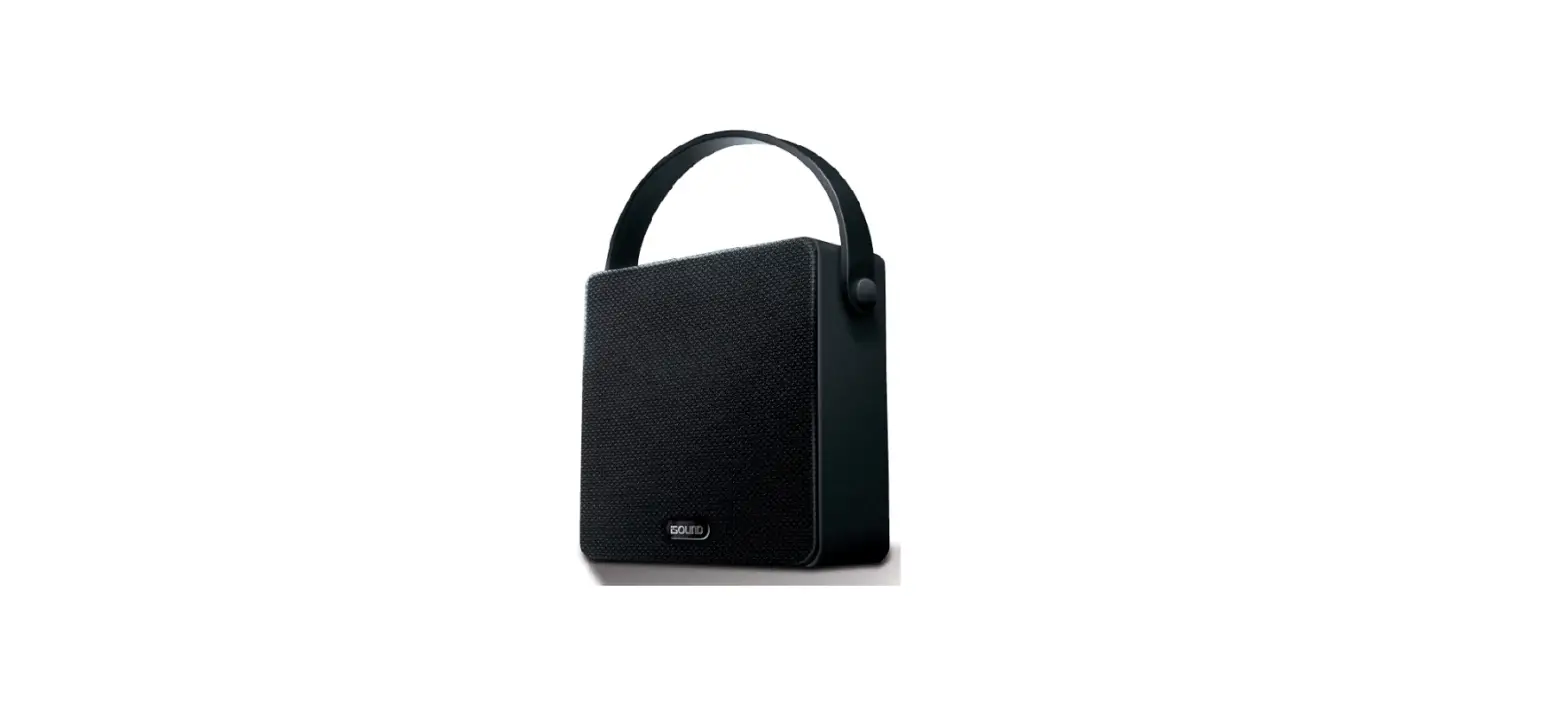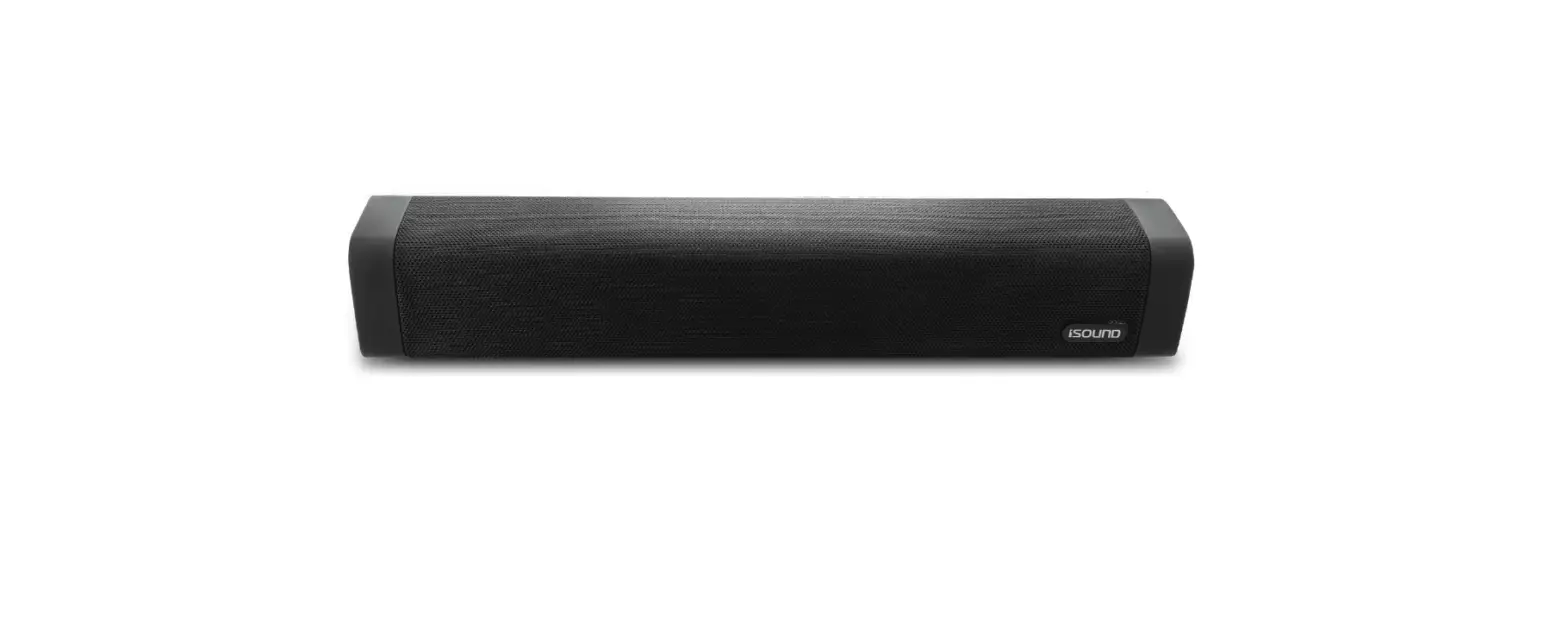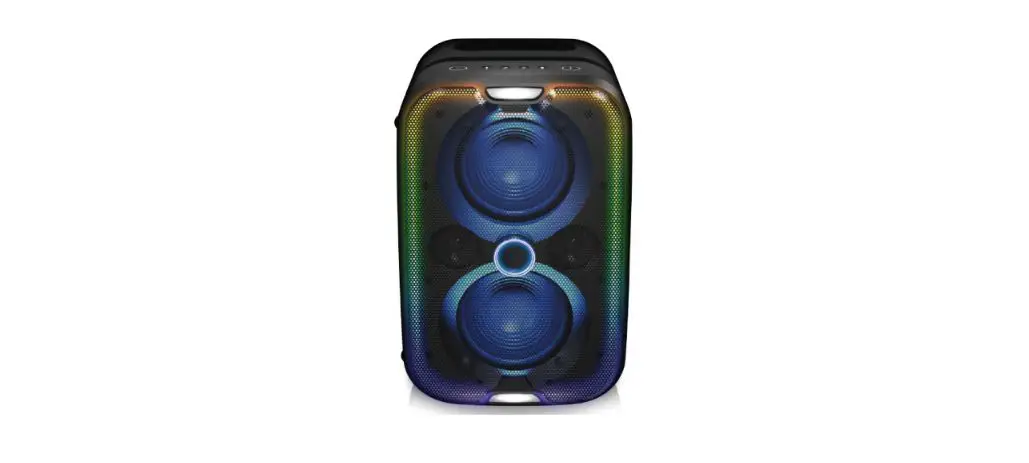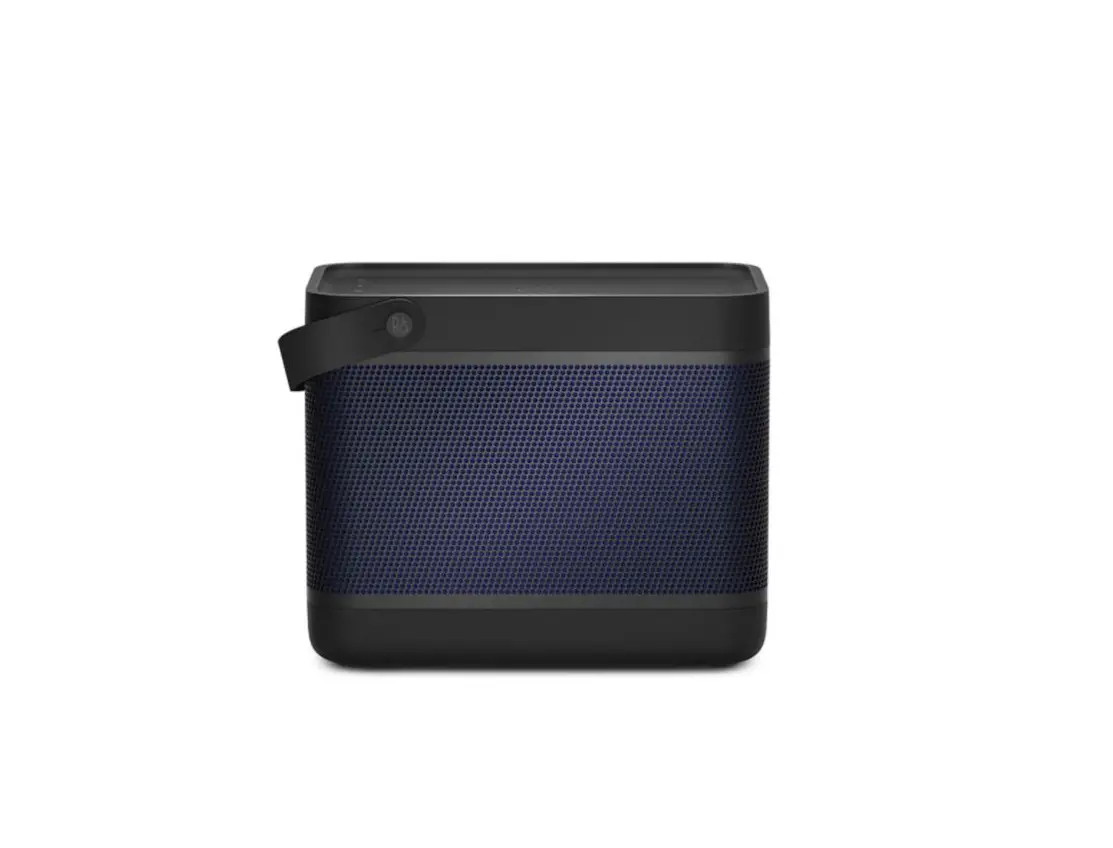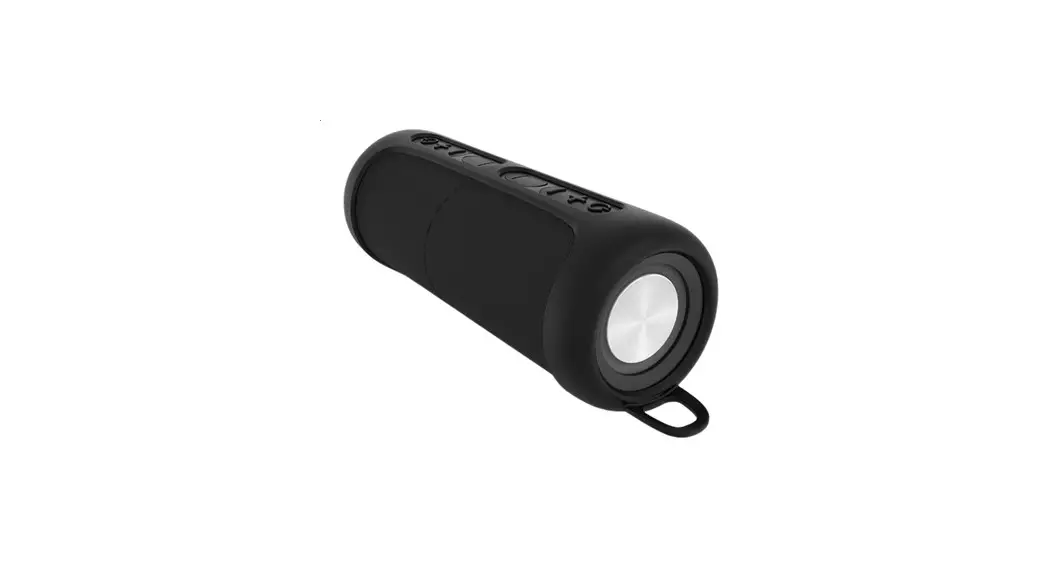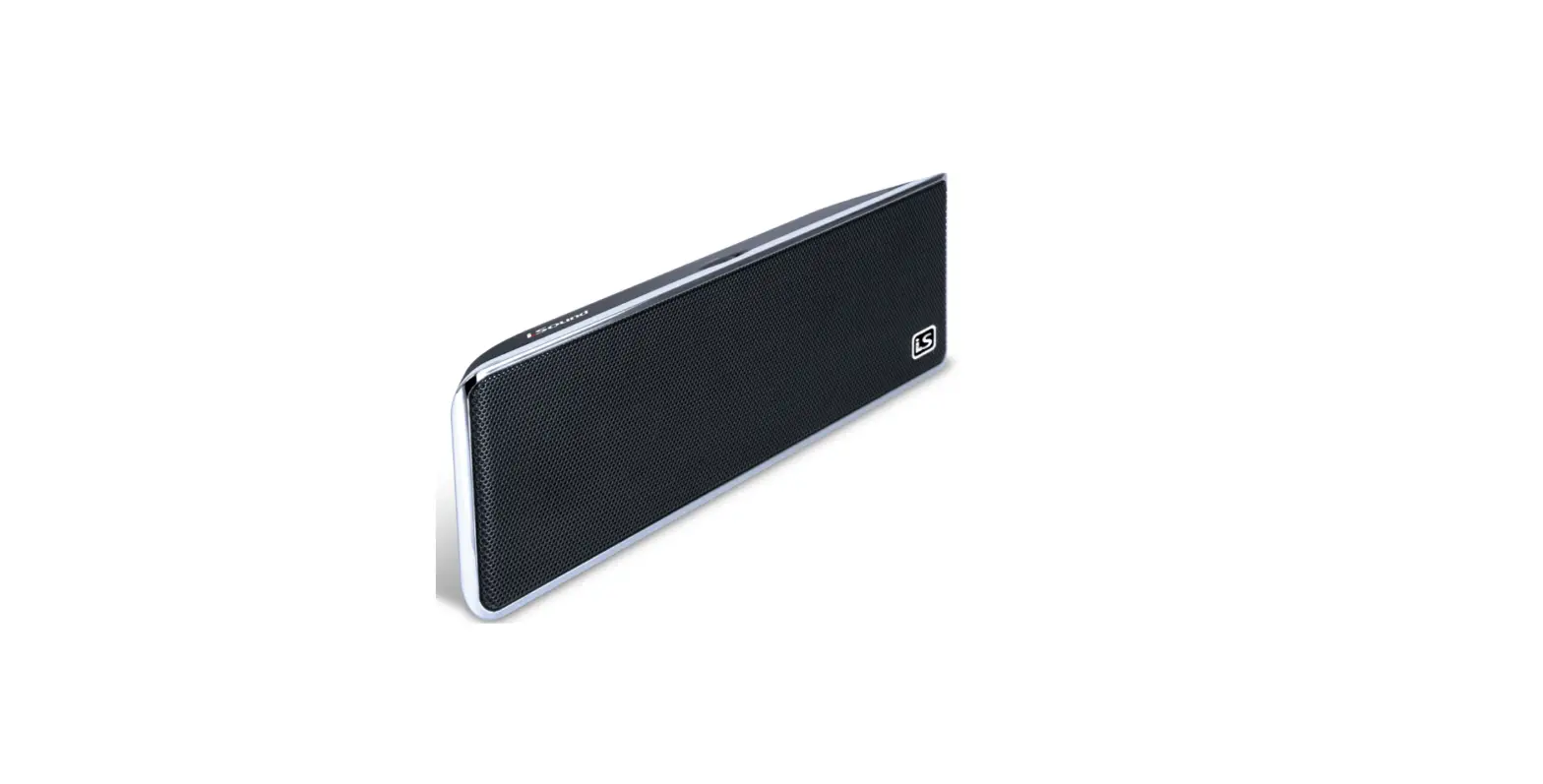

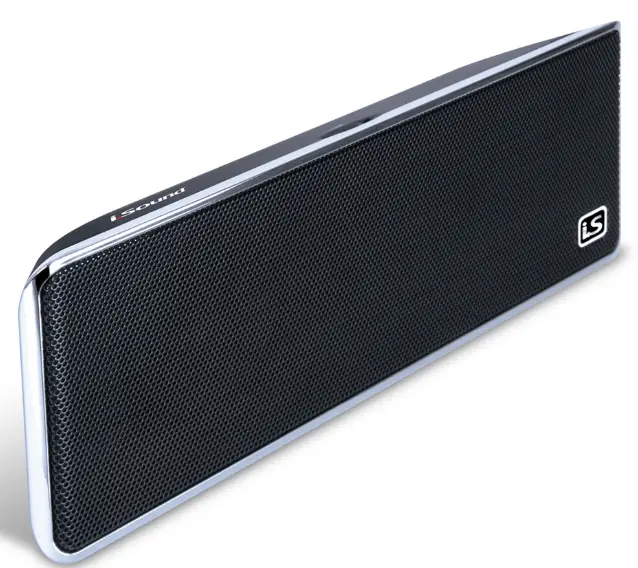
iSound 5209 GoSonic Portable Speaker
Specification
- Brand ISound
- Connectivity Technology Wireless
- Recommended Uses For Product Office, Beach
- Mounting Type Plug Mount, Freestanding
- Controller Type Battery Powered
- Model iSound-5209
- Weight 12 ounces
- Dimensions 2 x 5 x 9 inches
- Output Power 5 W
- Driver 2x 2″ / 50.80 mm
- Frequency Response 50 Hz – 20 kHz
- Channels 2
- Impedance 4 ohms
- Radio None
- Bluetooth None
- Wireless Compatibility None
- Input/Output 1x 1/8″ (3.5 mm) Mini Line-in
- Battery
- Type Internal Rechargeable Lithium-ion
- Capacity 500 mAh
Overview
The black GoSonic Portable Speaker from iSonic provides an ideal way to play music from a smartphone, tablet, laptop or any other device equipped with a 3.5mm audio jack. The speaker features a built-in rechargeable battery which can be charged by connecting the included USB cable to a powered USB port. It takes about 2.5 hours to charge and can last for up to six hours on a full charge. The GoSonic also features convenient onboard volume control and an on/off switch to conserve battery life when you’re not using it. Since a travel bag is also included, it’s easy to take the GoSonic along when you leave the house.
- Ideal for iPad, iPhone, iPod MP3 players, laptops, smartphones, handheld gaming systems, and any other audio devices with a 3.5mm audio jack
- Built-in rechargeable battery charges in about 2.5 hours using the included USB cable, and lasts for about six hours
- Onboard volume control and on/off switch
- Comes with a soft travel bag for maximum portability
How to Pair
- Swipe down from the top of the screen.
- Touch and hold Bluetooth.
- Tap Pair new device. If you don’t find a Pair new device, check under “Available devices” or tap More. Refresh.
- Tap the name of the Bluetooth device you want to pair with your device.
- Follow any on-screen instructions.
What’s Included
- GoSonic Portable Speaker
- Charge cable
- Audio cable
- User guide
Features
Description
The iSound GoSonic speaker delivers crystal clear sound from your audio device in a small and highly portable design powered by a built-in rechargeable battery. Connect the GoSonic with your audio playing device via the included 3.5mm audio cable and enjoy your favorite tunes for 2.5h hours or more depending on volume. The speaker recharges back to full power quickly within 3 hours using the also included mini USB cable. The GoSonic is the perfect speaker to enjoy your audio anywhere. Take it to your office, campsite, yard, beach, or gym, or use it at home!
Warranty & Support
Important Disclaimer
We run some affiliate programs with some of the online shopping & eCommerce portals we cover, like Amazon. eg, Amazon. ae, Amazon.sa, Jumia.com.eg, among others, where the online shopping portal pays us a certain agreed percentage of the sale if the visitor was directed from Kanbkam.com to their website and makes a purchase.
All trademarks, service marks, brand names, logos, and designs are for their respective owners, whether companies or individuals, owning them and having them registered under their names.
FAQs
You can take your audio with you everywhere you go thanks to the sound Hang On Bluetooth speaker. To listen to your favorite music wirelessly, use a Bluetooth-enabled device such as a smartphone, tablet, MP3 player, laptop, or another device.
Connect the cable’s USB A end to a powered USB port on a computer, laptop, or USB AC adapter (not included). 4. The speaker’s top-mounted LED indicator light will become orange. The LED Page 6 indication light will change to blue when the speaker is completely charged.
Instead of an internet connection, short-range radio waves are how Bluetooth operates. This means you don’t need a data plan or even a cellular connection for Bluetooth to function anywhere you have two compatible devices.
The majority of ISound portable speakers transmit music wirelessly from another device, like a laptop or smartphone, using Bluetooth technology. Advantages: The technology is compatible with a variety of mobile devices, including smartphones running Android and the Apple iPhone. Additionally, Bluetooth speakers are frequently less expensive than WiFi speakers.
Connect the cable’s USB A end to a powered USB port on a computer, laptop, or USB AC adapter (not included). 4. The speaker’s top-mounted LED indicator light will become orange. The LED Page 6 indication light will change to blue when the speaker is completely charged.
Instead of an internet connection, short-range radio waves are how Bluetooth operates. This means you don’t need a data plan or even a cellular connection for Bluetooth to function anywhere you have two compatible devices.
The ISound Bluetooth speaker’s battery life varies based on the model and the company that made it. A speaker should typically operate for ten to twenty hours after a full charge. This is what? Smaller Bluetooth speakers could only be usable for a few hours after a full charge.
Connect the cable’s USB A end to a powered USB port on a computer, laptop, or USB AC adapter (not included). 4. The speaker’s top-mounted LED indicator light will become orange. The LED Page 6 indication light will change to blue when the speaker is completely charged.
The (power) PAIRING button must be pressed and held down until beeps are heard and the white (BLUETOOTH) indicator starts to flash rapidly. It switches to pairing mode. To get the Bluetooth device to recognize the speaker, couple it with a Bluetooth device.
Choose Bluetooth options from the settings menu on your phone (both Android and iOS). Under Bluetooth settings, navigate to the other devices area. Ensure that discoverable mode is selected on your phone. Choose the speaker you want to pair by clicking on it under “other devices.”
By holding down the Power or Pairing button, you can put your Bluetooth device in pairing mode. iPhone: Select Other devices under Bluetooth settings. To connect, tap the gadget. Go to Settings > Connected devices > Bluetooth on an Android device. After choosing Pair new device, tap the speaker’s name.
Make sure Bluetooth is activated. Find out the pairing method your device uses. activate the discoverable mode. Ensure that the two devices are sufficiently close to one another. Turn the gadgets on and off again. Eliminate previous Bluetooth connections.
Turning Bluetooth on manually in your Android’s settings should prevent it from automatically turning on and off. It’s possible that you need to adjust your power-saving settings if your Bluetooth connection is cutting out due to a low battery.
One end has the speaker cone’s center attached to it, and the moving coil drives that end back and forth. This cone’s edges are maintained in place by an airtight surround or suspension. The air around the cone is pushed and pulled as it moves, which causes sound waves—pressure waves in the atmosphere—to form.
A Bluetooth speaker’s basic components are straightforward: a speaker (or two! ), a Bluetooth module, a power source and/or battery, and typically some kind of resistor. You are free to select the material for the speaker’s body or casing.