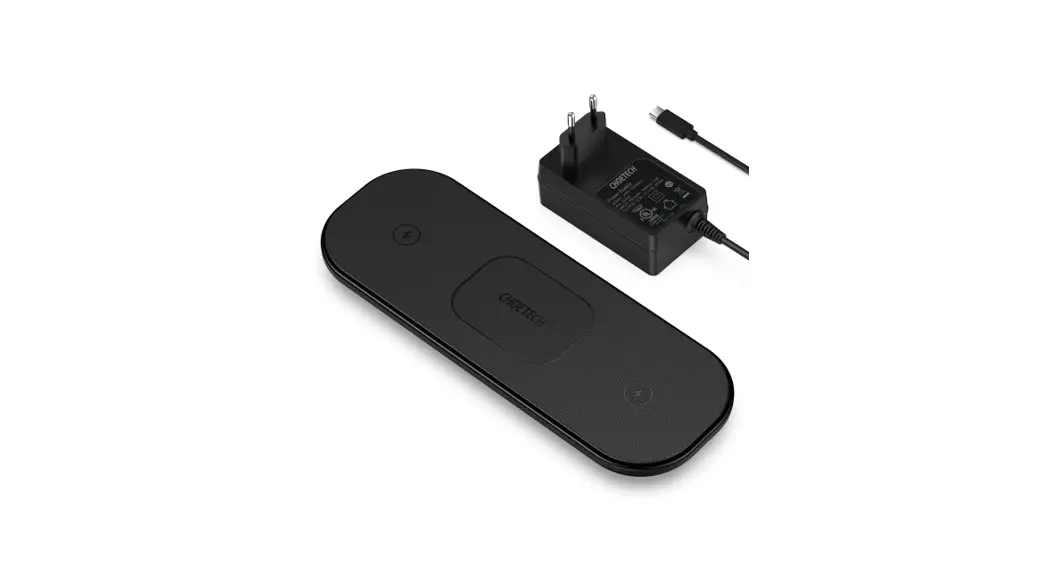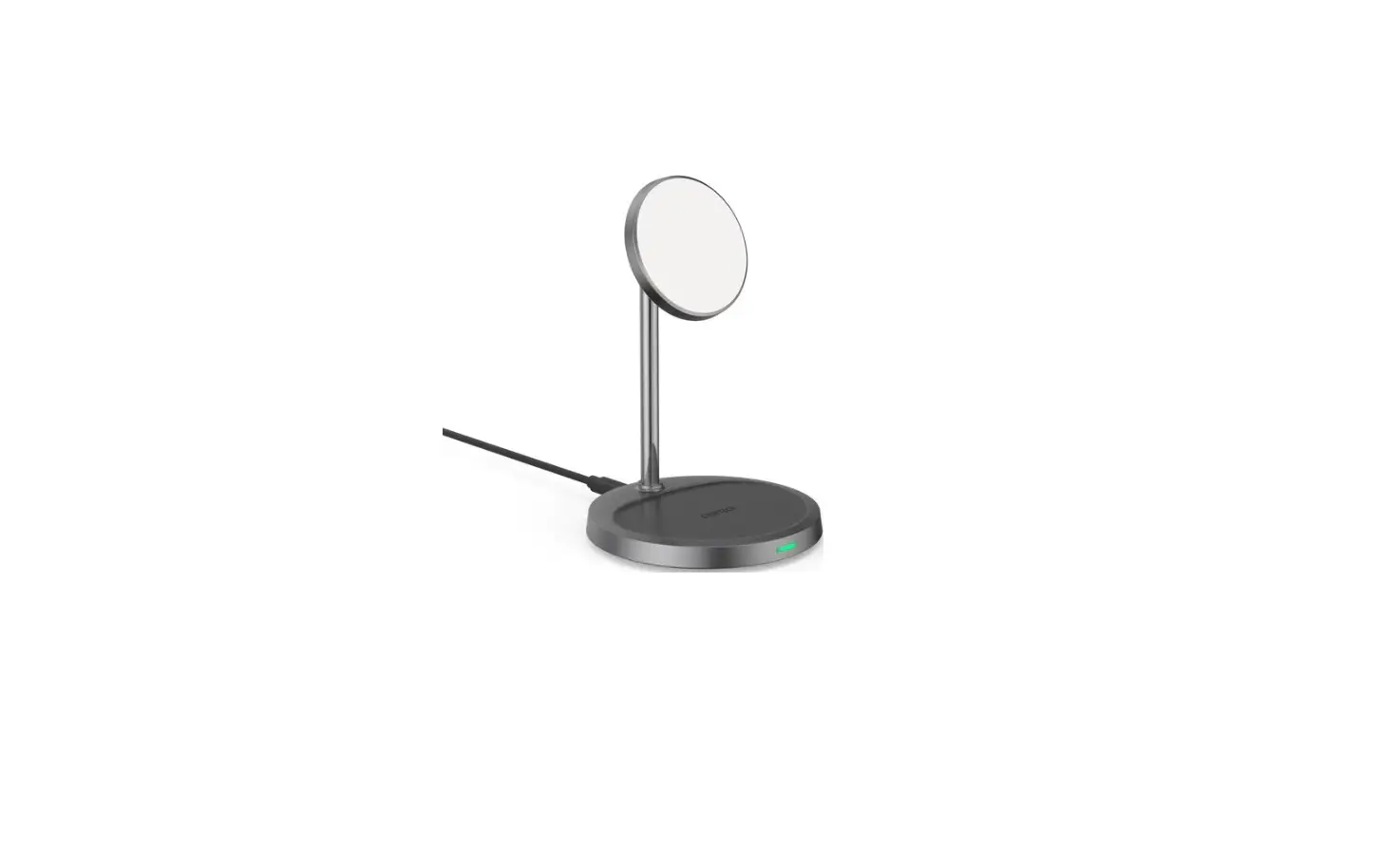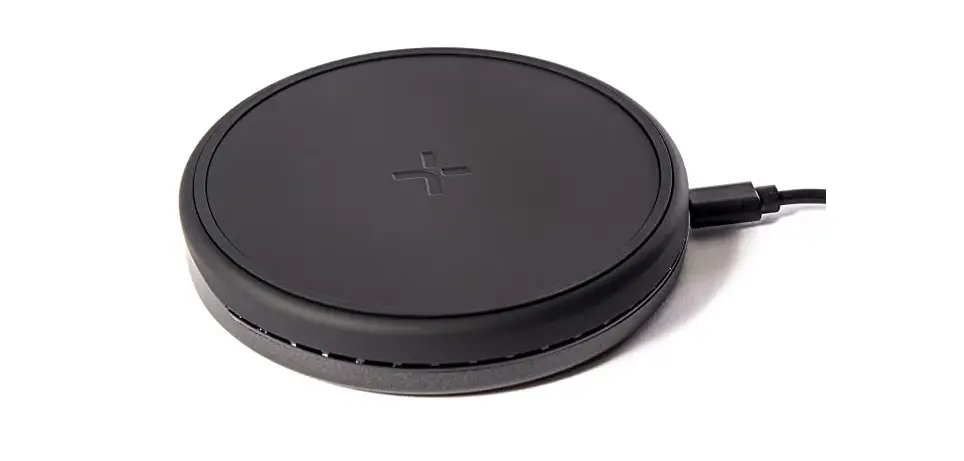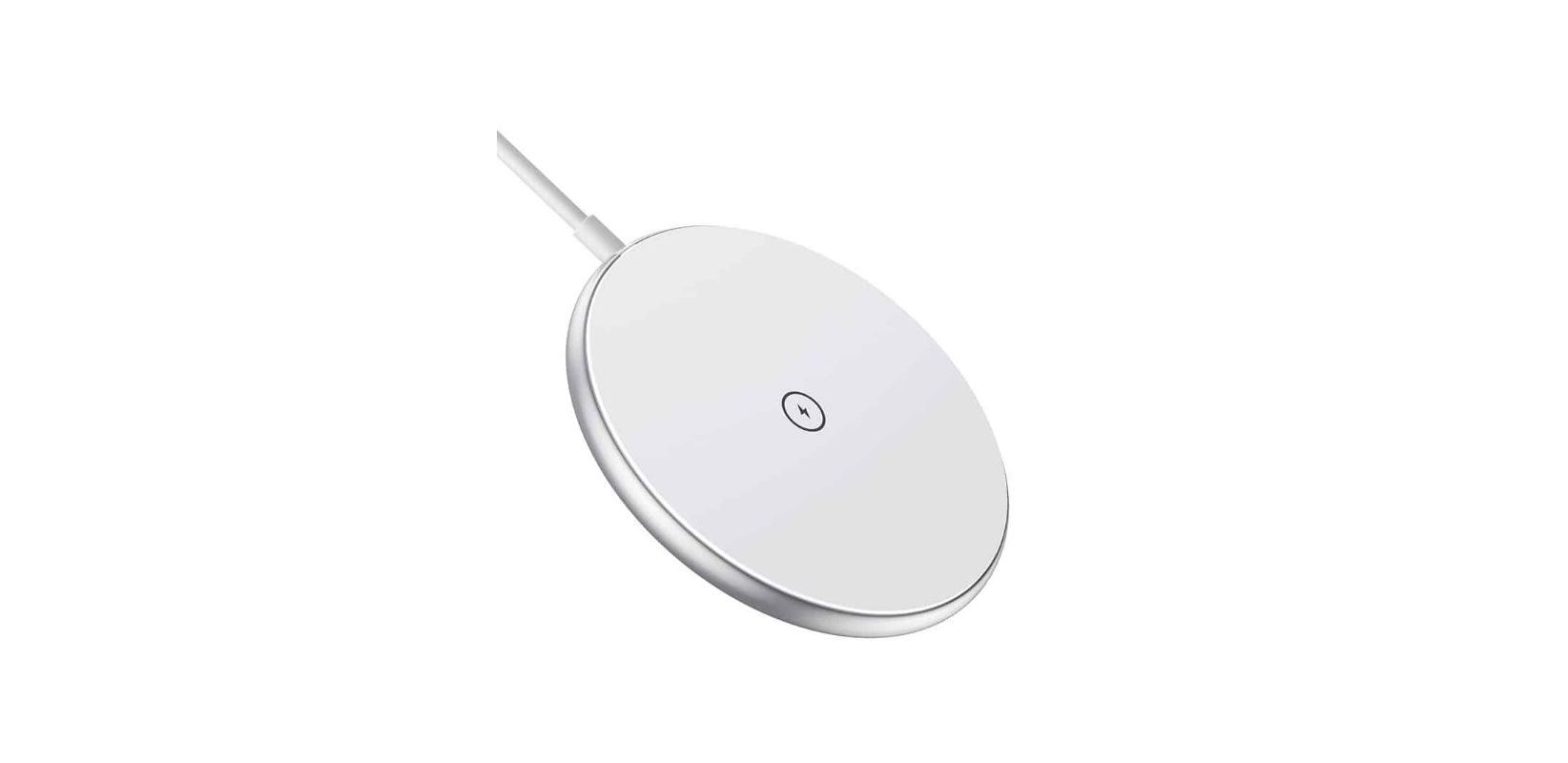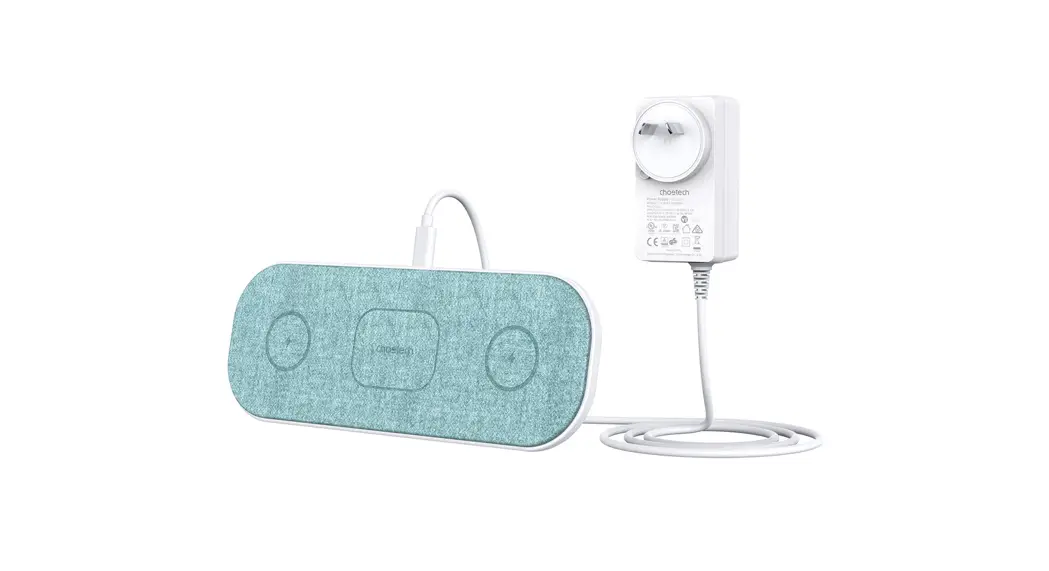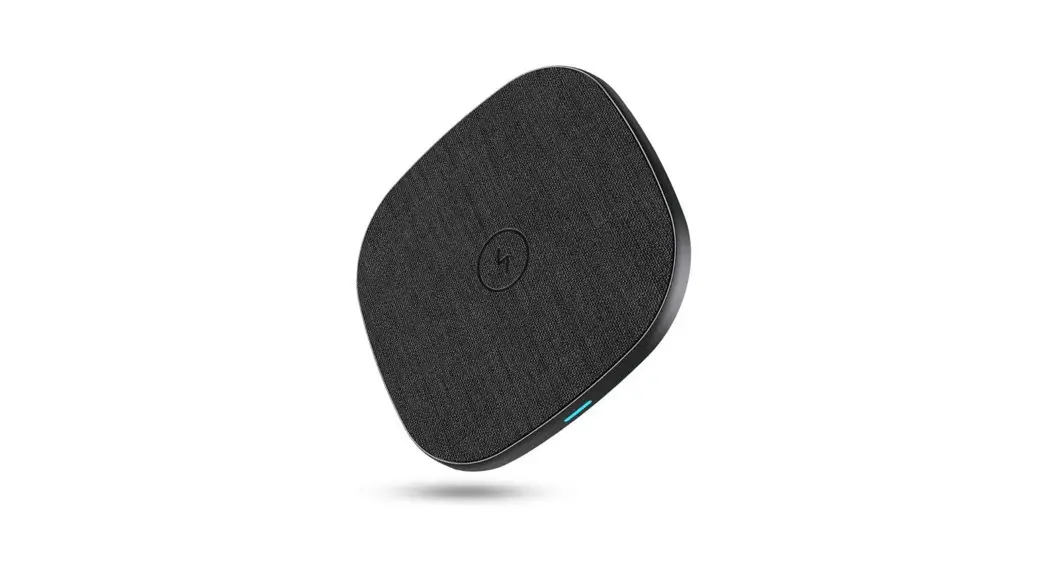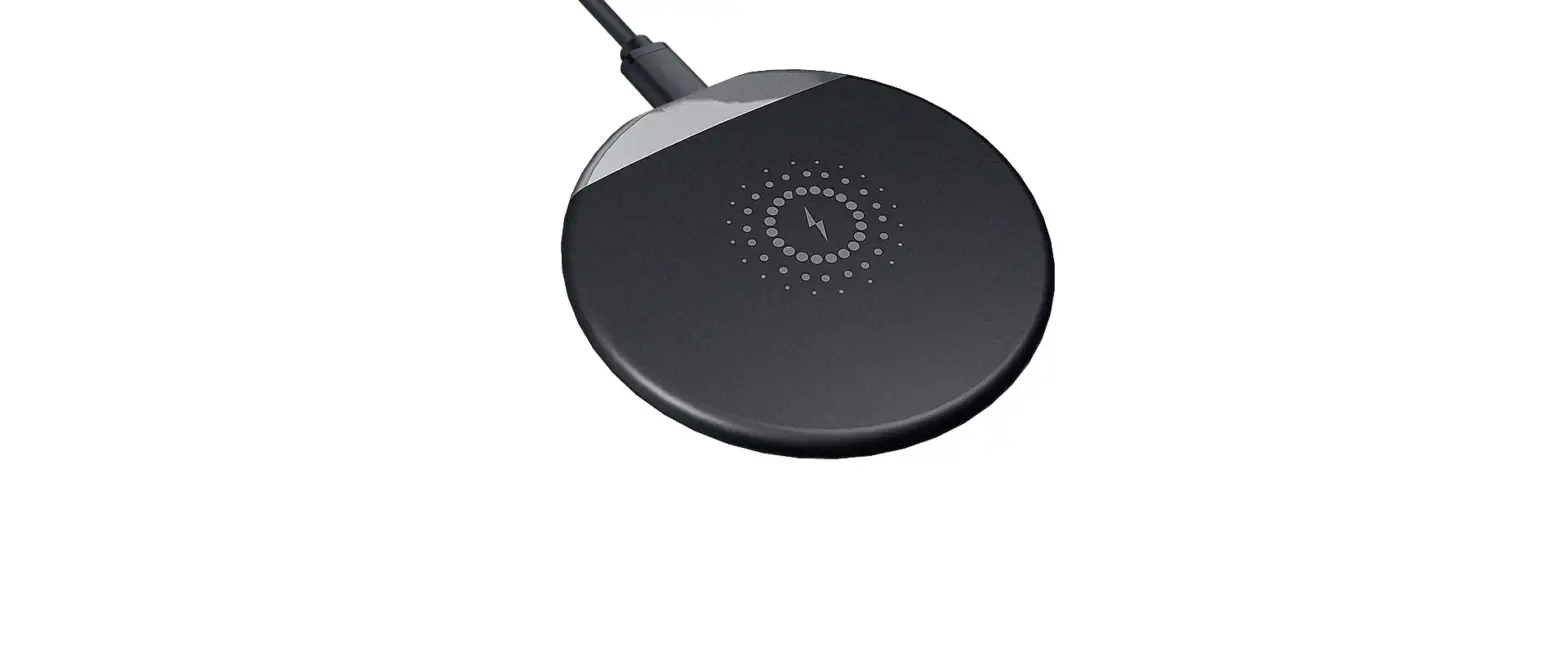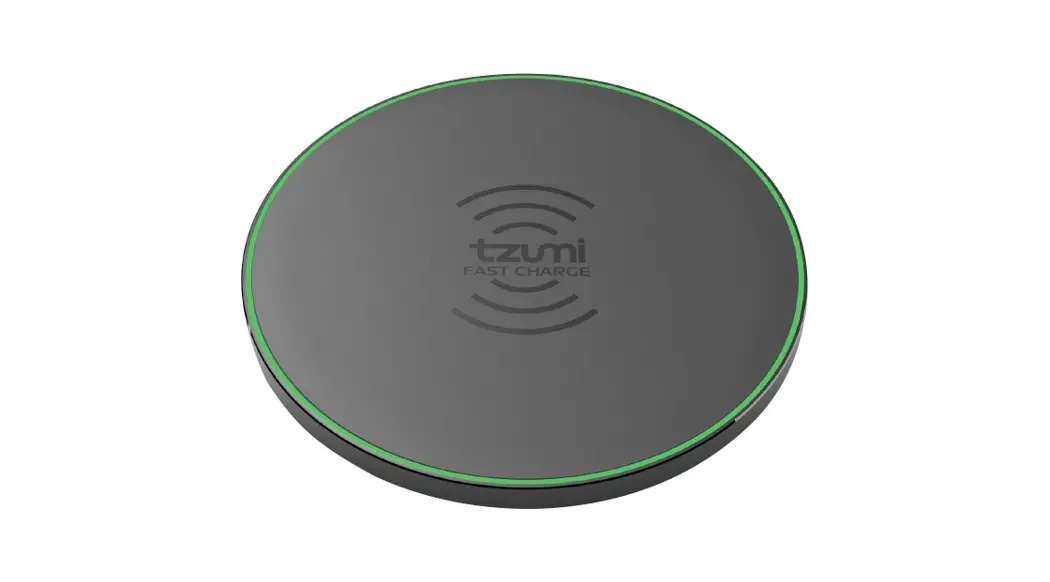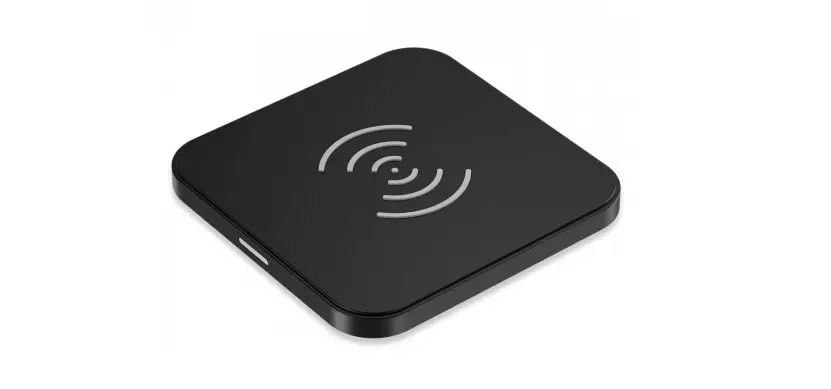
CHOETECH T511-S Fast Wireless Charging Pad User Manual
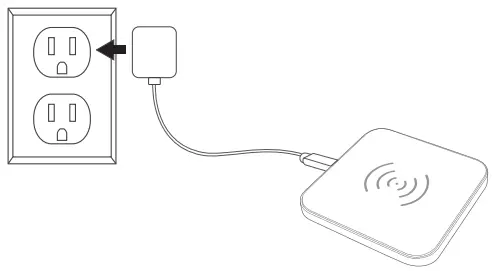
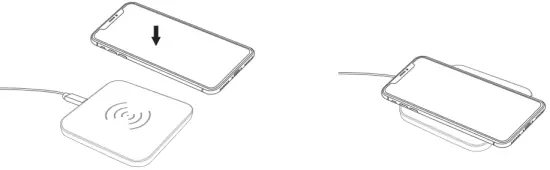
Use Step
- Connect to Power Adapter.

- Charge Your Phone

Instructions
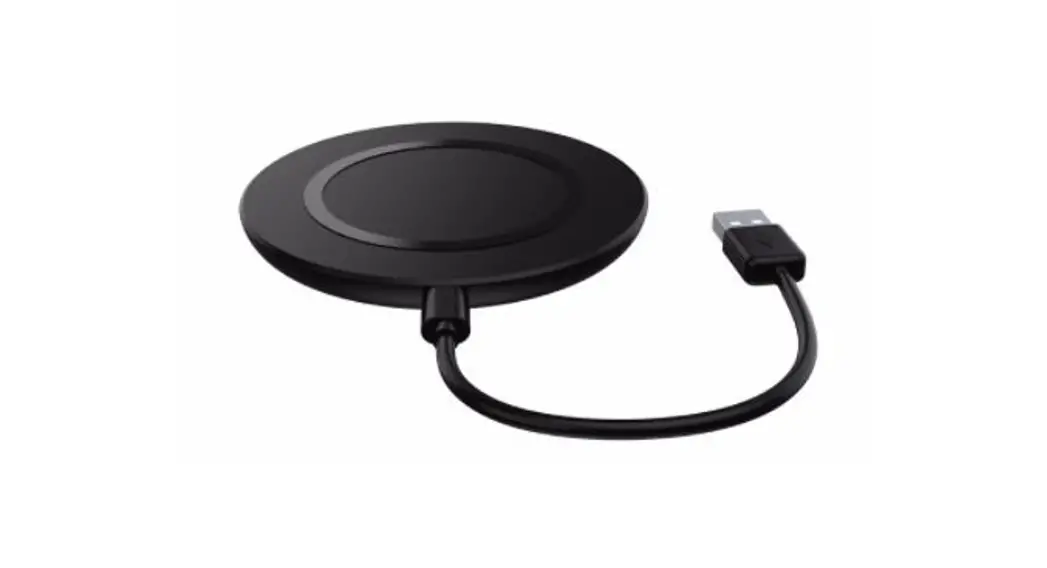
- Please use the USB cable attached.
- Please make sure your device is Qi-enabled or installed with Qi receiver kit.
- A Quick Charge adapter and cable are required for the fast wireless charging feature. The original Quick Charge adapter is recommended (Except the adapter from S7 and S7 Edge).
Attentions
- Do not disassemble the device.
- Please use a 5V/2A (min) or above power adapter for standard charging.
- Fast-charging function is only available for Qi-enabled devices or devices installed with Qi receiver kit which support fast wireless charging.
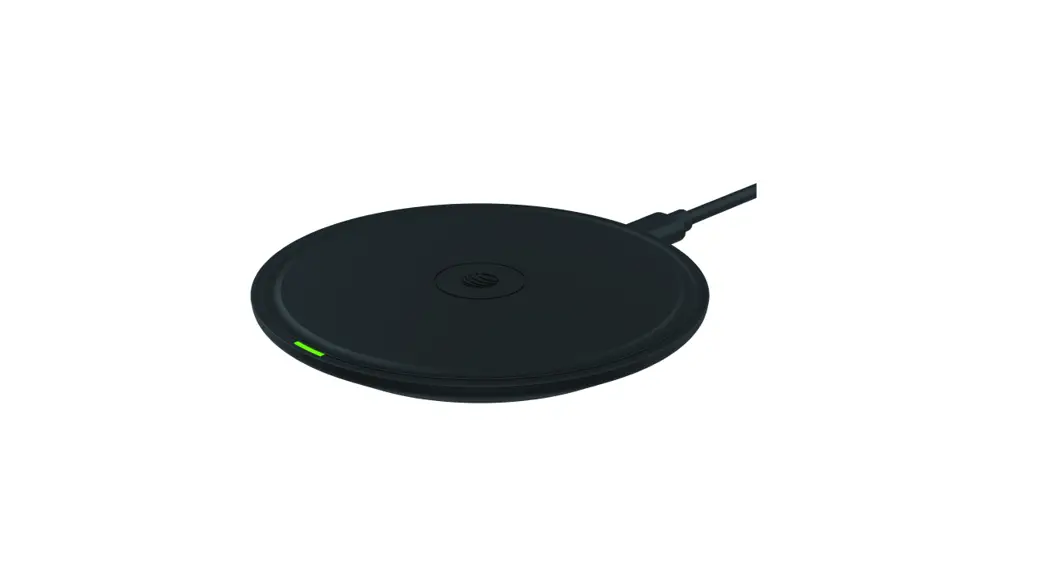
- If the Qi-enabled device couldn’t send charging complete signal, LED indicator will keep on lighting.
Safety Instruction
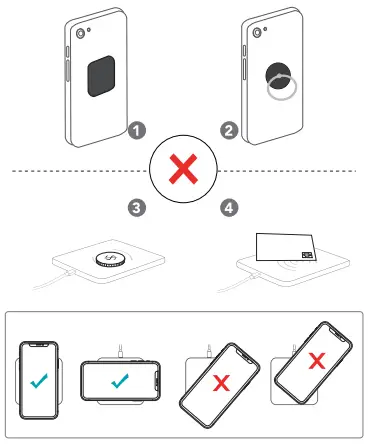
Warranty
 18-Month warranty
 Lifetime Technical Support
FCC Compliance Statement
This device complies with Part 15 of the FCC Rules. Operation is subject to the following two conditions:
- This device may not cause harmful interference.
- This device must accept any interference received, including interference that may cause undesired operation.
Warning: Changes or modifications not expressly approved by the party responsible for compliance could void the user’s authority to operate the equipment.
Note: This equipment has been tested and found to comply with the limits for a Class B digital device, pursuant to Part 15 of the FCC Rules. These limits are designed to provide reasonable protection against harmful interference in a residential installation.
This equipment generates, uses, and can radiate radio frequency energy and, if not installed and used in accordance with the instructions, may cause harmful interference to radio communications. However, there is no guarantee that interference will not occur in a particular installation.
If this equipment does cause harmful interference to radio or television reception, which can be determined by turning the equipment off and on, the user is encouraged to try to correct the interference by one or more of the following measures:
- Reorient or relocate the receiving antenna.
- Increase the separation between the equipment and receiver.
- Connect the equipment into an outlet on a circuit different from that to which the receiver is connected.
- Consult the dealer or an experienced radio/ IV technician for help.
FCC WARNING
This device complies with part 15 of the FCC Rules. Operation is subject to the following two conditions:
- this device may not cause harmful interference, and
- this device must accept any interference received, including interference that may cause undesired operation.
Any changes or modifications not expressly approved by the party responsible for compliance could void the user’s authority to operate the equipment.
NOTE: This equipment has been tested and found to comply with the limits for a Class B digital device, pursuant to Part 15 of the FCC Rules. These limits are designed to provide reasonable protection against harmful interference in a residential installation. This equipment generates, uses and can radiate radio frequency energy and, if not installed and used in accordance with the instructions, may cause harmful interference to radio communications. However, there is no guarantee that interference will not occur in a particular installation. If this equipment does cause harmful interference to radio or television reception, which can be determined by turning the equipment off and on, the user is encouraged to try to correct the interference by one or more of the following measures:
- Reorient or relocate the receiving antenna.
- Increase the separation between the equipment and receiver.
- Connect the equipment into an outlet on a circuit different from that to which the receiver is connected.
- Consult the dealer or an experienced radio/TV technician for help.
To maintain compliance with FCC’s RF Exposure guidelines, This equipment should be installed and operated with minimum distance between 20cm the radiator your body: Use only the supplied antenna.
Customer Support
For FAQs and more information, Please visit.



 http://www.facebook.com/choetechofficial
 http://www.twitter.com/CHOETECH
 C&E Connection E-Commerce (DE) GmbH Zum Linnegraben 20, 65933, Frankfurt am Main, Germany
E-mail: [email protected]
Tel: 0049 069/27246648
Manufacturer: Shenzhen OAK Technology Co., Ltd. Address: RM 305, 3F, BLDG No, 4. Demei Industrial CTR, Fukang Community, Longhua St., Longhua District. Shenzhen, China
Contact info: [email protected]