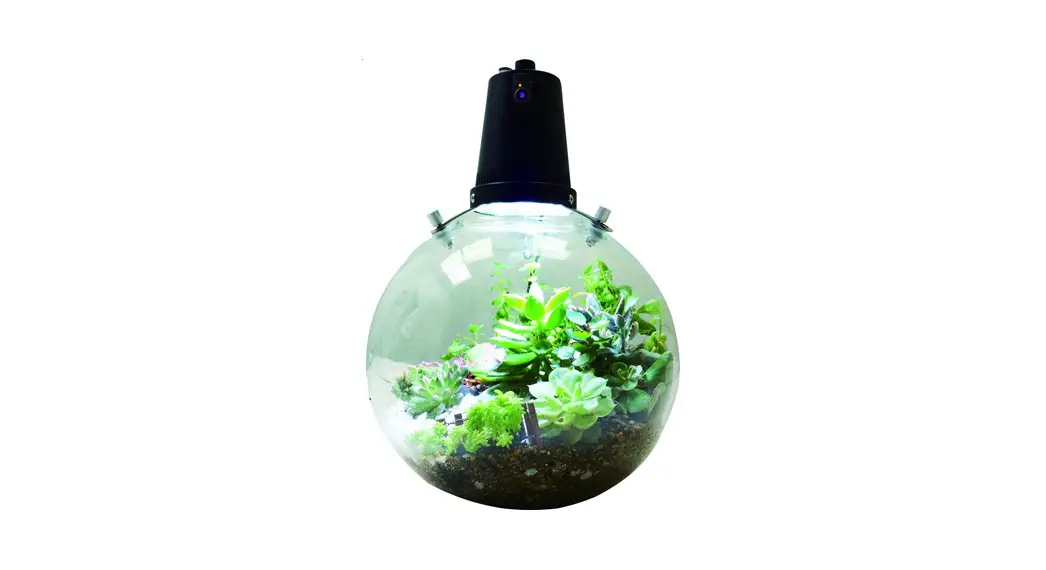

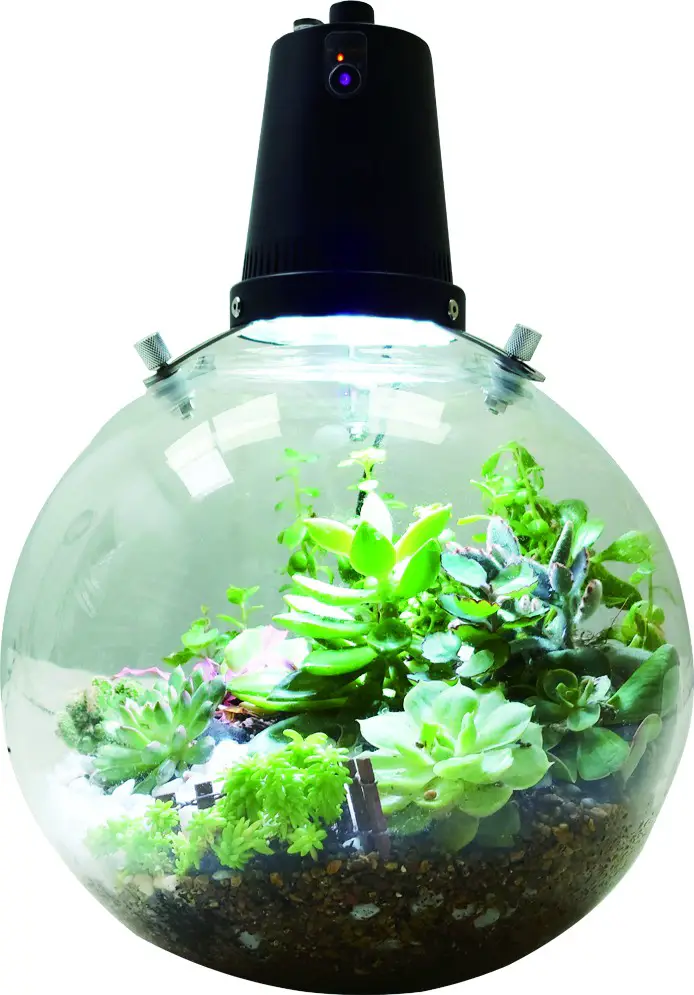
Model : OFG009
It is the time…to Create and Enjoy the Admirable MicroGreen Landscape
Operation
There are following 2 operation modes
| Main Device | Button | State | Indicatorlight | LED Dimming | Sound | LED | Description |  |
| TIMER #1 | Press Twice | On |  |  | BB | Light On | OFF only turns off the LED, other functions are executed according to ai the time setting (fan/aquarium r pump) | |
| Off | |  | B 1Sec. | Light Off | ||||
| Press | Light Long | |  | BBB | 16 hrs On /Daily | |||
| Light Short | |  | BBBB | 9 hrs On / Daily |
Fan Description.
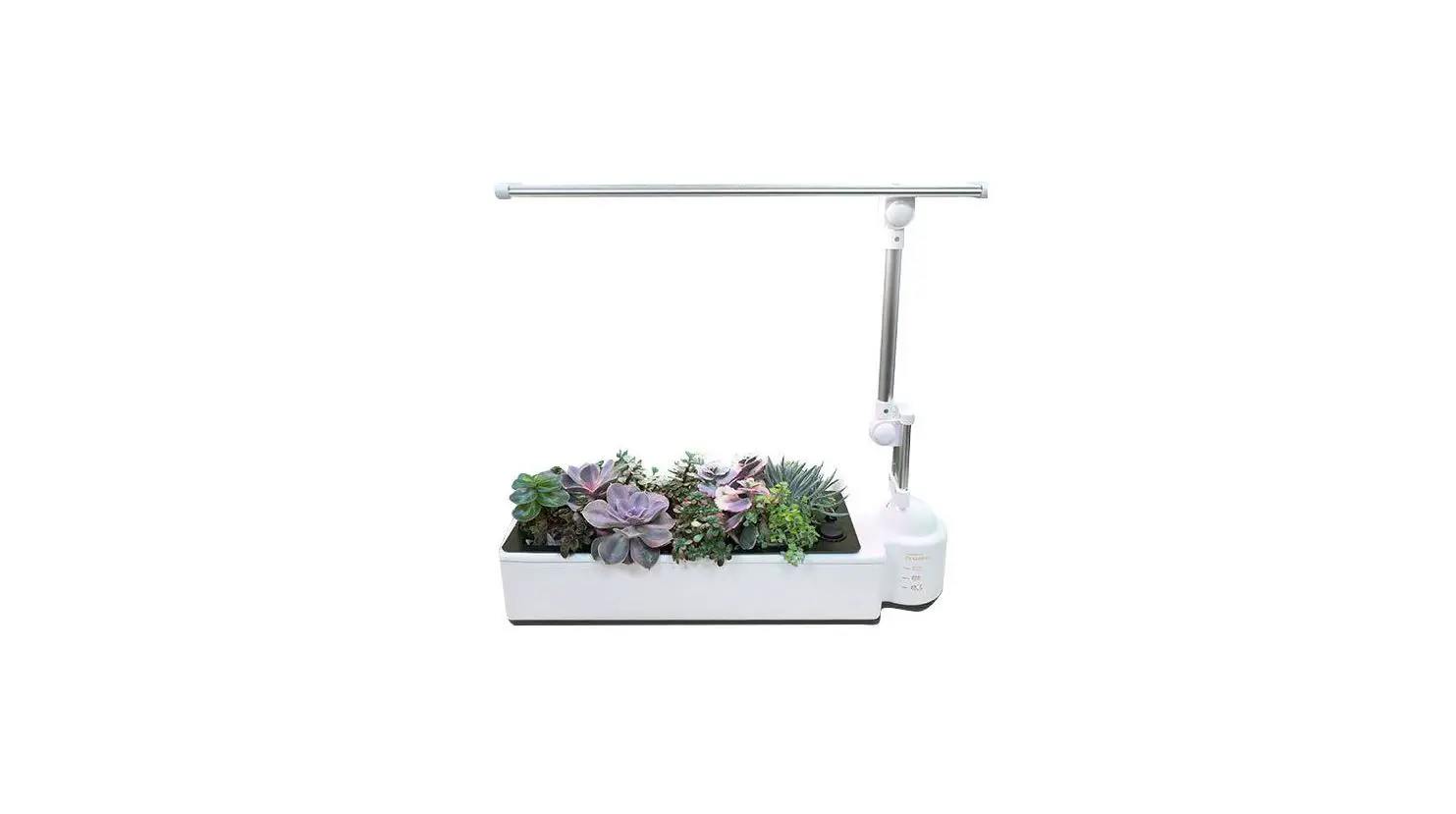
Garden mode: water is added to the tank, and the airflow humidification function is activated for 5 minutes every hour Succulent mode: the tank is not filled with water, the fan remains open.
- OFF only turns off the LED, other functions are executed according to the time setting (fan / aquarium air pump)
G Mode: it is suitable for medium and wet plants, every 80ml of water added can maintain moisture supply for about 7 days. - S Mode: it is suitable for dry and succulent plant growth. Depending on the type of succulents, Water is poured from water port every 3 to 10 days and drips onto the plants.
it is optional with aquarium (air pump) kit.
| Main Device | Button | State | Indicator light | LED Dimming | Sound | LED | Fan | Description | 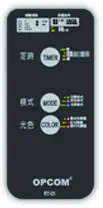 |
| TIMER #2 | Press | On | | | BB | Light On | OFF only turns off the LED, other functions are executed according to the time setting (fan/aquarium air pump) Long Press: Adjust the brightness of the current mode • LED lights are dimmable in 5 segments , | ||
| Press | Off | | | B 1 Sec. | Light Off | ||||
| Press | Light Long | | | BBB | 16 hrs On / Daily | ||||
| Light Short | | | BBBB | 9 hrs On / Daily | |||||
| MODE | Press | G (garden) |  |  | B | Low–L2 | 5 min/ hr Tank with water | ||
| Press | S (succulent) |  | BB | Hi—L4 | 24hrs/Daily Tank without water | ||||
| Dimming |  | Reference Description | LO(B 1Sec) – L1(B) • L2(BB) •L3(BBB) • L4(BBBB) | ||||||
| COLOR | Press | Blue White |  | | B | _ | Long Press : Adjust the brightness of the current mode • LED lights aLOre(Bdi1mSmeca)ble- Lin1 (5B)segLm2emntBs: •L3(BBB) • L4(BBBB) | ||
| Press | REd |  | BB | ||||||
| Press | UV | | BBB | ||||||
| Press for 5 Sec | Dimming | | Reference Description |
- Press twice to turn on/off or press once to cycle through the options
- Power on: Press and hold for 5 seconds, after the BB sound, set the power to turn on automatically at this time every day
Power off: Press and hold for 5 seconds, after the BB sound, set the power off automatically at this time every day - Use Aquarium , Type C access to the pump, manual control on/off. Lighting under “S” mode.
- Return factory mode: Press “TIMER” key One short , One long , after the BB sound and return to factory mode.
Aquarium: need to choose the aquarium (air pump) module, air pump connected to the body, automatically open the air pump, air pump set on the independent switch, according to the actual needs of the manual switch.
Please visit OPCOM official website for more informations and video www.opcomfarm.com