
QUICK START GUIDE
Magic Remote
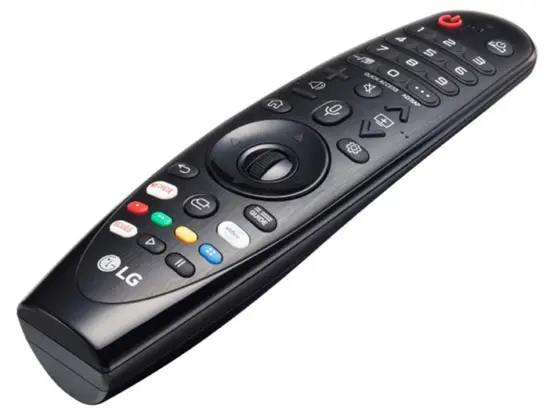 AN-MR19BA
www.lg.com
Copyright © 2019 LG Electronics Inc. All Rights Reserved.
- Contents in this manual may be changed without prior notice due to an upgrade of product functions.
- Complete instructions are included in the owner’s manual.
ACCESSORIES
(Depending upon country)
- Magic Remote and Alkaline Batteries (AA)
– Due to environmental government regulations about imports and battery destruction in Colombia, TVs will not include the batteries for the remote control. - Owner’s manual
INSTALLING BATTERIES
- Please read this manual carefully.
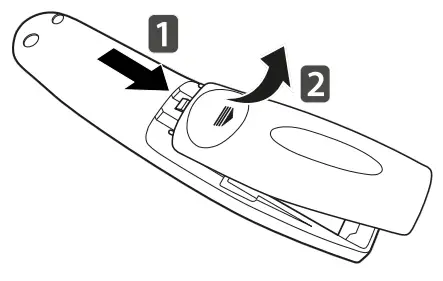
- Press the top of the battery cover, slide it back, and lift the cover as shown below.
- To replace batteries, open the battery cover, replace alkaline batteries (1.5 V, AA) matching + and – ends to the label inside the compartment, and close the battery cover. Be sure to point the remote control at the remote control sensor on the TV.
- To remove the batteries, perform the installation actions in reverse. Don’t mix old or used batteries with new ones. Close the cover securely.
- Caution: Risk of fire or explosion if the battery is replaced by an incorrect type.
- Open the battery cover to find the label.
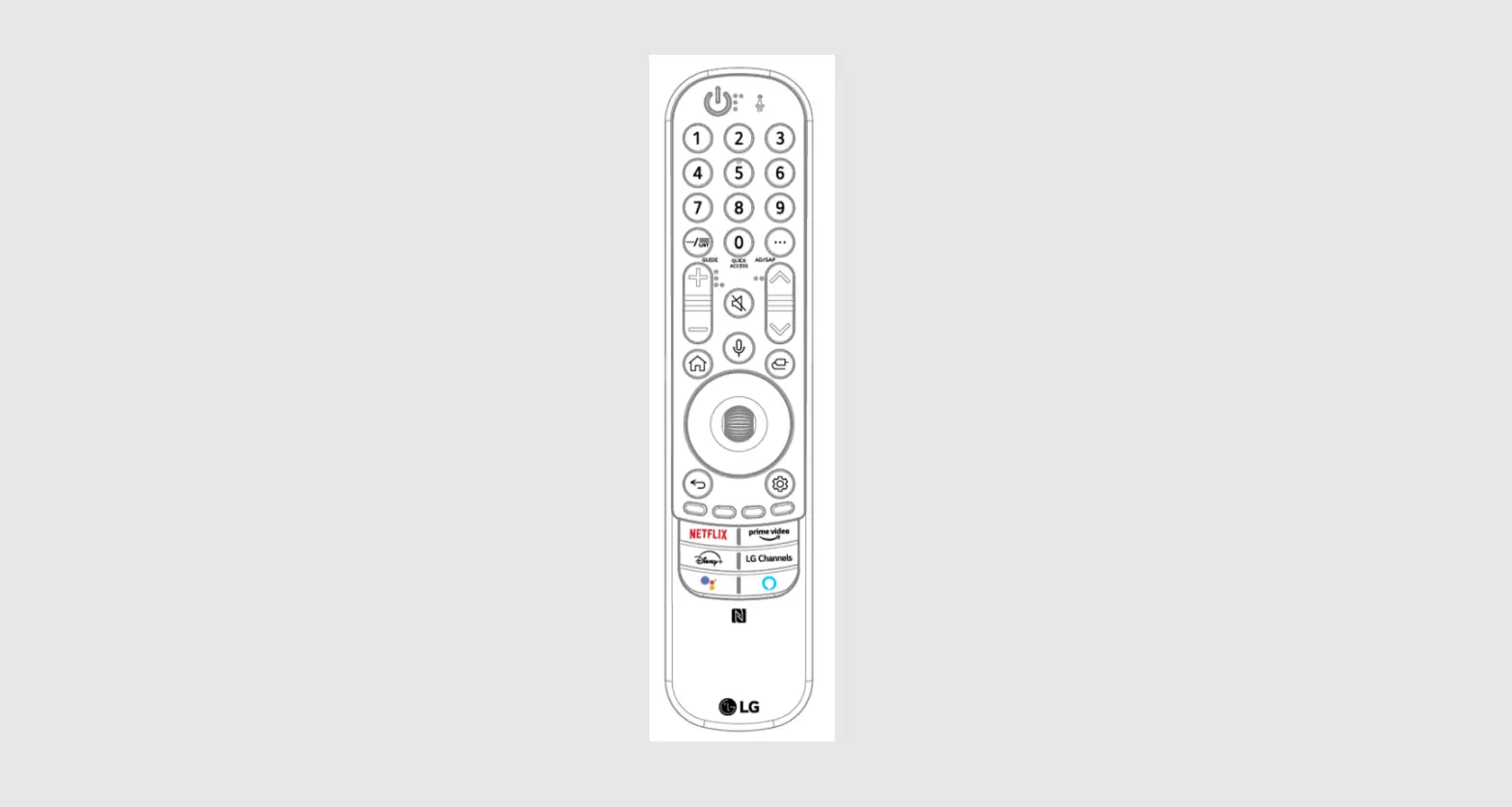
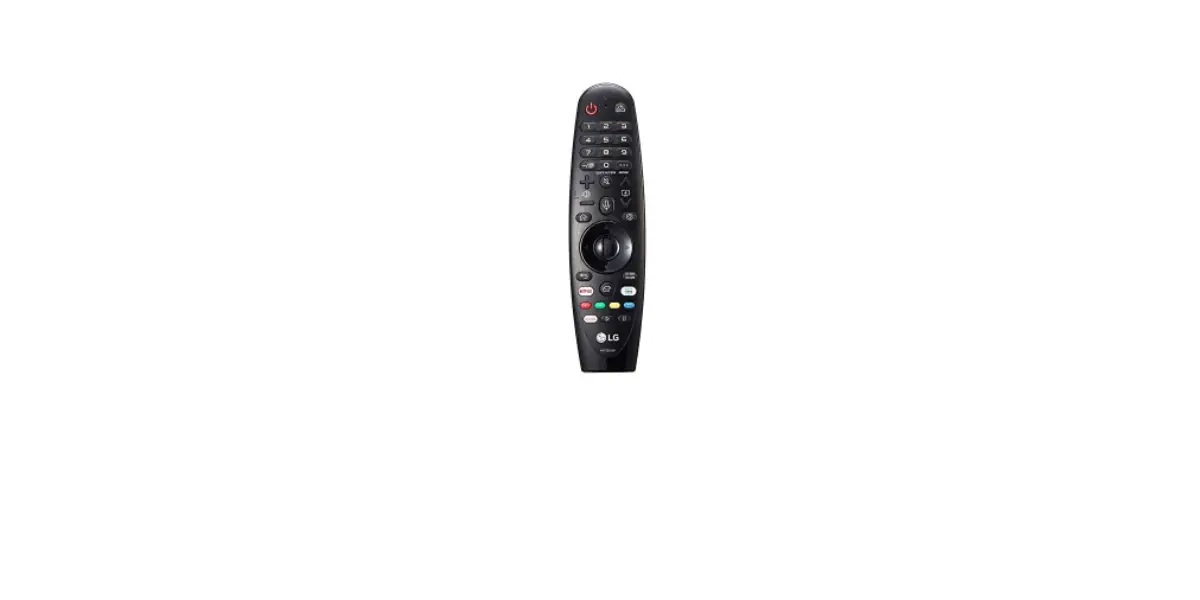
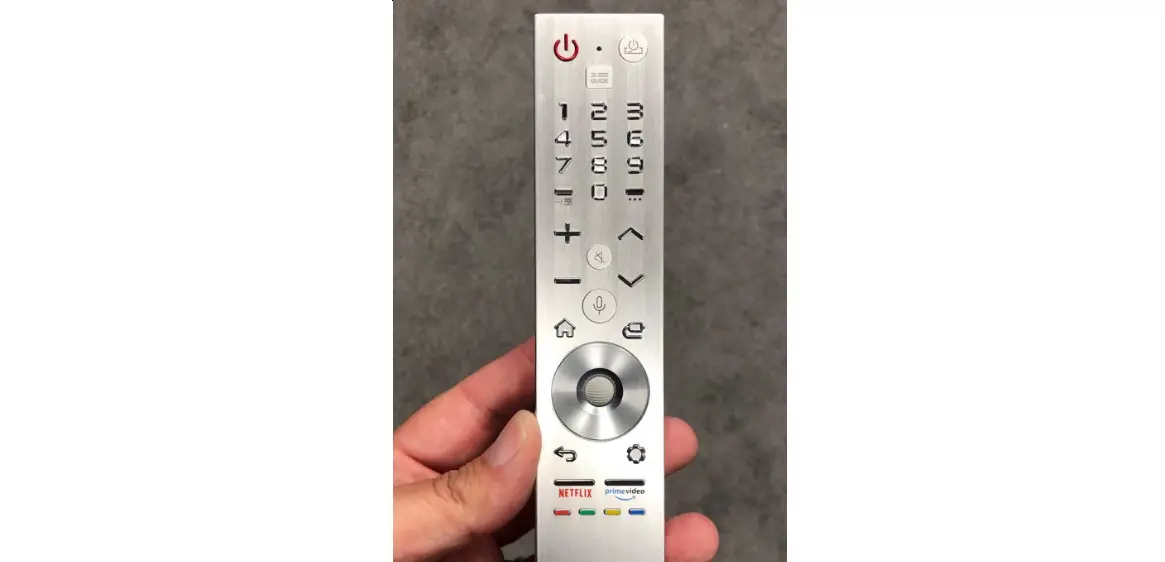
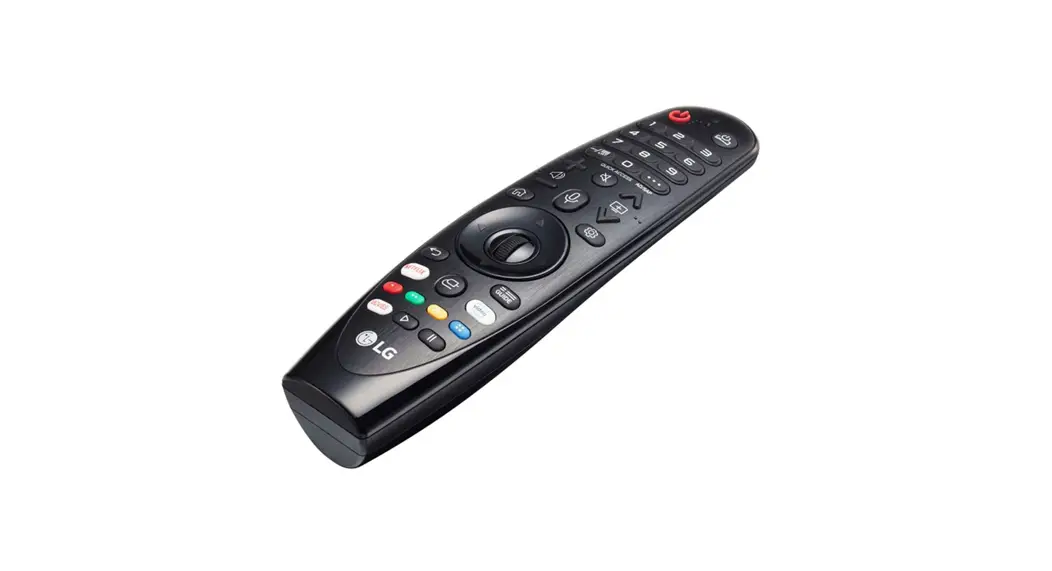
REMOTE DESCRIPTION
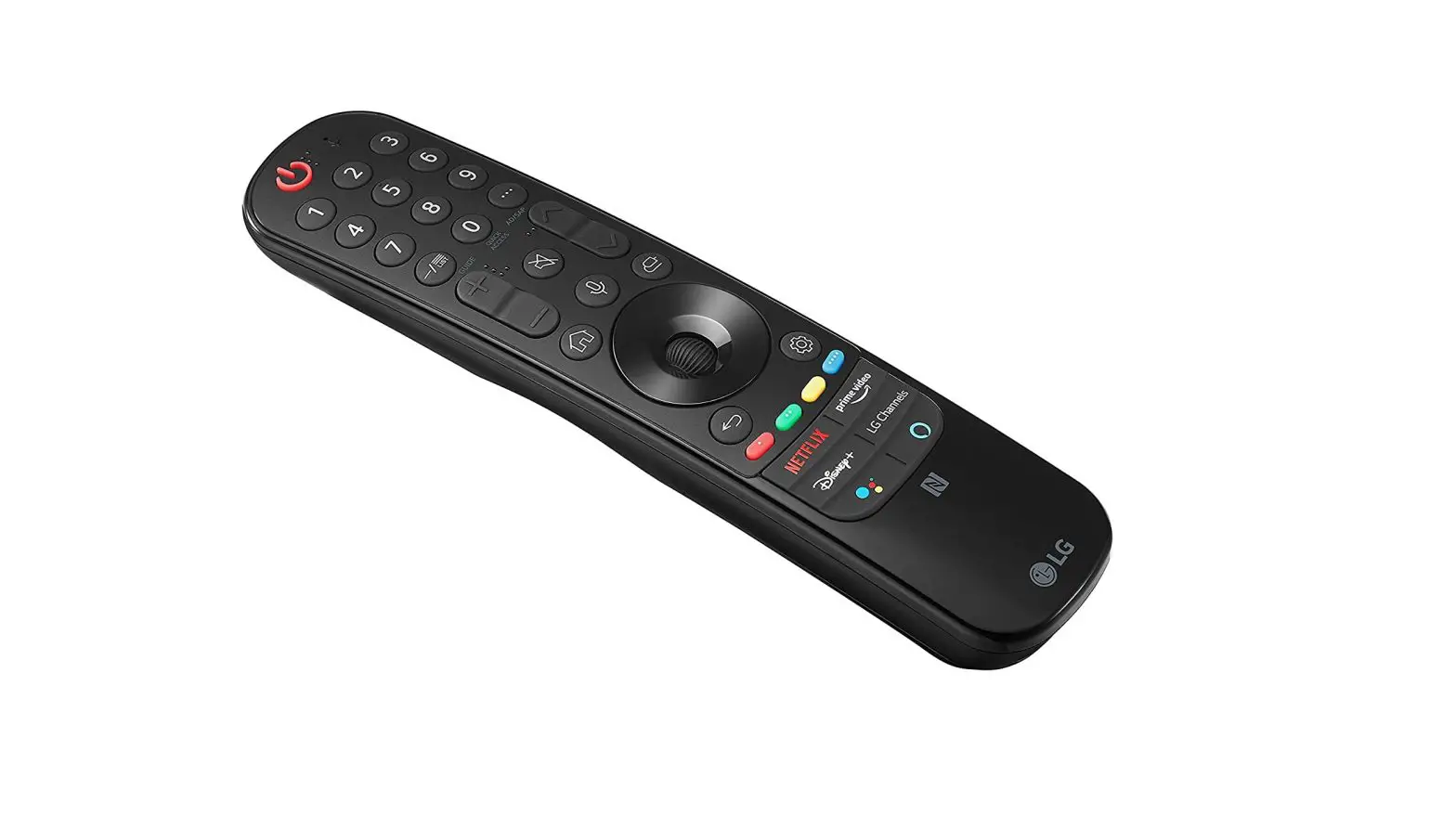
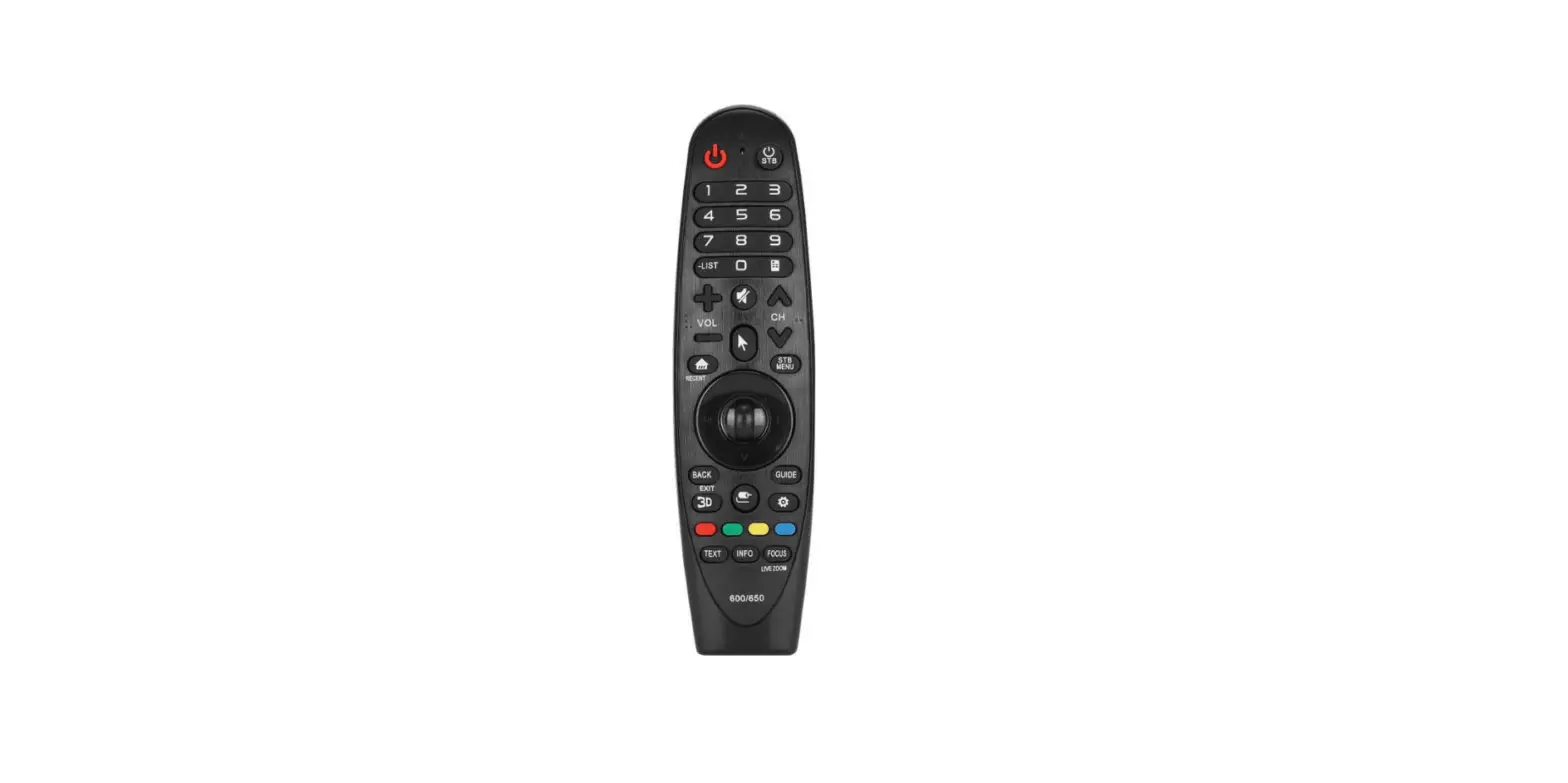
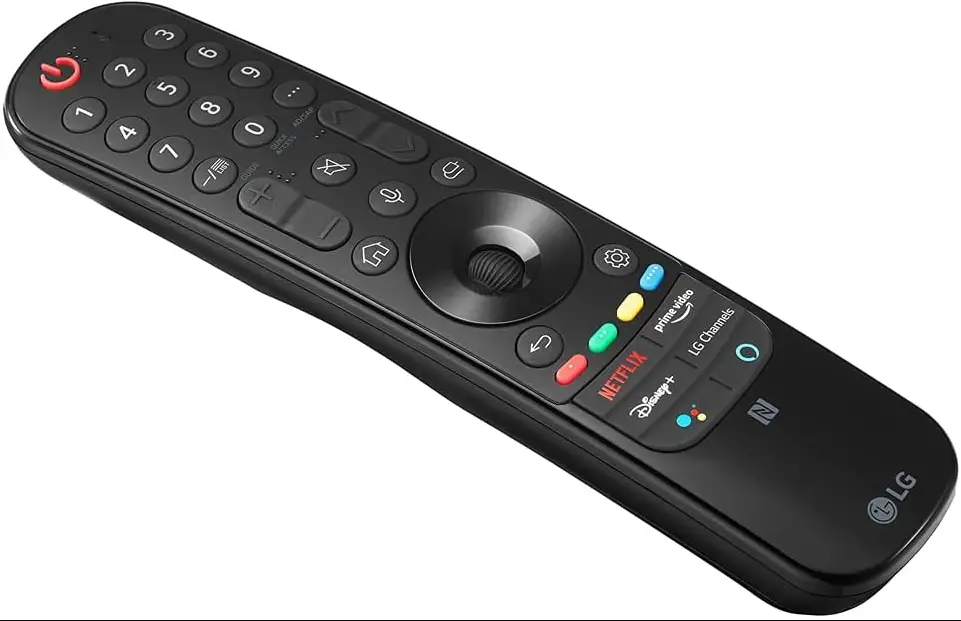
- The remote control image shown may differ from the actual product.
- The order of the description may differ from the actual product.
- Some buttons and services may not be provided depending on models or regions.
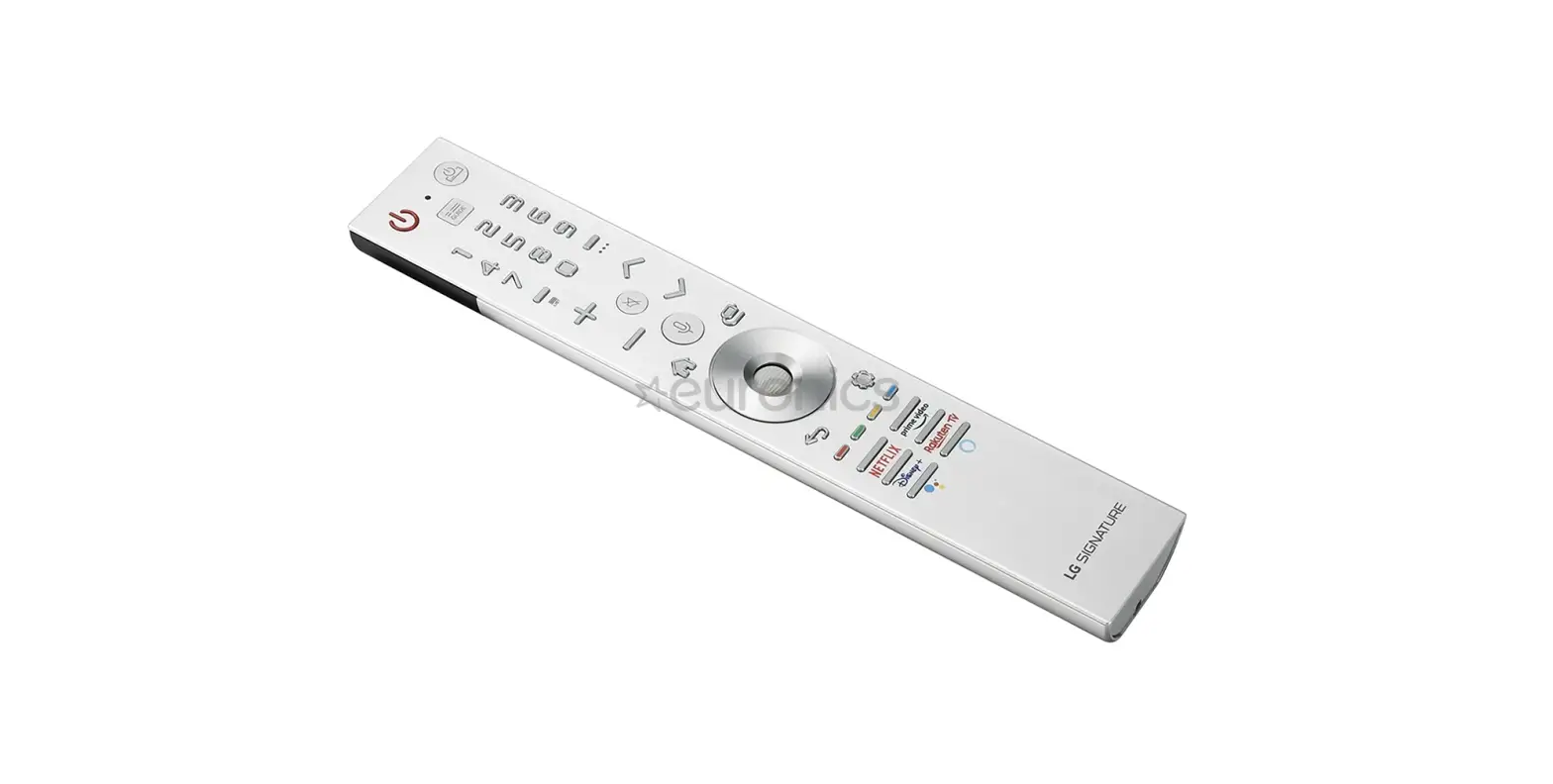
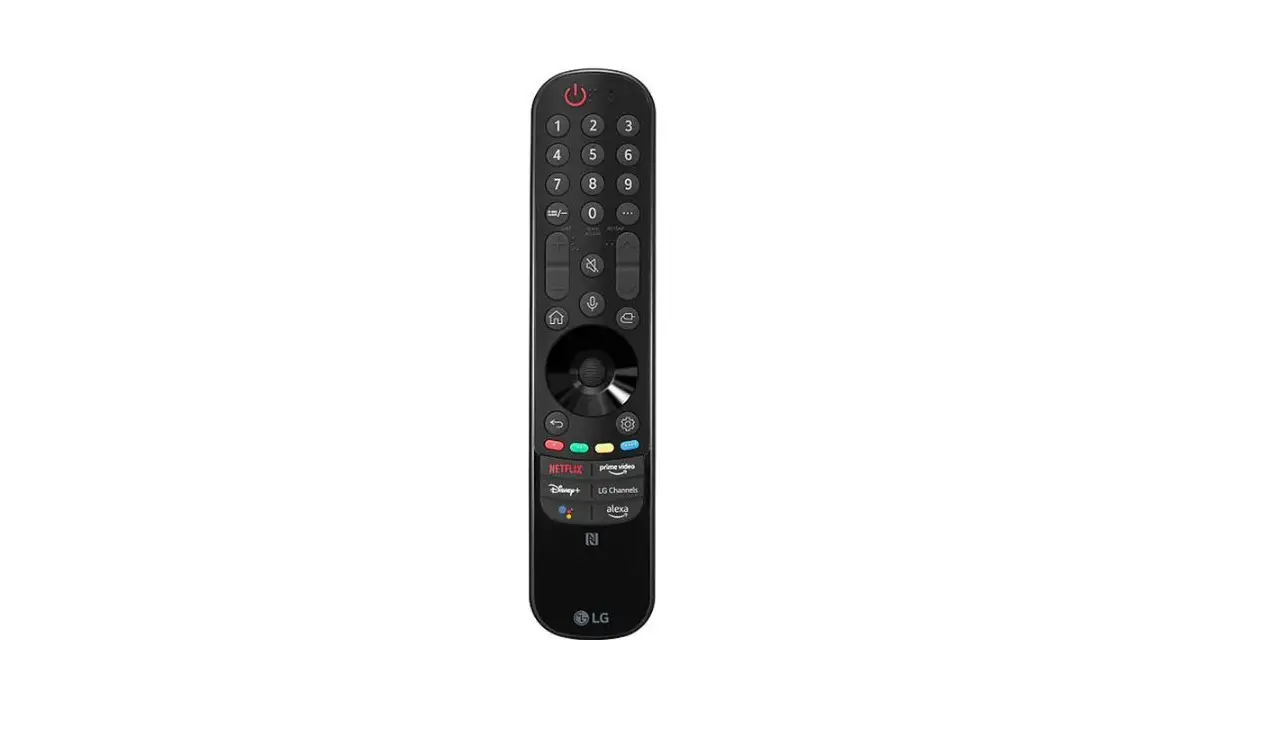
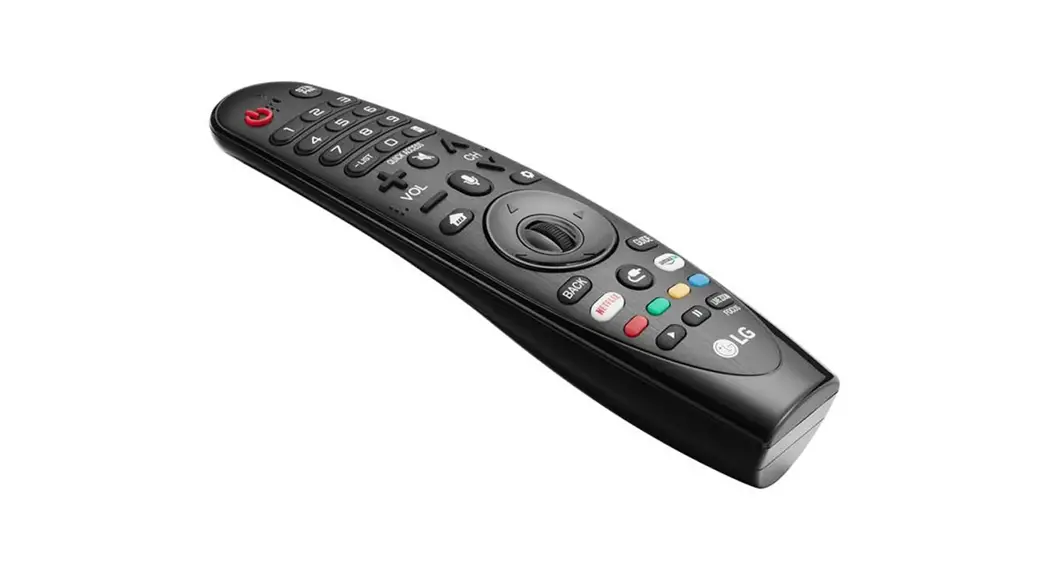
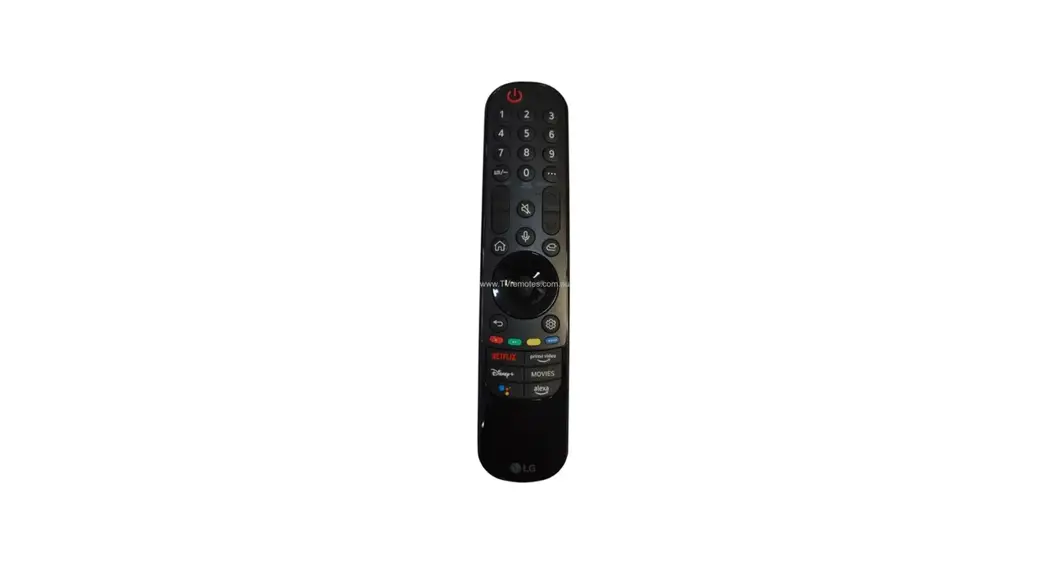
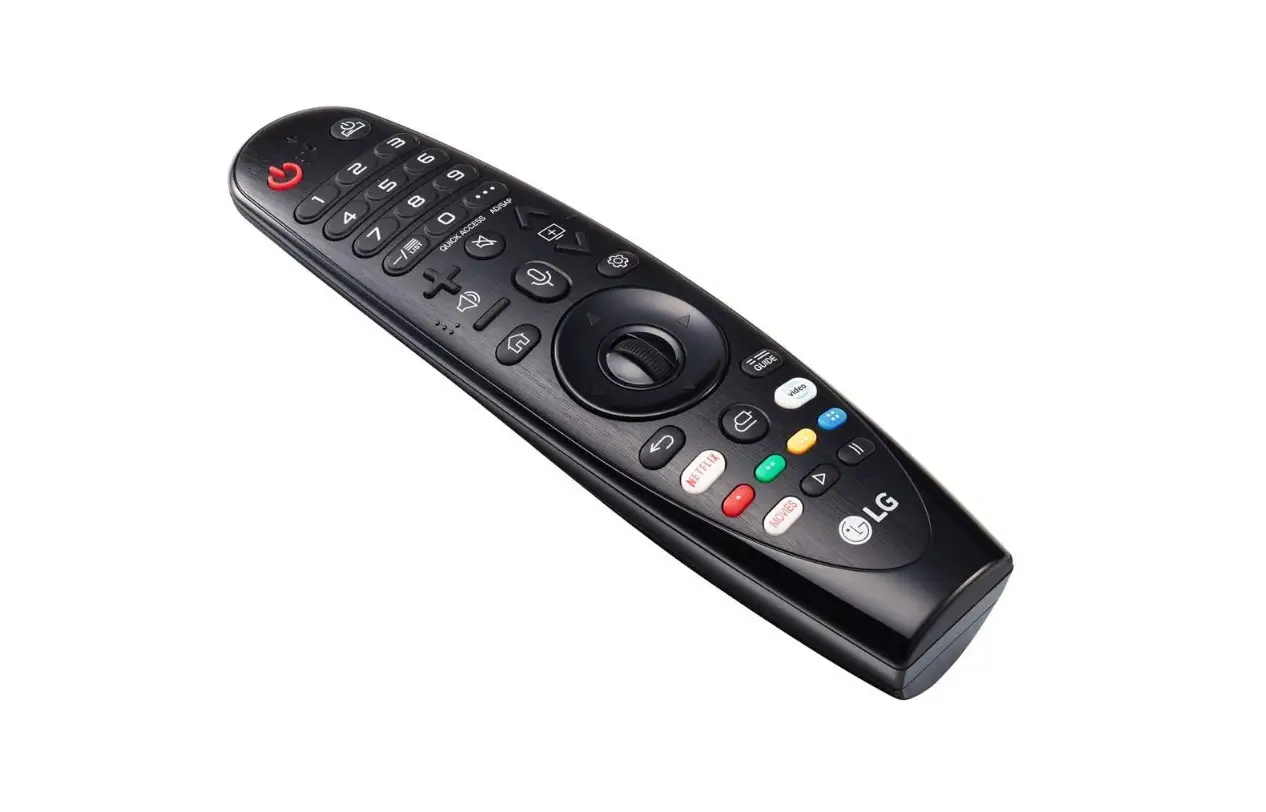
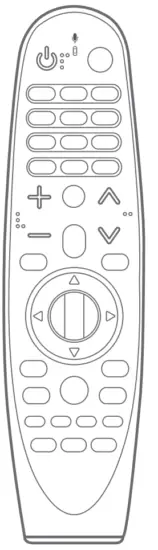 |  Number buttons Number buttons |  Streaming Service buttons
|
* To use the button, press and hold for more than 1 second.
USING
- How to register (pair) or deregister (unpair)

How to register (pair) the Magic Remote
To use the Magic Remote, first, pair it with your TV.
1. Put batteries into the Magic Remote and turn the TV on.
2. Point the Magic Remote at your TV and press the Wheel (OK) on the remote control.
– If the TV fails to register the Magic Remote, try again after turning the TV off and back on.
How to deregister (unpair) the Magic Remote
Press and hold the (HOME) and
  BACK buttons at the same time for five seconds, to unpair the Magic Remote with your TV.
– Pressing and holding the button will let you cancel and re-register Magic Remote at once.
 - How to use

• Shake the Magic Remote slightly to the right and left or press (HOME),  (INPUT), or
  (Q. Settings) buttons to make the pointer appear on the screen. (In some TV models, the pointer will appear when you turn the Wheel (OK) button.)
• If the pointer has not been used for a certain period of time or Magic Remote is placed on a flat surface, then the pointer will disappear.
• If the pointer is not responding smoothly, you can reset the pointer by moving it to the edge of the screen.
• The Magic Remote depletes batteries faster than a normal remote due to the additional features.
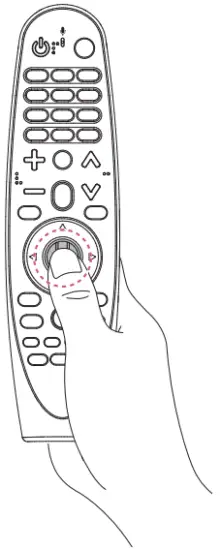
 Wheel (OK) on the remote control.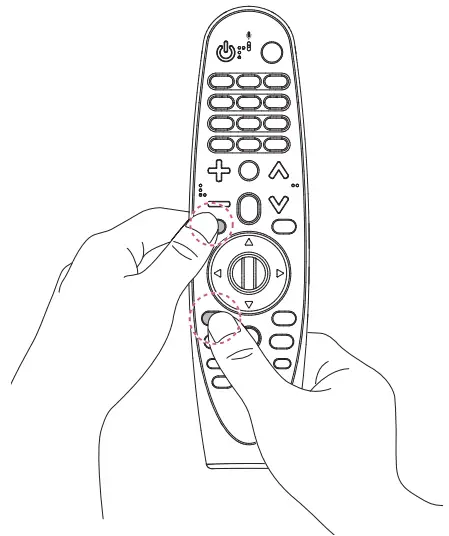
 (HOME) and
  BACK buttons at the same time for five seconds, to unpair the Magic Remote with your TV.
 button will let you cancel and re-register Magic Remote at once.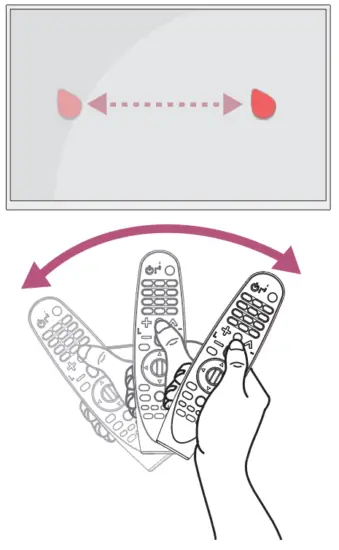
 (INPUT), or
  (Q. Settings) buttons to make the pointer appear on the screen. (In some TV models, the pointer will appear when you turn the
 Supported LG TVs
- 2018 TVs / 2017 TVs
– W8/G8/E8/C8/B8/A8/SK9*/SK8*/SK7*/UK9*/UK8*/UK7*
– W7/G7/E7/C7/B7/SJ9*/SJ8*/SJ7*/UJ9*/UJ8*/UJ7*
– UK6*/LK6*/LK5*/UJ6*/LJ6*/LJ5* (Please verify whether the TV is Bluetooth) - 2019 TVs
– W9/E9/C9/B9/SM9*/SM8*
– UM7*/LM6*/LM5* (Please verify whether the TV is Bluetooth)
* 2017 TVs can be used after their software has been updated.
* Not all models listed are supported in all countries.
* Models listed are subject to change without prior notice.
 LG Electronics & Home Appliances | Shop Now | LG USA