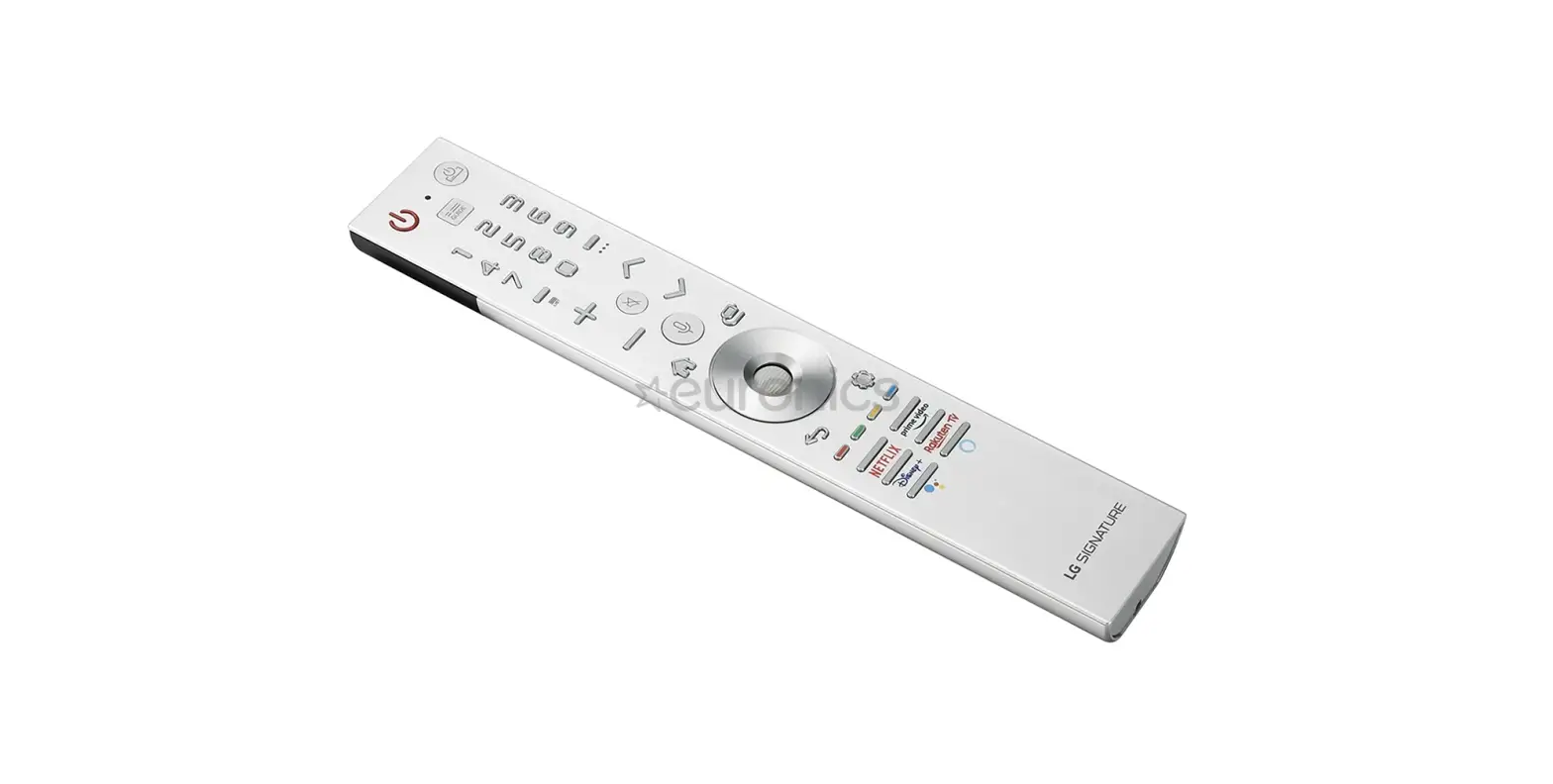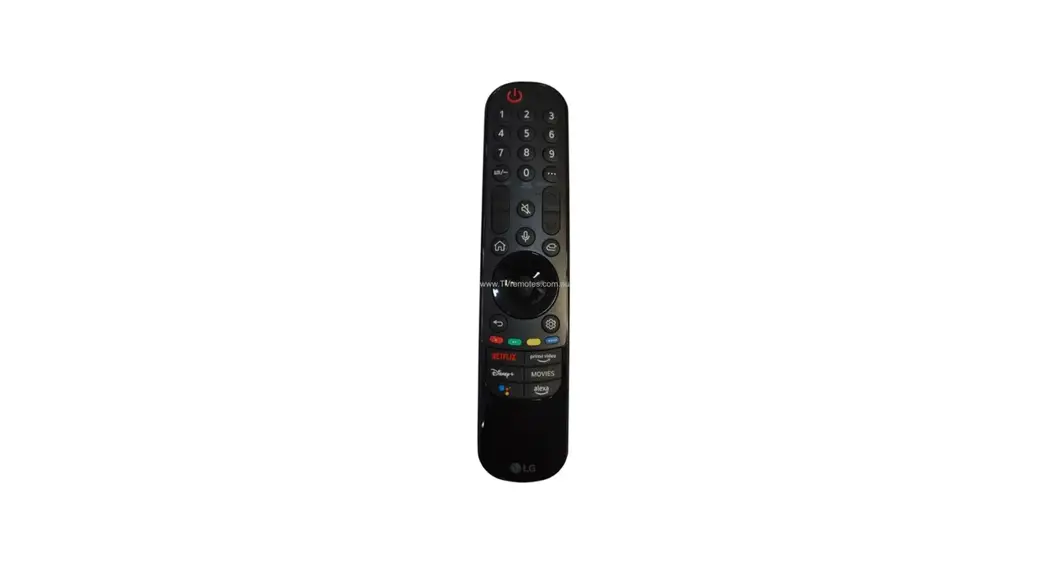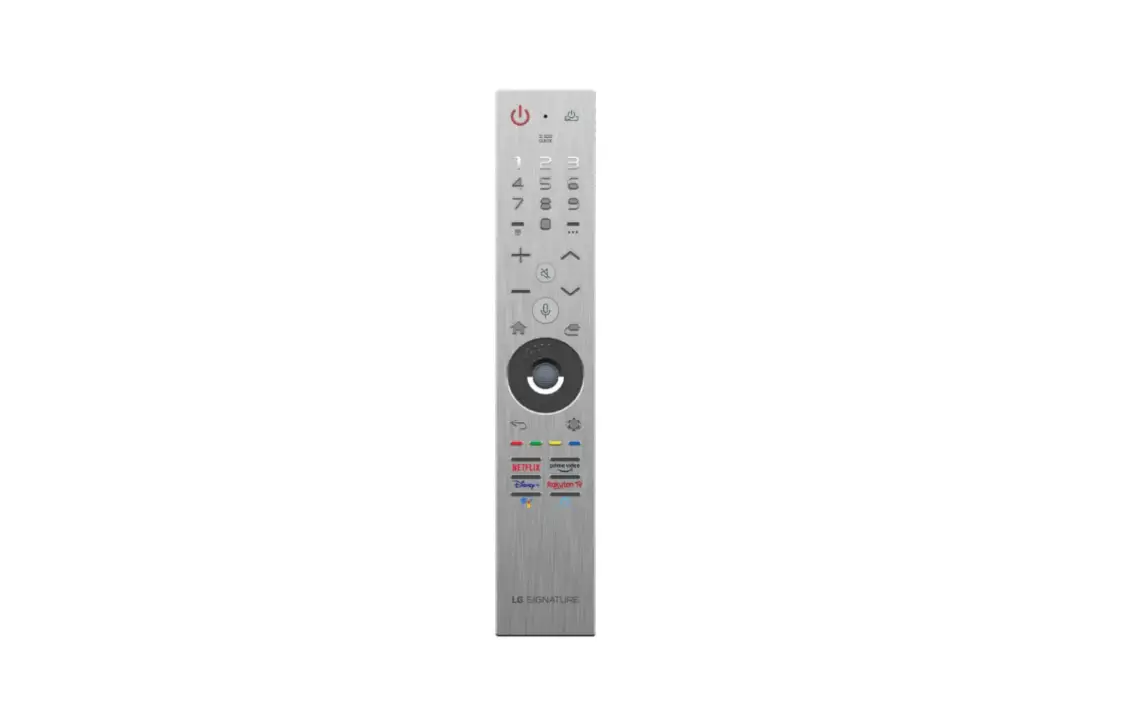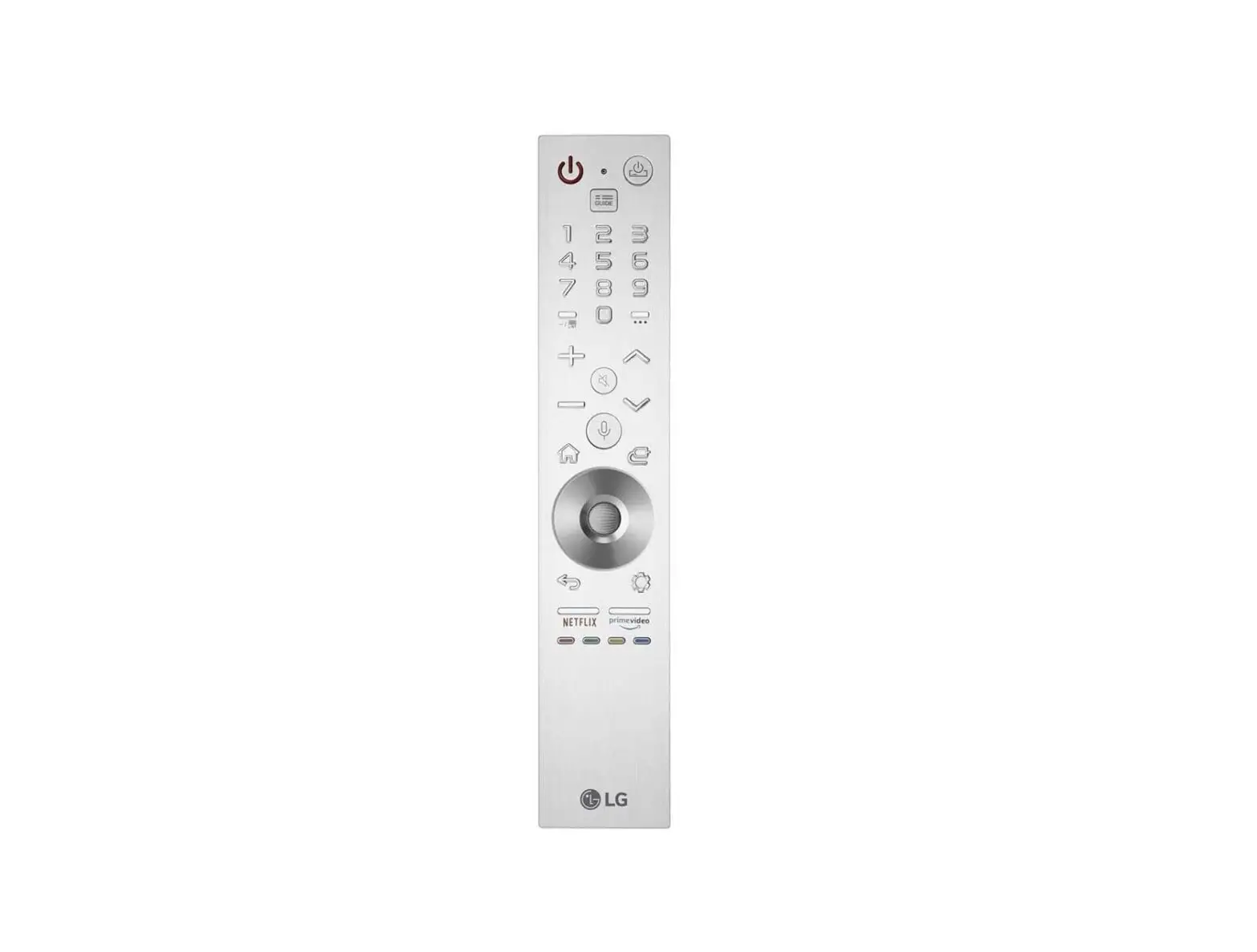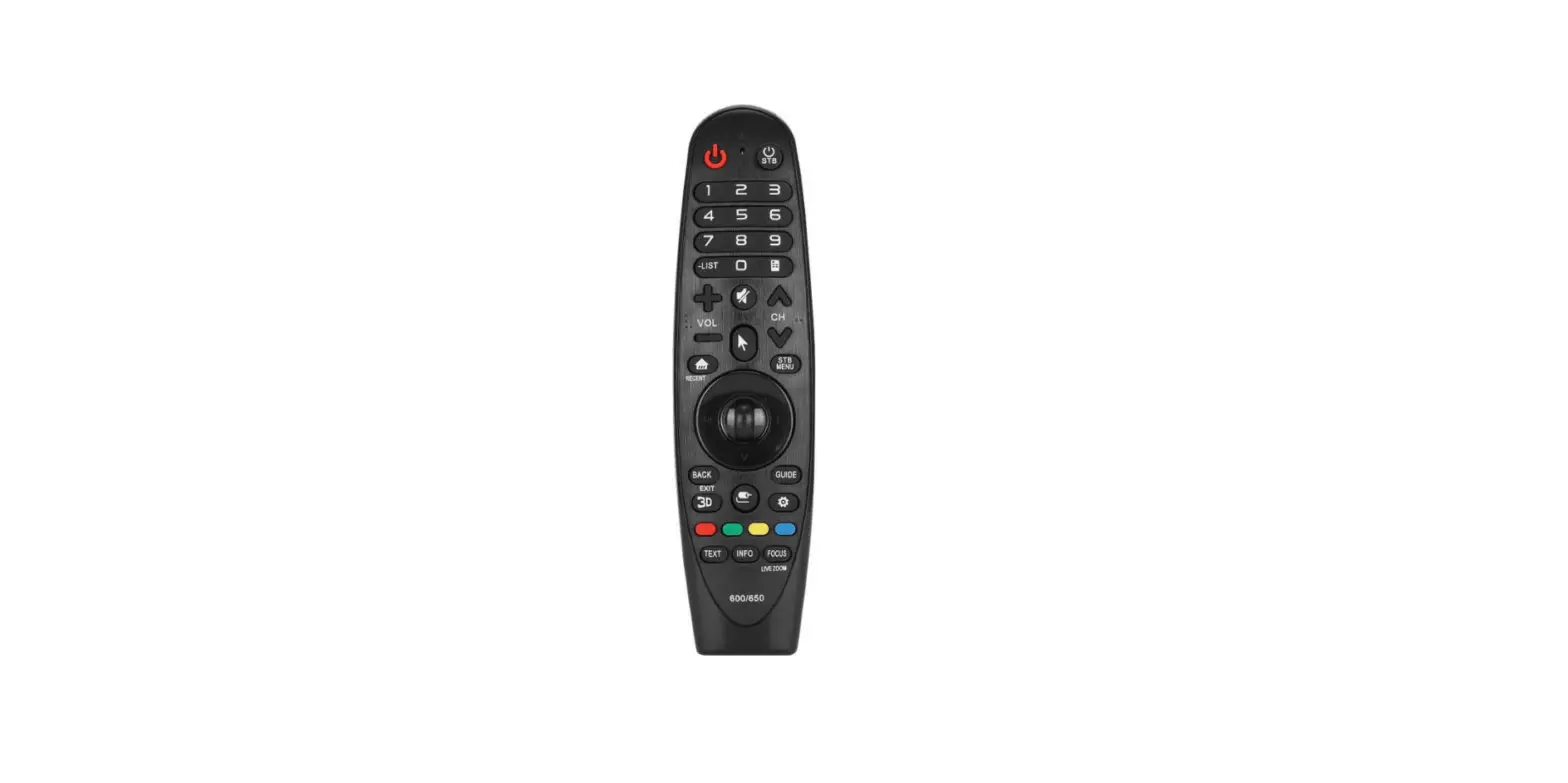

LG AN-MR600 Magic Remote
ACCESSORIES
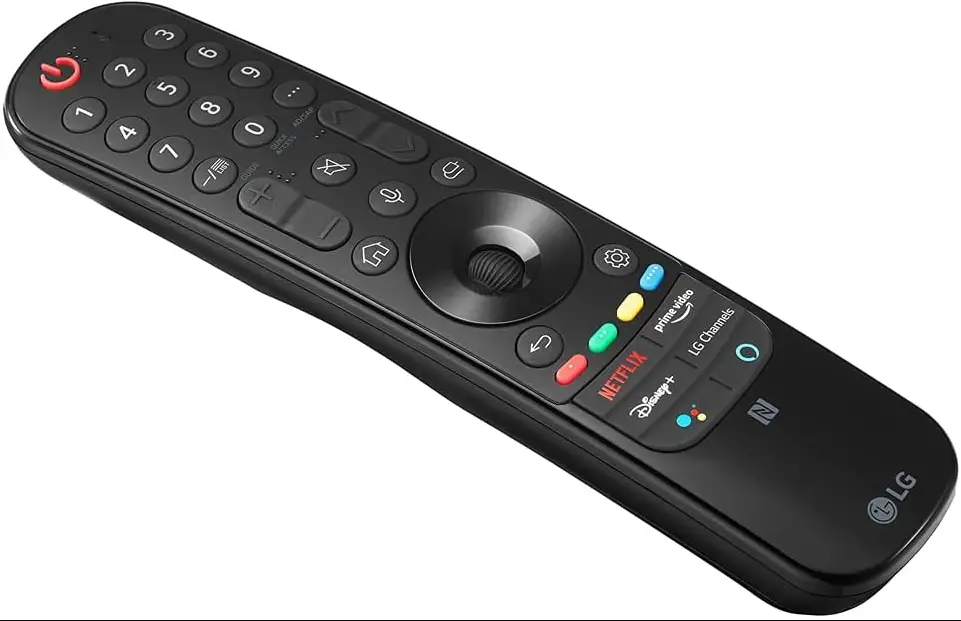
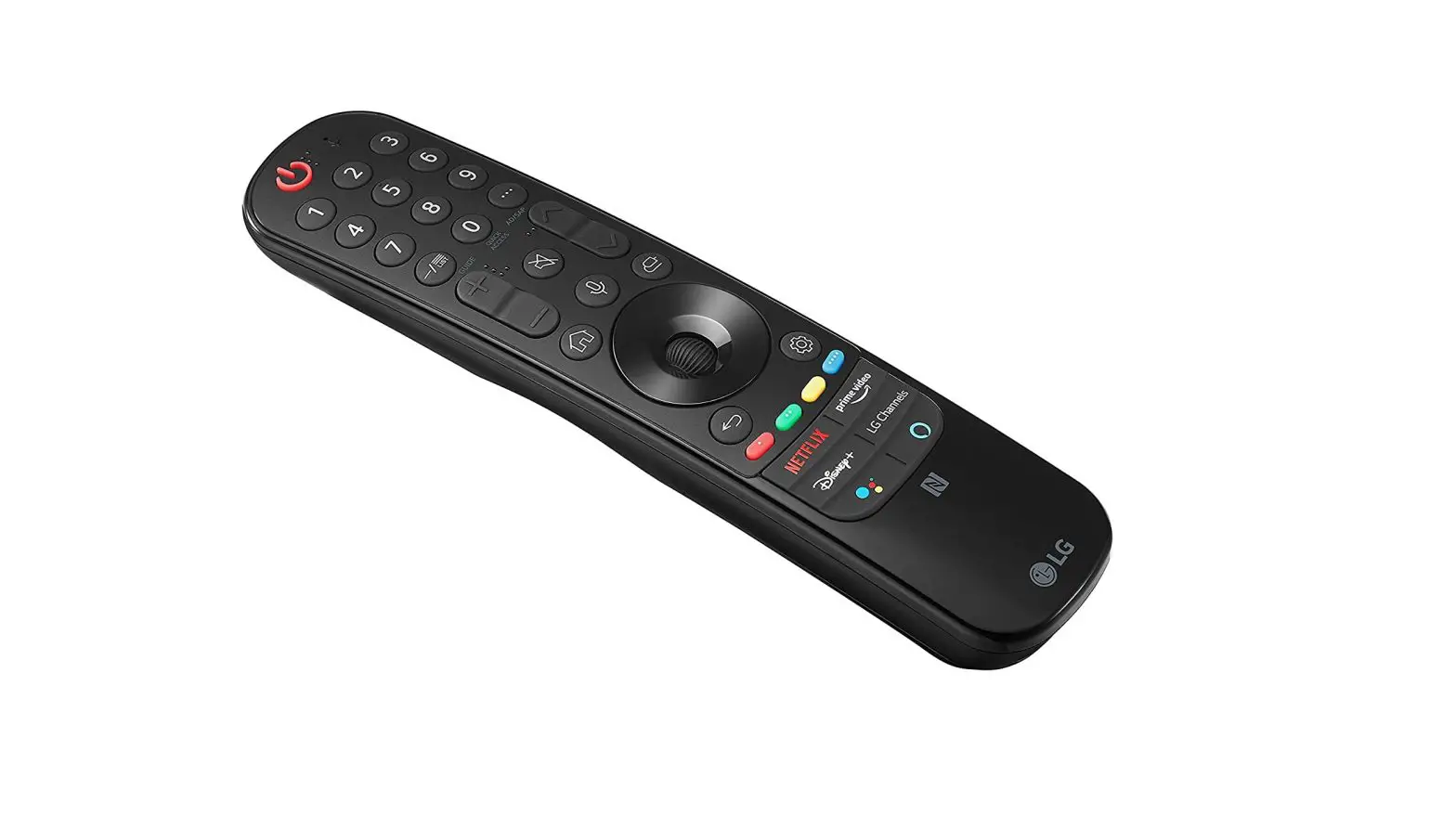
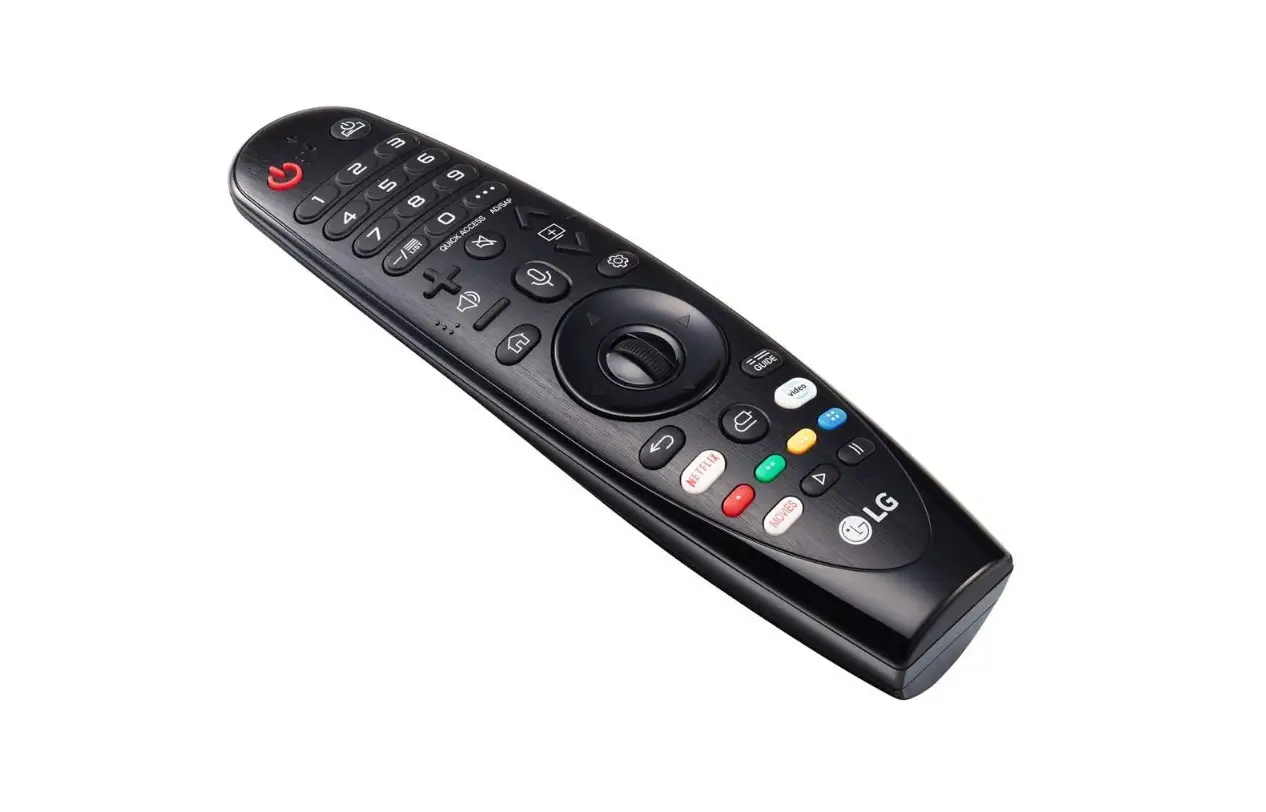
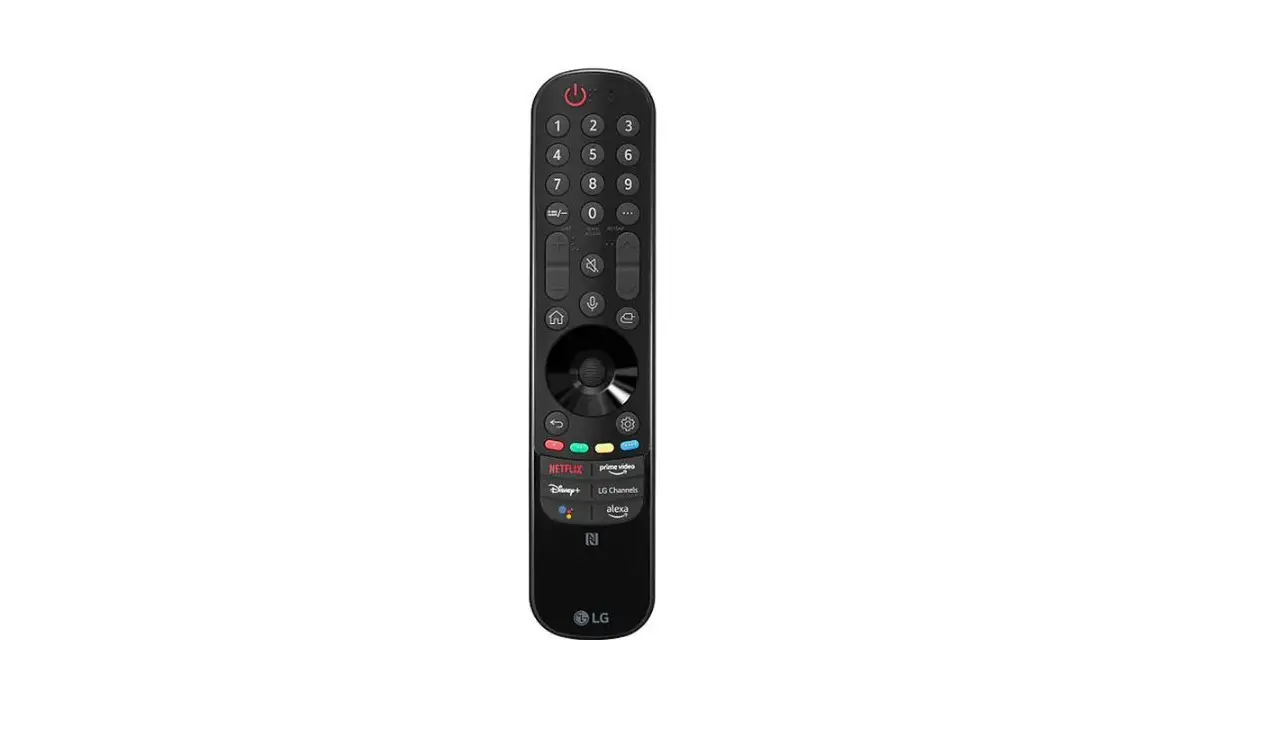
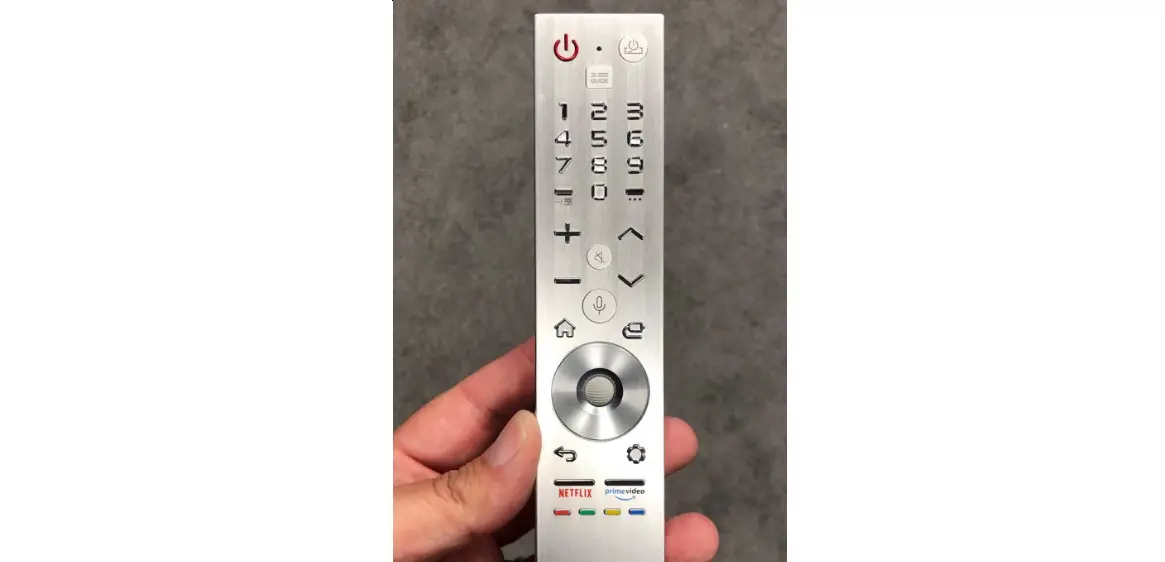
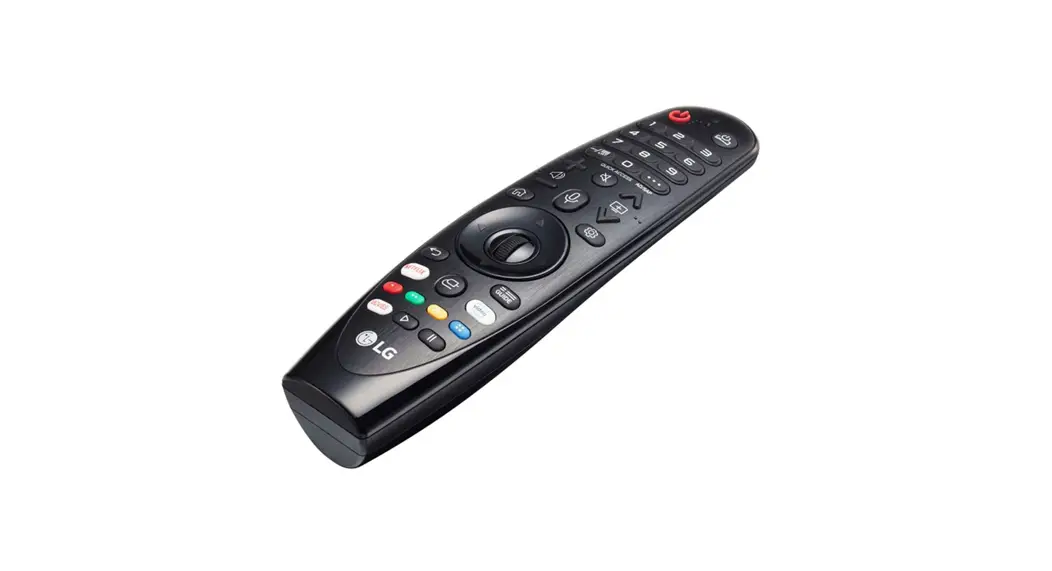
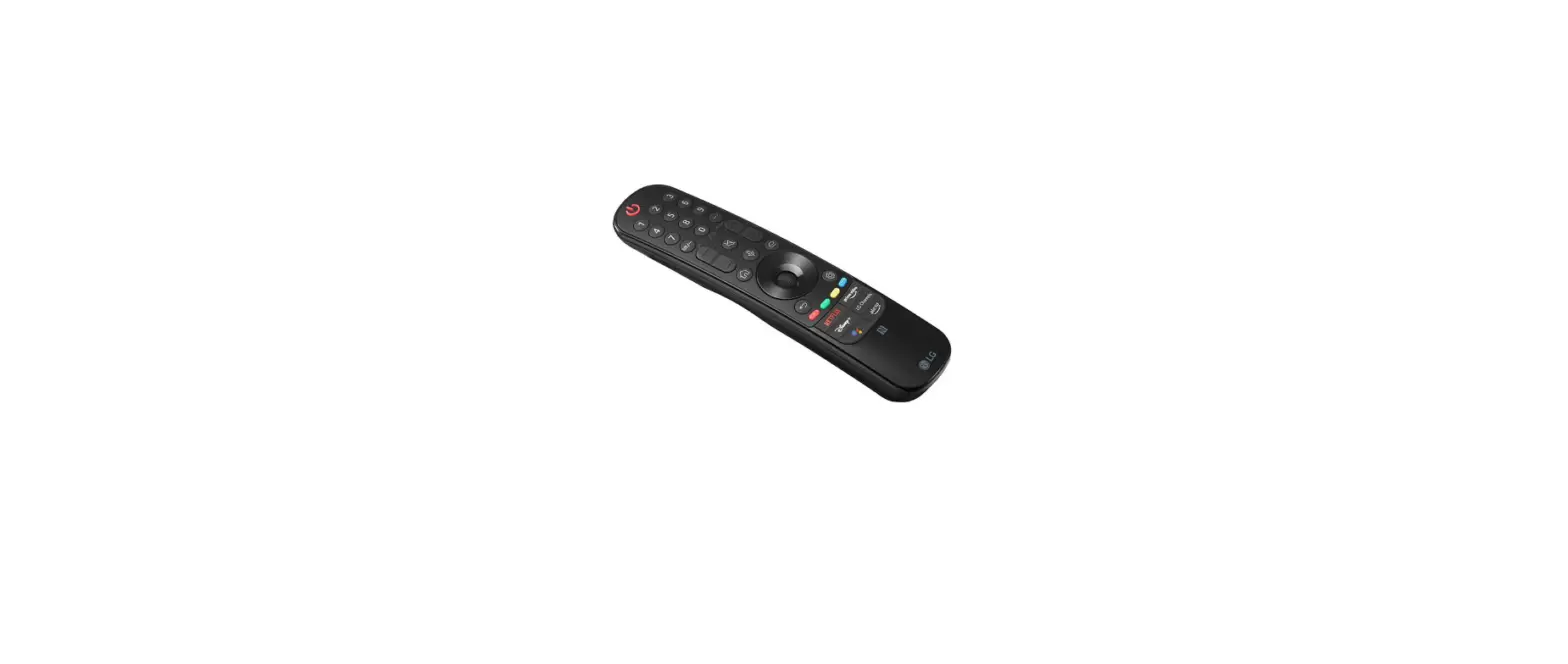
The remote control image shown may differ from the actual product. Depending upon country.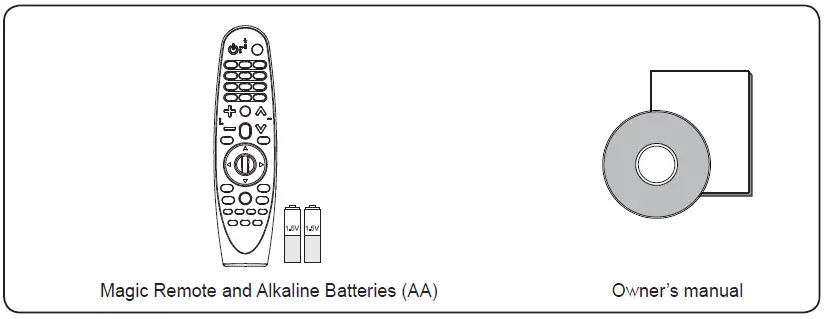
OPTIONAL ACCESSORIES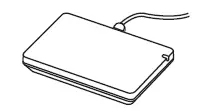
- Some models require the purchase of a Wi-Fi / Bluetooth dongle. For more information, refer to the details about accessories in the User Manual of your TV.
- For more information about how to connect and use, please refer to the user manual of the Wi-Fi/Bluetooth dongle.
- Contents in this manual may be changed without prior notice due to upgrade of product functions.
BATTERY
Installing Batteries
- Please read this manual carefully.
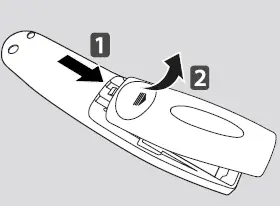
- Press the top of the battery cover, slide it back, and lift the cover as shown below.
- To replace batteries, open the battery cover, replace alkaline
batteries (1.5 V, AA) matching and ends to the label inside the compartment, and close the battery cover. Be sure to point the remote control at the remote control sensor on the TV. - To remove the batteries, perform the installation actions in reverse. Don’t mix old or used batteries with new ones. Close the cover securely.
Precautions
- After replacement of the battery, use the remote control following pairing in accordance with user manual.
- If the unit does not operate after replacement of battery, reattempt pairing in accordance with the user manual.
- If the remote controller is not being used for prolonged period of time, remove the battery from the unit.
- Do not dismantle or exert heat to the battery.
- Do not drop battery or exert extreme impact that may even cause the case to be damaged.
- Do not immerse the battery in water.
- There is danger of explosion if a the battery is inserted incorrectly.
- Properly dispose of used batteries
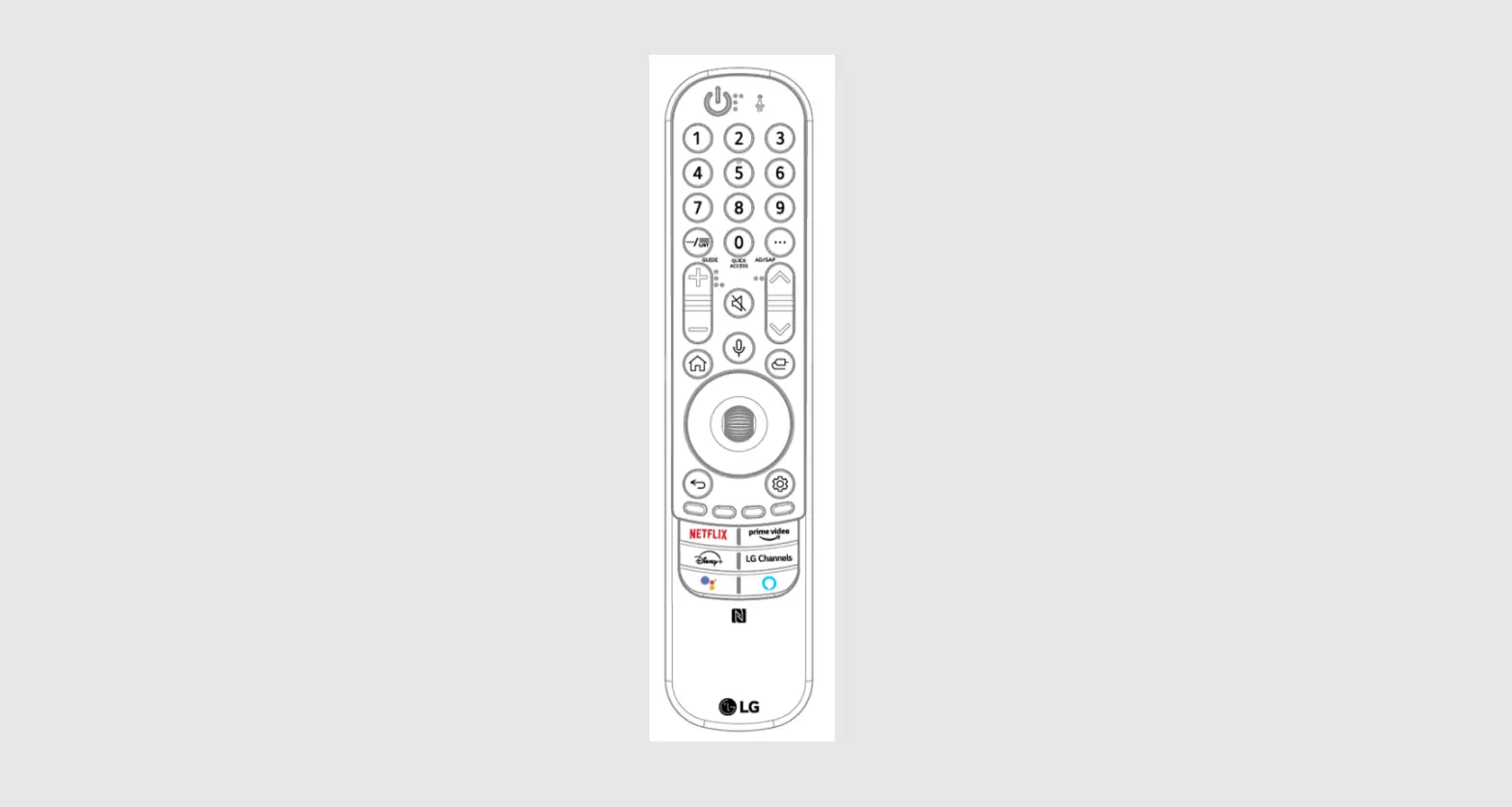
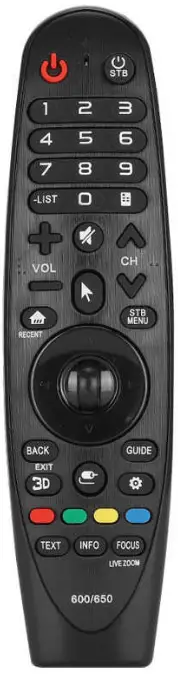
REMOTE DESCRIPTION
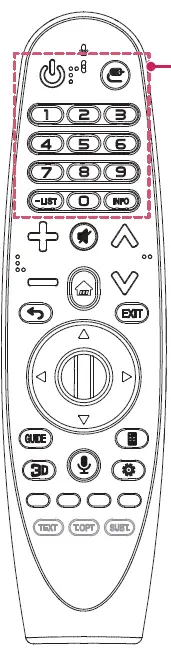
 (POWER)
- Turns the TV on or off.
 (INPUT)
- Changes the input source.
- Pressing and holding the (INPUT) button displays all the lists of external inputs.
- Pressing and holding the
- Changes the input source.
- Number buttons
- Enters numbers.
- Alphabet buttons
- Enters letters. (Depending upon model)
 (DASH)
- Inserts a (DASH) between numbers such as 2-1 and 2-2. (Depending upon model)
- Inserts a
- LIST
- Accesses the saved channels or programmes list.
- INFO
- Views the information of the current channels or programmes and screen.
- VOL

- Adjusts the volume level.
 (MUTE)
- Mutes all sounds.
- By pressing and holding the
 button, video/audio descriptions function will be enabled. (
  applicable to North America
 / applicable to Europe, CIS, and Thailand)
 - SAP (Secondary Audio Program) Feature can also be enabled by pressing the button. (Applicable to North America)
- By pressing and holding the
- Mutes all sounds.
- CH/P

- Scrolls through the saved channels or programmes.
 (HOME)
- Accesses the Home menu.
 WHEEL (OK)
- Press the center of the WHEEL (OK) button to select a menu.
- You can change channels or programmes by using the WHEEL (OK) button.
- Press the center of the
 (up/down/left/right)
- Press the up, down, left, or right button to scroll the menu.
- If you press buttons while the pointer is in use, the pointer will disappear from the screen and the Magic Remote will operate like a general remote control.
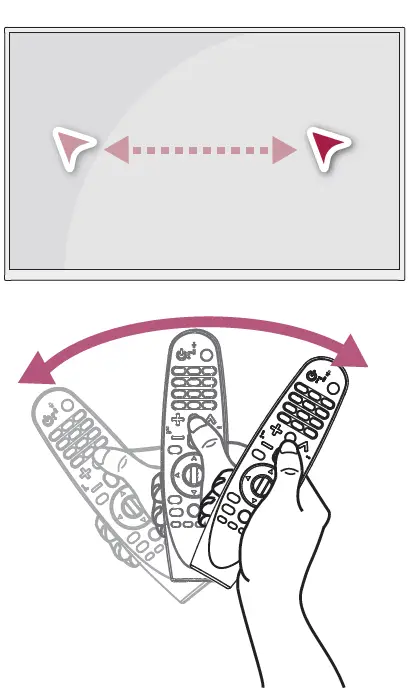
- To display the pointer on the screen again, shake the Magic Remote to the left and right.
 (POWER)
 (INPUT)
 (DASH)
 (MUTE)
 button, video/audio descriptions function will be enabled. (
  applicable to North America
 / applicable to Europe, CIS, and Thailand)
 (HOME)
 WHEEL (OK)
 (up/down/left/right)
REMOTE DESCRIPTION
 (BACK)
- Returns to the previous screen.
- EXIT
- Clears on-screen displays and returns to Last Input viewing.
- GUIDE
- Shows channels or programmes guide. (Depending upon model)
 (Screen remote)
- Displays the Screen Remote.
- Accesses the Universal Control Menu in some regions.
- Displays the Screen Remote.
 Used for viewing 3D video.
- Works with a 3D-enabled TV.
 (Voice recognition)
- (Depending upon model) Network connection is required to use the voice recognition function.
- Press the voice recognition button.
- Speak when the voice display window appears on the TV screen.
- Use the Magic Remote no further than 10 cm from your face.
- The voice recognition may fail when you speak too fast or too slowly.
- The recognition rate may vary depending on the user’s characteristics (voice, pronunciation, intonation, and speed) and the environment (noise and TV volume).
- (Depending upon model) Network connection is required to use the voice recognition function.
 (Q. Settings)
- Accesses the Quick Settings.
- Pressing and holding the (Q. Settings) button displays the Advanced menu.
- Pressing and holding the
- Accesses the Quick Settings.
- CAPTION
- Activates or deactivates the subtitles. (Depending upon model)
- Coloured buttons
- These access special functions in some menus.
- (TELETEXT buttons)
- These buttons are used for teletext. (Depending upon model)
- SUBT
- Recalls your preferred subtitle in digital mode. (Depending upon model)
 (BACK)
 (Screen remote)
 Used for viewing 3D video.
 (Voice recognition)
 (Q. Settings)
USING
How to register the Magic Remote
- To use the Magic Remote, first pair it with your TV.
- Put batteries into the Magic Remote and turn the TV on.
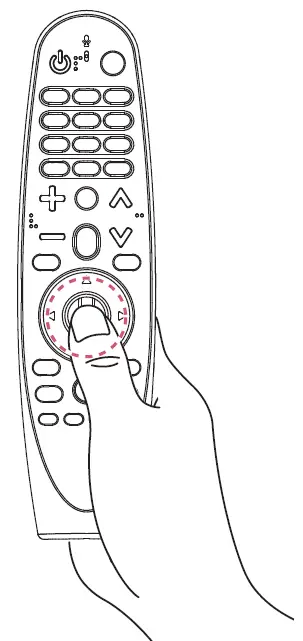
- Point the Magic Remote at your TV and press the
- WHEEL (OK) on the remote control.
- If the TV fails to register the Magic Remote, try again after turning the TV off and back on.

How to deregister the Magic Remote
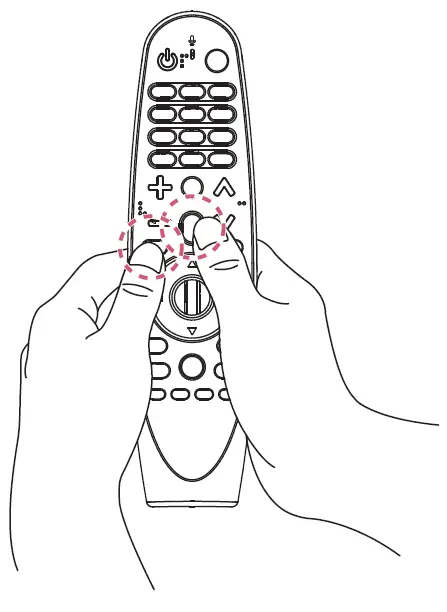
- Press and hold the (BACK) and (HOME) buttons at the same time for five seconds, to unpair the Magic Remote with your TV.
- Pressing and holding the button will let you cancel and re-register Magic Remote at once.

How to use
- Shake the Magic Remote slightly to the right and left or press (HOME), (INPUT), buttons to make the pointer appear on the screen.
- (In some TV models, the pointer will appear when you turn the WHEEL (OK) button.)
- If the pointer has not been used for a certain period of time or Magic Remote is placed on a flat surface, then the pointer will disappear.
- If the pointer is not responding smoothly, you can reset the pointer by moving it to the edge of the screen.
- The Magic Remote depletes batteries faster than a normal remote due to the additional features.

PRECAUTIONS TO TAKE.
- Use the remote control within the specified range (within 10 m).
- You may experience communication failures when using the device outside the coverage area or if there are obstacles within the coverage area.
- You may experience communication failures depending on the accessories.
- Devices such as a microwave oven and wireless LAN operate in the same frequency band
- (2.4 GHz) as the Magic Remote. This may cause communication failures.
- The Magic Remote may not work properly if a wireless router (AP) is within 1 meter of the TV.
- Your wireless router should be more than 1 m away from the TV.
- Do not disassemble or heat the battery.
- Do not drop the battery. Avoid extreme shocks to the battery.
- Inserting the battery in the wrong way may result in explosion.
SPECIFICATIONS
| CATEGORIES | DETAILS |
| Model No. | AN-MR600 |
| Range of frequency | 2.400 GHz to 2.4835 GHz |
| Channel | 79 channels |
| Reception sensitivity | -89.5 dBm |
| Dimensions (mm) | Width 48.3 x Length 183.5 x Thickness 33.7 (tolerance of ± 1 mm) |
| Weight | 101.7 g ± 8 g (excluding battery) |
| Power source | AA 1.5 V, 2 alkaline batteries are used |
| Power consumption | 300 mW |
| Operational temperature range | 0 ℃ to 60 ℃ |