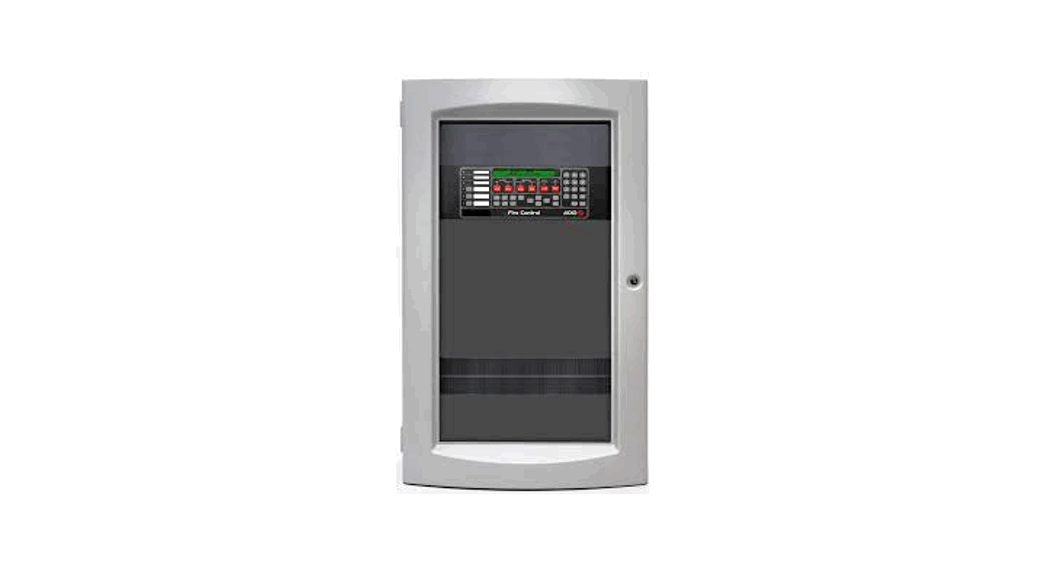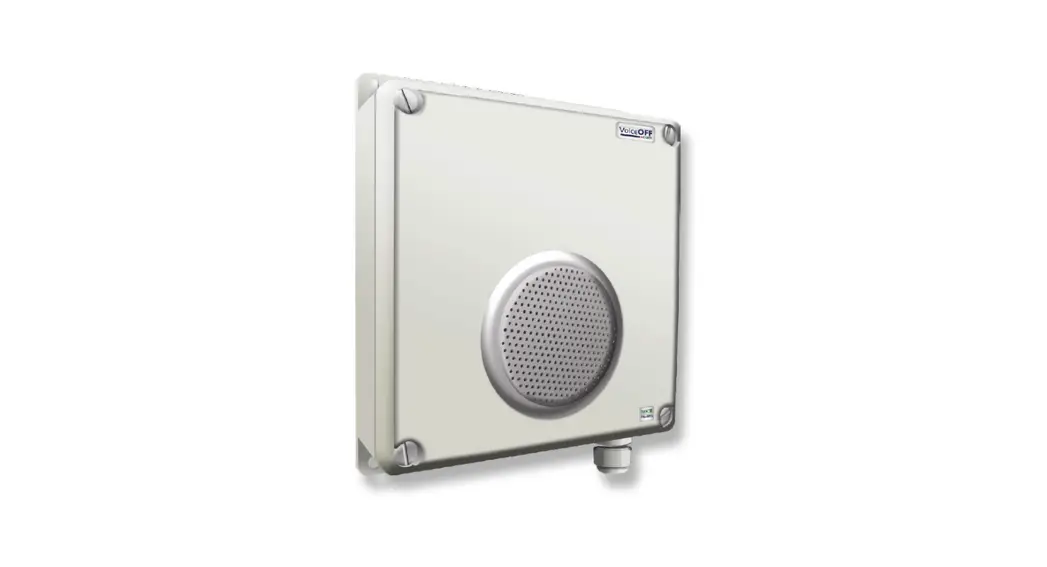
 VOX300 Alarm Activated
MP3 Message Player
User Guide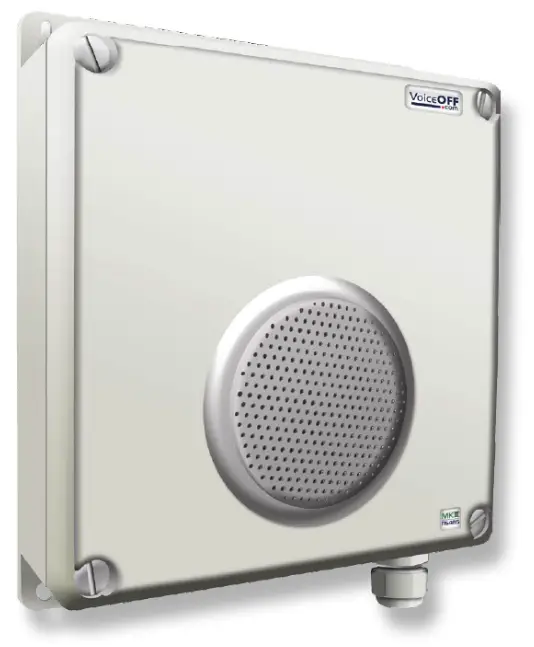
VOX300 Alarm Activated MP3 Message Player
VOICE OFF MK3 With RS232/485
VoiceOFF is a registered trademark of System Q Ltd
 www.systemq.com/PDF/manual/xVOX300.pdf
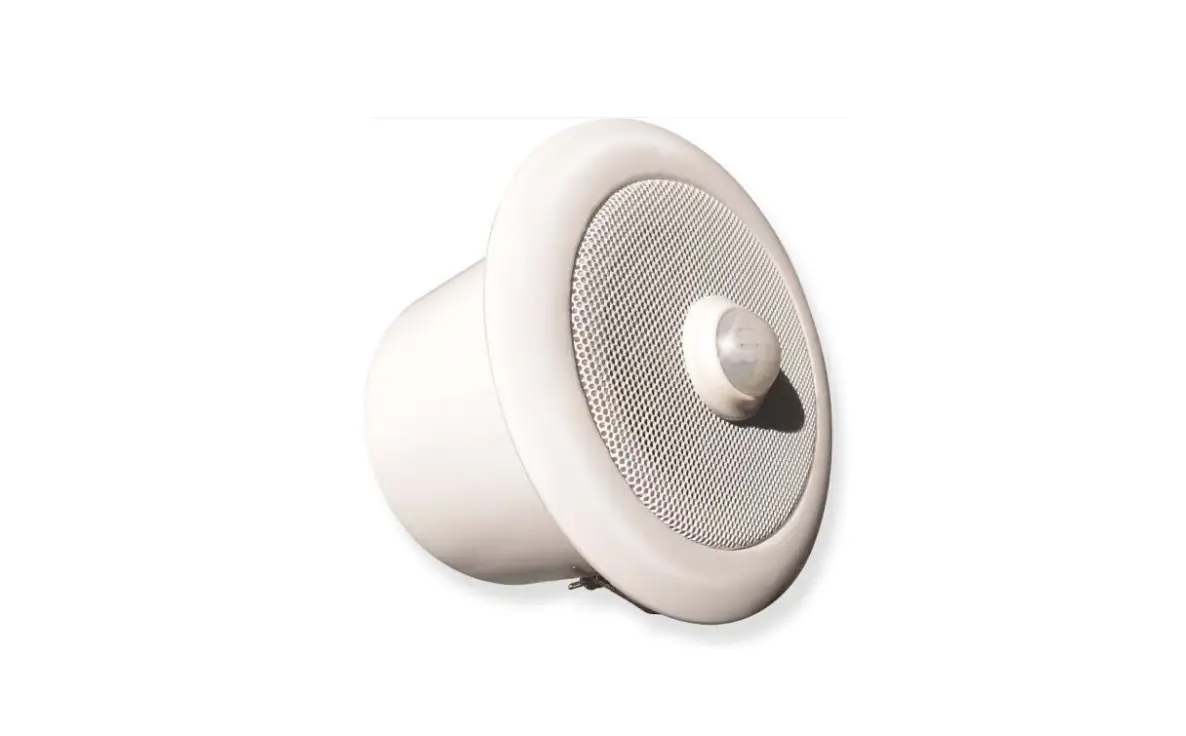
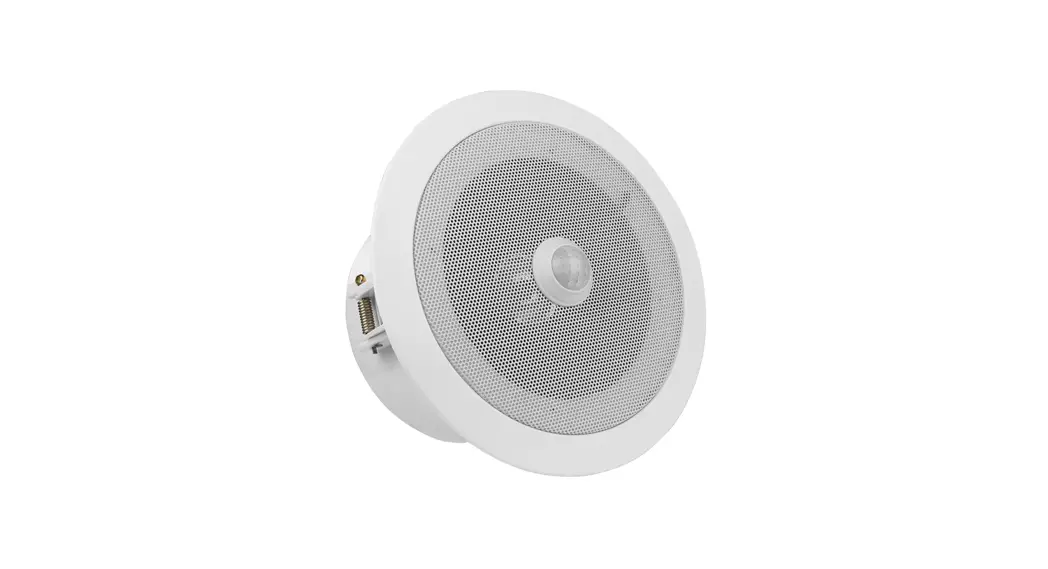
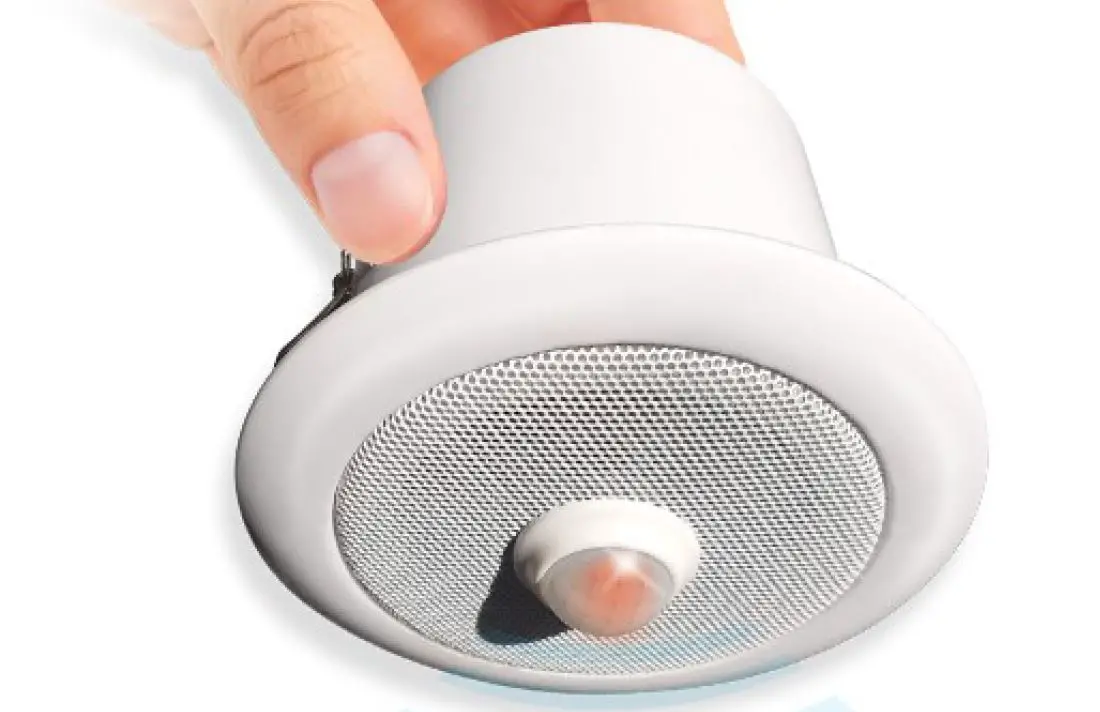
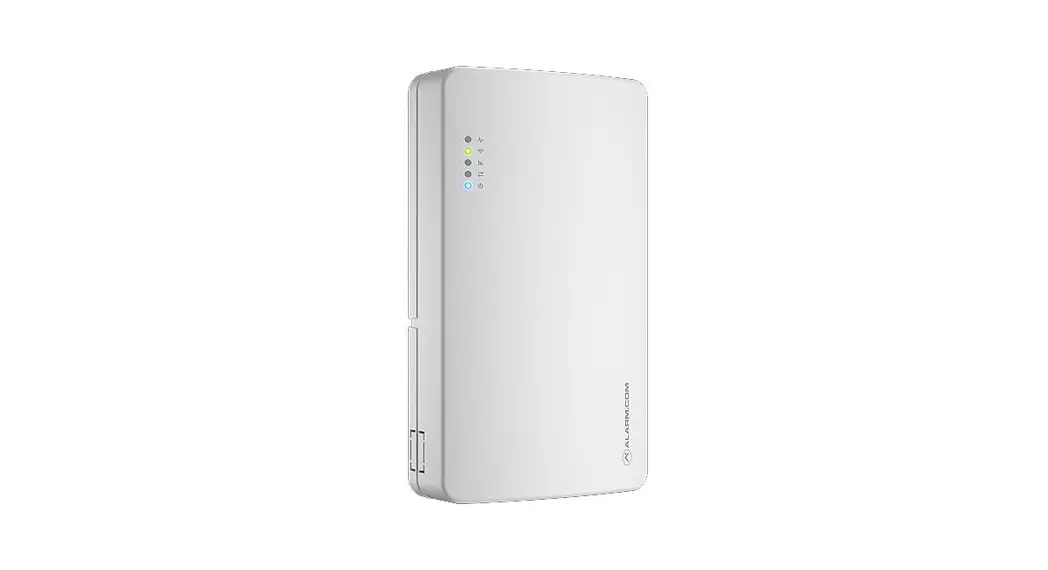
The VOX300 is a voice annunciator and MP3 player with a built-in amplifier and speaker.
Powering the VoiceOFF
Power the VOX300 from 12V DC (via the input voltage terminals) on the PCB. The current consumption is 200mA maximum. A power supply is not provided.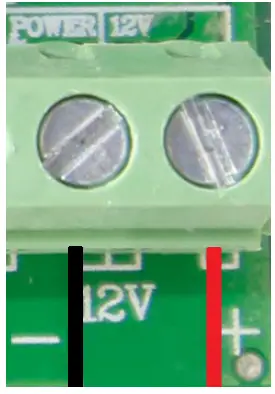
Line input Connection
The line input audio is connected to the yellow audio input phono (RCA) connector on the PCB. The line input can be taken from an audio device or DVR via an audio phono (RCA) lead.
Volume Control On the VoiceOFF PCB, there are two blue volume controls, which are small multiturn adjustment pots, a precision screwdriver is required. It is a multi-turn pot (20 turns from minimum to maximum) this means that in order to make a noticeable change the screw will need to be turned multiple revolutions.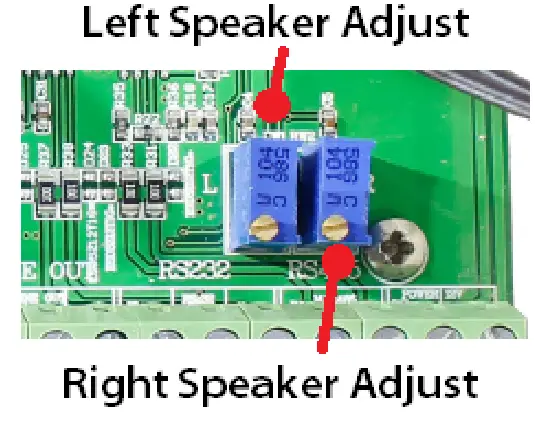
Triggering the Pre-recorded messages
The voice will play a message depending on which alarm input is triggered and by how the MP3 files are named.
For example, when alarm input 1 is triggered, VoiceOFF looks for an MP3 file that has been named 0001.mp3.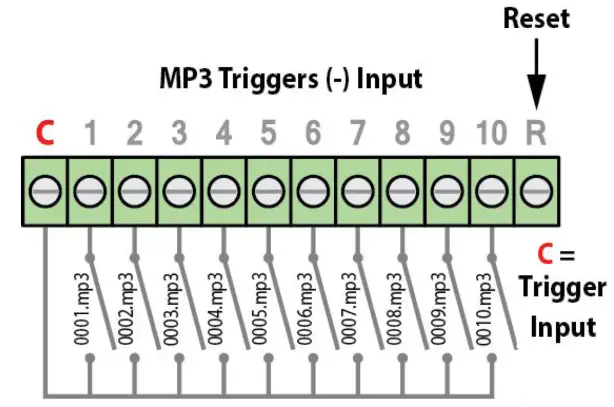 See overleaf for the Pre-recorded massage table.
Note that the MP3 file will only play a file once, it will not play in a loop even if triggered for a longer period. The length of the recorded file will dictate the run time.
All specifications are approximate. System Q Ltd reserves the right to change product specifications or features without notice. Whilst every effort is made to ensure that these instructions are complete and accurate, System Q Ltd cannot be held responsible for any losses, no matter how they arise, from errors or omissions in these instructions, or the performance or nonperformance of the equipment referred to.
Pre-recorded Messages
| 0001.mp3 | Warning message – “You have been detected in an unauthorized area, please leave the area or the police will be called.” |
| 0002.mp3 | Warning message -‘This is a restricted area and trespassing is forbidden, you have been caught on CCTV and your images will be saved as evidence against you.” |
| 0003.mp3 | Warning message – “Warning! Intruder Detected! CCTV System Recording.” |
| 0004.mp3 | Welcome message – “Welcome, this area has time limits on parking. Please observe the restrictions printed on the warning signs to prevent penalties from being imposed.” |
| 0005.mp3 | Welcome message – “Welcome, please help yourself to the self-service coffee and someone will attend to you shortly.” |
| 0006.mp3 | Police siren in the distance |
| 0007.mp3 | Sample of background music |
| 0008.mp3 | Introduction to the VoiceOFF unit |
| 0009.mp3 | Tips &Tricks |
| 0010.mp3 | How to record voice files |
Recording Custom Messages – Overview
- The VOX300 will only playback audio files that are MP3.
- Format the SD Card to FAT32.
- The files must be in a folder on the SD Card called “SYSQ”.
- See the table above for the file naming convention.
- Remove the power before inserting/removing the SD card.
- The maximum card size is 32Gb.
| Input Voltage | 12V DC |
| Consumption | 200mA Max |
| Alarm Inputs | 10 internally triggered or 9999 using RS232 interface |
| Case | Ivory ABS |
| IP Rating | IP6S |
| Mounting | Wall |
| Speaker | 8W 8ohms |
| Dimensions | 234mm x 188mm x 85mm |
| Micro SD Card | Maximum 32Gb |
| Audio File Format | MP3 |
| Voltage Noise | <SOMv |
| Signal-to-Noise Ratio | <86dB |
| Audio Decoder | DAC 24bit/s stereo, 196KHz |
Quick Start Guide – qVOX300
Copyright 2021 System Q Ltd
 This symbol indicates that equipment must not be mixed with general household waste. For treatment, recovery, and recycling please return to your local designated
WEE/CG0783SS collection point as defined by your local council.