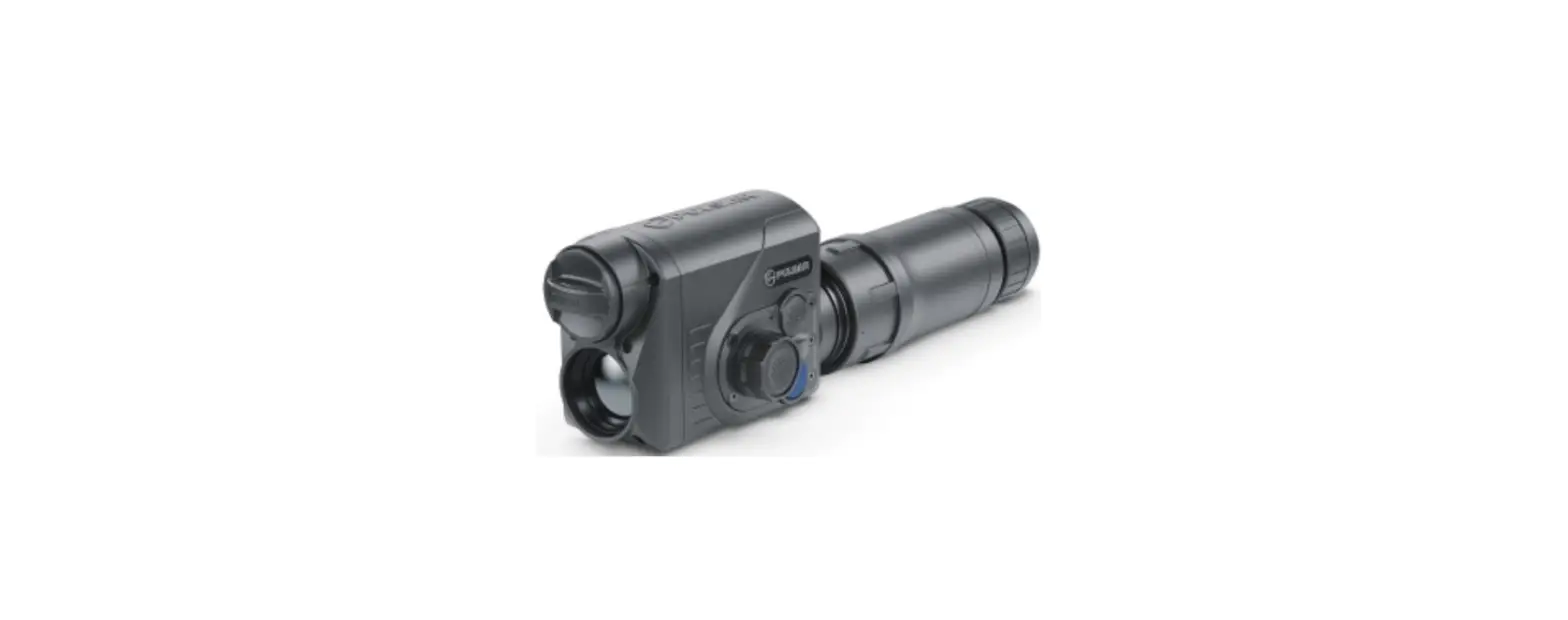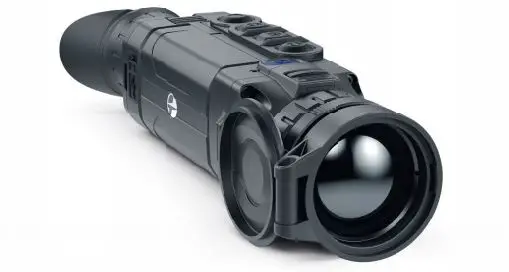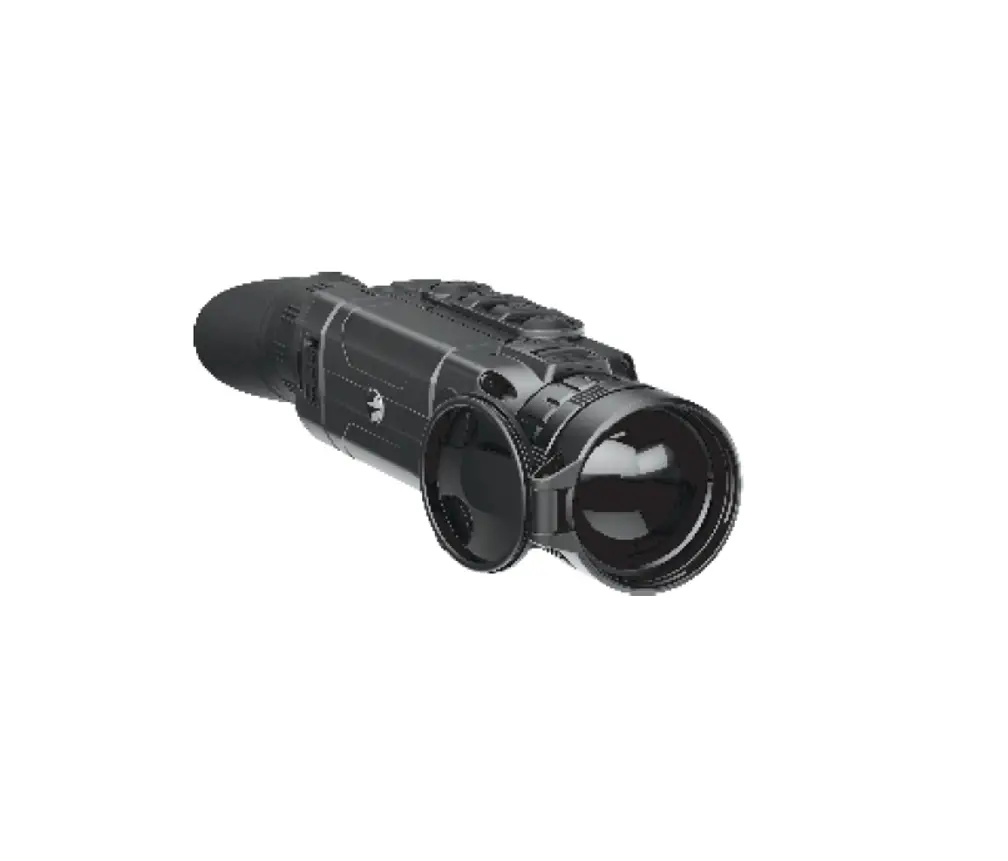

 Thermal Imaging Monocular
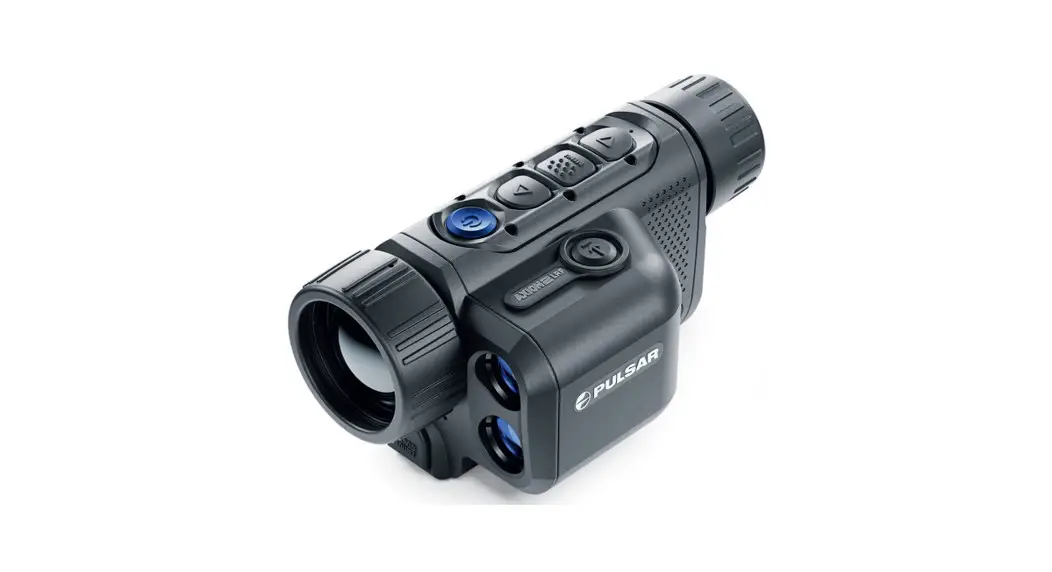
AXION 2 LRF
Quick Start Guide
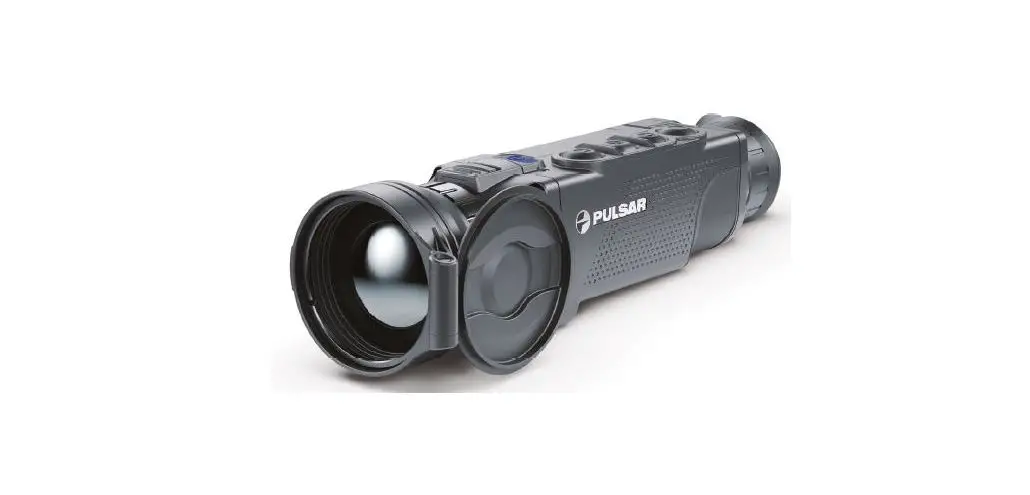
XG35 LRF Axion 2 LRF Thermal Imaging Monocular
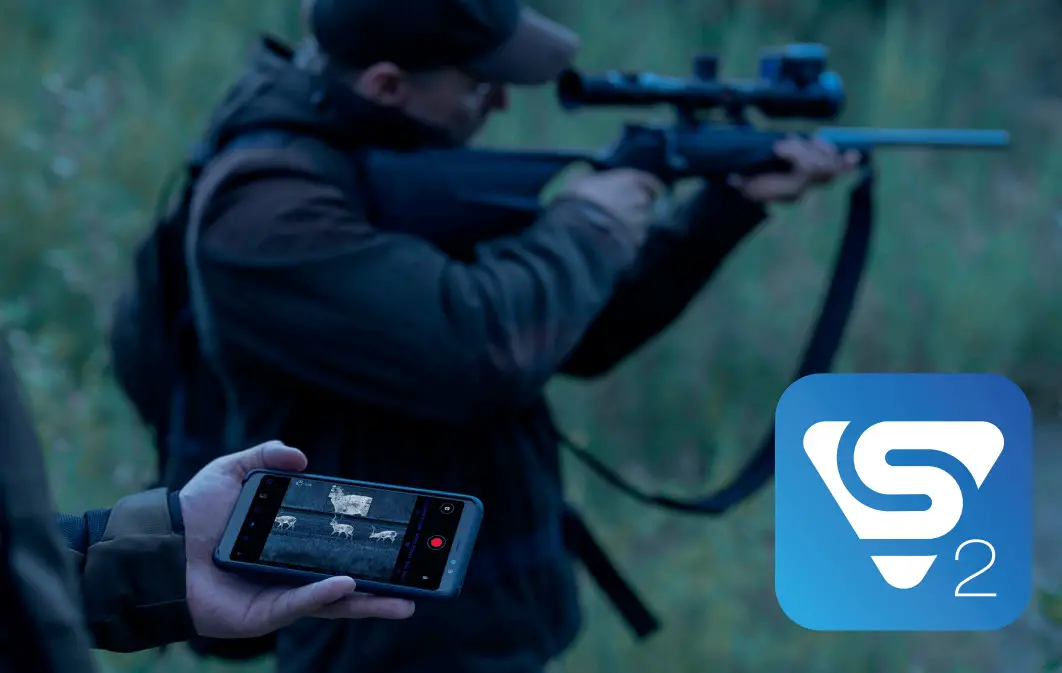
Install the Stream Vision 2 application to download files, update firmware, control the device by remote control and broadcast images from your device to a smartphone or a tablet via WiFi.
Detailed instructions are available at: www.pulsar-vision.com
 |  |
| https://play.google.com/store/apps/details?id=com.yukon.streamvision2 | https://apps.apple.com/us/app/stream-vision-2/id1511736862 |
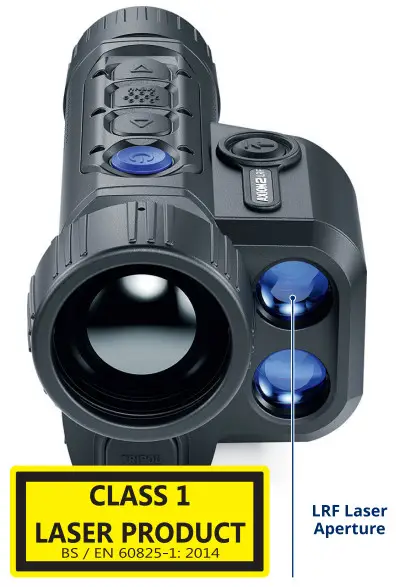 Use of controls or adjustments or performance of procedures other than those specified herein may result in hazardous radiation exposure.
Attention! Axion thermal imaging monoculars require a license if exported outside your country.
Electromagnetic compliance. This product complies with EU Standard EN 55032:2015, Class A.
Warning! Operation of this equipment in a residential environment could cause radio interference.
This product is subject to change in line with improvements to its design.
The device repair is possible within 5 years.
The current version of the Quick Start Guide can be found on the website www.pulsar-vision.com.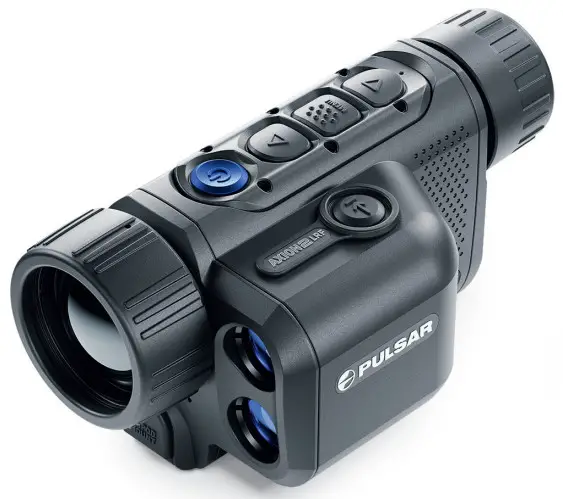
 https://www.pulsar-nv.com/glo/products/33/thermal-imaging-scopes/axion-2-lrf/
AXION 2 LRF
Thermal Imaging Monocular
Description
Axion 2 LRF thermal imaging monoculars are designed for use both at night-time and during the day and provide exceptional image quality even in adverse weather conditions (fog, smog, rain) and beyond obstacles like branches, tall grass, dense foliage, etc. known to hinder target detection.
Axion 2 LRF thermal imagers are designed for various applications including hunting, observation, security, terrain orientation, search and rescue operations, etc.
Axion 2 LRF thermal imagers are equipped with a builtin laser rangefinder with a range of up to 1000 m and a measurement accuracy of ± 1 m.
Package Contents
- Axion 2 LRF thermal imager
- АPS 5 rechargeable battery
- 2 battery-locking covers
- Power adapter
- USB Type-C cable
- Case
- Hand strap
- Quick start guide
- Lens cloth
- Warranty card
- Tripod adaptor
Components and Controls
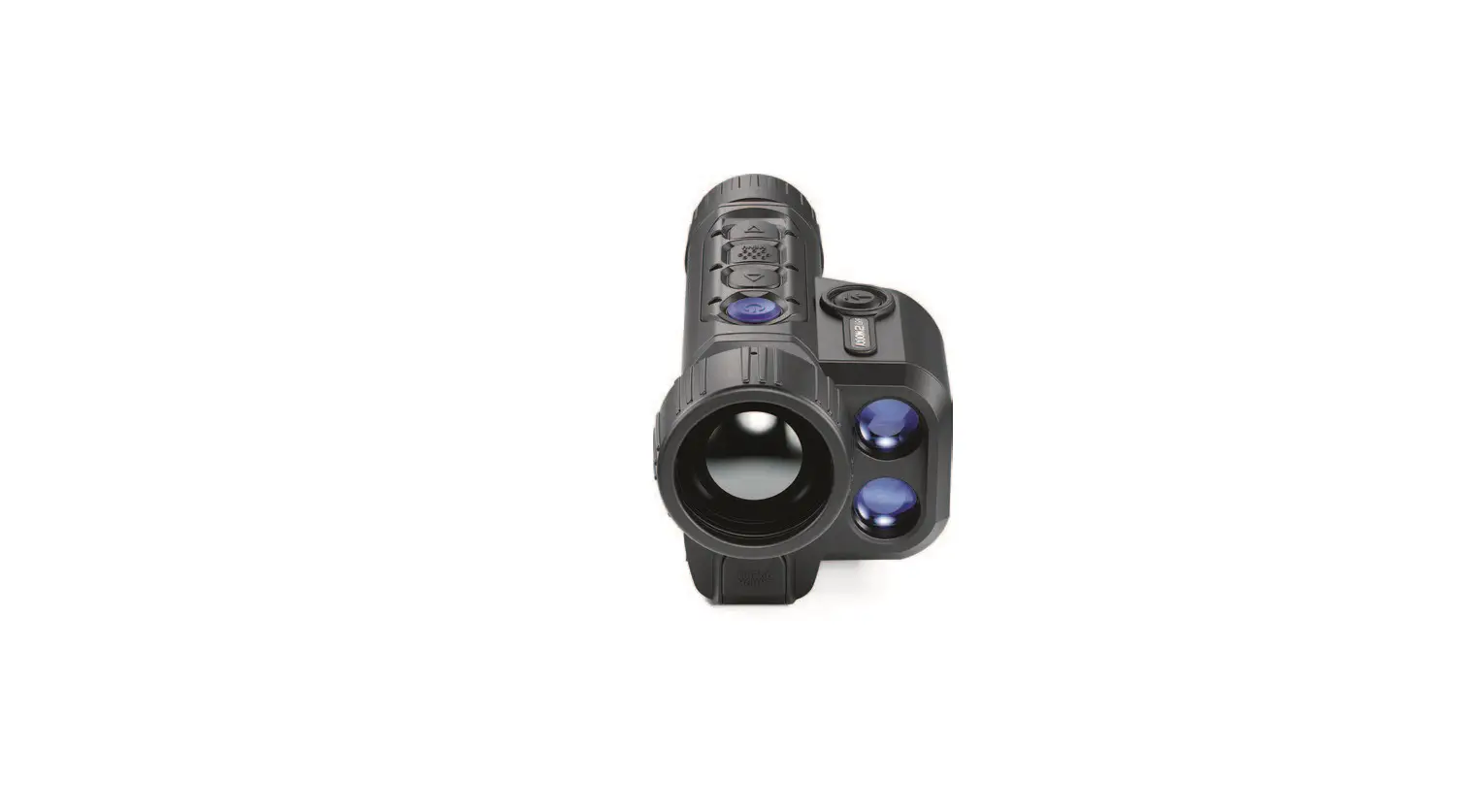
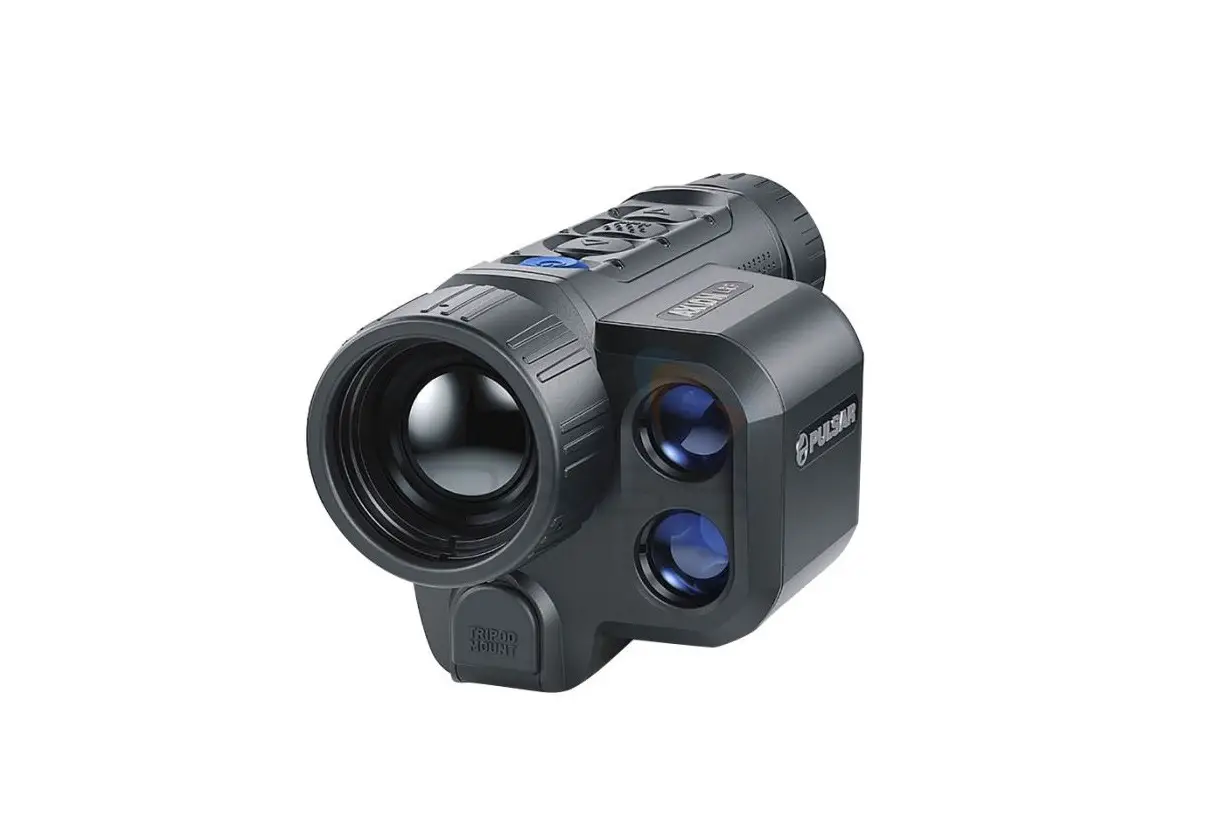
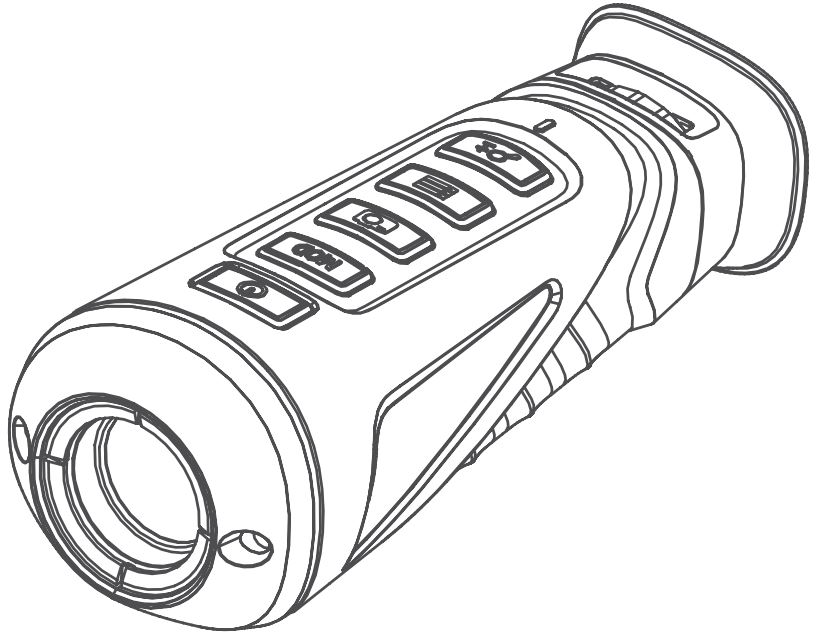
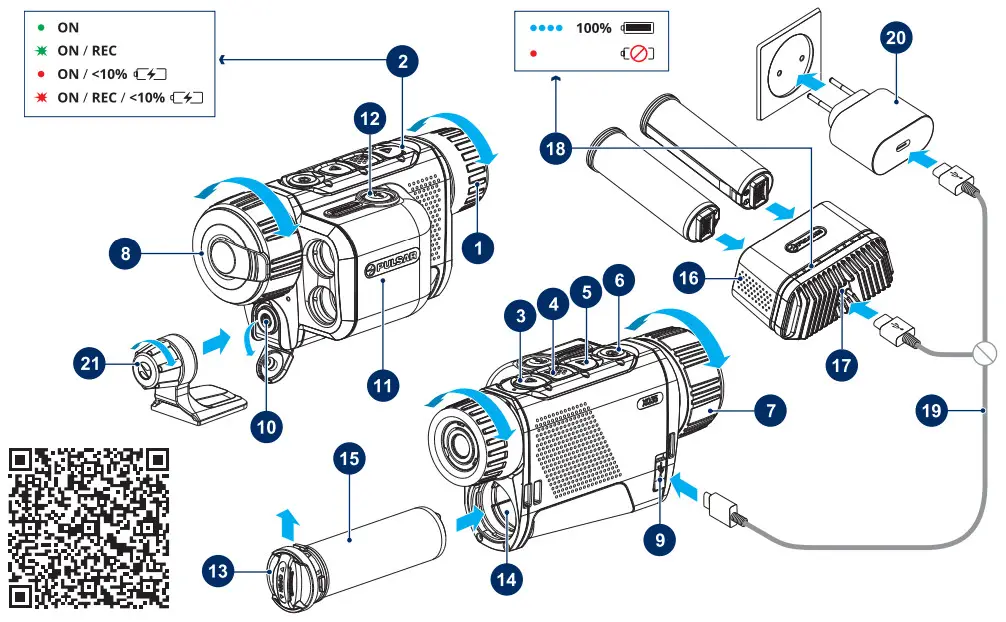
| 1. Eyepiece diopter adjustment ring 2. LED Indicator 3. DOWN/REC button 4. MENU button 5. UP/ZOOM button 6. ON/OFF/Calibration button 7. Lens focus ring 8. Lens cap 9. USB Type-C connector 10. Adaptor mount for tripod 11. Laser rangefinder | 12. LRF button 13. Battery-locking cover 14. Battery compartment 15. АPS 5 battery 16. APS 5 battery charger (Available separately) 17. USB Type-C port of the charger 18. LED indicator of the charger 19. USB cable Type-C 20. Power adapter 21. Tripod adaptor |
The Detailed User’s Manual is available through a QR code or on the website www.pulsar-vision.com in the section Support / Manuals / Axion 2 LRF →
Getting Started
- Before first use, the battery (15) should be charged according to the diagram in the figure.
- Insert the rechargeable battery (15) along the guide into the battery compartment (14).
- Open the lens cover (8). Secure the cover with to the strap using the built-in magnet in the cover.
- Press the ON/OFF button (6) briefly to turn on the device.
- Adjust the eyepiece diopter ring (1) until the symbols in the display are sharp.
- Rotate the lens focus ring (7) to focus on the object being observed.
- Enter the main menu with a long press of the MENU button (4) and select the desired calibration mode: manual (M), semi-automatic (SA) or automatic (A).
- Calibrate the image by briefly pressing the ON/OFF button (6) (if the SA or M calibration mode has been selected). Close the lens cover when calibrating manually.
- Select the required amplification level (“Normal”, “High”, “Ultra”) by briefly pressing the UP button (5).
- Enter the main menu with a long press of the MENU button (4) and select the appropriate colour palette (for more details see the Main Menu section in the full version of the manual).
- Activate the quick menu by briefly pressing the MENU button (4) to adjust the brightness, contrast and smooth digital zoom of the display (see the Quick Menu section of the full version manual for details).
- Press the LRF button (12) briefly to start the rangefinder. The rangefinder reticle will appear in the center of the display. Briefly press the LRF button (12) to measure the distance. Press and hold down the LRF button (12) for 2 seconds to measure the distance in scan mode.
- Upon completion of use turn the device off by a long press of the ON/OFF button (6).
| (6) ON/OFF button | |
| Device is off: | Power on the device: short press of the ON/OFF button (6). |
| Device is on: | Power off the device: long press of the ON/OFF button (6) for longer than 3 seconds. |
| Turn display off: long press of the ON/OFF button (6) for less than 3 seconds. | |
| Turn display on: short press of the ON/OFF button (6). | |
| Microbolometer calibration: short press of the ON/OFF button (6). | |
| (3) DOWN/REC button | |
| Device is in Video mode: | Start /pause/resume video recording: short press of the DOWN/REC button (3). |
| Stop video recording: long press of the DOWN/ REC button (3). | |
| Switch to Photo mode: long press of the DOWN/ REC button (3). | |
| Device is in Photo mode: | Capture a photo: short press of the DOWN/REC button (3). |
| Switch to Video mode: long press of the DOWN/ REC button (3). | |
| In Quick Menu: | Decrease value: short press of the DOWN/REC button (3). |
| In Main Menu: | Menu navigation down/left: short press of the DOWN/REC button (3). |
| (4) MENU button | |
| Device is on: | Enter Quick Menu: short press of the MENU button (4). |
| Enter Main Menu: long press of the MENU button (4). | |
| In Quick Menu: | Navigation upwards: short press of the MENU button (4). |
| Exit Quick Menu: long press of the MENU button (4). | |
| In Main Menu: | Confirm selection: short press of the MENU button (4). |
| Exit submenu without confirming selection: long press of the MENU button (4). | |
| Exit Main Menu: long press of the MENU button (4). | |
| (5) UP/ZOOM button | |
| Device is on: | Switching amplification levels: short press of the UP/ZOOM button (5). |
| Control discrete digital zoom: long press of the UP/ZOOM button (5). | |
| In Quick Menu: | Increase value: short press of the UP/ZOOM button (5). |
| In Main Menu: | Menu navigation up/right: short press of the UP/ ZOOM button (5). |
| (12) LRF button | |
| Device is on: | Turn on the rangefinder/measuring distance: short press of the LRF button (12). Activate SCAN mode: long press of the LRF button (12). |
| SCAN mode: | Deactivate SCAN mode: short press of the LRF button (12). Turn off the rangefinder: long press of the LRF button (12). |
Specifications
| Model | LRF XQ35 | LRF XG35 |
| SKU | 77479 | 77477 |
| Microbolometer | 384×288 px @ 17 pm, 50 Hz | 640×480 px @ 12 pm, 50 Hz |
| Optical specifications | ||
| Lens, mm | F35 / 1.0 | |
| Magnification, x | 2-8 | 2/5/20 |
| Field of view (HxV), ° | 10.7×8 | 12.5×9.4 |
| Detection distance (Object of “deer” type), m/y | 1300 / 1421.7 | 1750 / 1913.8 |
| Display | ||
| Type / Resolution, px | AMOLED / 640×400 | AMOLED / 1024×768 |
| Operating Features | ||
| Battery Type / Capacity | APS 5 Li-ion Battery Pack / 4900 mAh | |
| External Power Supply | 5 V, 9 V (USB Type-C Power Delivery) | |
| Max. Battery Operating Time at t = 22 °C, h* | 11 | I 7 |
| Degree of Protection, IP code (IEC60529) | IPX7 | |
| Operating Temperature, °C / °F | -25 … +40 / -13 – +104 | |
| Dimensions, mm / inch | 152x74x75 / 5.98×2.91×2.95 | |
| Weight (without Battery), kg/oz | 0.35 / 12.34 | |
| Laser Rangefinder | ||
| Max. Measurement Range, m/y** | 1000 | |
* The actual operating time depends on the intensity of using Wi-Fi, video recorder, laser rangefinder.
** Depends on the characteristics of the object under observation and environmental conditions

 Around the World with Pulsar: Be Ahead of the Curve | Pulsar