 Instruction Manual
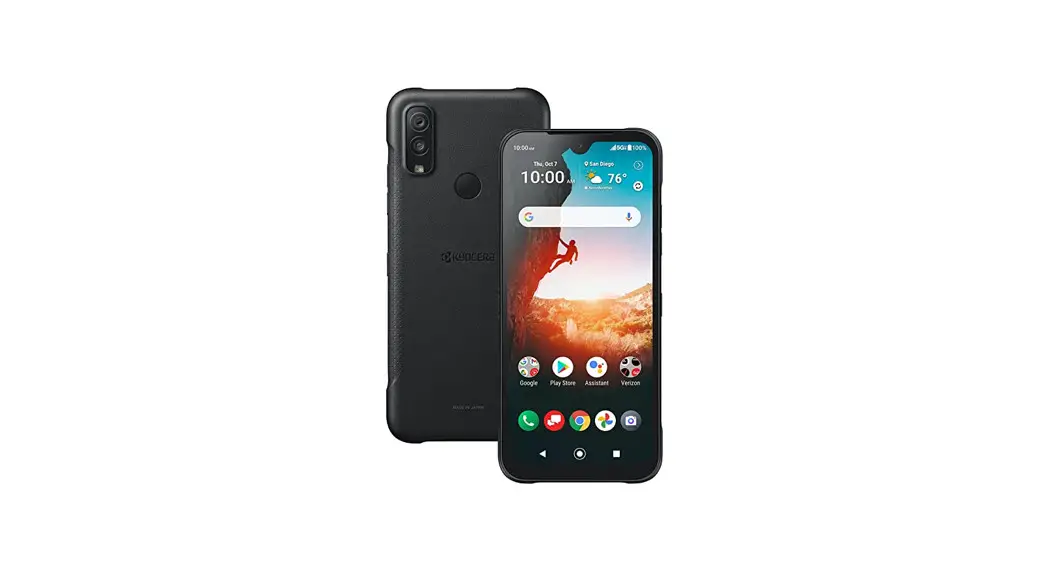
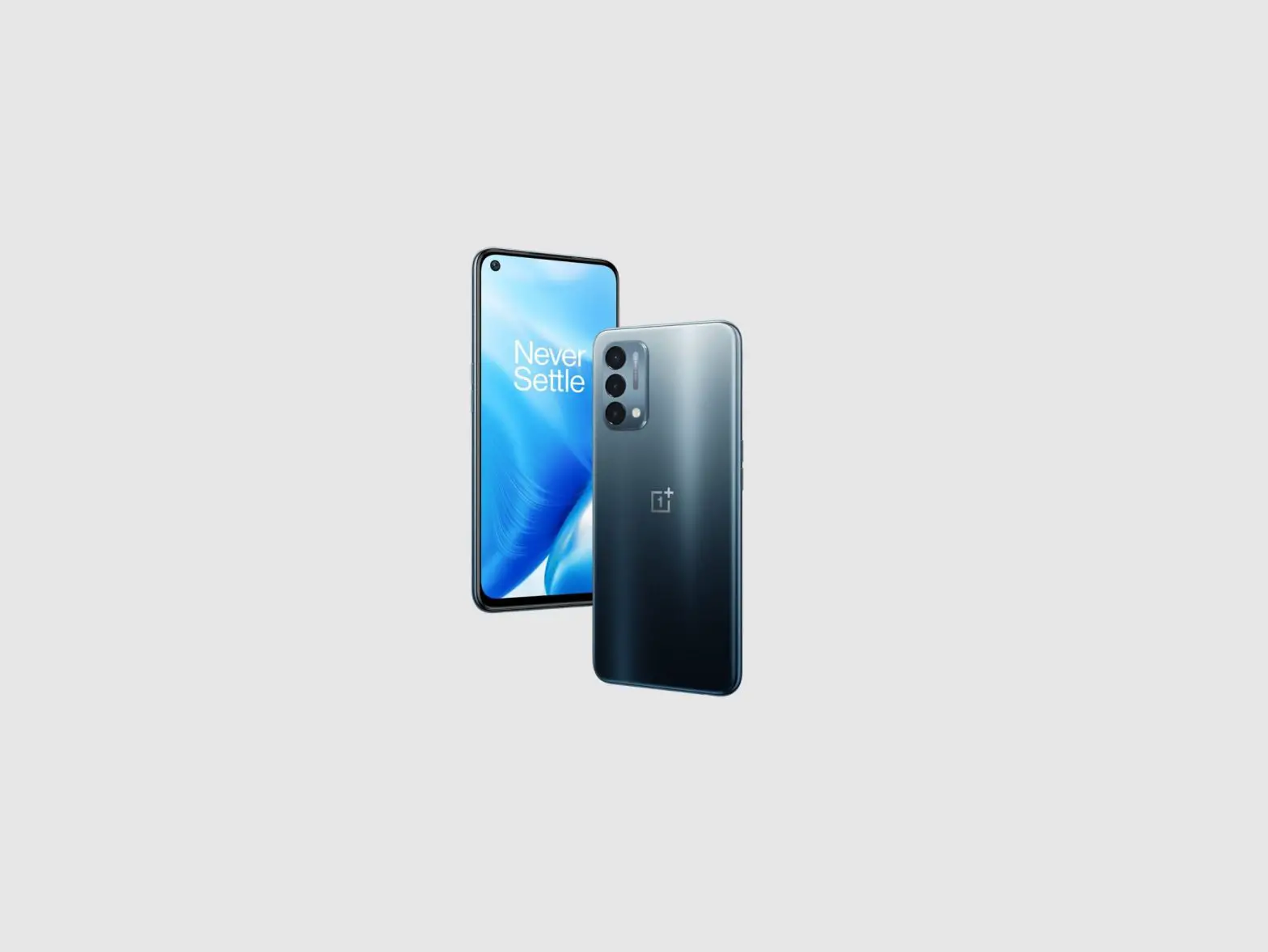
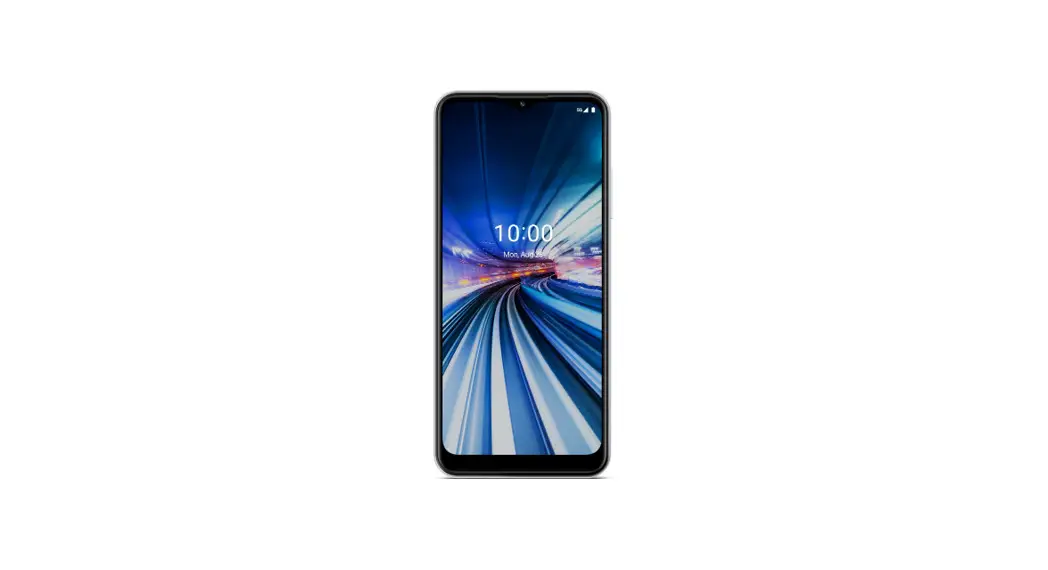
Celero 5G Smartphone
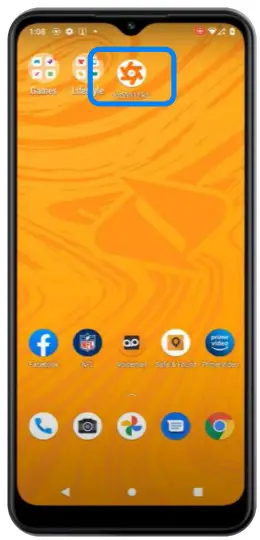
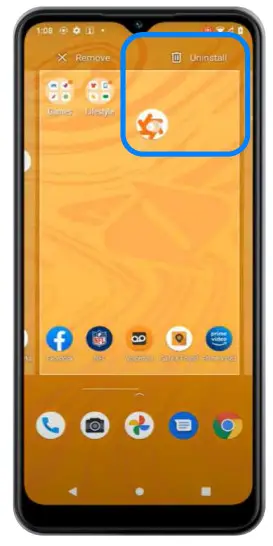
Uninstall the demo app:
| 1. Press and hold the demo app | 2. Drag to uninstall the demo app |
 |  |
Once uninstalled please factory reset your device.
Go to device settings > search reset > select factory reset > select ok.
BricTECH and Retail mode will be pushed to the device during out of box set up.
Please see install video below.
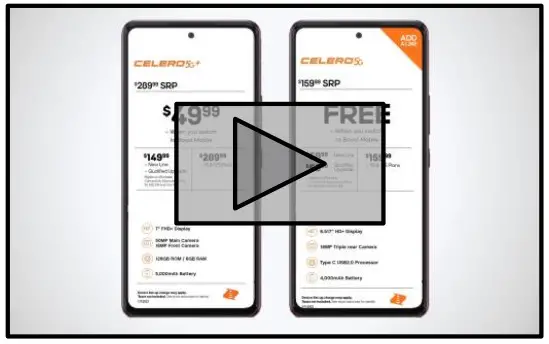 https://vimeo.com/791298964/1c353d3793
To Begin, Factory Reset The Device
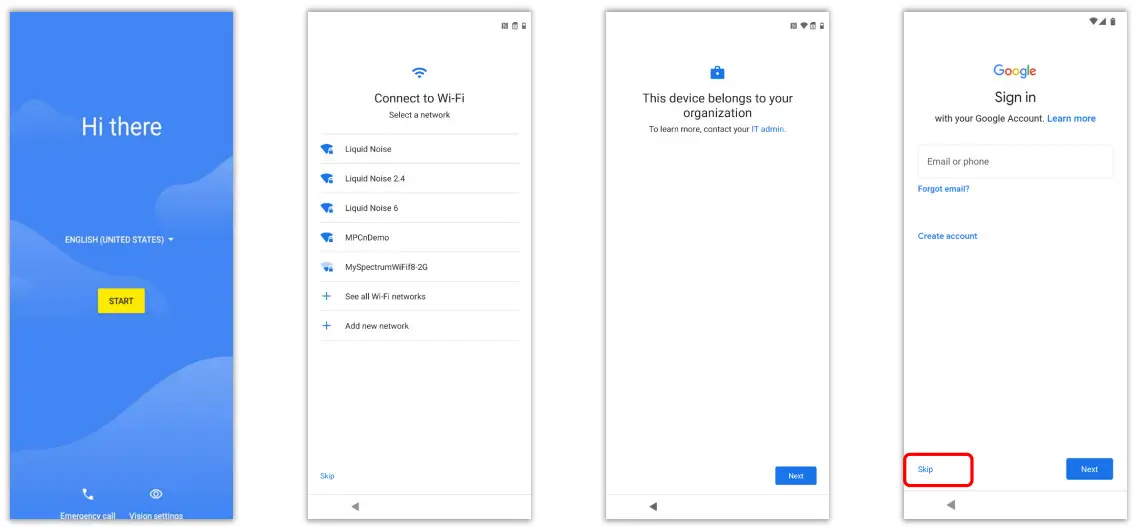
Connect to a network and accept device terms. Follow the “next” & “continue” prompts Select Skip at the Google Sign in.
Initial Setup
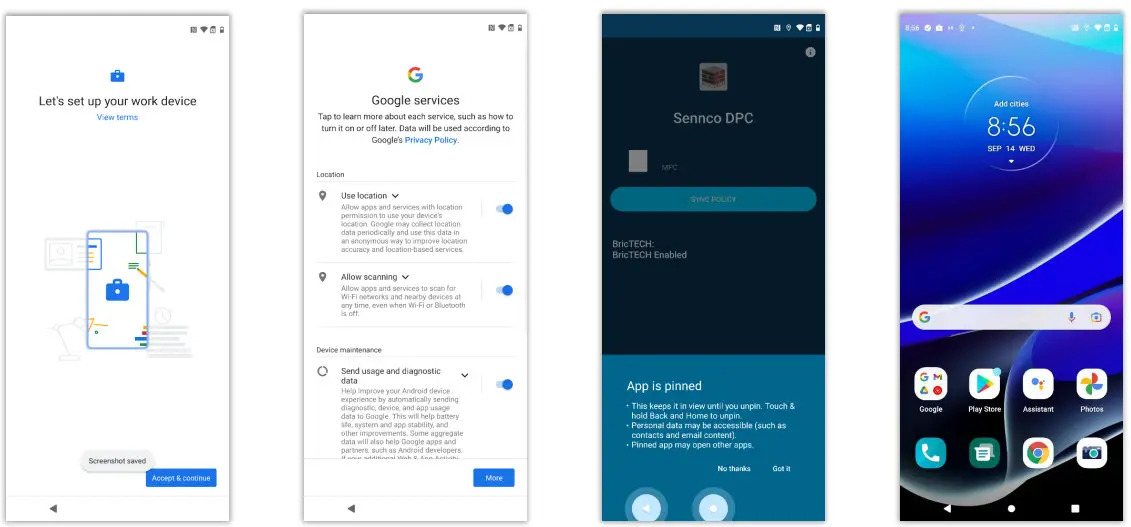
Continue setup. You will see the EMM screen. Close the App Pinning notification and use the back button to complete initial setup.
Onboarding MPC
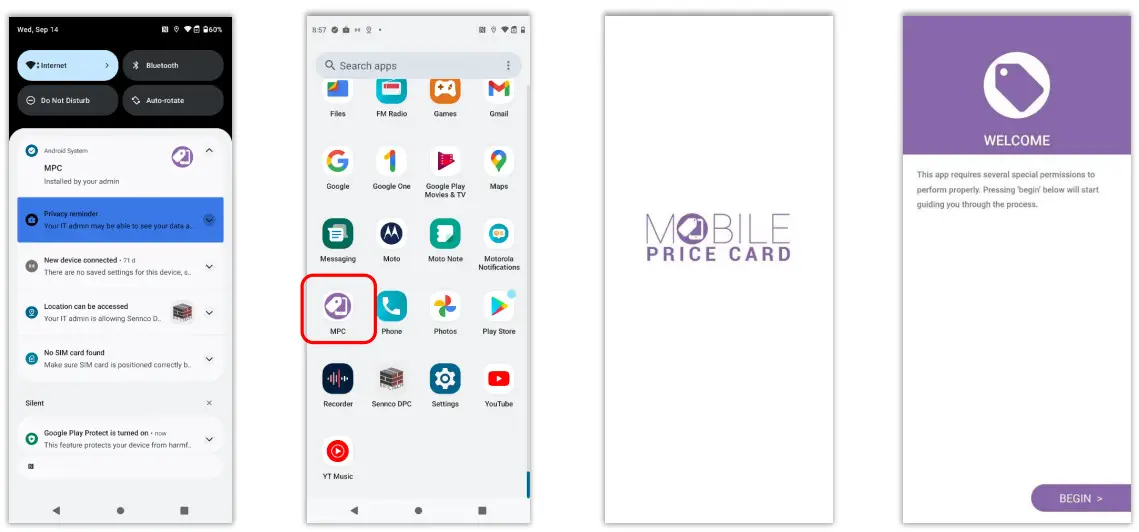
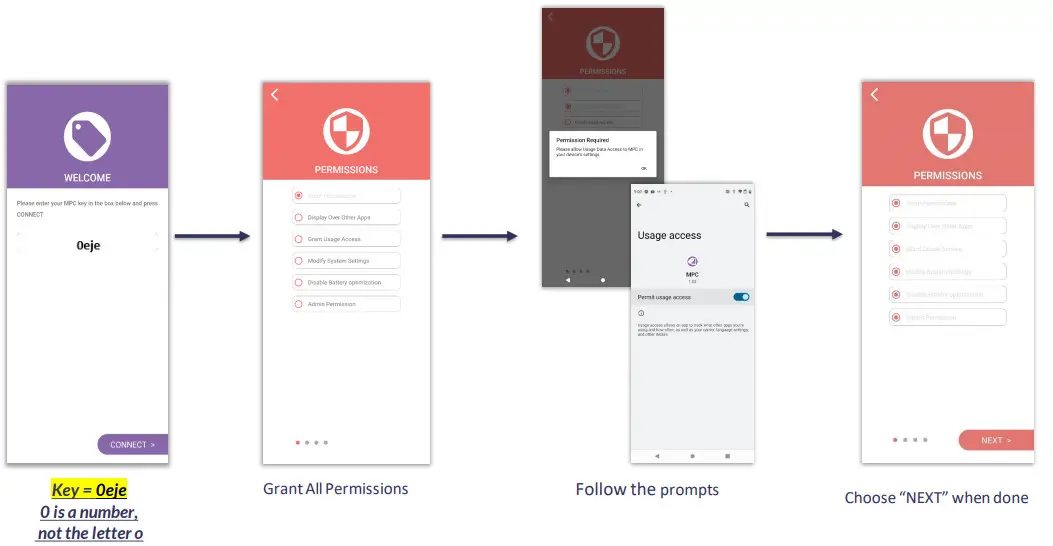
MPC will automatically be installed. Open the MPC app and proceed to setup.
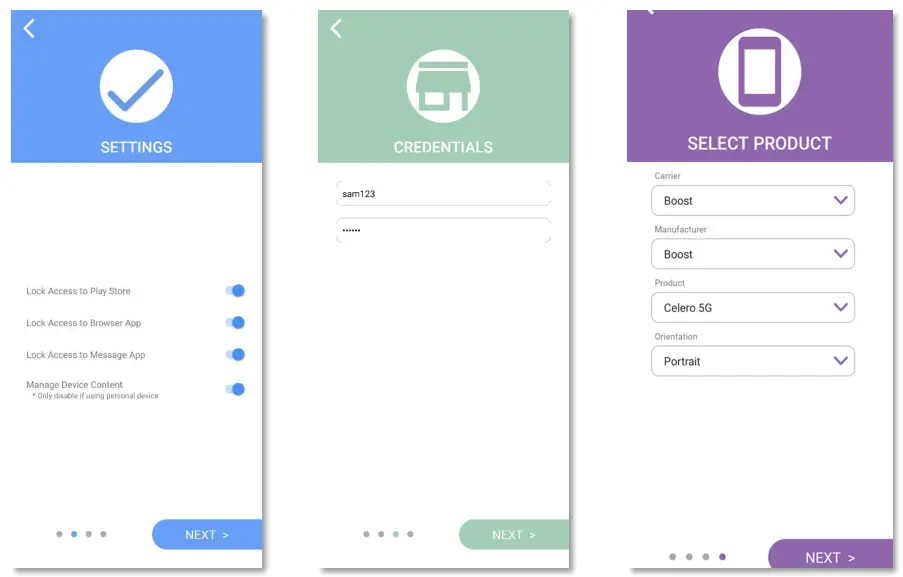
| Accept settings | Credentials = Door Location ID (7 digit number) | Confirm Device Correct model should be auto selected. If not, select desired device. |
 | ||
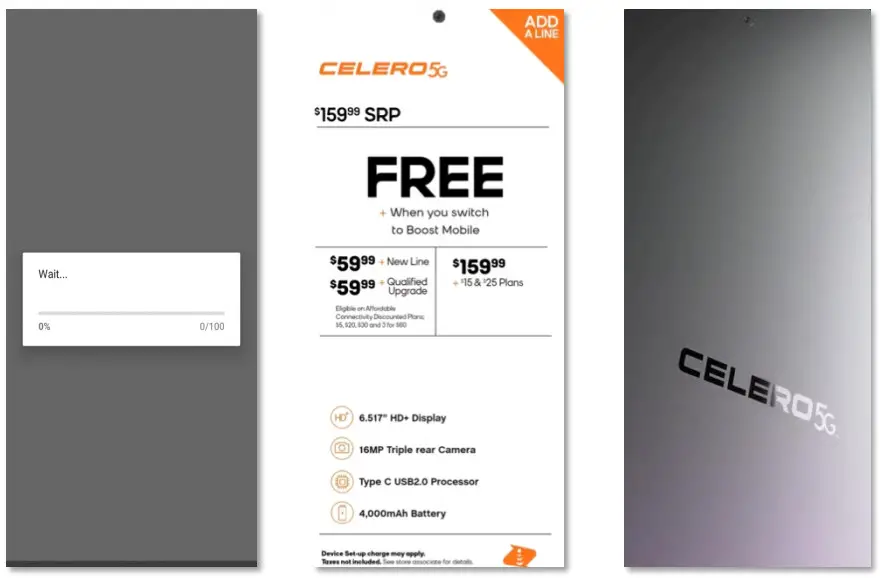
| MPC will load, this may take some time. | The CELERO 5G price card will show | Retail mode will launch |
 | ||
Removing MPC
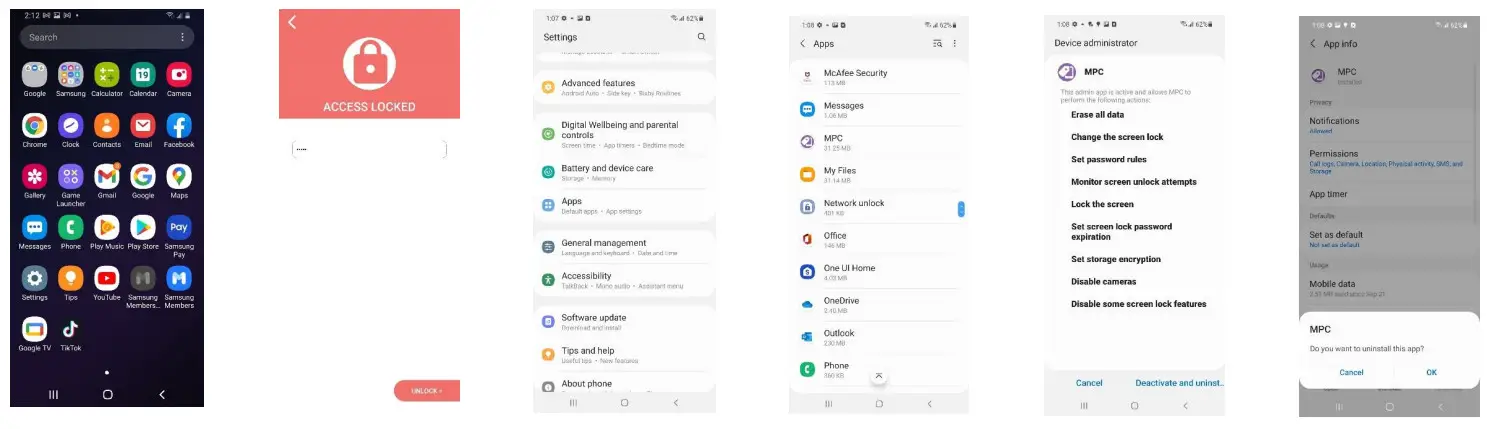
Go to settings. To access, enter password, 0eje. Tap on Apps. Select MPC, tap on Deactivate and Uninstall and Accept.
Need Help? www.mpcHelp.com | [email protected]