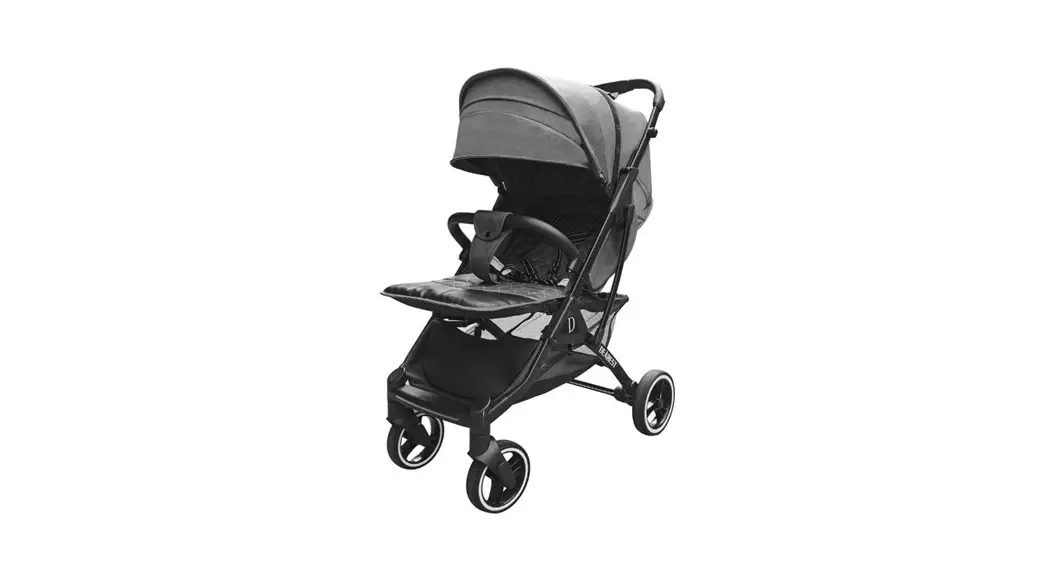
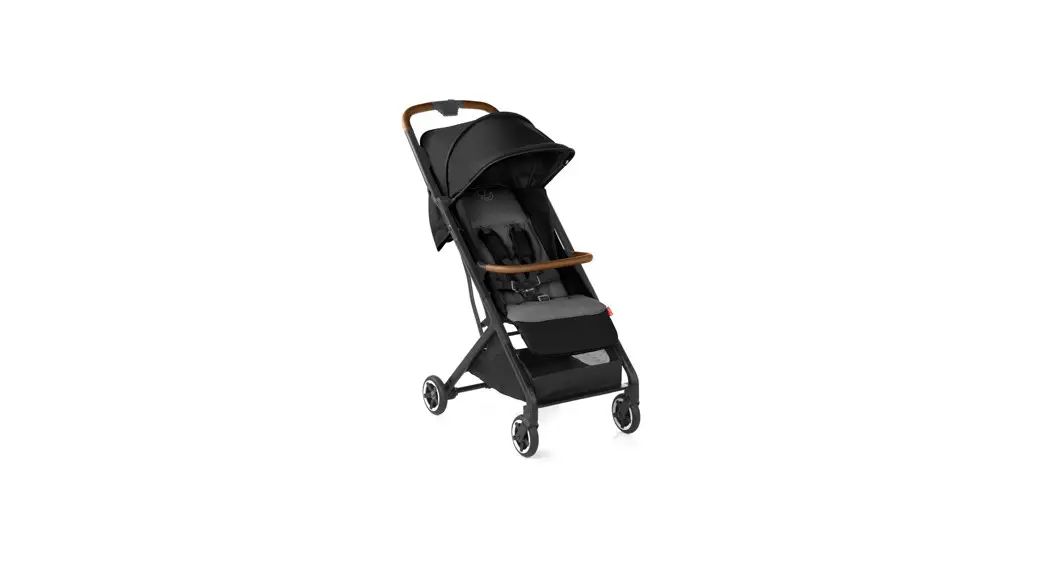
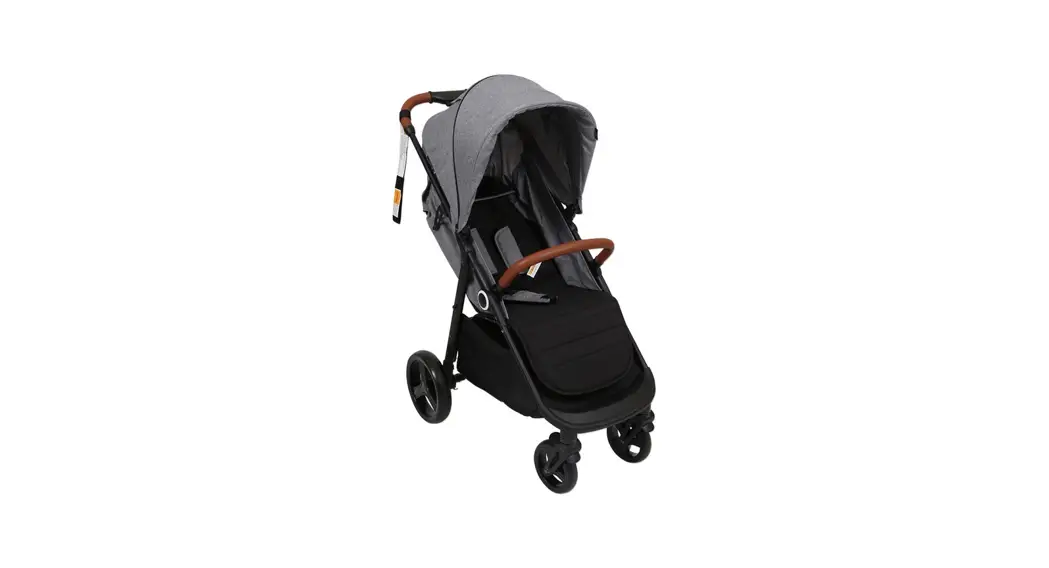
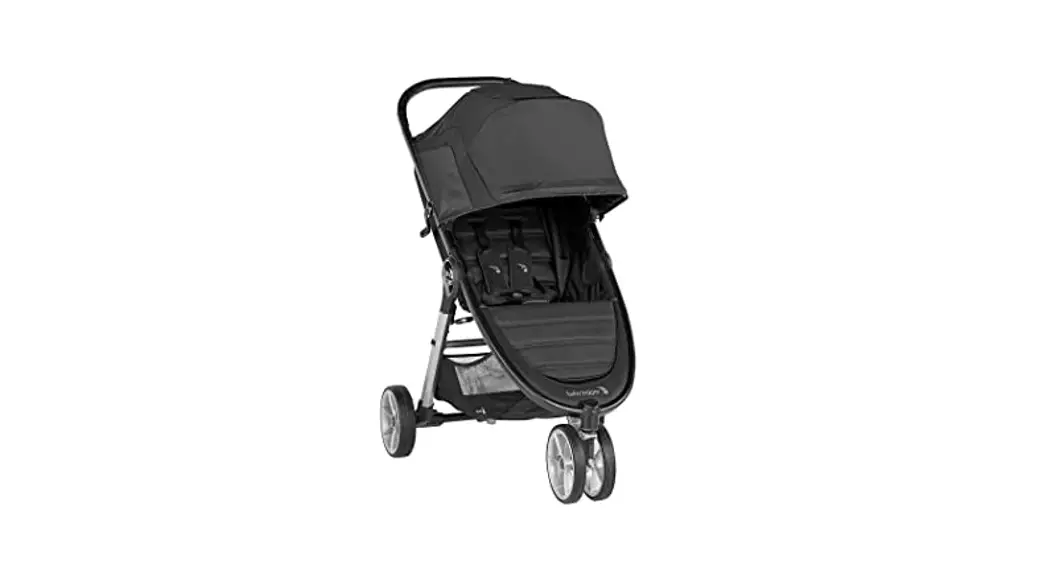
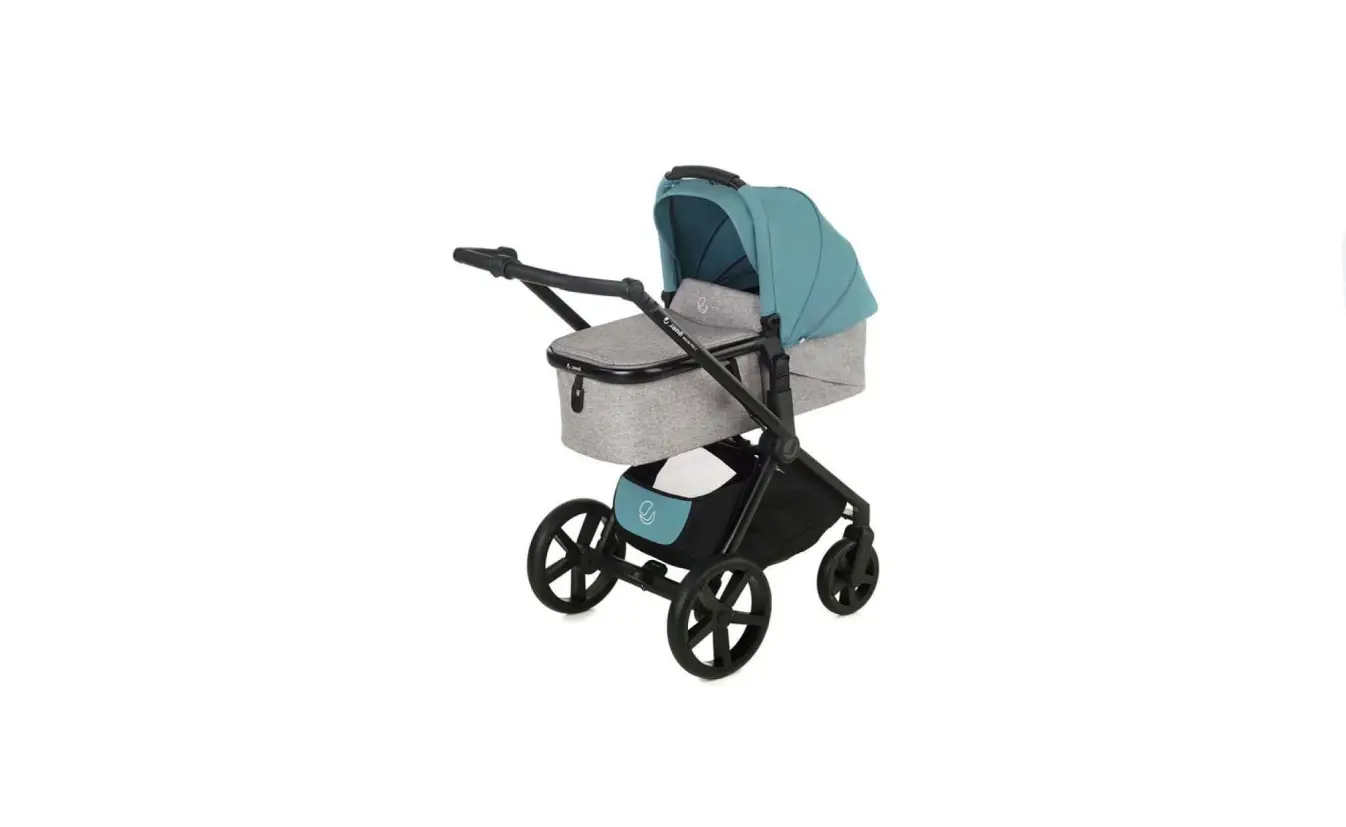
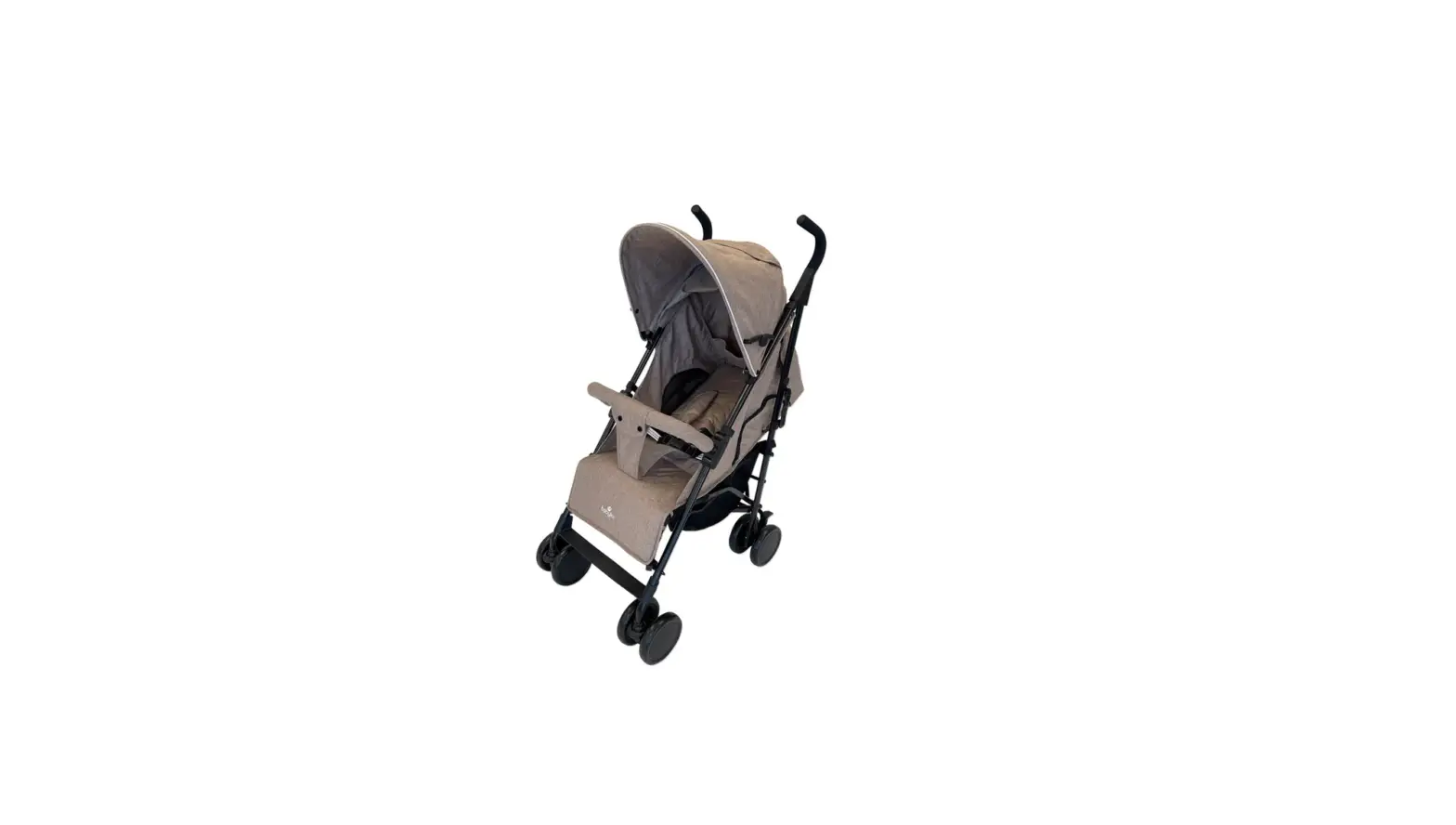
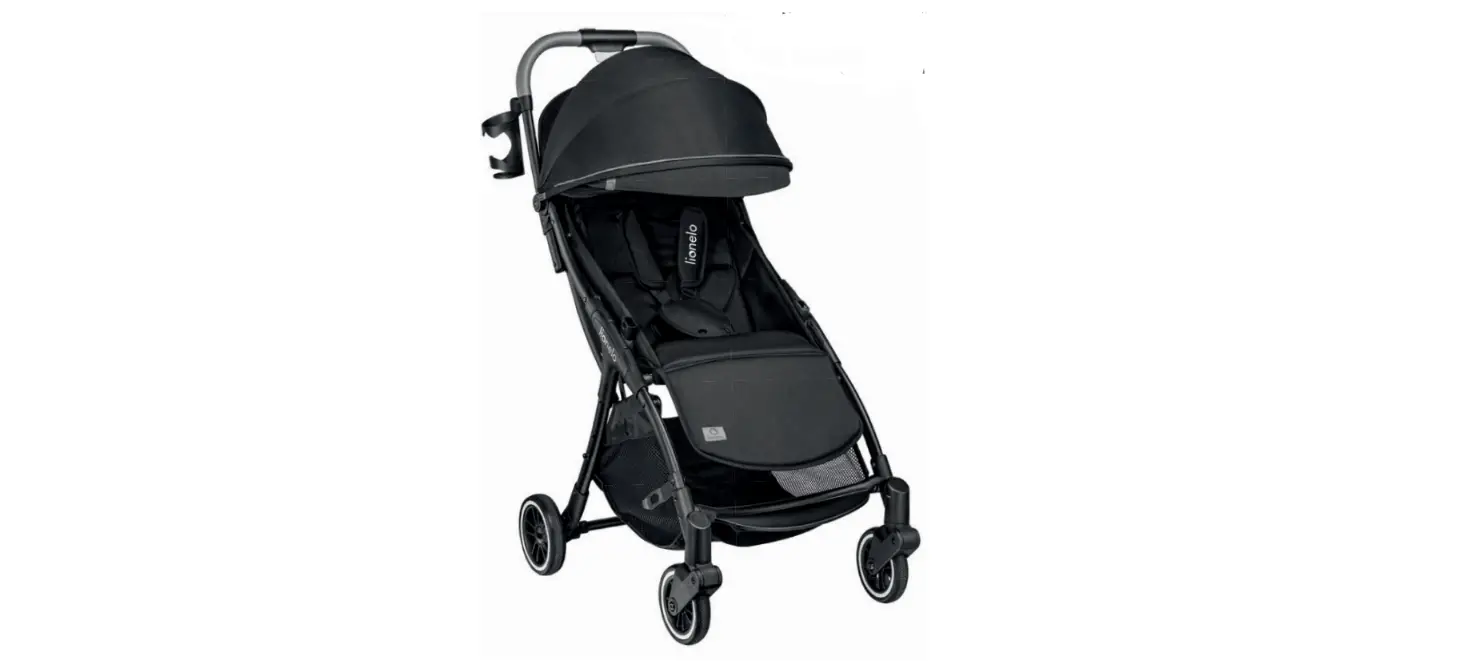
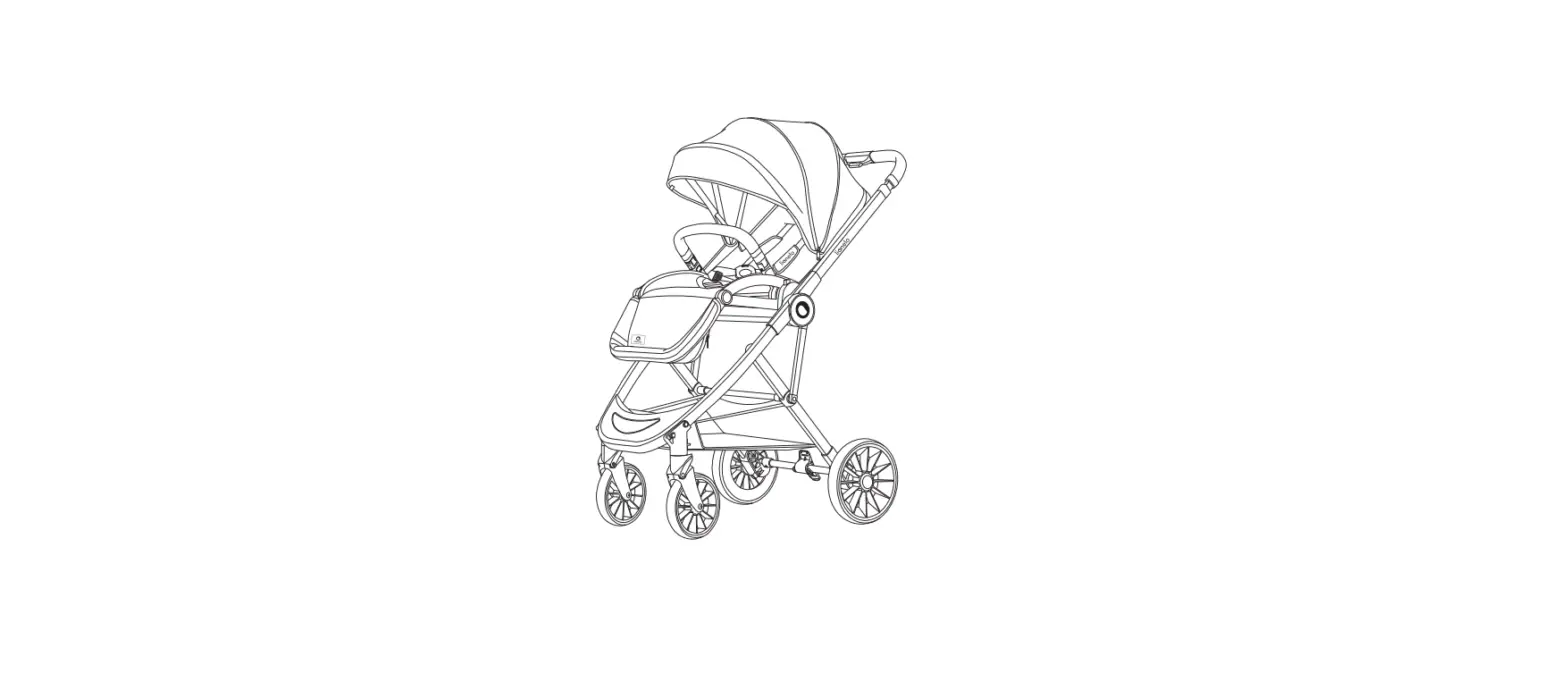
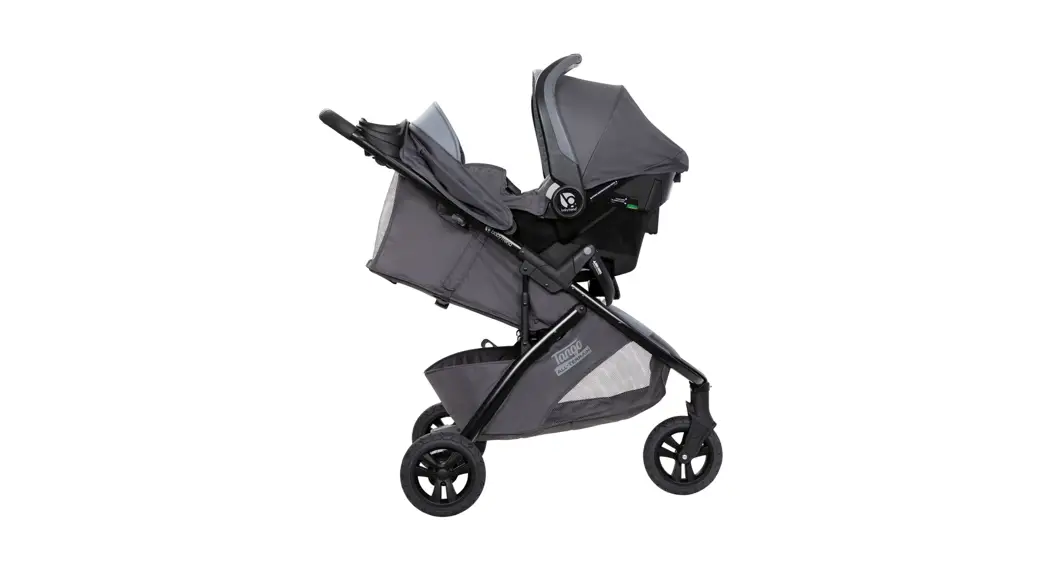
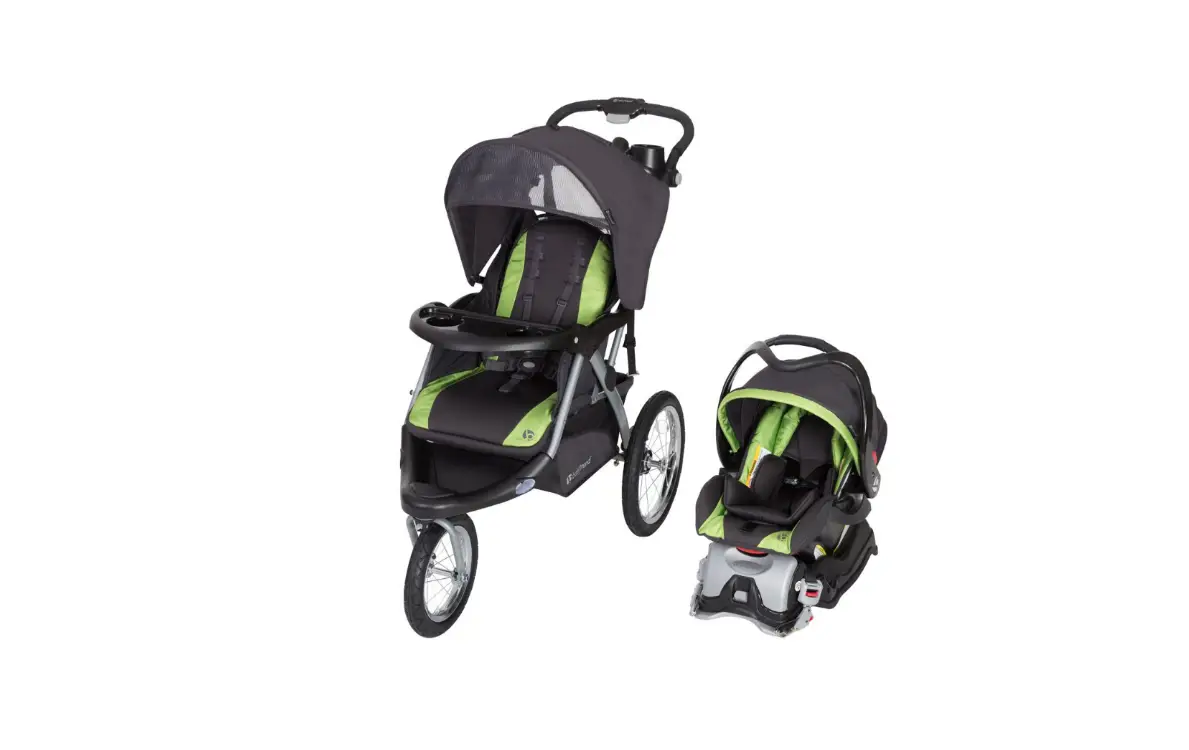
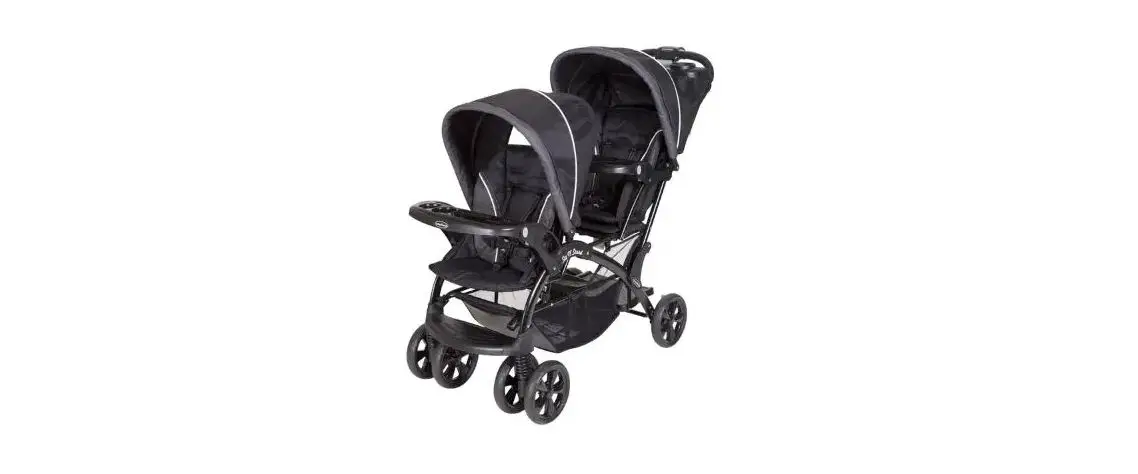
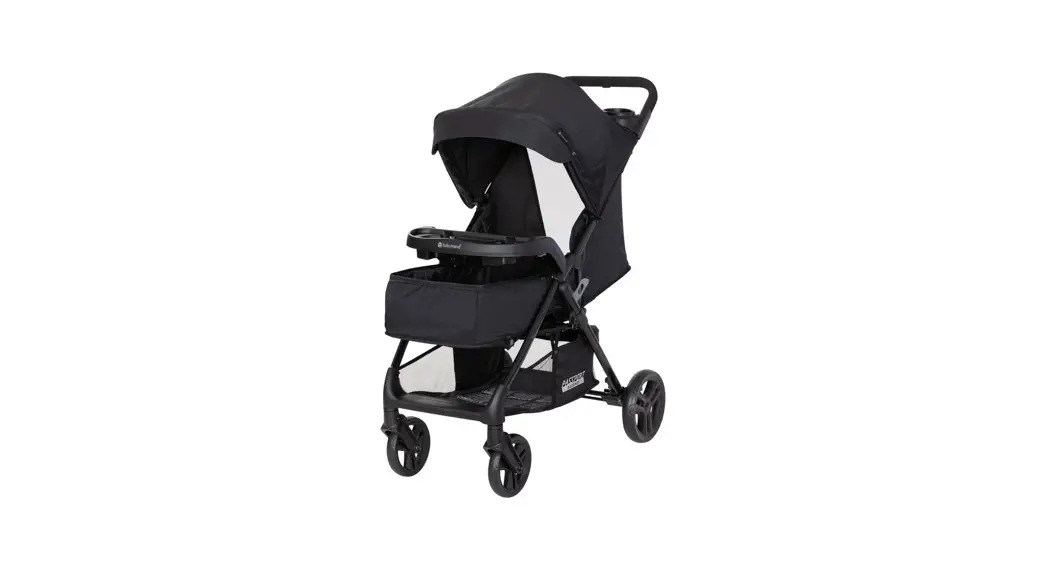
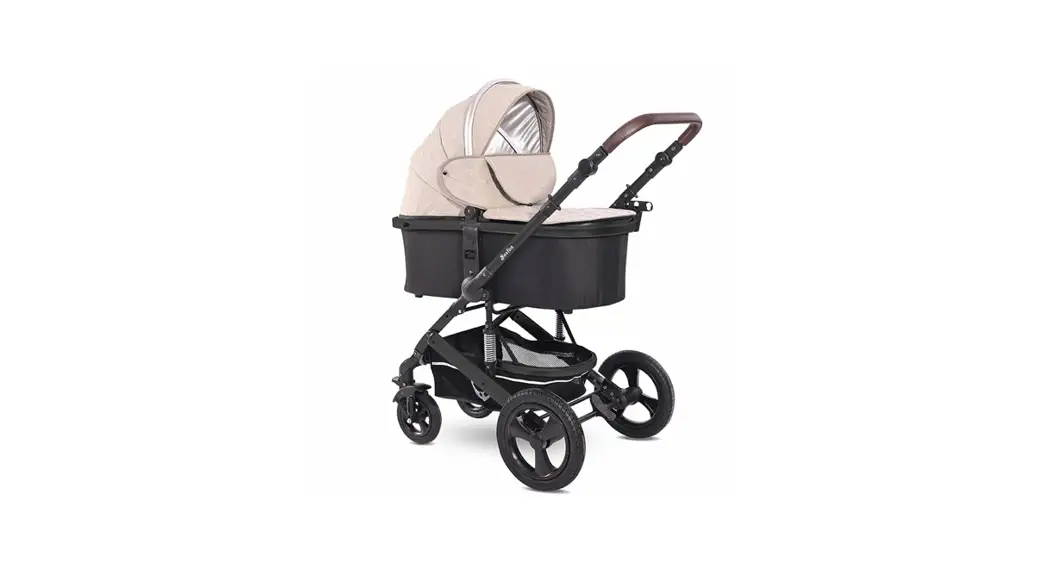
Y32 Baby Stroller
Product Information: Y32 Bluetooth Board for Children’s
Car
The Y32 Bluetooth board is a music box board designed for
children’s car, specifically applicable to baby strollers. It has
built-in music and other function boards such as a Bluetooth
external speaker button, voltage display, microphone, and more. The
product description includes the following:
- Power supply: DC 6 V REV:00
- 2-wire outlet JP1: used to connect power supply 6V
- 2-wire outlet J3: connected to horn
- 5-wire outlet J1: external speaker (long press volume+), next
song (long press volume+), previous song (long press volume -) - 2-wire outgoing socket J2: the lamp flashes with music at 1HZ
frequency
Product Usage Instructions:
Before using the Y32 Bluetooth board, ensure that it is
installed and operated with a minimum distance of 20cm from your
body. Do not co-locate or operate it in conjunction with any other
antenna or transmitter to maintain compliance with FCC’s RF
Exposure guidelines.
To operate the Y32 Bluetooth board, follow these
instructions:
- Turn on the power and long press the pause button to start the
machine and make a sound. The battery voltage value will be
displayed. - To switch to the Bluetooth mode, press the MODE key. There will
be a voice prompt. Connect your mobile phone for Bluetooth pairing.
After successful pairing, you can play music from your mobile
phone. - To switch back to the built-in music mode, press the MODE key
again. There will be a voice prompt. Press the up key to play early
education songs, press the down key to play music songs, and press
the pause key to play story songs. - Press the external speaker button to switch between playing
music from Bluetooth, USB, and built-in music. Press it again to
stop playing built-in music. - Press the up button to play the previous song when playing
Bluetooth or music. Long press the volume- button to decrease
volume. - Press the pause key to pause/play switch. Long press it to shut
down the Y32 Bluetooth board. - Press the down button to play Bluetooth. Press a song for a
short time and press the volume for a long time to increase
volume.
Y32 Function and Performance Description
Power supply: DC 6 V REV:00
1 Product description: applicable to baby strollers. Y32 Bluetooth board is a music box board for children’s car, which has built-in music (startup sound)
2 Bluetooth external speaker button, voltage display, microphone and other function boards
3. When the power is on and the machine is not started, long press the pause button to start the machine and make a sound. At the same time, the battery voltage value is displayed. After the start sound is over, the machine will enter the built-in music mode
4 Press the MODE mode key to switch to the Bluetooth mode, and there is a voice prompt. Connect the mobile phone for Bluetooth pairing. After the pairing with the mobile phone is successful, the mobile phone music can be played
5 Press the mode key again to switch to the built-in music mode. There is a voice prompt. Press the up key to play early education songs, press the down key to play music songs, and press the pause key to play story songs
6 External speaker button, press the horn sound, Bluetooth and USB release to continue playing music, and built-in music release to stop playing
7 Press the up button. When playing Bluetooth or music, briefly press the previous song and long press the volume-
8 Press the Pause key to pause/play switch, and long press to shut down
9 Press the down button to play Bluetooth. Press a song for a short time and press the volume for a long time+
10 2-wire outlet JP1: used to connect power supply 6V
11 2-wire outlet J3: connected to horn
12 5-wire outlet J1: external speaker (long press volume+), next song (long press volume+), previous song (long press volume -)
13 2-wire outgoing socket J2: the lamp flashes with music at 1HZ frequency
FCC Warning Statement Changes or modifications not expressly approved by the party responsible for compliance could void the user’s authority to operate the equipment. This equipment has been tested and found to comply with the limits for a Class B digital device, pursuant to Part 15 of the FCC Rules. These limits are designed to provide reasonable protection against harmful interference in a residential installation. This equipment generates uses and can radiate radio frequency energy and, if not installed and used in accordance with the instructions, may cause harmful interference to radio communications. However, there is no guarantee that interference will not occur in a particular installation. If this equipment does cause harmful interference to radio or television reception, which can be determined by turning the equipment off and on, the user is encouraged to try to correct the interference by one or more of the following measures: — Reorient or relocate the receiving antenna. — Increase the separation between the equipment and receiver. –Connect the equipment into an outlet on a circuit different from that to which the receiver is connected. — Consult the dealer or an experienced radio/TV technician for help.
This device complies with part 15 of the FCC Rules. Operation is subject to the following two conditions: (1) This device may not cause harmful interference, and (2) this device must accept any interference received, including interference that may cause undesired operation.
RF Exposure Statement To maintain compliance with FCC’s RF Exposure guidelines, this equipment should be installed and operated with minimum distance of 20cm the radiator your body. This device and its antenna(s) must not be co-located or operation in conjunction with any other antenna or transmitter