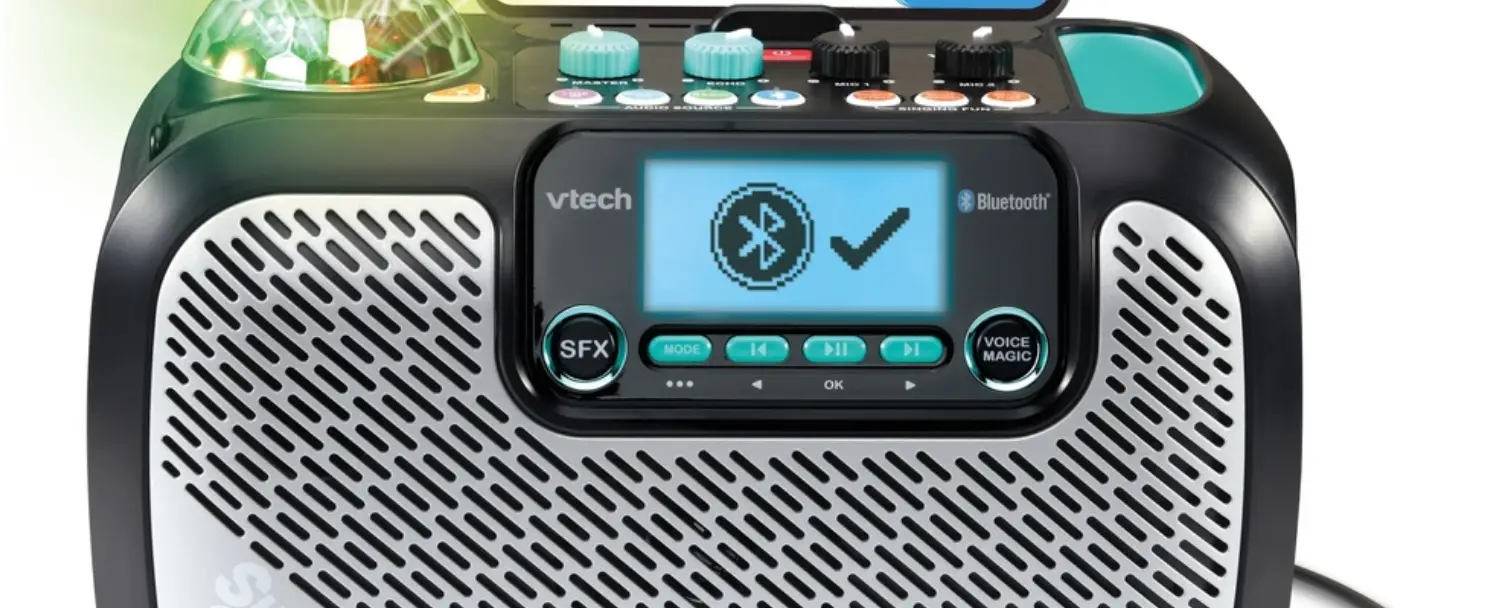
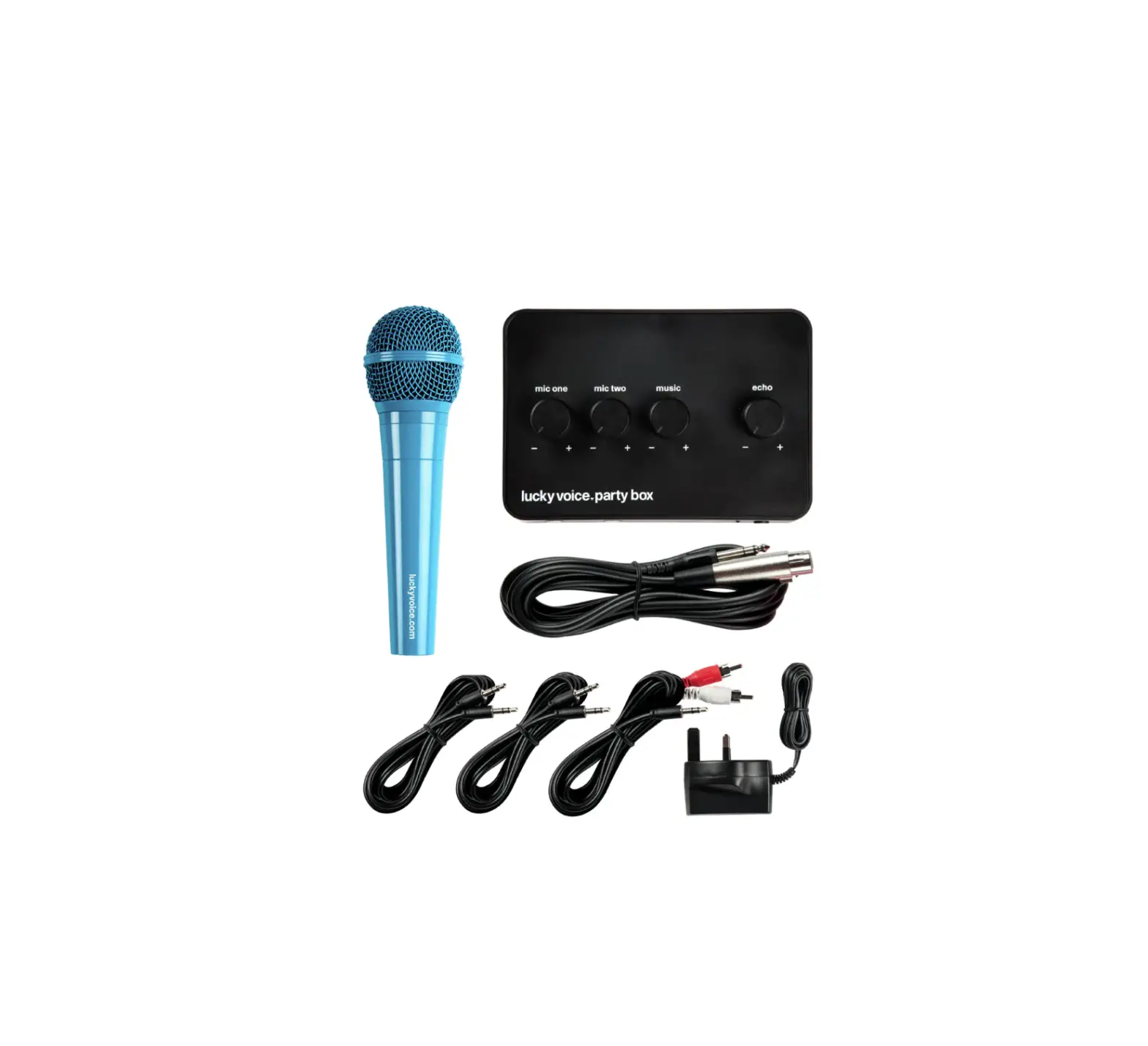
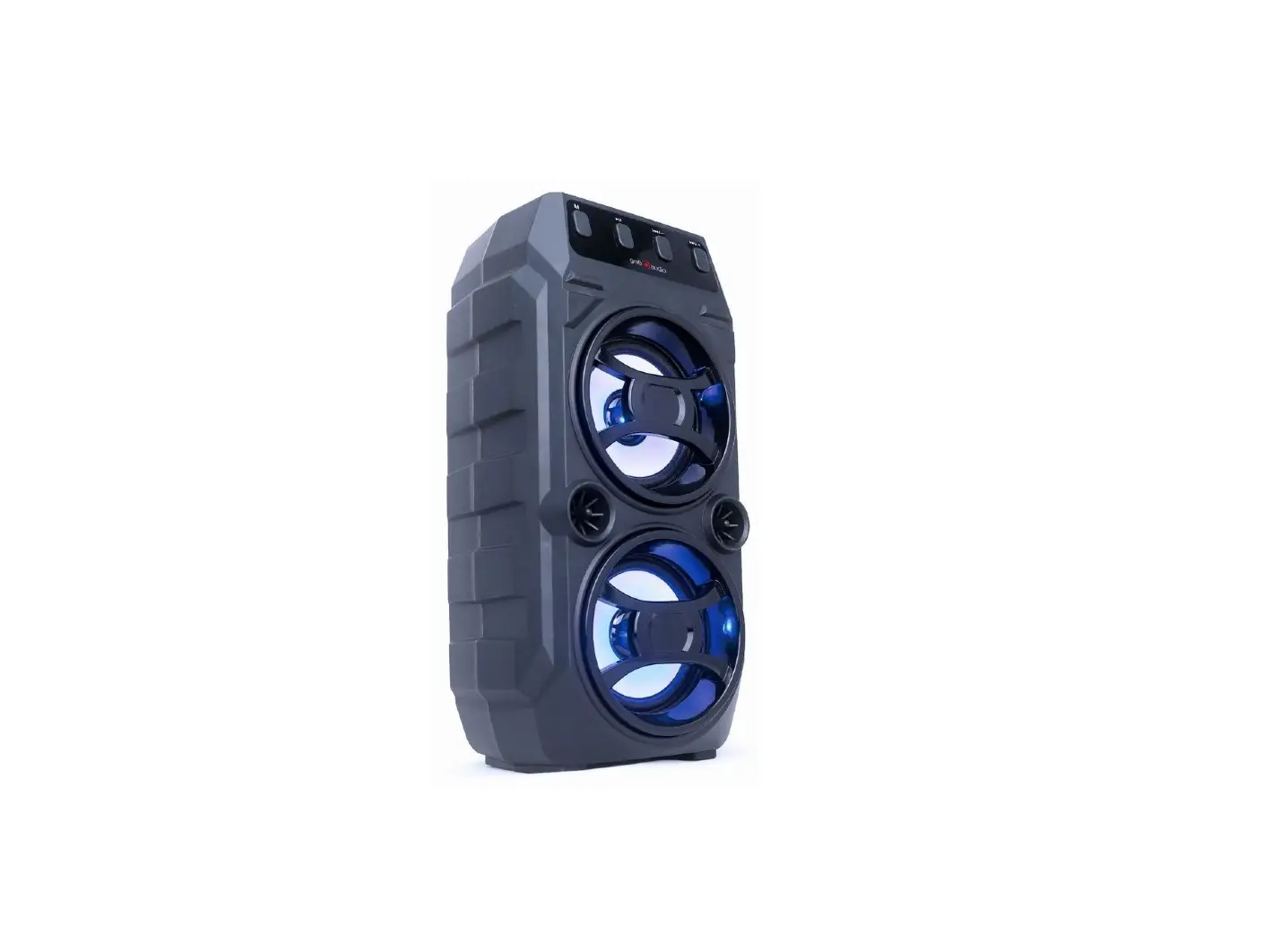
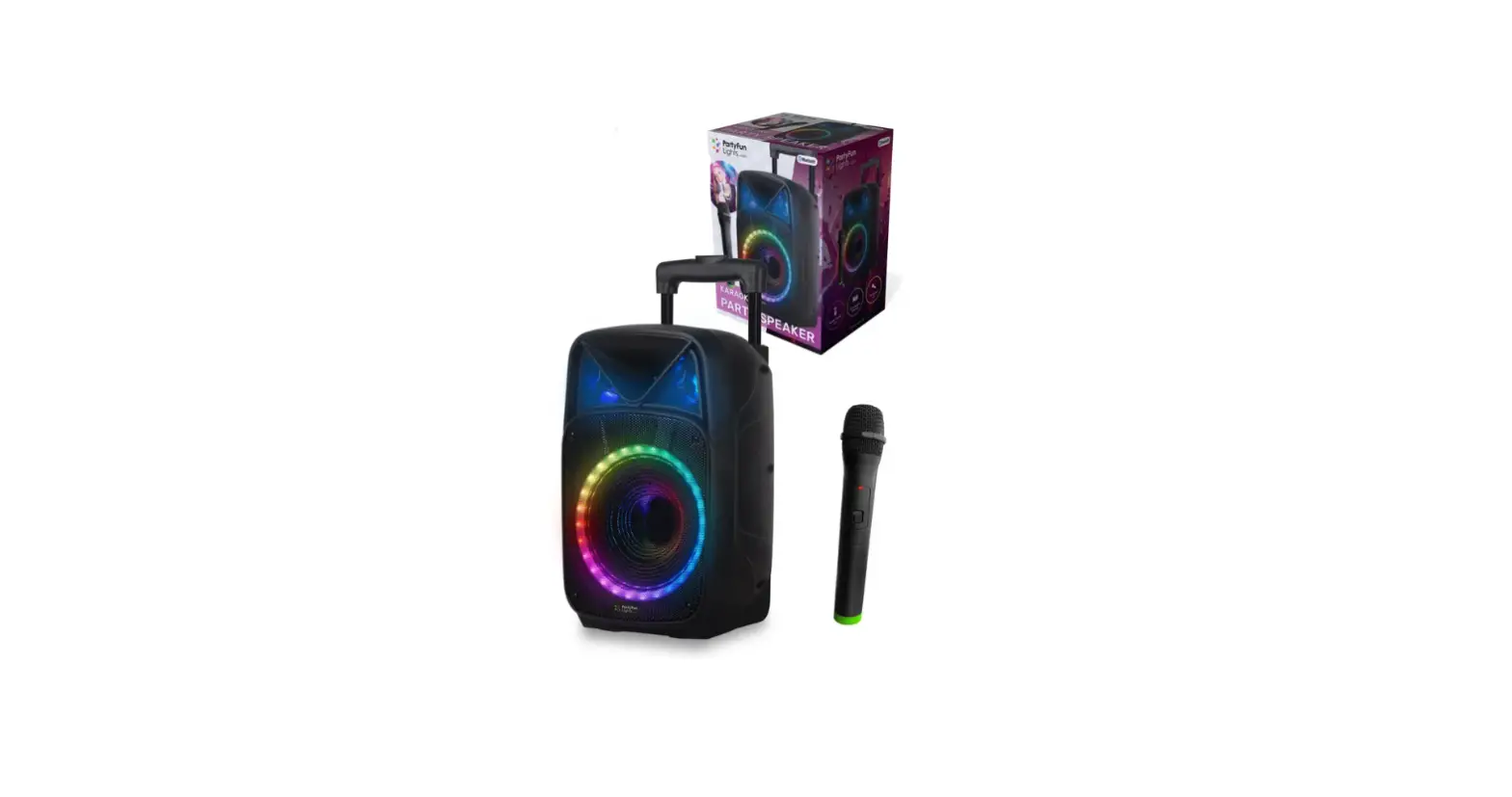
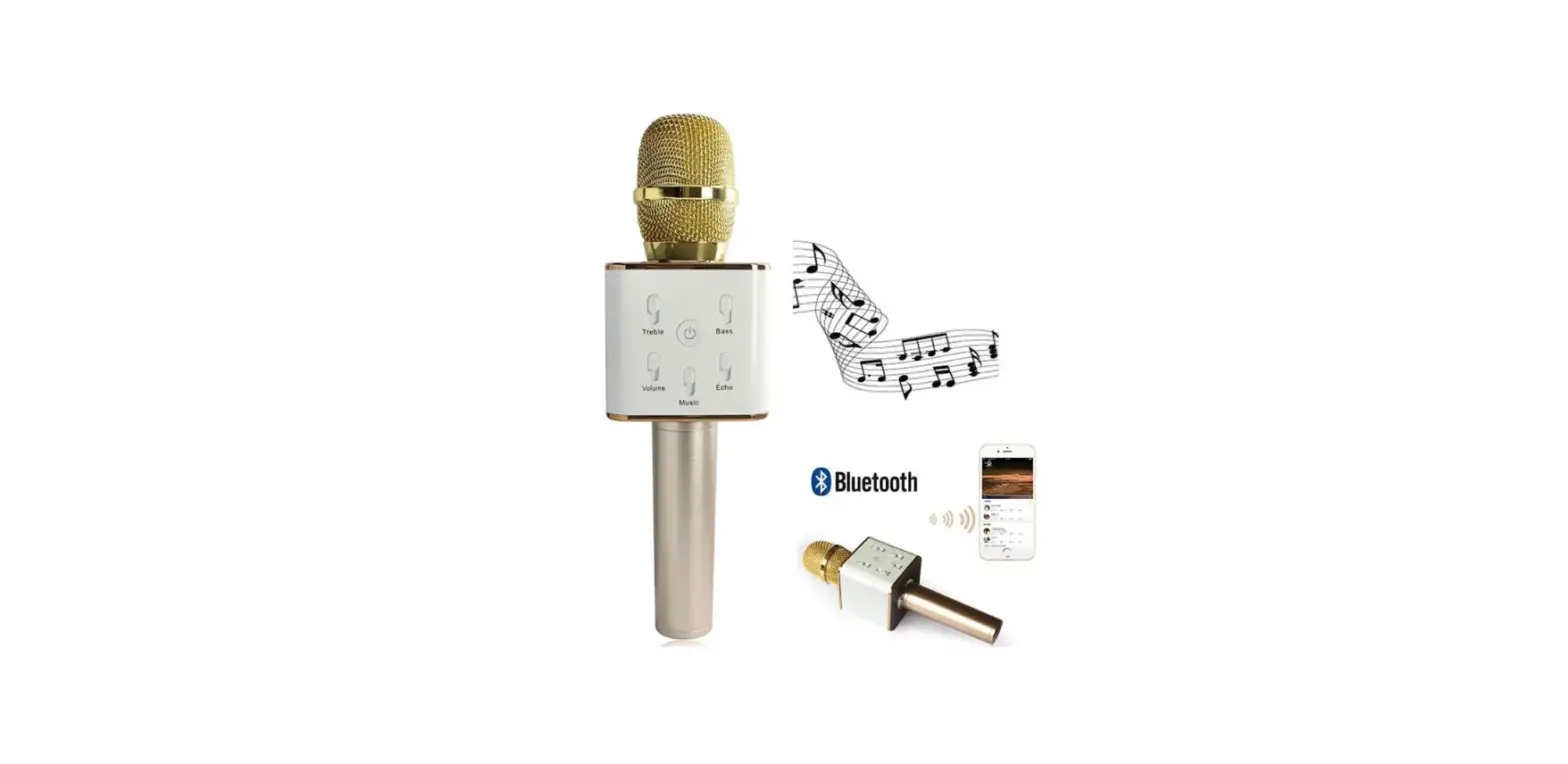
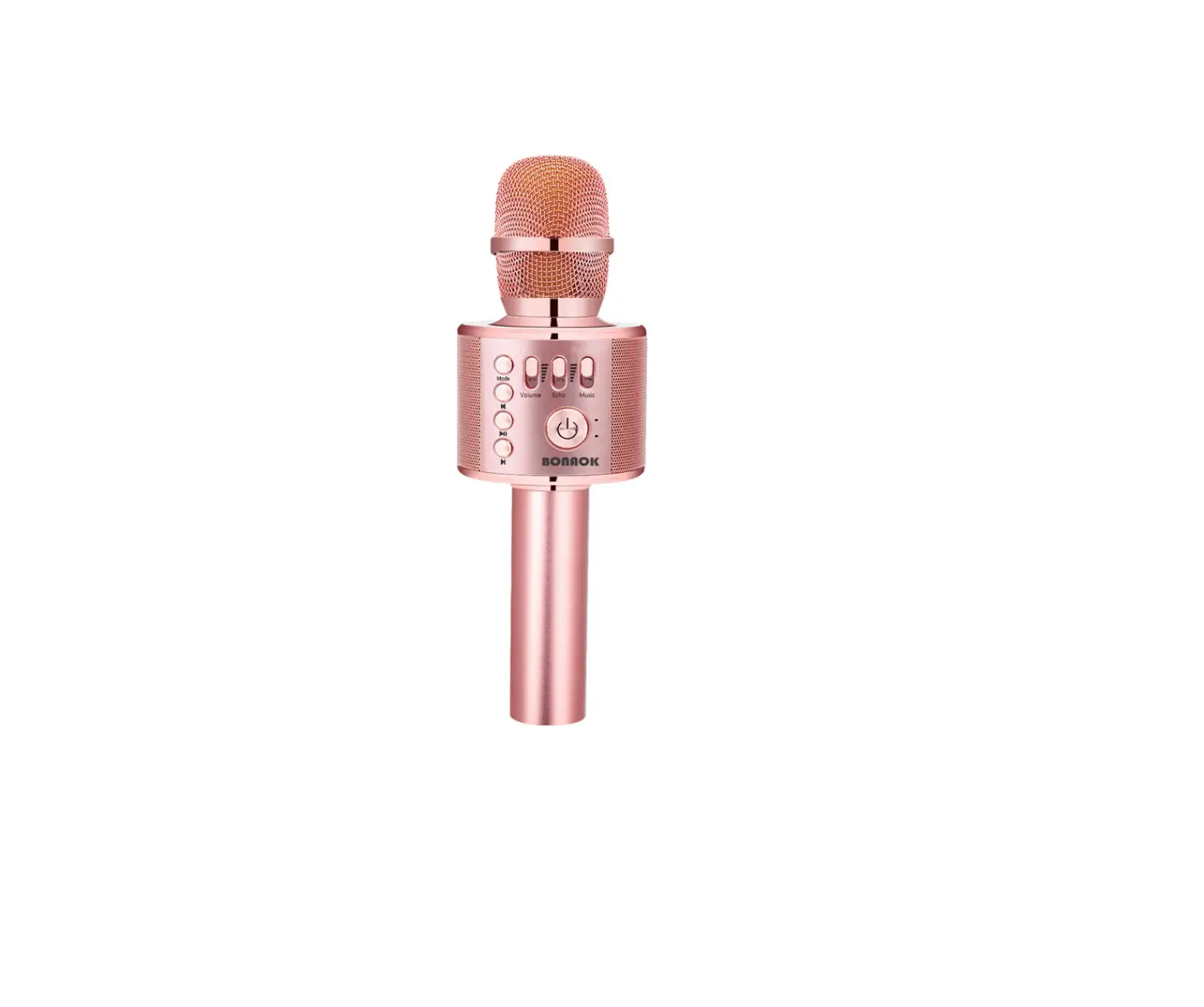
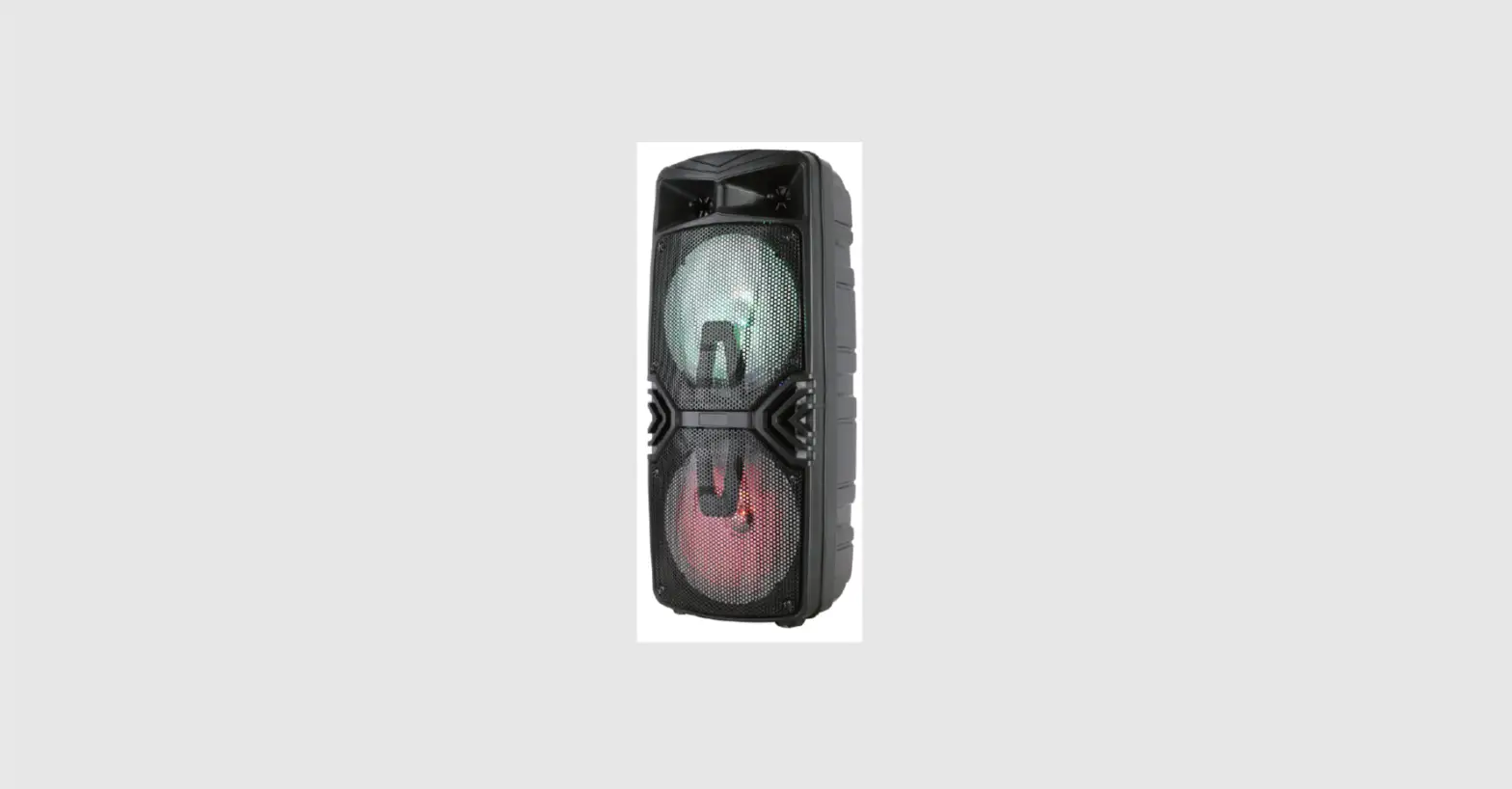
Q-3 Karaoke Treasure Bluetooth Speaker
Product Information:
The product is a wireless karaoke machine with a maximum output
power of 10W and a maximum sound pressure level of over 115DB. The
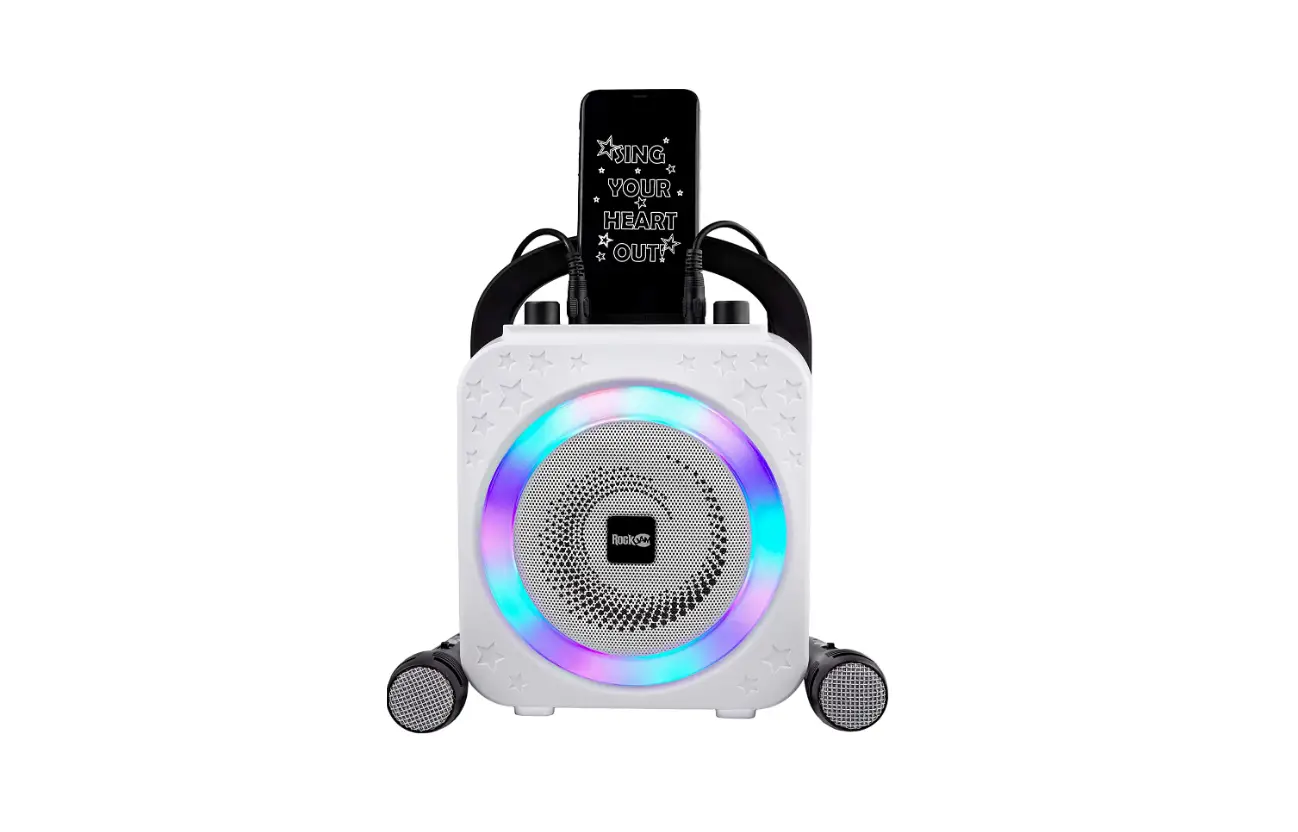
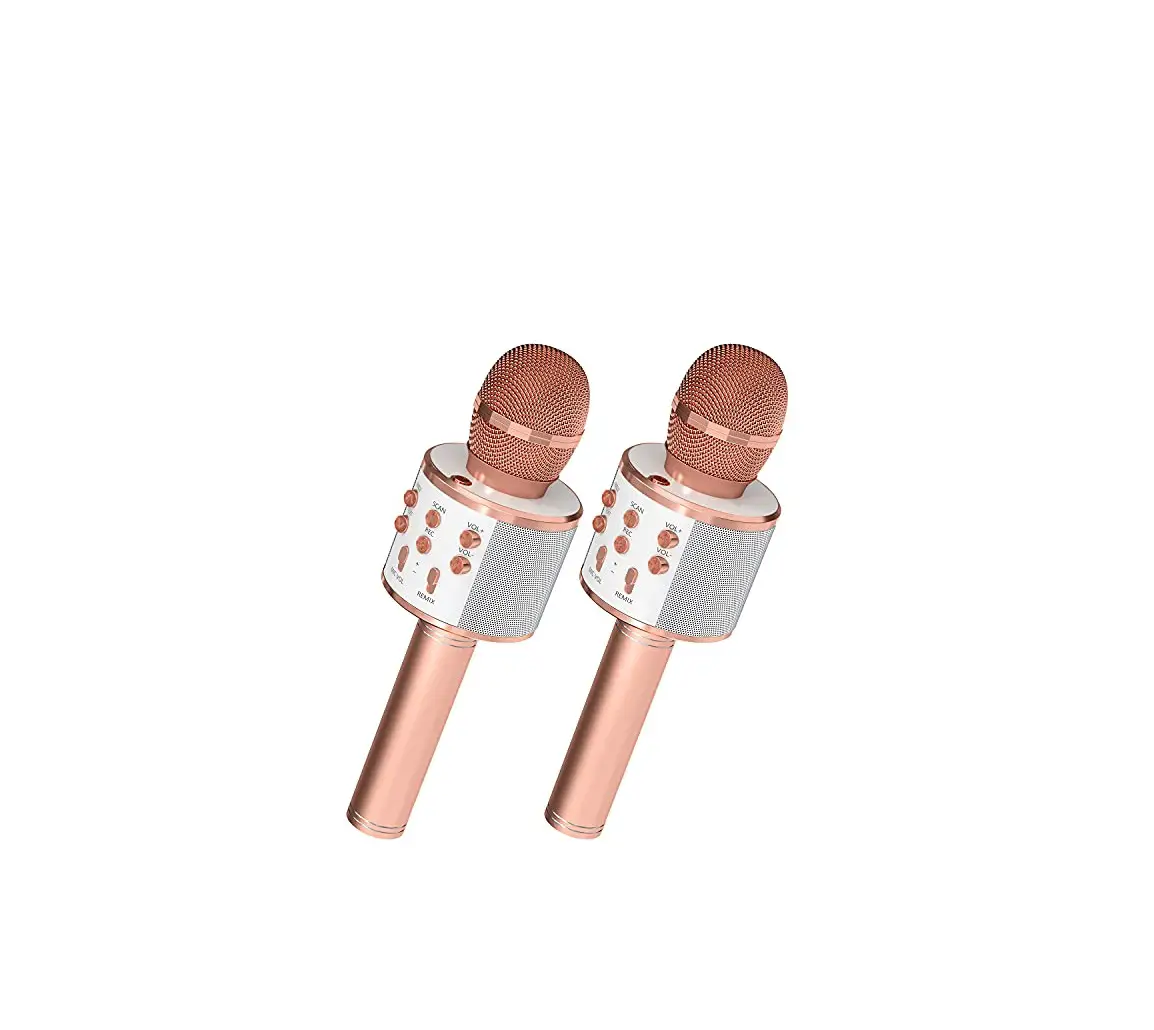
device is equipped with two microphones to enable double chorus and
happiness. It has a reverberation mode of sound effect
reverberation and a frequency range of 100HZ~10KHZ with 1KHZ TDH.
The charging power supply for the device is DC-5V.
Product Usage Instructions:
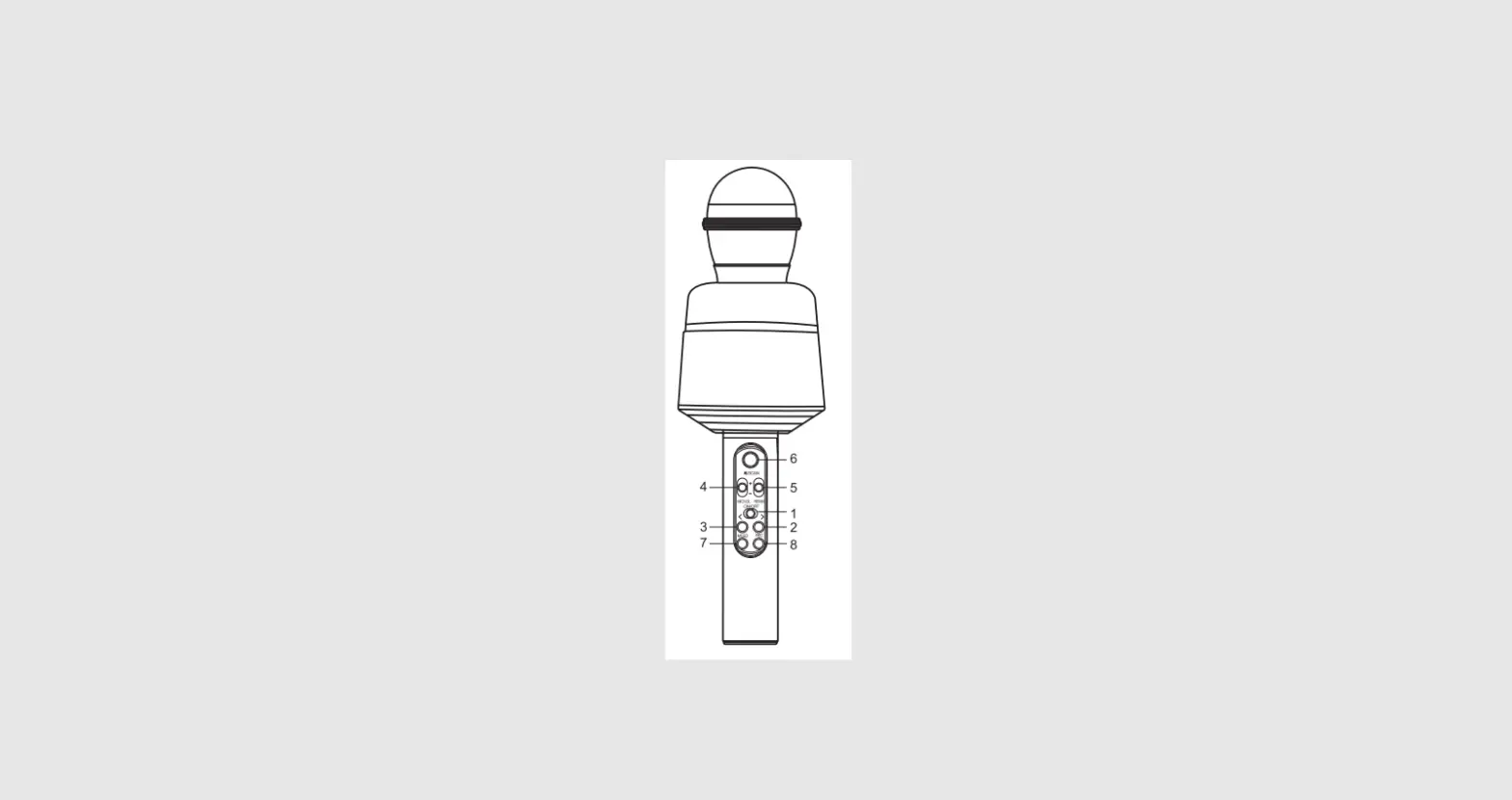
- Key Operation: Long press the power button to
turn on/off the device. Short press the button to switch between
modes. Long press the button to increase the volume. Short press
the button to play the previous song. Long press the button to
decrease the volume. Short press the light switch button. Long
press the intelligent accompaniment and avoidance function button.
Short press the pause button. Long press the erase original sound
button. Long press the microphone on/off button, short press the
microphone on/off button. Short press the microphone to increase
the volume, long press to eliminate the original sound. Short press
the microphone volume to decrease, long press for sound change
function. - Wireless Karaoke: Turn on the machine and open
your phone’s Bluetooth. Click to pair and connect, and a prompt
sound will appear to indicate successful connection. Start
karaoke. - Recording Songs on Mobile Phones: Open the
karaoke software on your phone, such as Tianlai Karaoke, Kugou
Music, or other music recording apps, and select your favorite
song. Start recording the song using the above singing method.
Follow the instructions of the Ksong software to complete debugging
and saving songs. - Double Wheat Duet: Each machine is equipped
with two microphones to achieve double chorus and double
happiness.
NN
1.
2.
3.
4.
5.
2 4
6.
1
6
7.
5
7 8
8.
3
K 1. 2. 3.K
1.KKAPP
2.K
10W >115DB DC-5V
100HZ~ 10KHZ 1KHZ TDH < 1%
18650
1. Key operation
1. Long press to turn on/off, short press to switch modes
2. Long press to increase the volume, short press the
previous song
3. Long press to decrease the volume, short press once
2
4. Short press the light switch, long press the intelligent
4
accompaniment and avoidance function
1
6
5. Short press to pause, long press to erase the original sound 5
7 8
3
6. Long press the microphone on/off button, short press
the microphone on/off button
7. Short press the microphone to increase the volume, long press to eliminate the original sound
8. Short press the microphone volume to decrease, long press the sound change function
2. Wireless karaoke 1. Turn on the power: Turn on the machine. 2. Bluetooth connection: Open the phone’s Bluetooth, click to pair and connect, and a prompt sound will appear
to indicate successful connection. 3. Start karaoke.
3. Recording songs on mobile phones 1. Open the karaoke software on your phone, such as Tianlai Karaoke, Kugou Music, or other music recording
apps, and select your favorite song, Start recording the song using the above singing method. 2. Debugging and saving songs: Follow the instructions of the Ksong software to complete the operation.
4. Double wheat duet Each machine is equipped with two microphones to achieve double chorus and double happiness
5.Product technical parameters Output power: 10W Maximum sound pressure level:>115DB Reverberation mode: sound effect Reverberation Charging power supply: DC-5V
Frequency range: 100HZ~10KHZ 1KHZ TDH<1%
Power supply method: built-in 18650 lithium battery
FCC Warnning: This equipment has been tested and found to comply with the limits for a Class B digital device, pursuant to part 15 of the FCC Rules. These limits are designed to provide reasonable protection againstharmful interference in a residential installation. This equipment generates, uses and can radiateradio frequency energy and, if not installed and used in accordance with the instructions, maycause harmful interference to radio communications. However, there is no guarantee thatinterference will not occur in a particular installation. If this equipment does cause harmfulinterference to radio or television reception, which can be determined by turning the equipmentoff and on, the user is encouraged to try to correct the interference by one or more of thefollowing measures: · Reorient or relocate the receiving antenna. · Increase the separation between the equipment and receiver. · Connect the equipment into an outlet on a circuit different from that to which the receiver is connected. · Consult the dealer or an experienced radio/TV technician for help.
Caution: Any changes or modifications to this device not explicitly approved by manufacturer could void your authority to operate this equipment.
This device complies with part 15 of the FCC Rules. Operation is subject to the following two conditions: (1)This device may not cause harmful interference, and (2) this device must accept any interference received, including interference that may cause undesired operation.
This equipment complies with FCC radiation exposure limits set forth for an uncontrolled environment. This equipment should be installed and operated with minimum distance 0cm between the radiator and your body.