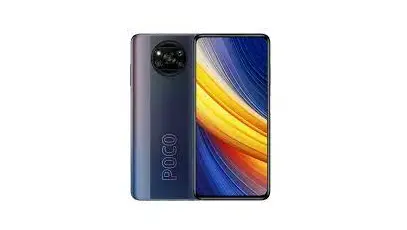
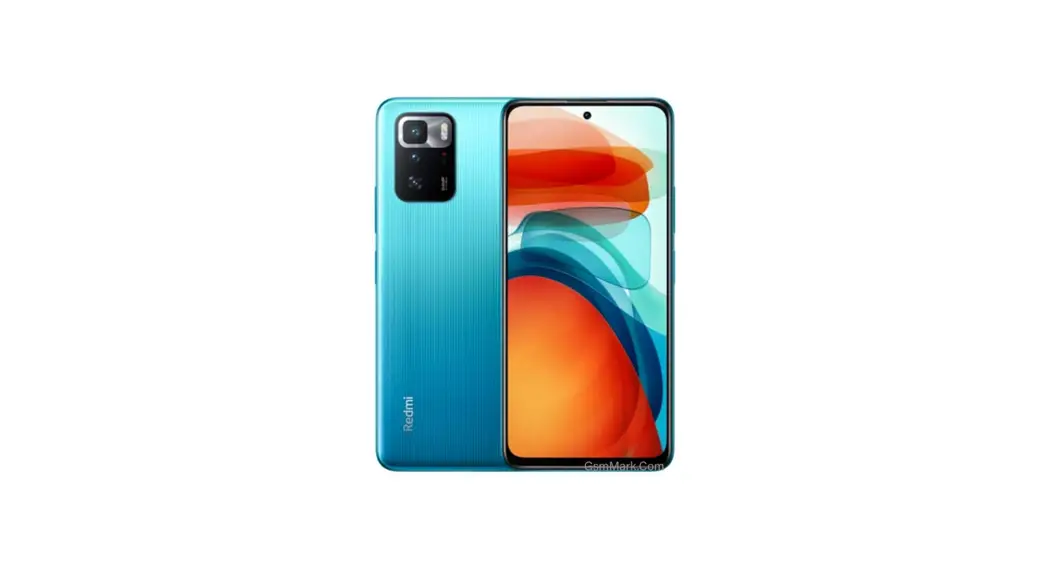
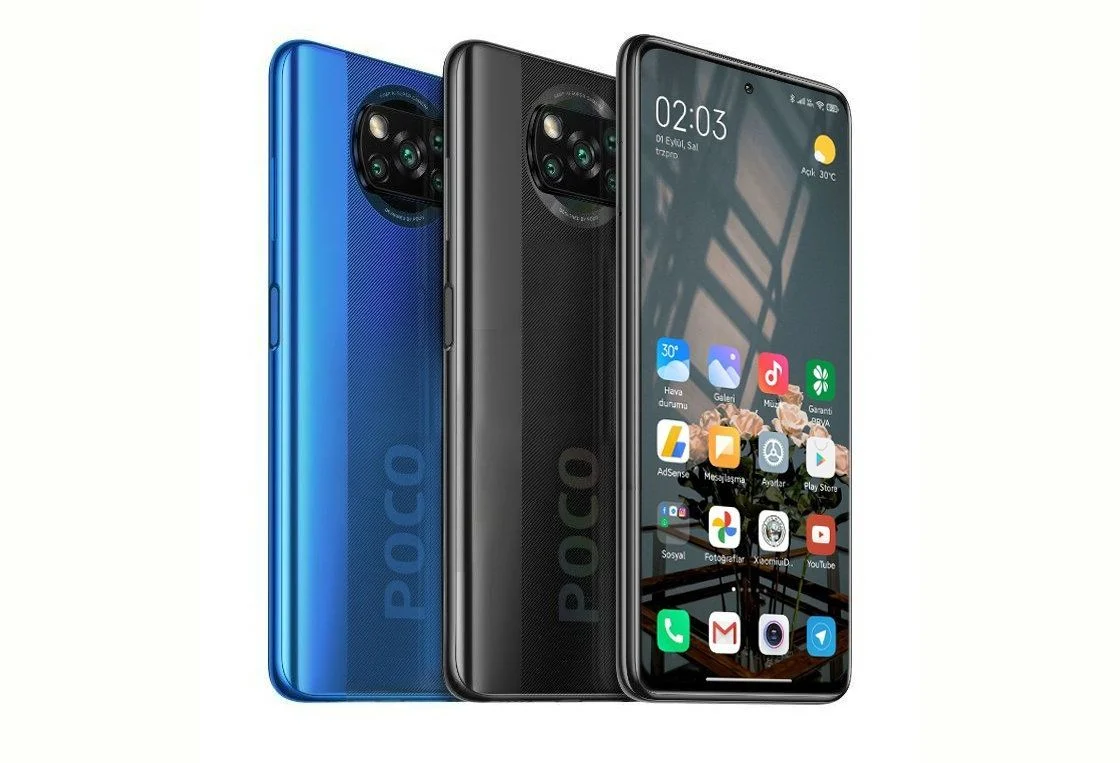
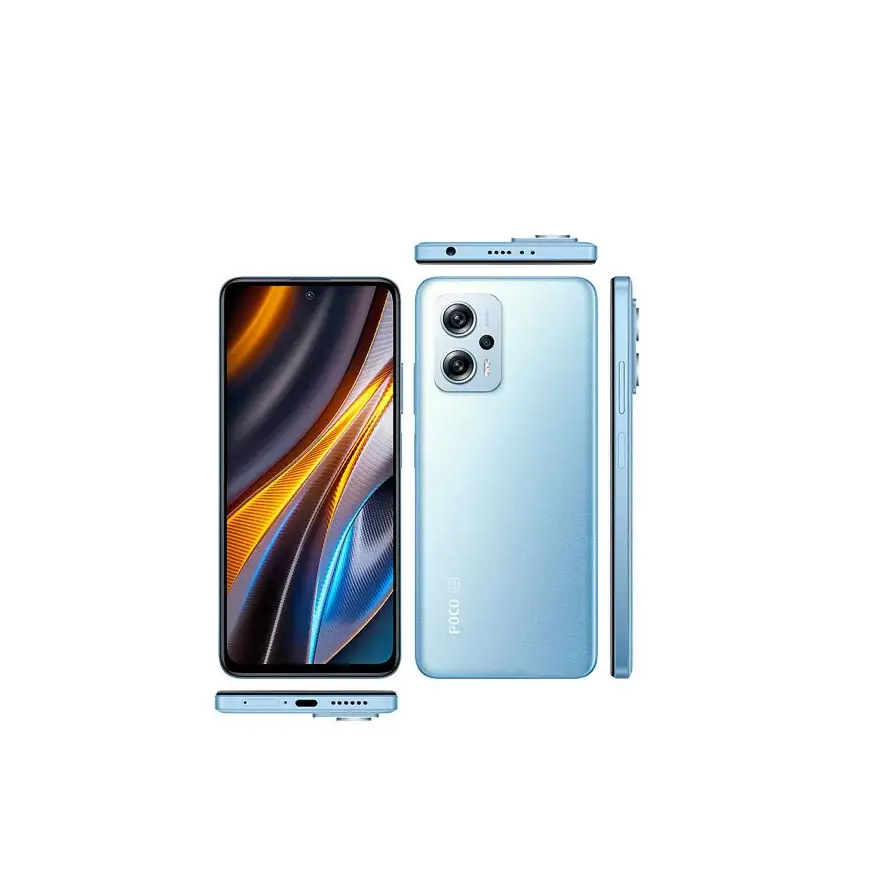
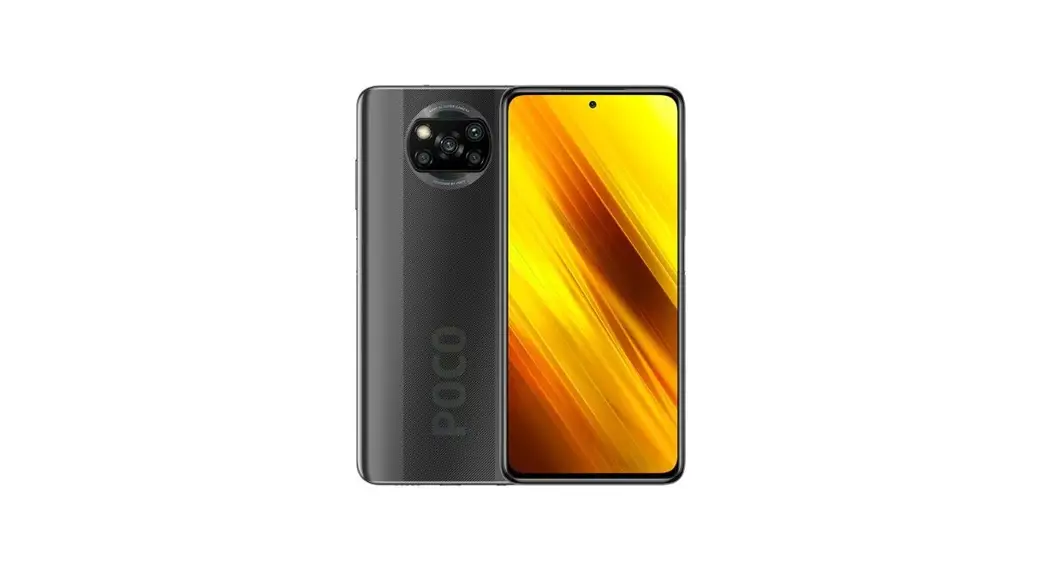
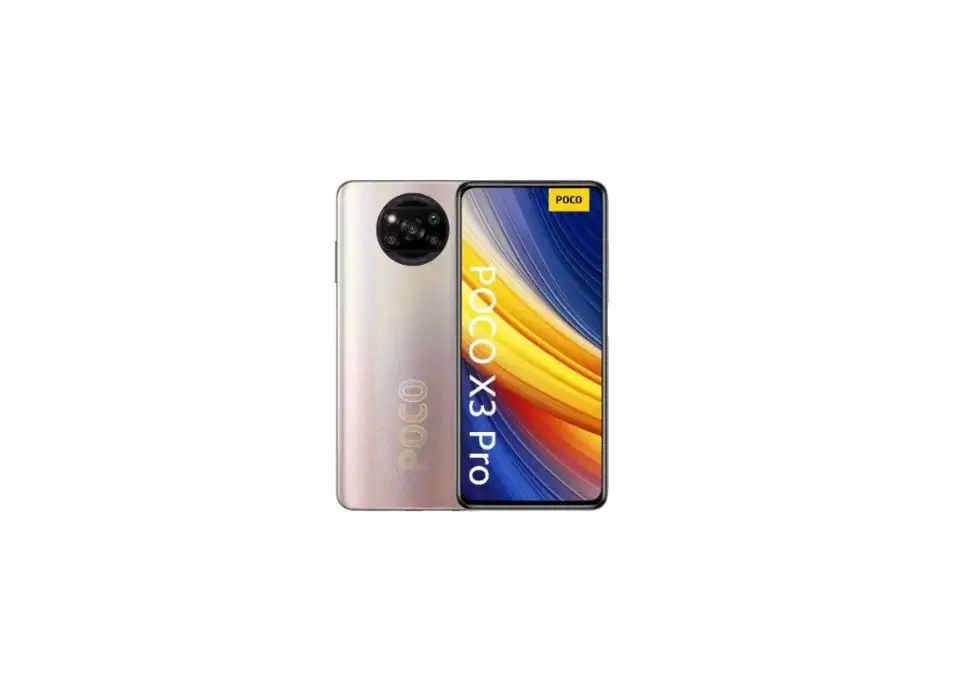
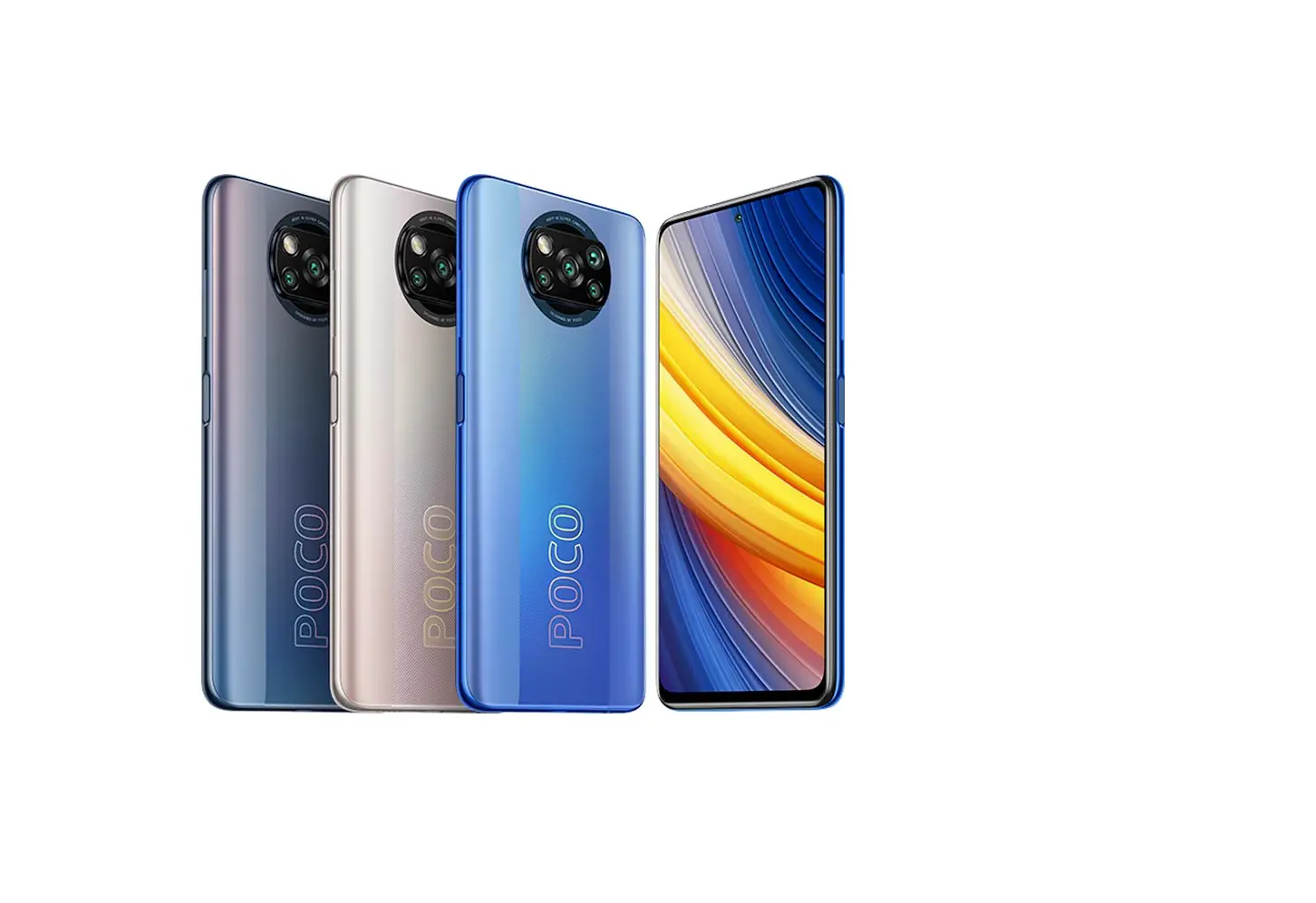
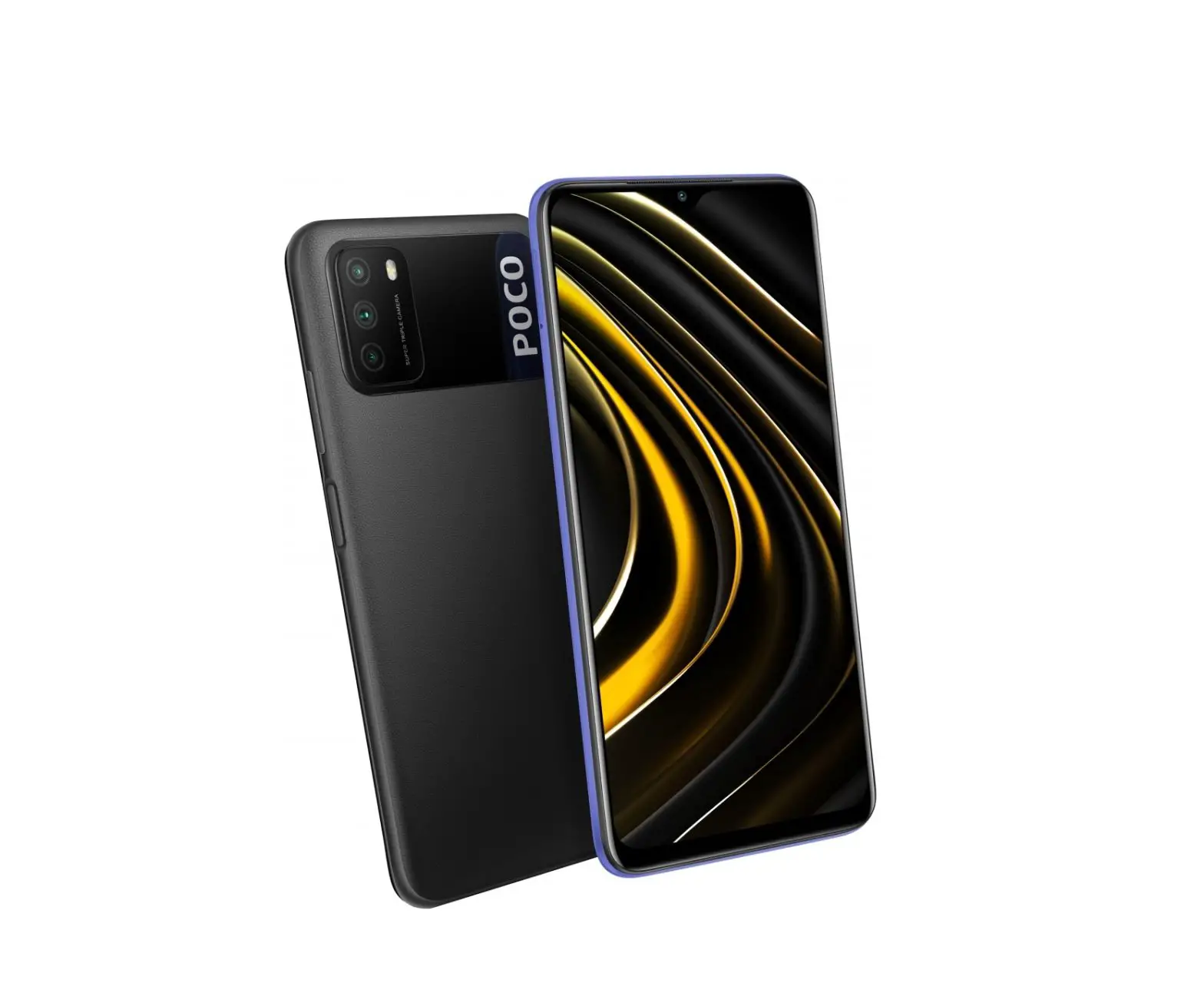
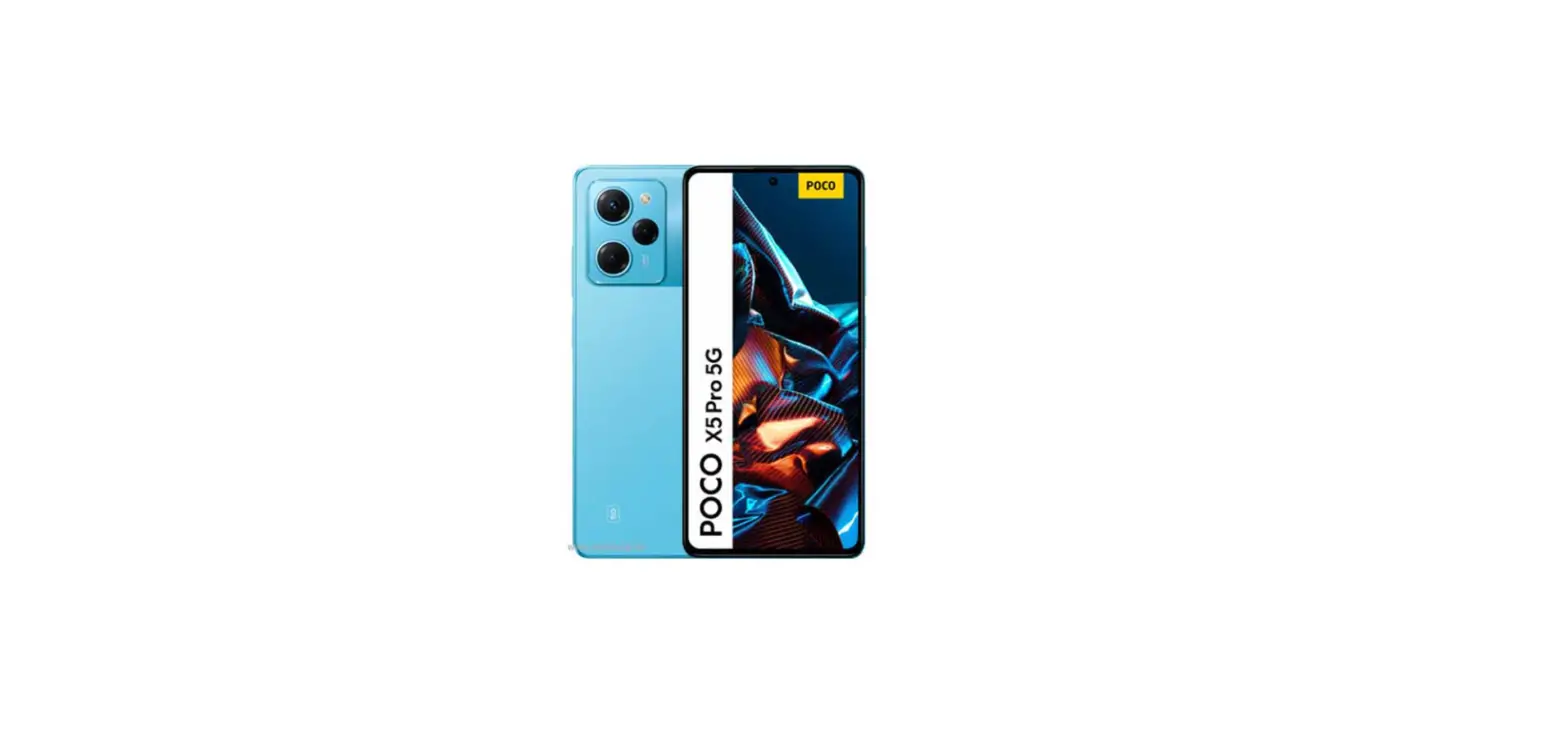
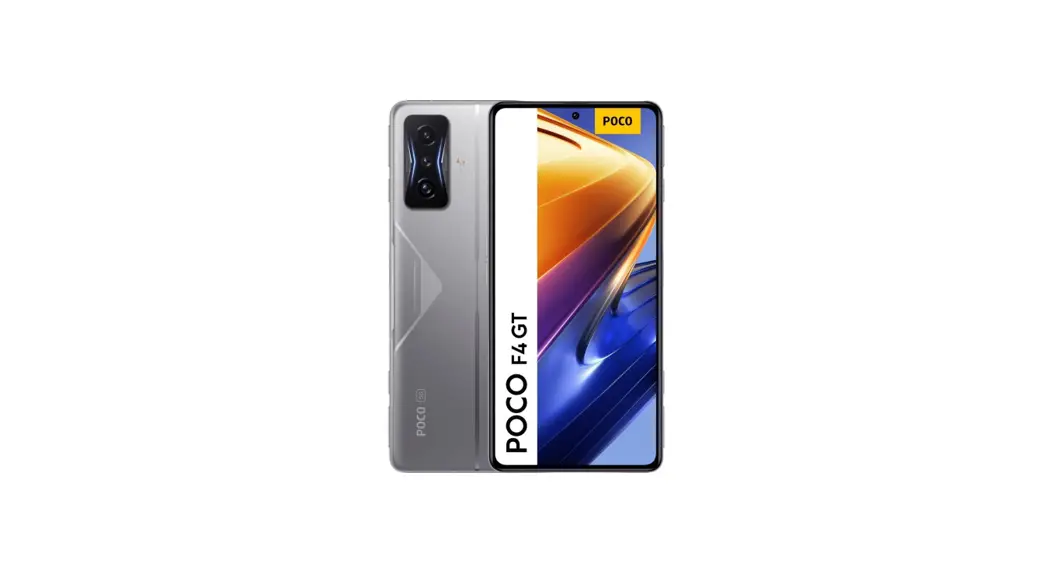
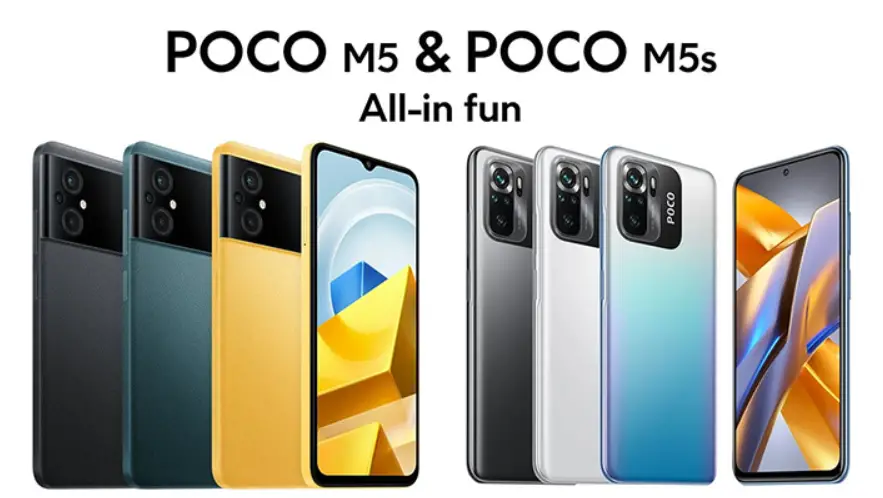
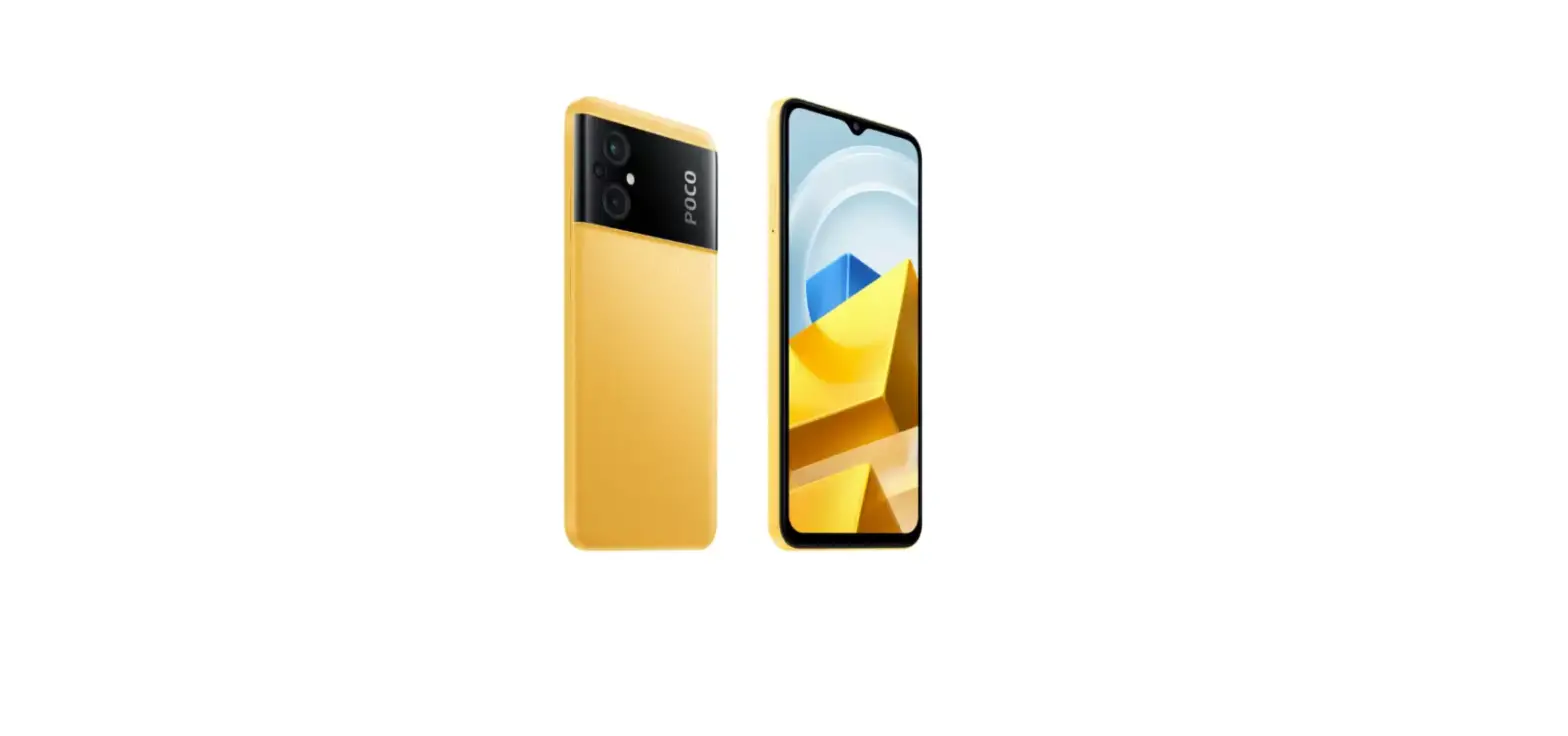
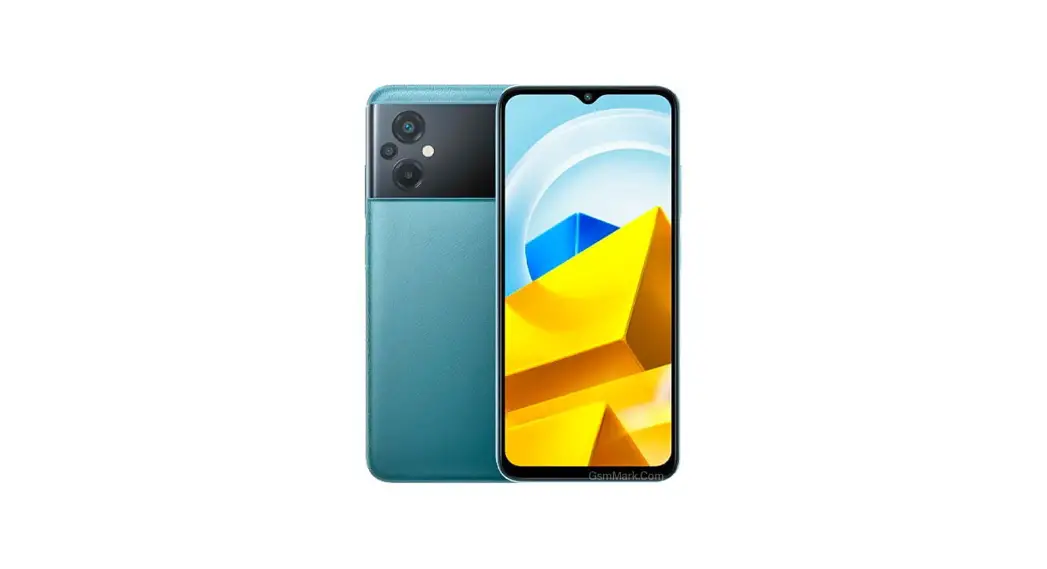
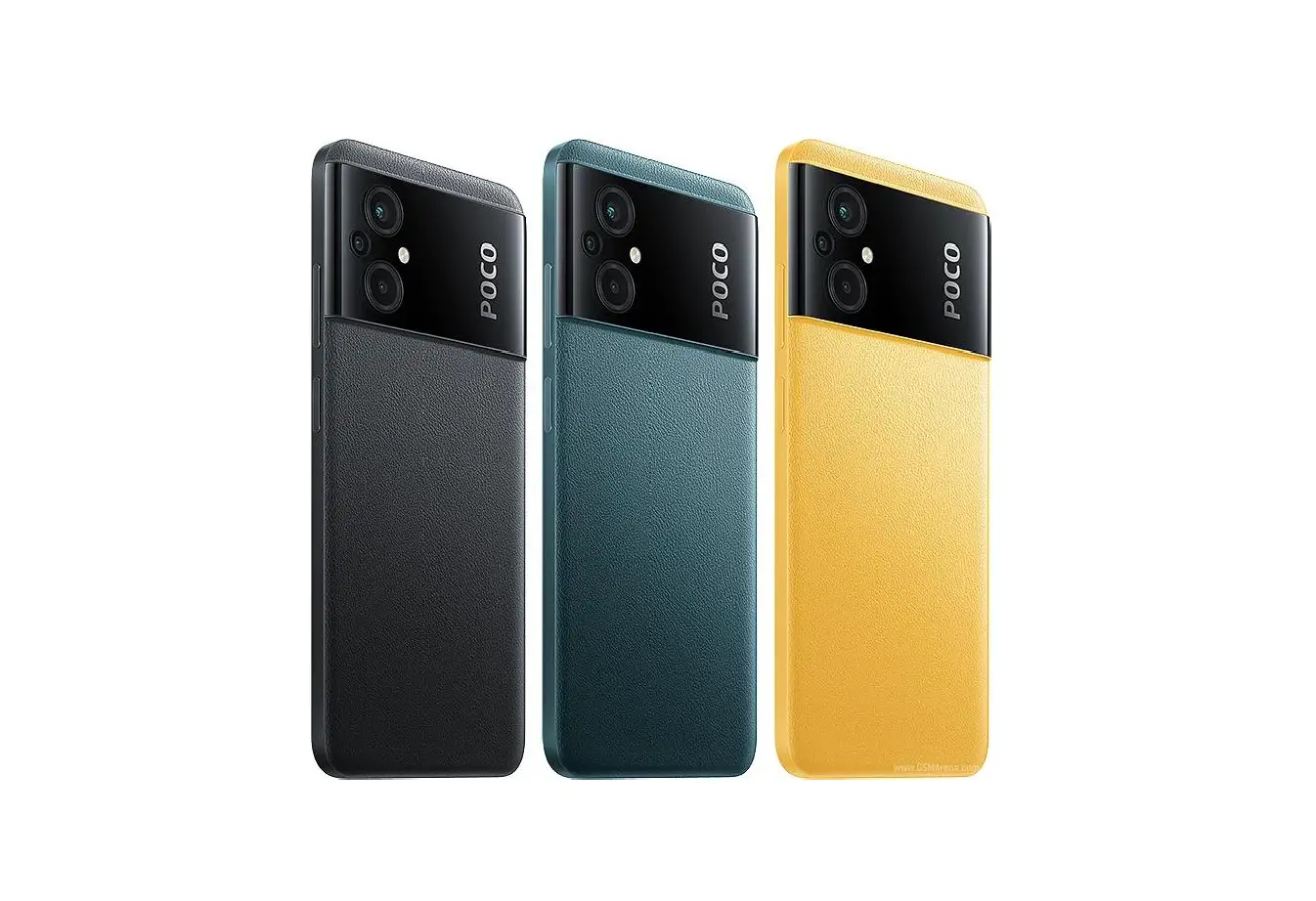
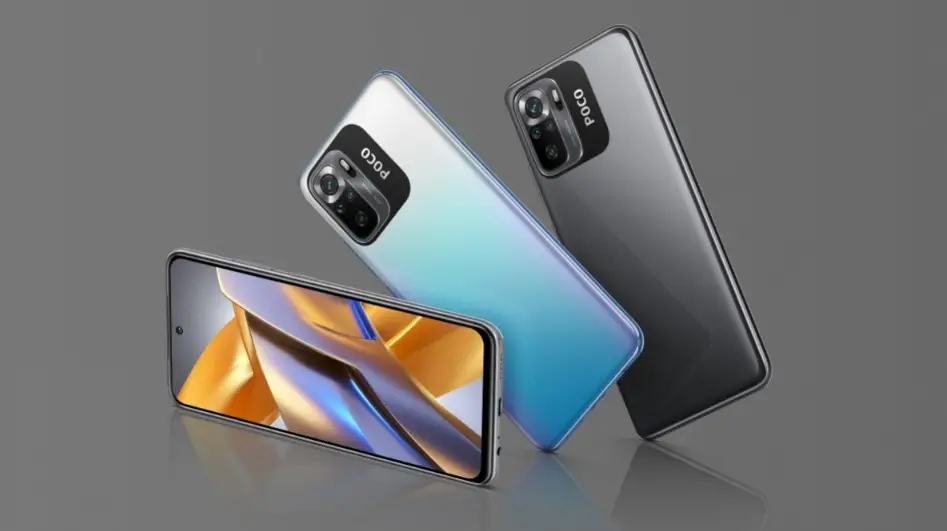
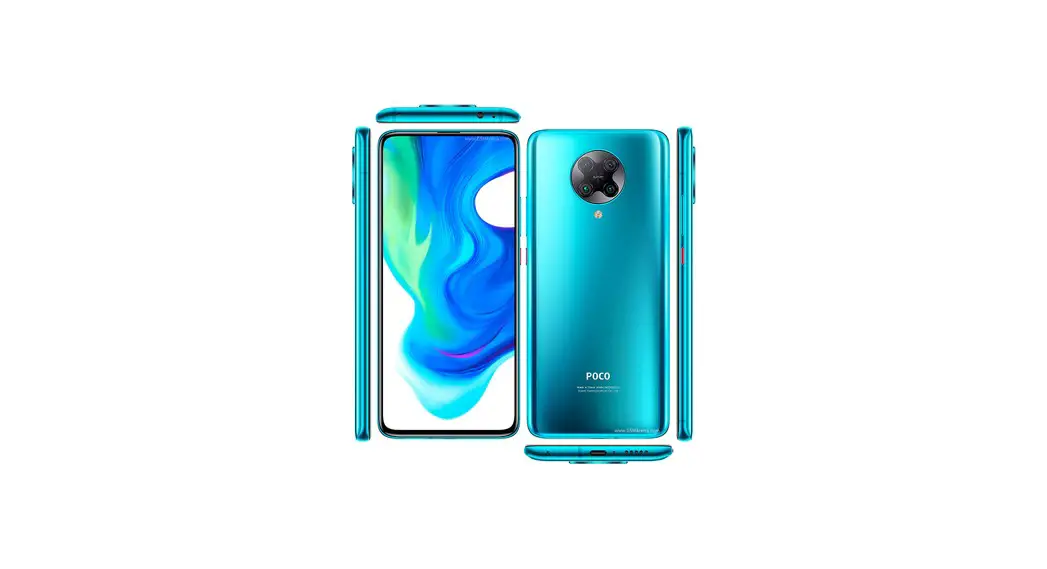
X3 Smartphone 64 GB
Product Information
The product is a device with volume buttons, a power button, and
a USB Type-C port. It also comes with a user guide that is
available in multiple languages including English, Italiano,
Deutsch, Nederlands, Polski, Magyar, Cesky, and Srpski.
The device has a compact design and is easy to use. It can be
used for various purposes such as listening to music or taking
calls.
Product Usage Instructions
- Power on the device by pressing the power button.
- Adjust the volume by using the volume buttons.
- To charge the device, use the USB Type-C port with a compatible
charging cable. - The device can be used for listening to music by connecting it
to a compatible audio source using the USB Type-C port. - To take calls, connect the device to a compatible smartphone
using the USB Type-C port and answer calls by pressing the power
button. - Refer to the user guide for more detailed instructions on how
to use the device.
User Guide
Contents
English
01
Français
09
Italiano
17
Español
25
Deutsch
33
Nederlands
41
Português (Portugal)
49
Polski
57
65
Magyar
73
Cesky
81
Româna
89
97
Srpski
105
EN
02 48
SAT. 16 AUG.
Volume Buttons
Power Button
USB Type-C Port 01
Obsah je uzamcen
Dokoncete, prosím, proces objednávky. Následn budete mít pístup k celému dokumentu.
Proc je dokument uzamcen? Nahnvat Vás rozhodn nechceme. Jsou k tomu dva hlavní dvody: 1) Vytvoit a udrzovat obsáhlou databázi návod stojí nejen spoustu úsilí a casu, ale i financní prostedky.
Dlali byste to Vy zadarmo? Ne*. Zakoupením této sluzby obdrzíte úplný návod a podpoíte provoz a rozvoj nasich stránek. Teba se Vám to bude jest nkdy hodit. *) Mozná zpocátku ano. Ale vzte, ze dotovat to dlouhodob nelze. A rozhodn na tom nezbohatneme. 2) Pak jsou tady ,,roboti”, kteí se pizivují na nasí práci a ,,vysávají” výsledky naseho úsilí pro svj prospch. Tímto krokem se jim to snazíme pekazit. A pokud nemáte zájem, respektujeme to. Urgujte svého prodejce. A kdyz neuspjete, rádi Vás uvidíme!