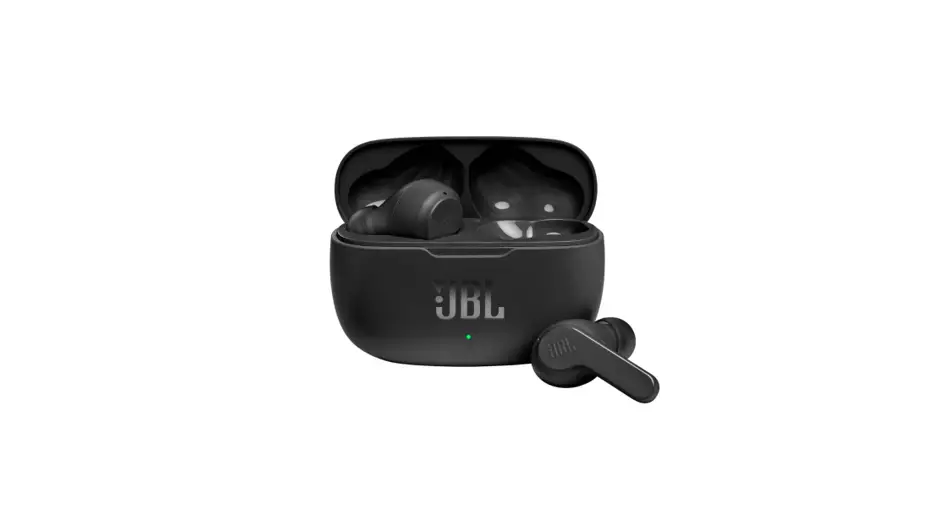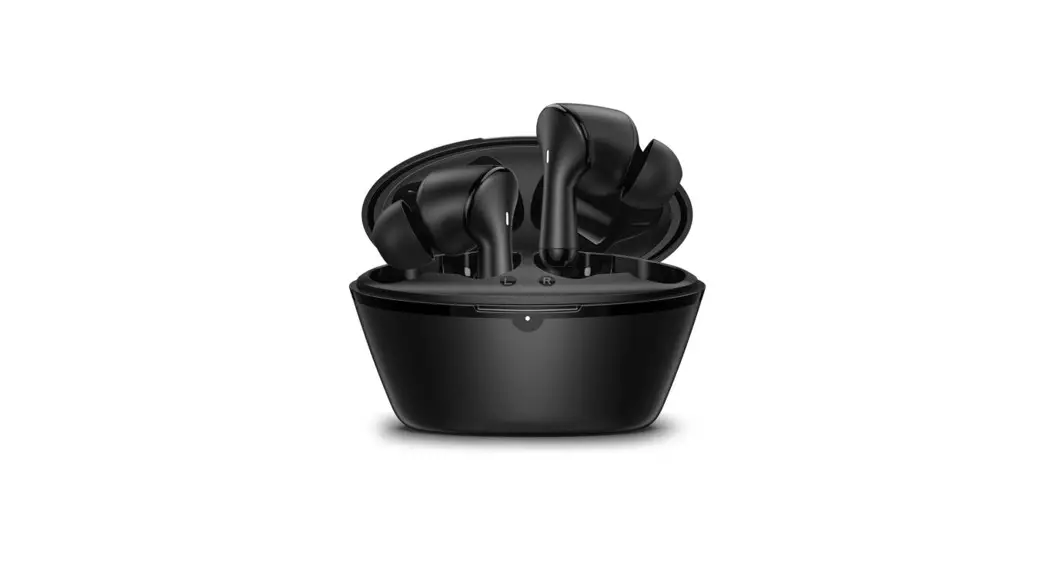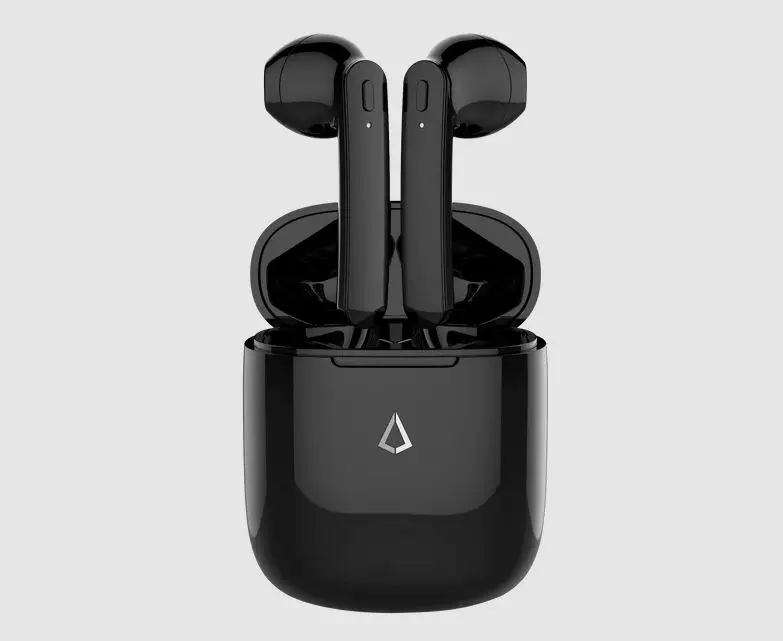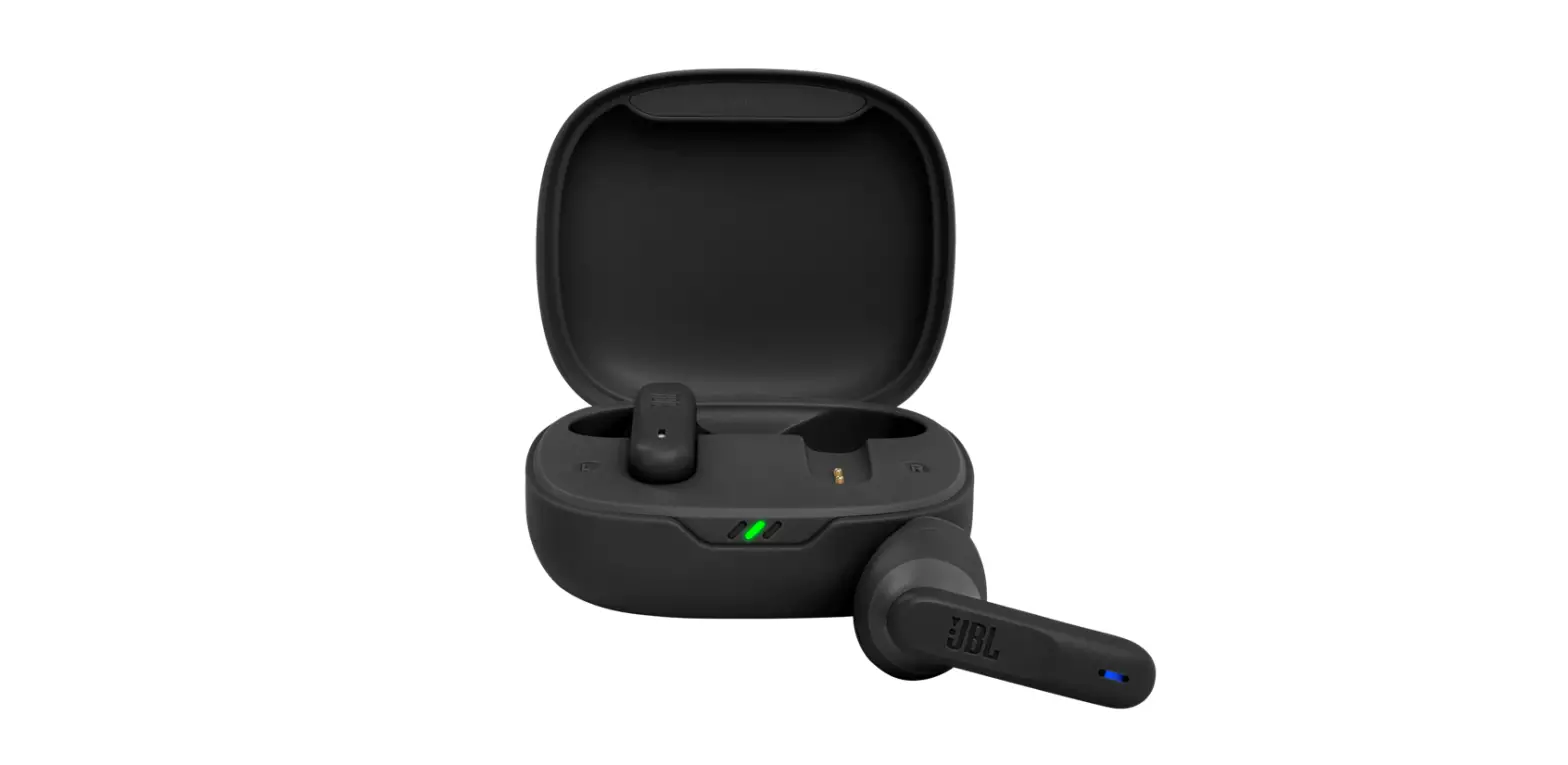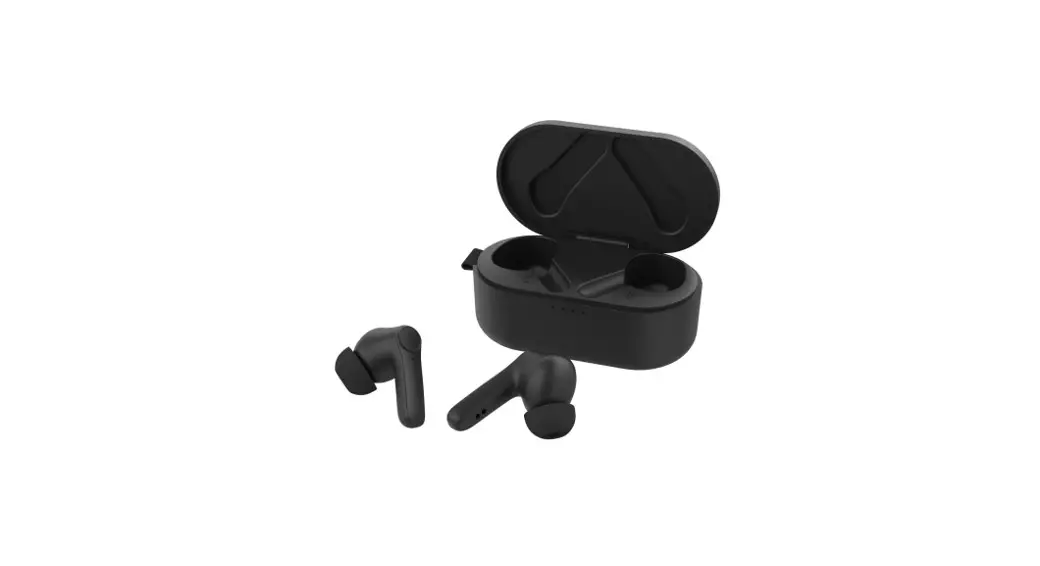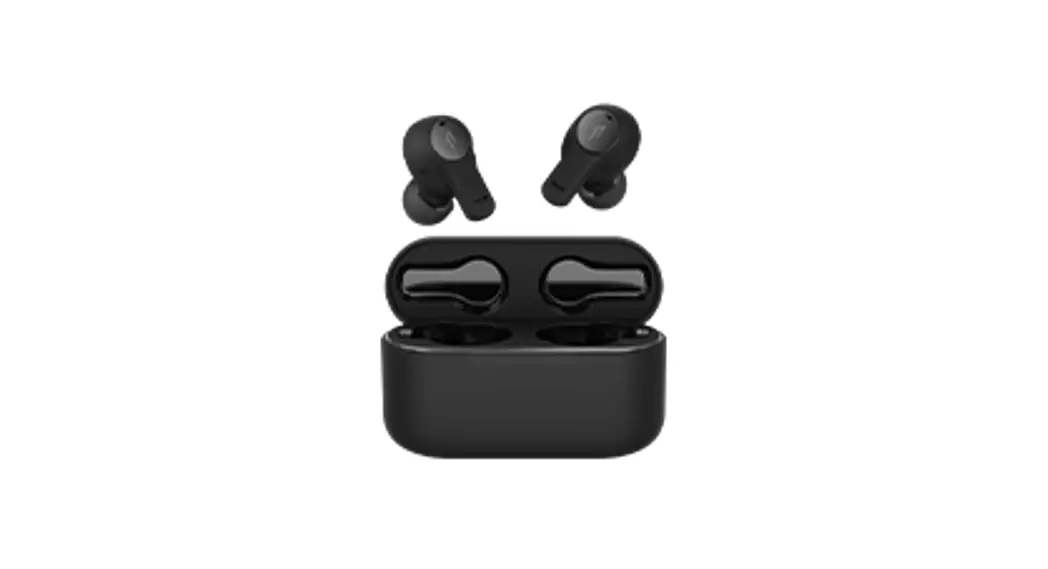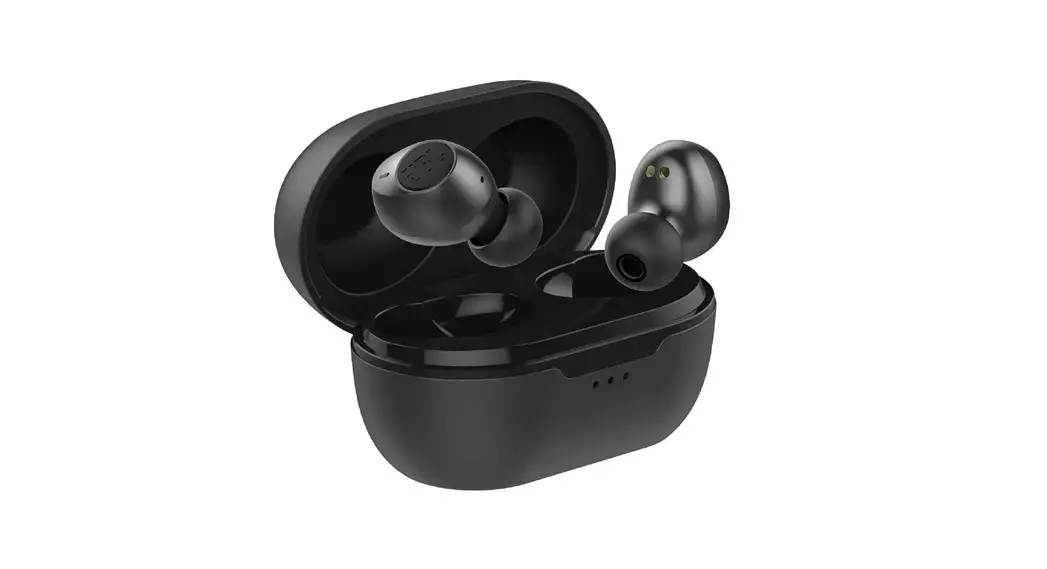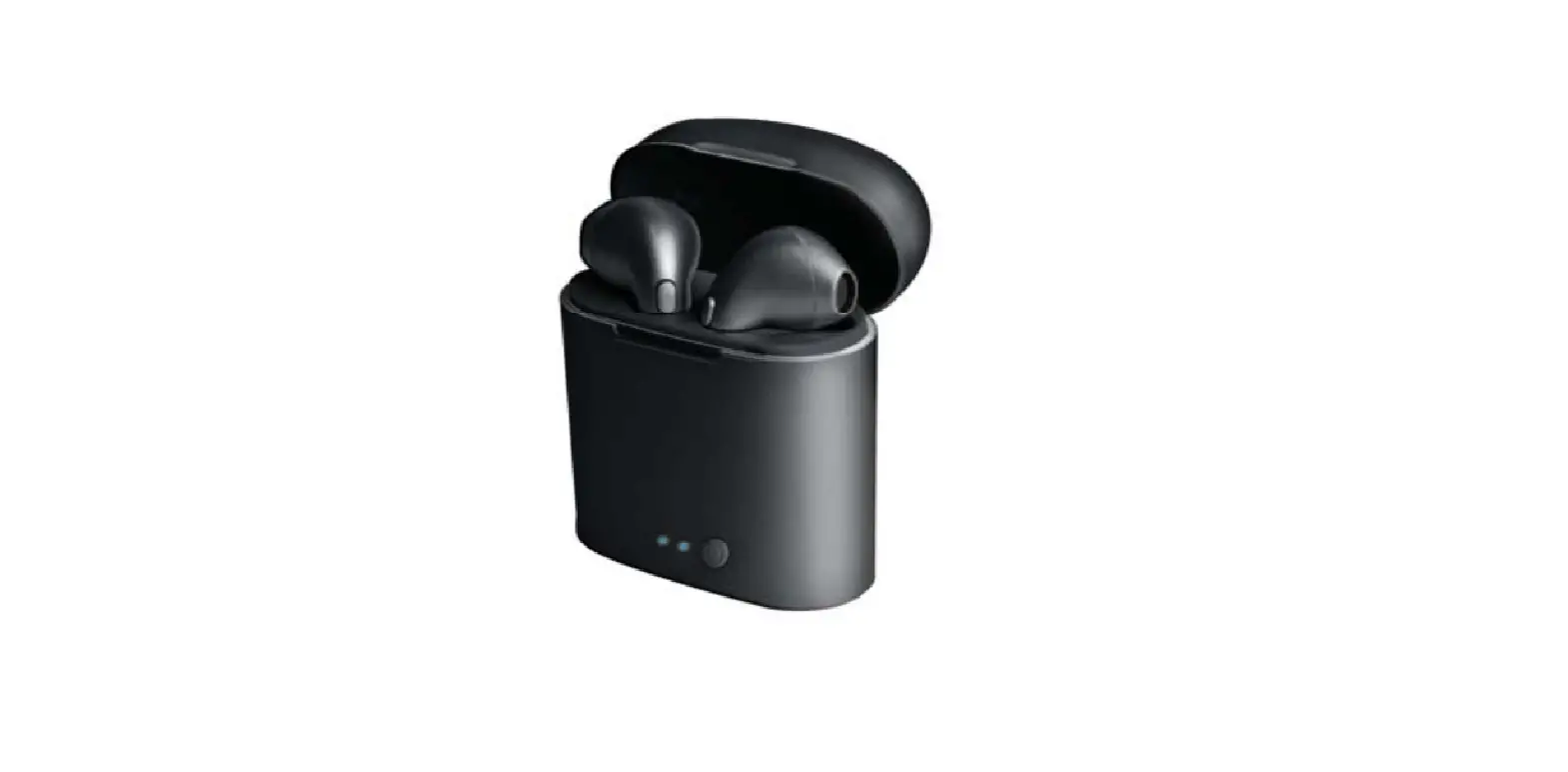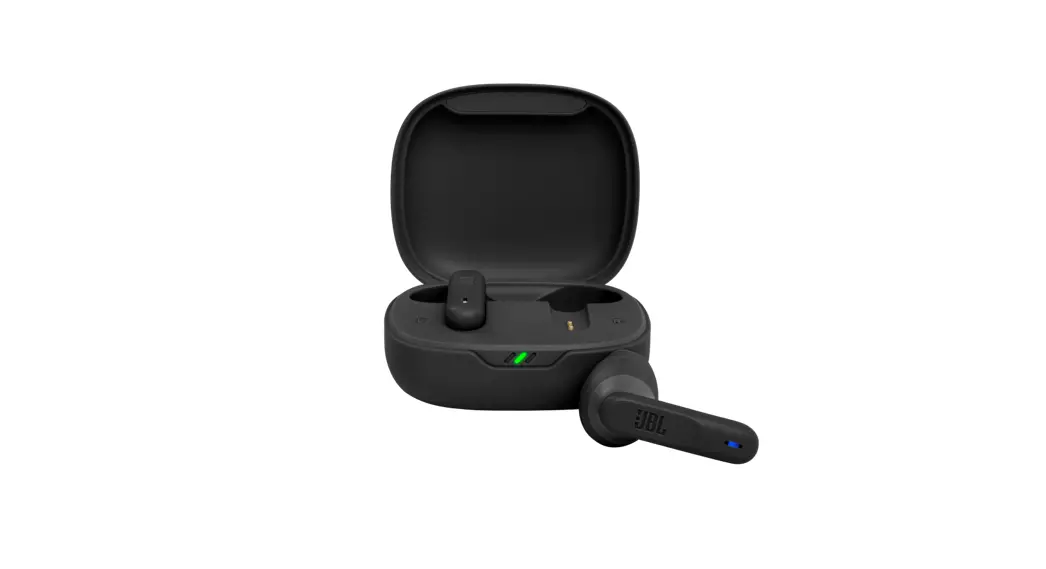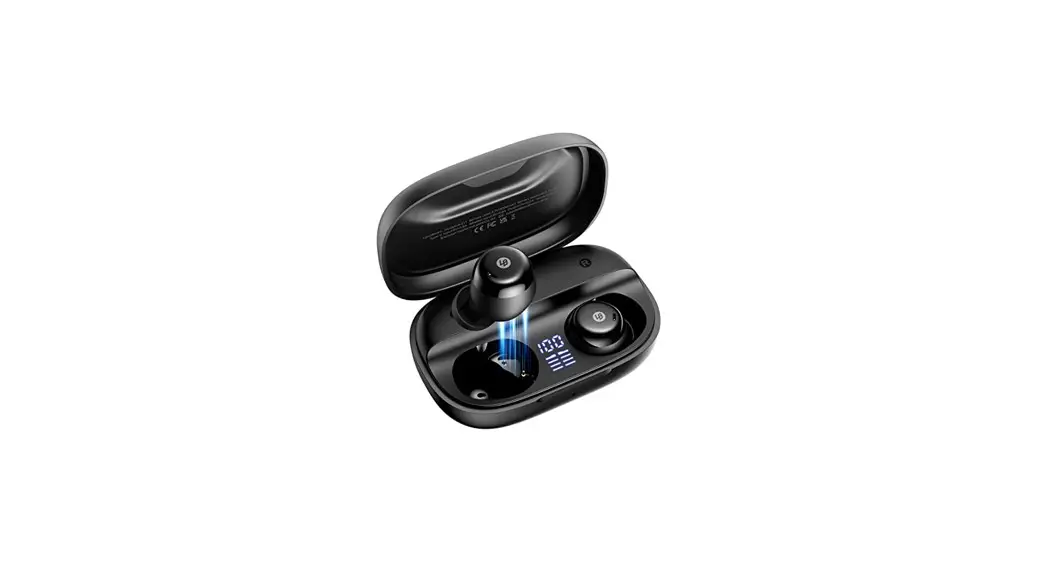
 LB-E11 True Wireless Earbuds
User Guide
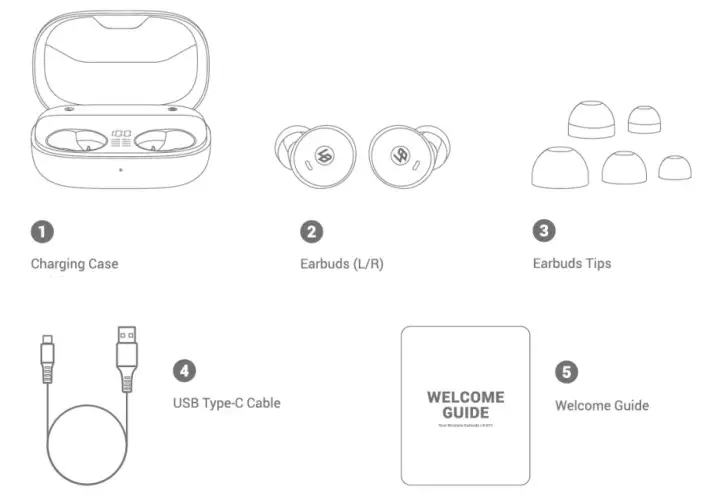
What’s in the Box
Product Overview

- Power Indicator for the Charging Case
- USB C Charging Port
- Power Display for the Charging Case
- Power Status for the Earbuds
- Multi-Function Touch Panel
- LED Indicator
Specifications
| Model | LB-E11 |
| Input | 5V 500 mA 500 mA |
| Rated Output Power | 5 mW ®1%THD |
| Battery | 65mAh (earbuds); 2500mAh (charging case) |
| Charging Time | 2.5 hours |
| Play Time (Varies by volume level and content) | 9 hours (Totally 126 hours with the charging case) |
| Bluetooth Version | Bluetooth V5.0 |
| Frequency Response | 20Hz-20kHz |
| Bluetooth Range | a 33ft/10 m |
Quick Start
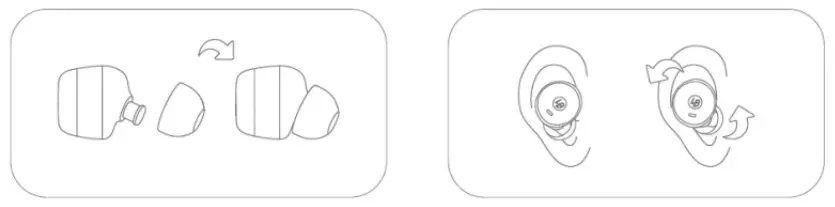
Choose the earbuds tips that fit your ears best when using for the first time.
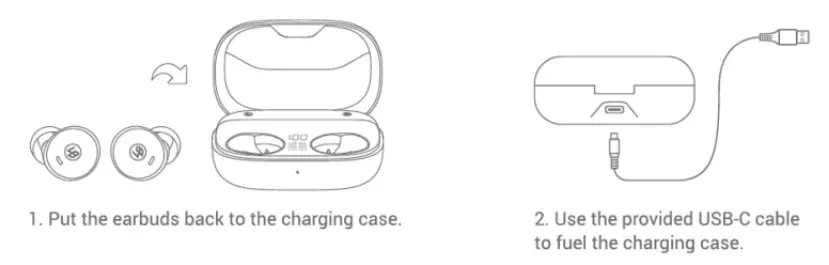
Charging
LED Behavior (Earbuds)
| Low Battery | Red light flashes every 3 second |
| Charging | Steady red |
| Fully Charged | Red light off, blue light on and then off |
Power Indicator (Charging case)
| Battery Status | Power Indicator (Charging Case) |
| 0%-33% | Flash Red |
| 33%-66% | Blue and red lights flash the same time |
| 66%-99% | Flash Blue |
| 100% | Steady Blue |
Power On/Off
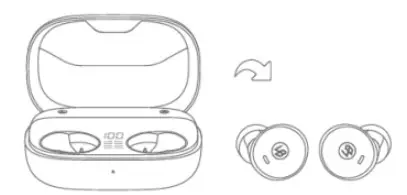
Open the charging case and take out the earbuds, and the earbuds will automatically power on.
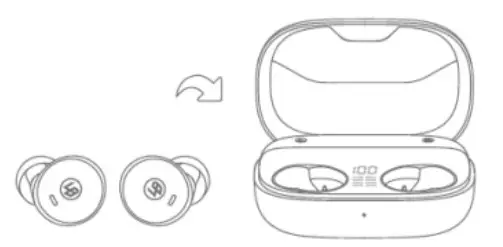
Place the earbuds back into the charging case, and the earbuds will automatically power off.
Note: To manually power on, press and hold the multi-function touch panel on either one of earbuds for 3 seconds. To manually power off, press and hold the multi-function touch panel on either one of earbuds for 5 seconds.
LED Behavior (Earbud)
| Lill | Steady blue for 1 second |
| Of | Steady red for 1 second |
Pairing
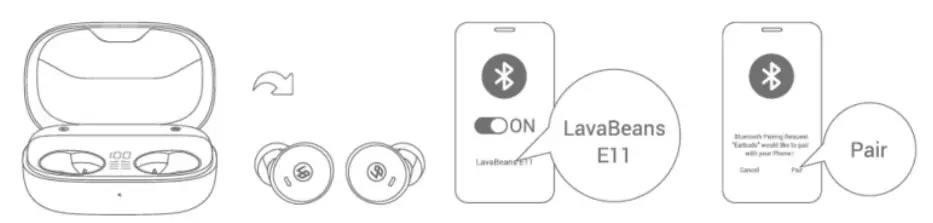
- Take earbuds out of the charging case (to enter pairing mode).
- Turn on the Bluetooth in your device settings.
- Find “LavaBeans El 1” in the Bluetooth-device options.
- Confirm to pair and enjoy your day!
Note: Each time you take your earbuds out of the charging case, they will automatically reconnect to your last paired device (about 20s).
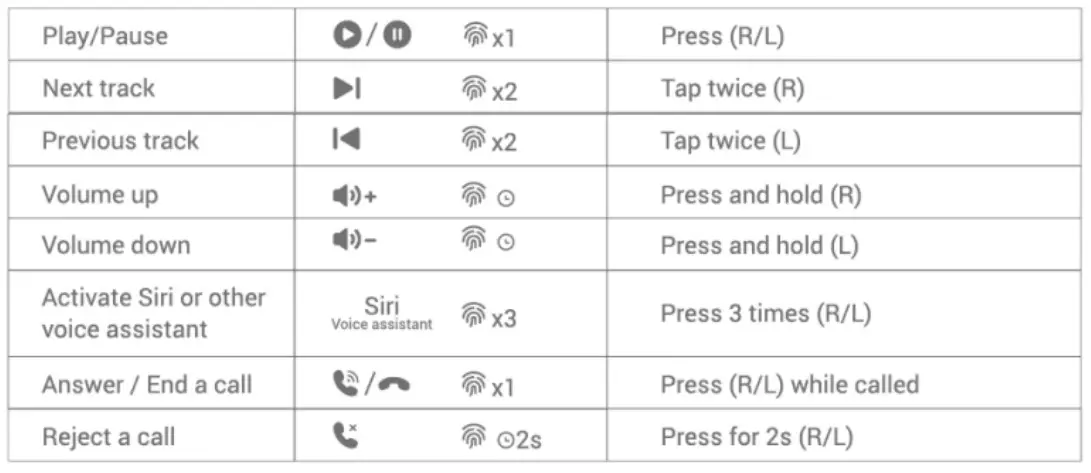
Touch Controls
Reset
If two identical earbud names are displayed in the Bluetooth device list, or if only one earbud connects the phone or the two earbuds cannot pair with each other, please reset it.
- Turn off the Bluetooth and take the earbuds out of the case.
- Double tap the touch panel on both earbuds quickly at the same time when red and blue lights flash in turn.
- The blue light will blink for 2-3 seconds to start the pairing mode.
- Put them back in the case after the red and blue lights blink simultaneously.
- Turn on the Bluetooth, re-pair them with your device and play audio to test.
Warranty
Thank you for choosing LavaBeanss LB-El 1 True Wireless Earbuds. We are always committed to providing you with the superior products and services. LavaBeans promises:
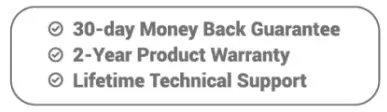
If for any reason you are not fully satisfied, please contact us with the order number at [email protected] and you may get timely assistance, replacement or refund. We are always here to help.