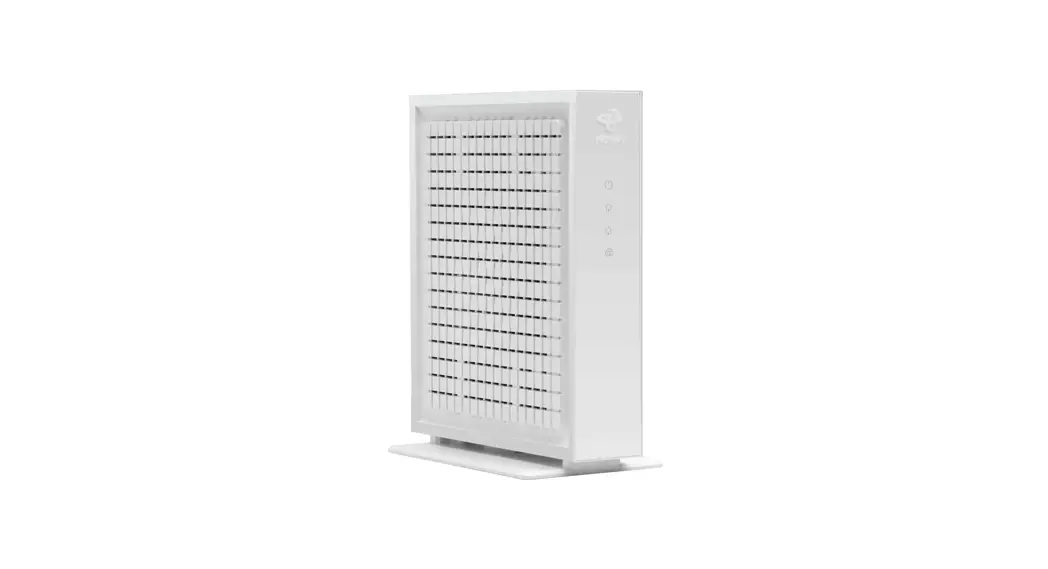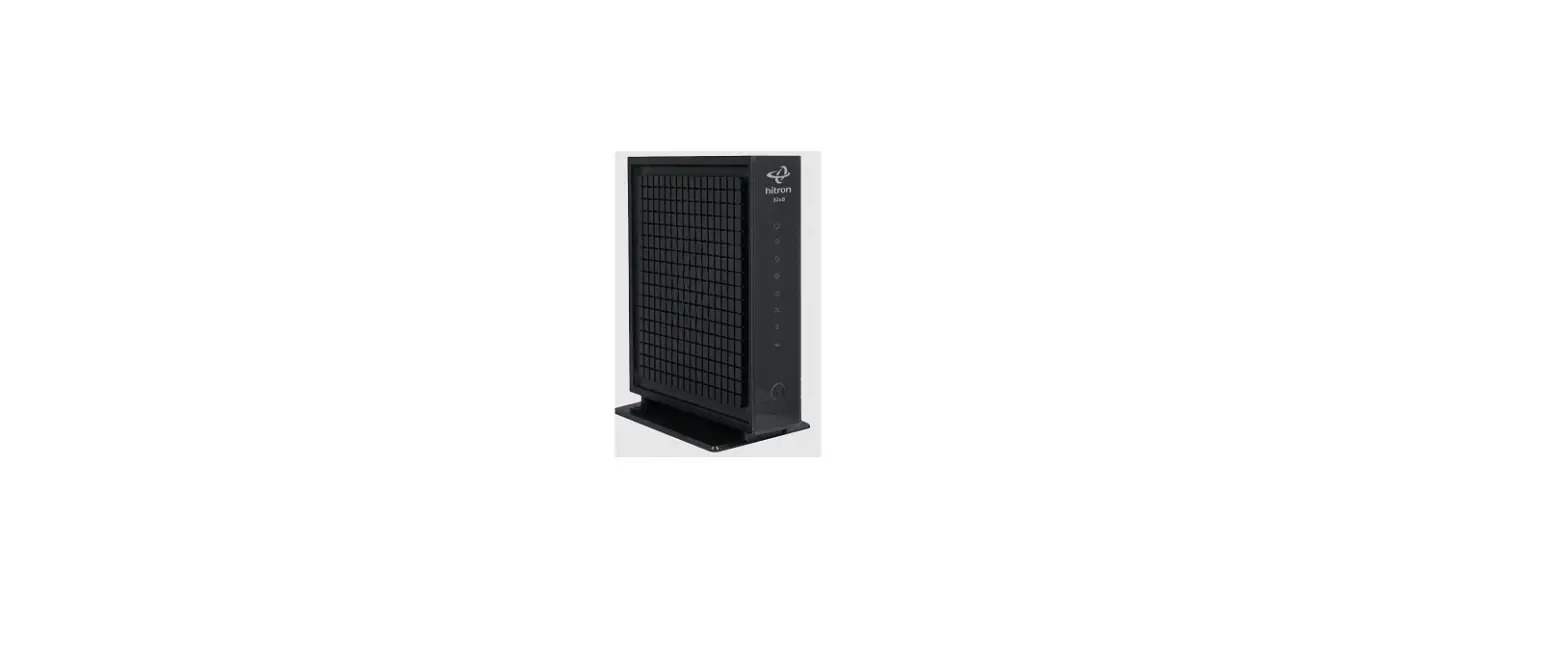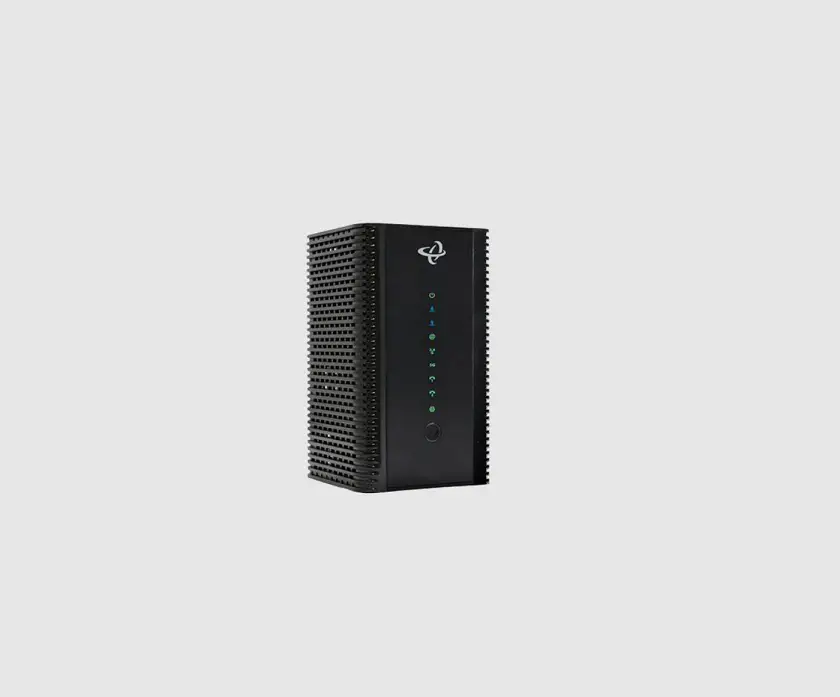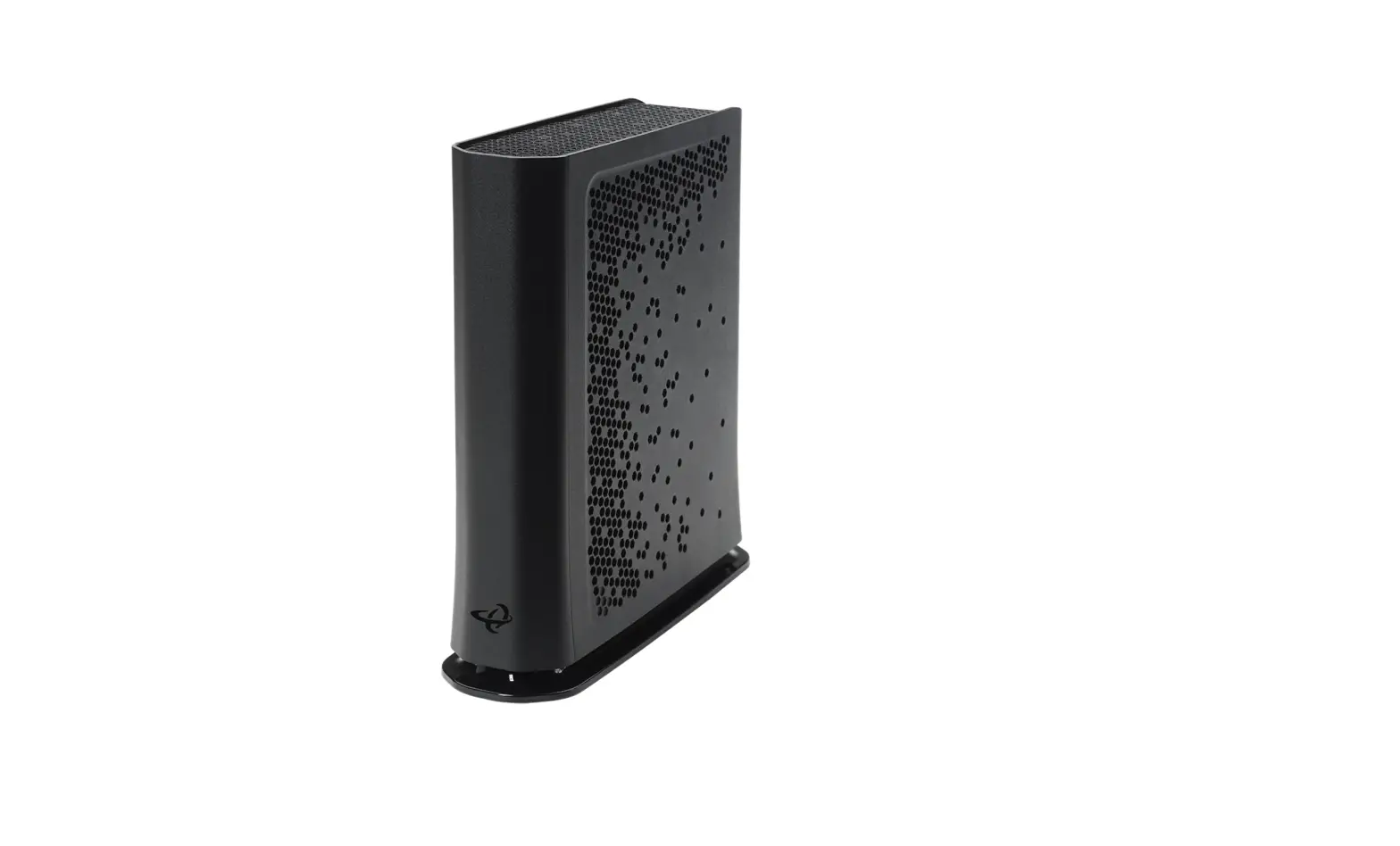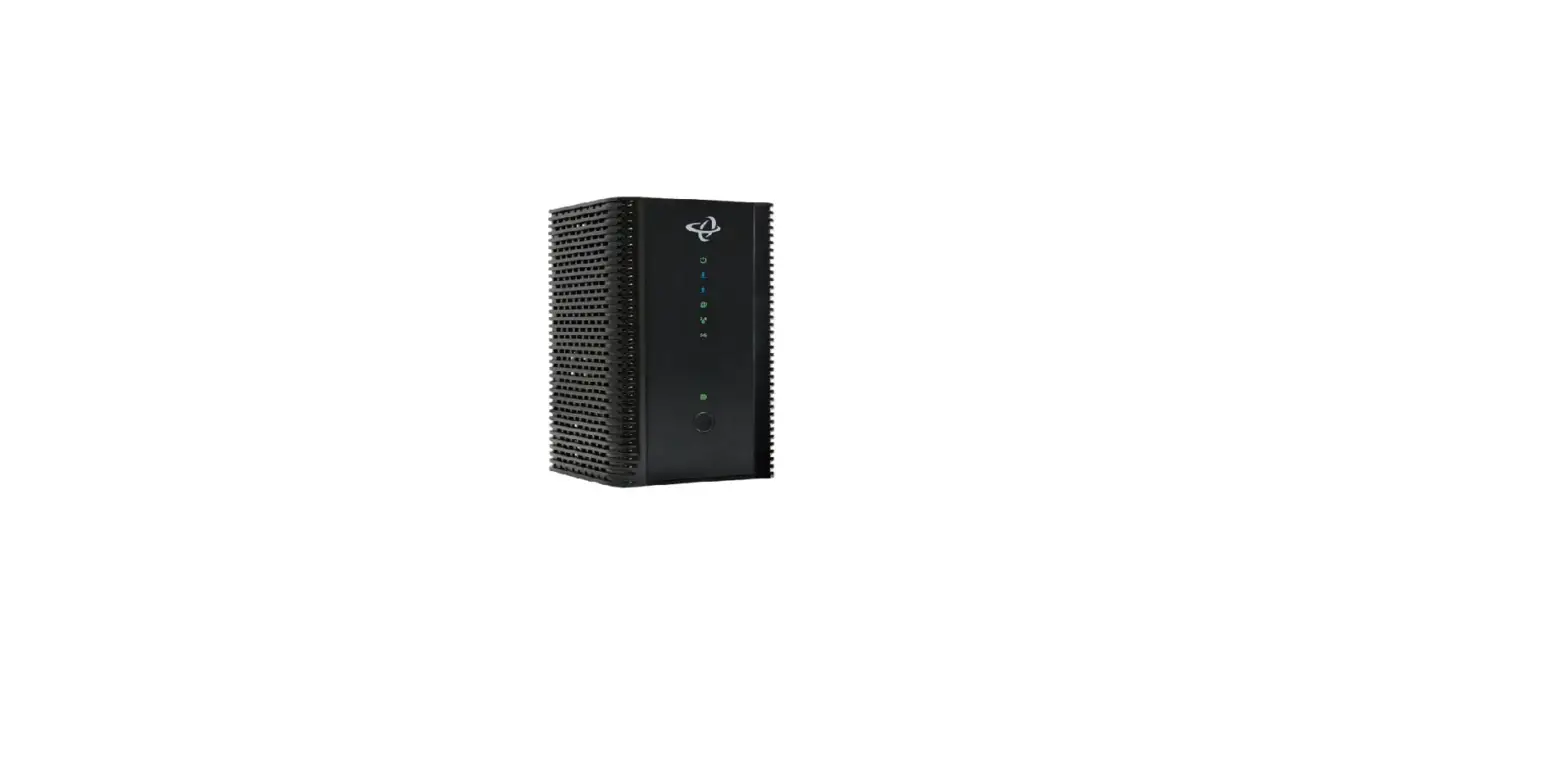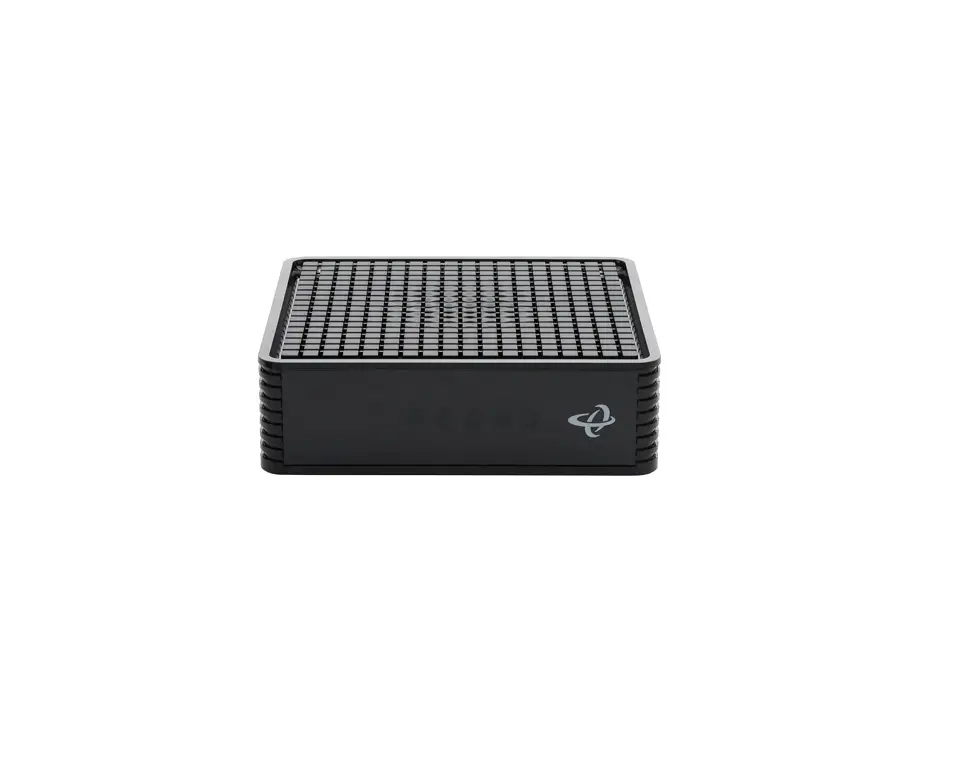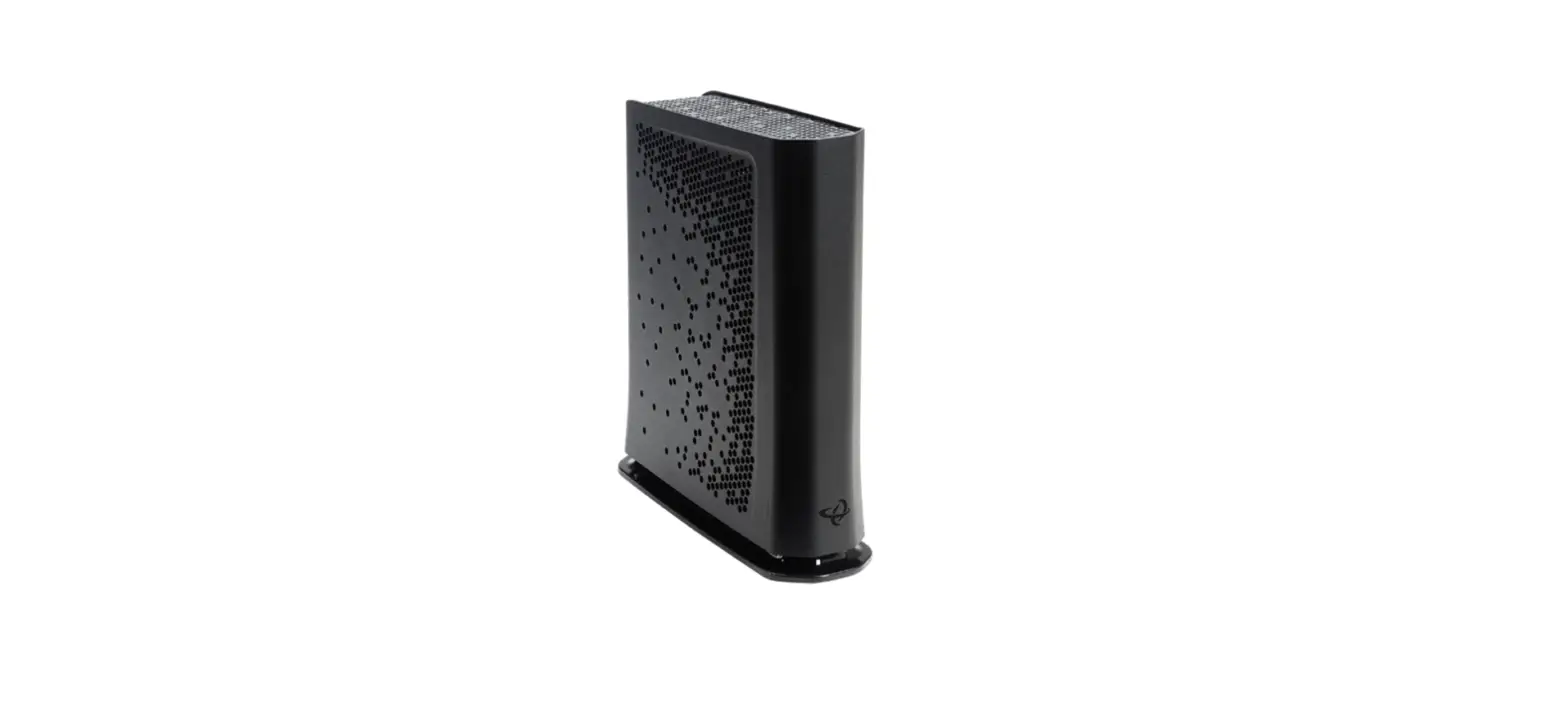

Shaw Business Hitron CODA-5810 Modem
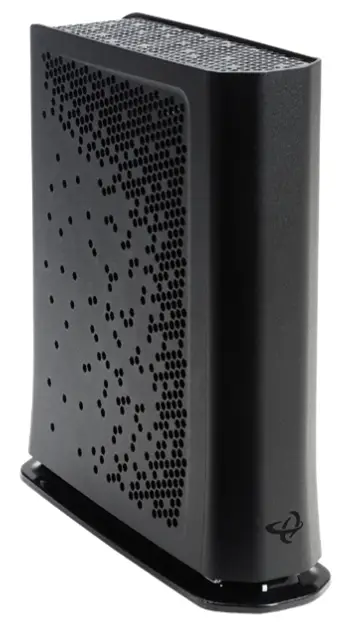
WHAT TO DO WITH YOUR OLD MODEM.
Visit business.shaw.ca/selfconnect for more information on where to return or recycle your modem.
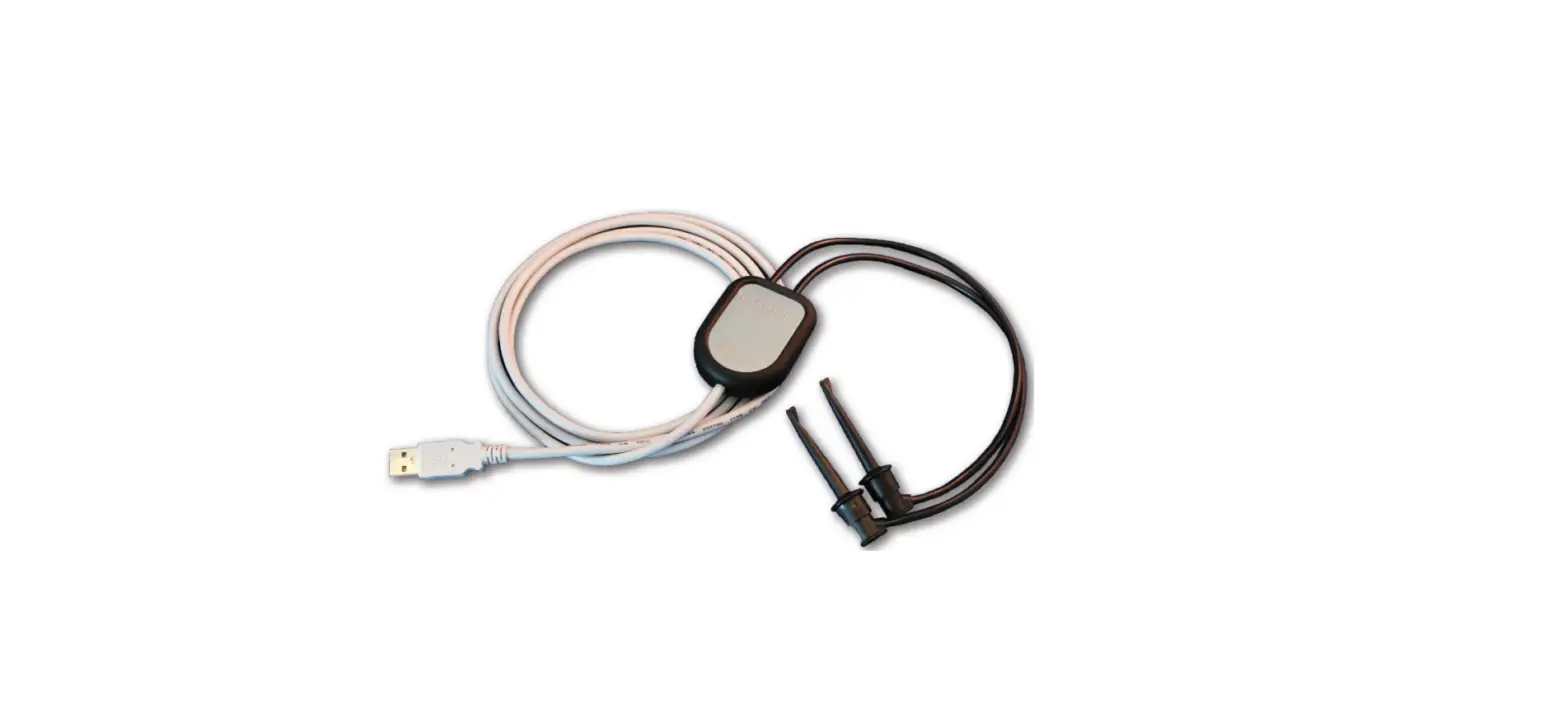
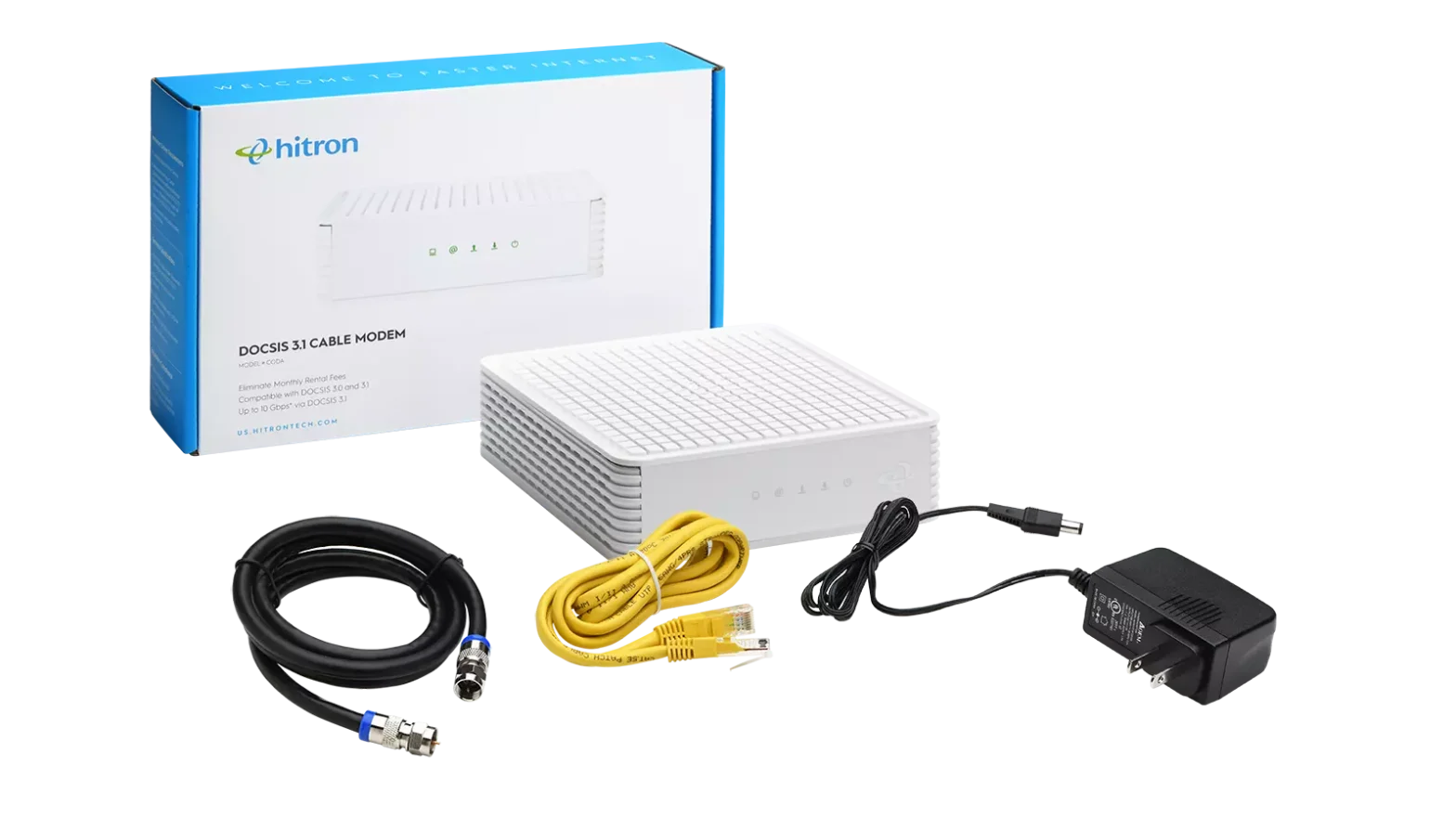
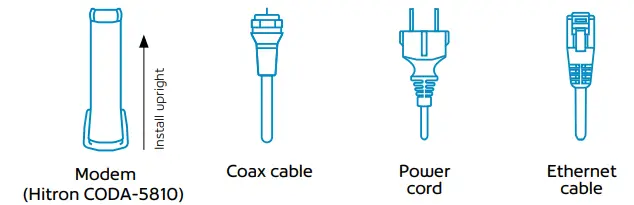
WHAT’S IN THE BOX
For more information on how to activate your modem, visit our support page. Scan the QR code with your camera app on your phone.
LET’S GET CONNECTED
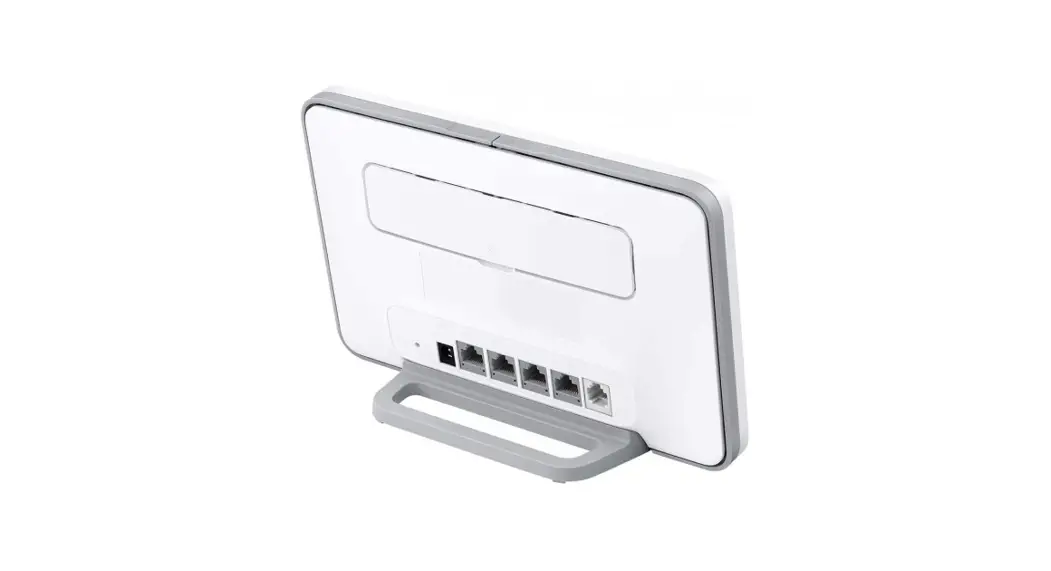
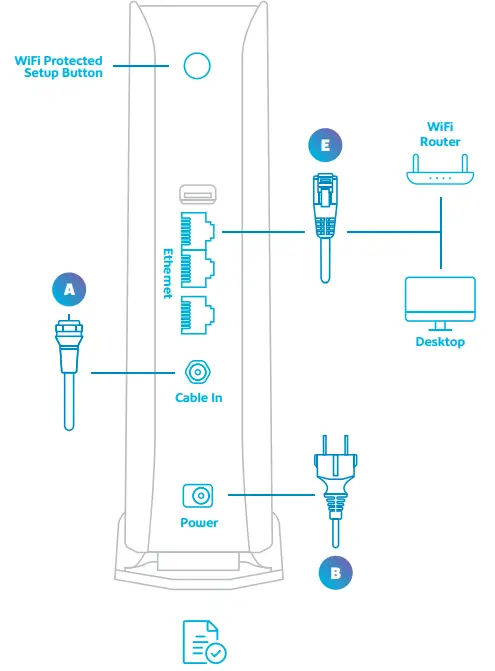
The connections on your new modem may not be exactly as shown. Once you have completed steps A through C, give us a call at 1-877-742-9249 and we’ll help you activate your modem.
- Connect the coax cable.
- Connect the power cord and power up the modem. Allow the modem to download any firmware.
- Contact Shaw Business Technical Support at 1-877-742-9249 to activate the modem and finalize the connection. Our technical support team will assist you with the following steps:
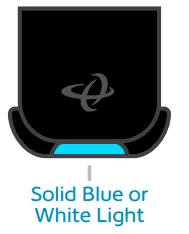
- Wait for solid online lights: Wait for the front light on the bottom of the modem to showcase a very light blue or white solid light.

- Connect your ethernet cable(s) if you are using a wired connection to your device(s).
- Enable your WiFi: Check to ensure your WiFi is enabled on all wireless devices.
- Connect to your WiFi: This will be the network name and password that you set up during your easy connect process.
- Once you have logged into the default network, you can begin setting up your custom network name & password: Open a new web browser and follow the on-screen Easy Connect instructions.
- Password must be at least 8 characters.
- Change your cusadmin password to your modem serial number.
- Update the password to the modem serial number for security – the password will be the same as your first SSID password.
- When unpacking your new modem be sure to remove all the protective plastic film or the device may overheat.

- Note: If you have your own router that you would like to keep active, please visit business.shaw.ca/selfconnect for details on your unique set-up details.
WE’RE HERE TO HELP
- Please visit business.shaw.ca/selfconnect for more info and helpful tips.
- You can also email Shaw Business Technical Support at [email protected] or call 1-877-742-9249 if you have any questions.
 Shaw Business Self-Connect and Set-Up Support