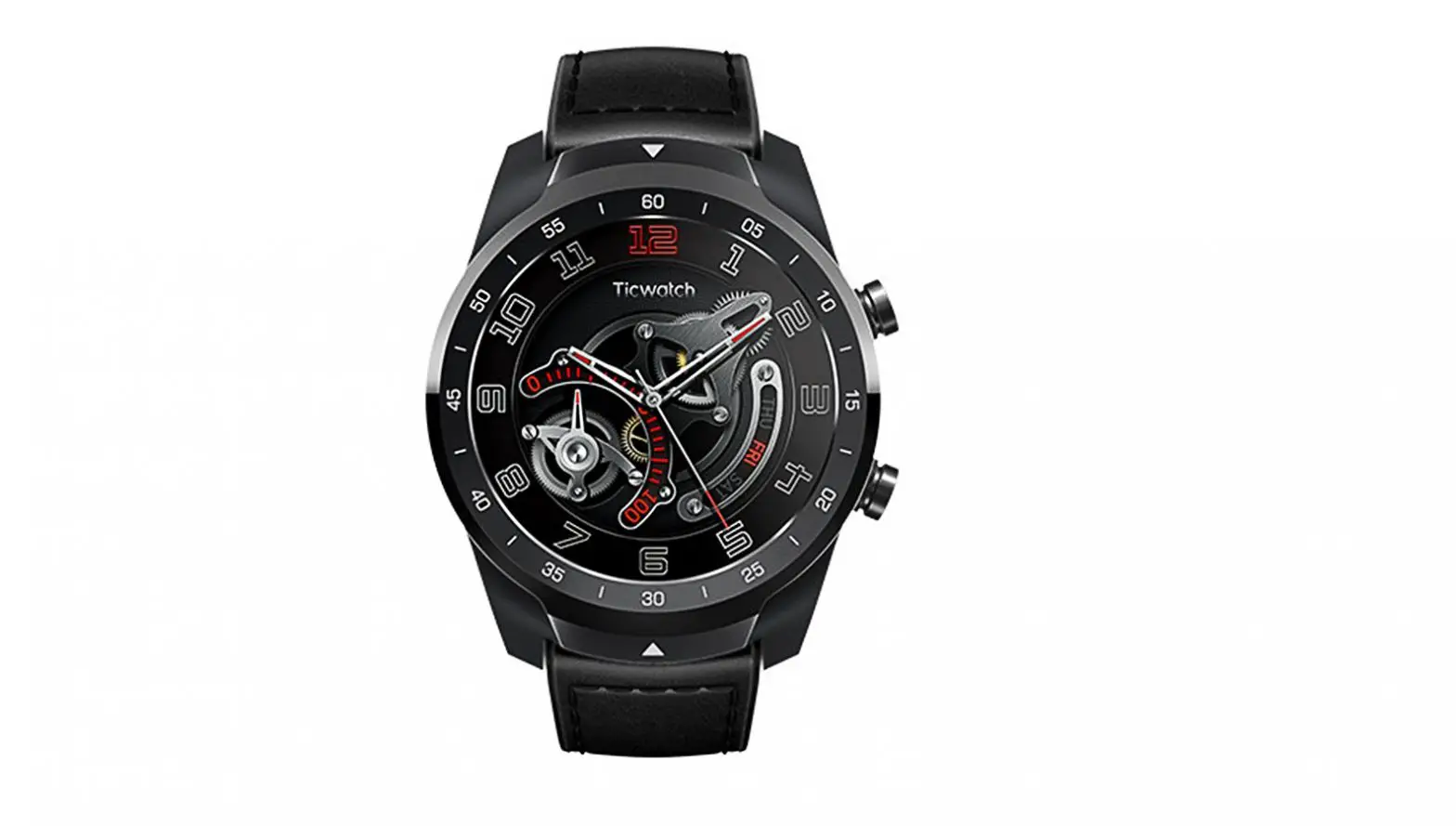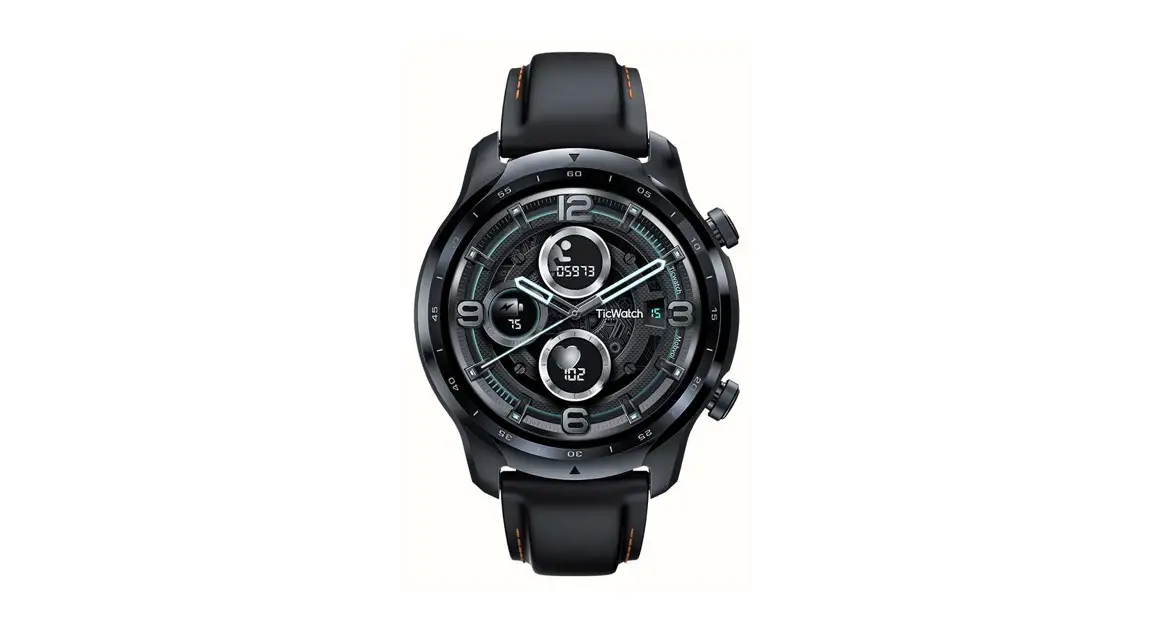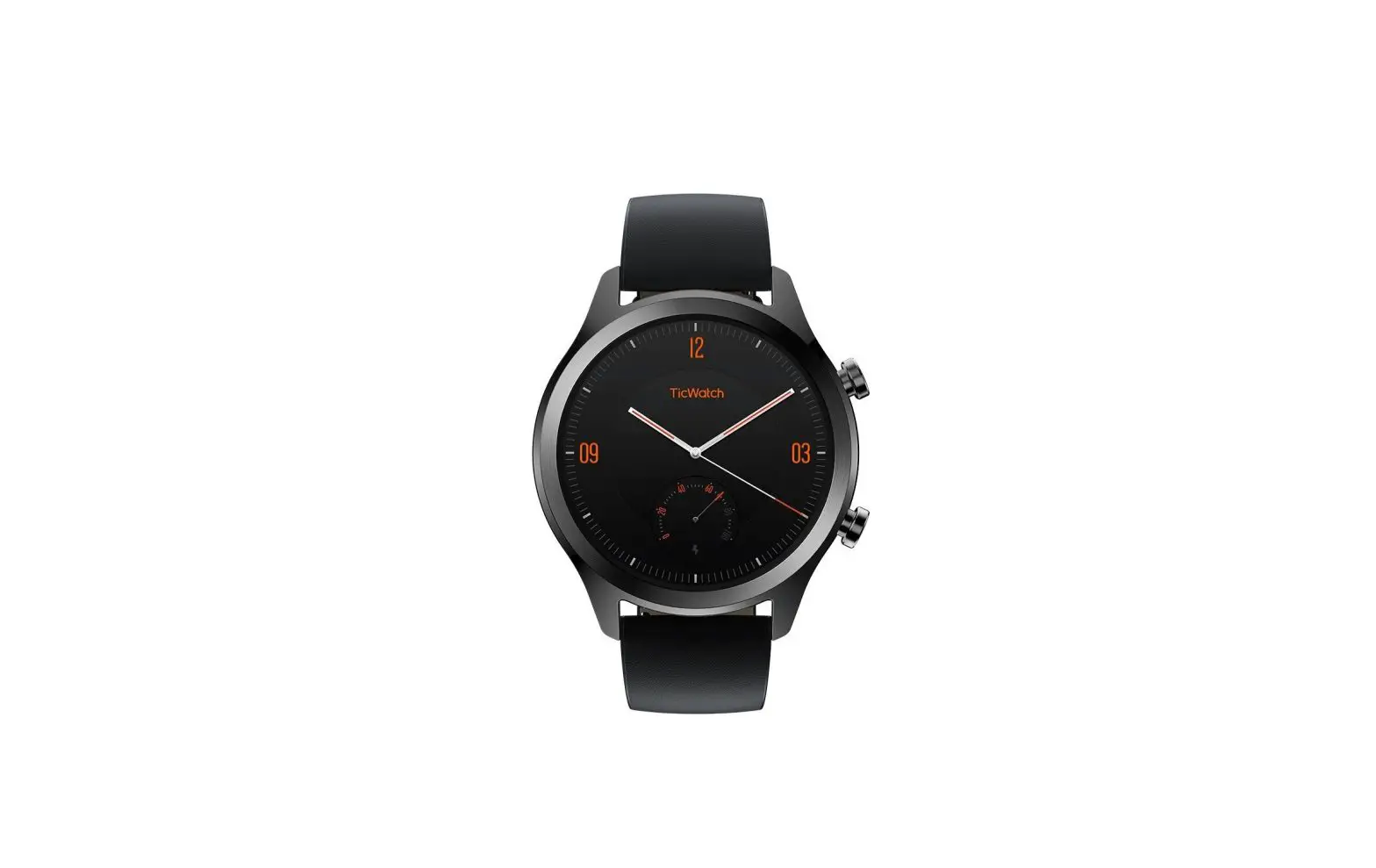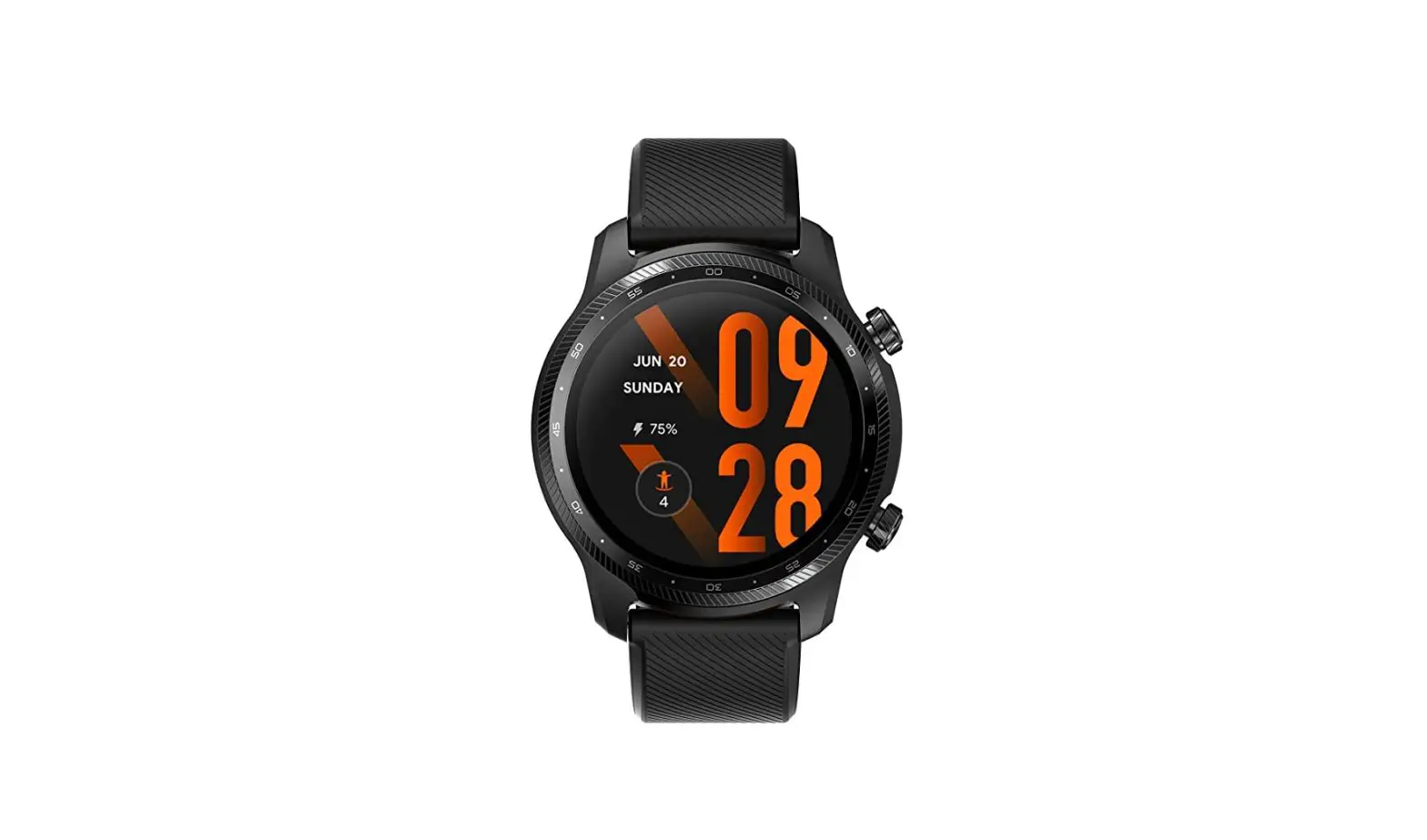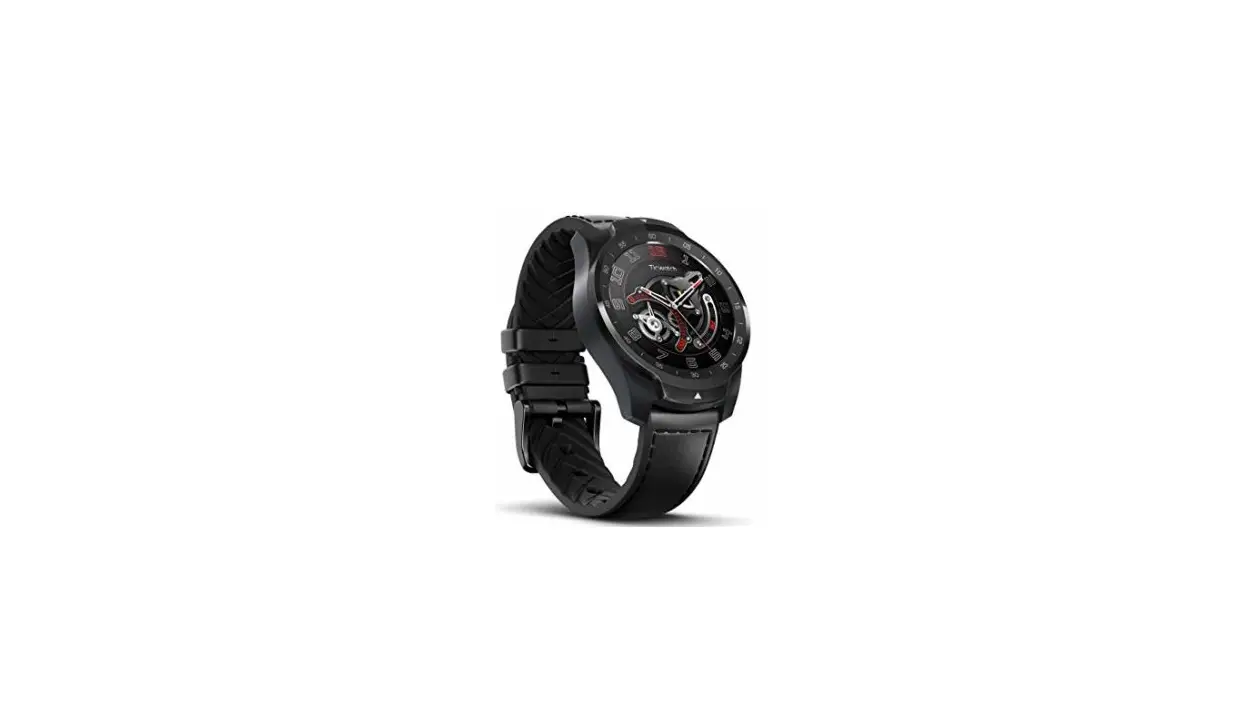
Mobvoi Smart Watch TicWatch User Guide

Charging Switch
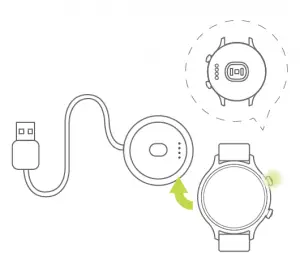
Magnetic touch charging base: With magnetic touch charging technology, TicWatch can be charged after the metal
contact point is connected to the charging port of the watch.
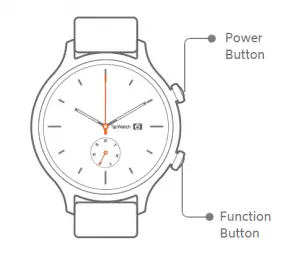
Click | Double Click | Long Press | |
Power Button | App List | While power voice assistan While power power on | |
Function Button | Customizable Settings (enabled by default) | Google Pay | System Shortcut menu |
Paired Connection
- Pair Wear OS by Google™. Download the Wear OS by Google app on Google Play Store. After the watch is
turned on, follow the APP prompt to pair. - Pair Mobvoi app Download the Mobvoi app on Google Play Store to pair the watch and obtain more data.
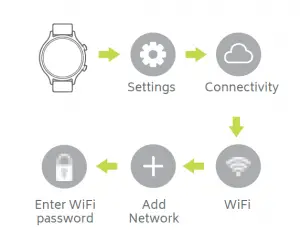
WiFi Connection
Message Notifications
- Allow the Wear OS by Google app to accept message notifications on the phone settings.
- Android™ phones may some time self-start and adjust battery optimization and other settings which might affect the ability for the Wear OS by Google app to
run in the background.
 Mobvoi.com - TicWatch smartwatch TicPods Free | Official Website 智能移动语音搜索