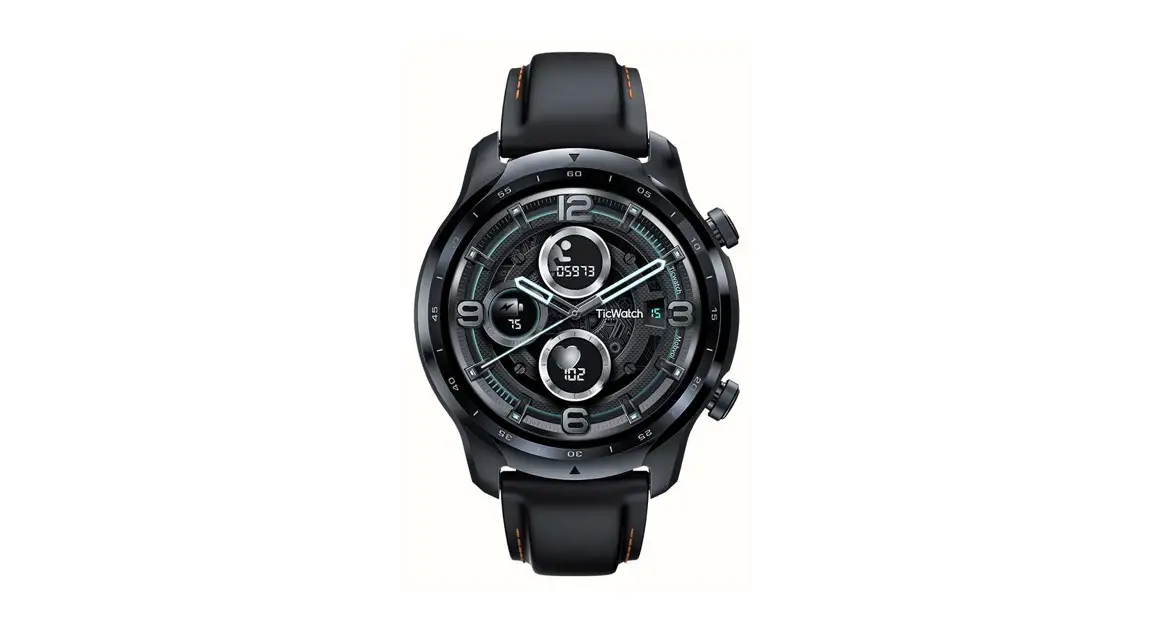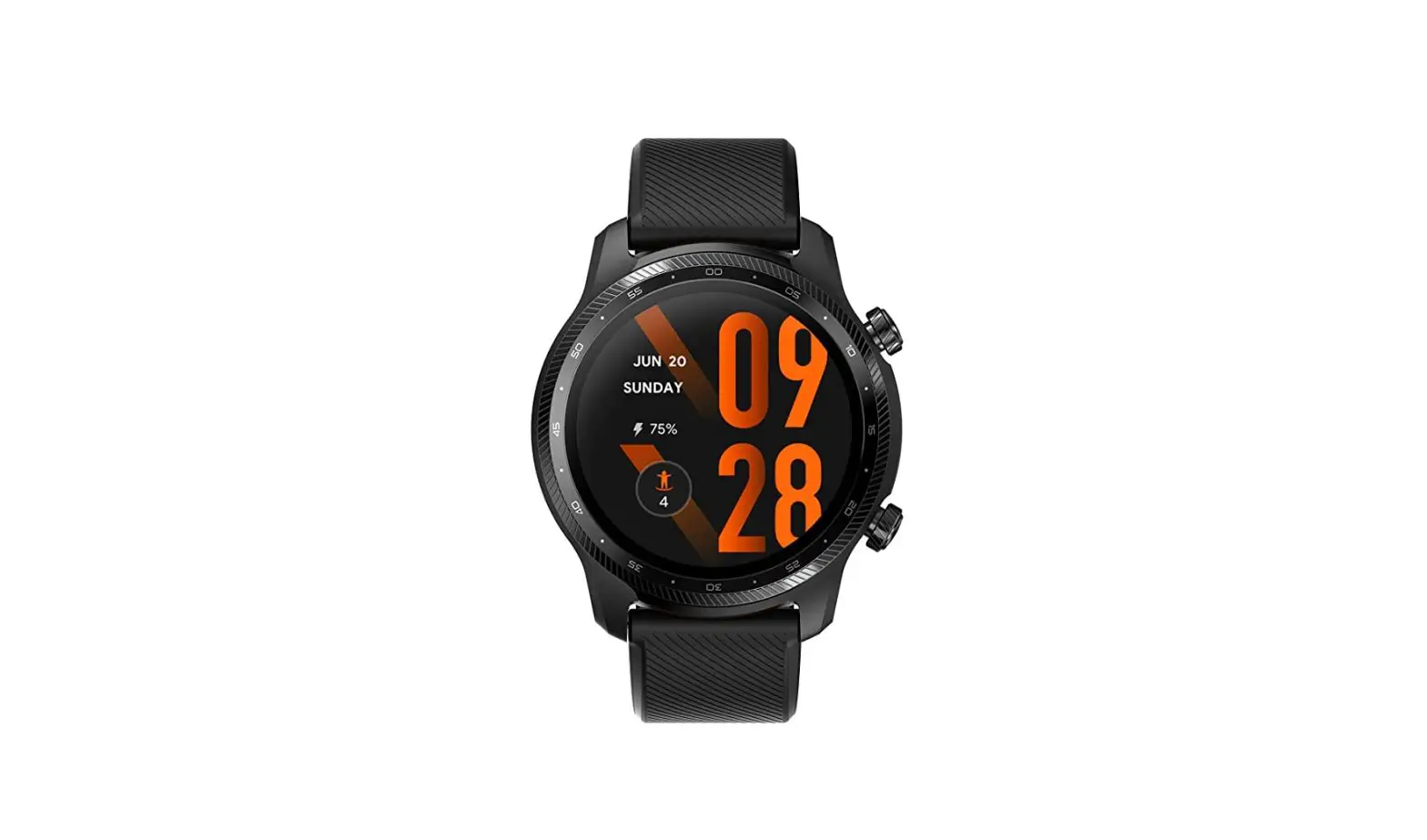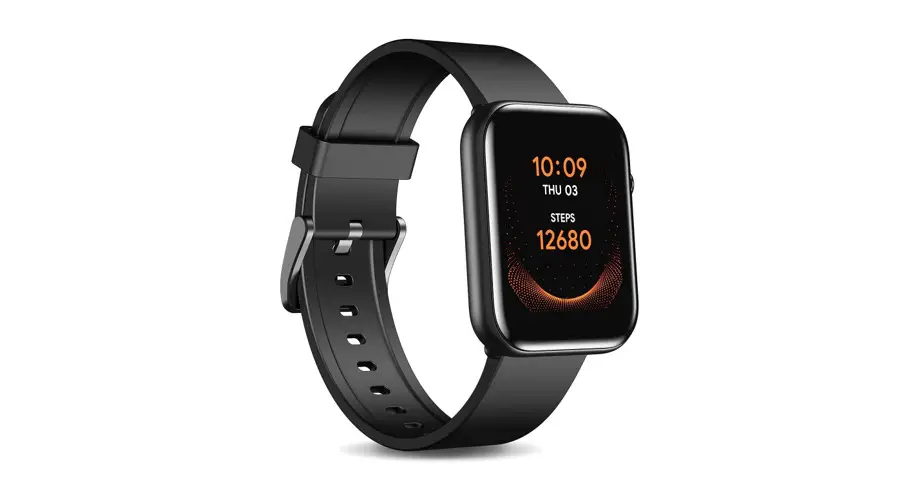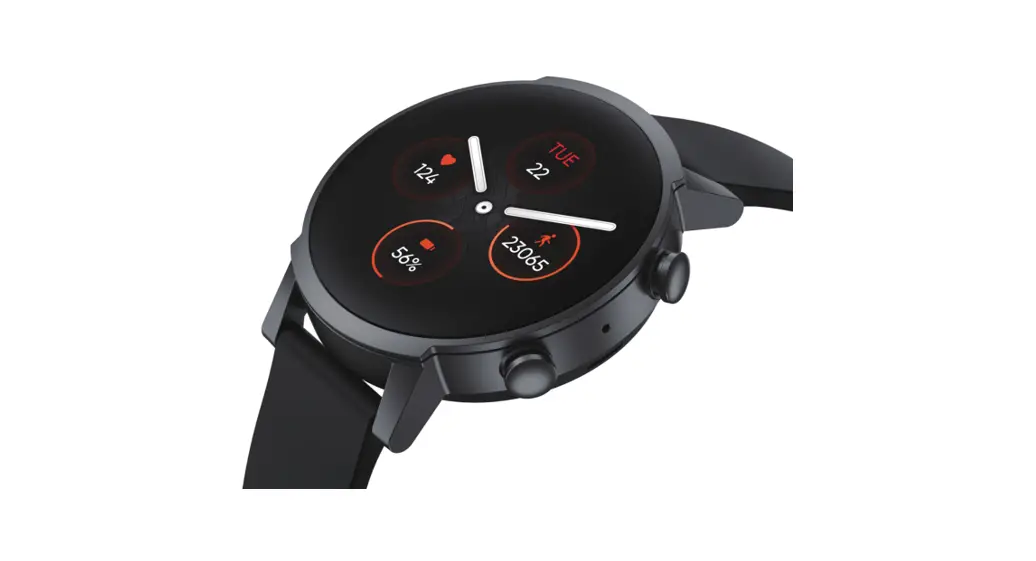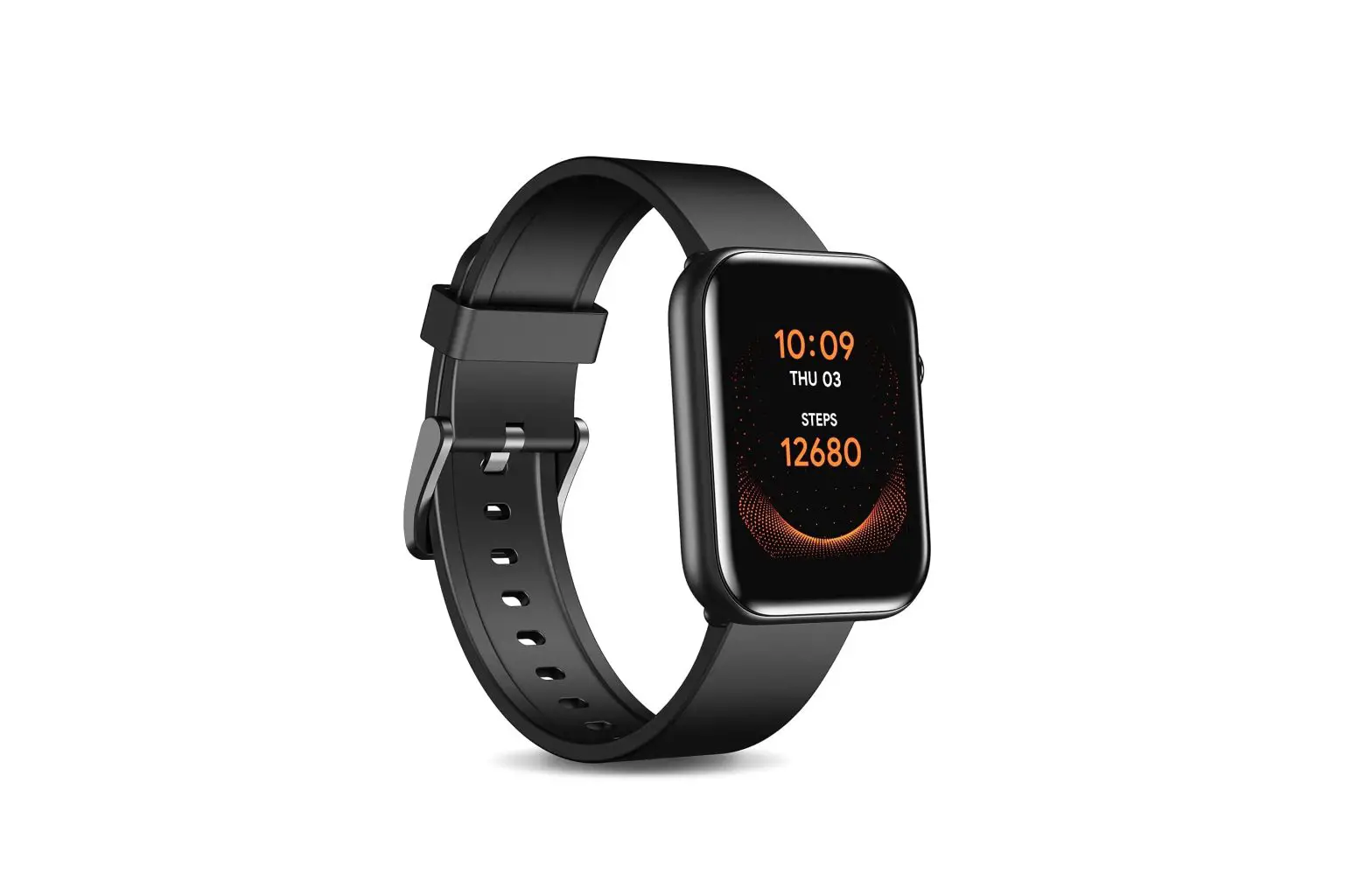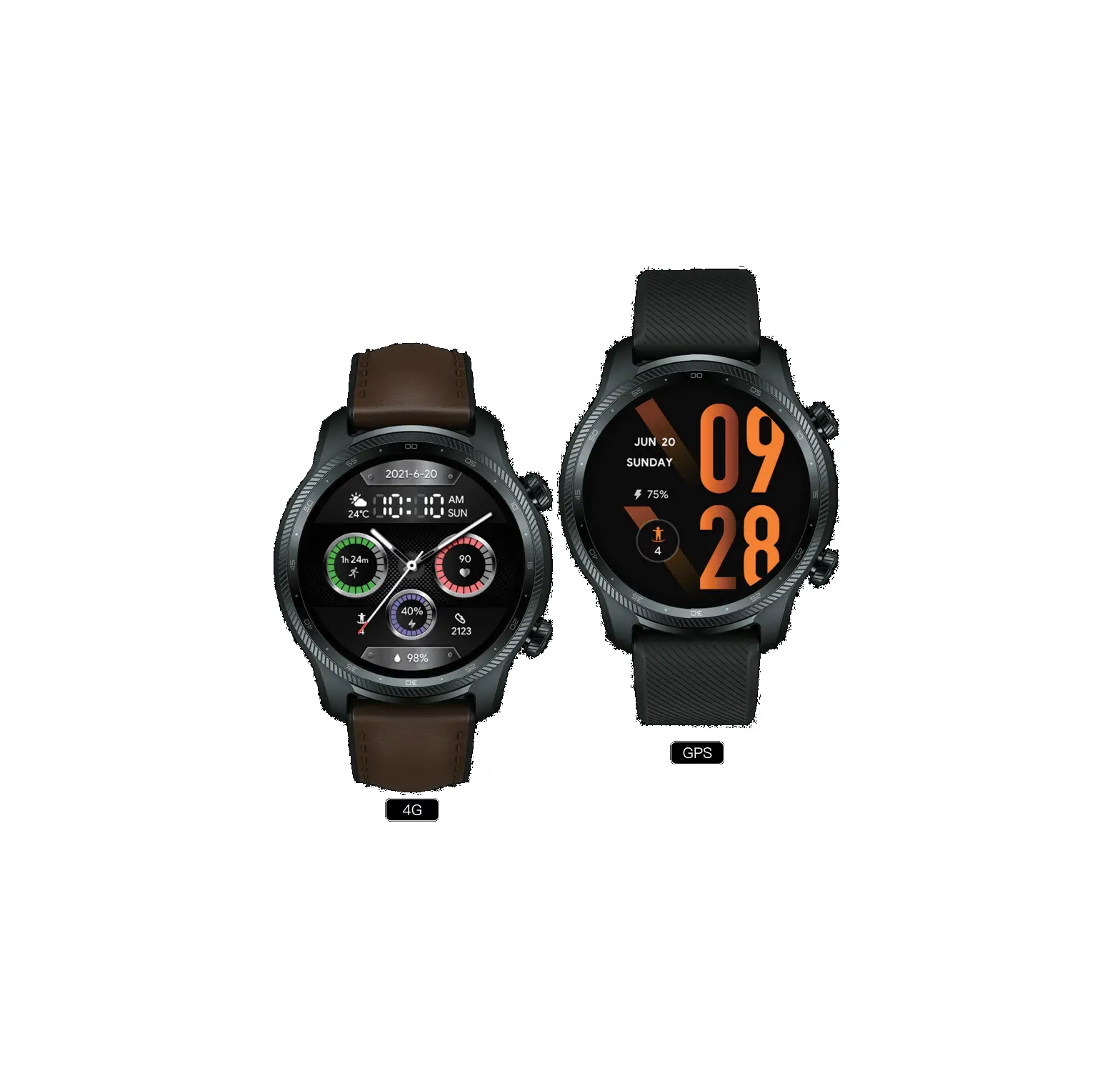
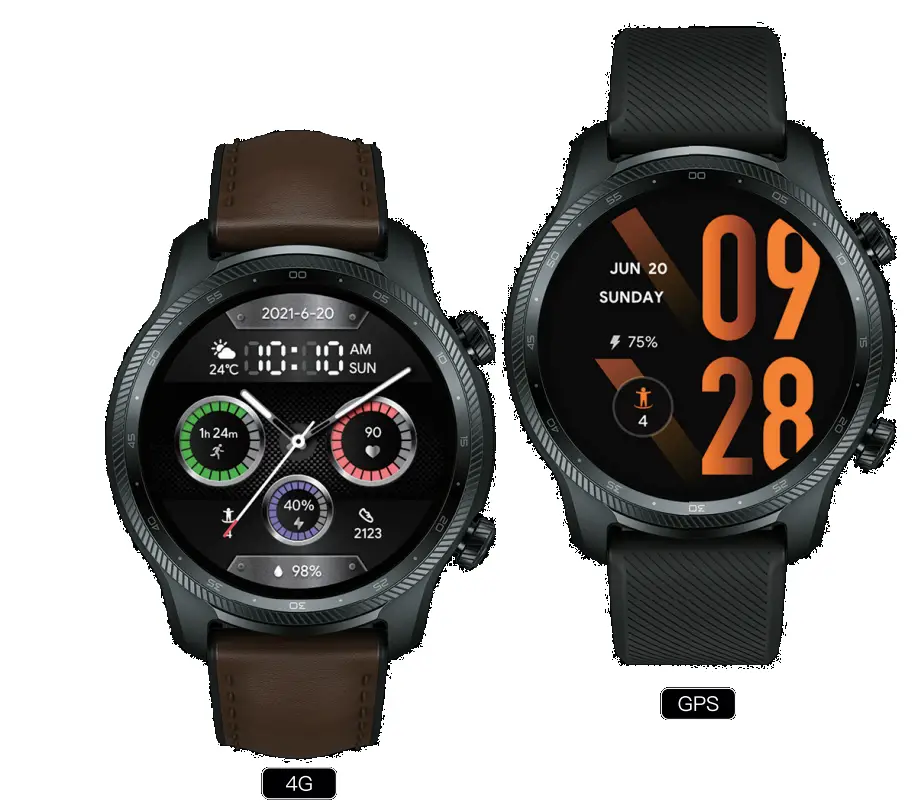
mobvoi TicWatch Pro 3 Ultra GPS Smartwatch
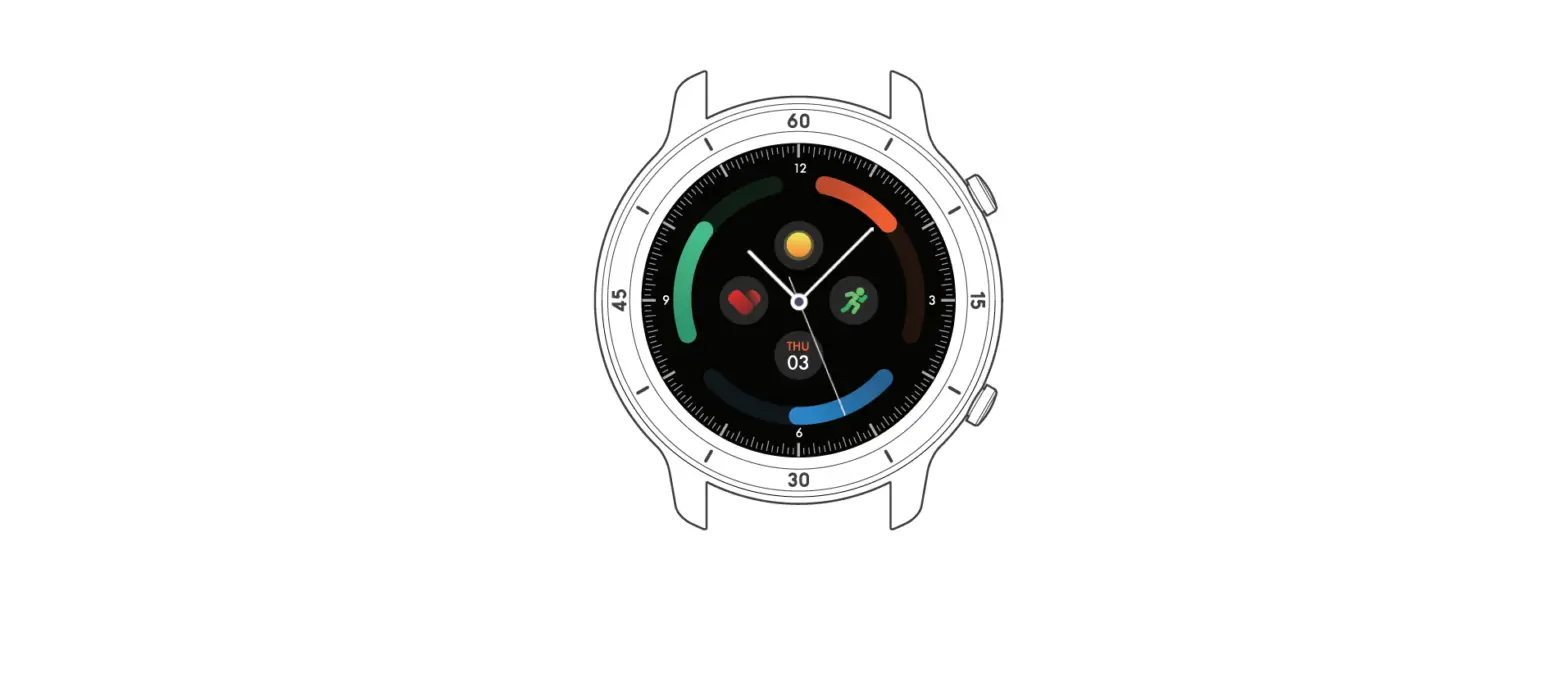
Product Appearance
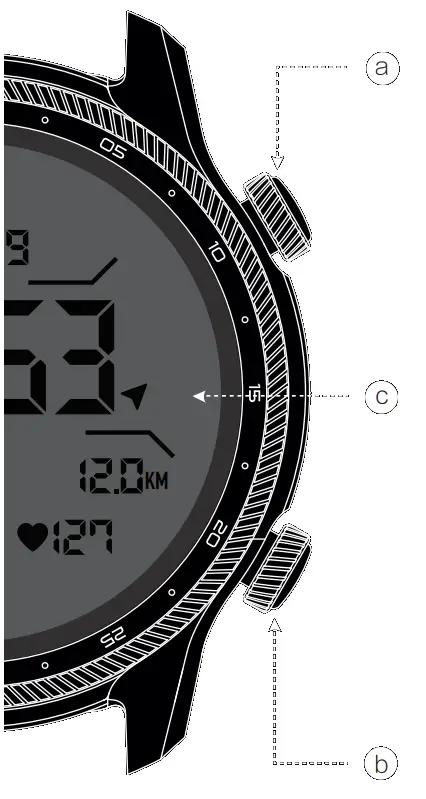
a. Power Button
- Press and hold for 3 seconds to turn on your watch.
- Press to open the application list or return to the Home screen.
- Press and hold for 2 seconds to wake up the voice assistant.
- Press and hold for 5 seconds to restart and access the boot menu.
- Press and hold for 10 seconds to force restart the watch.
b. Multi-function Button
- Press to start TicExercise.
- Long press to get to quick settings.
c. Touch Display
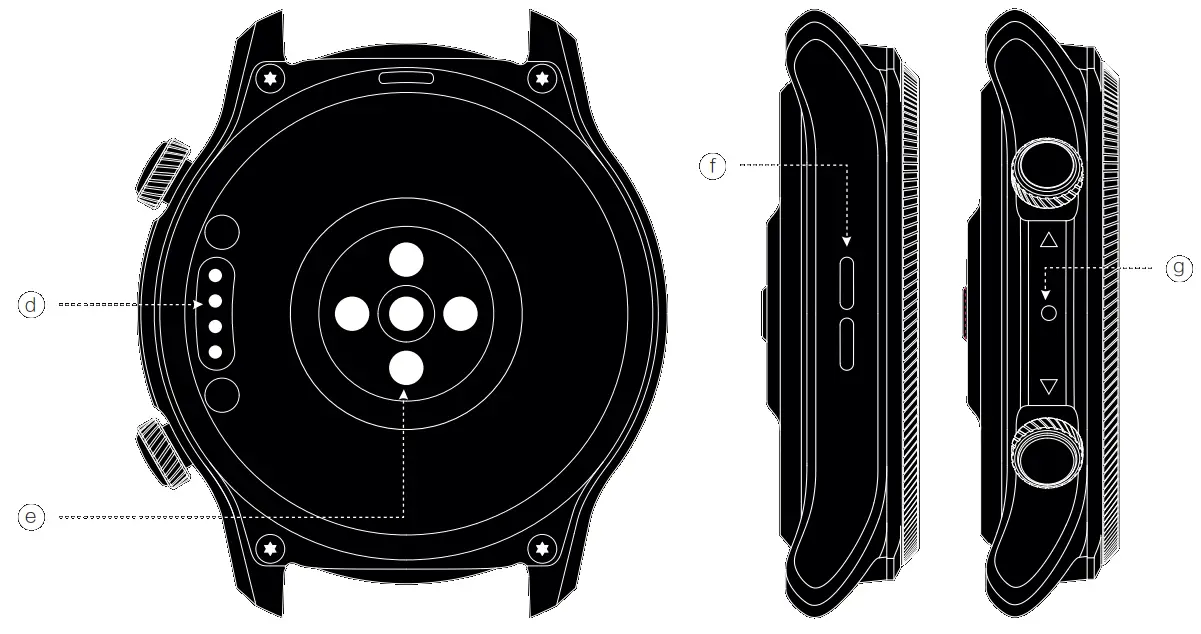
d. Charging port
e. HD PPG sensor f. Speaker
g. Microphone
Connect your smartphone
- Download the Wear OS by Google app by scanning the Wear OS QR code or from the Google Play Store/Apple App Store. Follow the instructions on your smartphone and TicWatch to complete setup.
- Download the Mobvoi app by scanning the Mobvoi QR code or from the Google Play Store/Apple App Store.
 |  |
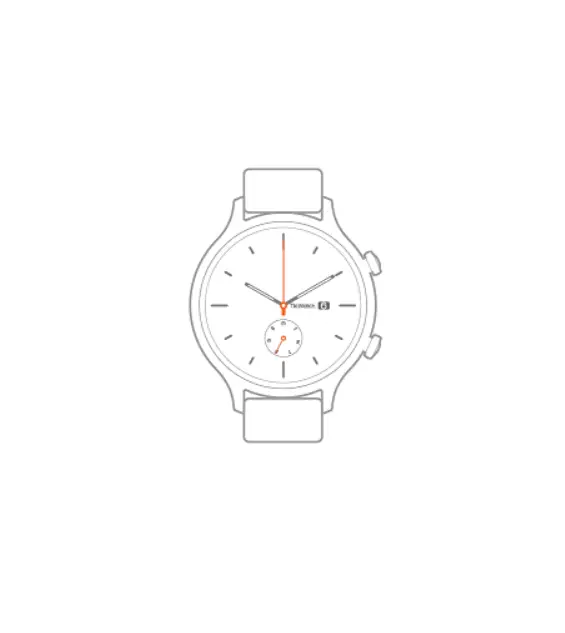
Backlight color
Change the backlight color according to your preference with Tilt-to-wake disabled. To change color, go to Essential Mode > Settings > enable Tilt to light up backlight, and select the Backlight color you prefer.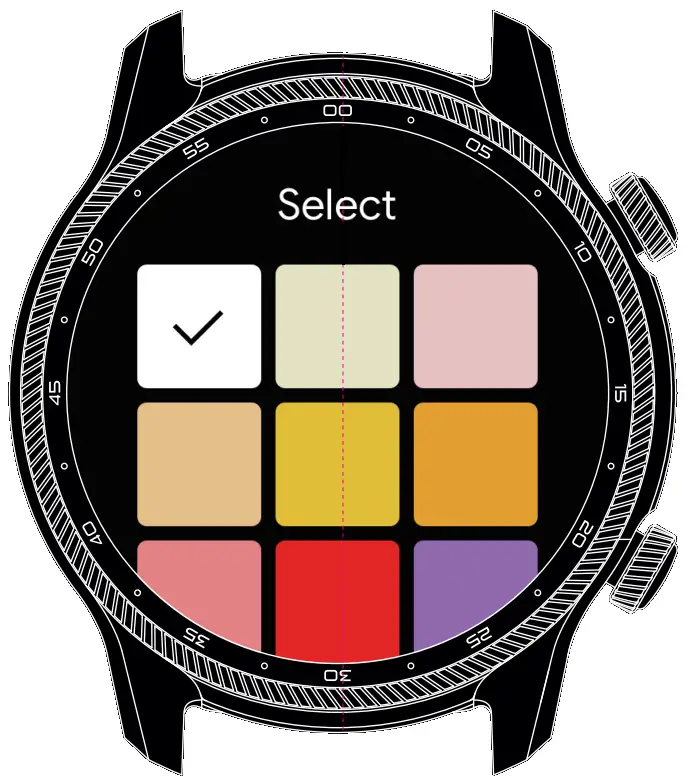
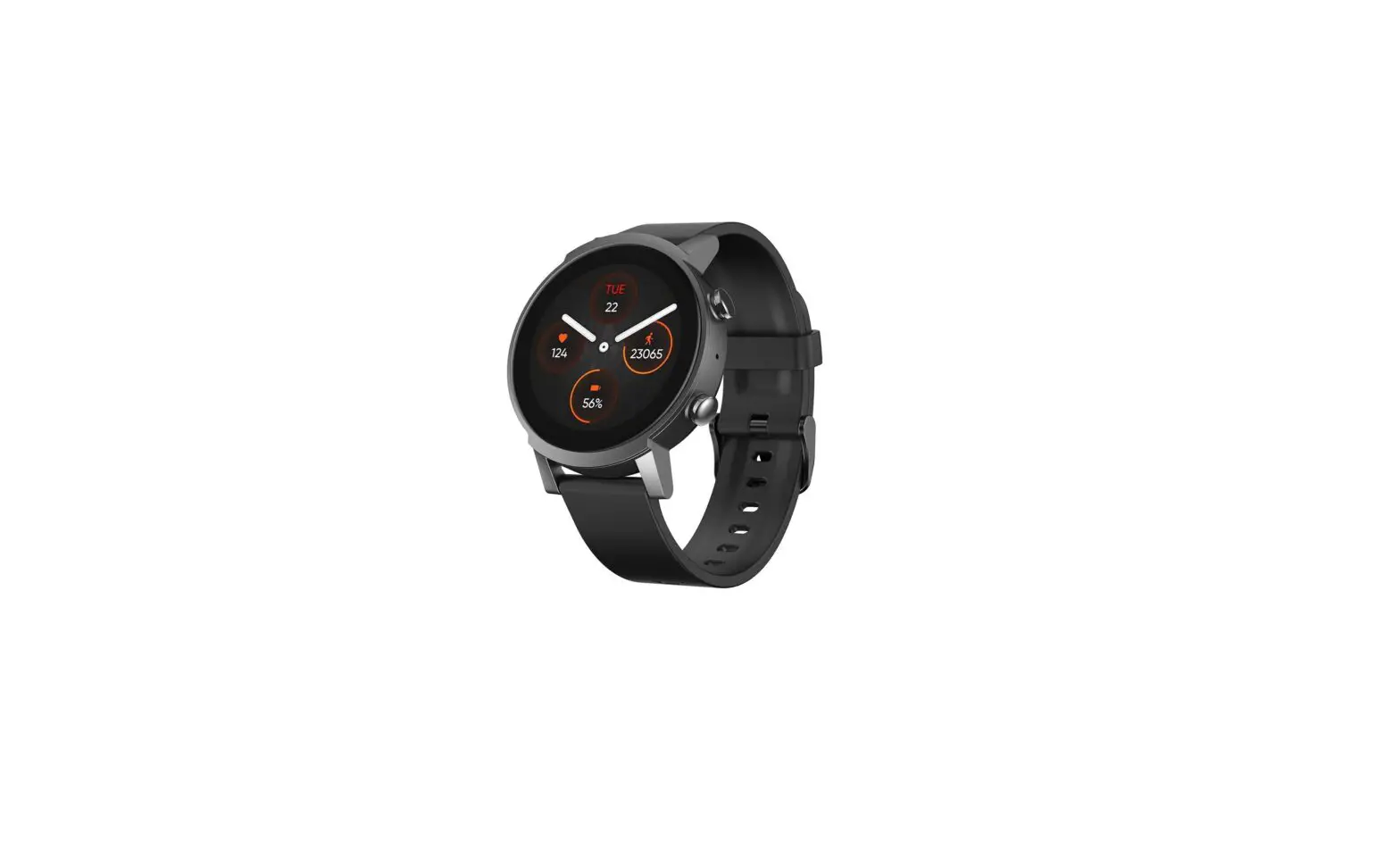
Heart health
Heart health monitoring is disabled by default. To enable it, go to TicPulse > Heart Health. To enable 24h monitoring, go to TicPulse > Settings > Labs > 24h heart health monitoring.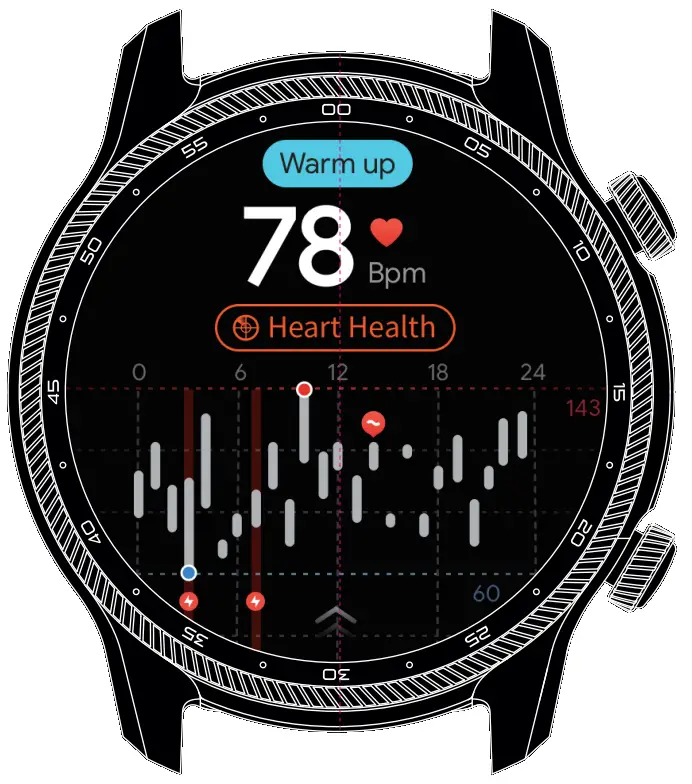
More Apps


 Mobvoi.com - TicWatch smartwatch TicPods Free | Official Website 智能移动语音搜索