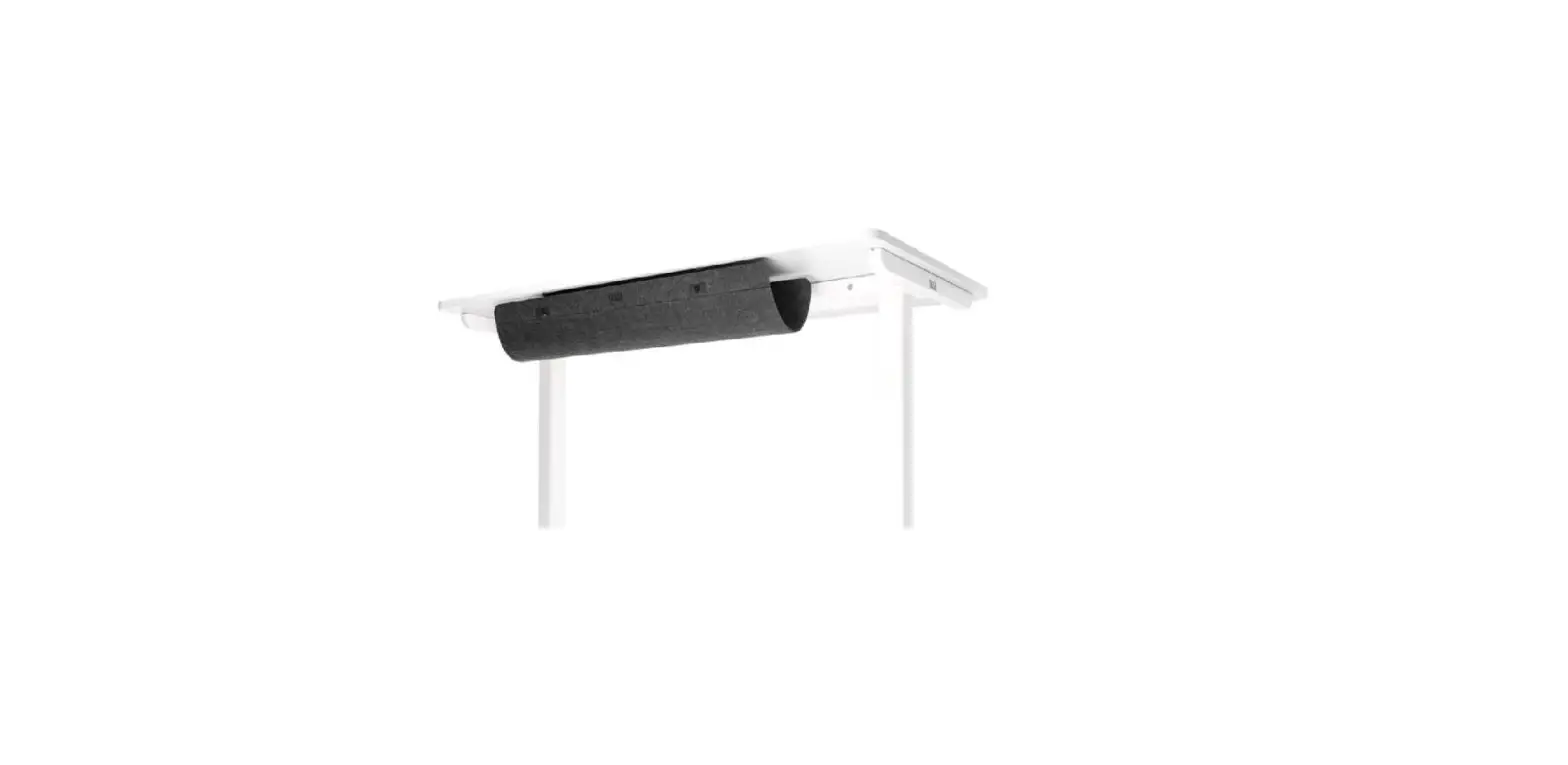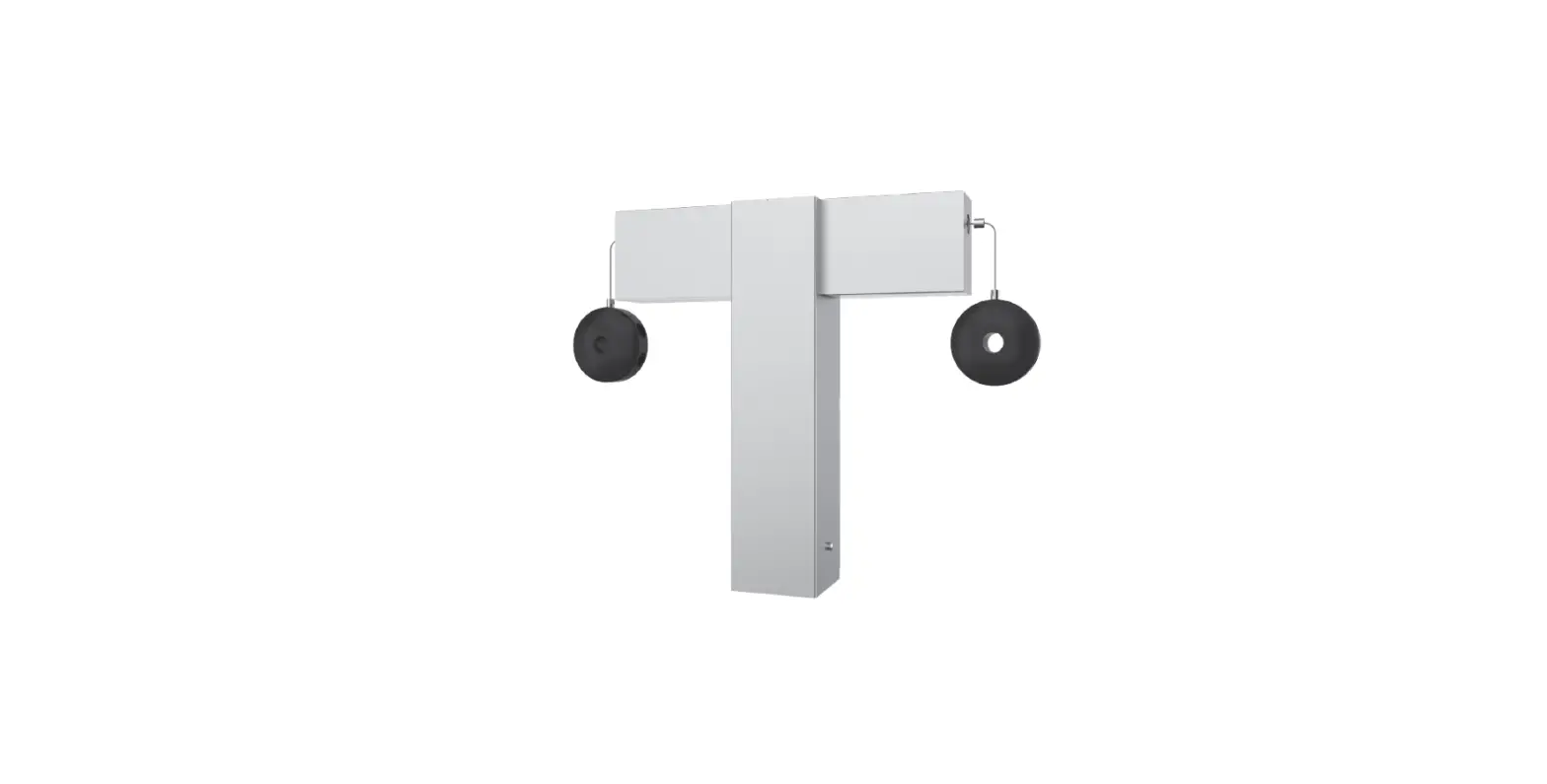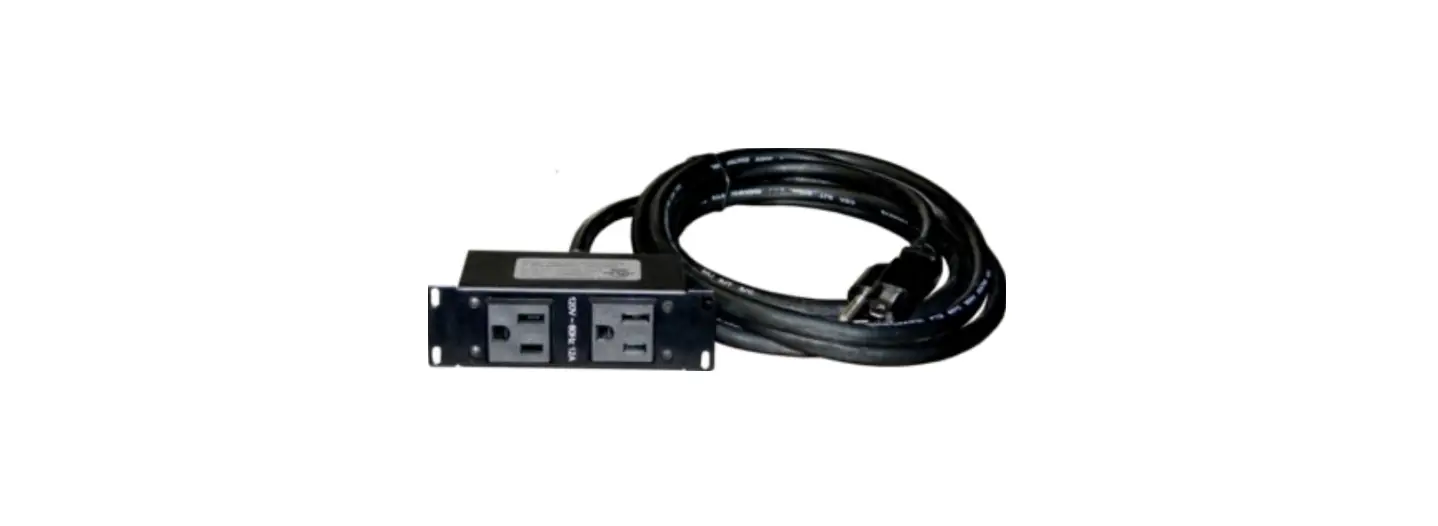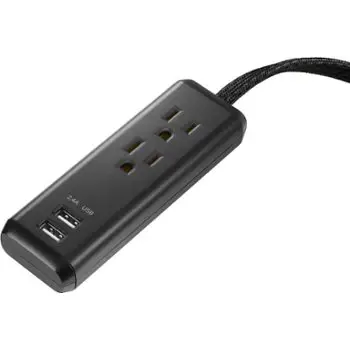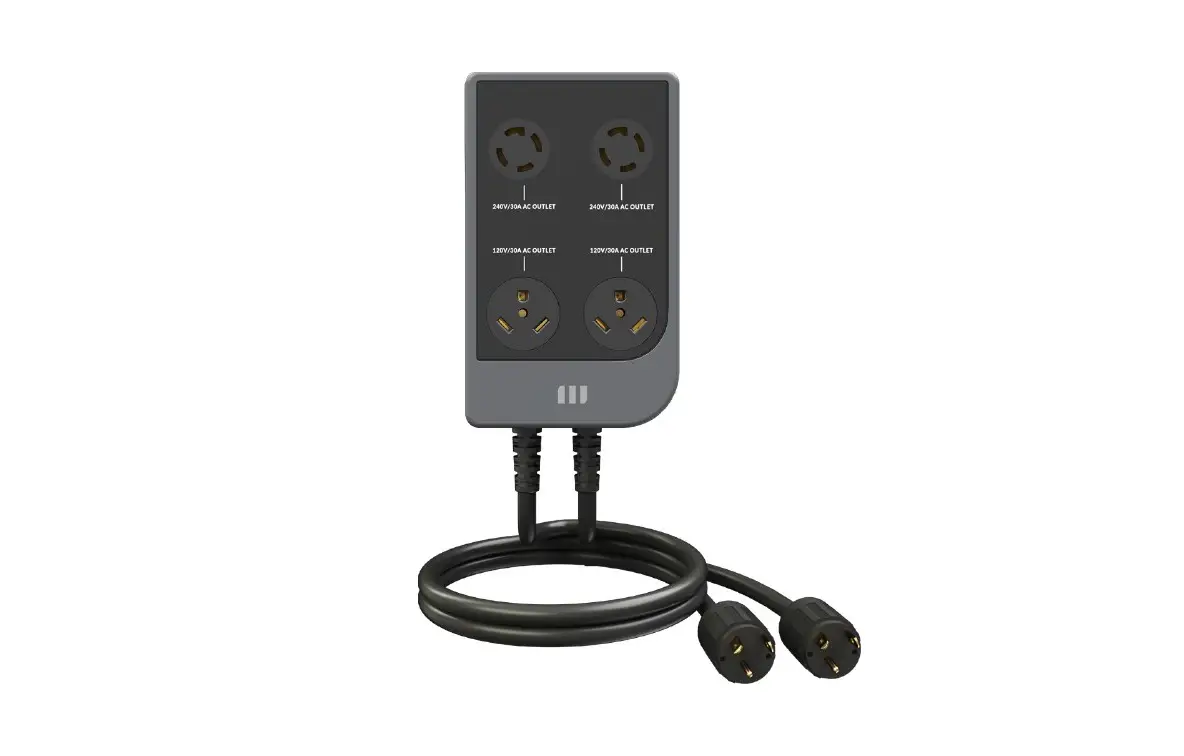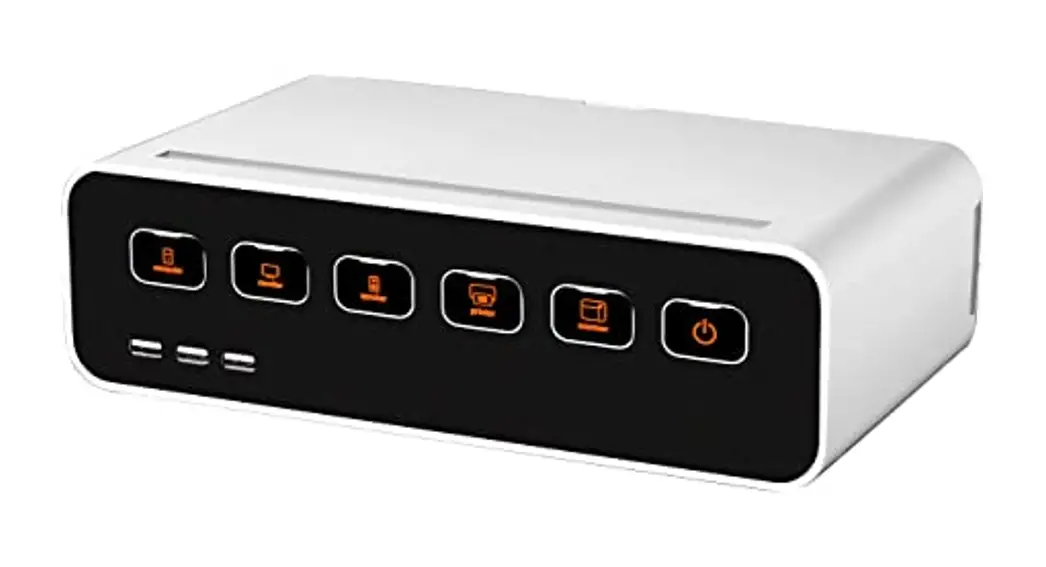
 Cable Management Power Hub Stand
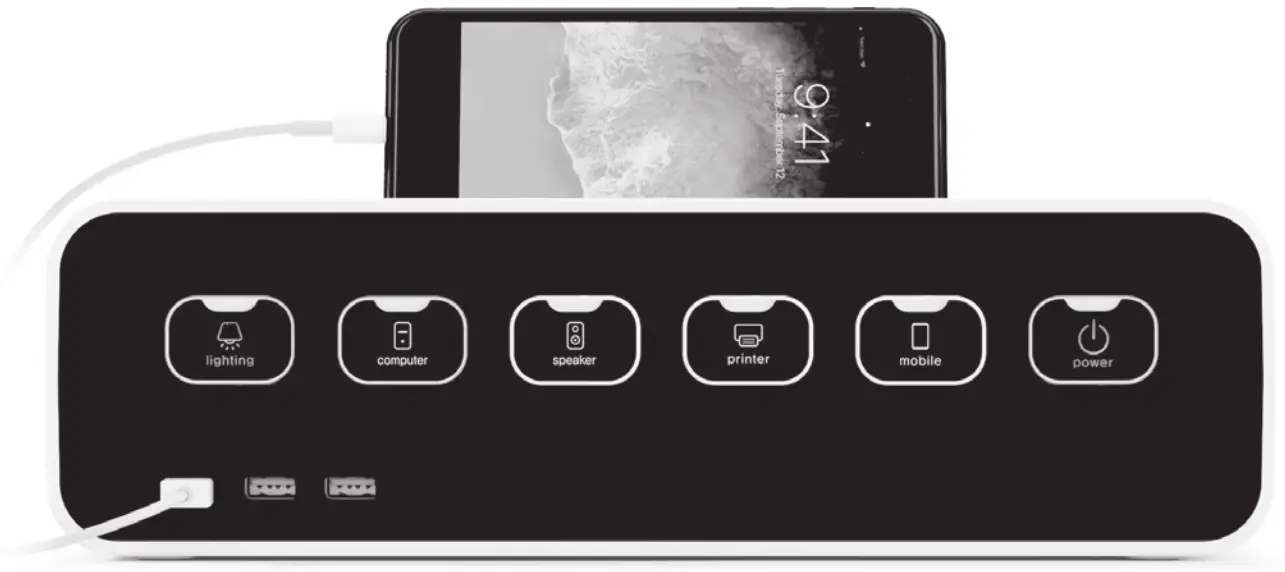
CM1100

CM1100
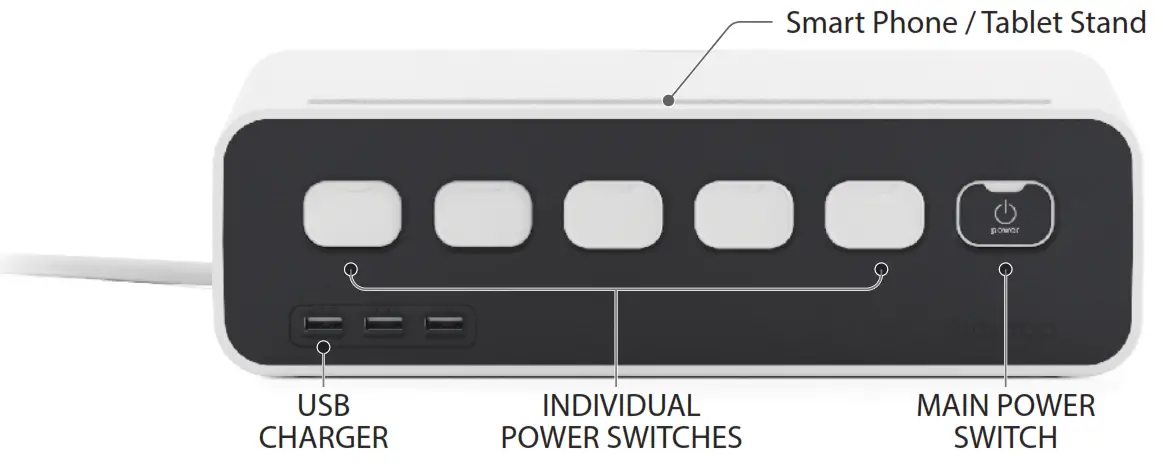
Front Side
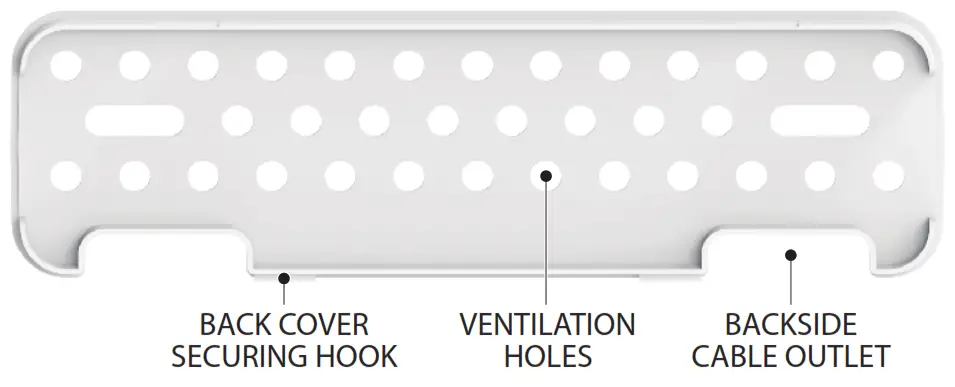
Back Cover
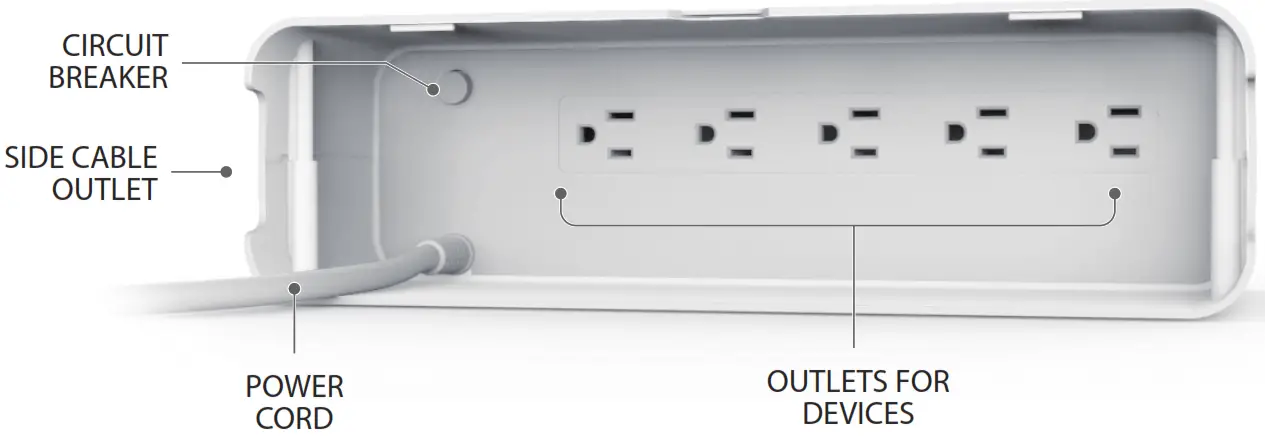
Back Side
How to use
1. Remove the back cover.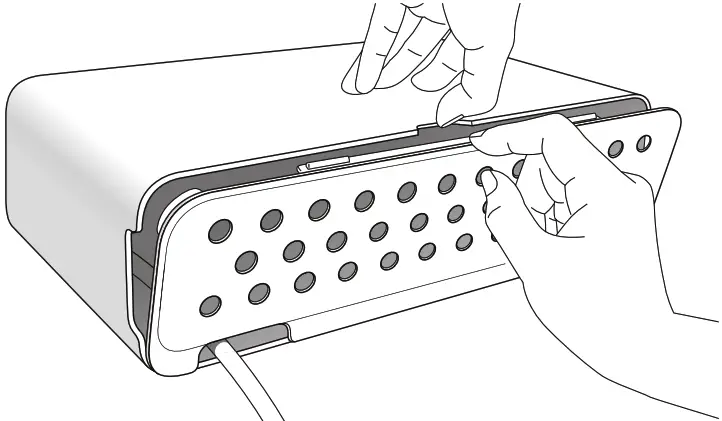
2. Place the CM1100 face down in a vertical position. Firmly plug in power cords of devices you’d like to connect.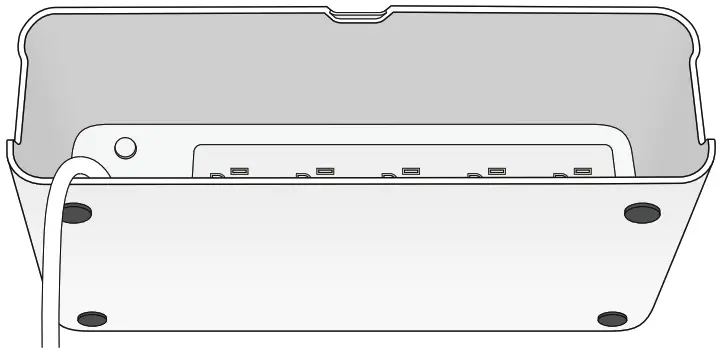
3. Organize cords by placing excess cable into the cabinet. Be sure to leave enough slack to reach your devices.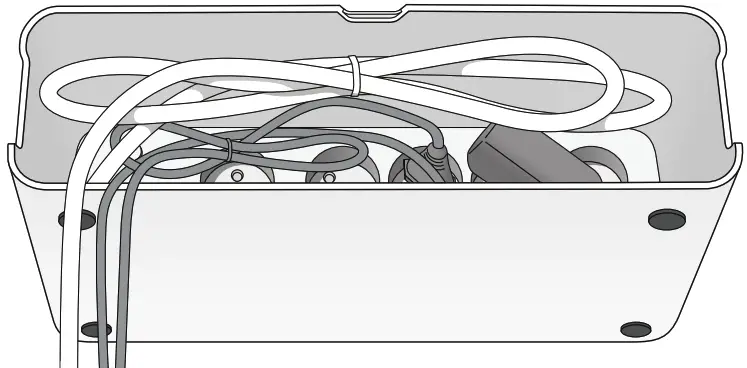
4. Align the cables into the cable outlet holes, and close the cover from the bottom.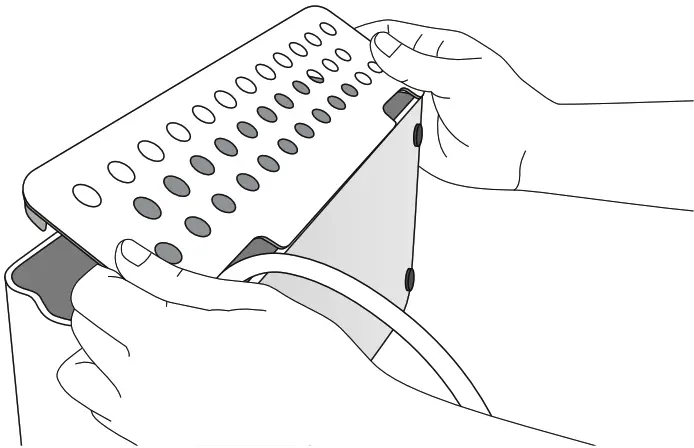
5. After lifting slightly up the detachment groove the back cover, close completely by pushing the upper part of the back cover.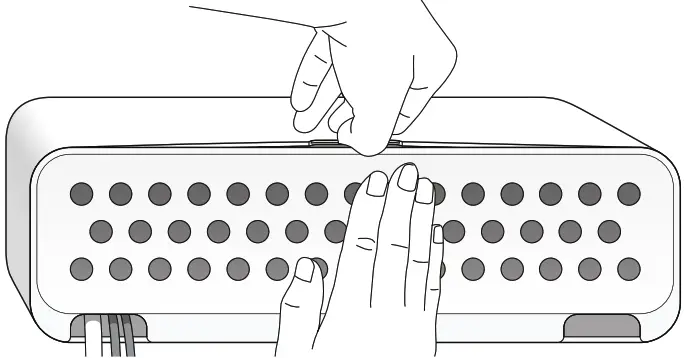
6. Select device ID labels for each connected device.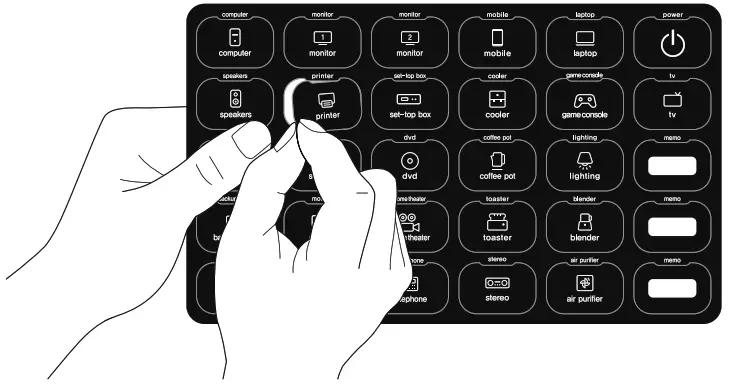
7. Attach the sticker to the corresponding power button of the connected device.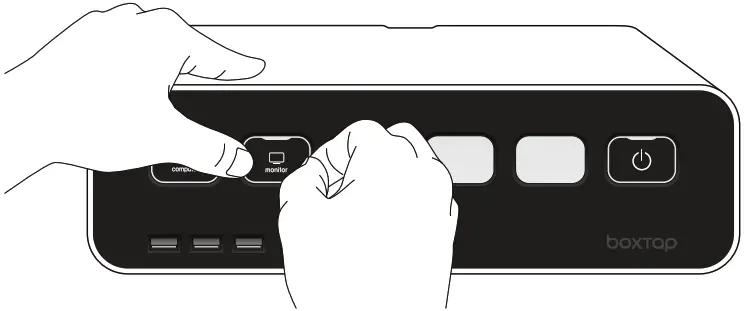
8. Plug CM1100 into AC power for use.
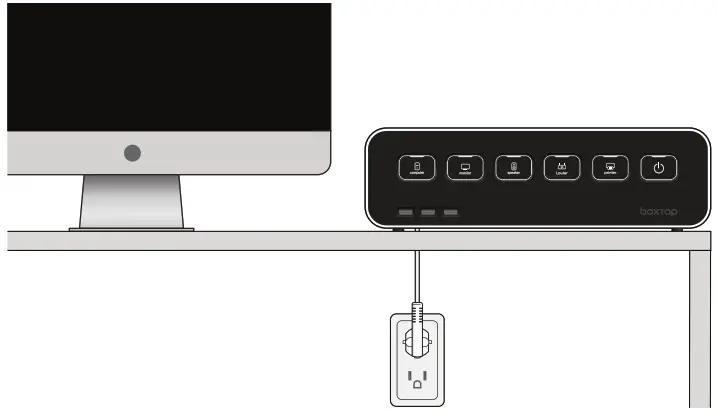
INSTALLATION NOTES:
- Do not use the unit outdoors.
- Do not install in poorly ventilated location or near flammable materials.
- Do not put unit in a location where it can get wet.
- Power cords should be completely plugged in.
- Replace the rear cover before use.
- The total current should not exceed 15A.
- Should not exceed 1,875W in tota.
PRODUCT SPECIFICATIONS:
| Model | CM1100 |
| Input | AC 125V 50 / 60 Hz |
| Rated Power | 1,875W(125V, 15A) |
| USB Input | 125V AC (50/60HZ) |
| USB Output | 5V DC I MAX |
| Surge | 3.1A 600J 15,000A |
| Outlets | 5 Outlets + 3 USB Ports |
| Size | 11%8w x 65/8d x 31/2h (inches) |
| Cable Length | 61/2 ft. |