
User Manual
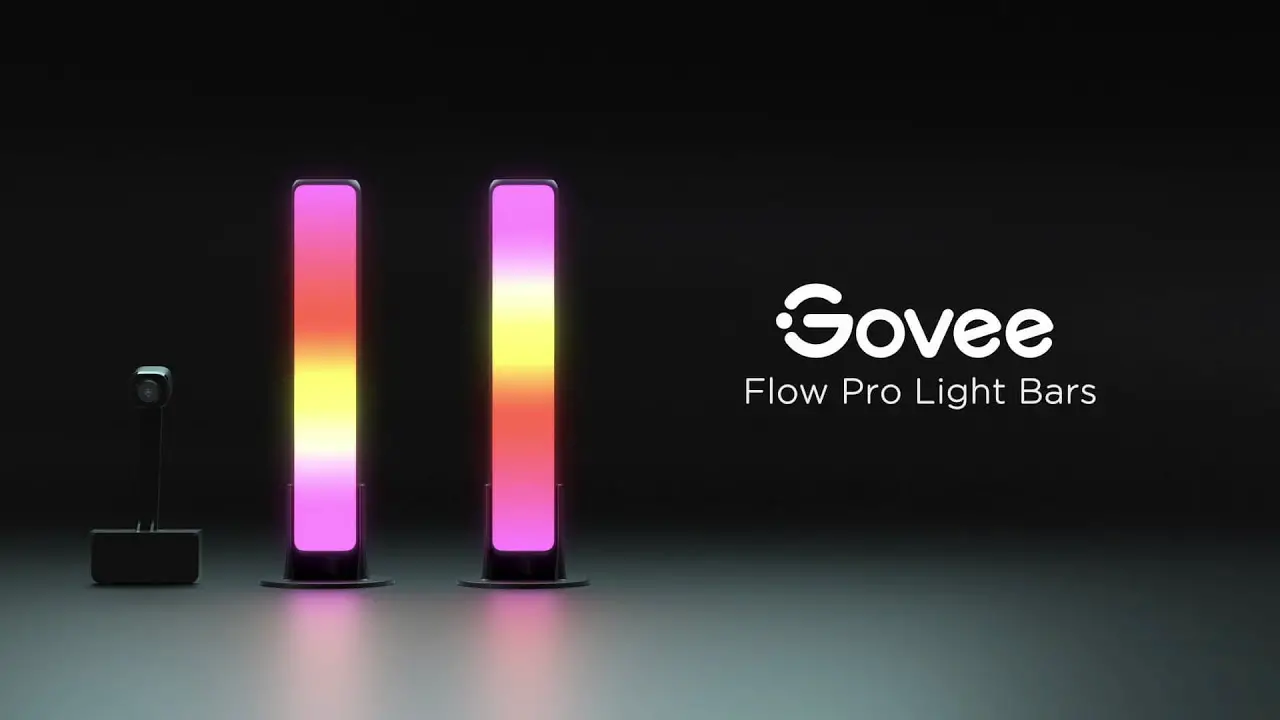
Govee Flow Plus
Light Bar
Model: H6056
Safety Instructions
Read and follow the safety instructions below:
- The light bars are not waterproof. Avoid exposing them to splashes or drops of water.
- The working temperature should be between -10° to 45°C (14° to 113°F).
- The internal light source of the light bars cannot be replaced. If damaged, the light bars must be replaced.
- Do not let children install the light bars alone.
- Avoid installing the light bars near heat sources.
- External dimmers cannot be used with the light bars.
- Avoid installing the light bars near potentially dangerous sources (e.g., candles, liquid-filled objects).
Introduction
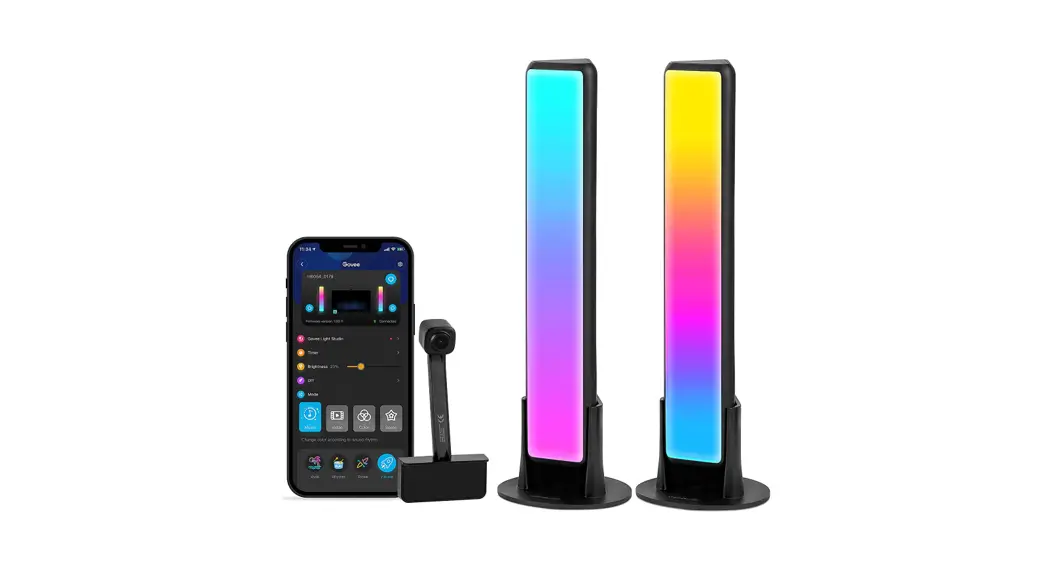
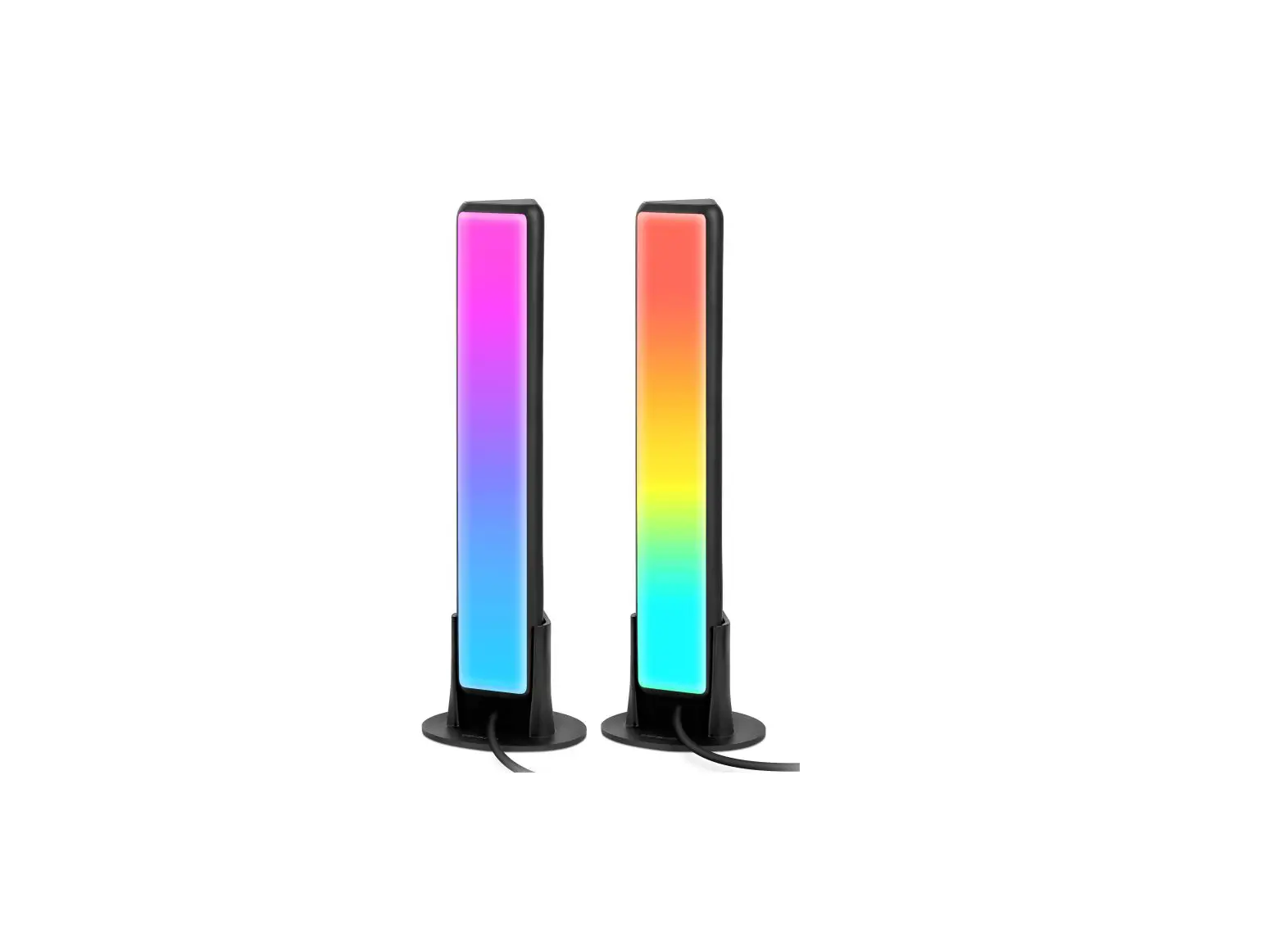
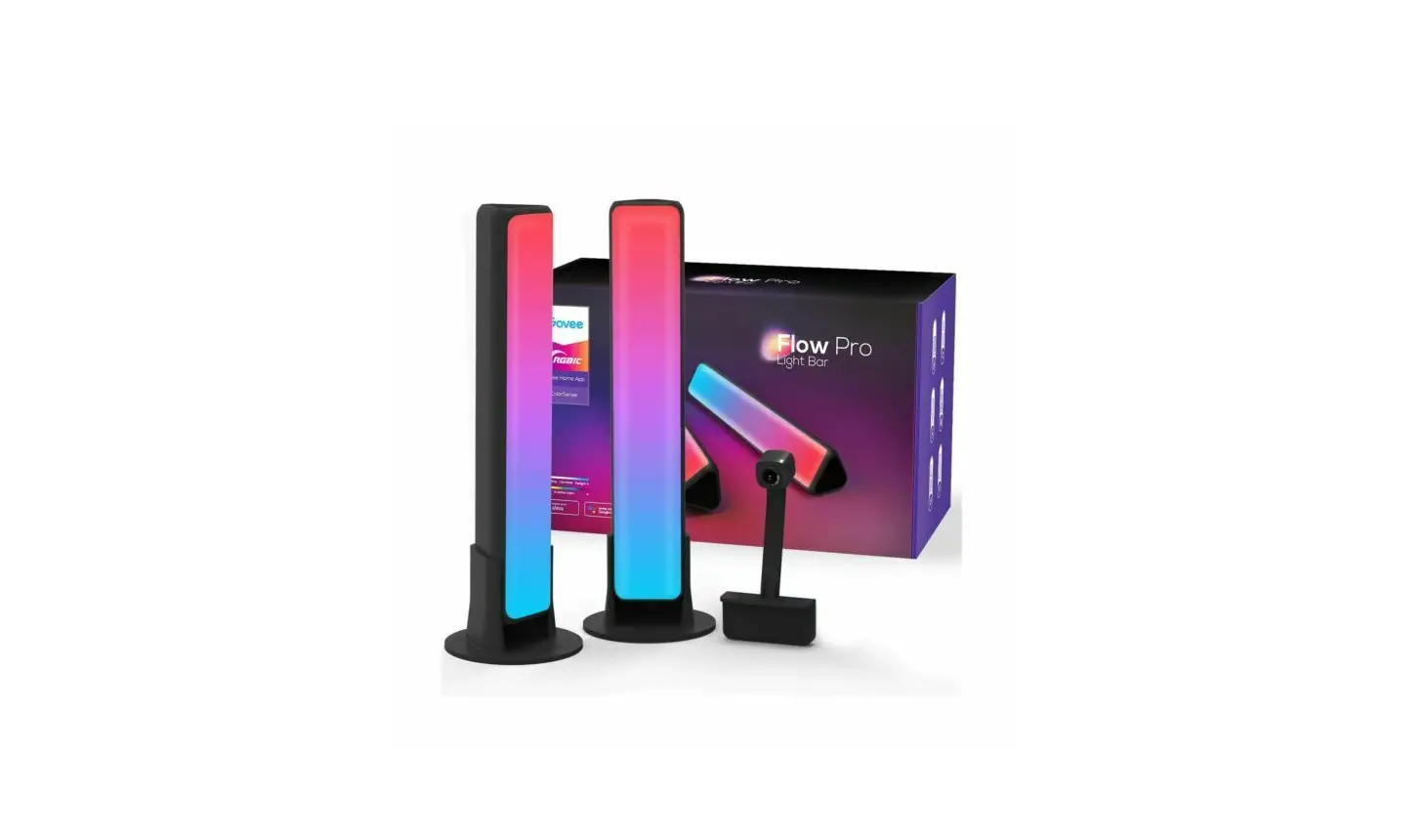
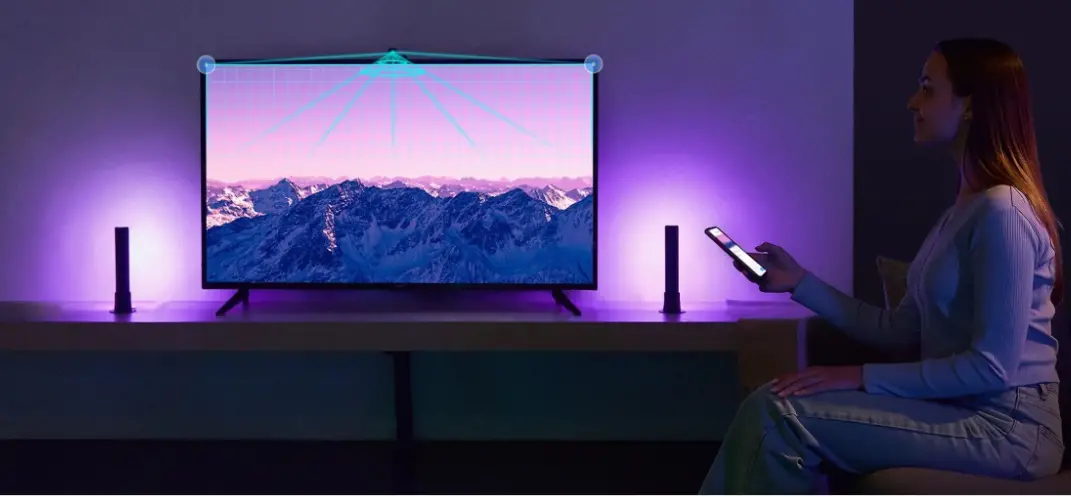
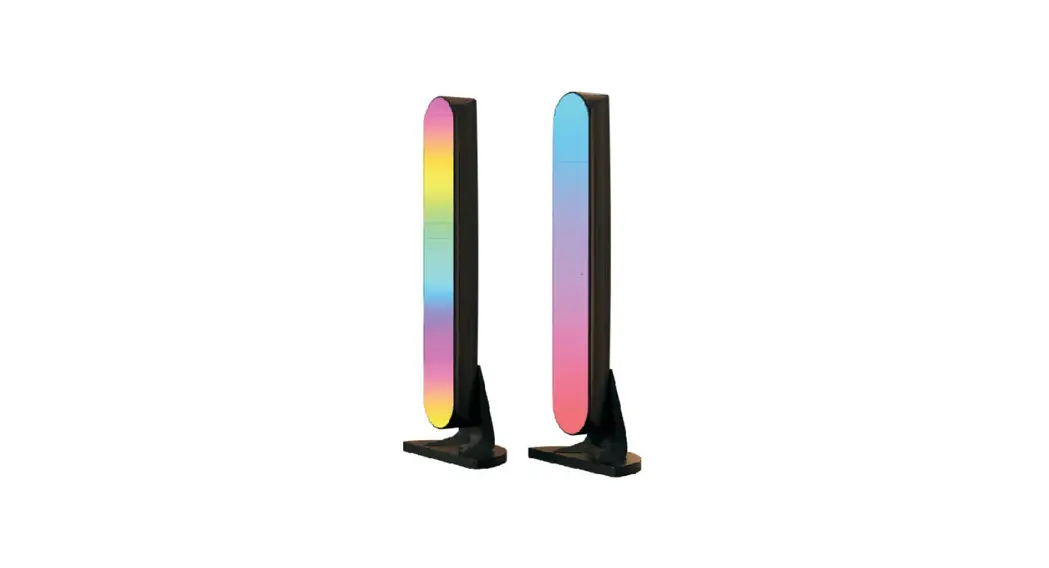
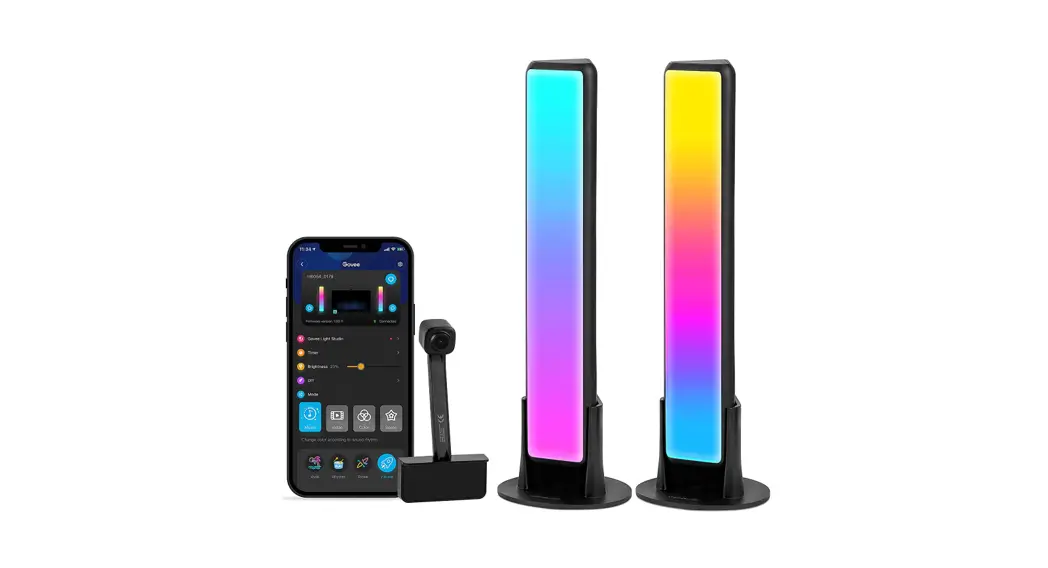
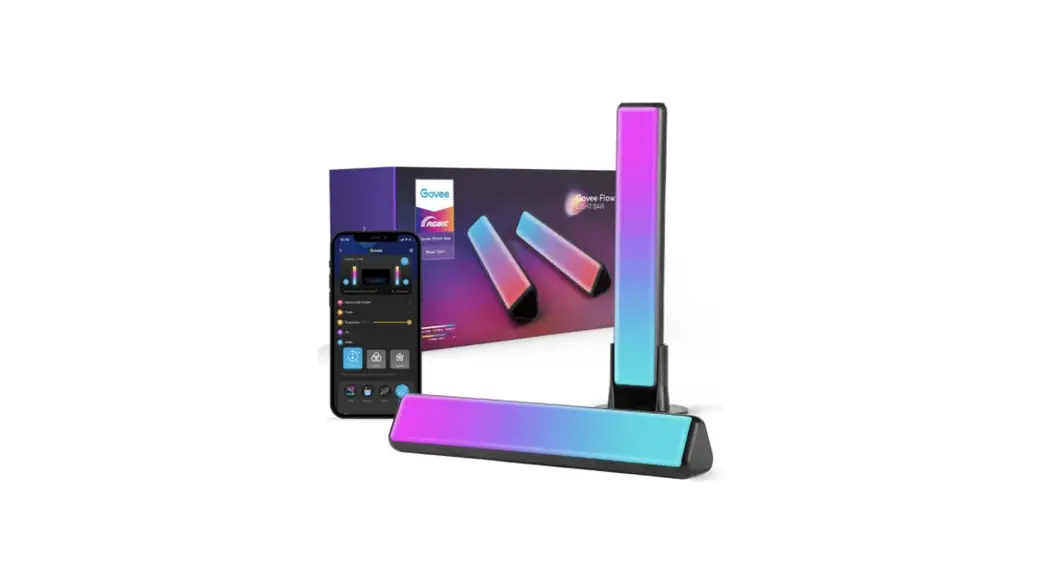
Thank you for choosing the Govee Flow Plus. The Gove Flow Plus provides vibrant, ambient light, ideal for TV and PC screens. Our smart sound technology can perfectly synchronize sounds emitted from video games or movies to your lights, significantly enrichening your visual experience.
What You Get
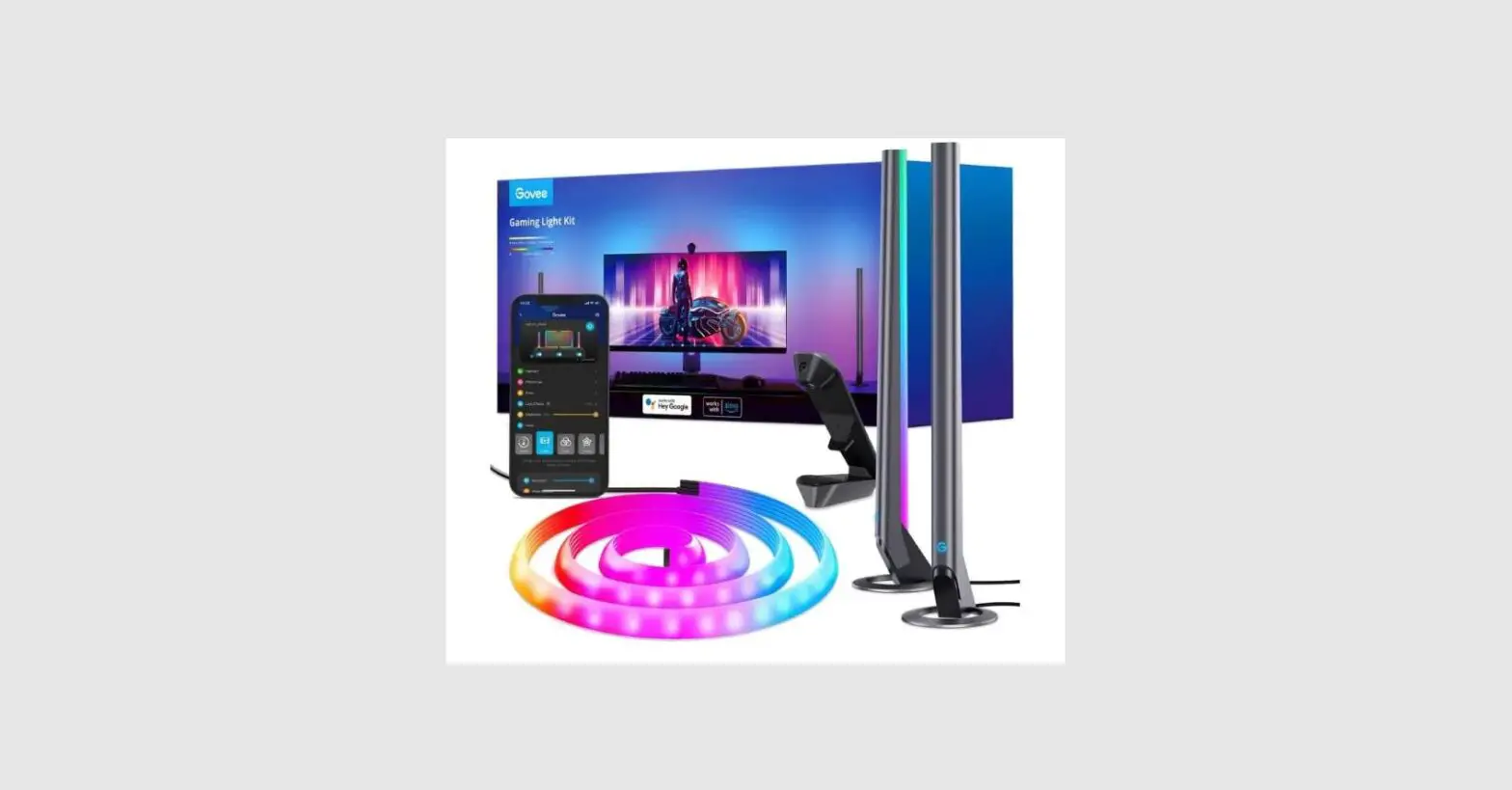
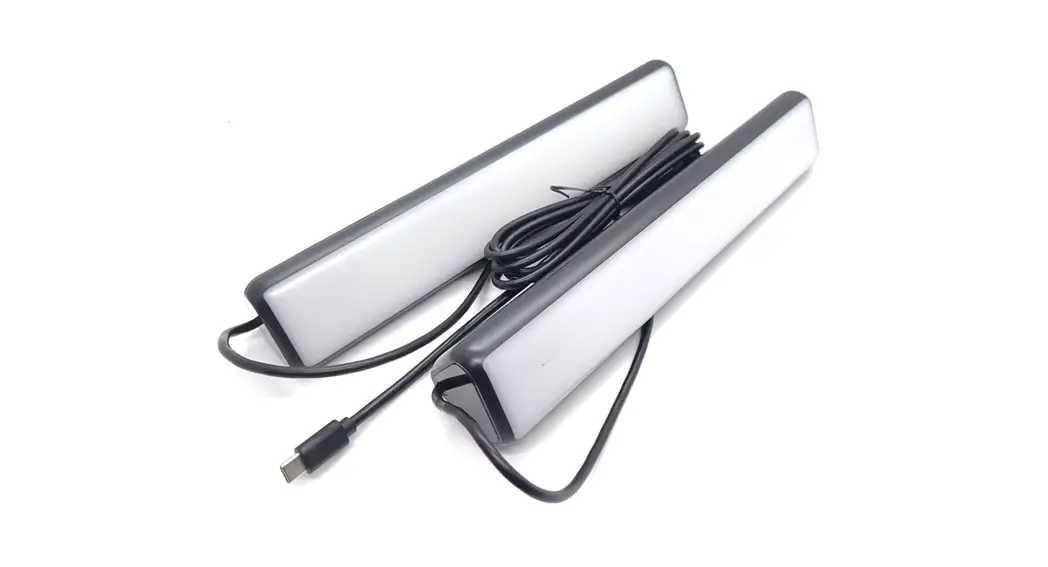
| Light Bar | 2 |
| Control Box | 1 |
| Adapter | 1 |
| Table Mounting Bracket | 2 |
| Screen Mounting Bracket | 2 |
| User Manual | 1 |
| Service Card | 1 |
At a Glance
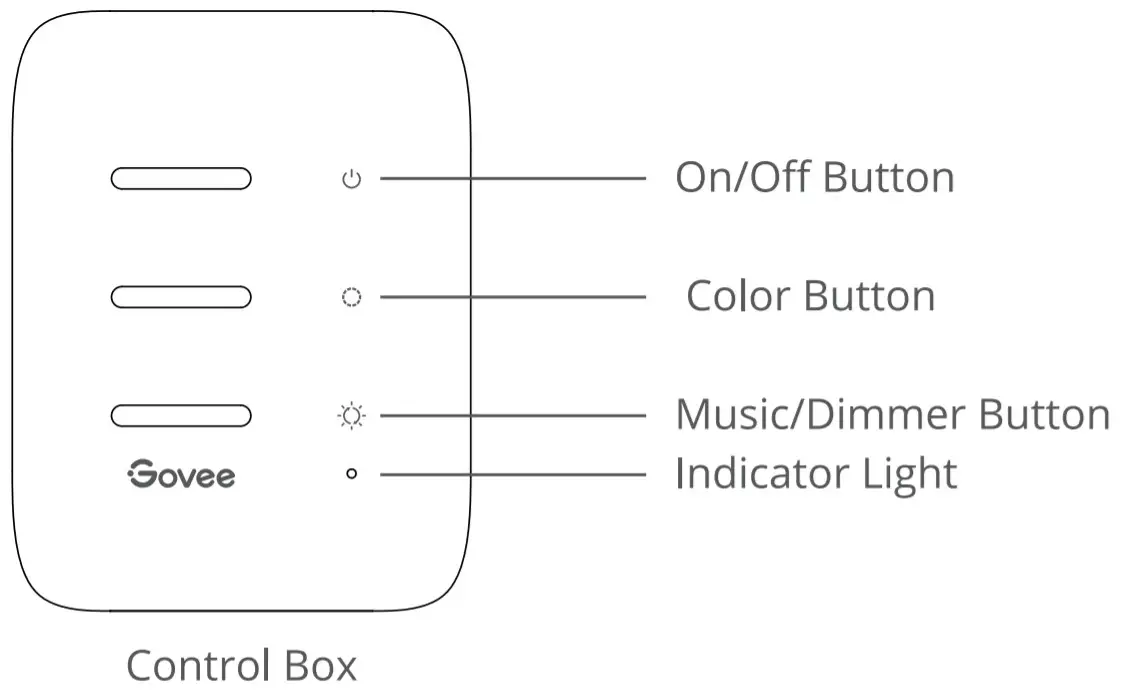
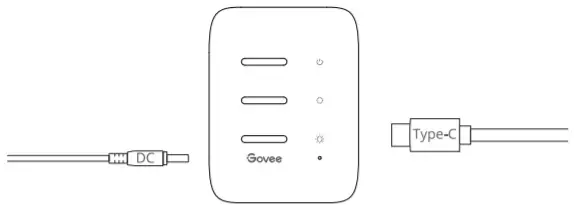
| On/Off Button | Press to turn On/Off. |
| Color Button | Press to adjust the color. |
| Music/Dimmer | Press to enter Music mode. |
| Button | Long press to adjust the brightness. |
| Indicator Light | a. A red light indicates the device is not connected to the network; b. A blue light indicates the device has successfully connected to the network. c. No light indicates the device is not powered on or might be broken. |
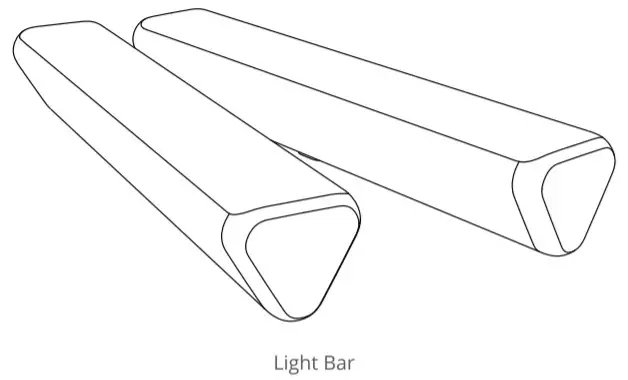 | 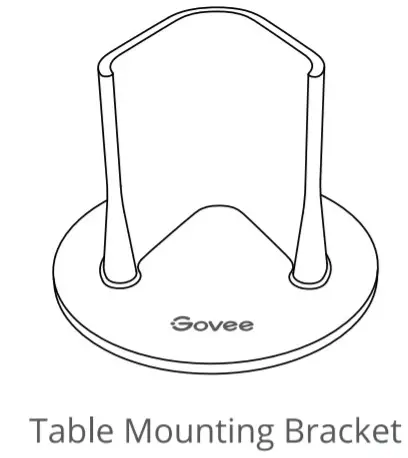 | 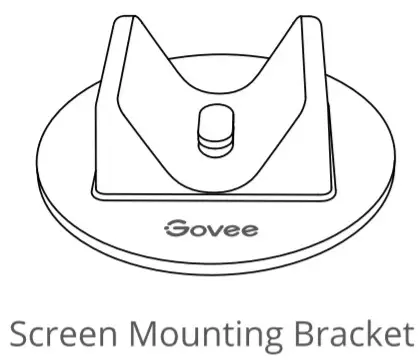 |
Installing Your Device
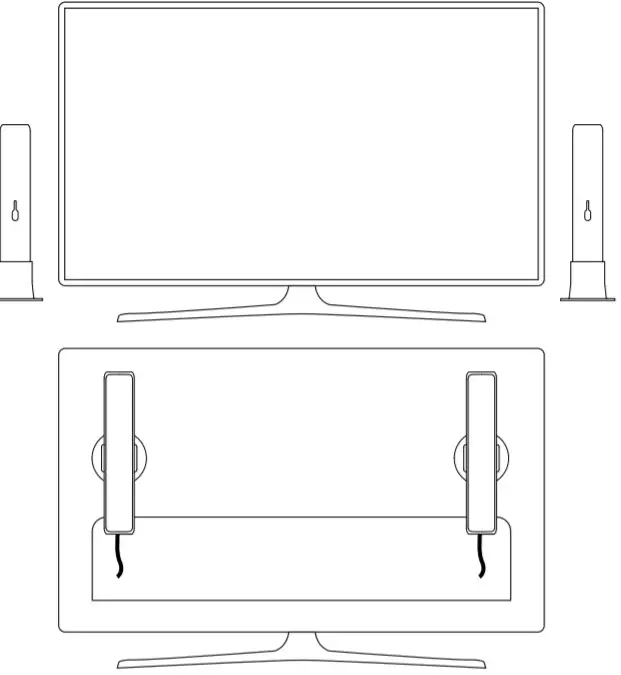
- Place the light bars on both sides of the table or mount them to the TV screen with the mounting bracket.

- Connect the light bar cable to the control box.|
- Power on the adapter and connect it to the control box.
- Installation completed!
Pairing Your Device with the Govee Home App
What You Need:
- A Wi-Fi router supporting the 2.4GHZ and 802.11b/g/n bands. 5GHZ is no: supported.
- Download the Gove Home app from the App Store (iOS devices) or Google Play (Android devices).
- Turn on the Bluetooth in your smartphone.
- Open the app. tap the “*” icon in the top right corner and search “H6056”.
- “ap the device icon and follow the onscreen instructions to complete pairing.
Specifications
| Working Voltage | AC 100-240V |
| Input | 12V/2A |
| Lumen | 4001m |
| Color | RGBICWW |
| Color Temperature | 2200-6500K |
| Working Temperature | -10° to 45°C (14° to 113°F) |
Troubleshooting
- Cannot connect the device to the Govee Home app?
- Ensure the device is powered on.
- Check if the Bluetooth on your smartphone is enabled or try connecting with another
- When connecting for the first time, ensure your smartphone is close to the device.
- If you’re still experiencing a connection error, delete the connected device from the “My Device” page on the app. Then, reconnect to the Govee Home app, following the instructions provided previously.
- The device lost connection?
- Ensure the device is powered on.
- Shorten the distance between the device and the router to less than 50h, then
- If the device continues to lose connection, delete the connected device from the ‘My Device’ page on the app. Then, reconnect to the Govee Home app, following the instructions provided previously.
- The synchronization effect for Music mode does not work properly.
- Ensure the control box is close to the music source, which will help the mic pick up sounds better.
- Can multiple users control one device?
- Each device can only be controlled by one account.
- If multiple users want to control the same device, ensure that they are all using the same account.
FCC and ISED Canada Statement
This device complies with Part 15 ot the FCC Rules and Industry Canada licence-exempt RSS standard(s). Operation is subject to the following two conditions:
(1) This device may not cause harmful interference, and (2) This device must accept any interference received, including interference that may cause undesired operation. Warning: Changes or modifications not expressly approved by the party responsible for compliance could void the user’s authority to operate the equipment.
NOTE: This equipment has been tested and found to comply with the limits for a Class B device, pursuant to Part 15 of the FCC Rules.
These limits are designed to provide reasonable protection against harmful interference in a residential installation. This equipment generates uses and can radiate radio frequency energy and, if not installed and used in accordance with the instructions, may cause harmful interference to radio communications. However, there is no guarantee that interference will not occur in a particular installation. If this equipment does cause harmful interference to radio or television reception, which can be determined by turning the equipment off and on, the user is encouraged to try to correct the interference by one or more of the following measures:
- Reorient or relocate the receiving antenna.
- Increase the separation between the equipment and receiver.
- Connect the equipment into an outlet on a circuit different from that to which the receiver is connected.
- Consult the dealer or an experienced Markov technician for help.
FCC and IC Radiation Exposure Statement
This equipment complies with FCC and IC radiation exposure limits set forth for an uncontrolled environment. This equipment should be installed and operated with a minimum distance of 20cm between the radiator & your body.
Responsible party:
Name: GOVEE MOMENTS(US) TRADING LIMITED
Address: 13013 WESTERN AVE STE 5 BLUE ISLAND IL 60406-2448
Email: [email protected]
Contact information: https://www.govee.com/support
The light source of this luminaire is not replaceable; when the light source reaches its end of life the whole luminaire shall be replaced.
Not intended for illumination. Only used for creating ambiance.
The Bluetooth, wordmark, and logos are registered trademarks owned by Bluetooth SIG, Inc. and any use of such marks by Shenzhen Intellirocks Tech. Co., Ltd. IS under license.
Gove is a trademark of Shenzhen Intellirocks Tech Co..Ltd.
Copyright 8z202I Shenzhen Intellirocks Tech Co., Ltd. All Rights Reserved.
Customer Service Warranty: 12-Month Limited Warranty
 Support: Lifetime Technical Support
 Email: [email protected]
 Official Website: www.govee.com
 @Govee
 @govee_official
 @govee.officia
 @Goveeofficial
 @Govee.smarthome
 https://www.govee.com/apps/qrcode
Govee Home App
For FAQs and more information,
please visit: www.govee.com