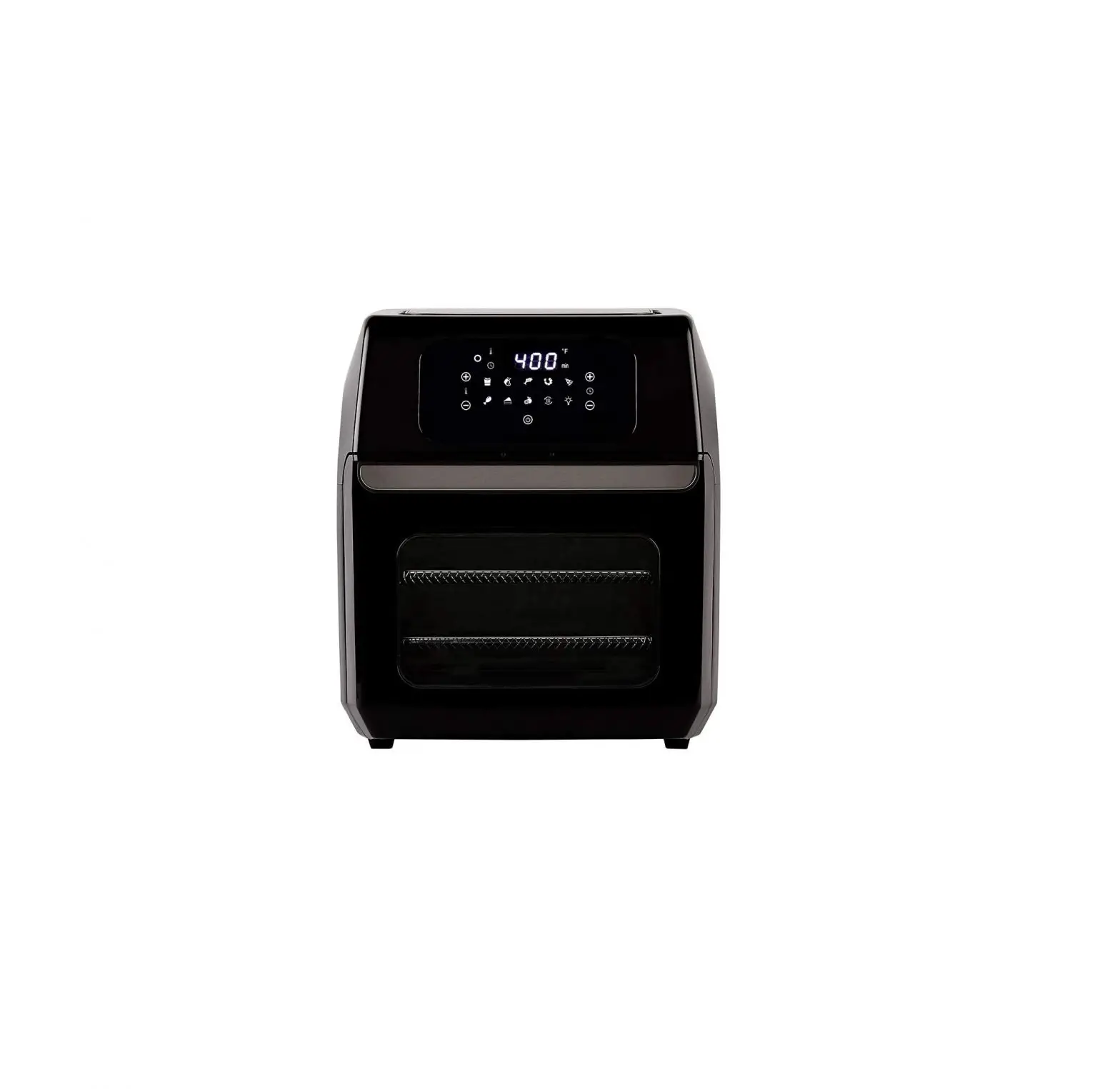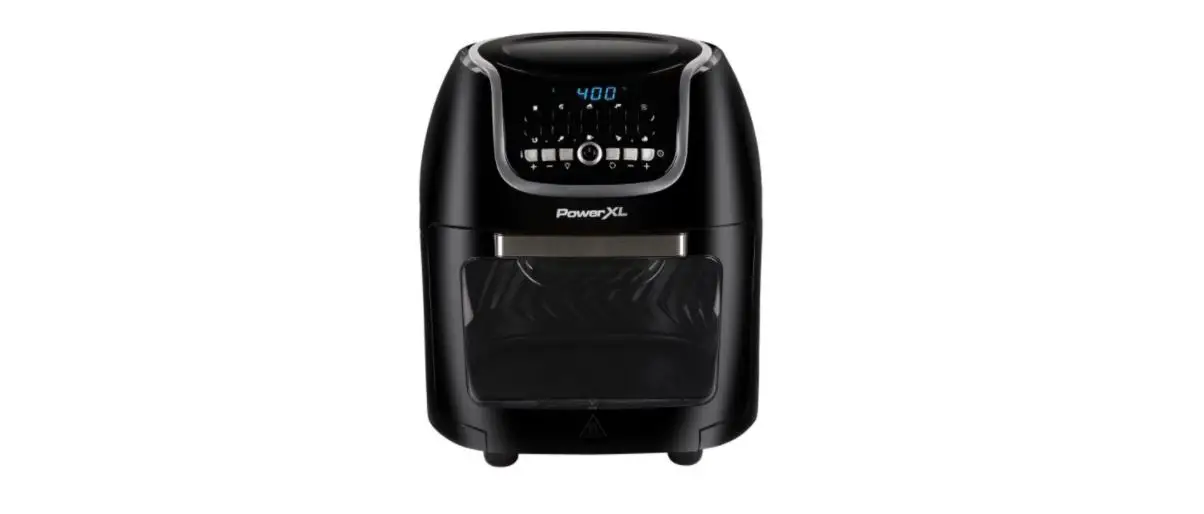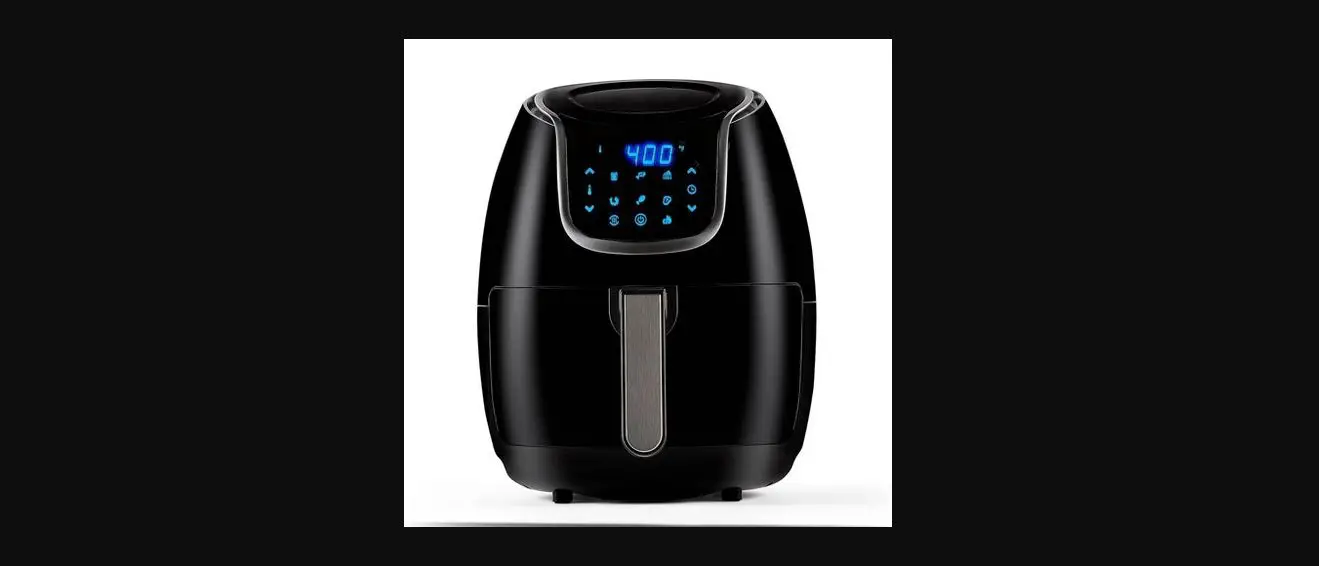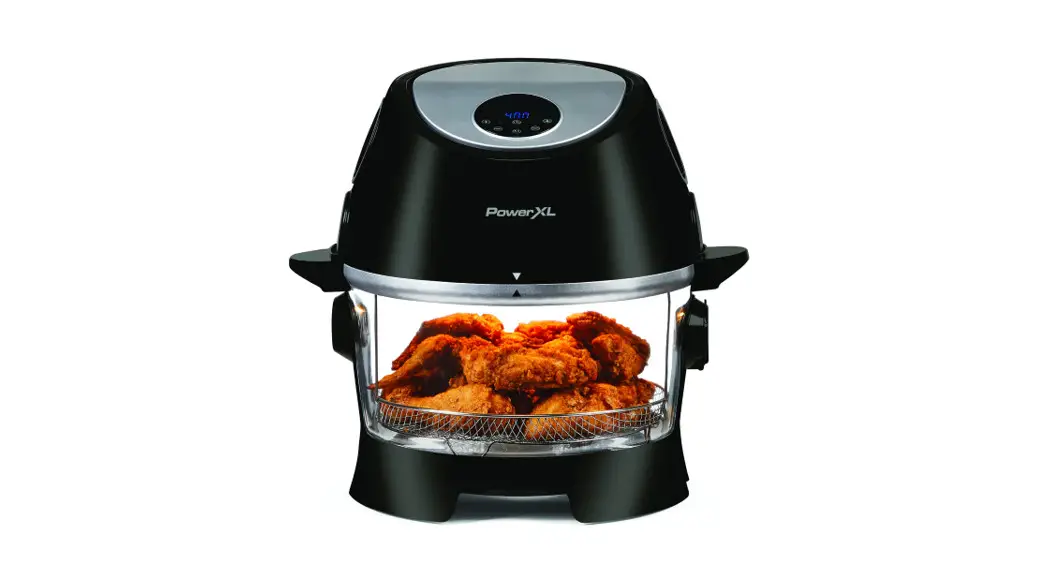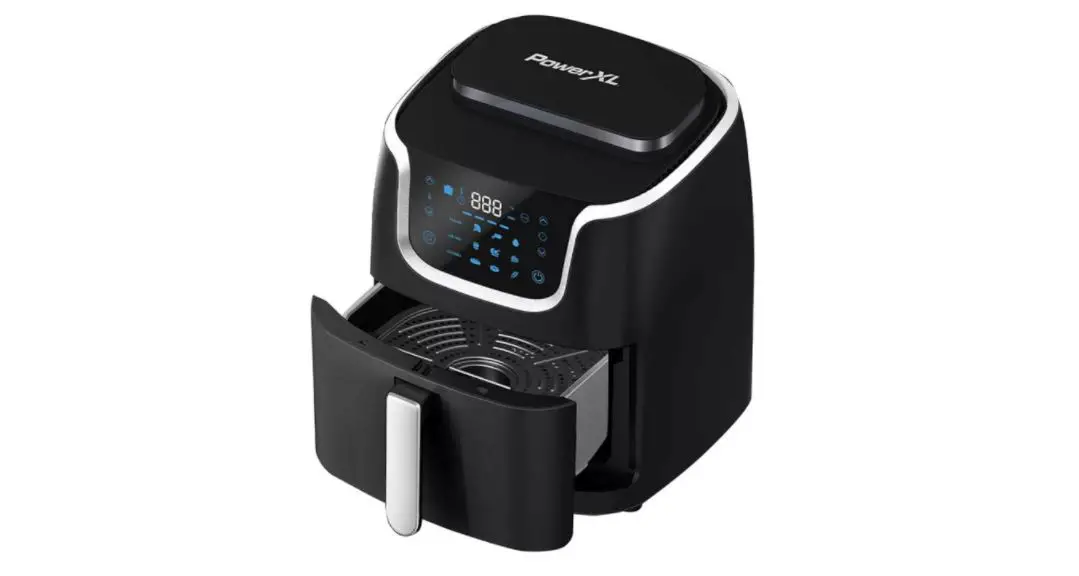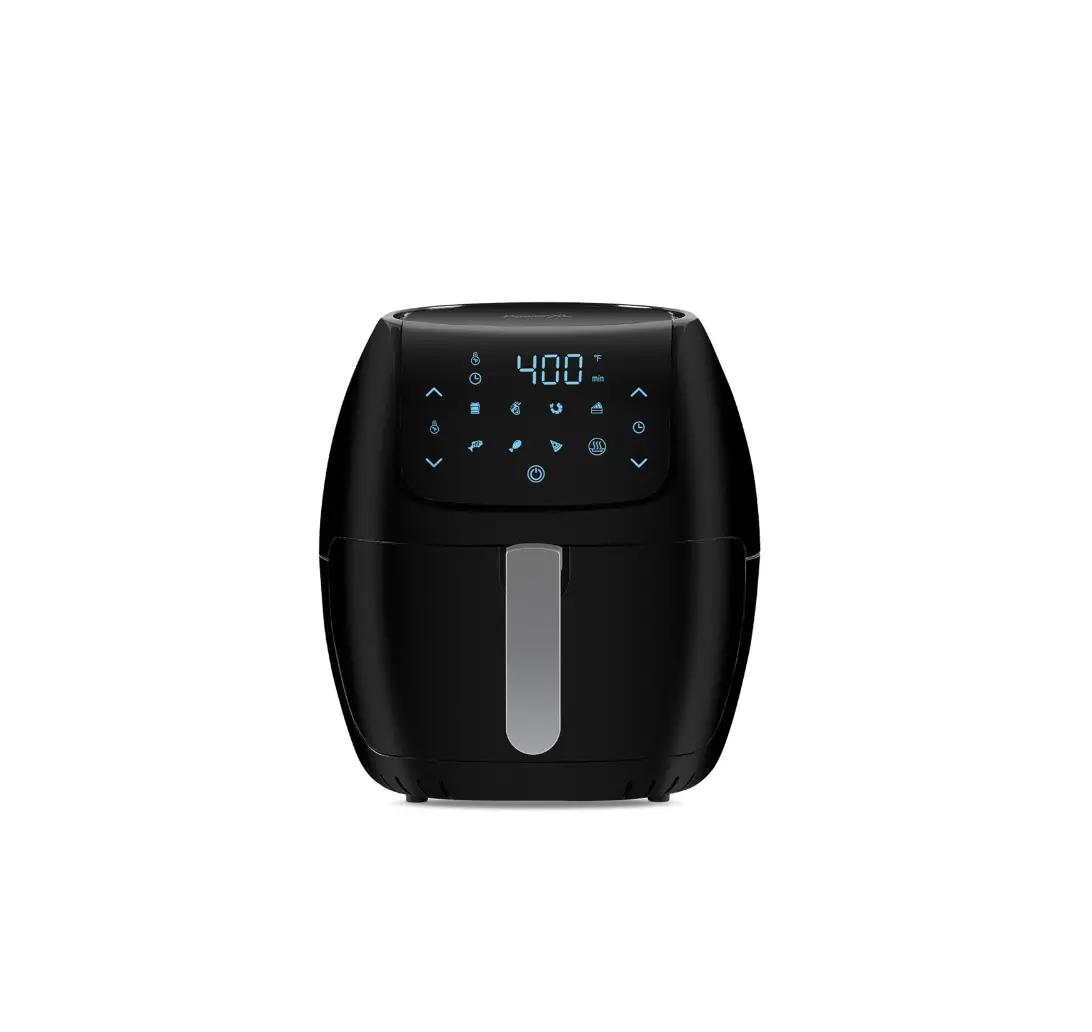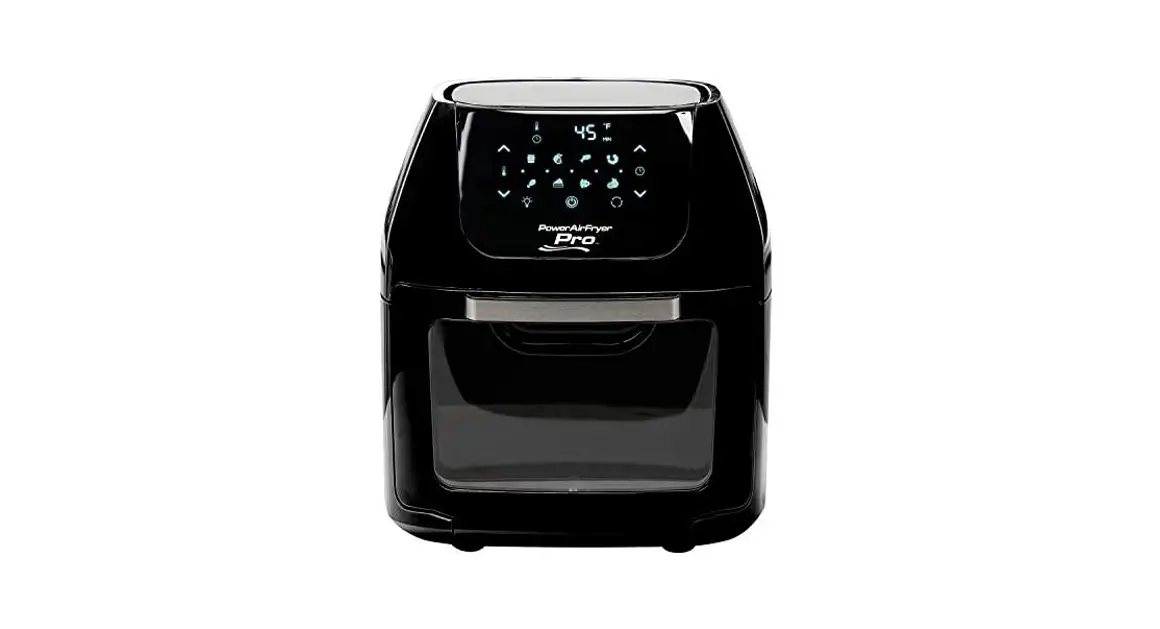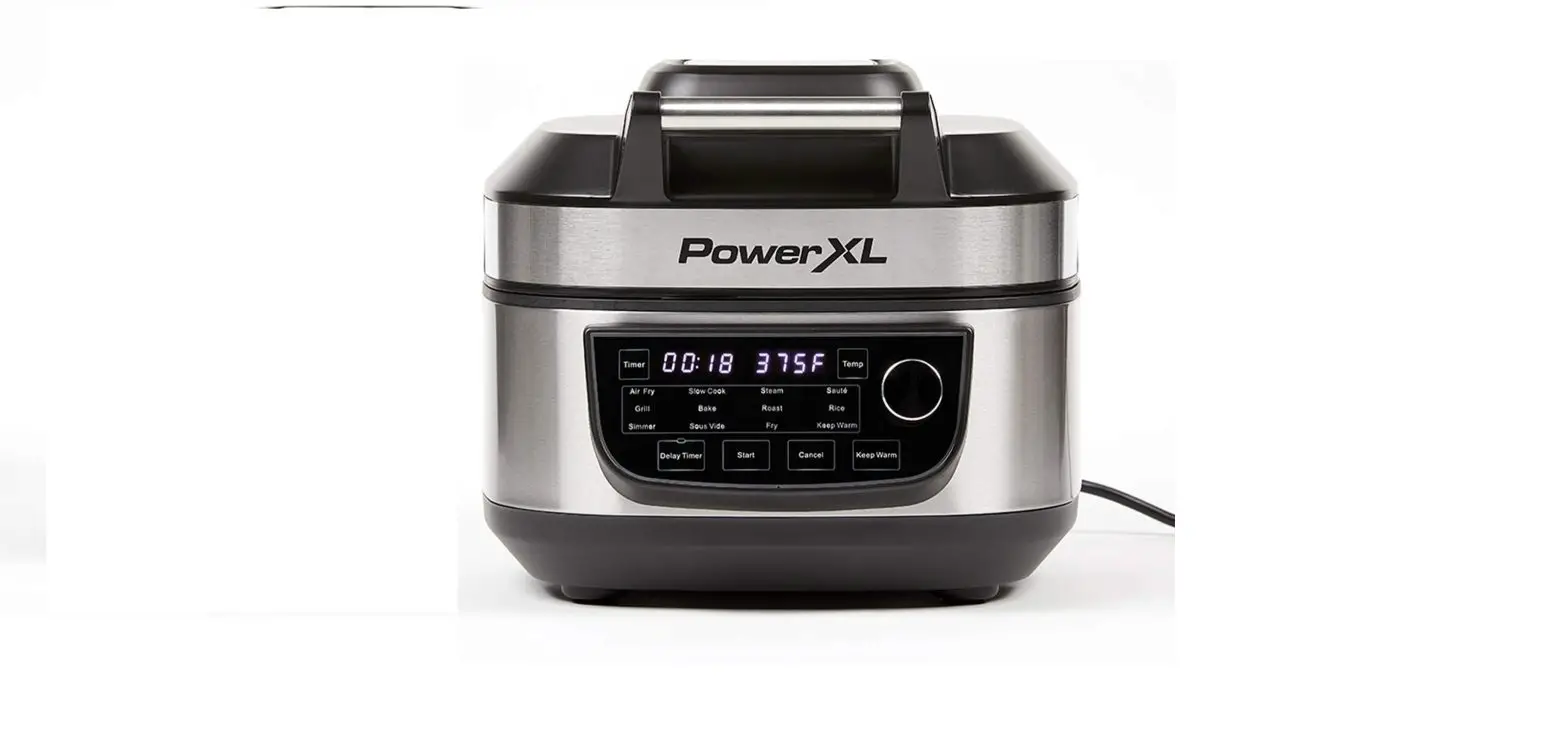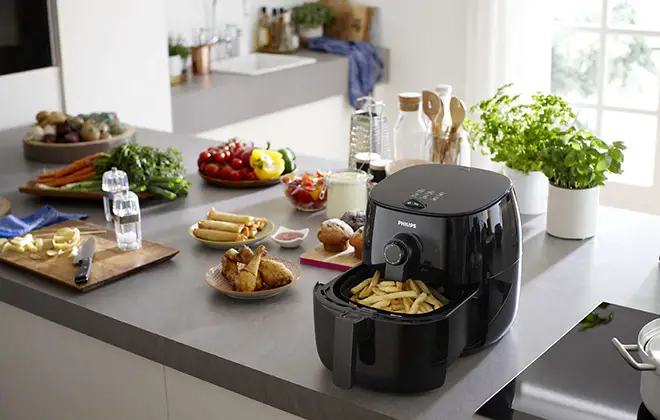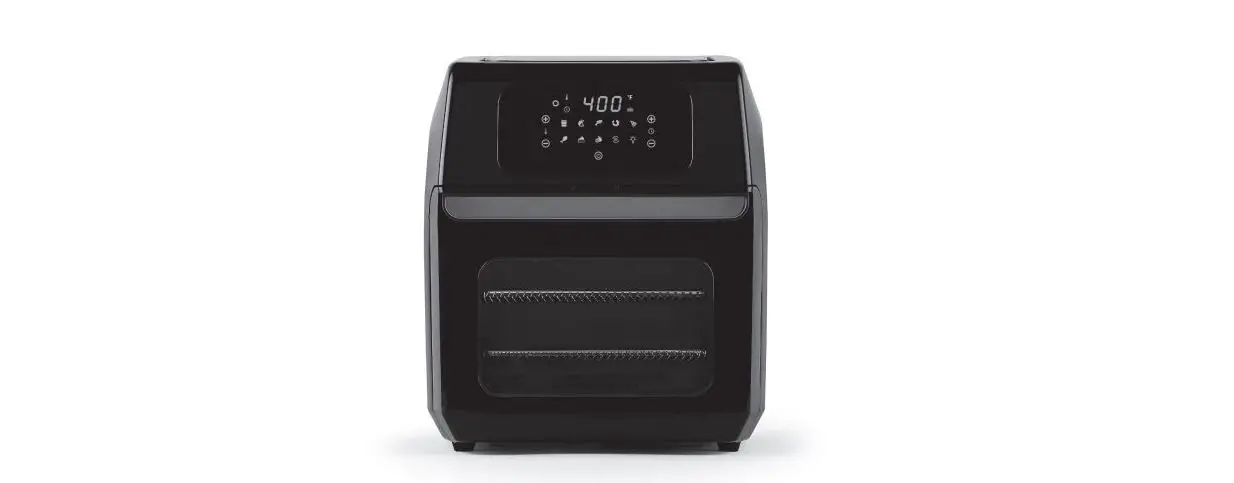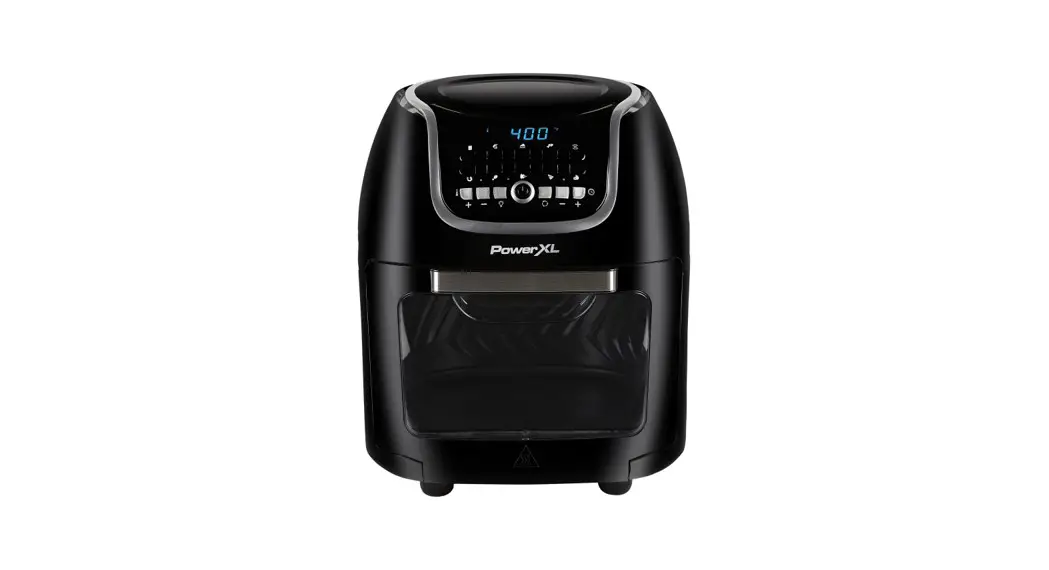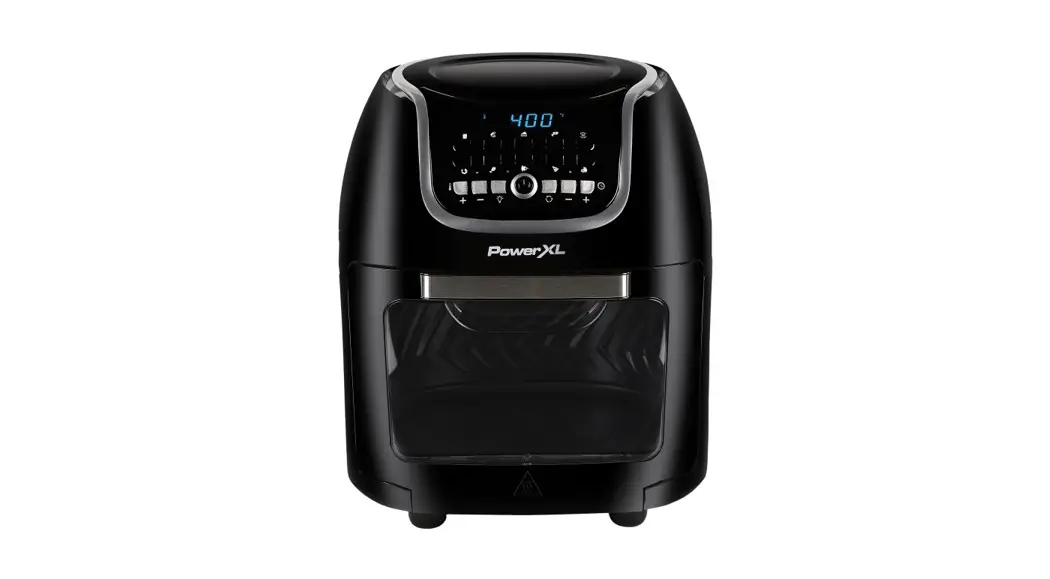

AIR FRYER PRO XR
Air Frying
Quick Start Guide*
* See owner’s manual for complete assembly, instructions, and important safety information before using this product.
| STEP 1 | STEP 2 |
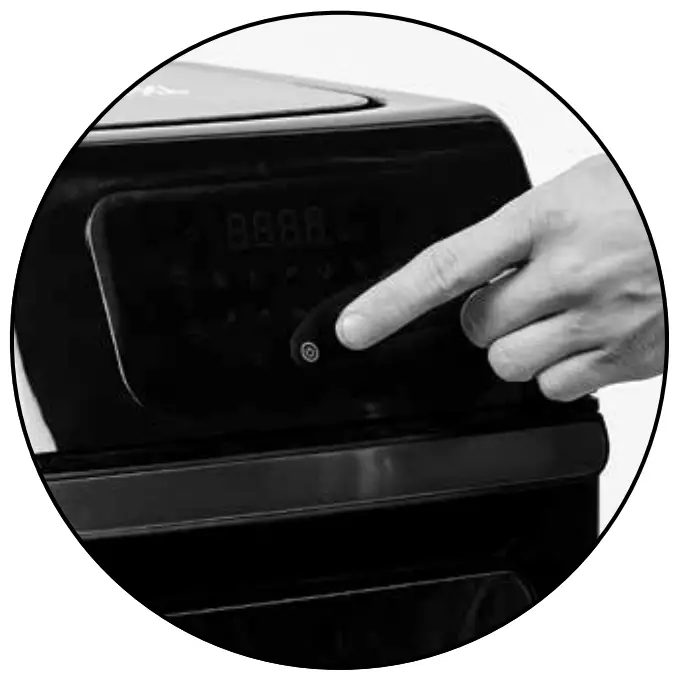 | 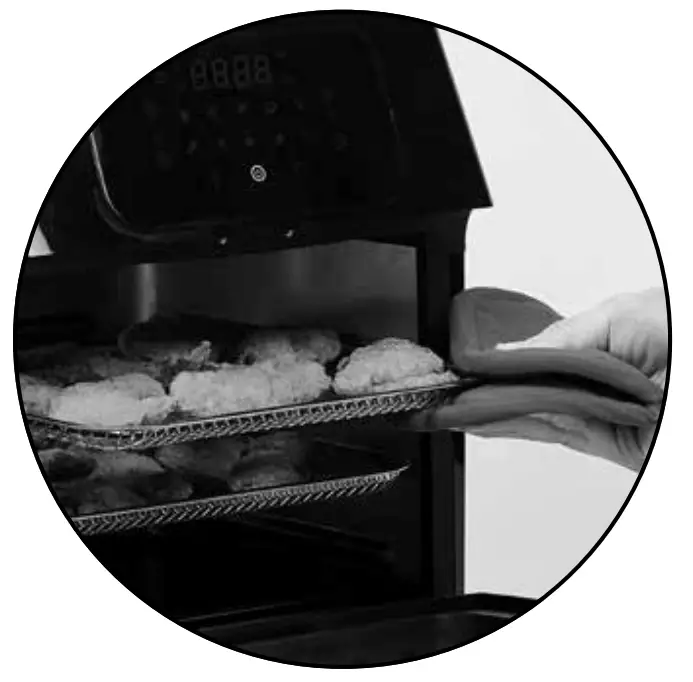 |
| Make sure the Drip Tray is in place. Press the Power/Start–Stop Button to turn on the appliance. | Arrange food on Crisper Trays and place the Crisper Trays inside the appliance. |
| STEP 3 | STEP 4 |
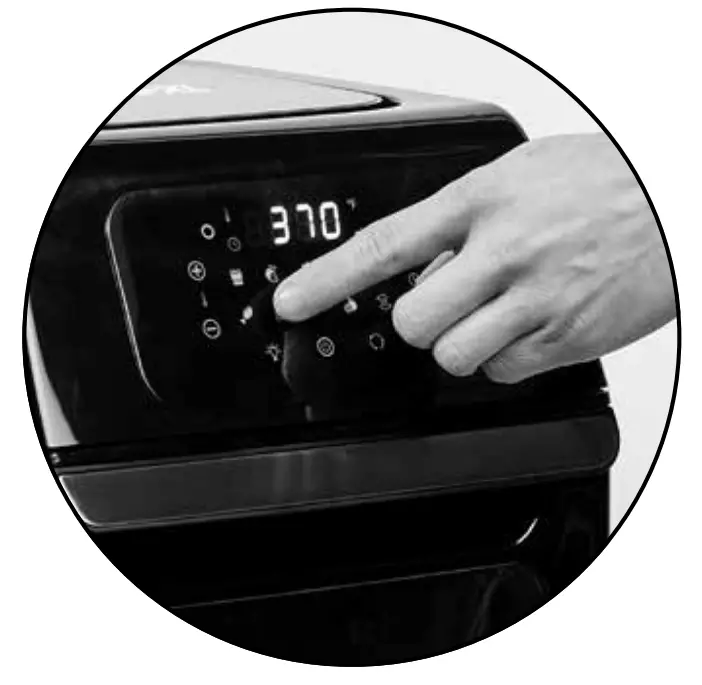 | 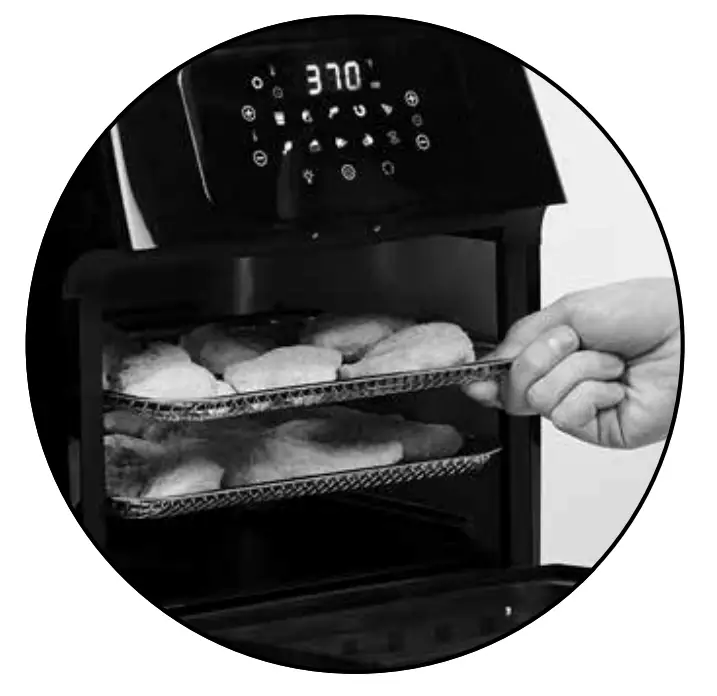 |
| Select one of the one-touch cooking presets to begin the cooking cycle. If using manual settings, select the time and temperature and then press the Power/Start–Stop Button. | After the set cooking time has expired, the fan will run for 20 seconds to cool off the appliance and the appliance will automatically shut off. Remove the Crisper Trays while wearing oven mitts and enjoy! |
Unpack all parts from the box and wash with warm, soapy water before first use (only accessories are dishwasher safe).
PXL_AFPXR_QSG_TP_ENG_V1_200710