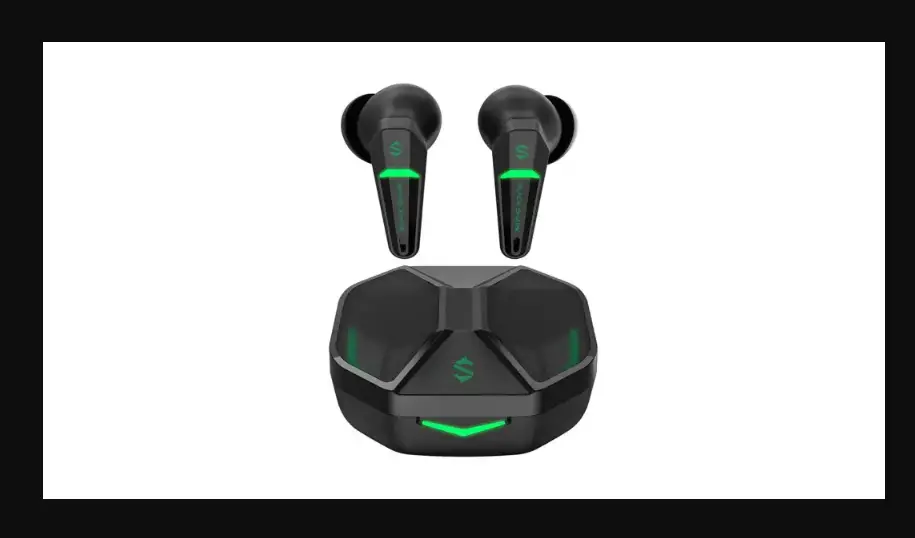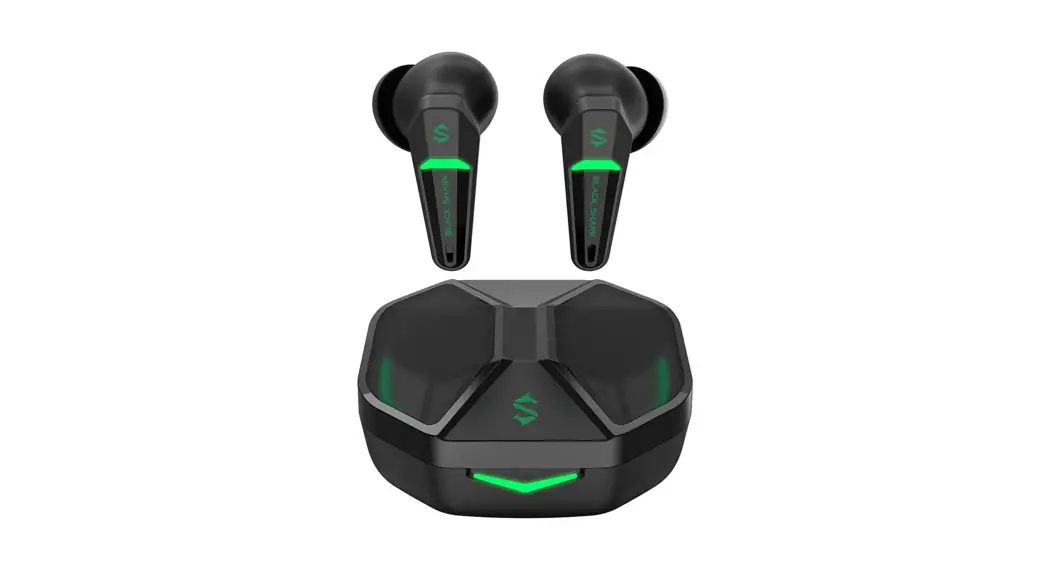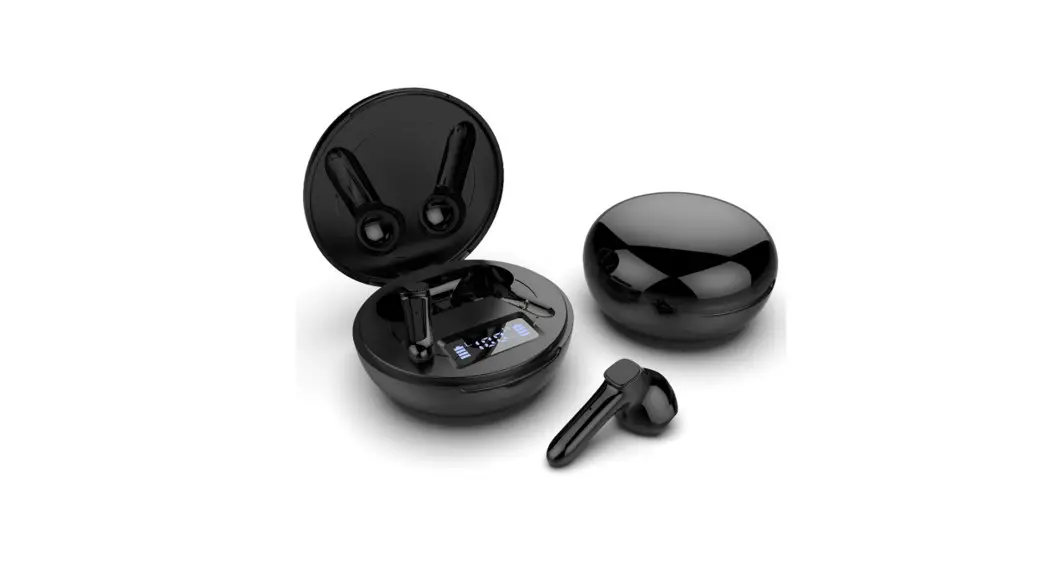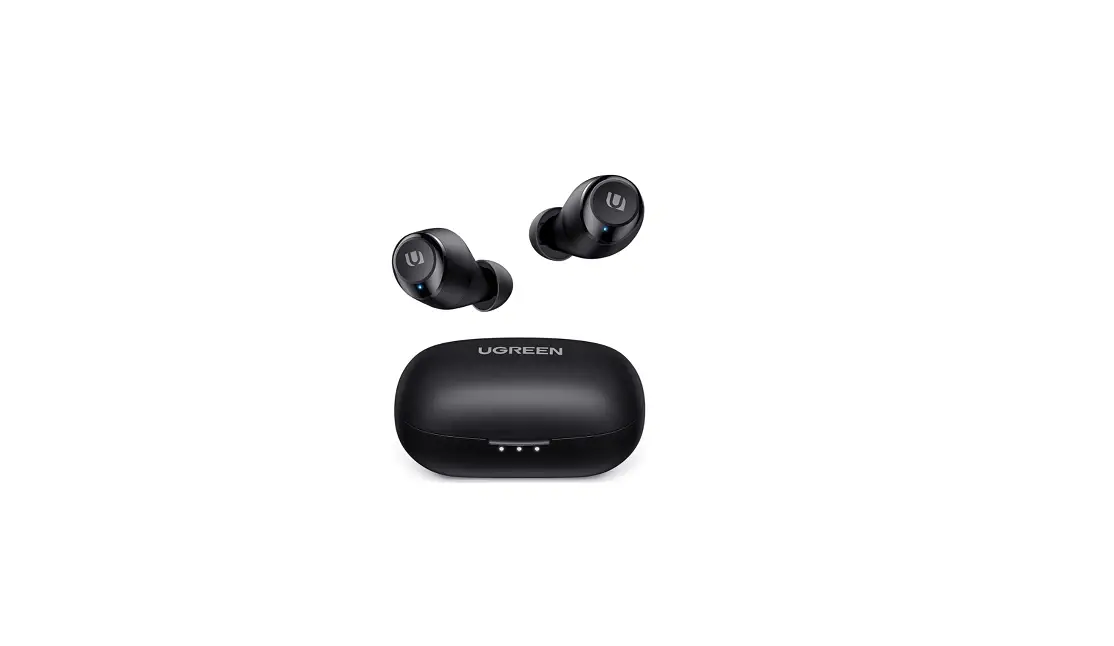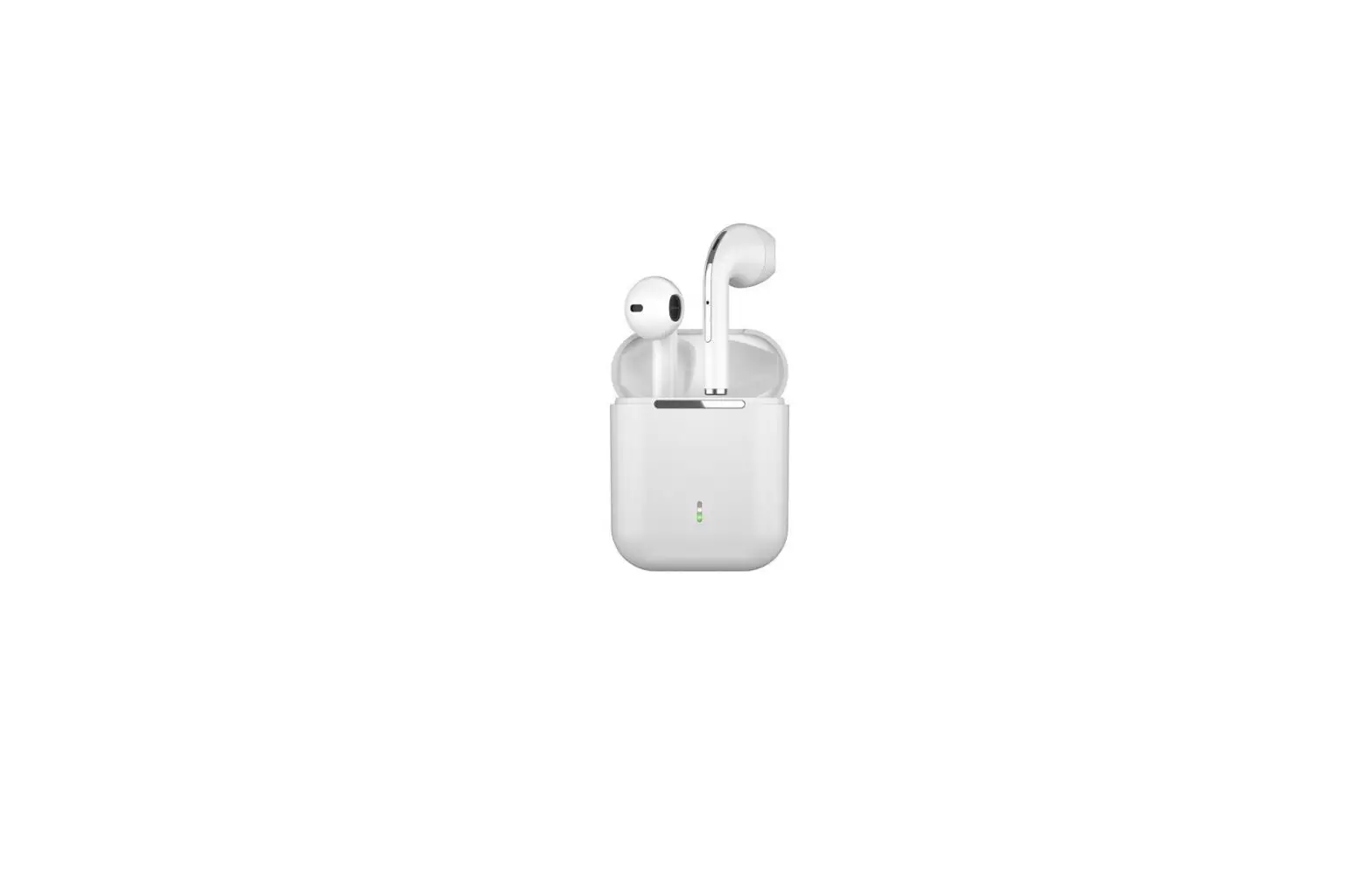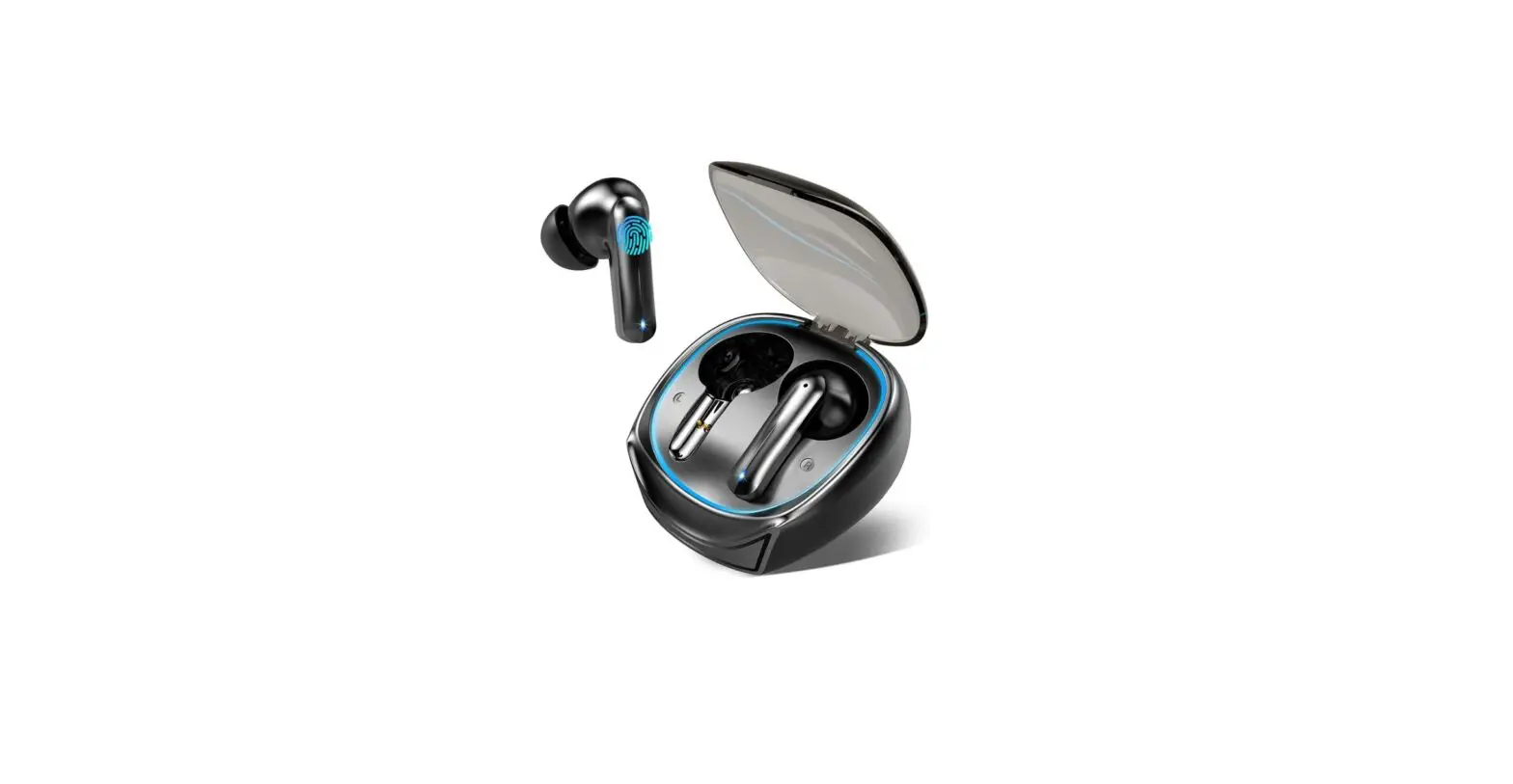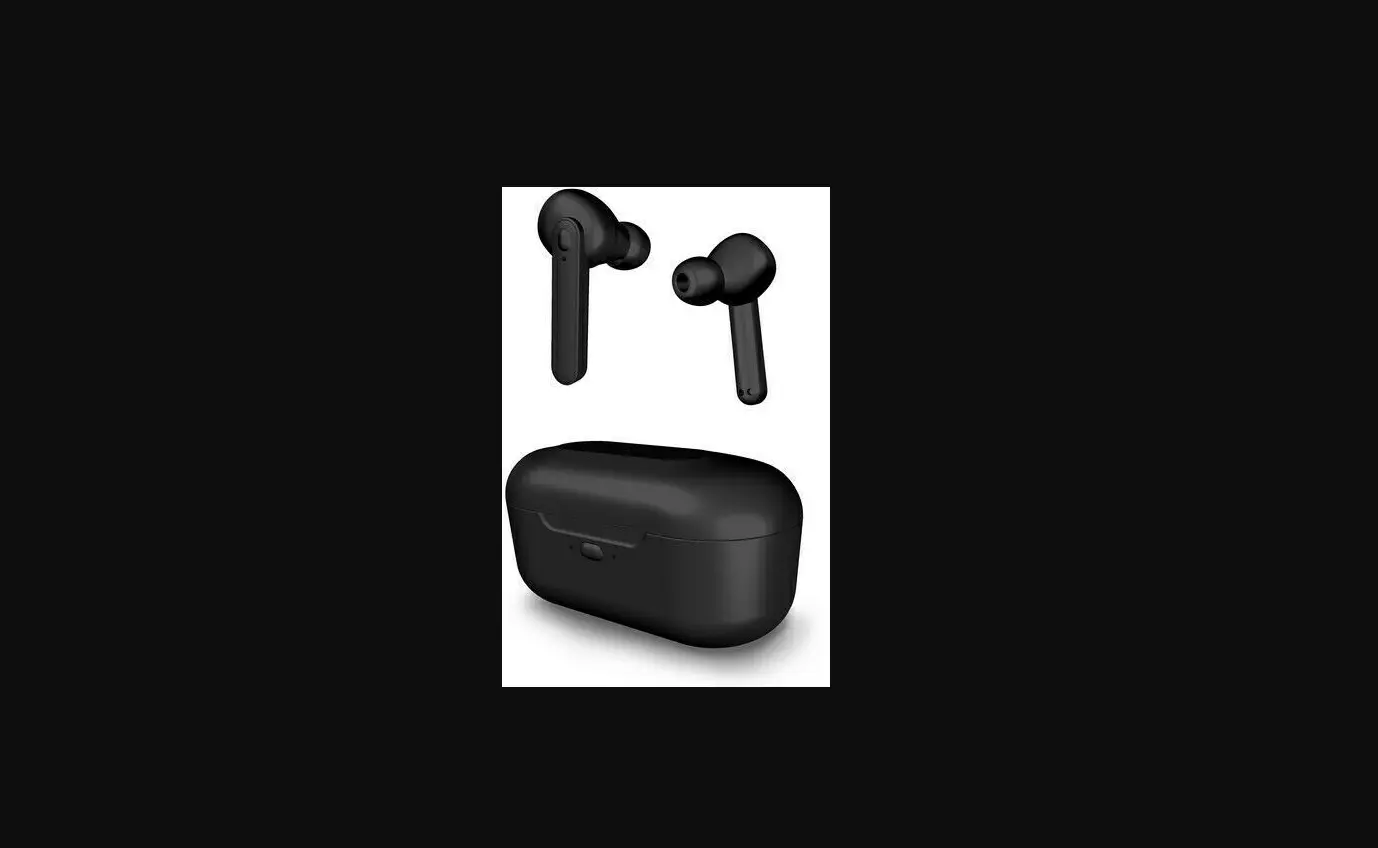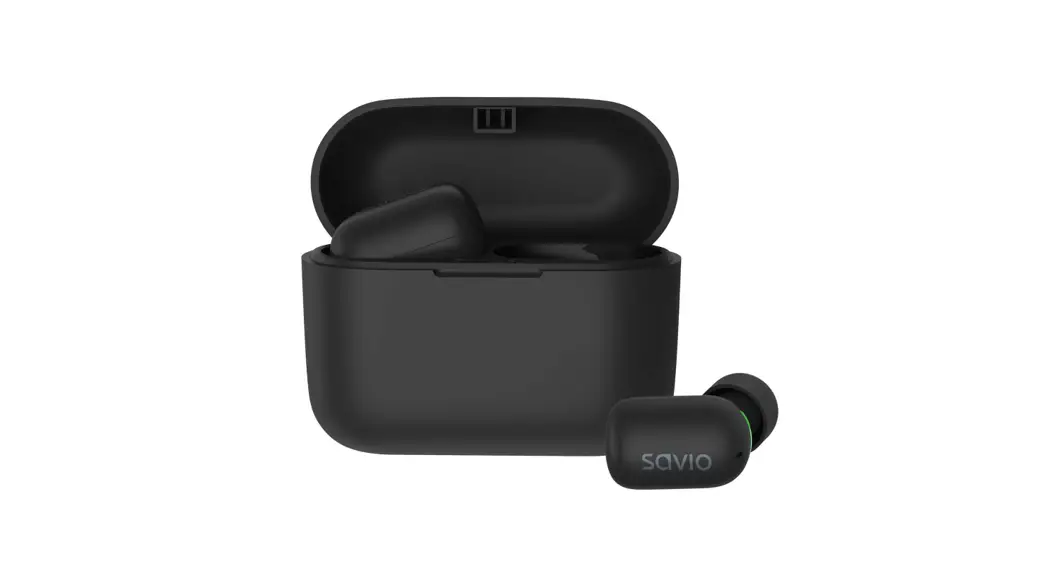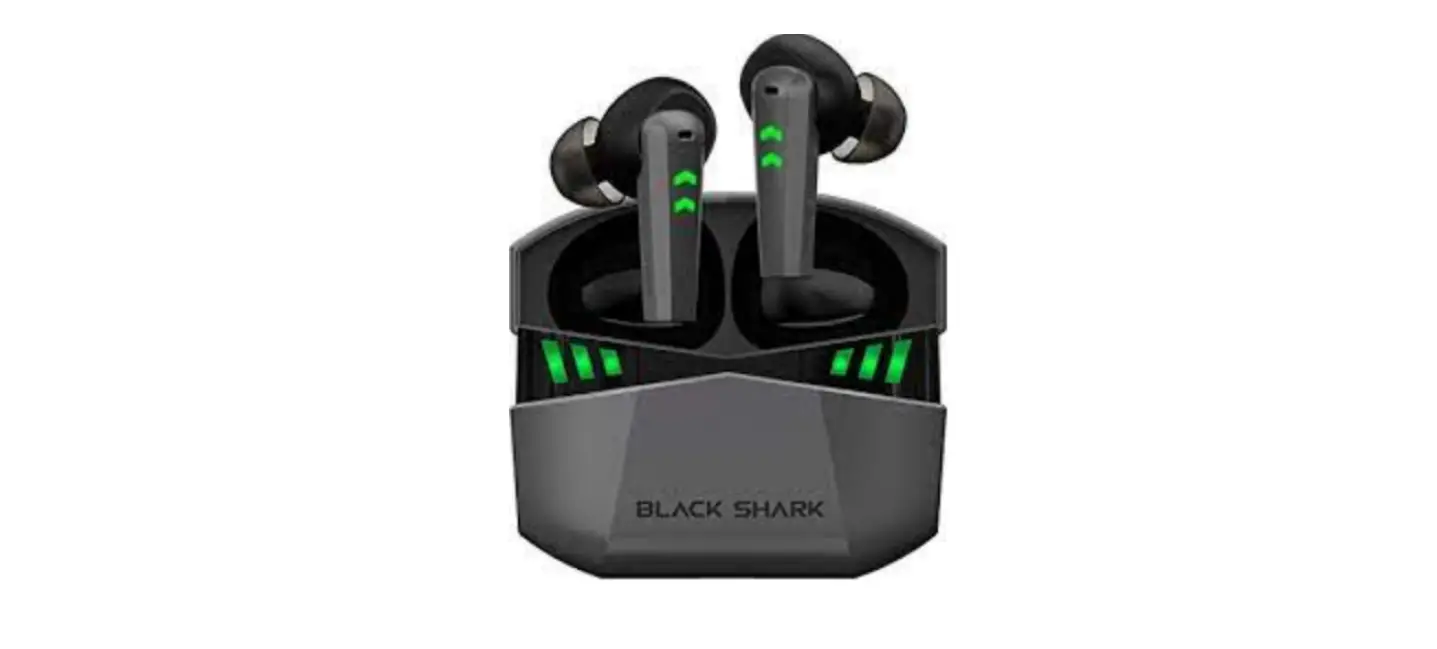

Black Shark BS-T6 Bluetooth Earbuds
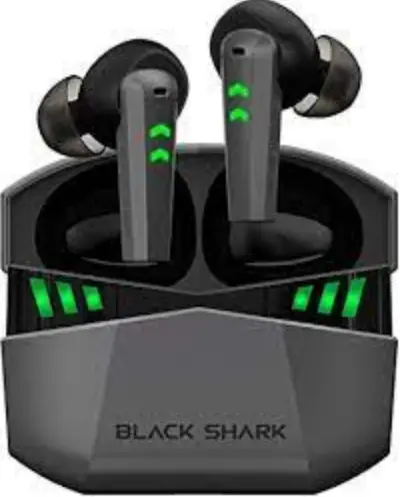
Thank you for purchasing the BLACK SHARK Lucifer T6 Gaming Wireless Earbuds. Please read this manual carefully and keep it for future reference. If you need any assistance, please contact our support team with your product model number and Amazon order number.
PACKAGE CONTENTS
BLACK SHARK LucHer T6 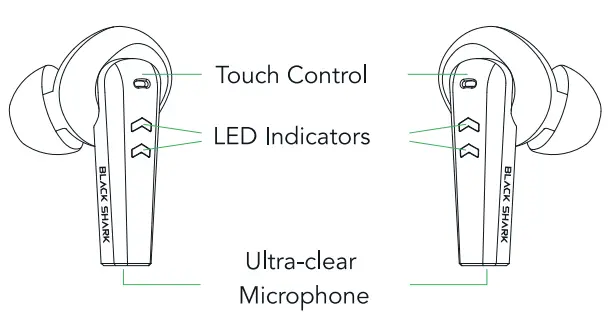
CHARGING CASE 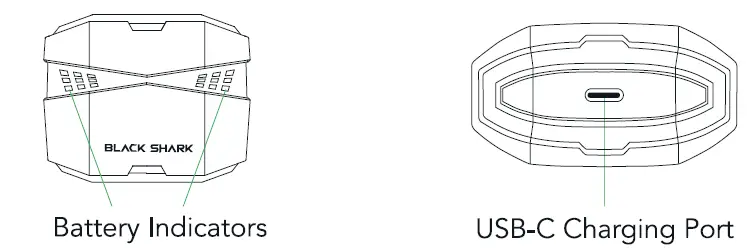
3 PAIRS OF EAR TIPS 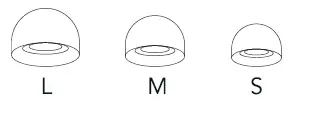
CHARGING CABLE USER MANUAL & WARRANTY CARD
SPECIFICATIONS
| Model | BS-T6 |
| Bluetooth Version | Bluetooth 5.2 Dual Mode |
| Transmission Distance | .::; 10m |
| Driver Size | 10mmx2 |
| Frequency Response | 20 Hz -20 kHz |
| Battery Capacity | 40 mAh x 2 (earbuds), 400 mAh (charging case) |
| Charging Time | 1.5 h |
| Play Time (varies by volume level and content) | 6.5 h (A total of 26 h with the charging case) |
| Charging Type | USB-C |
| Casing Material | ABS. PC |
| Cable Material | PVC |
| Cable Length | 0.3m |
| Compatibility | Devices with Bluetooth audio capability |
| Supported Codecs | SBC, AAC |
GETTIMG STARTED
CHARGING YOUR BLACK SHARK LUCIFER T6
For first-time use, connect the charging case (containing the earbuds) to a USB port via the charging cable and wait until your Lucifer T6 is fully charged. For subsequent use, the charging case and earbuds can be charged independently.
BATTERY INDICATOR FOR THE CHARGING CASE WHEN PLUGGED IN
| Status | |
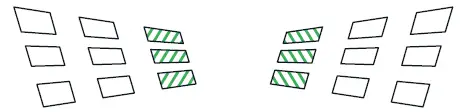 | Battery 0%-30% |
 | Battery 31%-70% |
 | Battery 71%-99% |
 | Fully Charged |

BATTERY INDICATOR FOR THE CHARGING CASE WHEN UNPLUGGED
| Status | |
| Battery 0%-10% |
 | Battery 11%-30% |
 | Battery 31%-70% |
|
| Battery 71%-100% |
BATTERY INDICATORS FOR THE CHARGING CASE WHEN CHARGING EARBUDS Battery indicators light up with a breathing lighting effect when the charging case is charging earbuds (except for the middle indicator). When the earbud on one side is fully charged, the indicator light on the corresponding side will light out.
PAIRING TO A MOBILE DEVICE
When connecting your Lucifer T6, remember to keep it within a meter (1 m) of your mobile device.
- Simply open the case to enter pairing mode.
You will hear 2 beep sounds while the earbuds are powered on and enter pairing mode. The indicators on the earbuds will remain white for 2 seconds. The master earbud’s indicator will then flash green and white alternatingly while the indicator light on the other flashes white every 4 seconds.- The first earbud to boot is the master earbud.
- Enable Bluetooth on your mobile device and select “Black Shark Lucifer T6” from the list of device found.
- Wait for pairing to complete. You will hear 4 beep sounds when the earbuds have successfully paired and connected to your device.
If the earbuds fail to connect to your audio source, the earbuds will stay in search mode for up to 3 minutes before powering off. If this happens, simply repeat the steps again to pair.- Once the earbuds have been paired, they will automatically tty to connect to the paired mobile device each time the charging case is opened or the earbuds are powered on.
GAMING MODE
On the right earbud, triple tap to activate gaming mode. Once enabled, your earbuds will function at a low latency, giving you real-time audio feedback while gaming. Repeat the same gesture to disable gaming mode and activate music mode.
USING DIFFERENT SIZES OF EAR TIPS
To improve the wearing experience, please select an ear tip that provides the best, most secure fit.
POWER ON/OFF
To power off the device, simply return the earbuds to the charging case and close the case. The same can be done by holding both touch controls for S seconds. The earbuds will power back up when you open the case or hold both touch controls for 3 seconds.
USING THE LEFT/RIGHT EARBUD ONLY
Simply take the left/right earbud out only and connect it to your device.
RESET YOUR LUCIFER T6
Starting with the earbuds in the case:
- Remove the earbuds from the charging case, and the earbuds will turn on. Hold both touch controls for 5 seconds to turn them off.
- Hold both touch controls for 10 seconds. The earbuds will turn on, clear their pairing list, and turn off again.
- Place both earbuds back in the charging case and close the case to reset.
- Open the case again, your Lucifer T 6 will turn on and enter pairing mode.
TOUCH CONTROLS FOR EARBUDS
| FUNCTION | ACTION | INDICATOR | AUDIO PROMPT |
| Power On | Open the case | Static white for 2 seconds | 2 beep sounds |
| Hold both touch controls for 3 seconds |
|
Power Off | Place the earbuds back in the case and close it |
Static green for 2 seconds |
2 beep sounds |
| Hold both touch controls for 5 seconds | |||
|
Pairing |
Open the case | The master earbud’s indicator will flash green and white alternatingly, and the other will flash white every 4 seconds |
4 beep sounds |
| Connected | None | None | 4 beep sounds |
| Standby | None | Flash white every 4 seconds | None |
|
Disconnect |
Disconnect via the connected device | The master earbud’s indicator will flash green and white alternatingly, and the other will flash white every 4 seconds |
2 beep sounds, then 4 beep sounds |
| Voice Assistant | Triple tap the left touch control | None | None |
| Answer/End a call | Double tap the UR touch control | Flashes white rapidly upon an incoming call | None |
| Reject a Call | Hold the UR touch control for 2 seconds | None | None |
| Play/Pause | Double tap the UR touch control | None | None |
| Previous Track | Hold the left touch control for 2 seconds | None | None |
| Next Track | Hold the right touch control for 2 seconds | None | None |
| Volume Up | Single tap the right touch control | None | None |
|
Volume Down | Single tap the left touch control |
None |
None |
| Gaming Mode | Triple tap the right touch control | Green “breathing” lighting effect | Game mode |
| Music Mode | Triple tap the right touch control | White “breathing” lighting effect | Music mode |
| Turn On/Off the Indicators | Quadruple tap the UR touch control | Indicators on or off | 2 beep sound |
| Battery Low | None | None | 2 beep sounds every 60 seconds |
| Clear Pairing List | Hold both touch controls for 10 seconds when the earbuds are powered off |
Static green for 2 seconds |
None |
SAFETY INFORMATION
Avoid Hearing Damage
& Using the earbuds at a high volume for a long time may cause permanent hearing loss. To reduce this risk, keep the volume at a safe and comfortable level.
Traffic Security
To reduce the risk of accidents, always fully pay attention while driving. Using a device while driving, even with a hands-free kit, distracts you and can cause an accident. Follow local driving laws and regulations while using this device.
Interference with Medical Equipment
This device may cause medical equipment to malfunction. Therefore, follow all rules and regulations of hospitals and health care facilities. Do not use your device in prohibited areas. Some wireless devices may affect the performance of hearing aids and peacemakers. Consult your service provider for more information. Peacemaker manufacturers advise keeping a minimum distance of 15 cm between a mobile device and a peacemaker to prevent potential interference. It is recommended to hold the device opposite the peacemaker, and not to carry the device in your front pocket.
Battery
This product contains a lithium-ion battery. WARNING! There is a risk of explosion if the battery is replaced by an incorrect type. Do not attempt to remove, open, crush, puncture, short circuit, dispose of in fire or water, or expose battery to temperatures higher than 40t.. Dispose of used batteries according to local regulations.
Battery Replacement
Your device’s battery is built-in and non-removable. The battery can be replaced only by an authorized service partner, whose contact information can be found on the Warranty Card.
The operating temperature of the device is -10 to 55t.. Avoid environments that are dusty, damp, dirty, or have magnetic fields. Keep the device away from extended-period direct sunlight, extreme heat/cold, fire, microwave, or high-pressure containers. Such environments may damage your device or accessories.
WARRANTY & CUSTOMER SUPPORT
For questions, support, or warranty claims, please contact us through one of the region-specific email addresses given below. Please include your Amazon order number and product model number.
Amazon US orders: [email protected]
Amazon EU OIUel’S: support.eu@blac:k4)ark.com
Amazon CA orders: [email protected]
Amazon JP orders: [email protected]
For more information, please check global.blackshark.com
Join Black Shark at global.blackshark.com
Like us on Facebook at facebook.com/BlackSharkGlobal
Follow us on Twitter at twitter.com/blckshrk_global
Manufacturer: Blackshark Technologies (Nanchang) Co., Ltd.
Registered Address: Room 815-1, 8th floor, Block A, Huajiang Building, N0.1 Tsinghua Science Park, N0.299, Yupingdong Street, Nanchang Economic and Technological Development Zone, Nanchang City, Jiangxi Province, 330013, CN
FCC ID: 2A2JO-BST1
IC: 27499-BST6