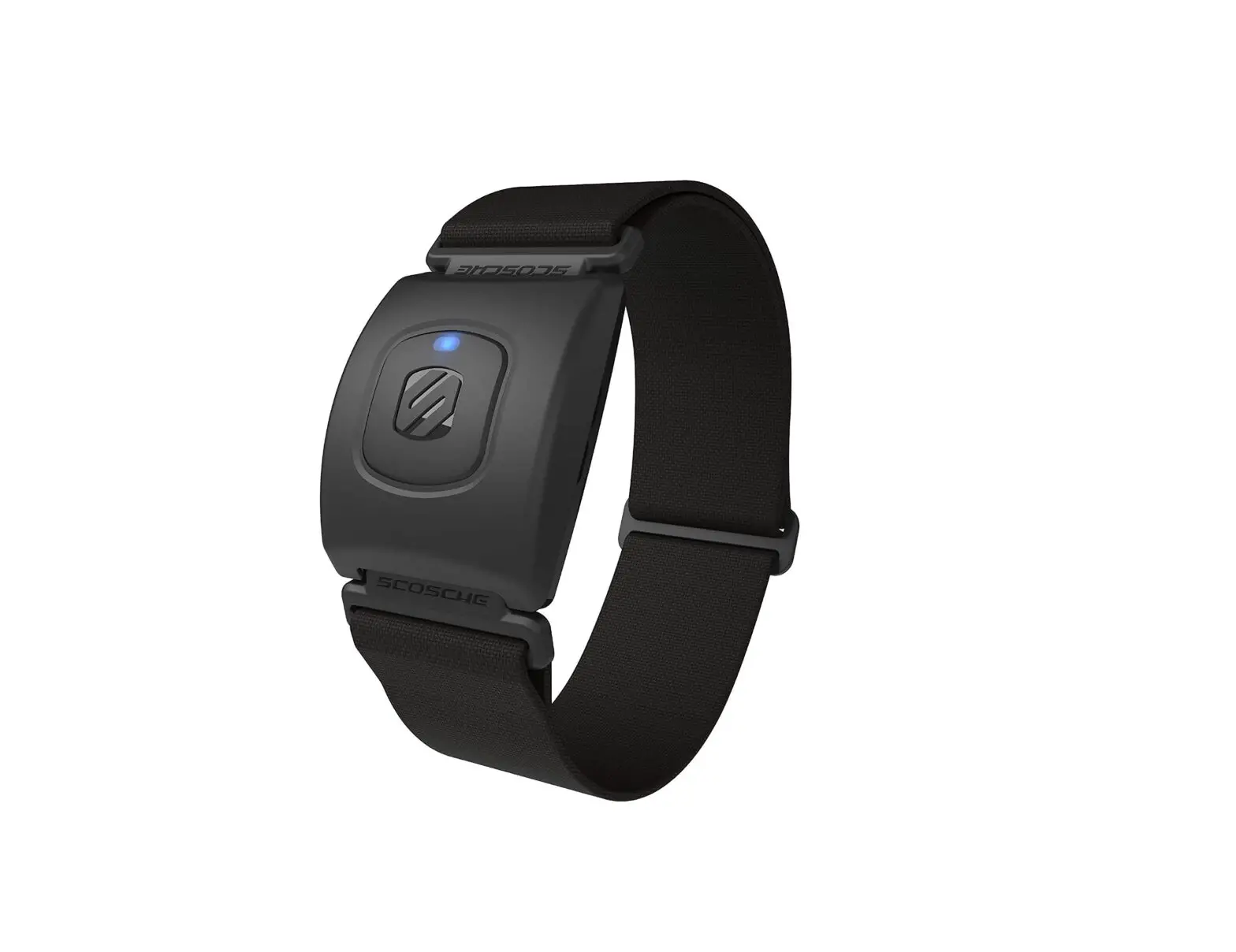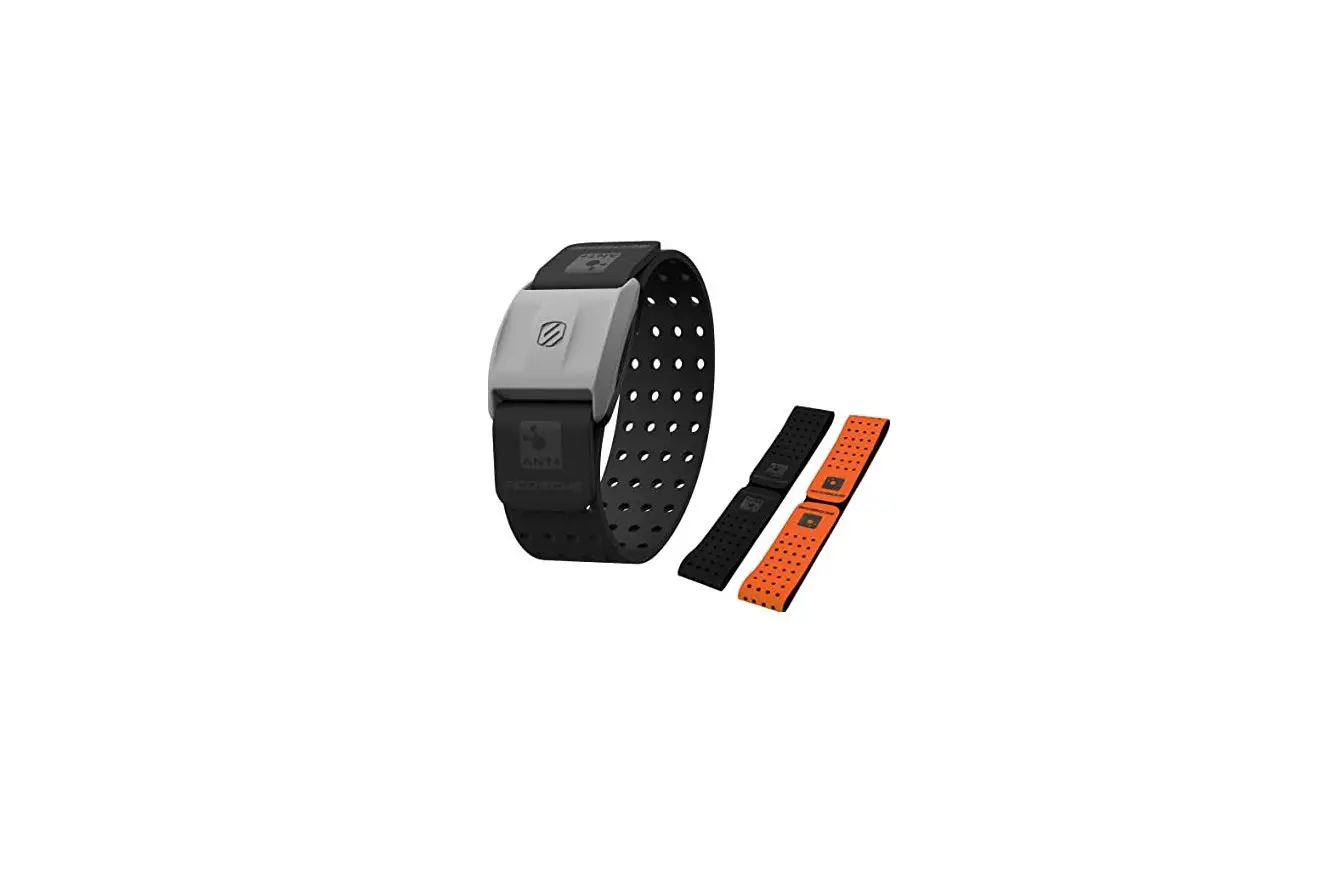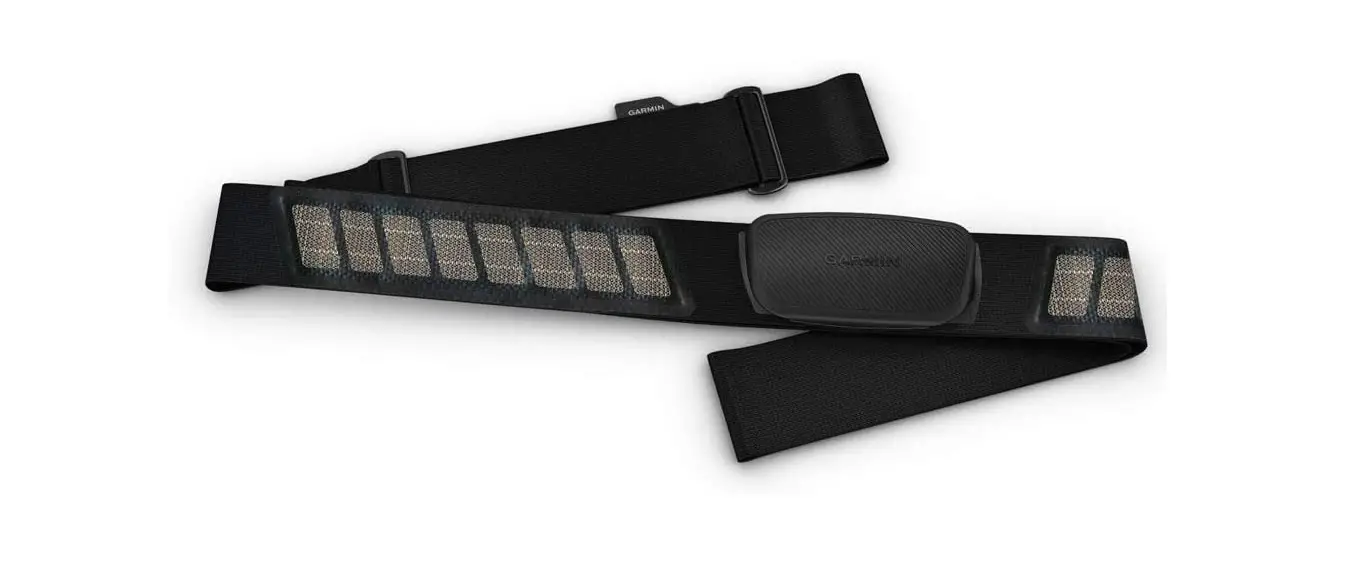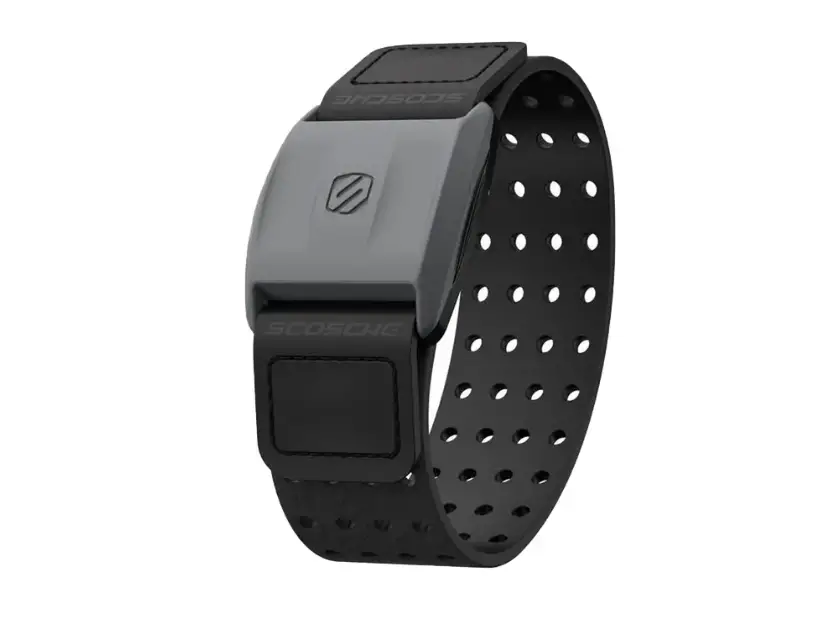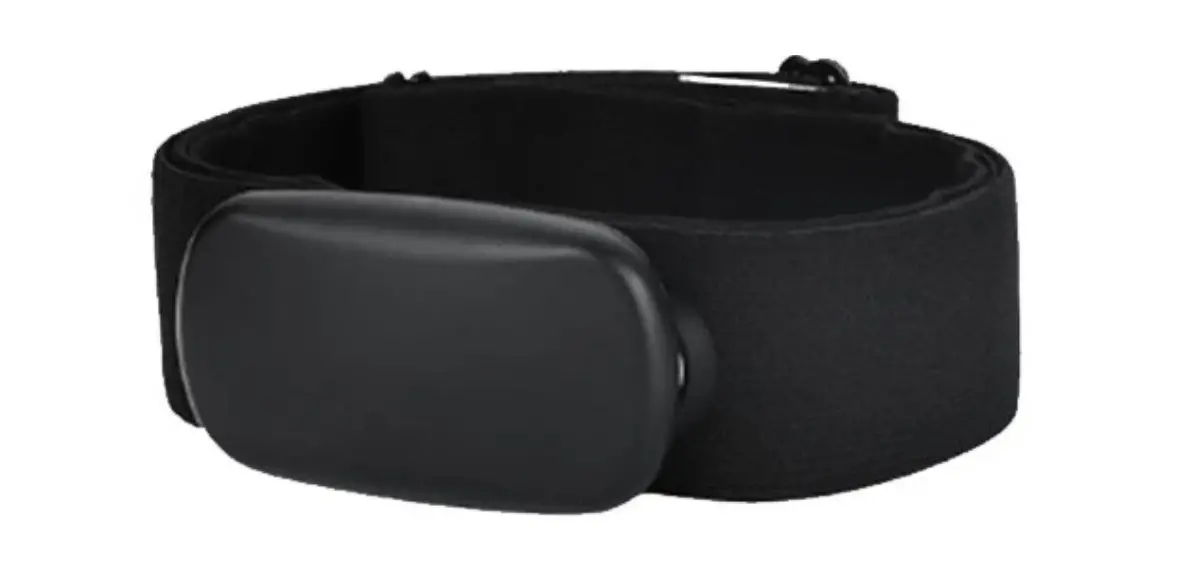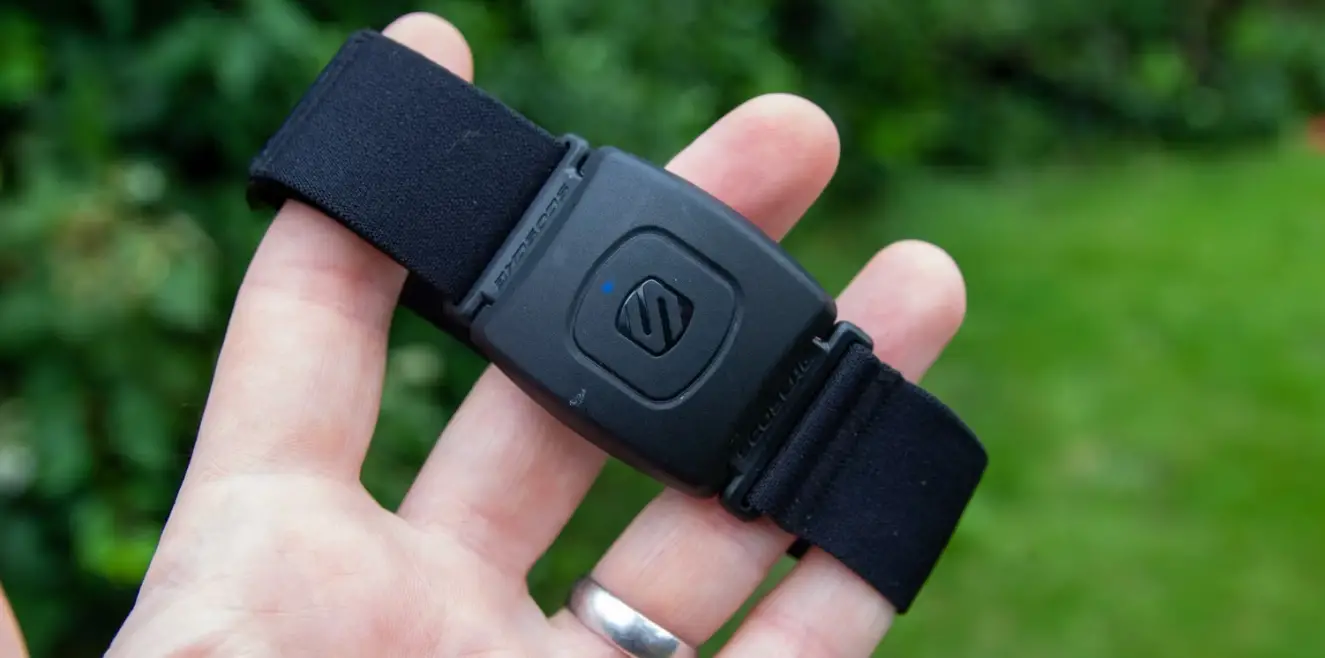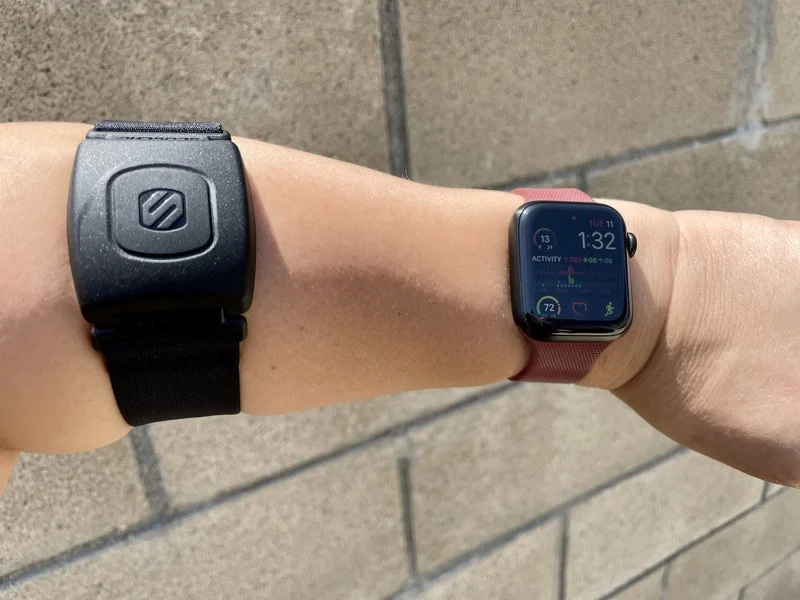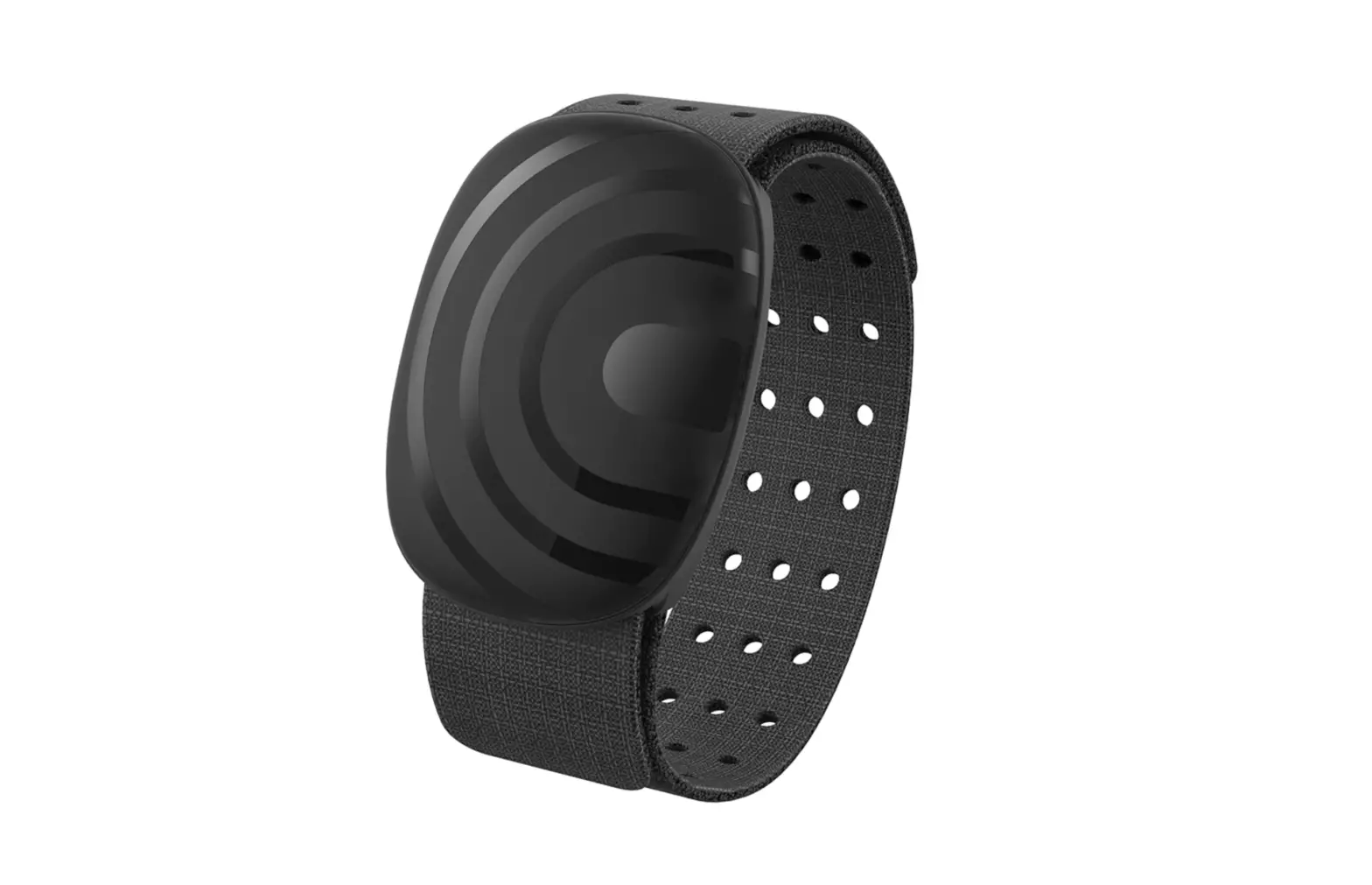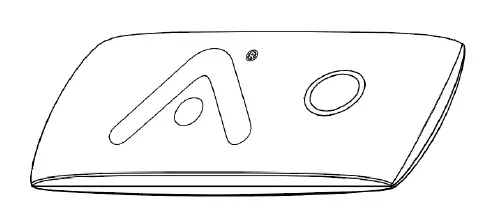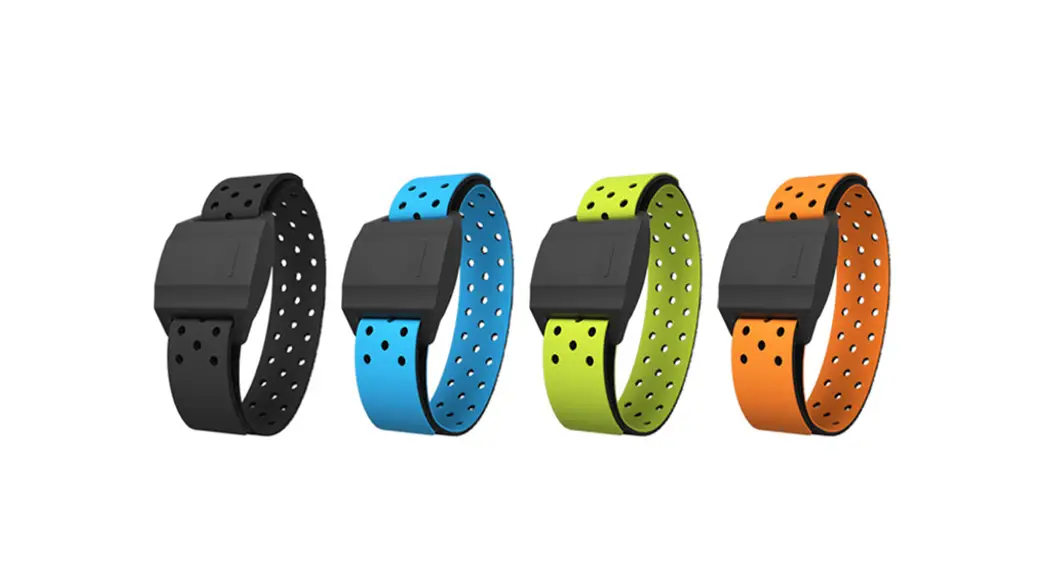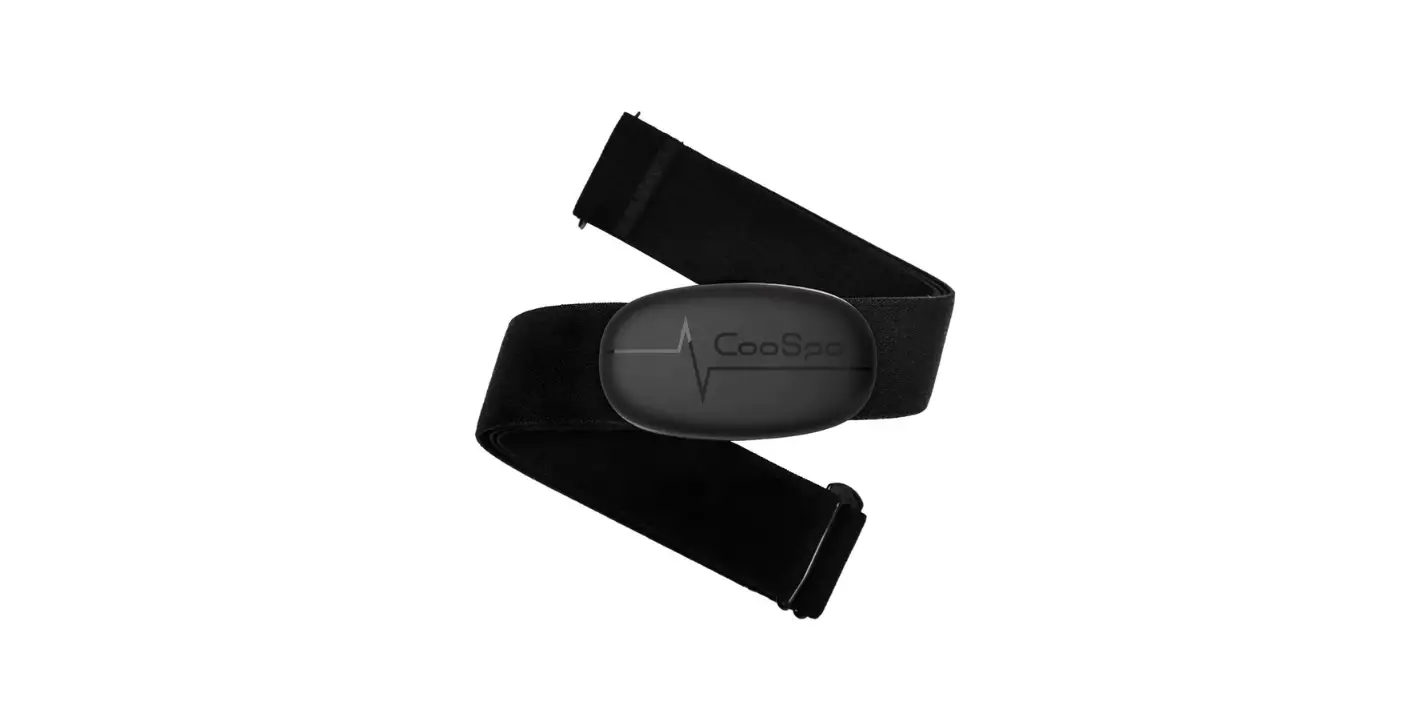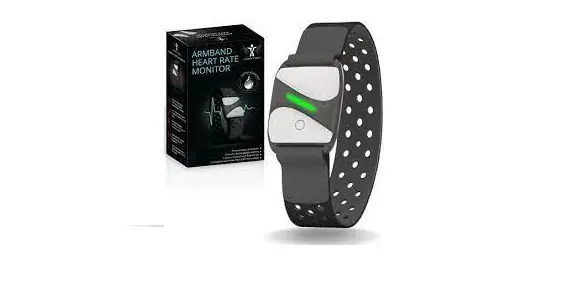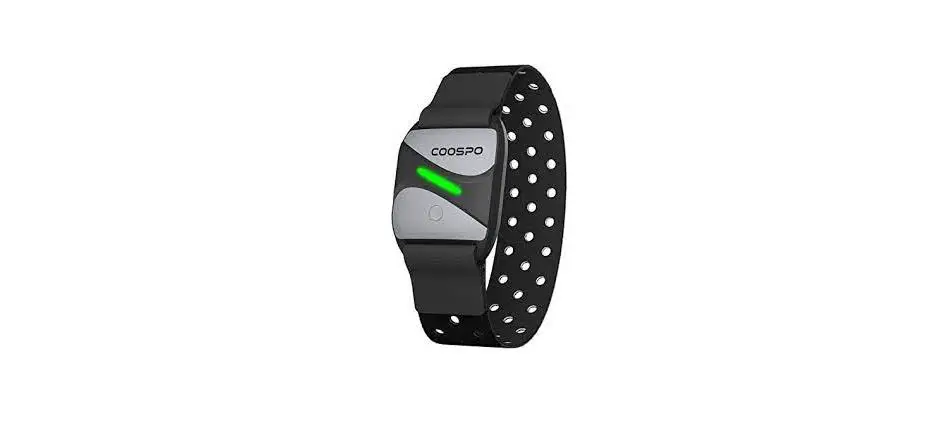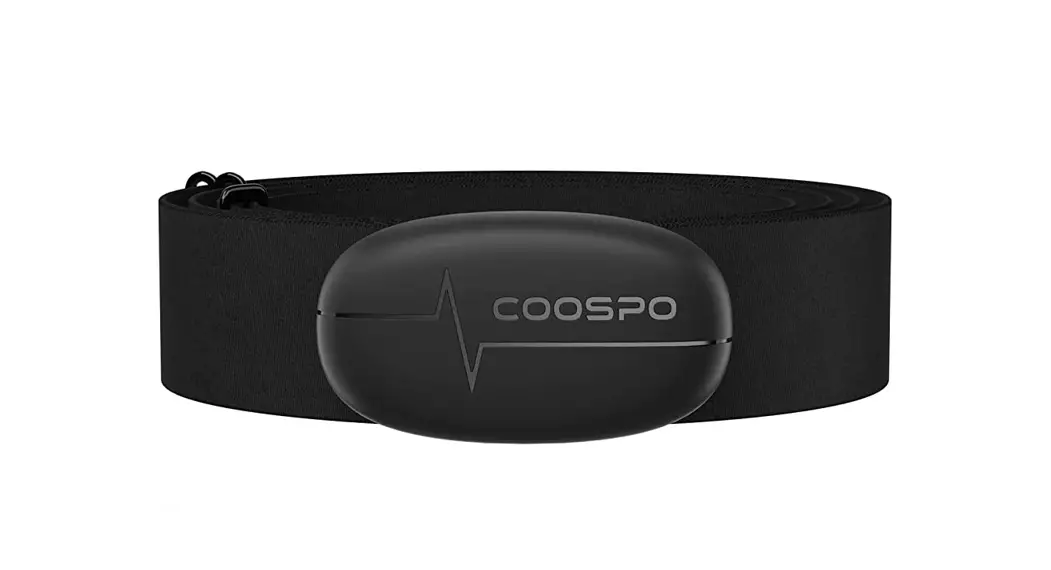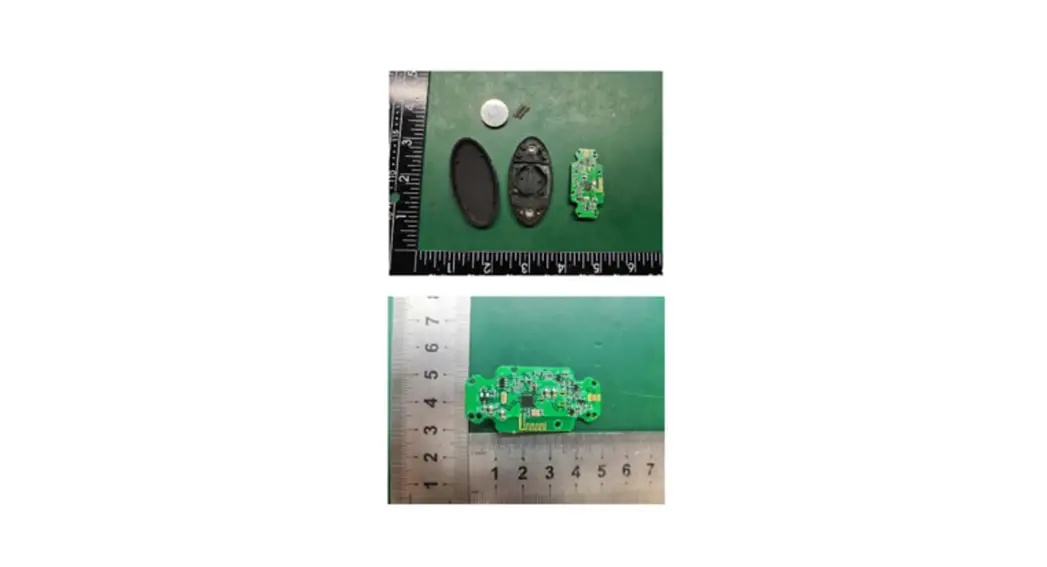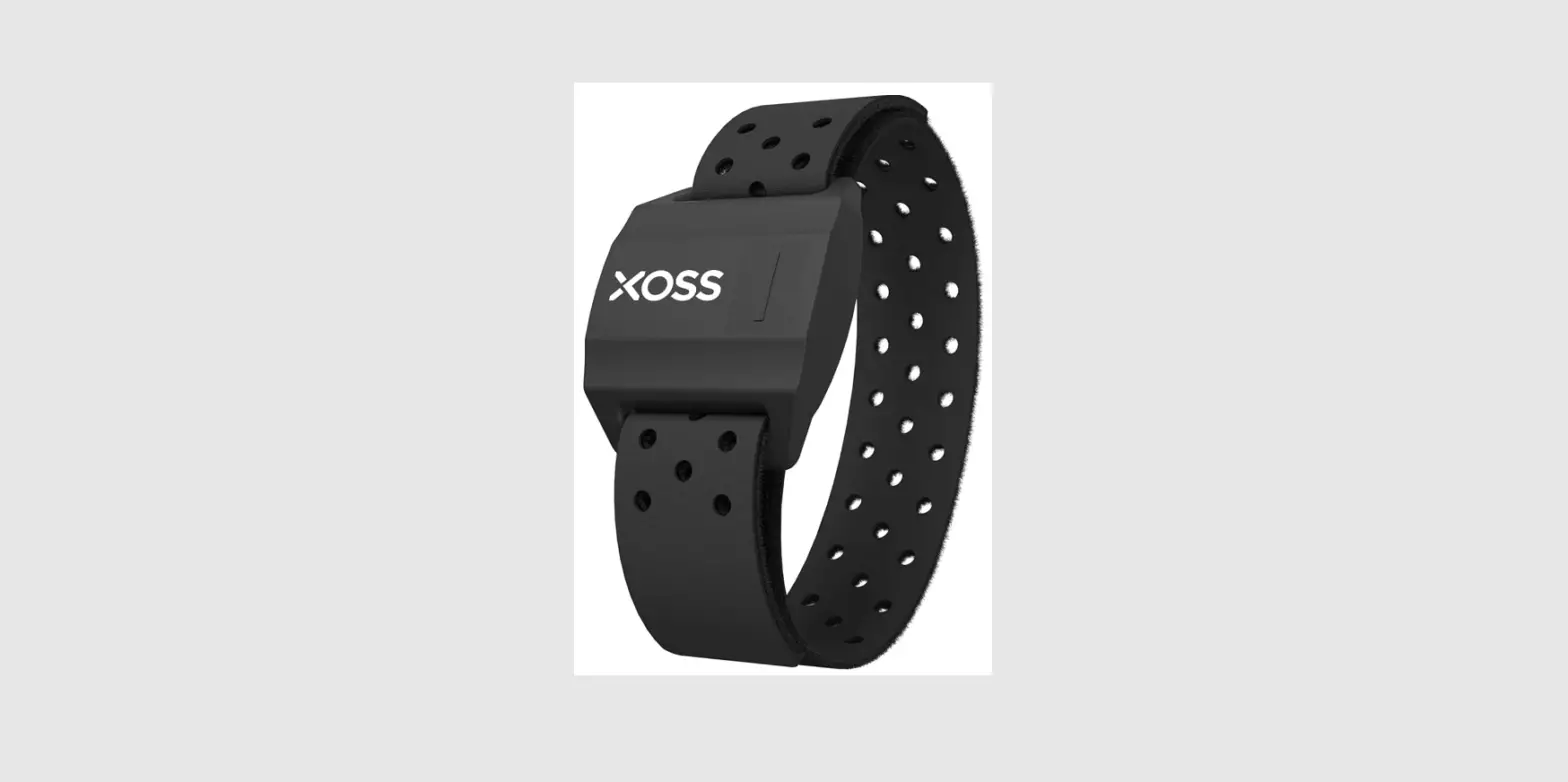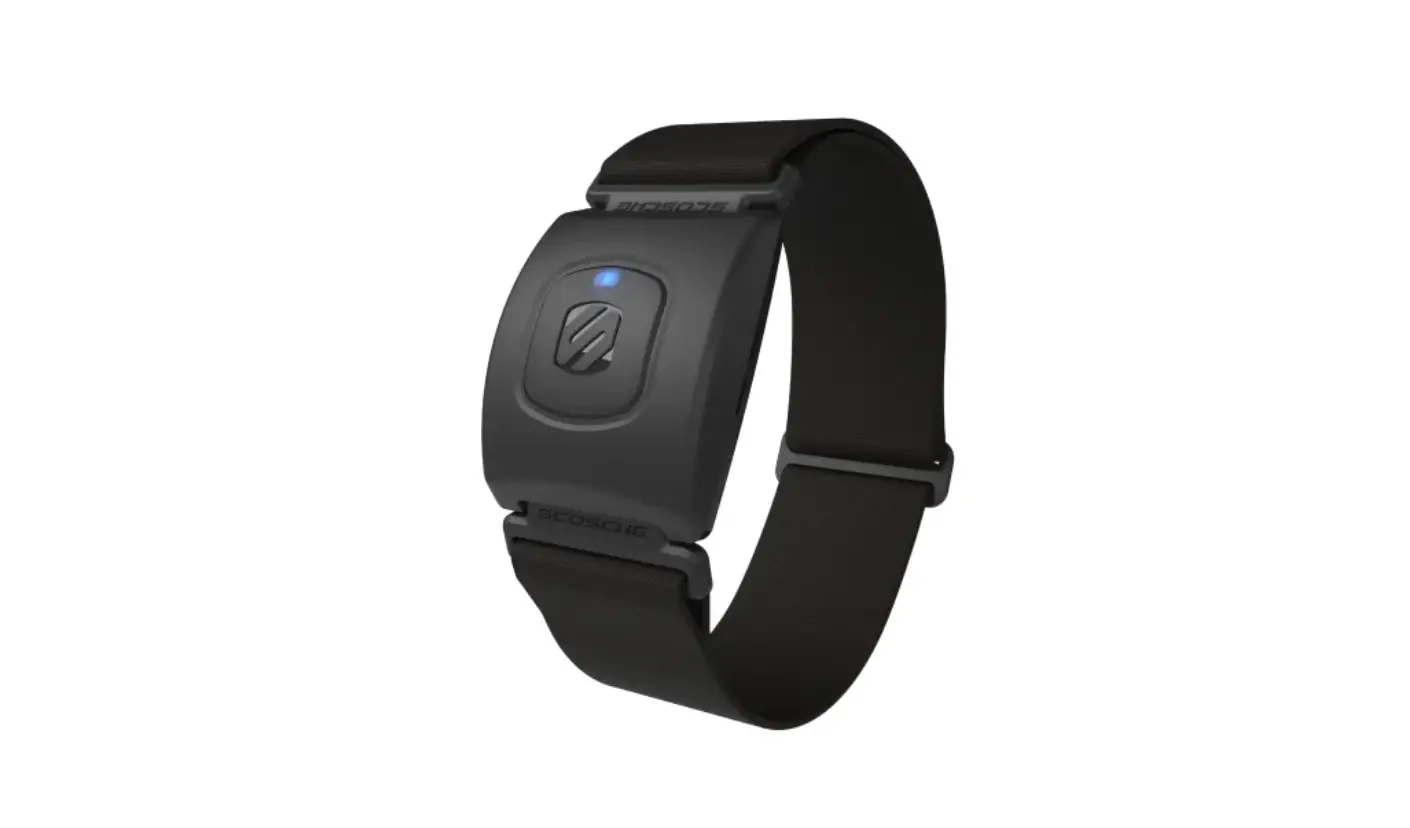

SCOSCHE B08BNB2N5C RTHM+2.0 Heart Rate Armband Monitor with Dual Band Radio ANT+ and Bluetooth Smart
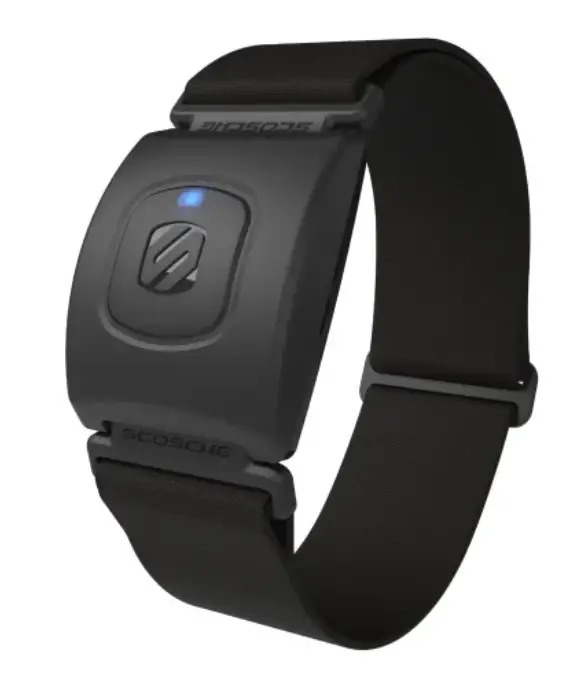
Power On/Off:
Turn On- Press & hold MFB for 2 seconds
Turn Off- Press & hold MFB for 3 seconds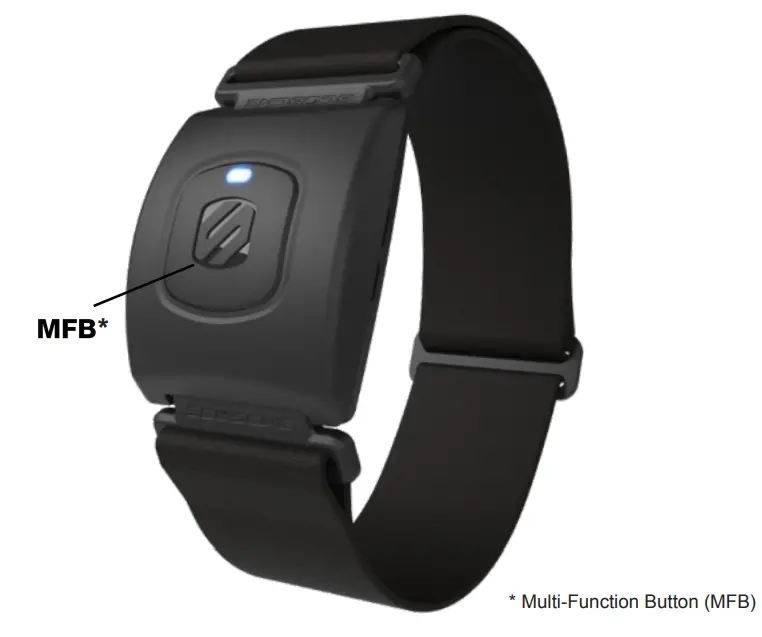
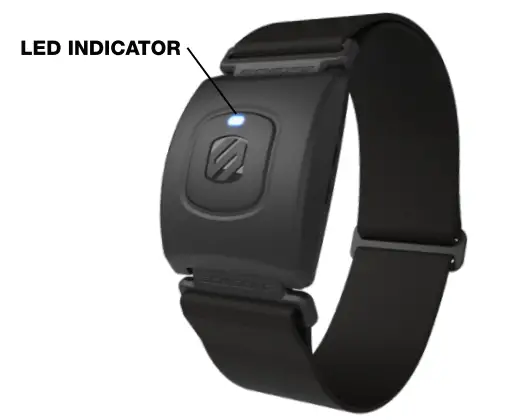
LED Status:
- Red/Blue – Bluetooth Pairing Mode
- (3) Blue Blinks – Successful Bluetooth Connection
- Blue Normal Operation

Initial Setup with Bluetooth
Smart Fitness Apps
- Bluetooth is turned ON within your device.
- Find the Sensor Settings menu in the Bluetooth Smart Fitness App.
- Turn on your RHYTHM+2.0 and select it in the app to connect.
Initial Setup with Bluetooth & ANT+ Smart devices
(Sports Watches & Fitness Equipment)
- From the device settings menu select “Add HR sensor”
- Turn on your RHYTHM+2.0 and select it to connect.


Scan QR code for more info