 SHOP 5034-BK-L Motor Brush Replacement
Instructions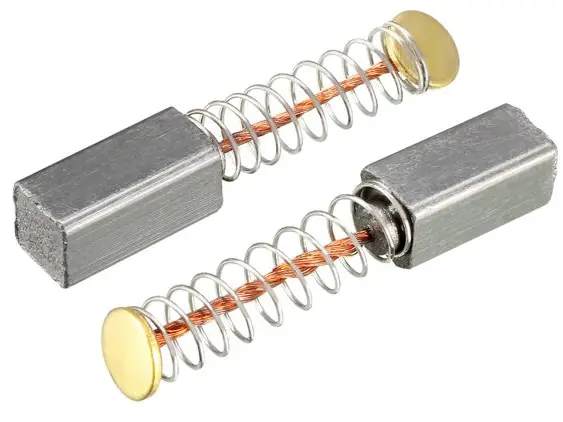
Motor Brush Replacement:
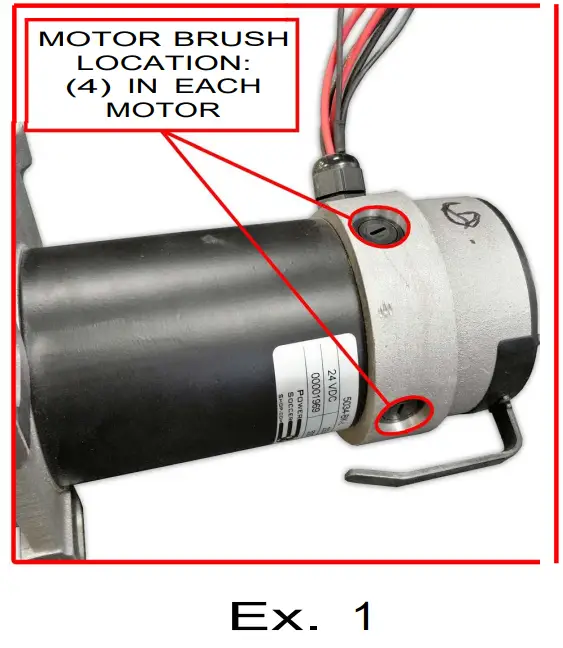
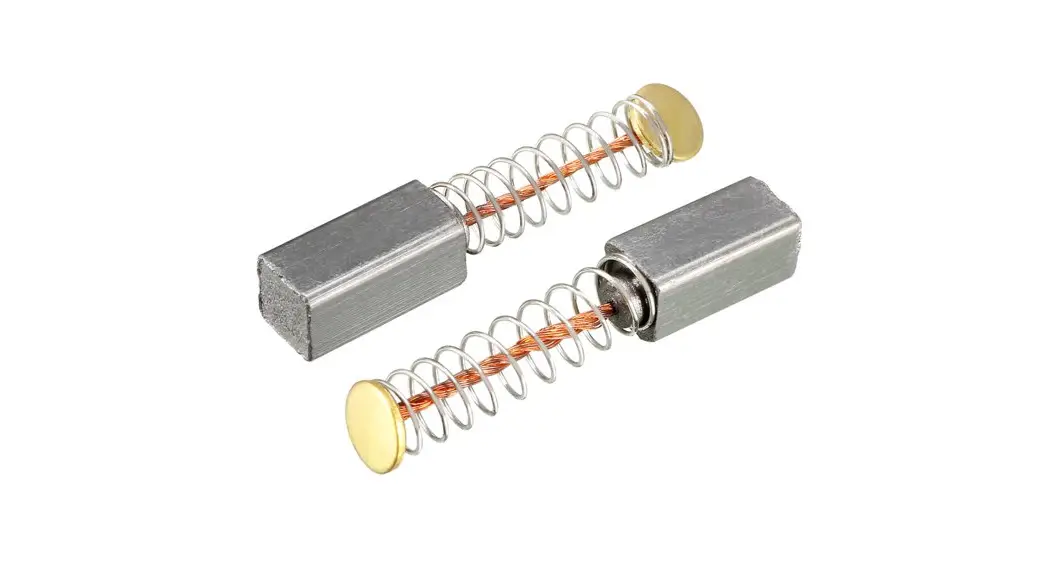
- Each Motor has (4) brushes. (See photo Ex. 1)
- First, you will need to remove the batteries and the fan plate to access all of the motor brush locations for each motor.
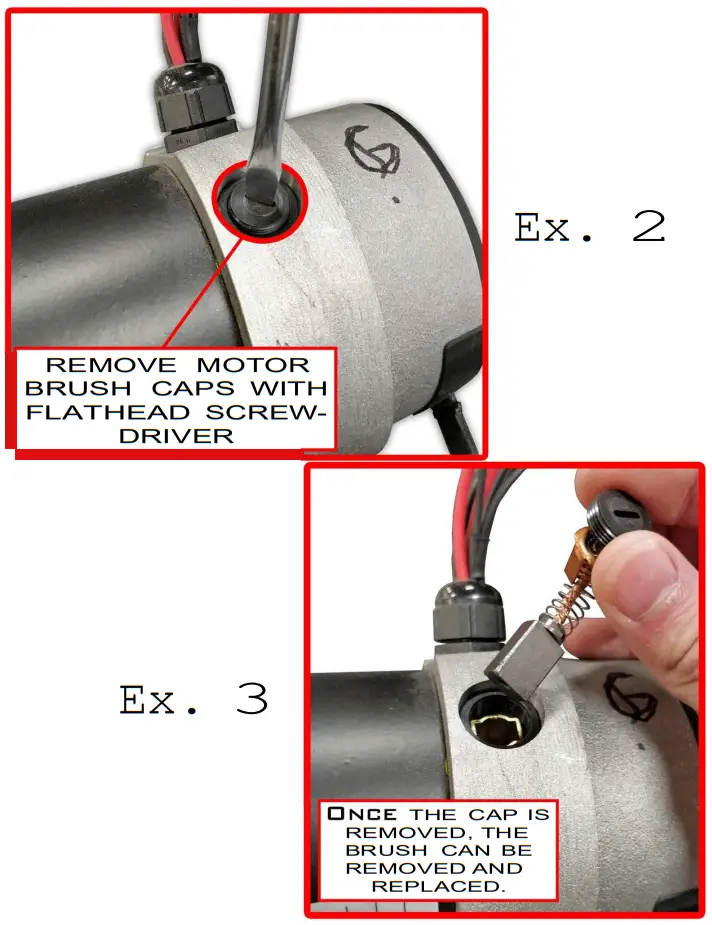
- Once you have those removed, you can start replacing the brushes one by one. To replace the brushes, you will need to remove the brush caps with a flathead screwdriver. Use caution when doing this because the brushes will want to spring out once the cap is removed. (See photo Ex. 2 and Ex.3)
- WARNING: If you are replacing motor brushes on a strike force you will need to replace ALL (4) brushes on BOTH motors.
- Once all of the motor brushes are replaced, double check each cap to make sure it is tightened.
- Now you can reinstall the batteries and fan plate, and the installation should be complete!