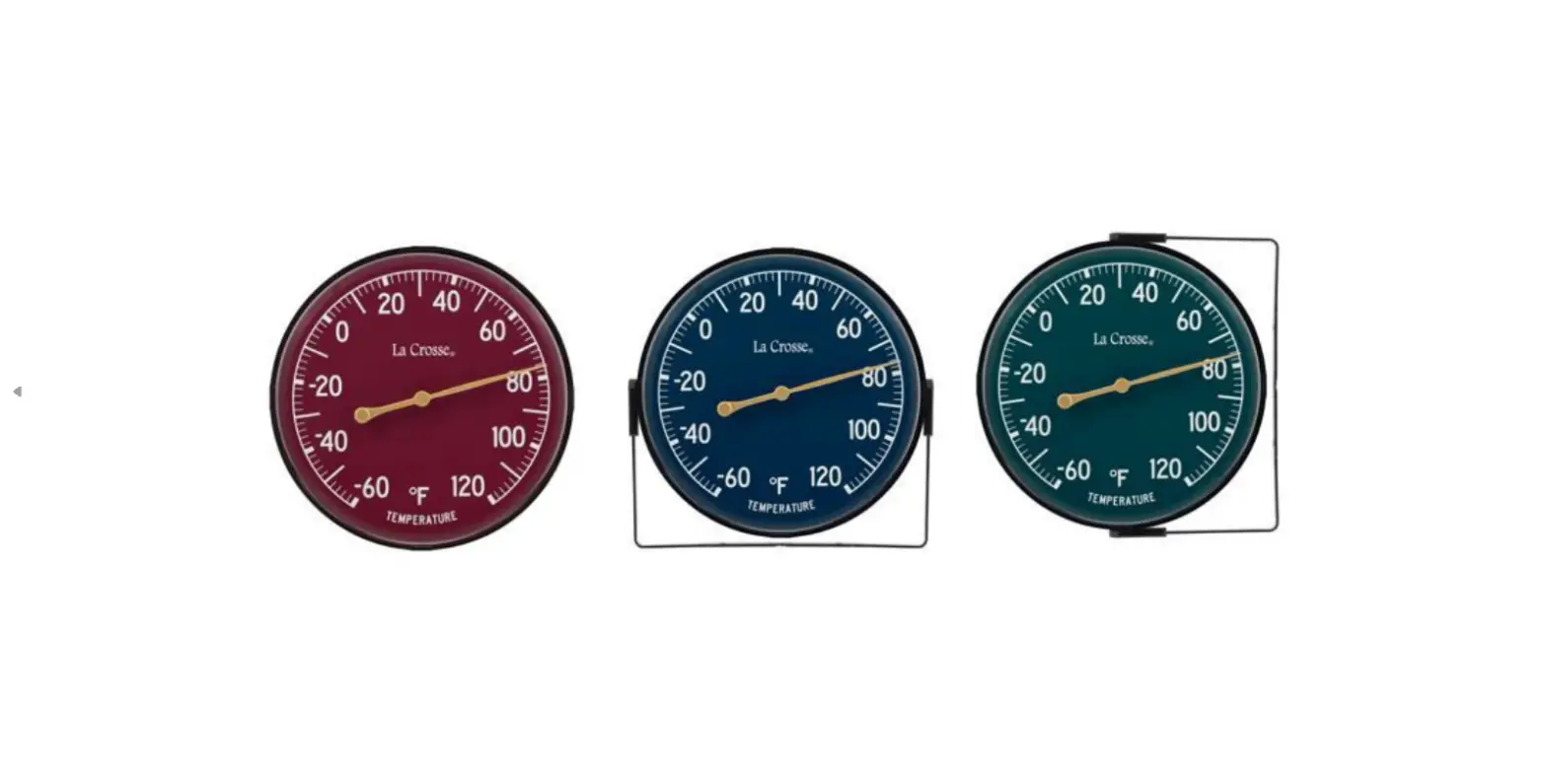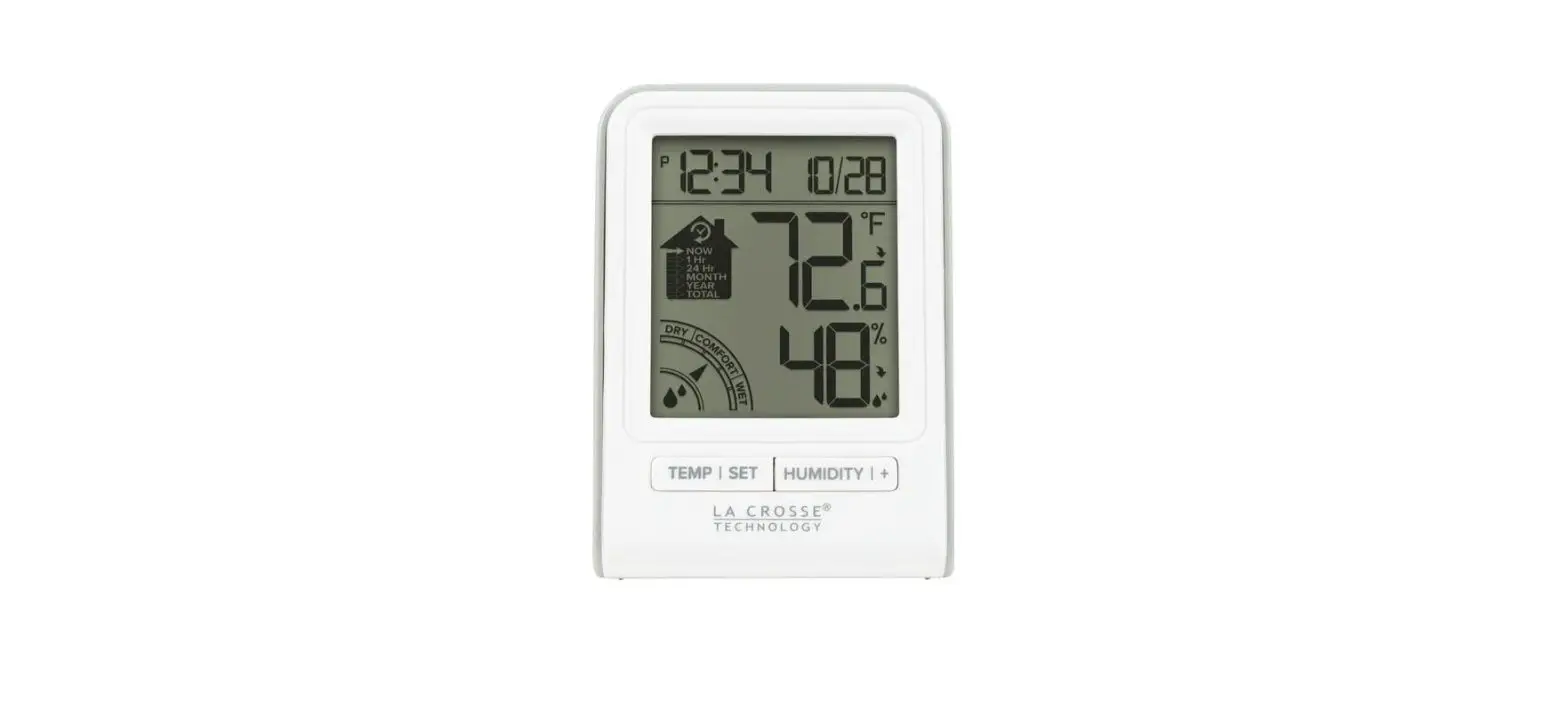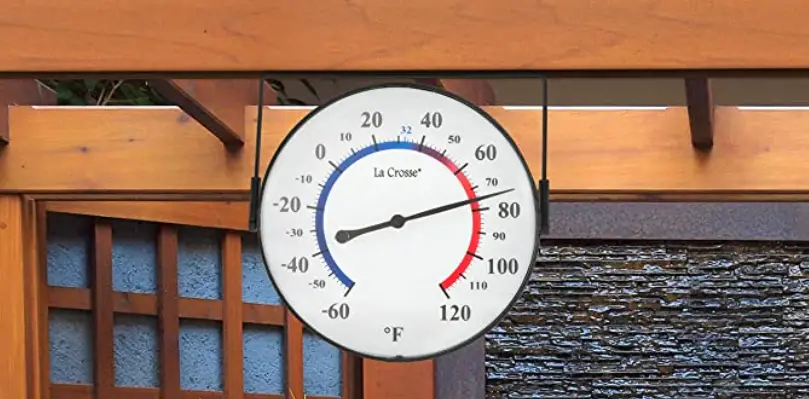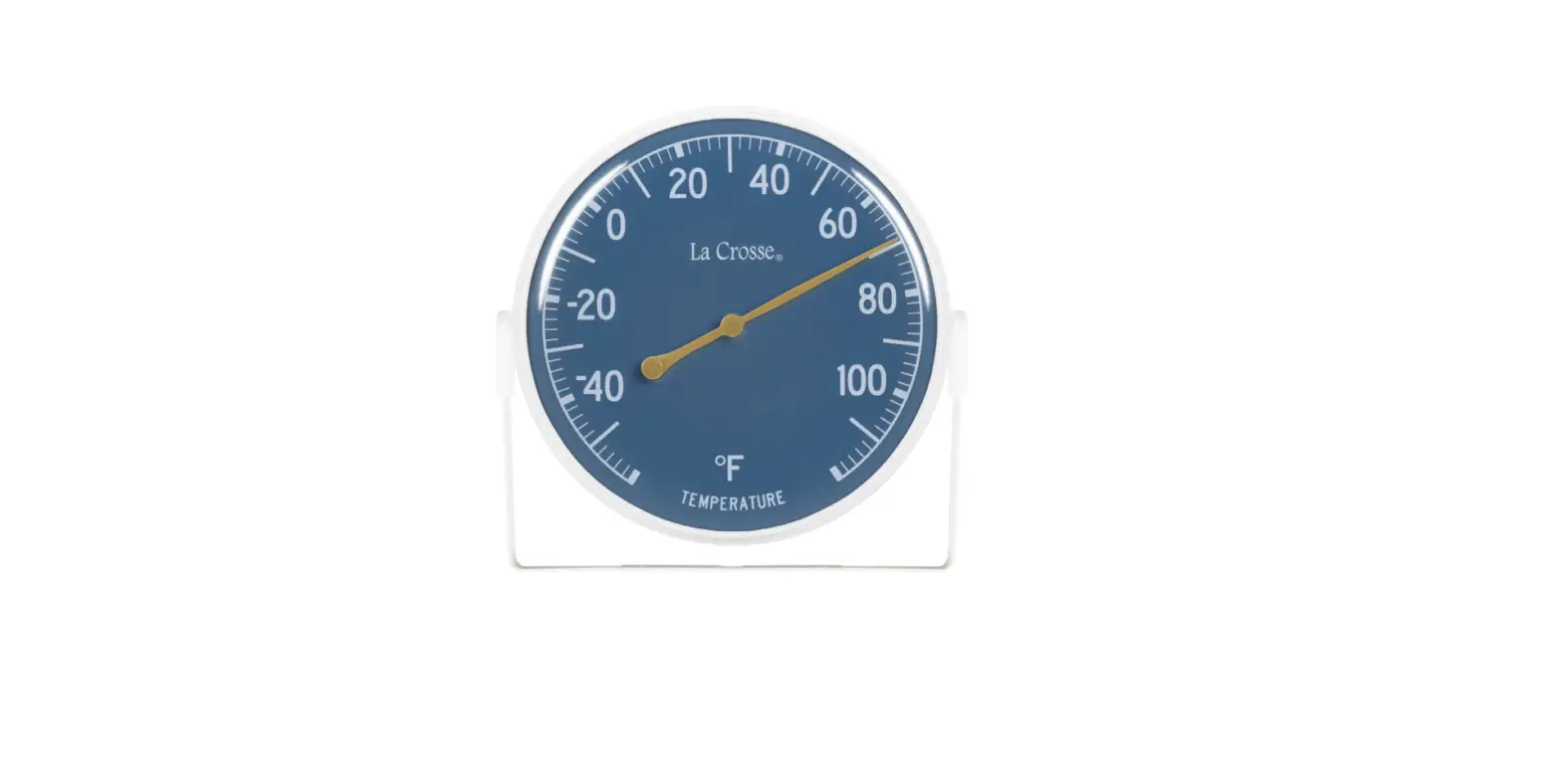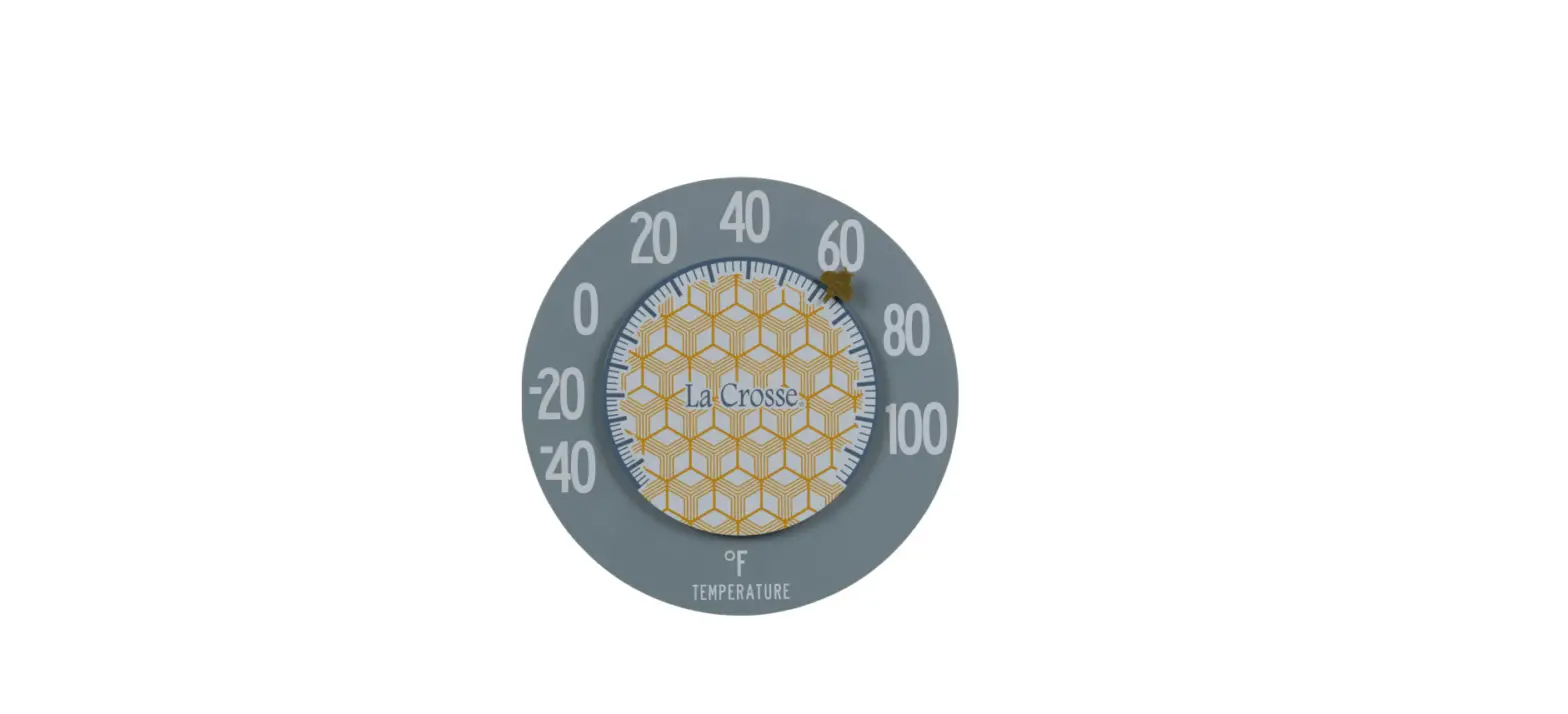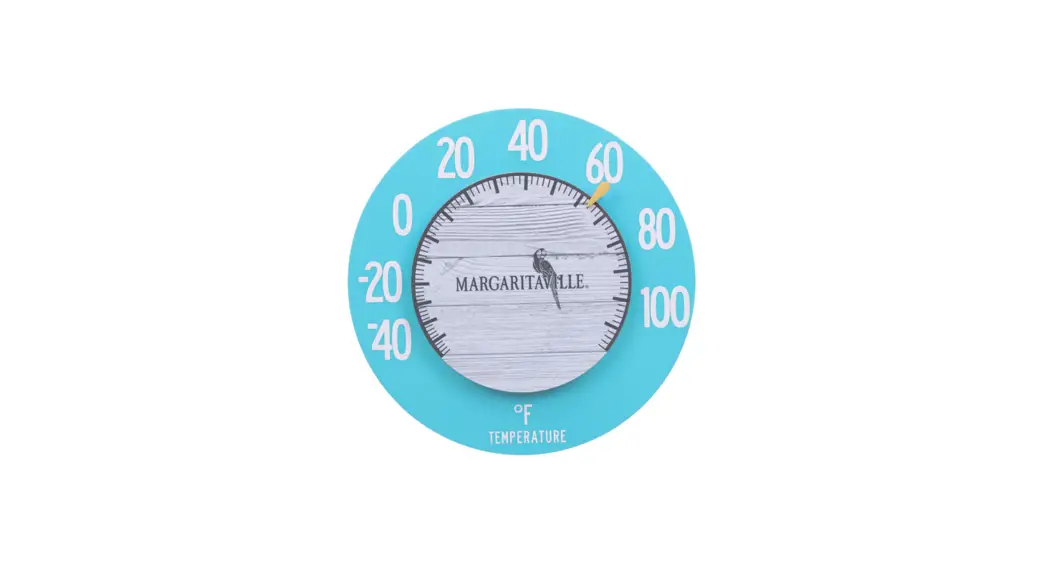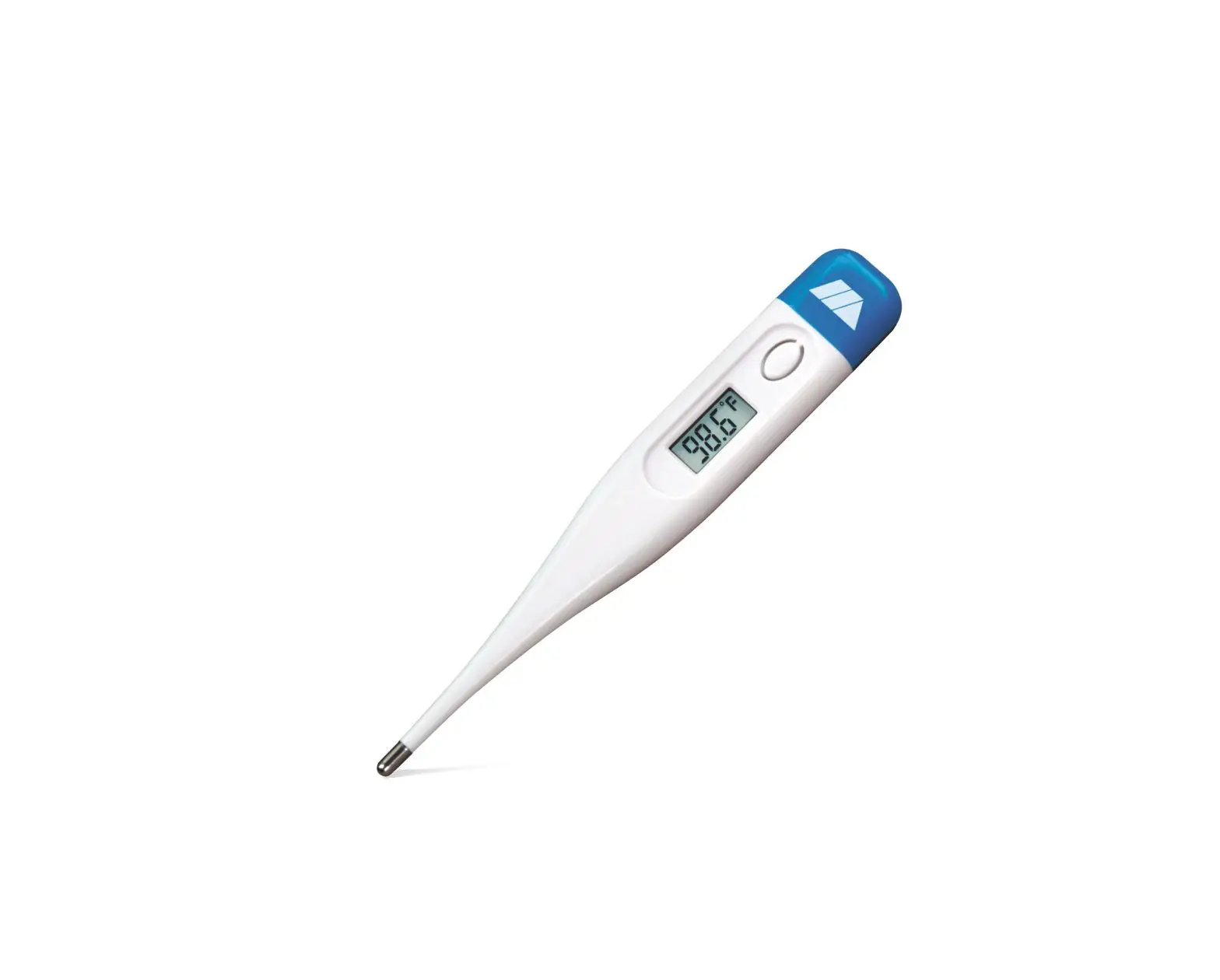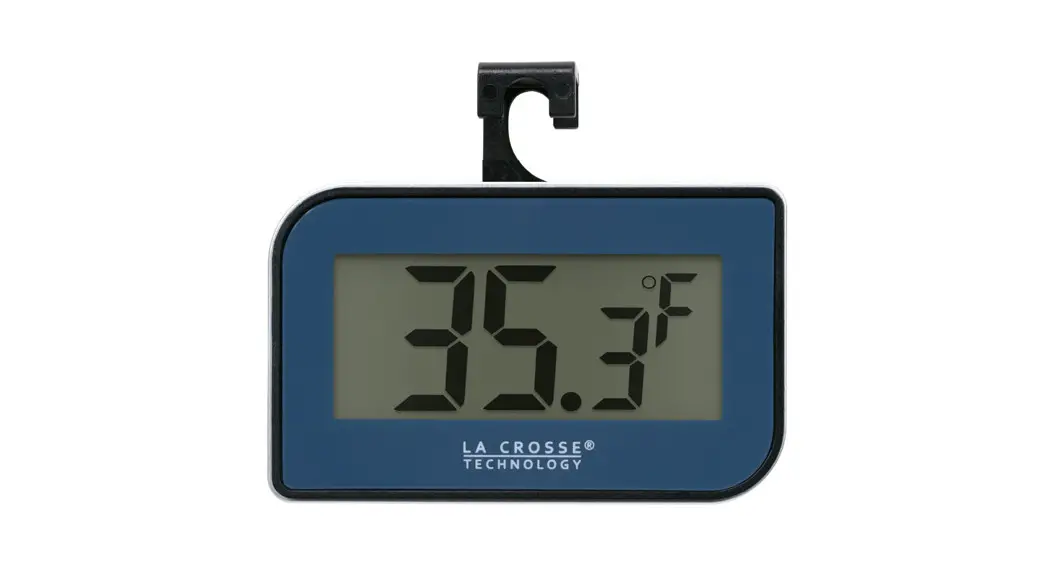
 Digital Thermometer
Hangs, Stands, or Attaches with Magnet
Model 314-152-BL
Instruction Manual 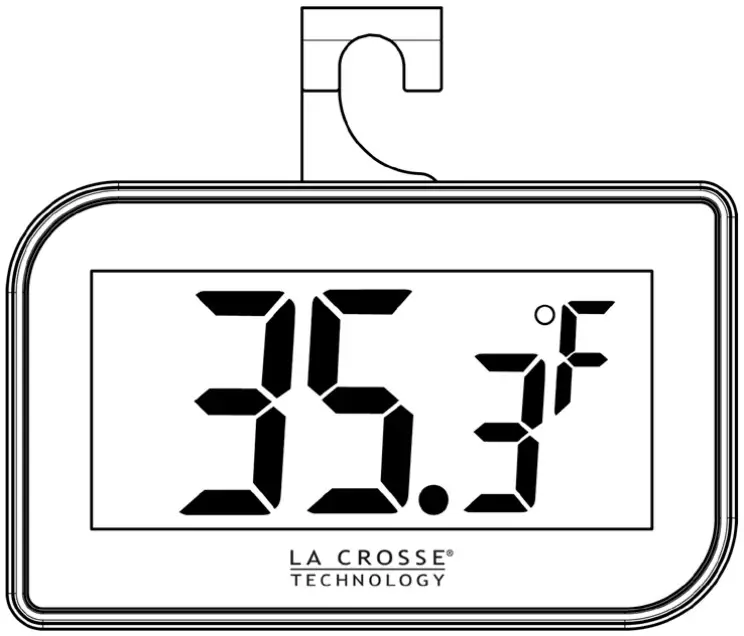
Features
- Temperature display in ºF/ ºC
- ON/OFF switch
- Mount with hook, magnet or just place on table.
Setup
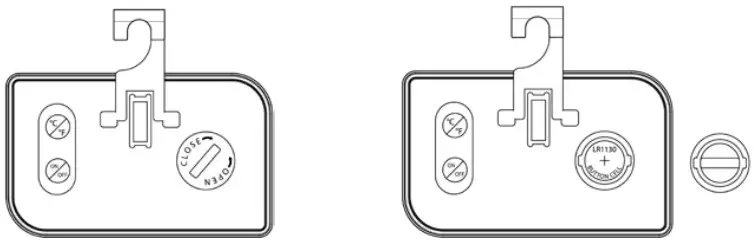
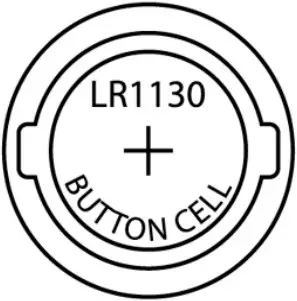
- Use a coin to open the battery cover with a counter clockwise turn. Remove the protective plastic strip so the battery can connect. Or, insert 1 x LR1130, 1.5V button cell battery into the battery compartment.
- Replace battery cover.
- The display will show dashes for 3 seconds then the temperature will appear.
ºC/ºF: Toggle between ºC and ºF temperature display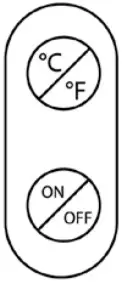
ON/OFF: Turn thermometer on or off.
Placement
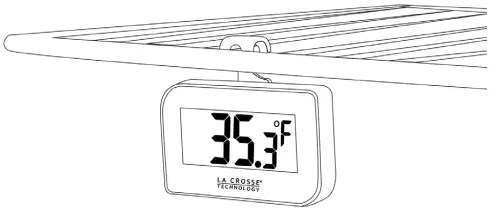
- Use the hook on the back of the thermometer to hang from a refrigerator shelf.
- Use the magnet on back to attach to your refrigerator door.
- Fold the hook down and stand on a table or desk.
Battery Change
- Open the battery cover with a coin and insert a fresh LR1130, 1.5V button cell battery into the battery compartment. Positive (+) should face up.
- Replace battery cover.
 Please participate in the preservation of the environment. Return used batteries to an authorized depot.
Specifications
| Measuring Range: | -4ºF to 158ºF (-20ºC to 70ºC) |
| Accuracy: | +/- 2ºF or 1ºC |
| Resolution: | 0.1 |
| Checking Interval: | about every 15 seconds |
| Battery: | LR1130, 1.5V |
| Battery life: | approximately 12 months |
| Dimensions | 2.598”W x 1.574”H x 0.59”D (66W x 40H x 15mm D) |
Warranty Information
La Crosse Technology Ltd. provides a 1-year limited time warranty (from date of purchase) on this product, relating to manufacturing defects in materials and workmanship.
Warranty: www.lacrossetechnology.com/pages/warranty
Patents: www.lacrossetechnology.com/pages/patents
La Crosse Technology, Ltd
2830 S. 26th Street
La Crosse, WI 54601
Coin Cell Battery Warning
Replace the Coin Cell Battery
- Use a coin to turn the battery cover to the left to remove it.
- Pull back the metal pin and gently remove the battery.
- Insert a fresh CR2032 battery with the + side up and snap into place.
- Replace the battery cover and use the coin to turn it to the right to lock.
 WARNING
- This product contains a button battery.
- If swallowed, it could cause severe injury or death in just 2 hours.
- Seek medical attention immediately.
WARNING: KEEP BATTERIES OUT OF REACH OF CHILDREN
- Swallowing may lead to serious injury in as little as 2 hours or death, due to chemical burns and potential perforation of the esophagus.
- If you suspect your child has swallowed or inserted a button battery, immediately seek urgent medical
- assistance.
- Examine devices and make sure the battery compartment is correctly secured, e.g., that the screw or other mechanical fastener is tightened.
- Do not use it if the compartment is not secure.
- Dispose of used button batteries immediately and safely.
- Flat batteries can still be dangerous.
- Tell others about the risk associated with button batteries and how to keep their children safe.
 WARNING: CHOKING HAZARD – Small Parts
Not for children under 3 years. CA WARNING:
This product can expose you to chemicals including acrylonitrile, butadiene, and styrene, which are known to the State of California to cause cancer and birth defects or other reproductive harm.
For more information go to: www.P65Warnings.ca.gov
If you need additional assistance, contact our friendly customer support team:
Online: bit.ly/contact_techsupport
Phone Number: 1.608.782.1610
Representatives available Monday-Friday,
8:00am to 6:00pm CST.
 Patents – La Crosse Technology
 P65Warnings.ca.gov