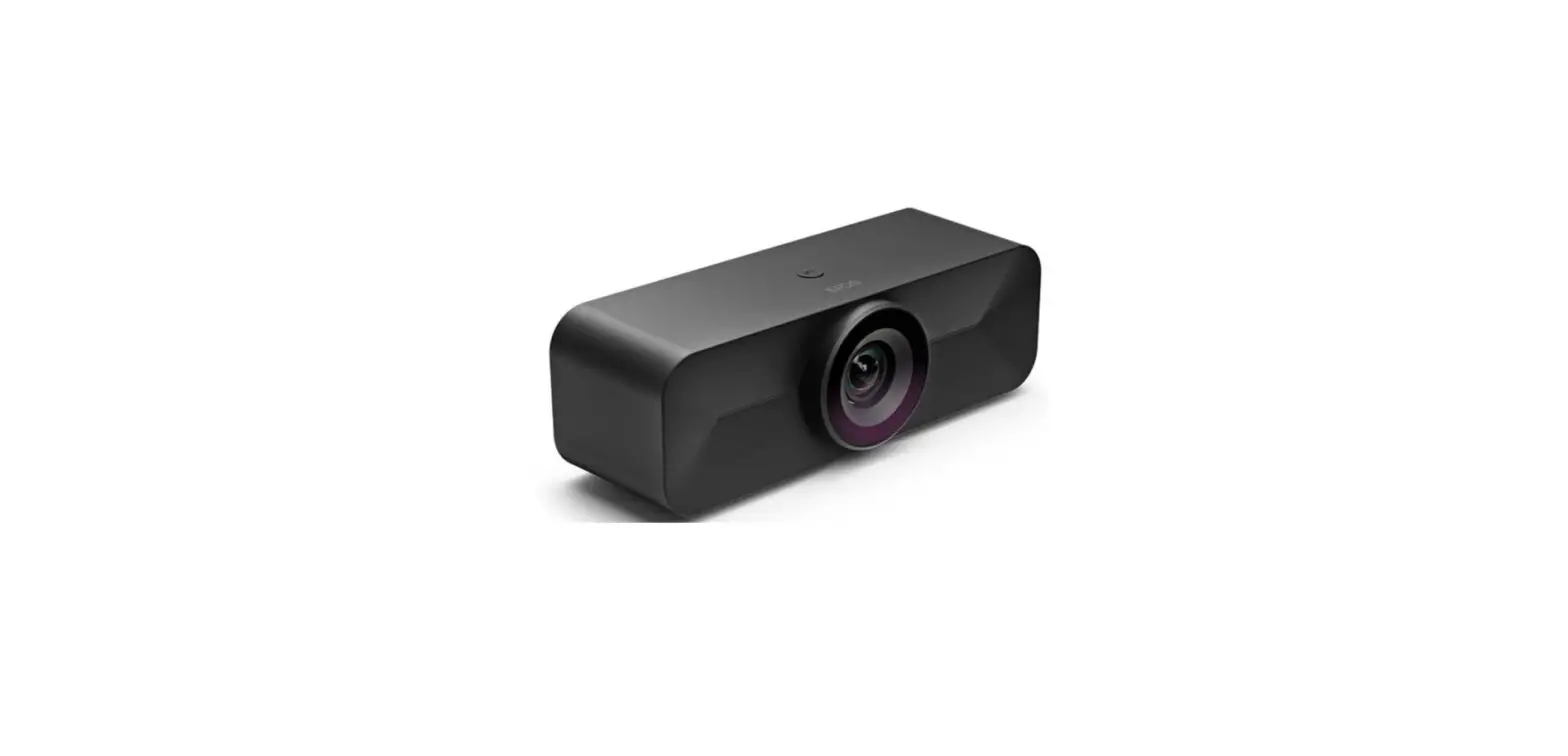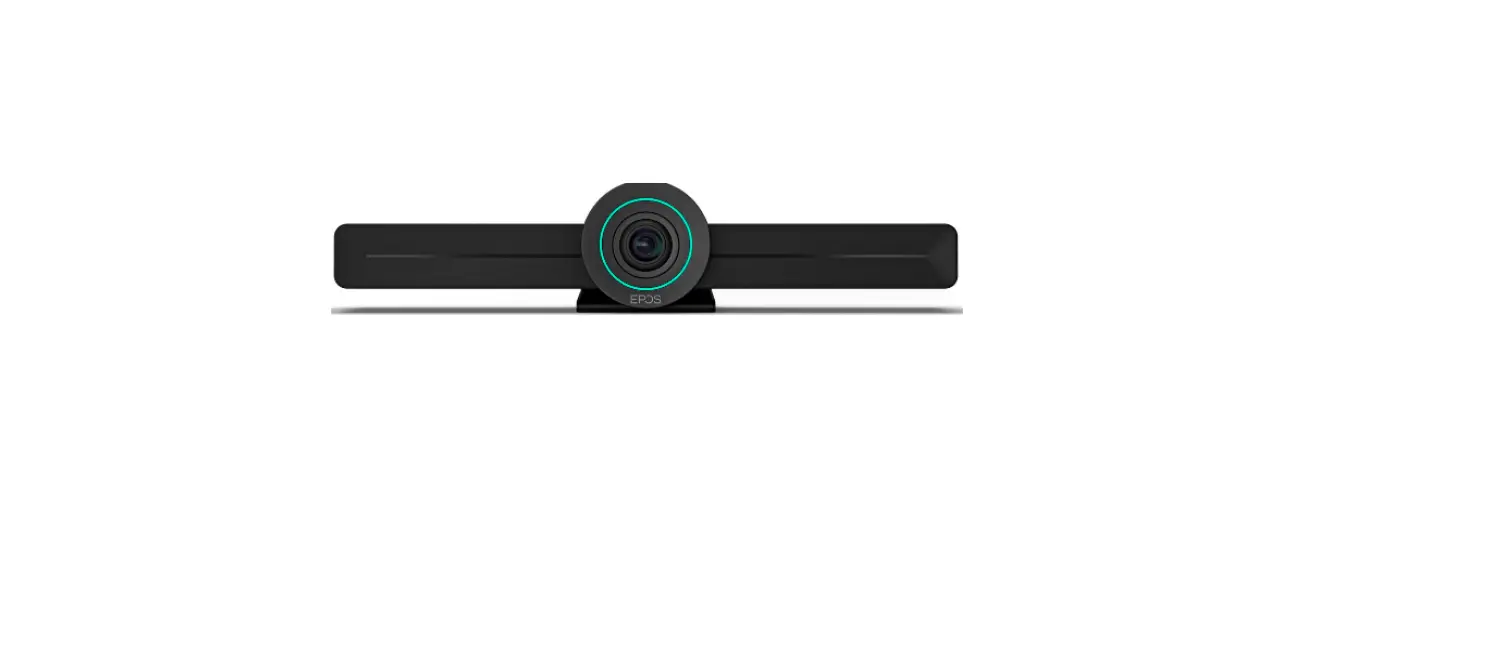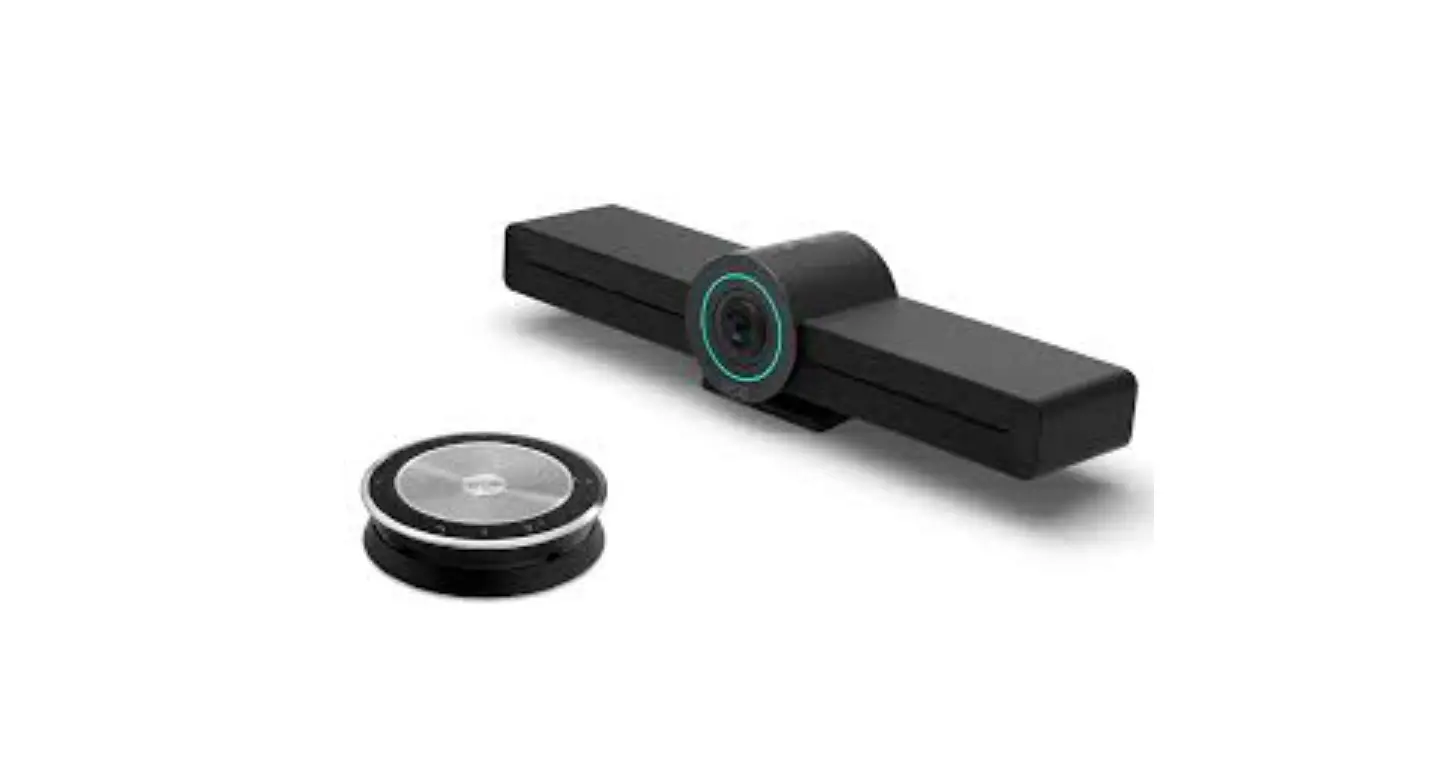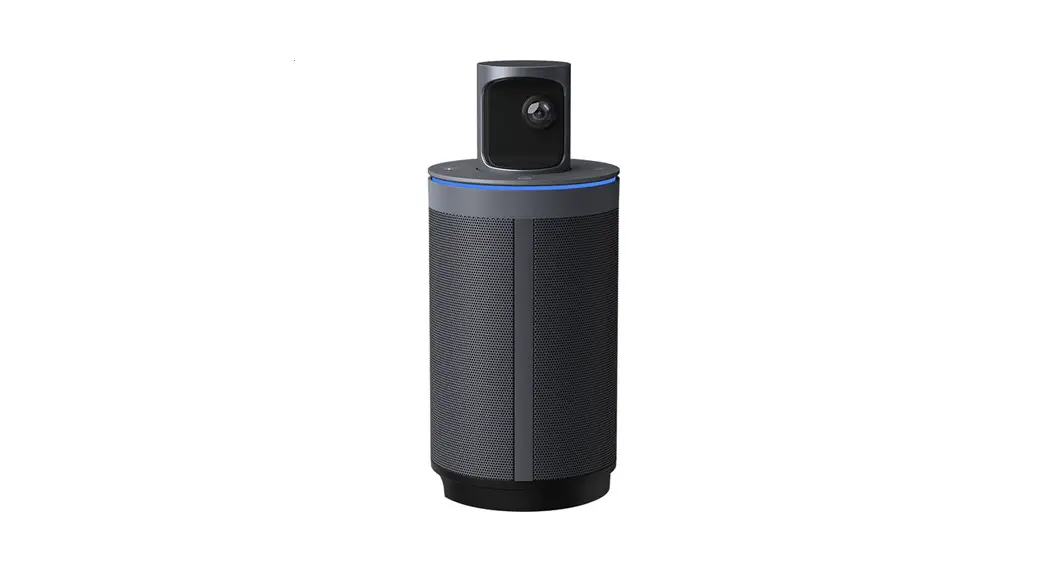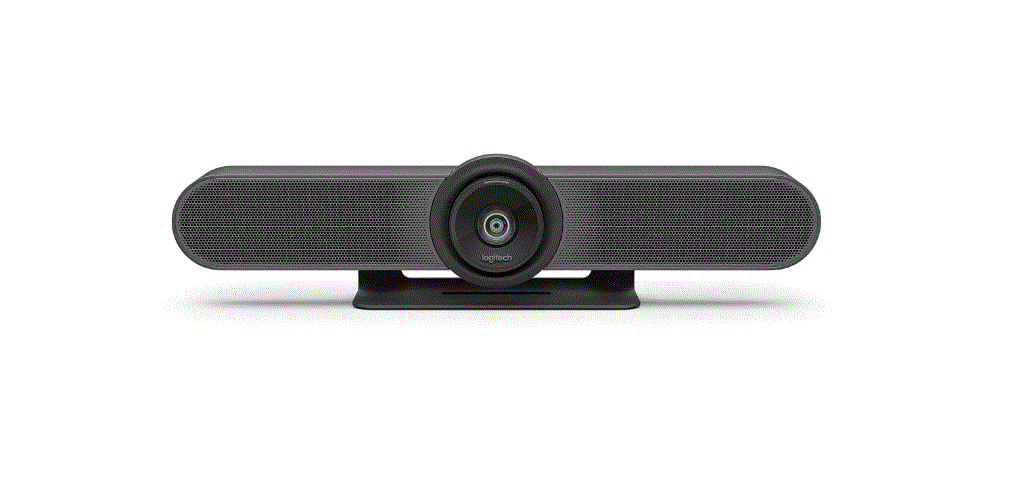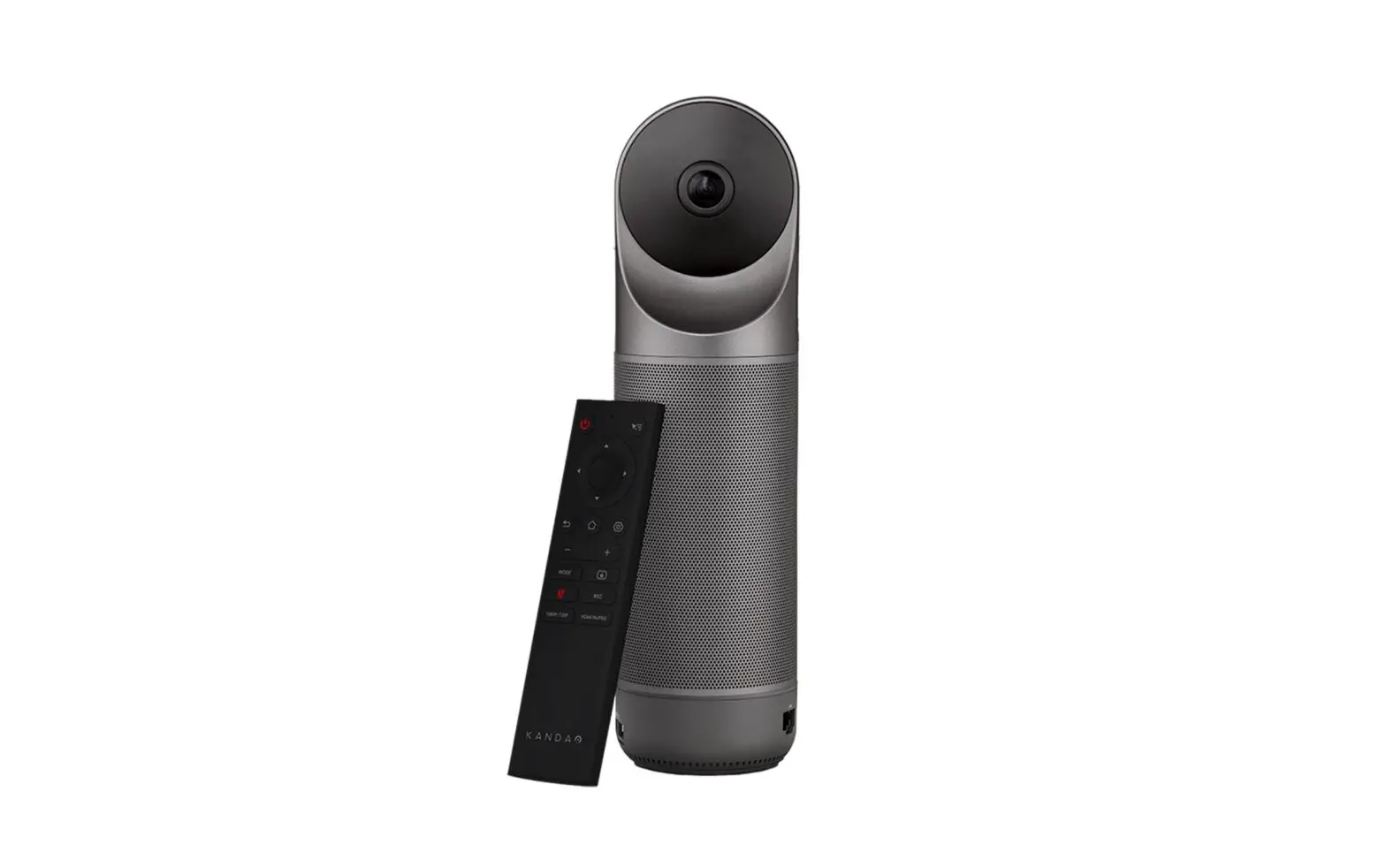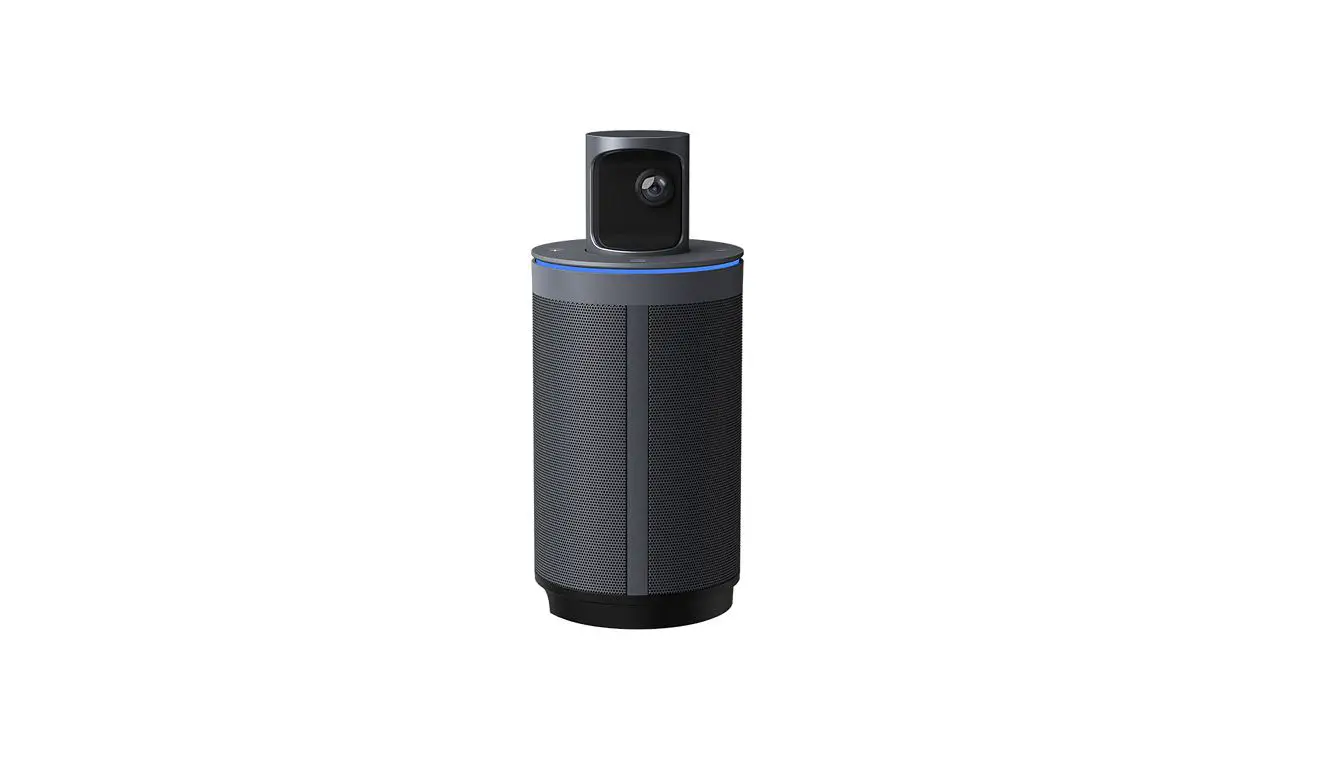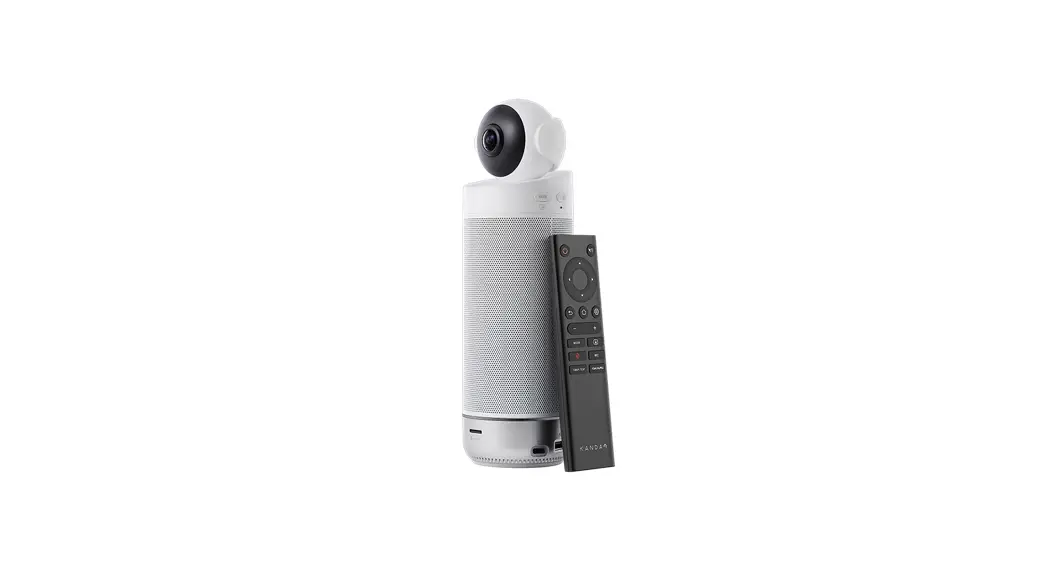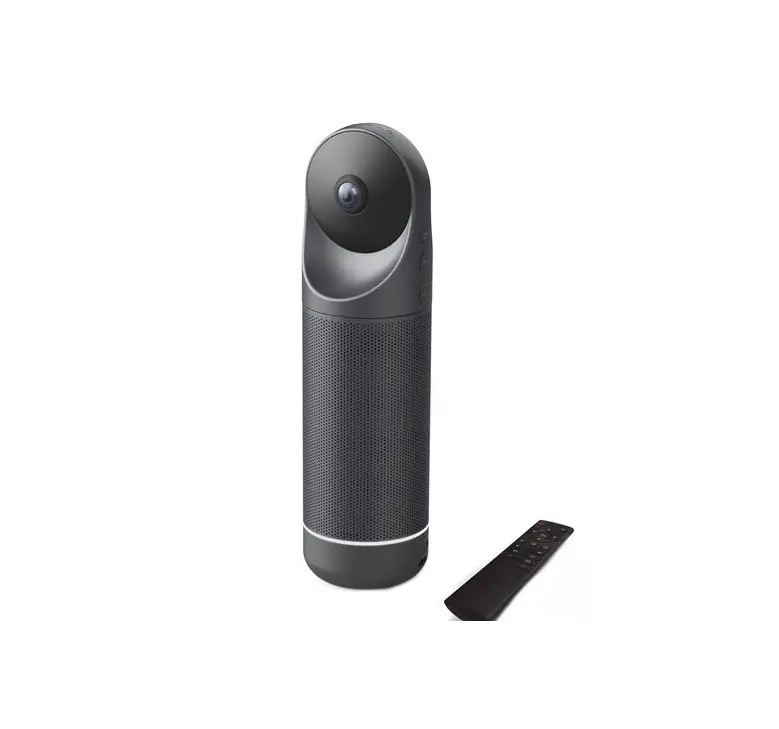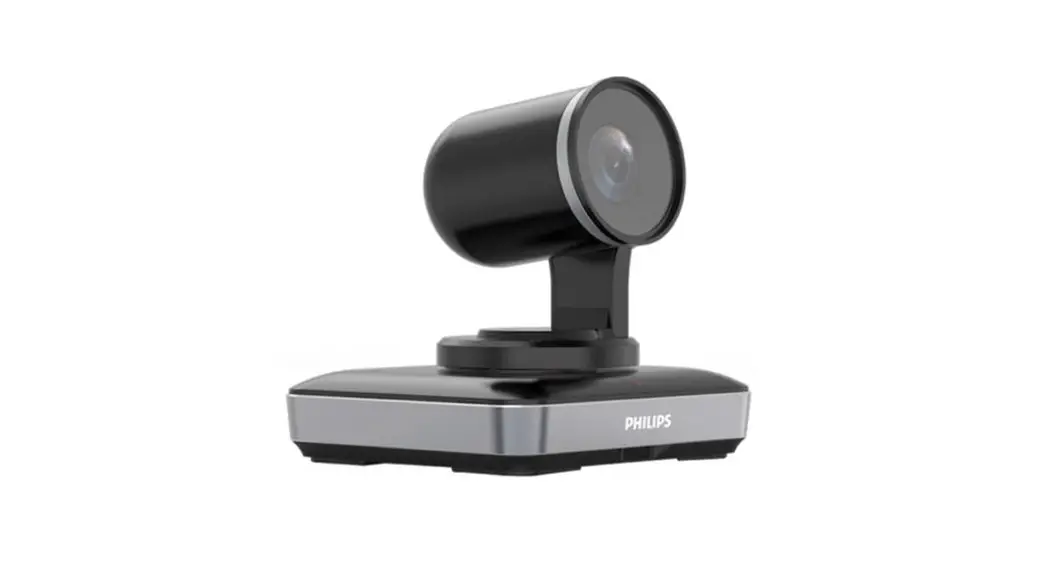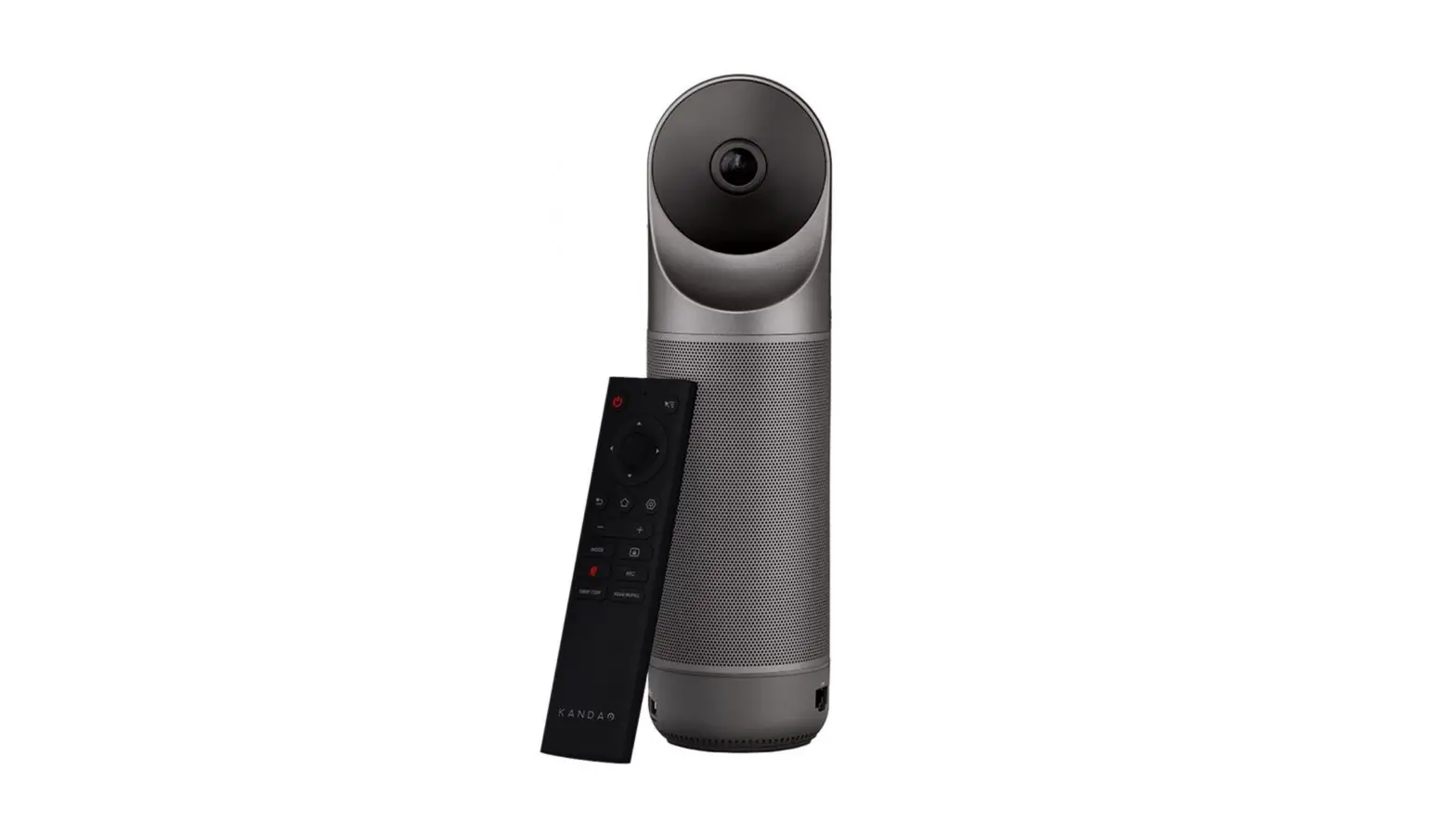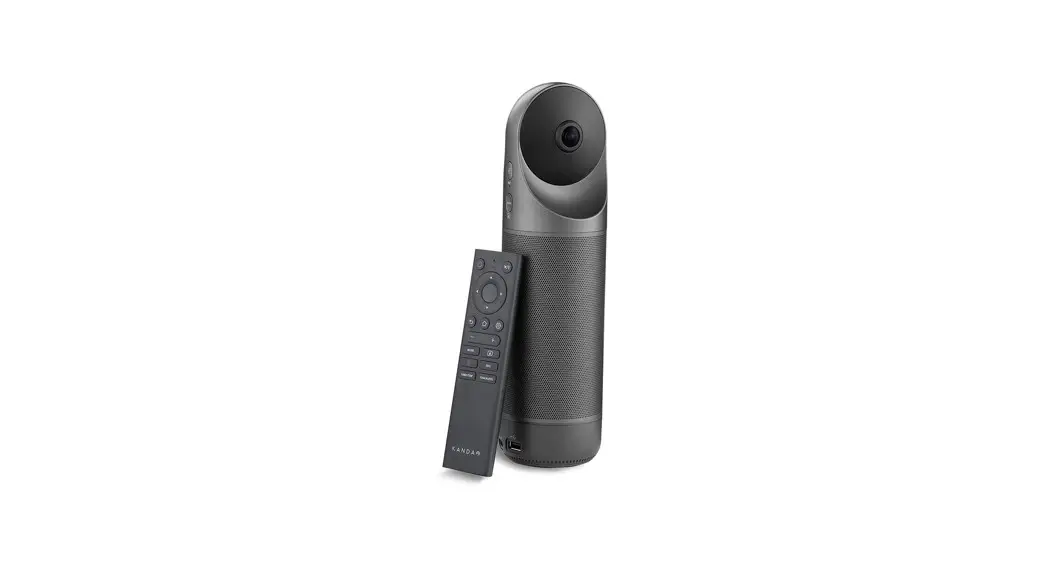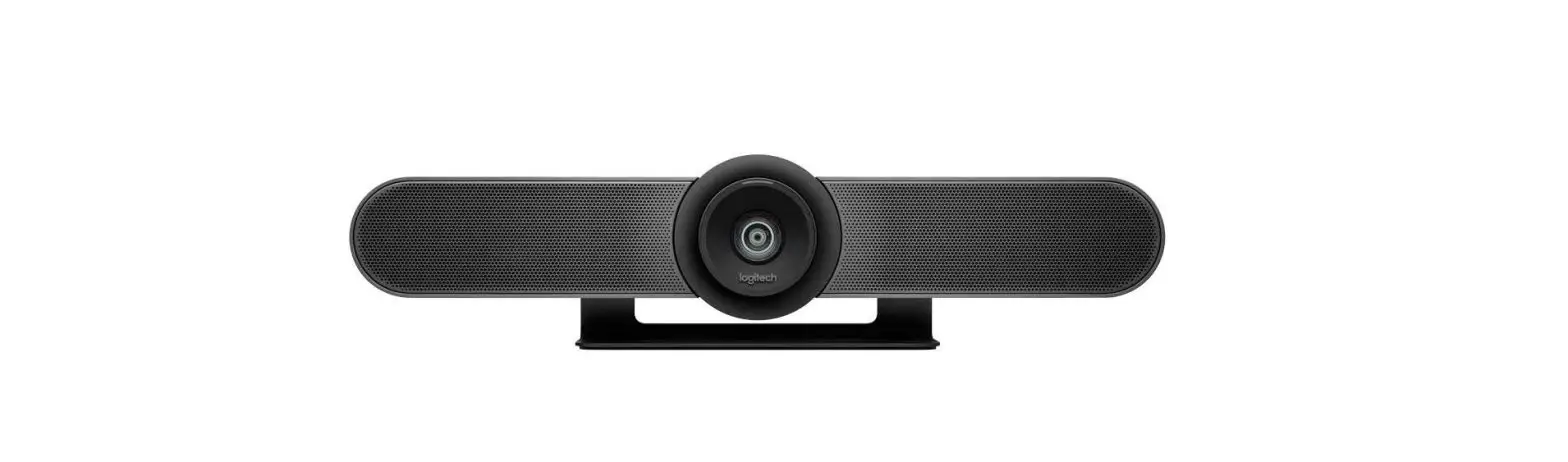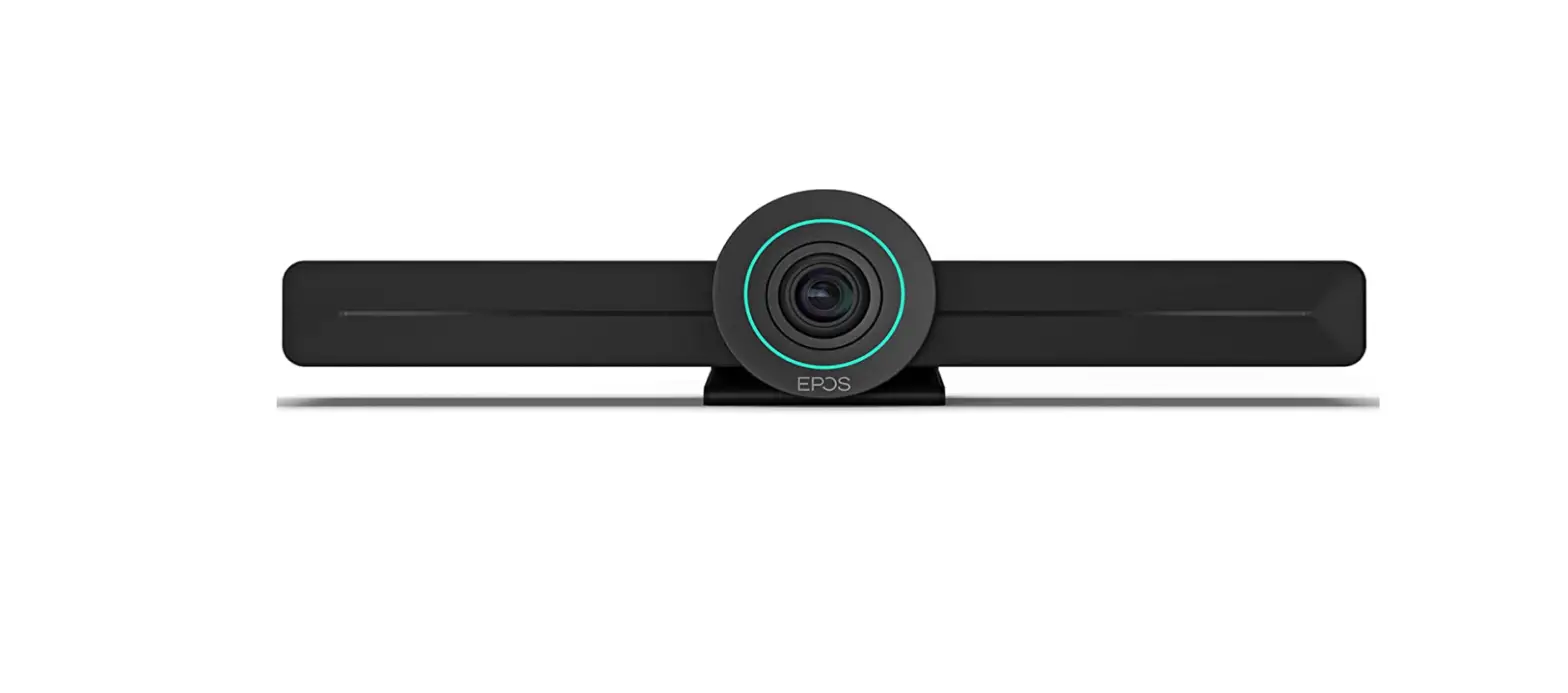
 EPOS 1000927 Expand Vision-3T Meeting Room Camera
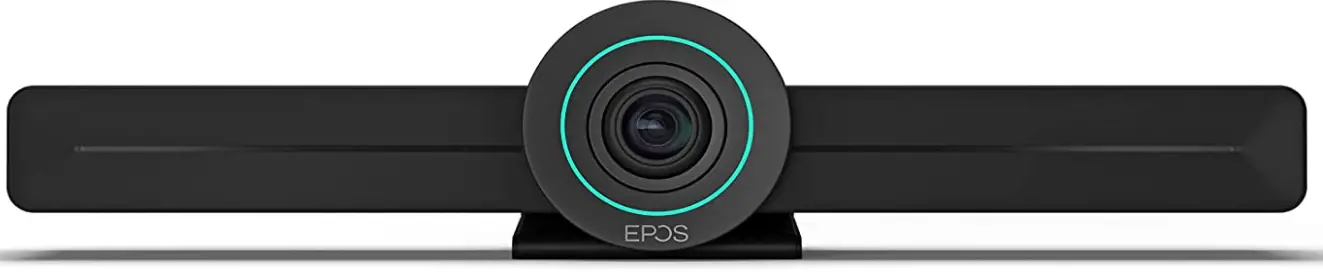
Video Collaboration. Reinvented
All-in-one video collaboration solution for today’s smart office. Join meetings with just one touch and enjoy a full Microsoft Teams experience. Enhance collaboration with full HD video and exceptional voice pickup andnoise cancellation – powered by EPOS AI™.
Simple to set up, simple to install – and with the full feature set of Microsoft Teams. Enjoy a natural meeting experience and benefit from facial expressions, body language and voices with exceptional clarity that boost productivity.
See more at eposaudio.com/expand-vision-3t
Key Benefits & Features
Empower your meeting room
Comes with wide angle 4K camera with Sony® sensor, enhanced PTZ and superior audio from included EPOS EXPAND 30T
Easy setup. Easy maintenance
Intelligent solution with automatic software updates, remote device management and provisioning. Simply plug and play
One-touch join
All-in-one solution that’s ready when you are. No PC needed. One touch, and you’re in
Like being there
Enjoy a natural meeting experience with intelligent picture framing, voice tracking and noise cancellation. Powered by EPOS AI™
Microsoft Teams certified
Immerse yourself in Microsoft Teams with all the familiar features. Fully integrated.
Product data
General
- Color Black
- Video collaboration bar weight 550 g / 19,3 oz
- Dimensions Video collaboration bar: 28 (H) x 280 (L) x 55 (W) mm / 1,1 (H) x 11,02 (L) x 2,16 (W) in Speakerphone: 37 (H) x 120 (L) x 120 (W) mm / 1,45 (H) x 4,72 (L) x 4,72 (W) in
- Warranty 2 years
Audio (EPOS EXPAND 30T)
- Microphone Digital MEMS enhanced Omni microphones (2 microphones)
- Noise and echo canceling
- Microphone coverage 360°
- Effective microphone range 3 m / 10 ft
- Microphone frequency response 150 – 7.500 Hz
- Speaker frequency response 150 – 7,500 Hz (communication) 100 – 20,000 Hz (audio streaming)
- Communication-Audio Performance Natural and seamless conversation experience with exceptional speech intelligibility and industry-leading duplex performance, even in challenging environments. Achieved through multi-path, multi-layer echo canceller, Digital Signal
- Processing (DSP) and dynamic speech enhancement algorithms.
Technical
- UC application Integrated and certified Microsoft Teams solution
- Operating system AndroidTM 9.0 (or later)
- Internal storage 32 GB
- CPU Arm® v8 64-bit 6-core
- GPU Quad Core Arm®
- RAM memory 4 GB
- Supply voltage 5 V
- Power consumption 15 W
- USB output 5 V, 500 mA
- Operating temperature (Max) 35 °C / 95 °F
- Operating temperature (Min) 4 °C / 39 °F
- Operating humidity (Max) 90%
- Storage temperature (Min) 2 °C / 35 °F
- Storage temperature (Max) 45 °C / 113 °F
Video/Camera
- Camera 4K wide-angle with Sony® sensor
- Lens type 6 element aspherical low distortion lens
- Video resolution Up to 1080p (Full HD) @ 60fps
- Zoom 4x digital
- Pan-tilt-zoom (PTZ) Enhanced PTZ, Electromechanical pan/tilt ± 20°
- Field of view (FOV) 112°
- Intelligent picture framing EPOS AITM powered
- Video standards and protocols Encode: H.264, MVC, VP8
- Decode: H.264, VP8, MPEG-1, MPEG-2, MPEG-4, H2.263, H.265, VC-1, VP9, MVC
Network & Connectivity
- Input/Output Ethernet, HDMI out, USB-C/Display port, USB-A, MicroSD
- Ethernet IPv4 & IPv6, DHCP/Static IP
- Wi-Fi Dual-band (2,4/5 GHz)
- Standard: 802.11ac/802.11ac
- Bluetooth® Version 5.0
- Bluetooth® profiles: A2DP, HSP, AVRCP
- Microsoft Teams proximity join
- Wireless sharing technology Miracast®
- Dual-screen support Yes
- Touch-screen support Yes
Device Administration
- Remote management Microsoft Teams admin center
- Local device setup On-screen GUI
- Firmware updates Automatic
Privacy/Security
- Hardwired privacy switches Camera / Microphone
- Security lock support Kensington
- Encryption Hardware encryption (up to 512 bits);
- AES encryption (256 bits);
- SHA encryption (256 bits);
- SecureBoot; SSL traffic encryption
Content of delivery
- What’s in the box
EPOS EXPAND Vision 3T Video Collaboration Bar, EPOS EXPAND 30T Speakerphone, Bluetooth® remote control, universal power supply, USB-C extension cable (5 m/16 ft), HDMI cable, USB-C to USB-A adapter, wall mount bracket, safety guide, quick guide and compliance sheet.
Additional Benefits & Features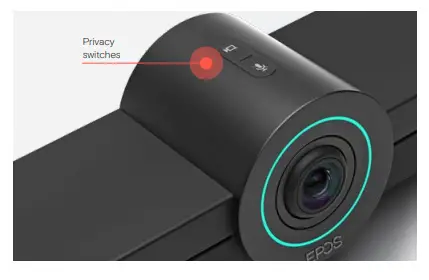
Dual screen support
Display content on one screen, and follow the conference on the other
Simple, remote set-up and updates
Remote device management and provisioning through
Microsoft Teams admin center
Stay in control
With included remote control, or via a touch screen on your smart display
Secure installation
Supports Kensington lock systems to ensure your video bar stays where you need it
Place it where you please
On your table, on top of your display or on wall-mounted
Guaranteed privacy
Comes with dedicated hard-wired mute buttons for audio and video
Flexible connectivity
Connect your headset or speakerphone via Bluetooth®
Product Overview
Connects to
Screen/monitor via HDMI or USB-C display port
Product
EXPAND Vision 3T
Art. no. 1000927
Description
Microsoft Teams* certified video collaboration solution, providing full HD video, and superior audio from theB connected EPOS EXPAND 30T.
EAN / UPC code
EAN 57 14708 00728 9
UPC 8 40064 40728 1
* Microsoft Teams certification applies with EPOS EXPAND 30T connected via USB-C/USB-A.
FAQS
You can add an unlimited amount of cameras to your of cameras.
For refunds and returns, please contact Amazon directly or refer to Amazons return policy.
No
have not had any luck with actual trail cam
Yes, the Arlo Pro 4 comes equipped with motion detection that will assist with detecting what is walking around.
We had our up over a week, took it down to charge it just to check it out and give it a charge just because and it still over 70+%.
Yes you can. Go on 1) settings 2)my device 3) select your device 4) Disable microphone.
They do require a subscription and those who complain about having to pay for the subscription after the 90 day trial is over obviously did not do due diligence before such a large purchase. I do want to write that although my Ring camera placed nearby alerts within 4-5 seconds of motion, the Arlo 4 Pro pushes a notification of motion long after the cause of the motion has left the area… as late as 20 seconds. It’s not my WiFi speed (1 Gigabyte Fiber), or the location of the Router… it’s the way Arlo pushes the notification FIRST to their cloud server and THEN back to you. Be aware of the possible significant delay.
The single-camera DOES NOT come w/ screw on mount. I have several of these cameras w/ screw on mounts, the single Pro $ does not come with screw on mount.
VERY disappointing that this expensive camera only comes with a magnetic mount which, in my opinion, is not suitable for outdoor use.
- It can easily get blown off of mount in a strong gust
- it is ridiculously easy to steal off of the magnetic mount. DO BETTER Arlo. For what you’re charging, provide a proper screw on mount.