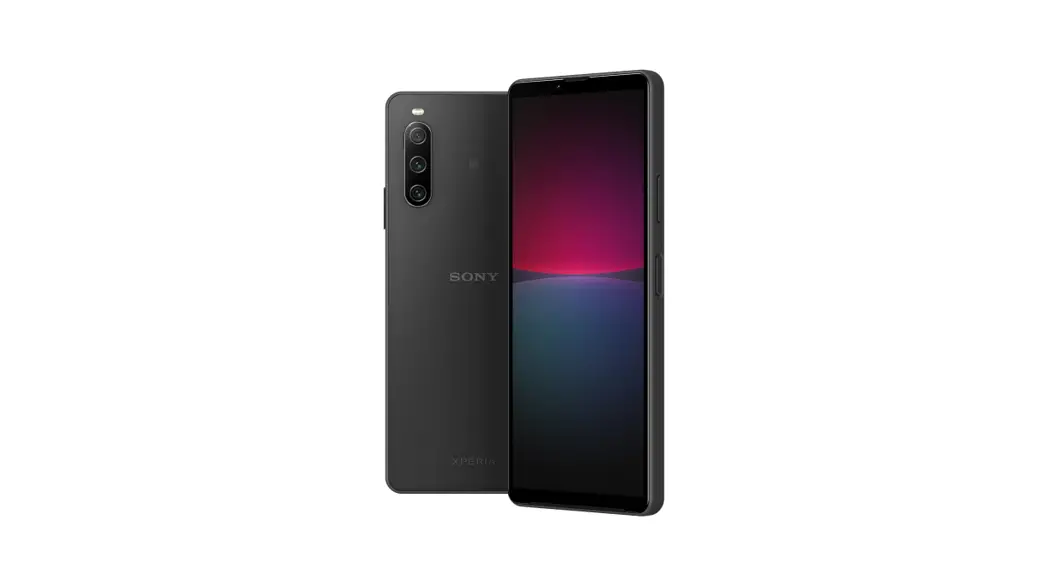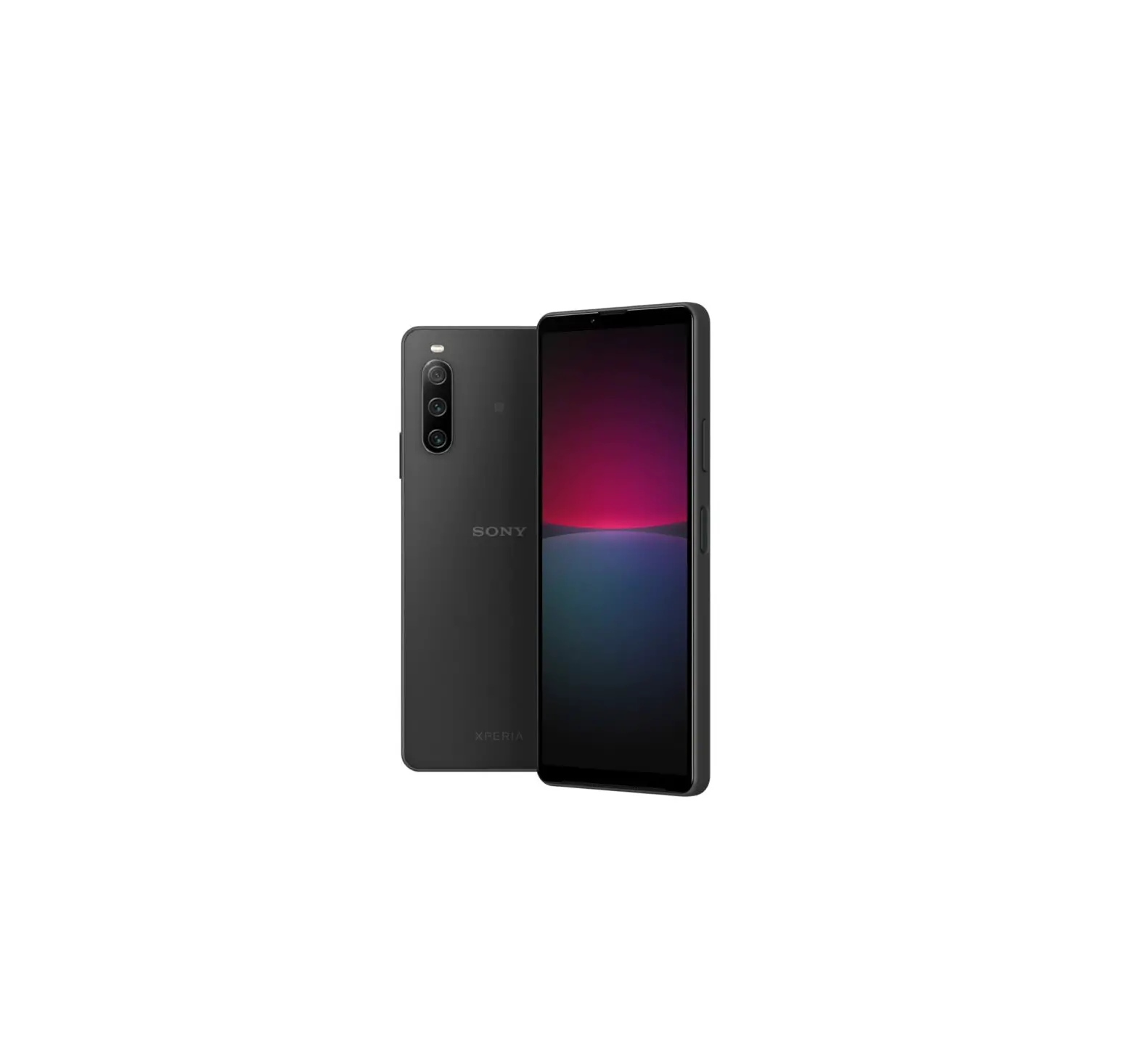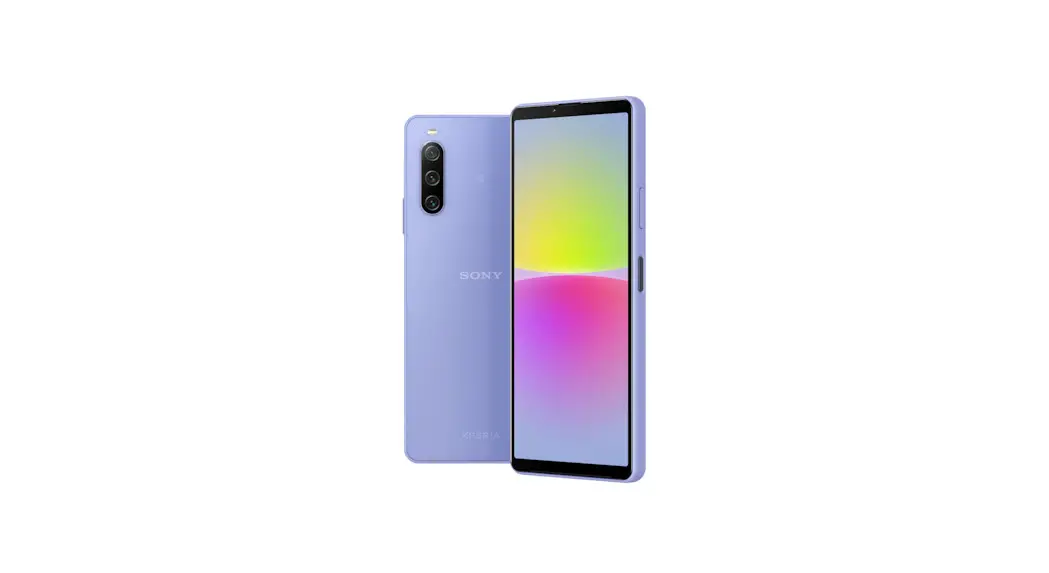
 SOG07 Xperia 10 IV Phone
User Guide
In this manual, “Xperia 10 IV” is usually referred to as “the product” or “main unit”.
For disclaimers, refer to “Cautions on using the product”.
Descriptions in this manual are based on Android™ 12.
For the latest edition, refer to (Instruction manual)” (Japanese) available on your carrier’s homepage.
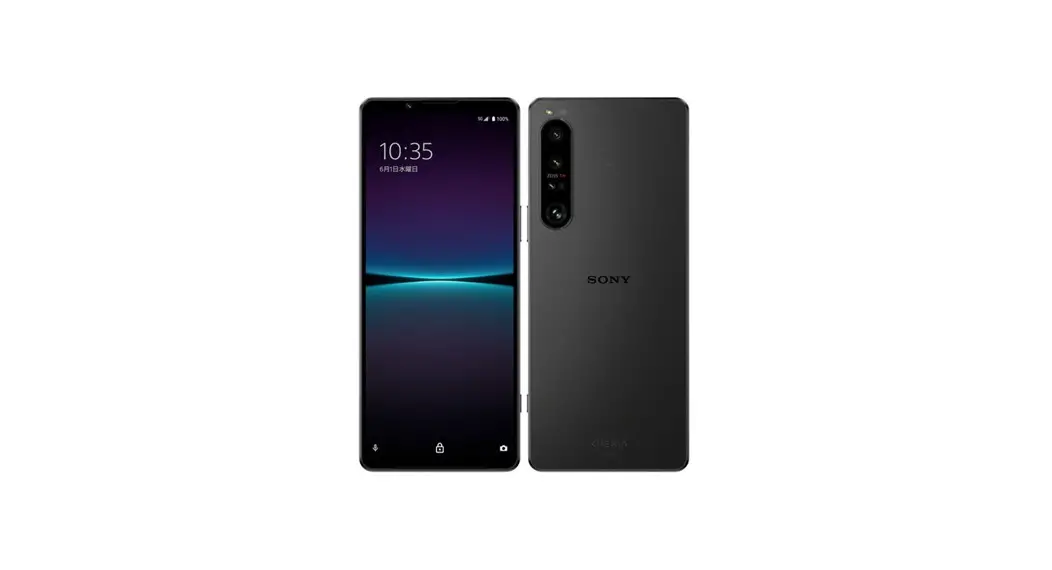
Names and functions of parts
- Headset jack
- Second microphone*1*2
- Front camera
- Earpiece*1*2
- Proximity/Light sensor*2
Switches the touch panel on and off to prevent erroneous operation during a call/ Auto-control for display brightness. - Notification LED
- Display (Touch panel)
- Speaker*1*2
- Mouthpiece/Microphone*1*2
- USB Type-C® port
- Volume key/Zoom key
- Power key/Fingerprint sensor
- 5G antenna*3
- Flash/Photo light
- 5G/4G antenna*3
 mark
mark- 5G antenna/Wi-Fi®/Bluetooth®/GPS antenna*3
- SIM card*4
- Main camera
- 5G antenna/Wi-Fi® antenna*3 Back cover*5 microSD memory card/SIM card slot
 mark
mark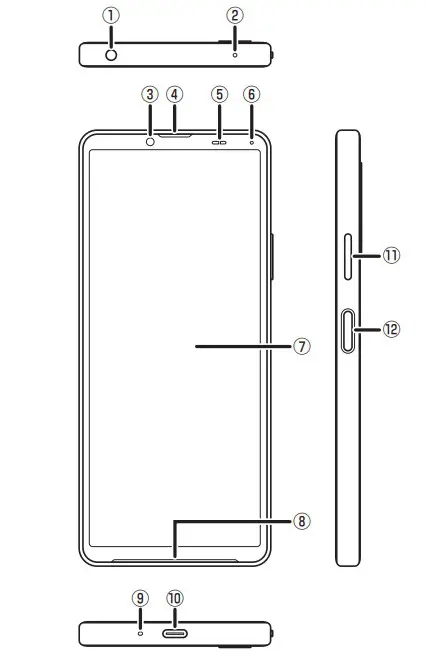 | 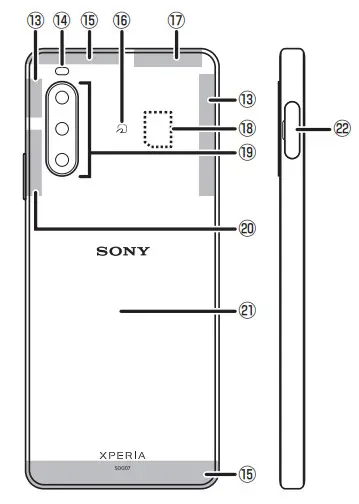 |
- Do not jab with a sharp object such as a needle.
Doing so may cause a malfunction. - Note that covering these parts with stickers or fingers, etc. may hinder product performance.
- The antenna is built into the main unit. Covering around the antenna with your hand may affect the quality of call/communication.
- For details on handling SIM cards, refer to (Full instruction manual)” (Japanese).
- The back cover is not removable. Removing forcibly might cause damage or a malfunction. Also, the battery is built into the main unit and not removable by customers.
SIM card
Your phone number etc. is recorded on the SIM card.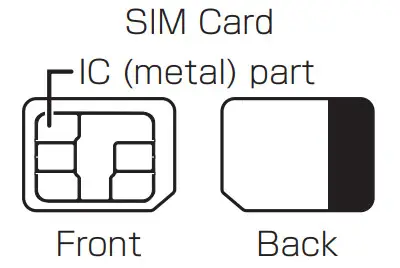
Attaching SIM card
Before attaching SIM card, make sure to turn off the product.
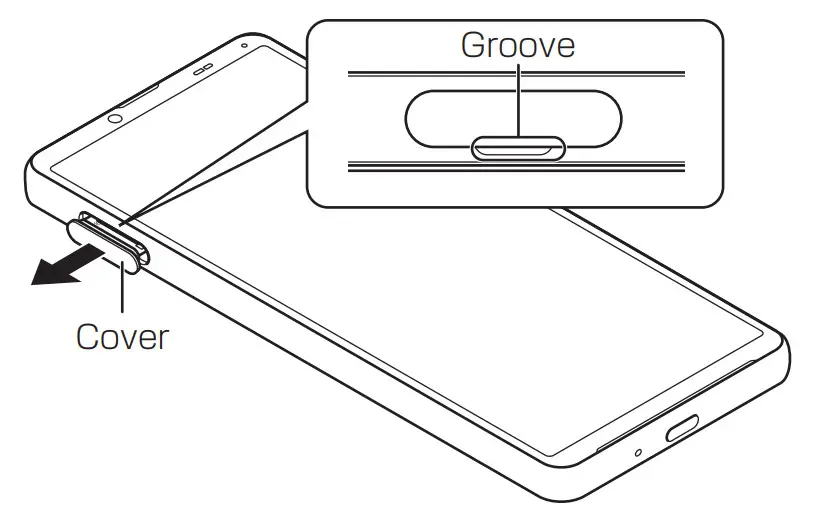
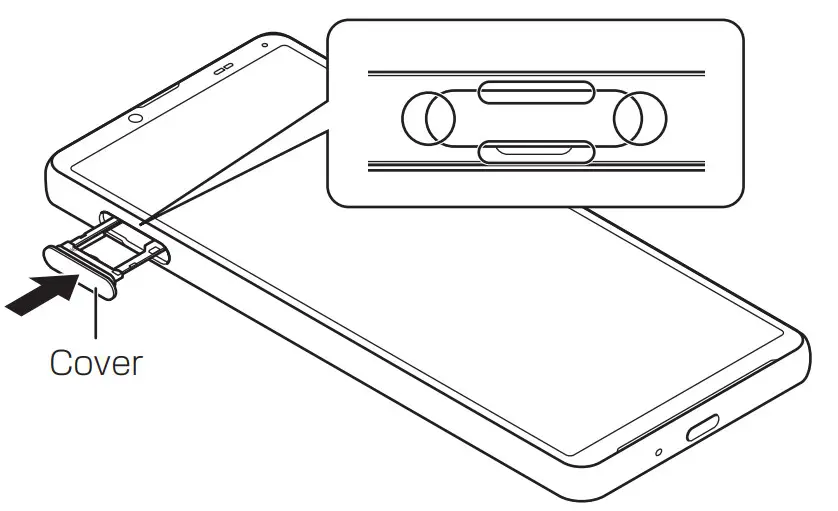
- Remove the tray from the main unit Put your fingertip (nail) into the groove of the microSD memory card/SIM card slot and draw the cover straight out.

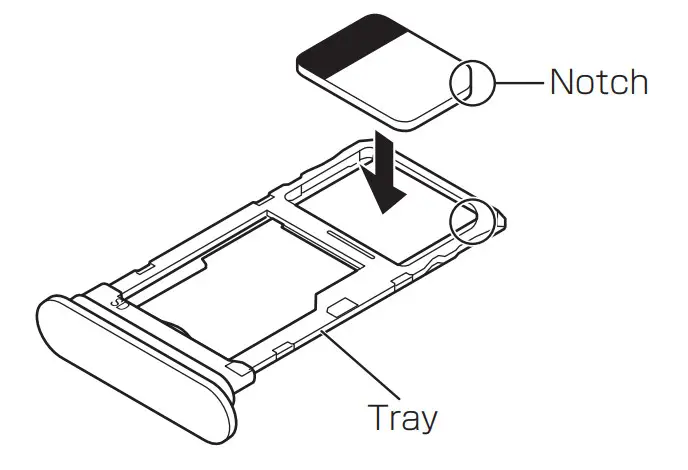
- Set SIM card into the tray with the IC (metal) part facing down.
Pay attention to the location of the notch.
Surely set the SIM card into the tray not to come off.
- Keep the product horizontal and then push the tray in straight
Pay attention to the direction the tray is being pushed in.
Firmly press where circled 〇, and check that there is no gap between the main unit and the microSD memory card/SIM card slot cover.
Turning the power on/off
Turning the power on
- Press and hold the Power key until the product vibrates
The lock screen appears.
When (Welcome)” appears after the product is powered on, follow the onscreen instructions to set the initial settings.
Swiping (flicking) the screen up displays the Home screen.
Turning the power off
- Press the Power key and the upper part of the Volume key at the same time
- [Power off]
Information
- To restart the product in safe mode (start with almost default state), press the Power key and the upper part of the Volume key at the same time →
Long-touch “Power off” → [OK].
Forcedly turning the power off
- Press and hold the Power key and the upper part of the Volume key at the same time for 10 seconds or more, and release your fingers after the product vibrates three times consecutively
FCC ID
To view the regulatory compliance mark
- On the Home screen, slide the screen up → [Settings] → [About phone] → [Certificates] Regulatory compliance mark such as FCC ID is displayed on the screen.
Packaged items
Before you start using the product, make sure that you have all these packaged items with the product.
- Main unit

- (QuickStart Guide) (Japanese)
- (Cautions on using the product) (Japanese)
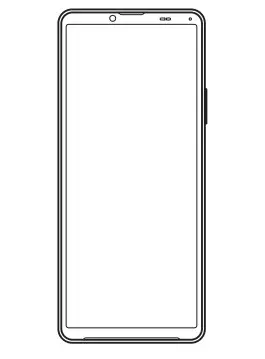
These items are not included in the package.
- microSD memory card
- AC adapter
- Earphones
- USB Type-C cable
Information
- Purchase a specified charger (sold separately).
- The battery is built into the product.
- Illustrations used in this manual are just images for explanations. They may be different from the actual ones.
 Mobile phone and PHS operators collect and recycle unused telephones, batteries, and battery chargers at stores bearing the logo regardless of brand and manufacturer to protect the environment and reuse valuable resources.
Manufactured by: Sony Corporation
July 2022, 1st Edition
G-689-100-11(1)