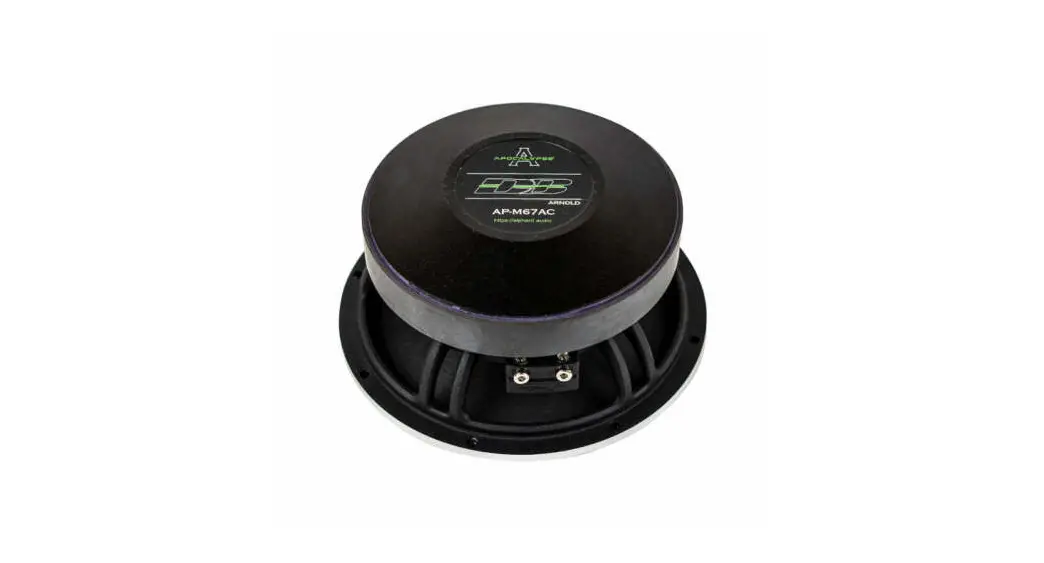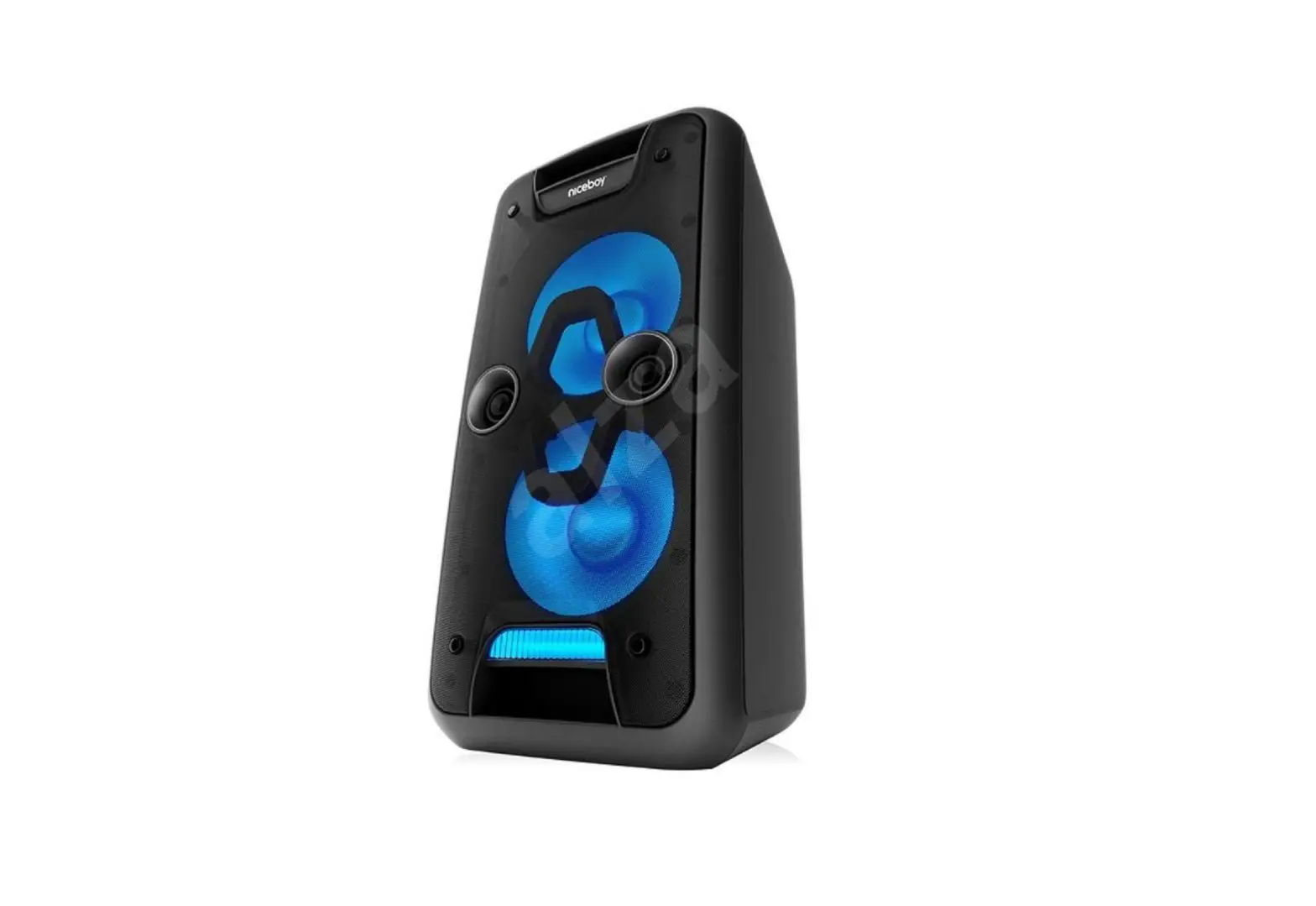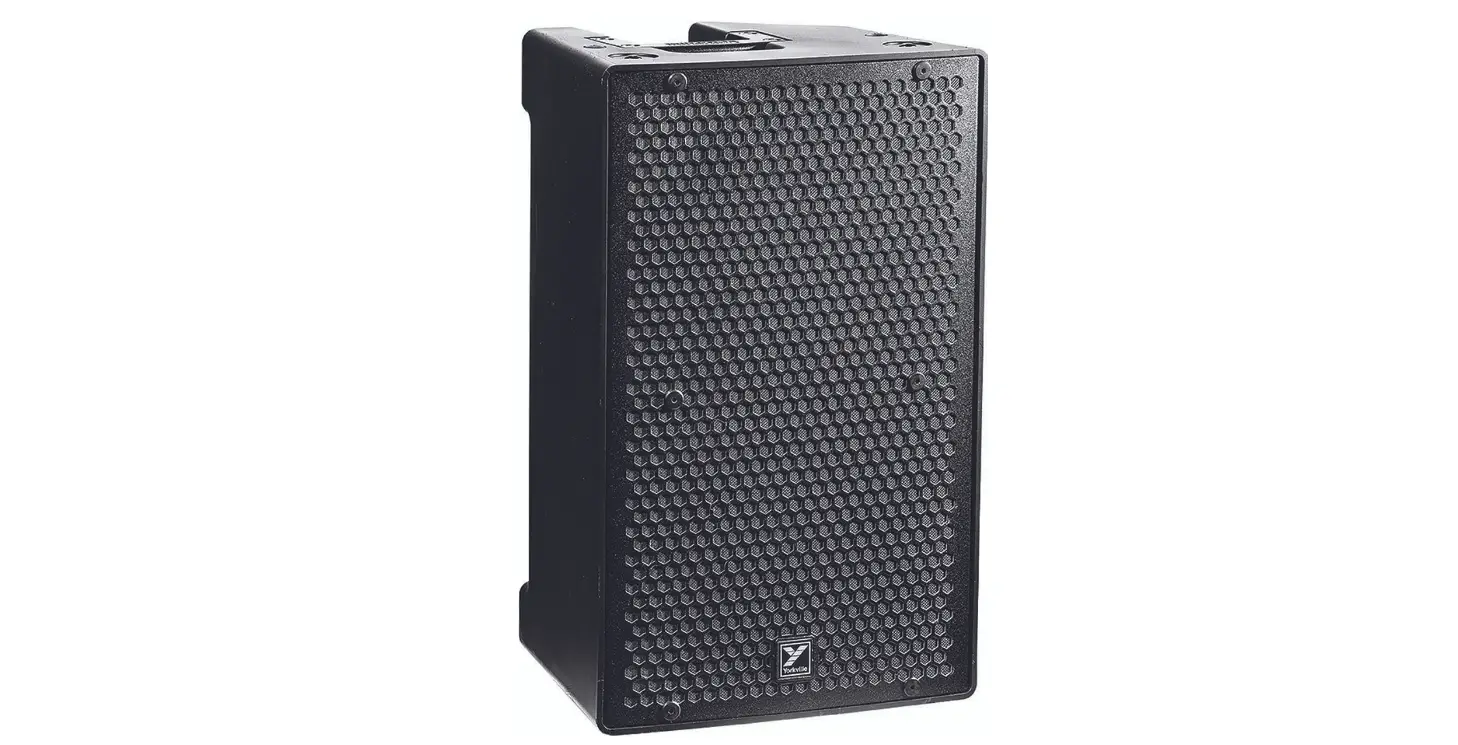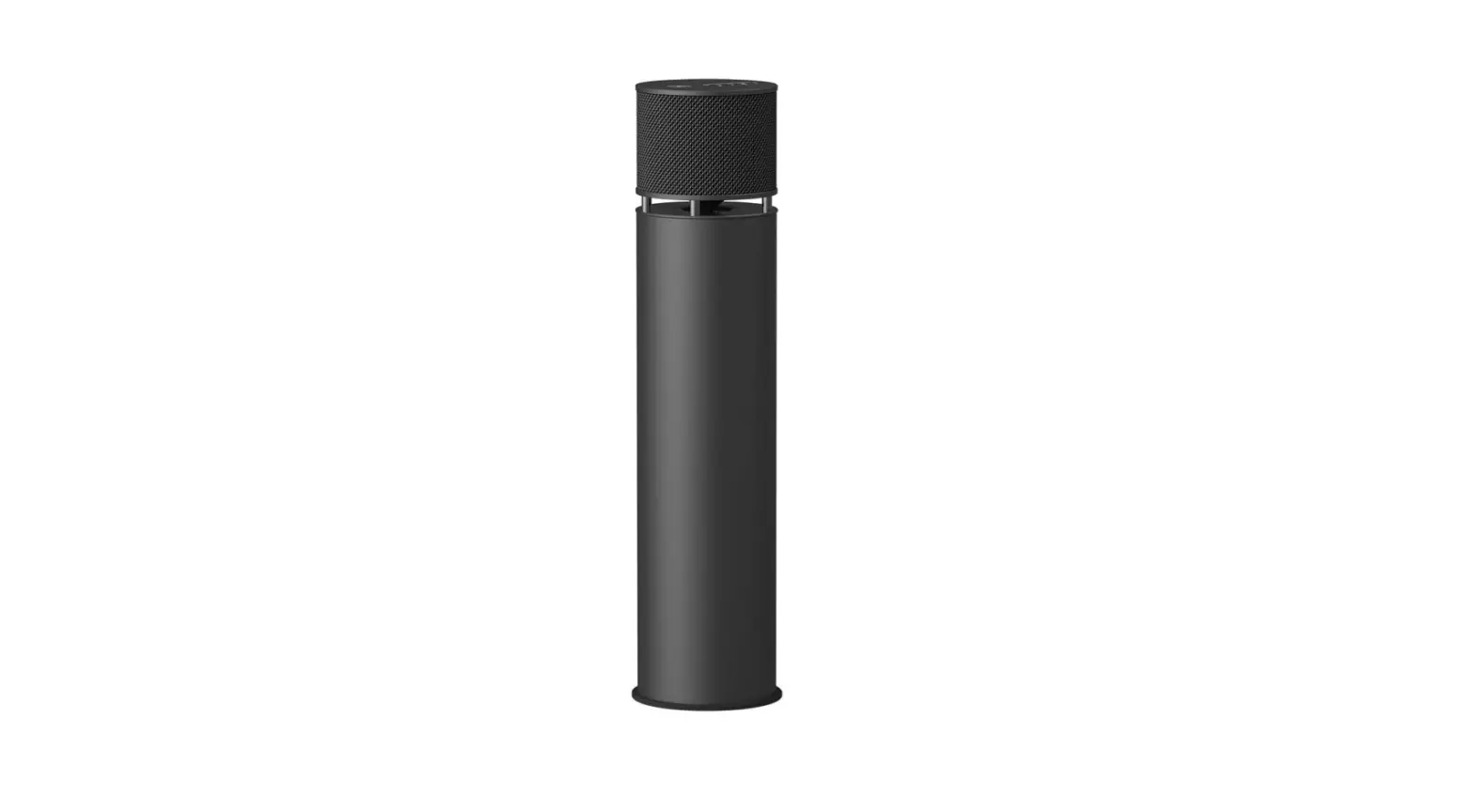

Specifications
- Product Dimensions
27.5 x 16 x 21 inches - Item Weight
35 pounds - Exterior
Painted - Construction
Drilling Required No - Wattage
300 watts - Speaker Type
Wireless, Soundbar - Speaker Maximum Output Power
300 Watts - Connectivity Technology
Bluetooth - Brand
Rough Country
Introduction
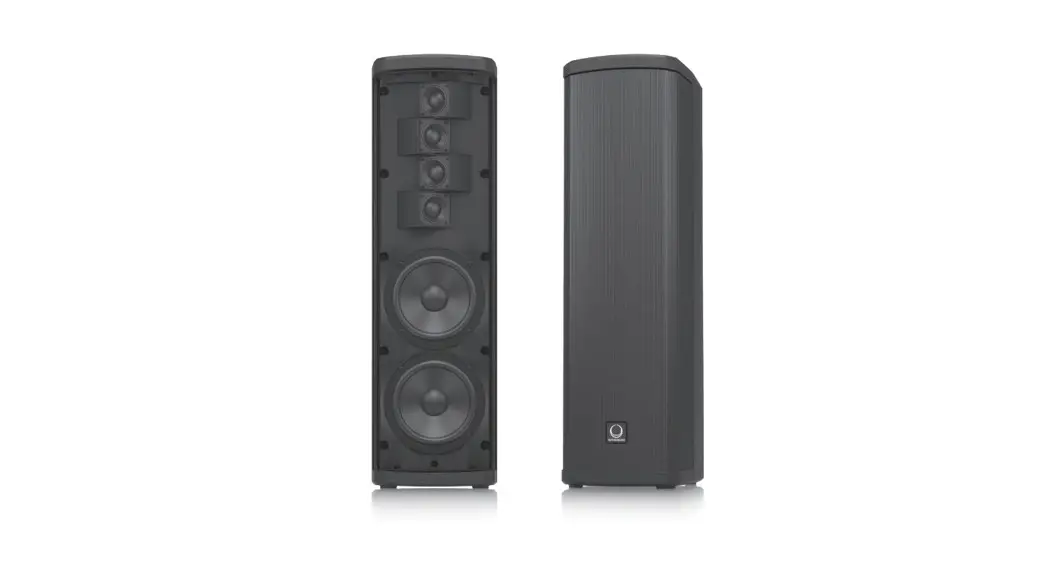
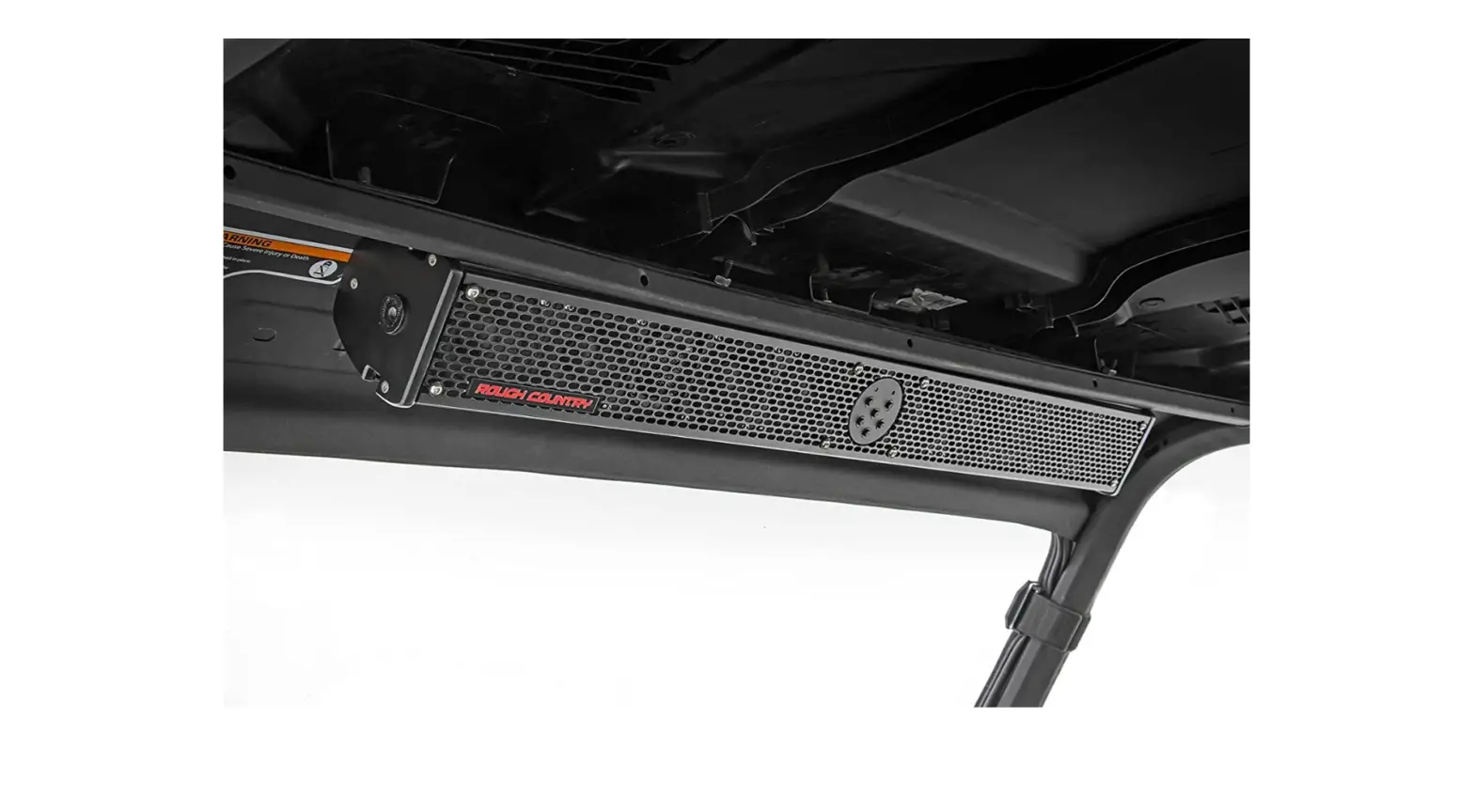
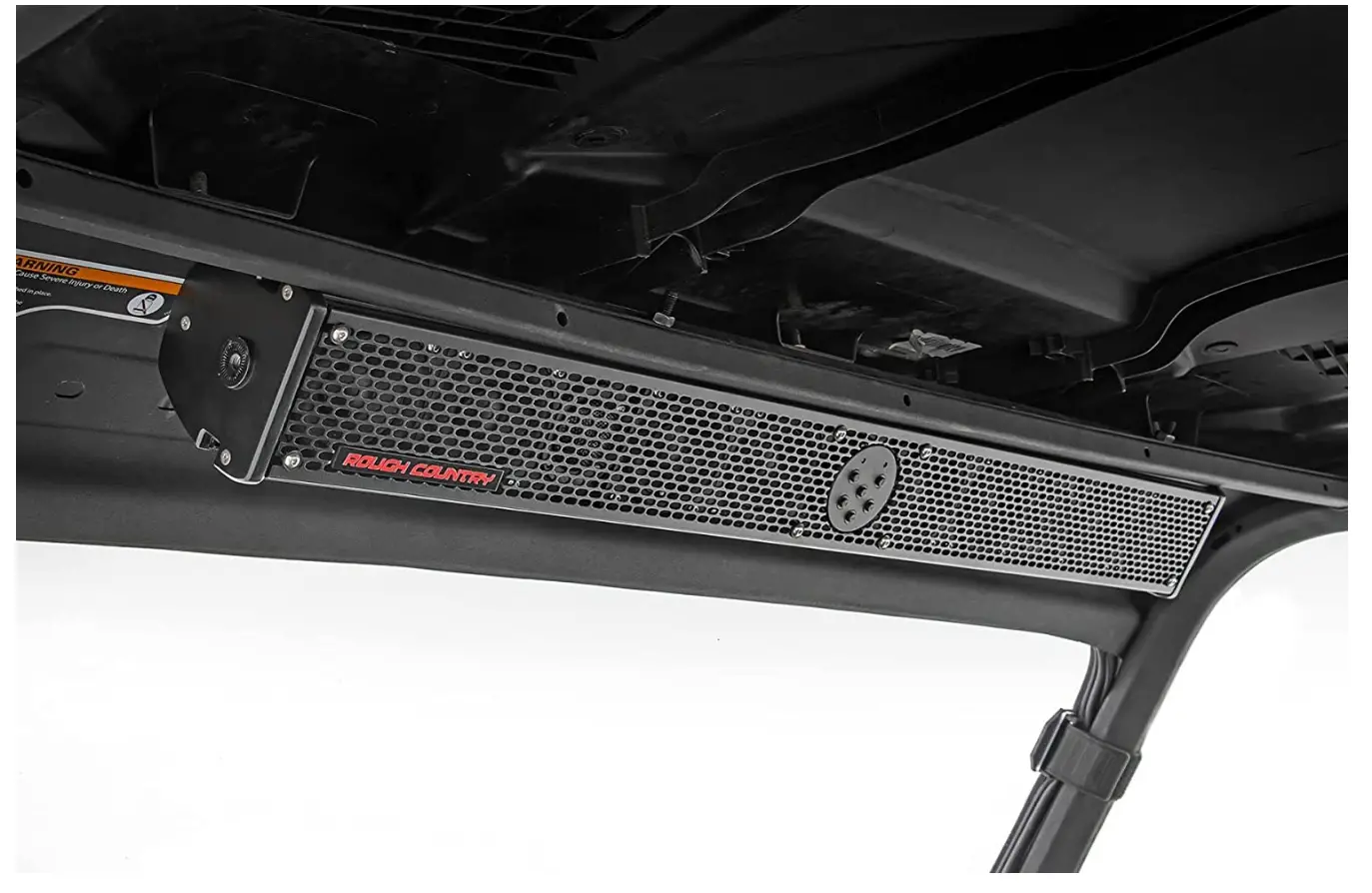
Have you ever found yourself on the trail losing out on your favorite music? We at Rough Country designed a necessary Premium Sound Bar that is prepared to withstand the elements in the cab of your vehicle with the off-road adventurer in mind. Eight 3-inch full-range marine drivers and two 1-inch tweeters are included in Rough Country’s Premium Sound Bar, which delivers excellent sound quality and clarity. Each soundbar comes equipped with a cutting-edge DSP amplifier for an improved mid-bass response, making fine-tuning your audio experience a breeze. While keeping your phone in your pocket and out of the way, you can stream stored music or use your favorite apps thanks to built-in Bluetooth connectivity and a convenient weather-resistant remote control. The Rough Country’s Premium is the best.
The Sound Bar has an IP67 waterproof, sturdy die-cast aluminum casing for the best possible weather resistance. Each Sound Bar also comes with a 2-year Warranty from Rough Country for your assurance.
Thank you for choosing Rough Country for your Premium 10 Speaker Soundbar. We build every product with an unsurpassed passion so we can deliver the HIGHEST PERFORMING products straight to you! The Premium 10 Speaker, 300-Watt Soundbars are designed to give every owner of a boat, UTV, golf cart, or virtually any vehicle the ability to add high-performance sound in a simple-to-use design. The Rough Country Premium Soundbars are a true, high-performance 2-wire 12v Bluetooth audio system. For more info about Rough Country products, please give us a call at 800-222-
7023 or visit us online at www.RoughCountry.com
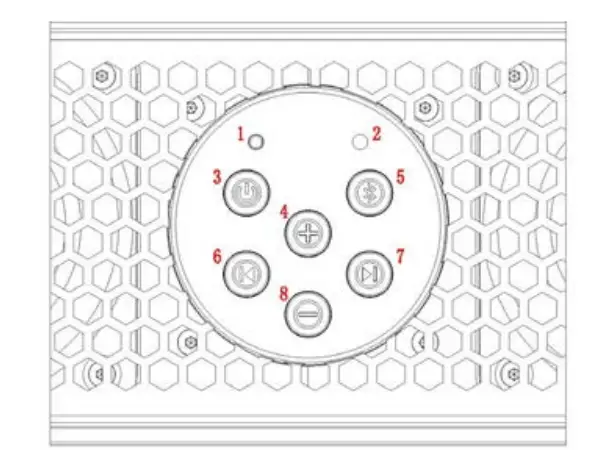
Reset
If needed, press to reset the sound bar for Bluetooth pairing.
Source Indicator Light
- Blinking Blue – Pairing Mode
- Blue – Bluetooth
- No Light – Aux
Power – Play/Pause – Mute
- Press and Hold For 3-5 Seconds to turn the unit on or off
- When Source Is Selected On Bluetooth, Press For Pause/Play Function
- When Source Is Selected On Auxiliary Input, Press To Mute Audio/ Un-Mute Audio
Volume Up
Turns the volume up
Source Select
Toggle between Bluetooth and Auxiliary input (3.5mm)
TrackBack
Skip to the previous track
Track Forward
Skip to the next track
Volume Down
Turns the volume down
INSTRUCTIONS FOR USING THE UNIT
Press and hold the power button for 3-5 seconds to turn the unit on. Next, select what source you want to listen to, either Bluetooth or Auxiliary input. Pairing with Bluetooth is easy, first press the source button on the unit until you see the source indicator light flash blue, next turn on your blue tooth device and search for RC99500, then select it. That’s it! You are now paired with the unit.
NOTICE
You can only pair one device to the unit at a time. If the unit is not blinking (indicating that it’s in pairing mode) make sure that it’s not connected to another device. If you are connected and want to pair another device, first you must go to the settings in your Bluetooth device and turn it off allowing the soundbar to automatically search for new devices.
Once the soundbar is powered up, it can be controlled using either the control pad on the unit, or
the included RF wireless remote control. Please note – power On and Off must be completed on
the control pad, but all other functions of the control pad are duplicated on the wireless remote.
The range for the wireless remote is approximately 12 feet, and is affected by factors such as proximity to wifi or other strong radio signals. Metal will also shield the radio frequency and will limit the usable range of the remote.
Included is a bracket to easily attach the wireless remote to a steering wheel or any other round bar. Stretch the rubber cords around the steering wheel tightly to attach the bracket, then simply
slide the remote control onto the bracket.
If the remote stops working the most likely cause is a dead battery. The remote is powered by one CR2032 3v lithium battery that is available wherever batteries are sold and is easily accessible by removing the 4 screws on the back of the remote housing. Before removing the screws, the rubber screw covers need to be removed. The battery slides into the battery compartment with
the positive (+) side facing up. It is important to replace the rubber screw covers after reassembly to make sure the remote control is watertight.
Some unique features on the Rough Country Premium Soundbar when playing your Bluetooth device, you can use the buttons on the sound bar to control your device by advancing tracks or replaying music on your device as well as volume. Also, by pressing the power button on the unit it will pause your music on your device and by pressing it again it will allow the device to continue playing. When the unit is selected in Auxiliary mode and the power button is pressed, the unit will mute the audio and un-mute the audio when pressed again.
When you are finished listening to music, simply press the power button and hold it for 3-5 seconds and the unit will turn off. If the unit does not sense a signal from either the blue tooth or auxiliary input for 10 minutes, it will automatically turn itself off.
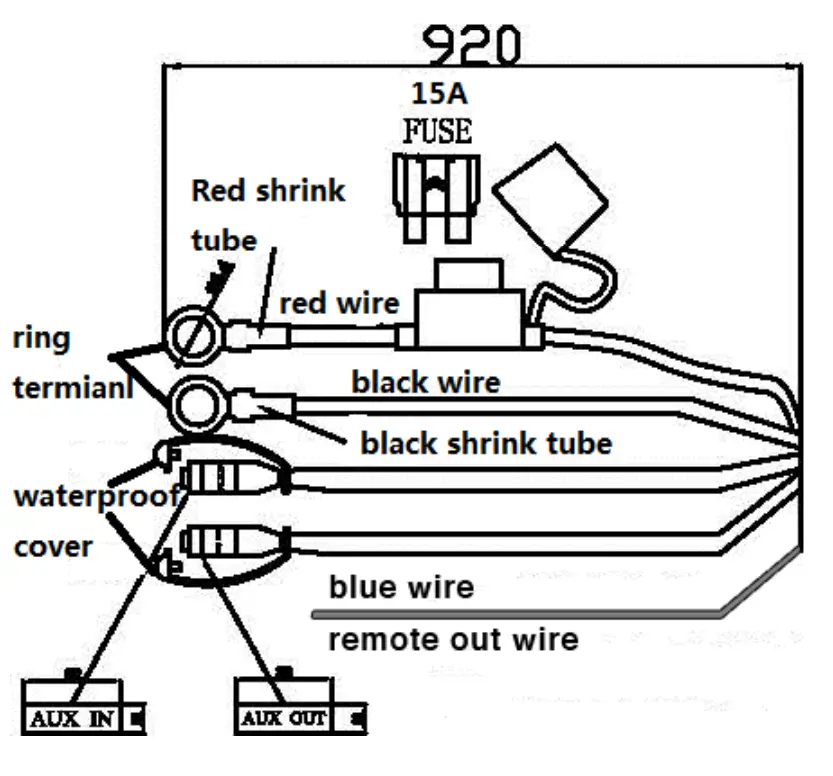
Rough Country Premium 10 Speaker Soundbar are an operating voltage of 12 volts.
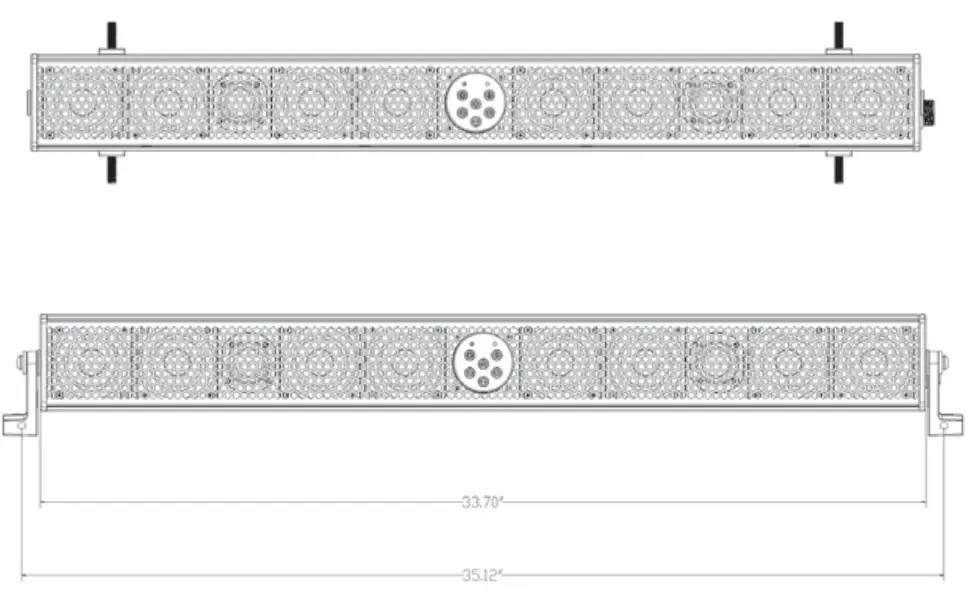
INSTALLATION
Mounting
- Fit the appropriate mounting hardware in the desired location.
- Mount the premium 10 speaker soundbar to the desired location and tighten down the hardware to hold it in place.
Wiring
- If installing on an electric vehicle, switch it into TOW mode. Carefully remove the Positive (+) then Negative (-) battery wires.
- If installing on a gas vehicle, wire the Negative (Black) wire to the Negative (-) battery terminal and the Positive (Red) wire to the Positive (+) battery terminal.
If installing on an electric vehicle, wire the Negative (Black) wire to the Ground on the DC-DC Converter and the Positive (Red) wire to the Positive (+) post on the DC-DC Converter. - Route the Blue Aux In & Aux Out wires to your desired location. The Aux In is for a music source that does not have Bluetooth capability. The Aux Out is to connect to an optional amplifier for other speakers or an amplified subwoofer.
- The Blue Remote Out wire provides +12V when the soundbar is powered on. This may be used as a turn-on signal for additional amplifiers or for an optional amplified subwoofer.
- Tie up all excess wires and re-install the Positive (+) then Negative (-) battery wires. If installing on an electric vehicle, switch it back into RUN mode.
Note
DC-DC Converter is required on electric vehicles to avoid damage to the accessory and the vehicle
Frequently Asked Questions
- Why buy Rough Country?
Rough Country’s product quality, pricing, and customer service are unmatched in the industry. - What is the difference between a kit and a system?
A suspension “kit” typically includes blocks or add-a-leafs for the rear lift, while a suspension “system” will include new rear leaf springs (full pack – not an add-a-leaf) - How long does my order take to get to me?
If you place your order before 4 pm (cst) your order will be shipped that day. Parts ordered must be in stock for the order to ship and transit times are as shown. (View Map) View our shipping policy here.