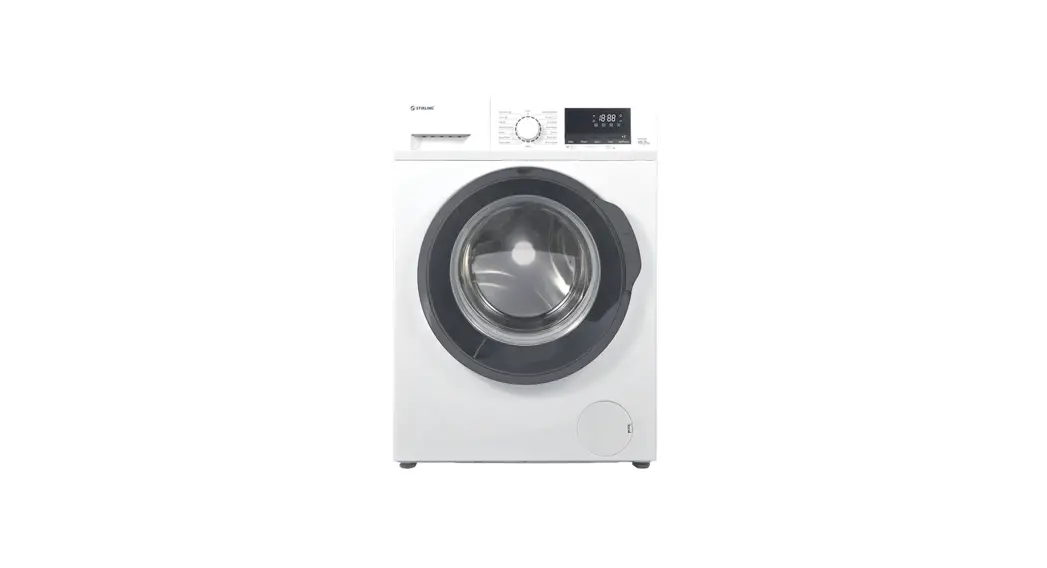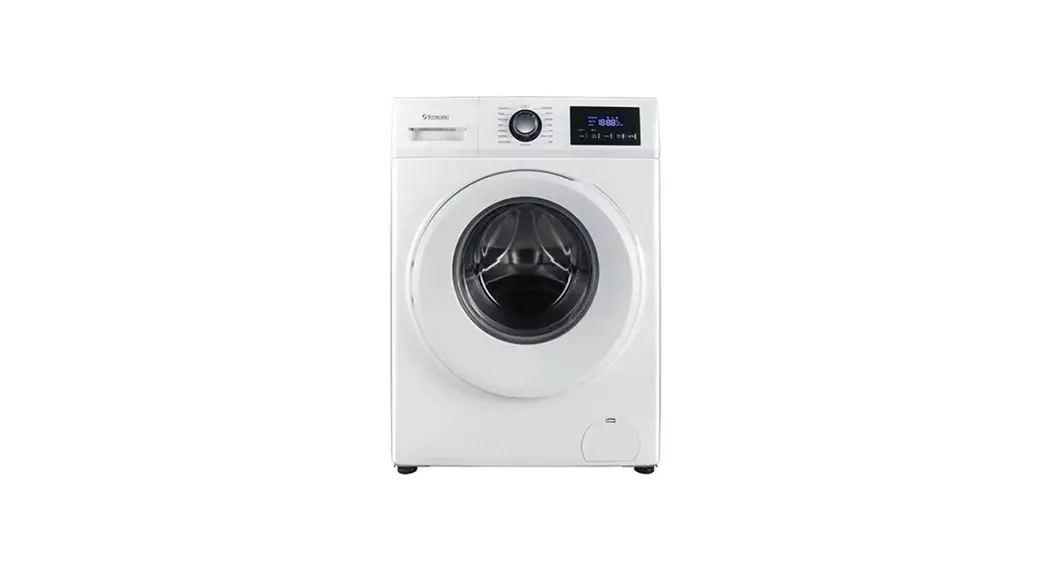
 Model: STR-FLW80W
Quick Start Guide
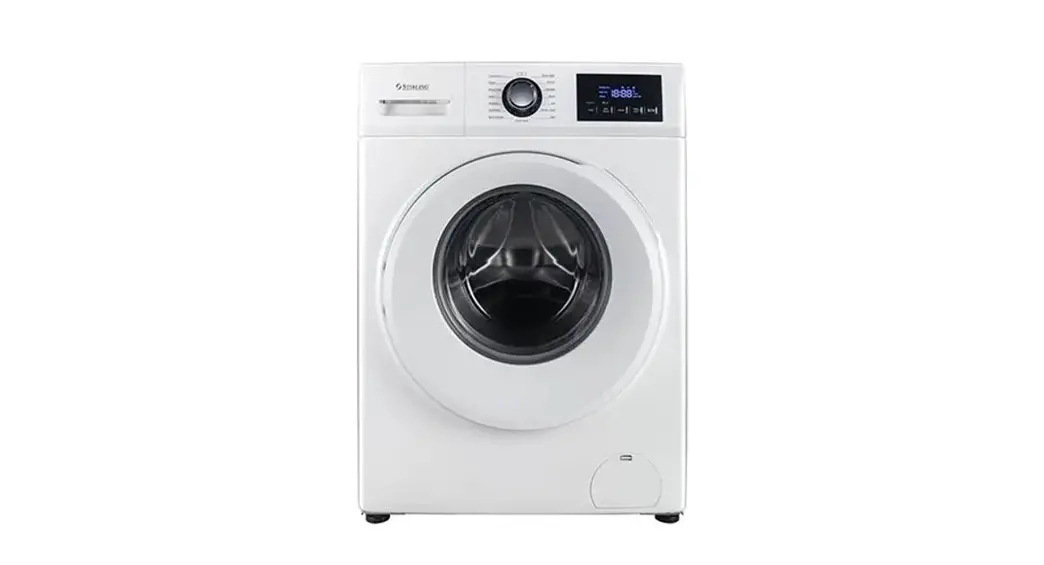
Let’s get your new 8 kg
washing machine ready to use
Installing the machine
CAUTION! This washing machine is extremely heavy – transport it with care! A team lift or mechanical aid is
required when moving it.
IMPORTANT! Before installing the washing machine, you must remove the transport bolts from the back of the housing and cover the holes with the transport hole caps provided. The four bolts hold the drum in place during transport but they must be removed before use so the drum can move during the wash and spin cycles. This washing machine must be installed by a competent person. Installation involves removing the transport bolts, leveling the machine, connecting it to your cold water supply, and installing the drain hose. For detailed installation instructions, please consult the supplied instruction manual, which also has comprehensive usage instructions and important safety advice.
NOTE: Make sure the washing machine is properly and securely installed. Before using the washing machine for washing clothes, run a complete washing cycle without clothes, using the drum clean program
Preparing a wash
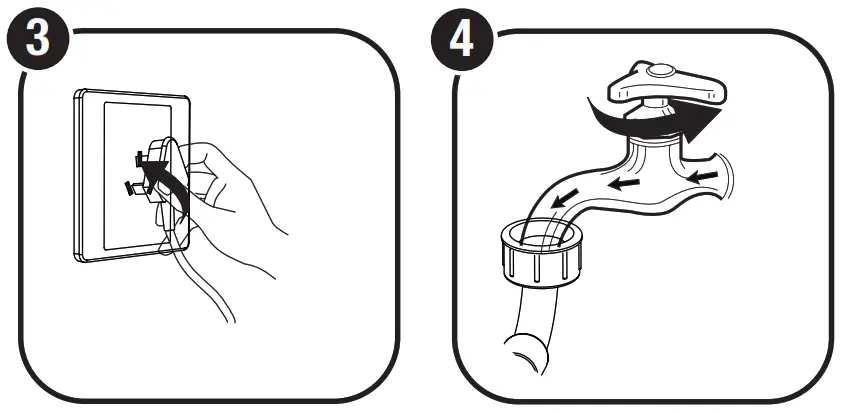
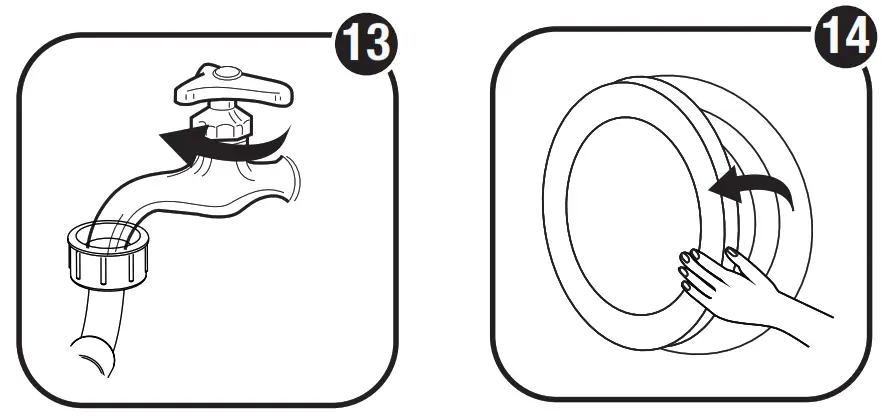
Before washing a load, plug in the machine and open your water tap.
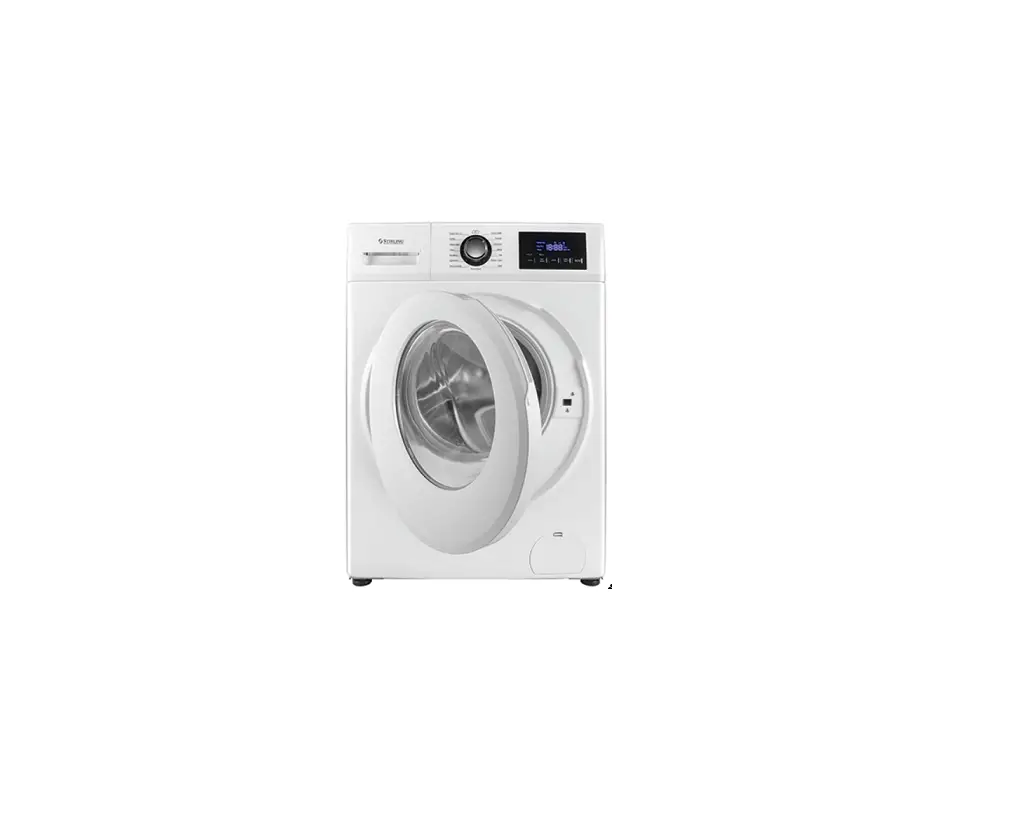
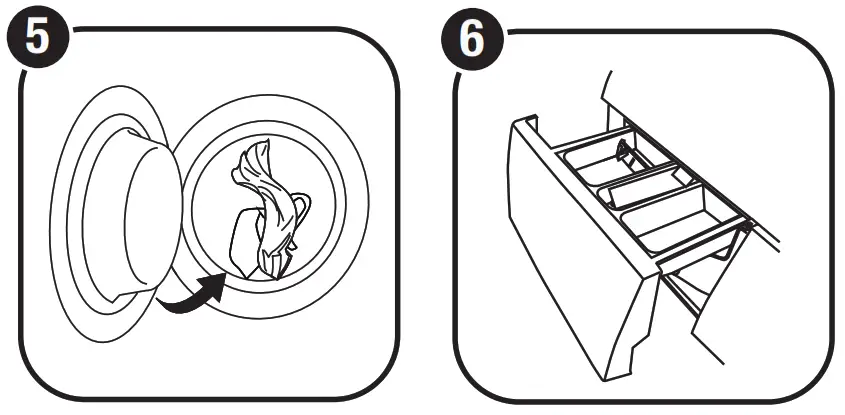
Load your washing into the machine – page 24 in the instruction manual has useful hints to help you with this. Close the door and add detergent to the drawer – find all the details on page 23 in the instruction manual.
 |  |
Control panel operation
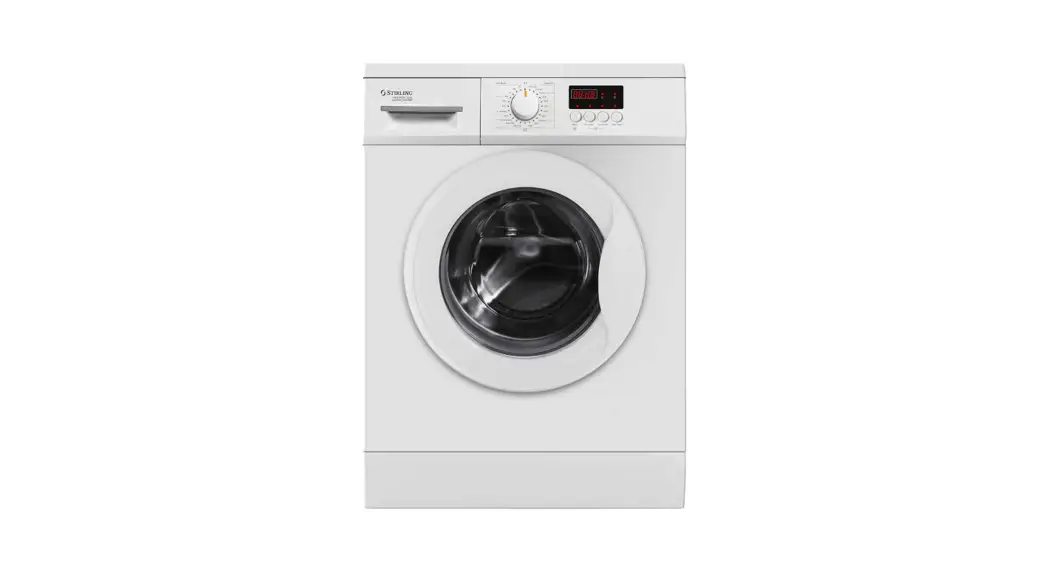
Rotate the program dial to switch on the machine, select a program and switch the machine off at the end.
The display screen shows the settings, time remaining, options, codes, etc.
Press the Speed button to change a program’s default spin speed (if available).
Press the Delay Start button to set the delay start time (from 1 to 24 hours).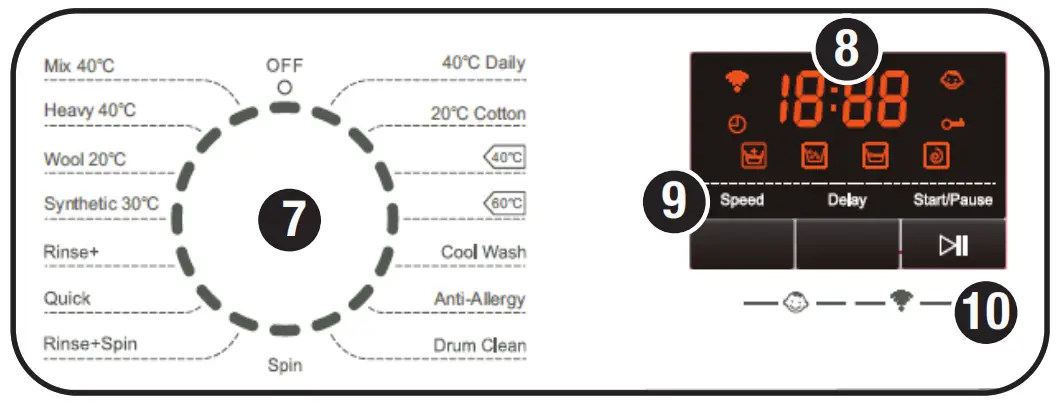
Press the Start/Pause button to start a wash program or pause it.
Press the Speed and Delay buttons at the same time and hold for three seconds to set/cancel the child lock.
Press the Delay and Start/Pause buttons at the same time to activate (reset) the Wi-Fi module.
Turn over the page for details about the wash programs.
Afterward
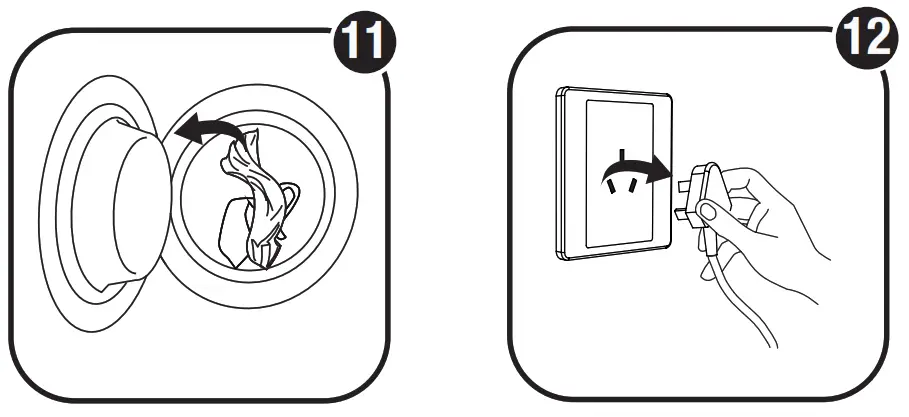 |  |
When the buzzer sounds you can open the door and take your washing out of the machine. The machine will automatically change into standby mode after 10 minutes of inactivity. Turn the dial back to the [ O ] position.
Unplug the power plug.
Close the water tap.
We recommend you leave the door slightly ajar so the drum can dry properly and to prevent mold and odor development
Wash programs
| Program | Max. Load (kg) | Time (hr:min) (A) | Temp. (°C) (B) | Rinse Times | Spin Speed (rpm) |
| 40°C Daily | 8 | 1:20 | 40 | 2 | 0/400/600/800/1000/1200 |
| 20°C Cotton | 8 | 1:14 | 20 | 2 | 0/400/600/800/1000/1200 |
 (C) (C) | 8 | 3:17 | 40 | 3 | 0/400/600/800/1000/1200 |
 (C) (C) | 8 | 3:10 | 60 | 3 | 0/400/600/800/1000/1200 |
| Cool Wash | 6 | 0:57 | Cold | 2 | 0/400/600/800/1000/1200 |
| Anti-Allergy | 4.5 | 2:11 | 90 | 2 | 0/400/600/800/1000 |
| Drum Clean | 0 | 1:14 | 60 | 2 | 600 |
| Spin | 8 | 0:11 | — | 0 | 0/400/600/800/1000/1200 |
| Rinse+Spin | 8 | 0:16 | — | 1 | 0/400/600/800/1000/1200 |
| Quick | 2.5 | 0:18 | Cold | 2 | 0/400/600/800/1000/1200 |
| Rinse+ | 8 | 1:34 | Cold | 4 | 0/400/600/800/1000/1200 |
| Synthetic 30°C | 4 | 0:55 | 30 | 2 | 0/400/600/800 |
| Wool 20°C | 3 | 0:50 | 20 | 2 | 0/400/600 |
| Heavy 40°C | 8 | 1:39 | 40 | 3 | 0/400/600/800/1000/1200 |
| Mix 40°C | 4.5 | 1:03 | 40 | 3 | 0/400/600/800/1000/1200 |
(A) Default times for reference purposes only.
(B) Default temperatures may differ slightly (+/-10°C).
(C) most energy and water efficiency programs are suitable for cleaning normally soiled cotton laundry.
 Give us a call
 Give us a call
What? Do you mean this Quick Start Guide didn’t have ALL the answers? The manual has more comprehensive instructions, or speak to us. Call ours After Sales Support on 1300 112 534.
Well done, you made it! Now sit back and relax … your new 8 kg front load washing machine with Wi-Fi function is automatically covered by a 3-year warranty.
V2.0