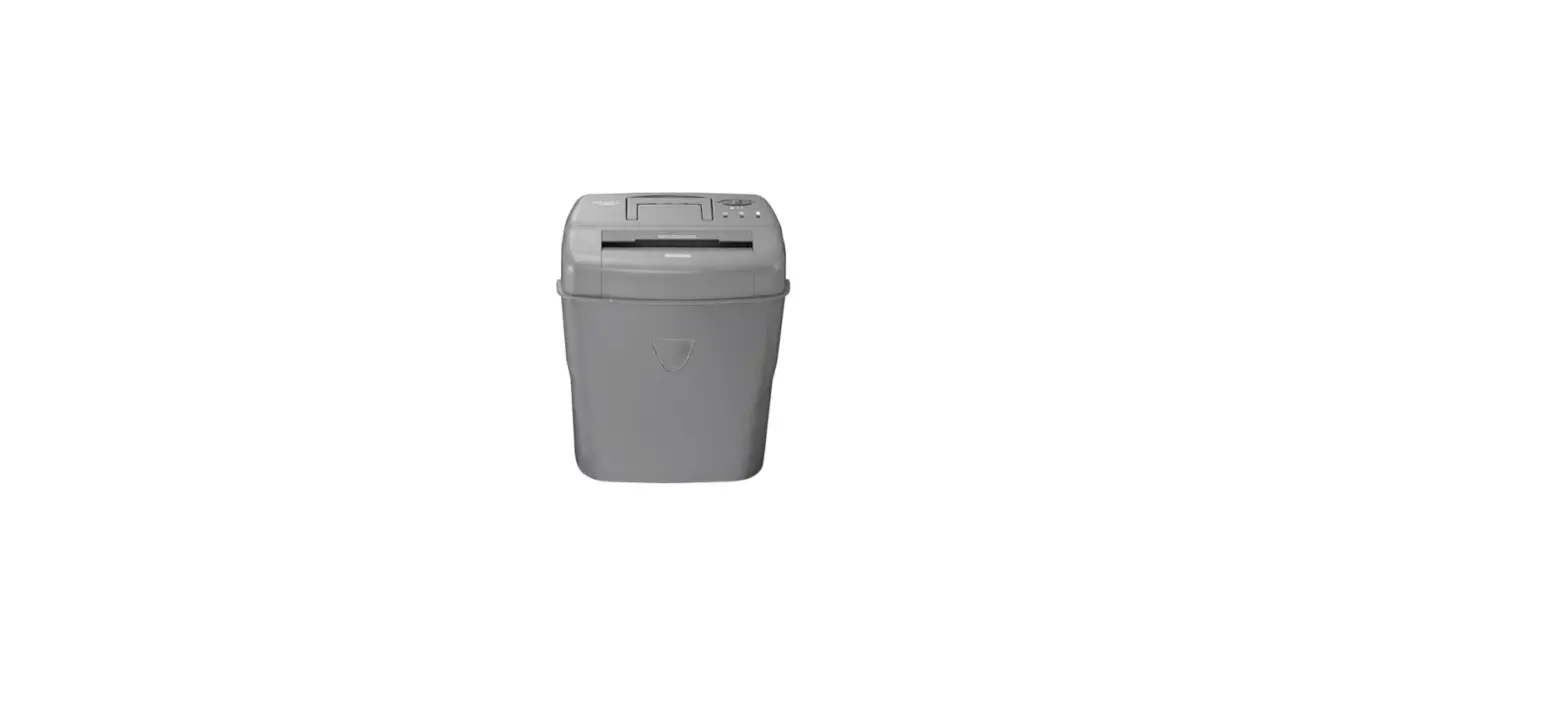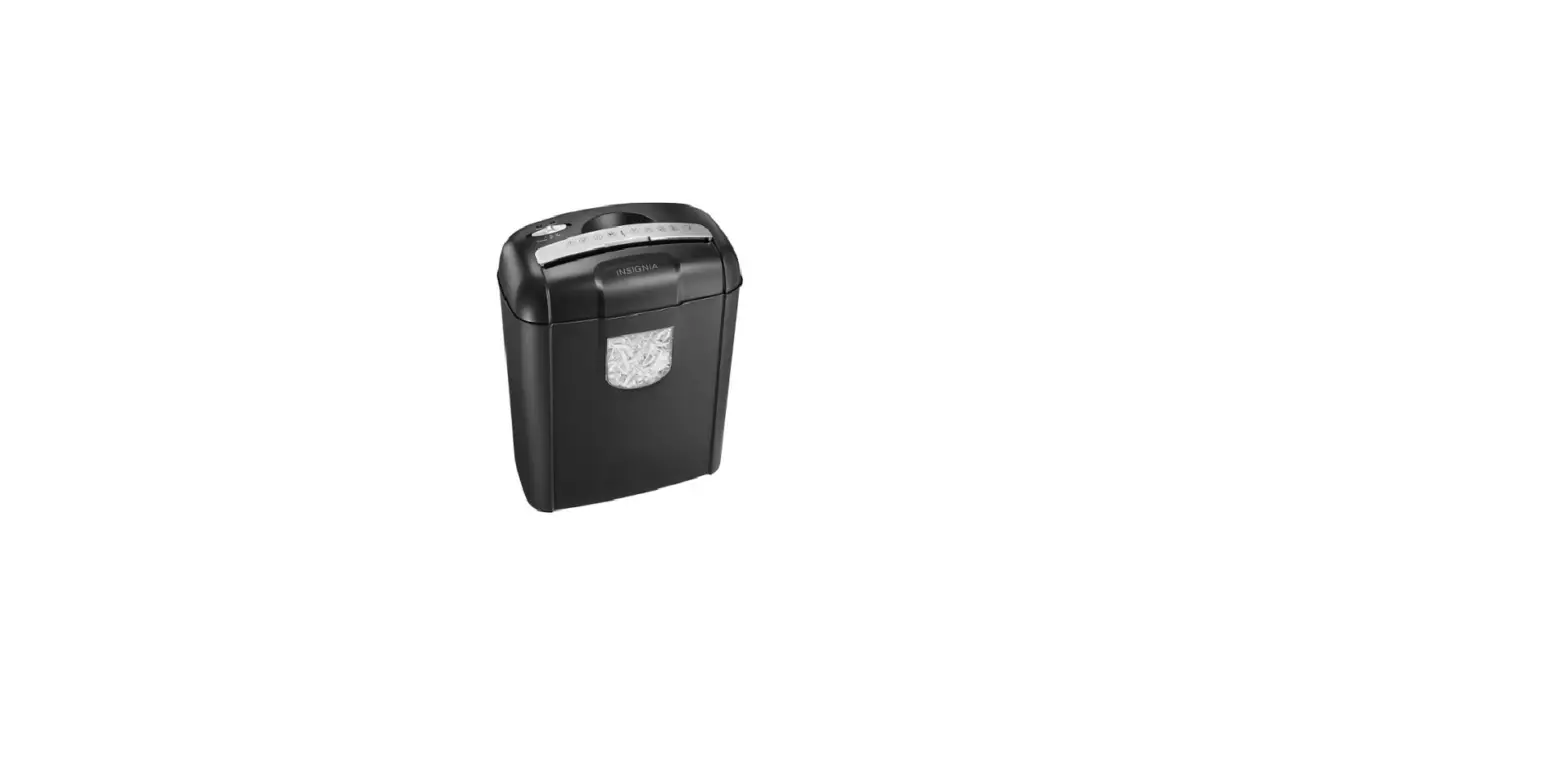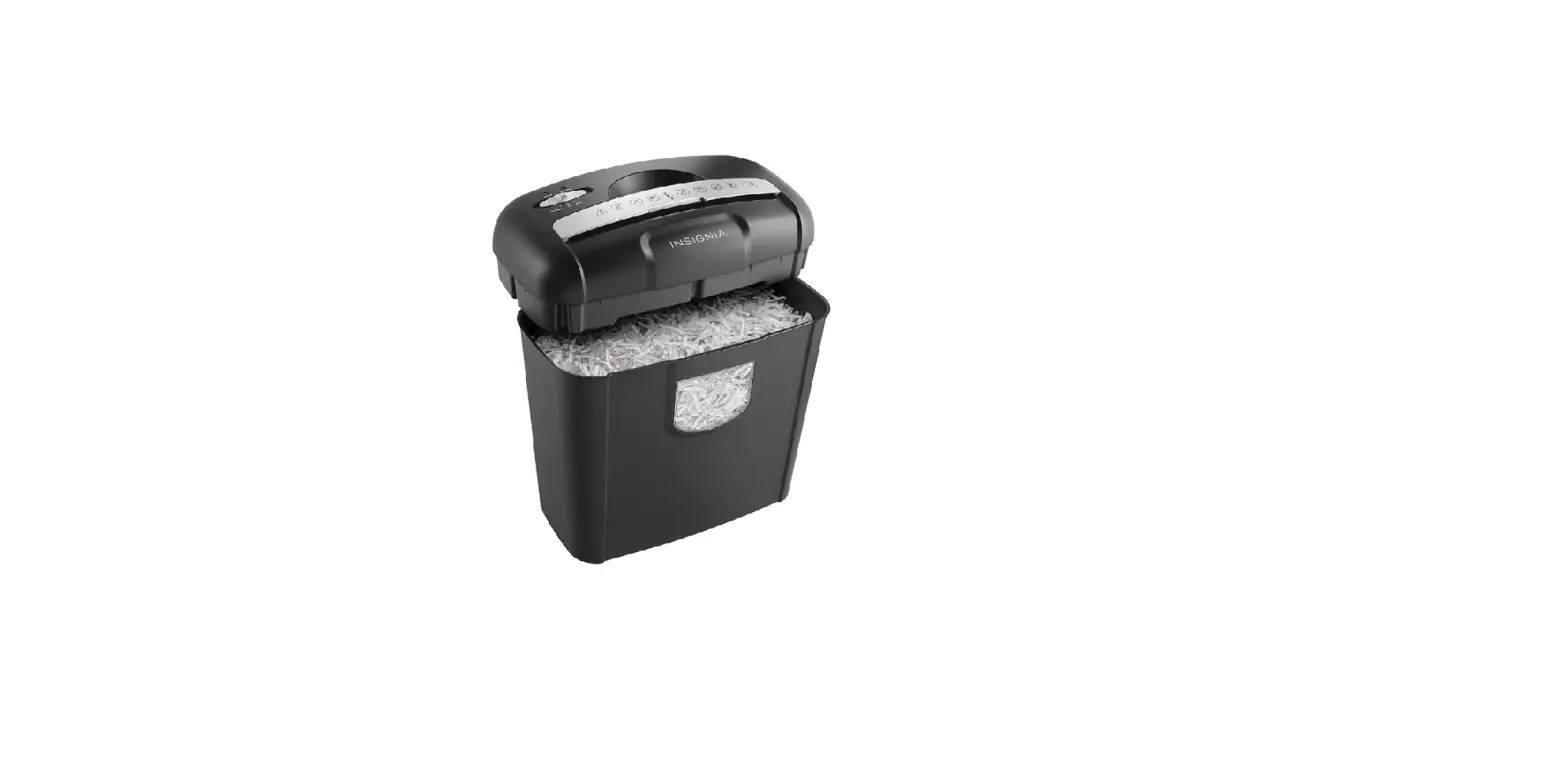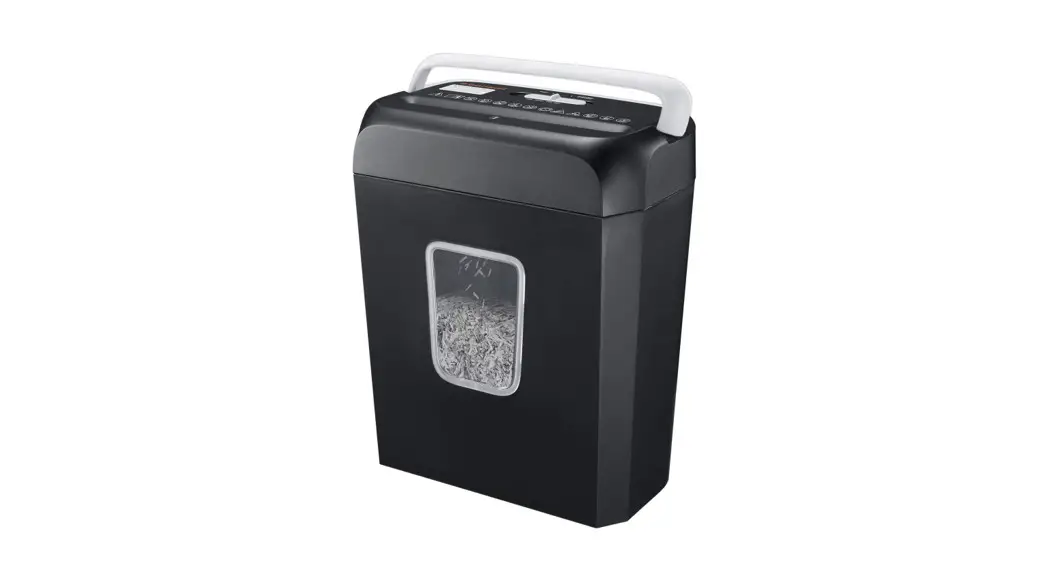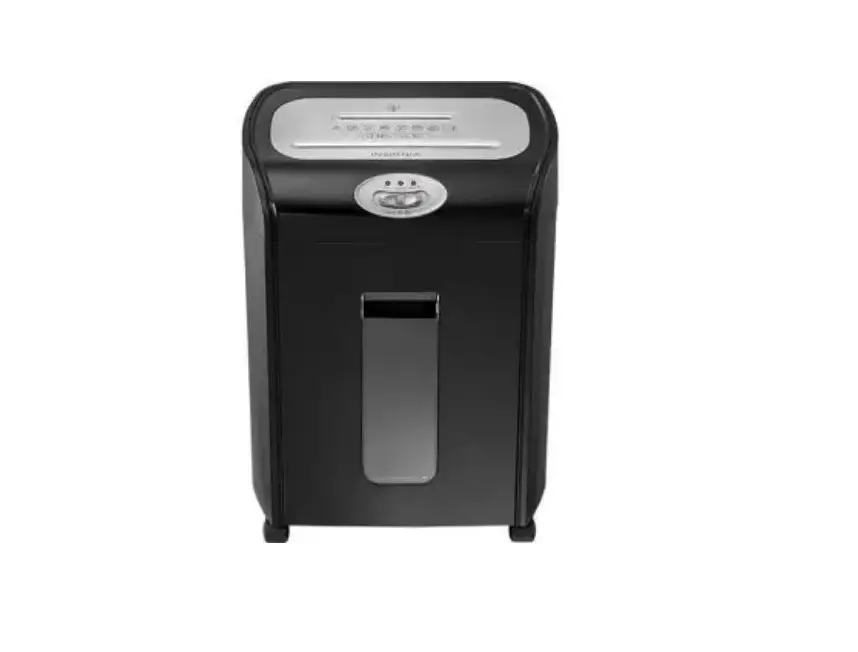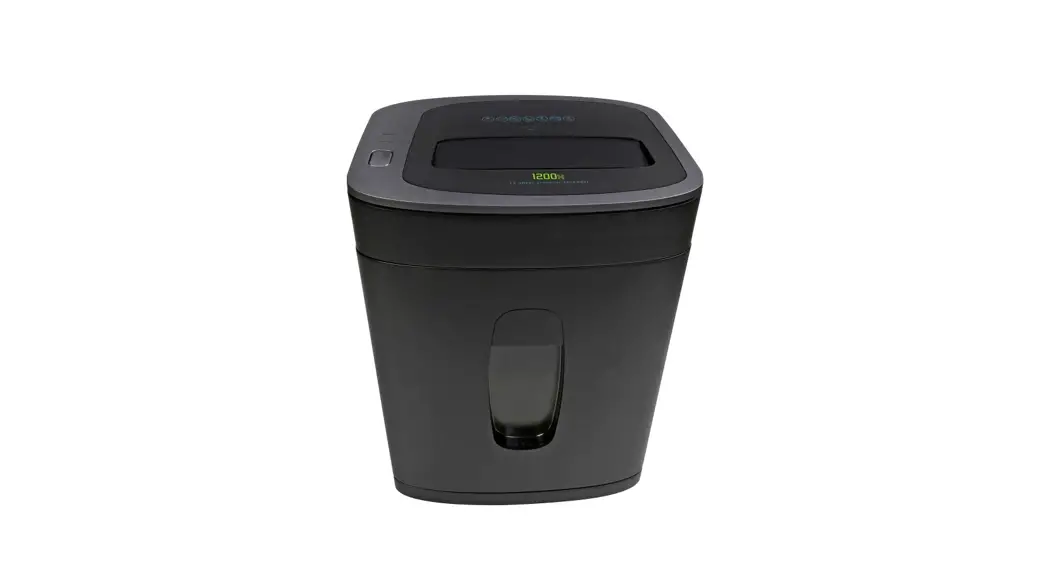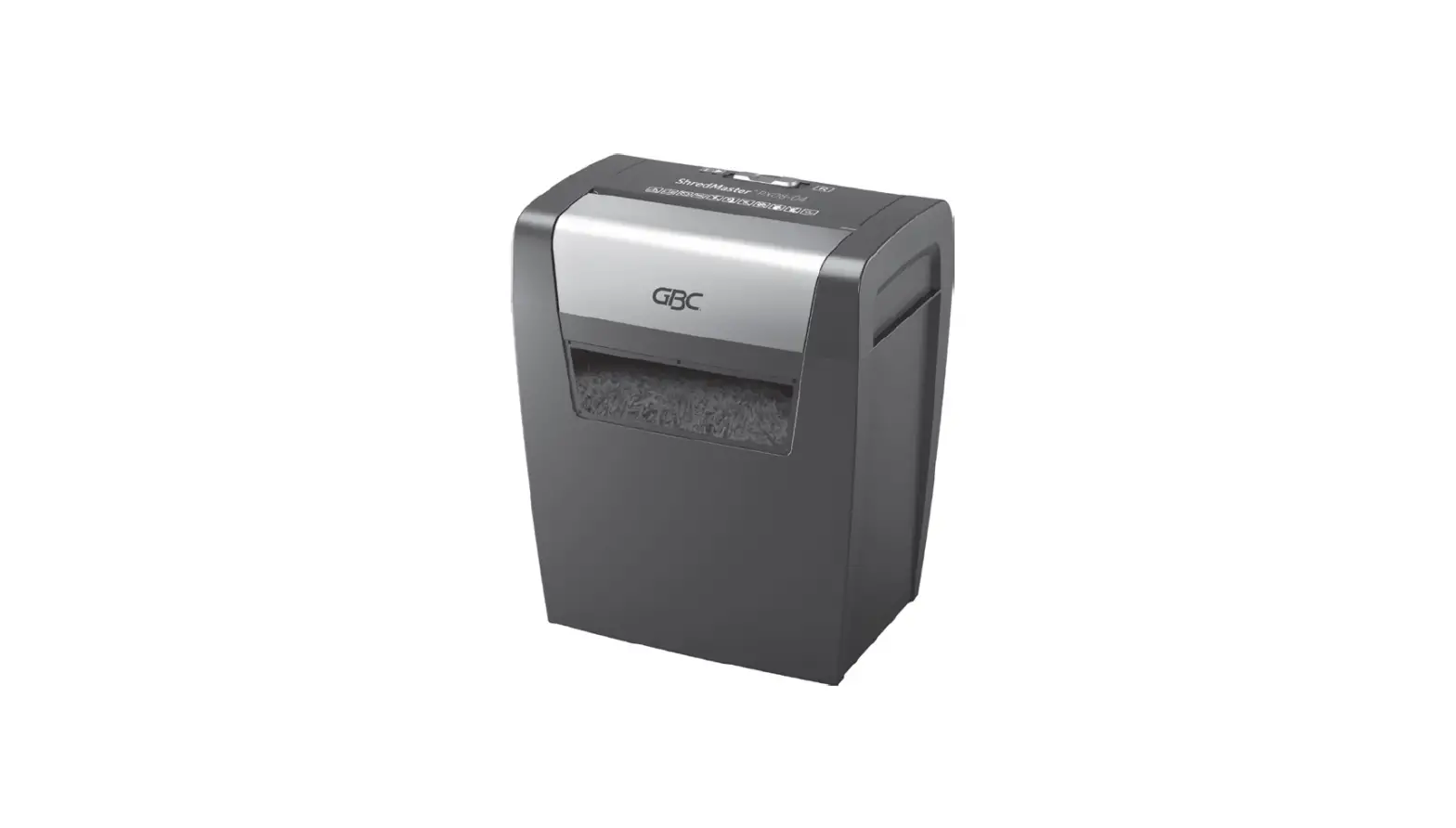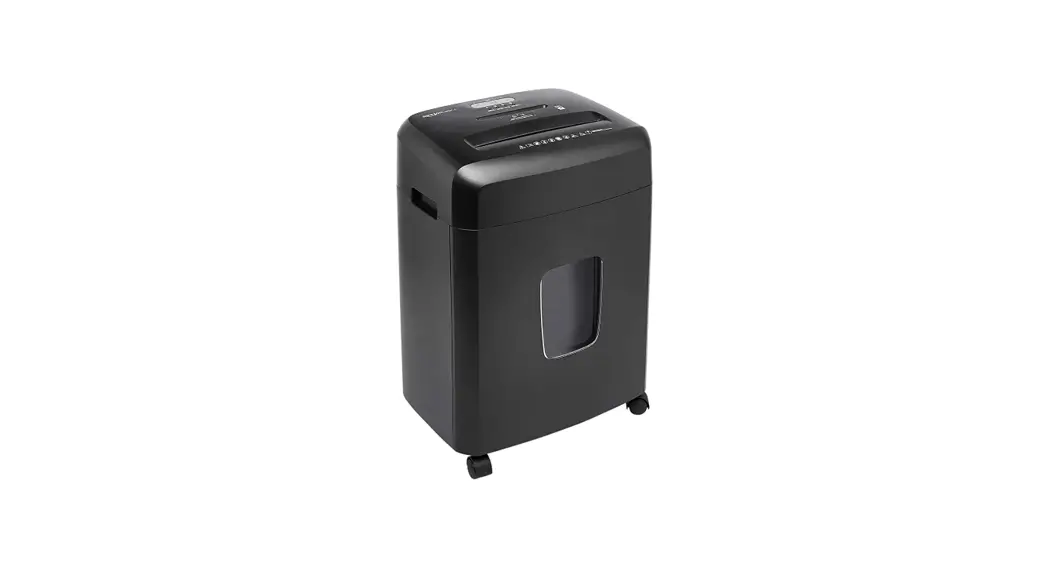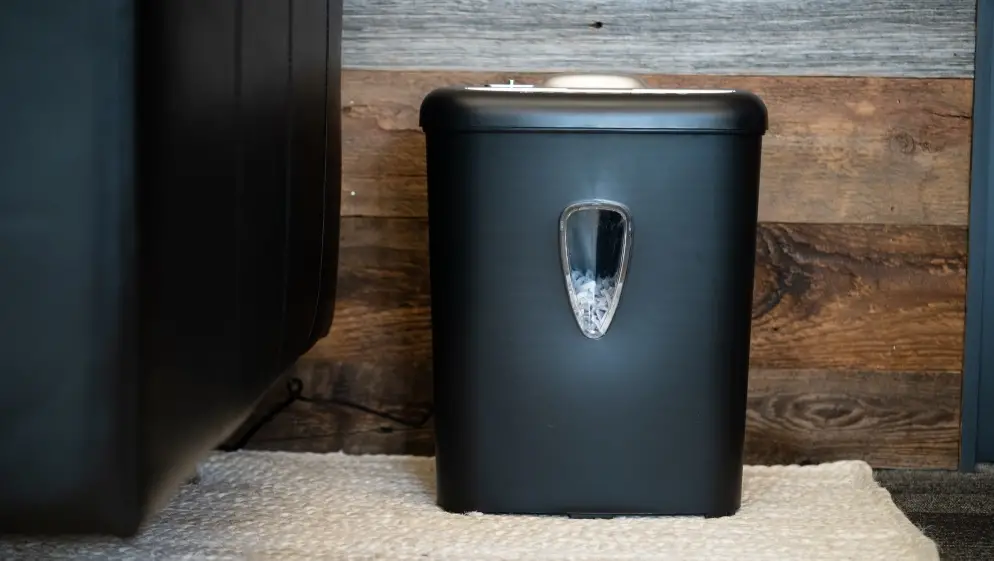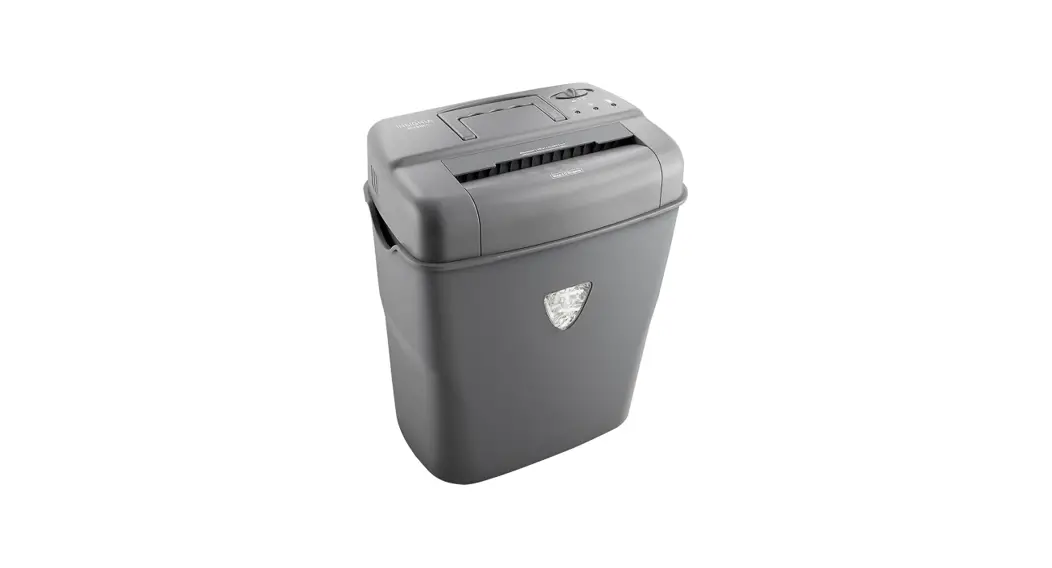
 QUICK SETUP GUIDE
Crosscut Paper
Shredder
NS-PS10CC / NS-PS10CC-C
FEATURES
Before using your new product, please read these instructions to prevent any damage.
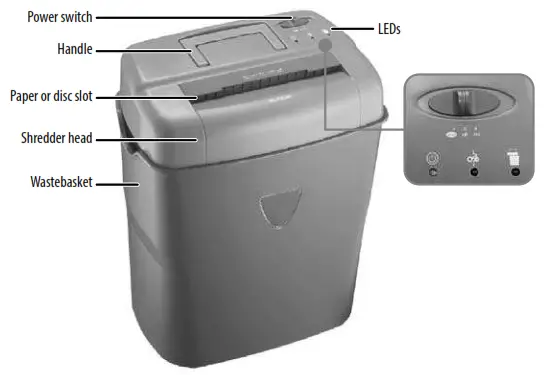
Power switch
| auto | The shredder starts automatically when an item is inserted into the paper or disc slot. When the item has passed through the slot, the shredder stops. |
| off | Turns off the shredder. |
| rev | Use the reverse setting to clear a paper jam or to pull out unshrouded paper. Caution: Never try to clear a jam by using REV when the wastebasket is full. This could make the jam worse. |
LEDs
 Power Power | Lights green when the shredder is in use. Turns off when the shredder is in standee-by (power-saving) mode. |
 Overheat/Overload Overheat/Overload | Lights red when the shredder is jammed or overheated, you have inserted more sheets of paper than recommended or the shredder has been used too long. |
 Door Open Door Open | Lights yellow if the wastebasket is opened or the shredder head is not mounted correctly. |
SETTING UP THE SHREDDER
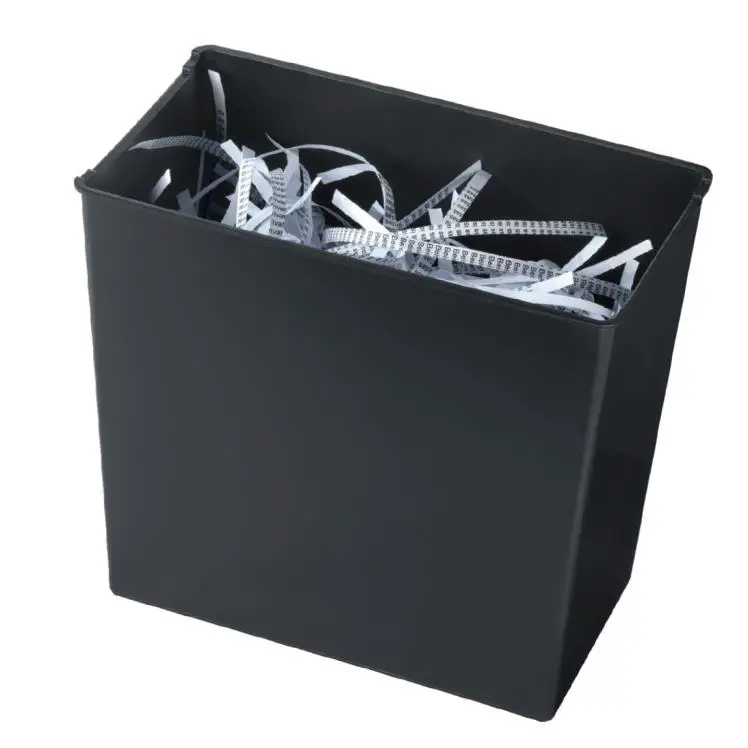
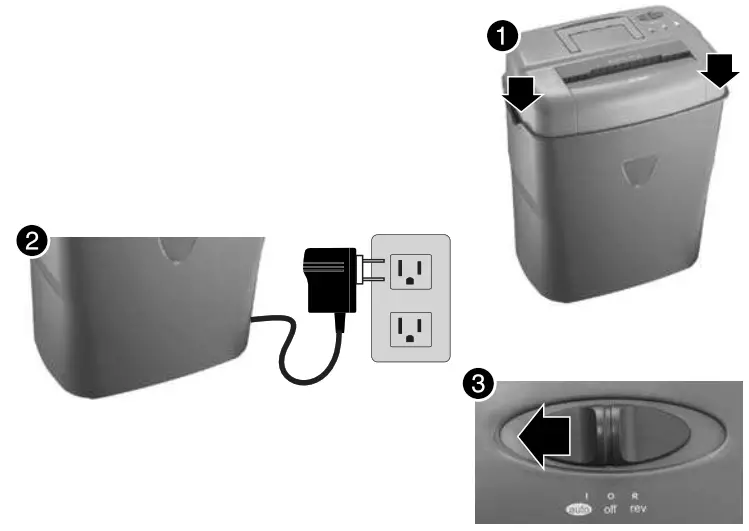
- Place the shredder head securely on the rim of the supplied wastebasket.
Caution: Your shredder has very sharp, exposed blades on the underside. Use care when mounting the shredder to the wastebasket.
Note: Do not use bags to line the wastebasket. - Connect the power cord to a power outlet.

- Slide the power switch from off to auto.
USING THE SHREDDER
Warning: Always turn off the shredder when it is not in use.
Caution: Do not insert more than 10 sheets of paper, one credit card, or one disc at a time. You may damage the shredder.
To shred paper:
Insert paper into the paper or disc slot. When the paper has passed through, the shredder will stop.
Caution: Always feed paper in as straight as possible to avoid paper jams.
To shred discs and credit cards:
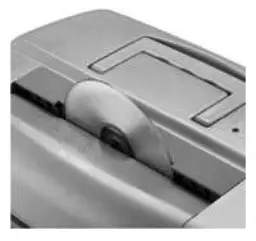
Hold the disc or credit card by the edge and feed into the paper or disc slot one at a time, releasing when shredding begins. The shredder stops when the entire disc or credit card has been destroyed.
Caution: Do not hold the disc with your finger through the center hole while feeding it into the shredder.
Serious injury may occur. Never feed more than one disc or credit card at a time.
Notes:
- Never shred plastic (except credit cards, CDs, or DVDs), continuous forms, anything with adhesive including labels and envelopes, newsprint, or any hard materials.
- While this shredder will shred staples and small paperclips, it is recommended that you remove them whenever possible to extend the life of your shredder.
TROUBLESHOOTING
| PROBLEM | SOLUTION |
| The shredder does not stop running | • Slide the switch to off, unplug it from the power outlet, then empty the wastebasket. • Slide the switch to off, unplug it from the power outlet, then push the shredded paper down to make sure that it is away from the shredder head. • Slide the switch to rev to remove extra paper, disc, or credit card from the shredder. |
| The shredder is jammed | • Slide the switch to rev to remove the stuck paper, disc, or credit card. • Make sure that you only send 10 sheets of paper, one credit card, or one disc through the shredder at a time. |
| The shredder will not run | • Change the position of the paper as you insert it. • The paper may be too thin or crumpled for the shredder to recognize it. Fold the paper, then reinsert it. • Slide the switch to rev to remove any stuck paper, discs, or credit cards. • Make sure that you only send 10 sheets of paper, one credit card, or one disc through the shredder at a time. • Unplug the shredder from the power outlet and let it cool for at least 50 minutes. • Make sure that the shredder head is placed on the wastebasket correctly. |
| The Door Open LED turned on | • Make sure that the shredder head is placed on the wastebasket correctly. |
| The Overheat/Overload LED turned on | • Slide the switch to off, unplug the shredder from the power outlet then empty the wastebasket • Reduce the number of sheets you are shredding or stop shredding until the LED tums off |
MAINTAINING
Once a month, drizzle vegetable oil or cooking oil (nothing petroleum based) on a few pieces of paper and feed them through the shredder.
SPECIFICATIONS
| Sheet capacity | 10 sheets of 20 lb. bond paper |
| Credit card capacity | One at a time |
| Disc capacity | One at a time |
| Paper shred size | 5/32 × 1 9/20 in. (0.4 × 3.7 cm) pieces |
| Voltage | 120V – 60 HZ 4.3A |
IMPORTANT SAFETY INFORMATION
- RISK OF FIRE. NEVER dispose of flammable chemicals or materials that have come into contact with flammable chemicals (for example, nail polish, acetone, gasoline) in the wastebasket.
- Always turn the shredder off and unplug the power cord from the AC outlet before cleaning it, moving it, or emptying the wastebasket.
- Never place the shredder near water or any heat source.
- Never use any petroleum based or flammable oils or lubricants in or around the machine as some oils can combust causing serious injury.
- Never spray any aerosol based products in or around shredder.
- Never shred envelopes, labels, or anything with glue or any sticky substance as this will lead to paper jams.
- Do not use the shredder if the power cord is damaged in any way.
- Do not attempt to service this product yourself as doing so may expose you to sharp cutting blades and electricity and will void the manufacturer’s warranty.
- Never let the wastebasket become full. This will lead to shredded material being pulled back up into the shredder and cause jams.
- The socket-outlet shall be installed near the equipment and shall be easily accessible.
 WARNING WARNING |  |  |  | 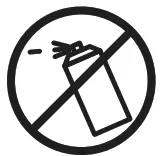 |  |  |
| Product is not intended for use by children (product is not a toy) | Avoid touching the paper or disc slot with hands | Avoid loose clothing or jewelry touching the paper or disc slot | Do not spray or keep any aerosol products in or around shredder | Avoid getting hair near the paper or disc slot | Do not insert foreign objects into the paper or disc slot |
ONE-YEAR LIMITED WARRANTY
Visit www.insigniaproducts.com for details.
CONTACT INSIGNIA:
For customer service, call 1-877-467-4289 (U.S. and Canada) or 01-800-926-3000 (Mexico)
www.insigniaproducts.com
INSIGNIA is a trademark of Best Buy and its affiliated companies.
Distributed by Best Buy Purchasing, LLC
7601 Penn Ave South, Richfield, MN 55423 U.S.A.
©2016 Best Buy. All rights reserved.
Made in China
 Insignia Consumer Electronic Products