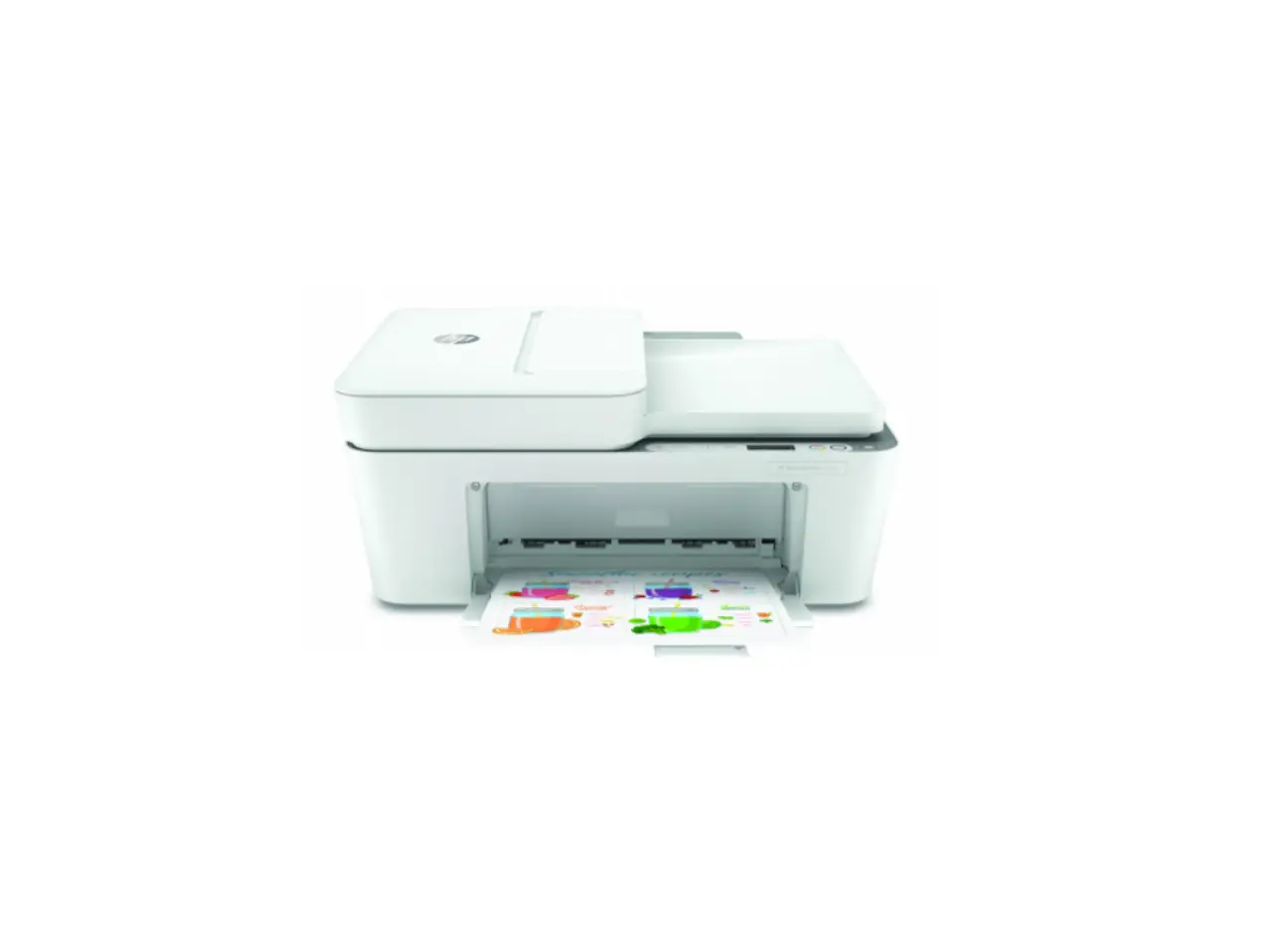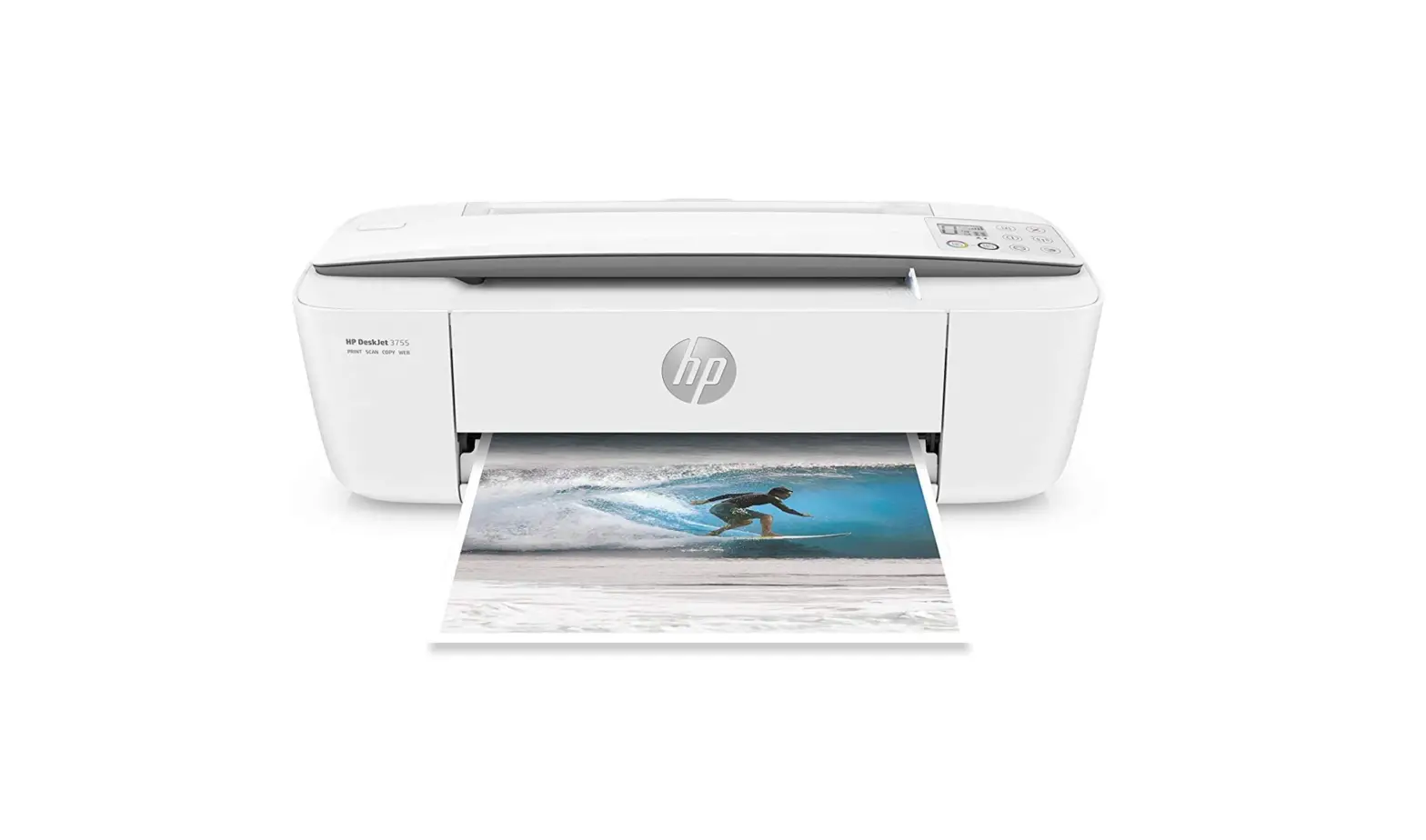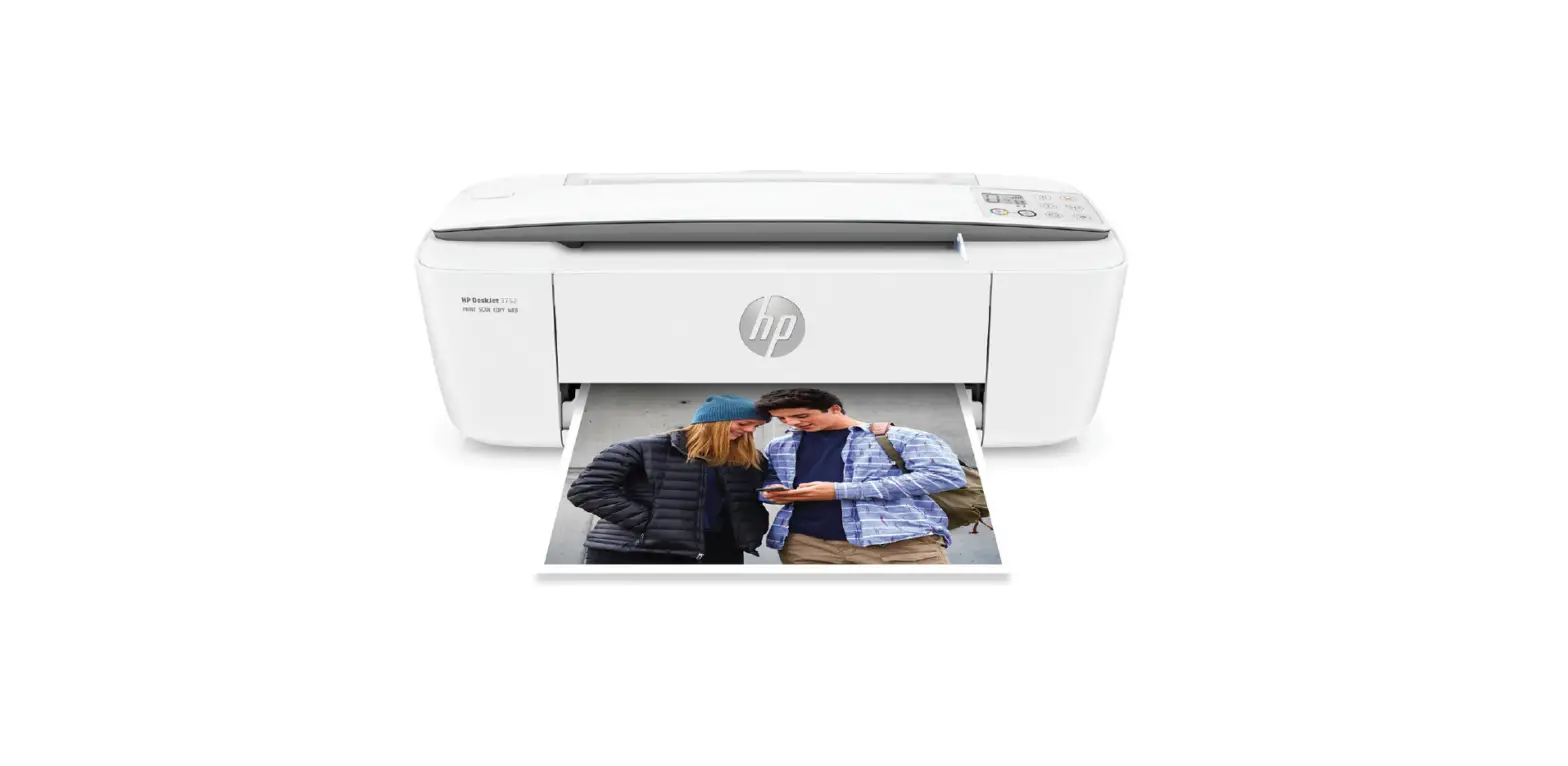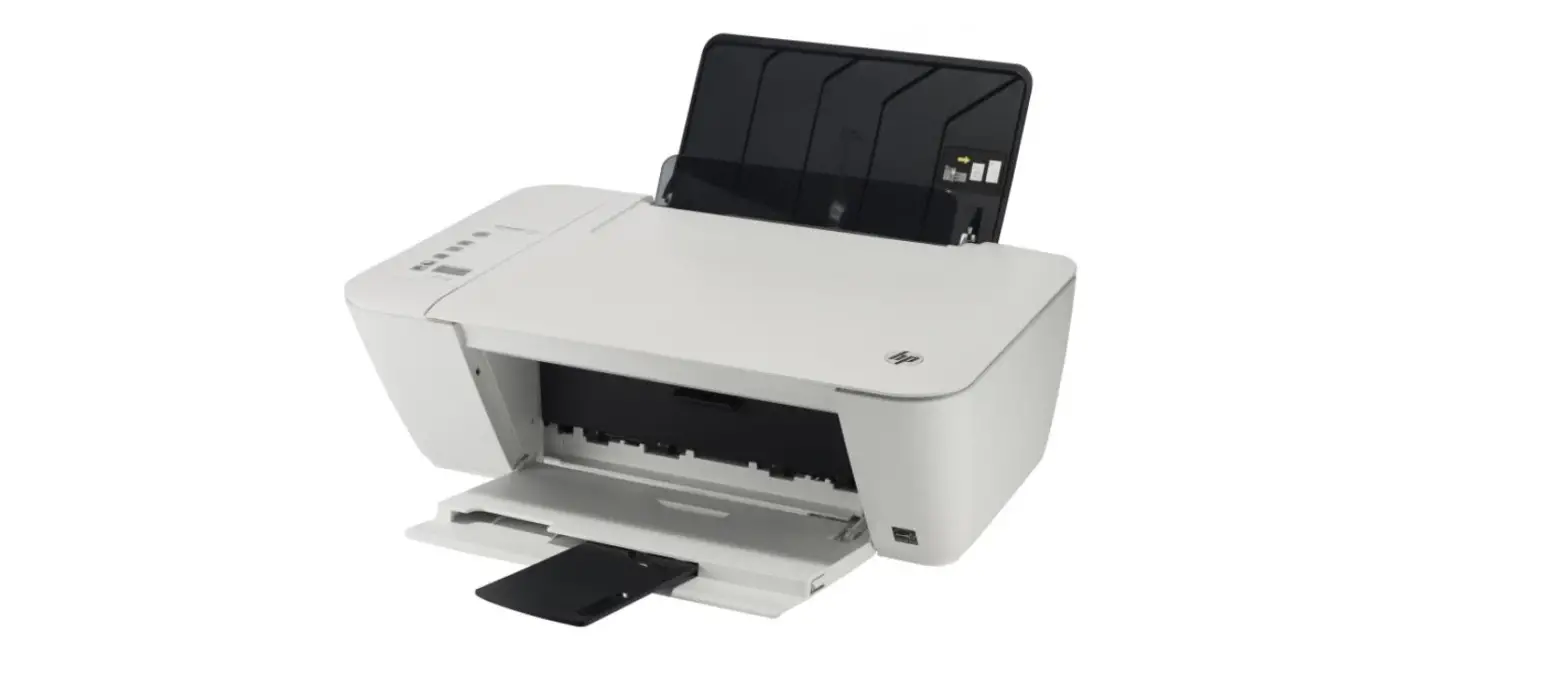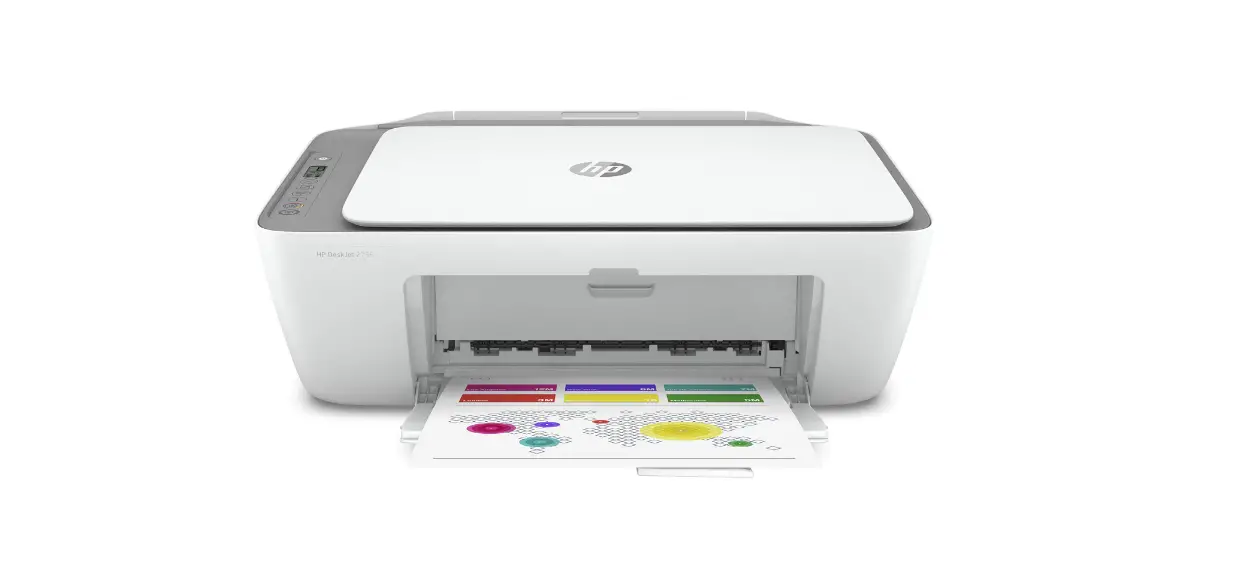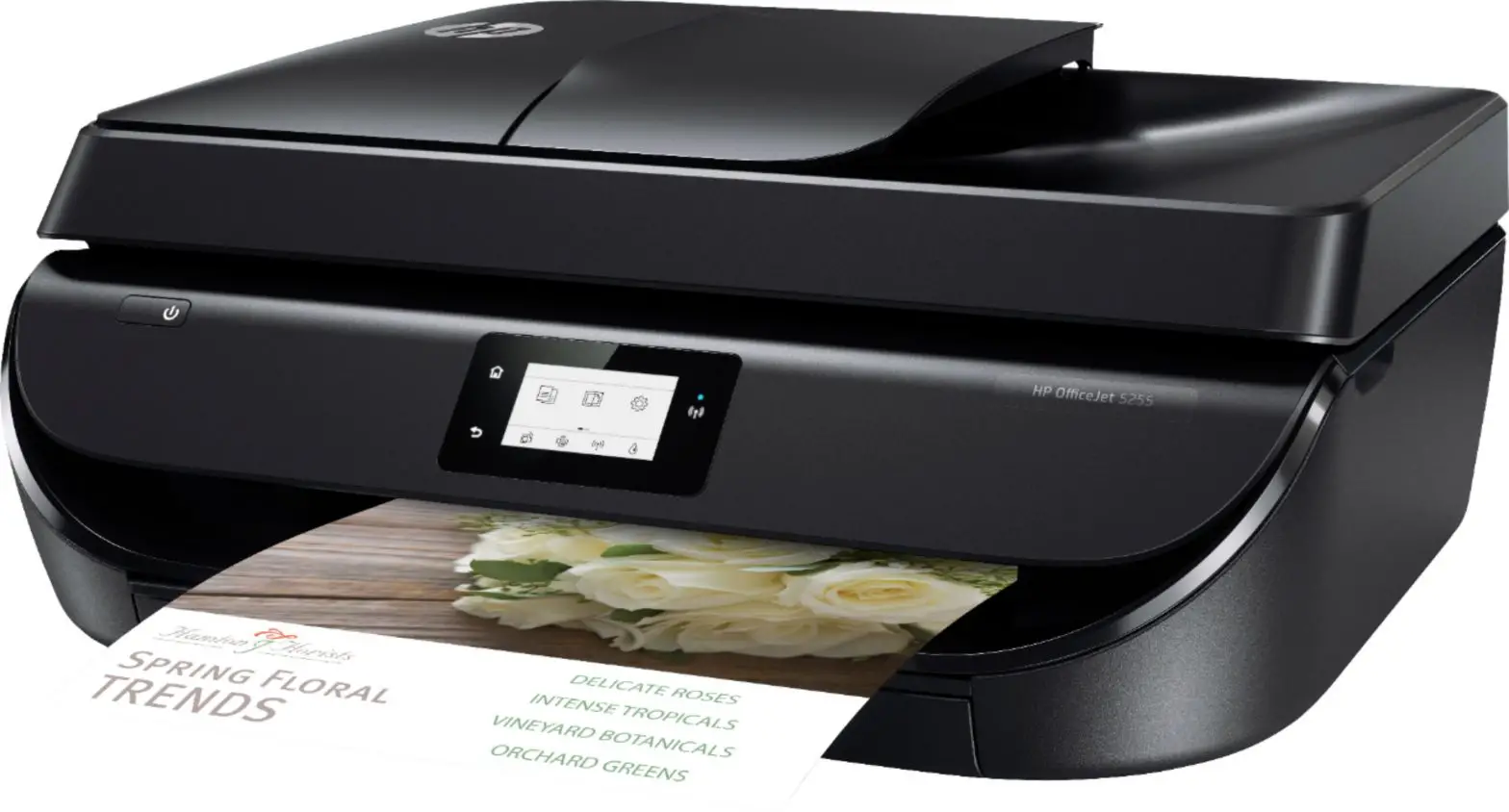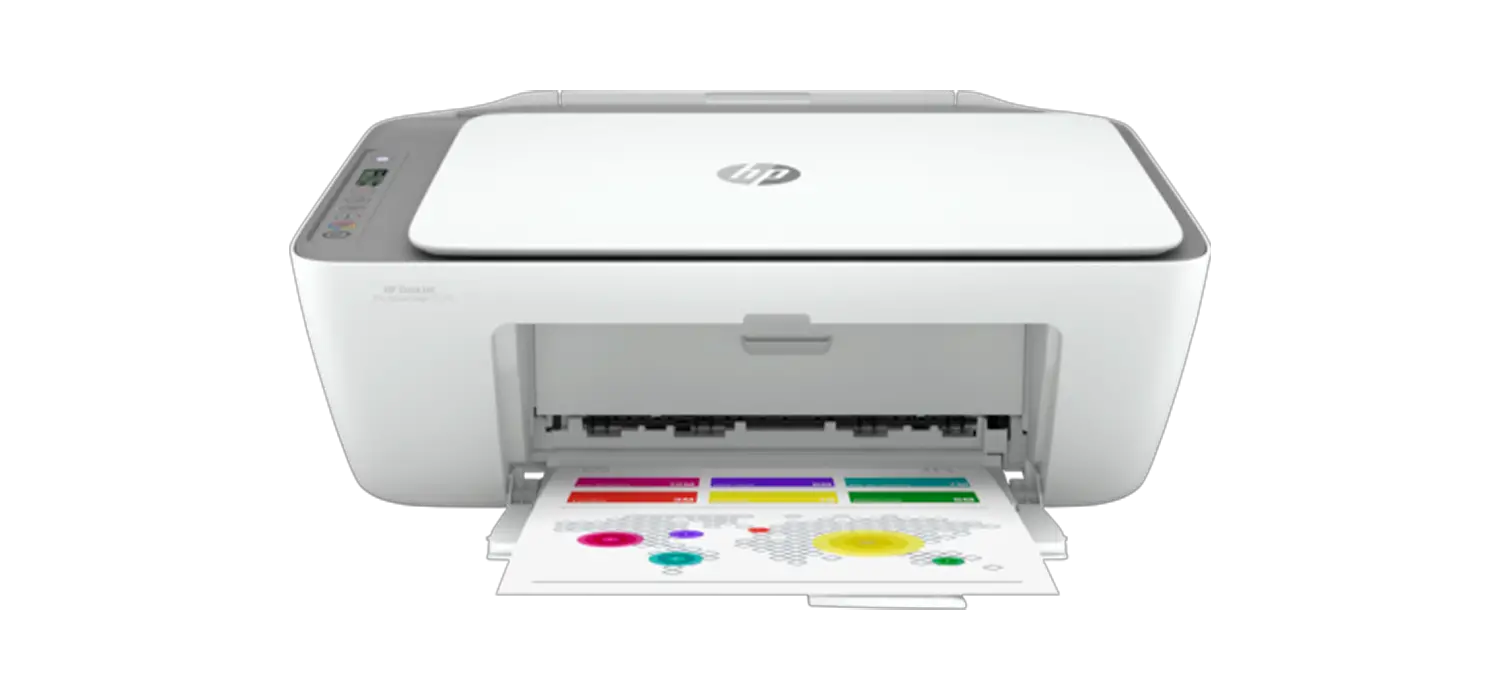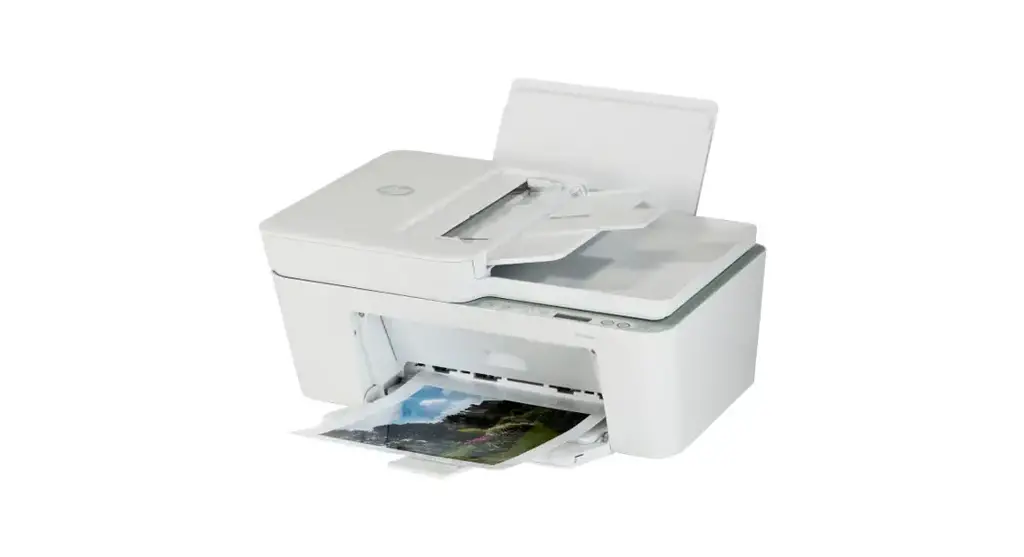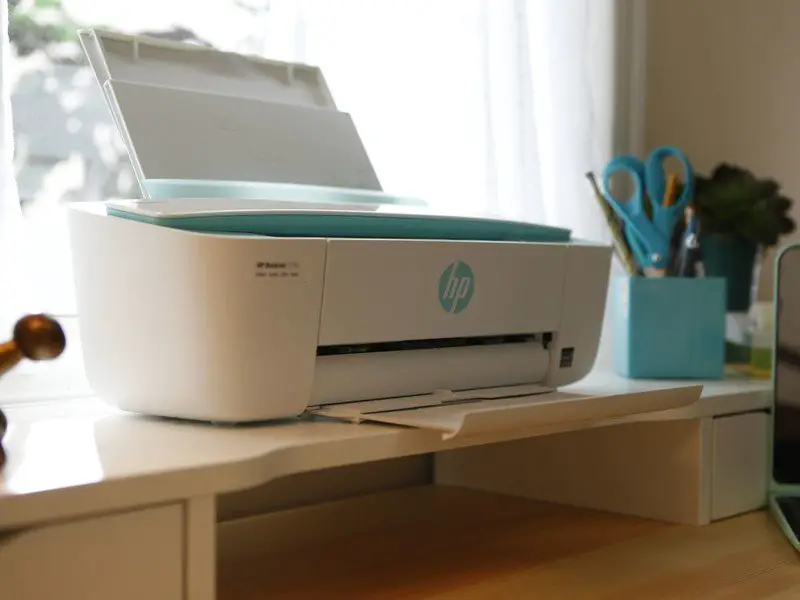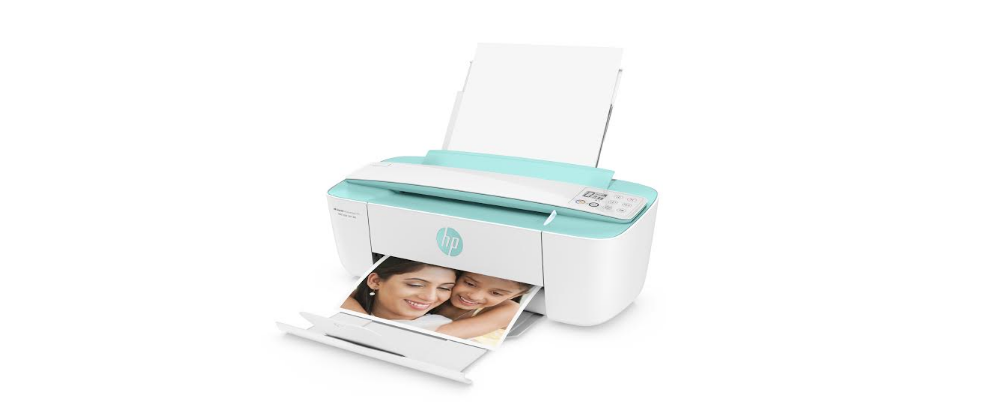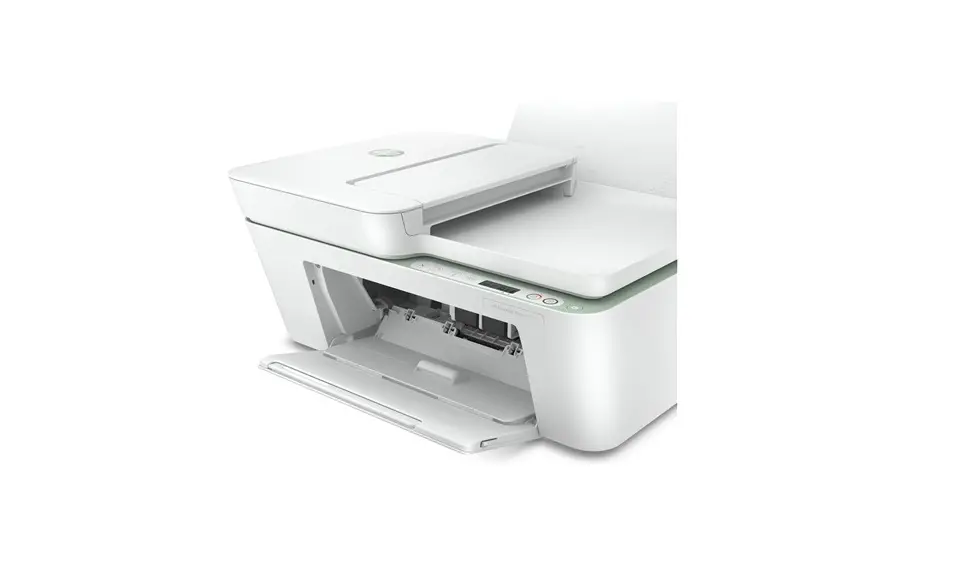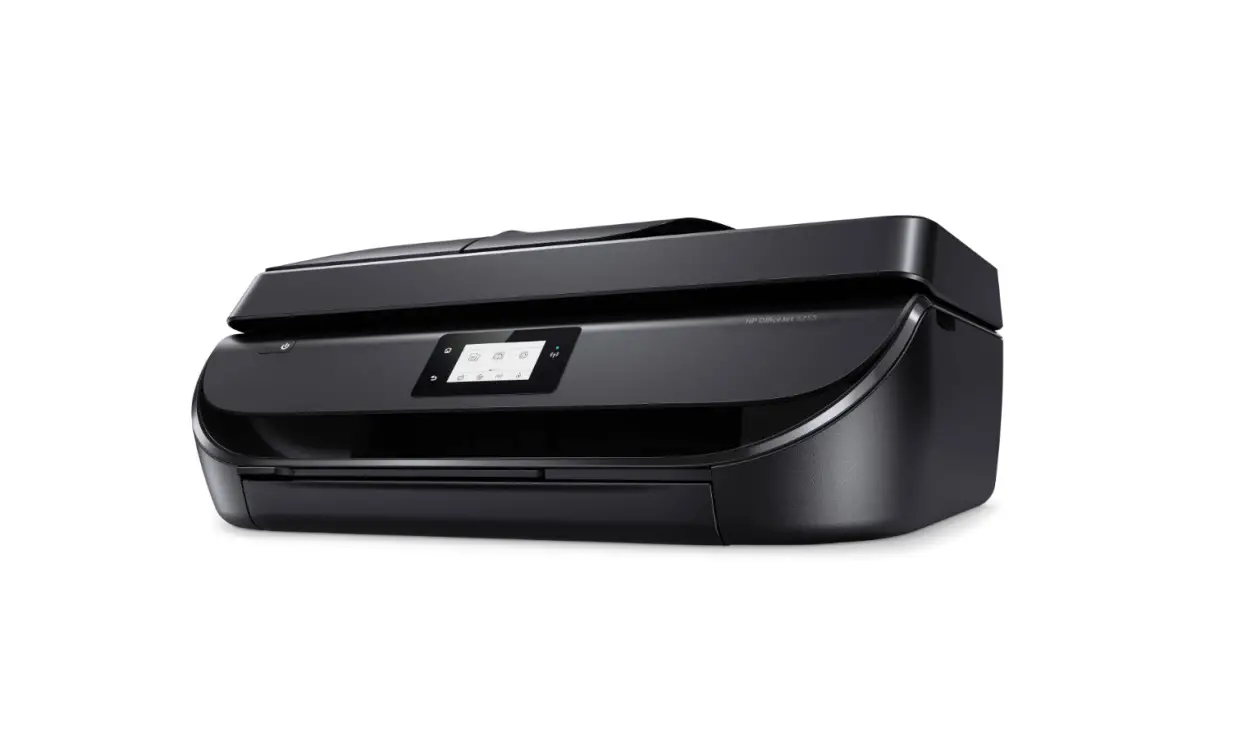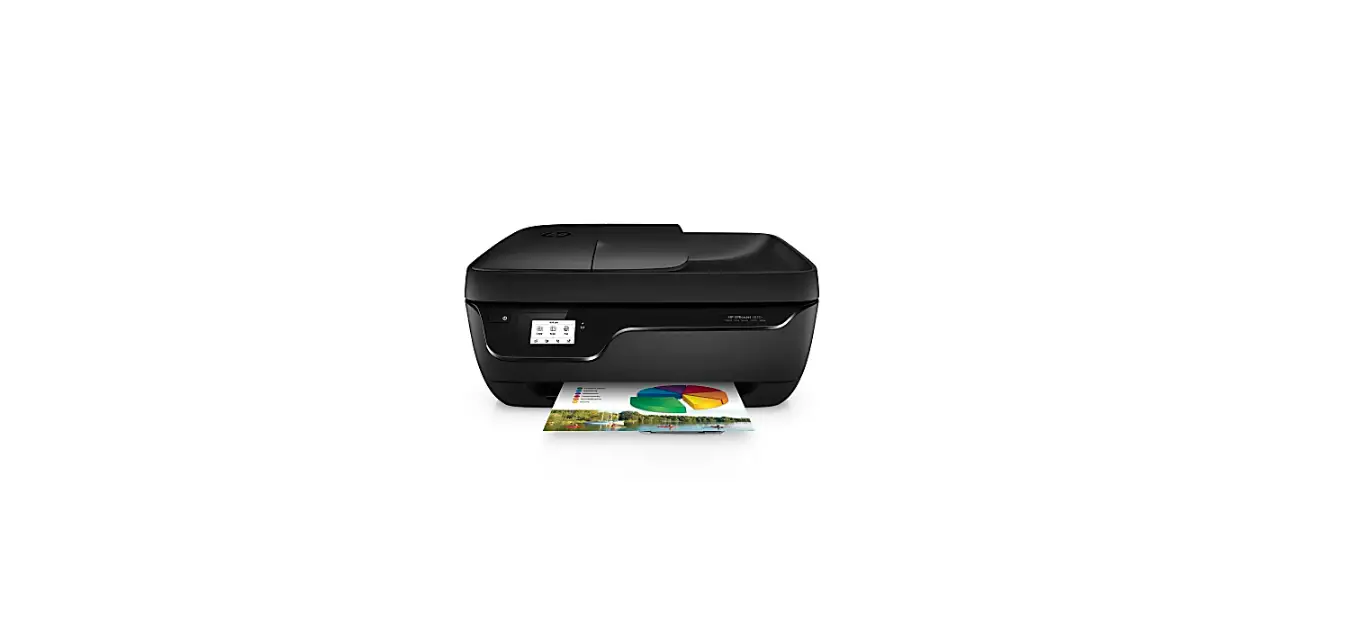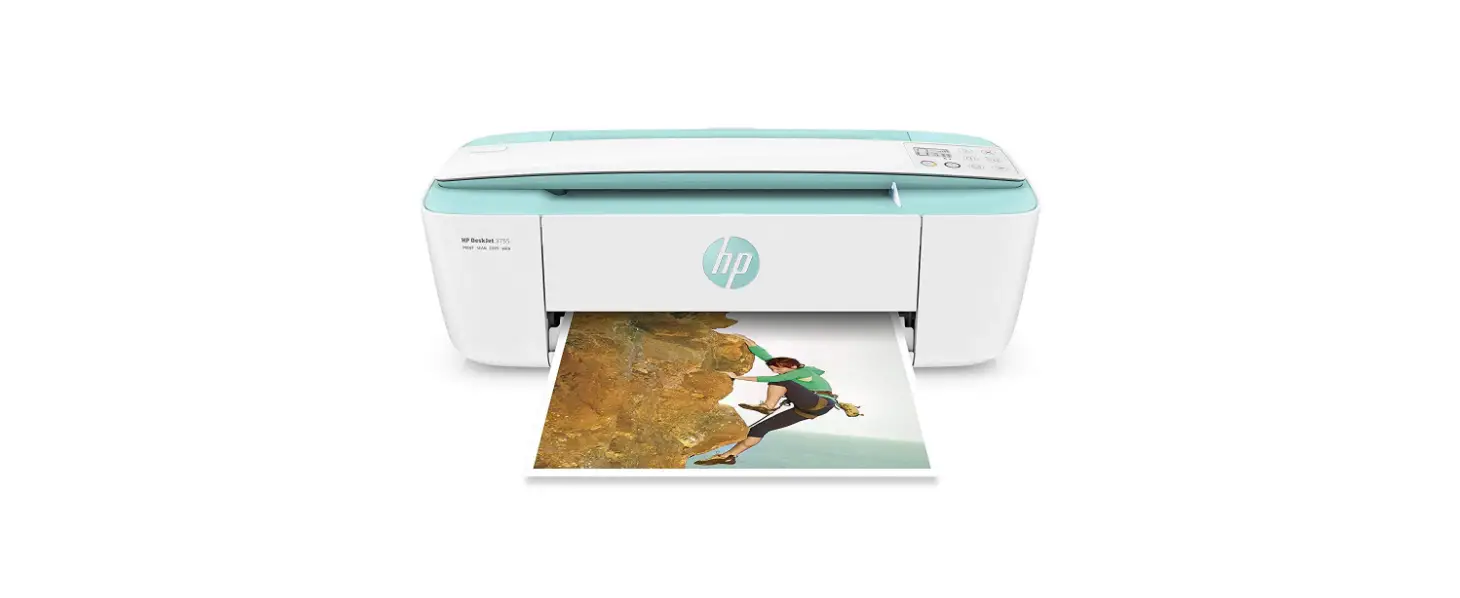

HP DeskJet 3755 All-in-One Inkjet Printer
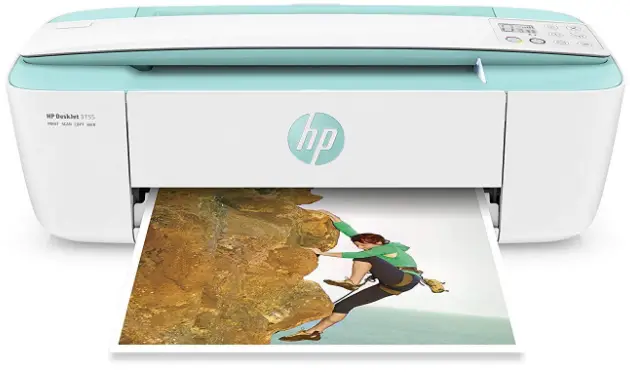
Fits your space. Fits your wireless life.
Compact and wireless, this printer is designed to fit your space and life and save you up to 50% on ink with HP Instant Ink.1 Get vibrant color and power in the world’s smallest all-in-one for home.
Dynamic security-enabled printer. Intended to be used with cartridges using only HP original electronic circuitry. Cartridges with modified or non-HP electronic circuitry may not work, and those that work today may not work in the future. http://www.hp.com/go/learnaboutsupplies
- ISO speeds: Up to 8 ppm black; Up to 5.5 ppm color
- Scan resolution: Up to 600 x 1200 dpi hardware; Up to 600 dpi optical
- Copy resolution: Up to 600 x 300 dpi black (text and graphics); Up to 600 x 300 dpi color (text and graphics)
- Standard connectivity: 1 Hi-Speed USB 2.0
- Paper handling: 60-sheet input tray; 25-sheet output tray
- Duty cycle: Up to 1000 pages
The tiny all-in-one that packs a punch
- Save space and get the power you need with the world’s smallest all-in-one for your home.2
- HP Scroll Scan helps you easily handle most scan jobs, from plain paper to stiff media.
- Any room, any spot—this ultracompact all-in-one is designed to fit where you need it.
- Show your style with a sleek design and a variety of head-turning hues.
The most affordable way to print in style
- Save up to 50% on ink and never run out.6 Print color or black-and-white for the same low price.
- Print 2.5x as many pages with optional Original HP high-yield ink cartridges.
- Wirelessly print, scan, and copy what you need quickly and easily with this affordable all-in-one.
- Easily recycle your Original HP cartridges at no charge through HP Planet Partners.
Quickly print right from your mobile device
- Easily print anything you need from a variety of smartphones and tablets.
- Connect your smartphone or tablet directly to your printer, and easily print without a network.4
- Get connected quickly and start printing fast with easy setup from your smartphone or tablet.5
- Scan any object on the go with the HP All-in-One Printer Remote mobile app for your smartphone or tablet.9
Savings claim is based on HP Instant Ink Service plan price for 12 months using all pages in plan without purchase of additional pages compared with the cost per page (CPP) of the majority of color inkjet printers < $399 USD, market share reported by IDC CYQ3 2015. CPP comparisons for standard-capacity inkjet supplies are based on estimated street price and page yield as reported by gap intelligence AiO Weekly and IJP Weekly Report 12/13/15. Actual savings may vary depending on number of pages actually printed per month and content of pages printed. Based on a comparison of the dimensions of worldwide inkjet all-in-one printers < $250 as of September 2015. Local printing requires mobile device and printer be on the same network or have a direct wireless connection. Remote printing requires an Internet connection to an HP web-connected printer. For details on how to print, including whether an app is required, see hp.com/go/mobileprinting. Mobile device needs to be connected directly to the Wi-Fi Direct® signal of a Wi-Fi Direct supported AiO or printer prior to printing. Depending on a mobile device, an app or driver may also be required. For details, see hp.com/go/mobileprinting. Wi-Fi Direct is a registered trademark of Wi-Fi Alliance®. Requires HP All-in-One Printer Remote mobile app download and is compatible with iPhone® 4 and later, iPad® 4th generation, iPad mini™, iPad Air®, iPod®, and mobile devices using Android™ 4.0.3 or later. For a full list of supported operating systems, see hp.com/go/mobileprinting. Based on plan usage, Internet connection to an eligible HP printer, valid credit/debit card, email address, and delivery service in your geographic area. Based on cartridge yields for HP 65/304XL ink cartridges compared with HP 65/304 standard ink cartridges. For more information, see hp.com/go/learnaboutsupplies. Program availability varies. For more information, visit hp.com/recycle. Compatible with iPhone® 4 and later, iPad® 4th generation, iPad mini™, iPad Air®, iPod® 5G using iOS 7 or later, and mobile devices using Android™ 4.0.3 or later. Features controlled may vary by mobile device operating system. For mobile scanning, the device camera requires 5 megapixels or greater with autofocus capability.
Technical specifications
- Functions / Multitasking supported Print, copy, scan, wireless / No
- Print speed
- Black (ISO): Up to 8 ppm;
- Color (ISO): Up to 5.5 ppm;
- First page out black: As fast as 15 sec;
- First Page Out Color: As fast as 18 sec ;
- Black (draft): Up to 19 ppm;
- Color (draft): Up to 15 ppm
- Print resolution
- Black (best): Up to 1200 x 1200 rendered dpi;
- Color (best): Up to 4800 x 1200 optimized dpi color (when printing from a computer and 1200 input dpi)
- Print technology HP Thermal Inkjet
- Print cartridges number 2 (1 black, 1 Tri-color)
- Borderless printing No
- Standard print languages HP PCL 3 GUI
- Printer smart software features Manual Duplex
- Scan type / Technology Single-page document feeder Contact Image Sensor (CIS)
- Scan resolution Hardware: Up to 1200 dpi; Optical: Up to 600 dpi
- Scan file format Scan File Type supported by Software: Bitmap (.bmp), JPEG (.jpg), PDF (.pdf), PNG (.png), TIFF (.tif)
- Scan input modes Scanning via HP Photosmart Software
- Scan size maximum ADF: 8.5 x 14 in; Flatbed: 8.5 x 11.69 in
- Scanner advanced features None
- Bit depth / Grayscale levels 24-bit/256
- Digital sending standard features No
- Copy speed
- Black (ISO): Up to 5.5 cpm;
- Color (ISO): Up to 3 cpm
- Copy resolution
- Black (text and graphics): Up to 300 x 300 dpi; Up to 300 x 300 dpi;
- Color (text and graphics): Up to 300 x 300 dpi
- Maximum number of copies Up to 9 copies
- Copier settings Reduce to Fit (don’t support Auto-enlarge)
- Fax smart software features No
- Standard connectivity 1 Hi-Speed USB 2.0
- Network capabilities Yes, via built-in wireless 802.11b/g/n
- Network-ready Standard (built-in WiFi 802.11b/g/n)
- Wireless capability Yes, built-in Wi-Fi 802.11b/g/n
- Mobile printing capability HP ePrint; Apple AirPrint™; Wireless Direct Printing
- Memory
- Standard: 64 MB Integrated DDR1;
- Maximum: 64 MB Integrated DDR1
- Processor speed 360 MHz
- Duty cycle Monthly, letter: Up to 1000 pages
- Recommended monthly page volume 50 to 200
- Media types supported Plain paper, Matte Brochure Papers, Glossy Brochure Papers, Photo papers, Envelopes, Other specialty inkjet papers
- Media weight supported Letter: 16 to 32 lb; HP envelopes: 20 to 24 lb; HP cards: up to 110 lb; HP 4 x 6 inch photo paper: up to 145 lb
- Media sizes supported Letter; legal; 4 x 6 in; 5 x 7 in; 8 x 10 in; No. 10 envelopes (Note: many other media sizes are supported. Anything from 3 x 5 to 8.5 x 14″)
- Media Sizes Custom 3 x 5 to 8.5 x 14 in
- Paper handling
- Input Capacities: Up to 60 sheets Standard; Up to 5 envelopes; Up to 20 cards; Up to 10 sheets Labels; Up to 60 sheets Legal
- Output Capacities: Up to 25 sheets Standard; Up to 5 envelopes; Up to 20 cards; Up to 10 sheets Labels; Up to 25 sheets Legal
- Duplex Options: Manual (driver support provided)
- Envelope feeder: No
- Standard paper trays: 1
- What’s in the box J9V91A HP DeskJet 3755 All-in-One Printer; HP 65 Setup Black Ink Cartridge (~115 pages); HP 65 Setup Tri-color Ink Cartridge (tri-color composite yield ~100 pages), Regulatory flyer, Setup Poster, Power Cord [For ink volume and page yield information,visit hp.com/go/learnaboutsupplies]
- Replacement cartridges HP 65 Black Ink Cartridge (~120 pages); HP 65 Tri-color Ink Cartridge (~100 pages); HP 65 XL Black Ink Cartridge (~300 pages); HP 65 XL Tri-color Ink Cartridge (~300 pages)
- Instant ink eligible HP Instant Ink: Instant Ink Ready* / Save up to 50% on ink. For more information visit http://www.hpinstantink.com
- Product dimensions
- W x d x h: 15.86 x 6.97 x 5.55 in;
- Maximum: 15.86 x 17.75 x 10.39 in
- Product weight 5.13 lb
- Warranty features One-year limited hardware warranty; For more info please visit us at http://support.hp.com
- Energy efficiency compliance ENERGY STAR® qualified
- Energy star certified Yes
- Control panel
- 7 lights: Ink Status, Copy Ready, Web Services (2), WiFi, WiFi Direct, Attention;
- 8 buttons: Cancel, Resume, Info, WiFi, WiFi Direct, Web Services, Color Copy, Black Copy
- Display description 7 segment + icon LCD
- Software included HP Printer Software, HP Update, HP Photo Creations
- Compatible operating systems Windows 10, Windows 8.1, Windows 8, Windows 7, Windows Vista, Windows XP SP3 (32-bit); OS X v10.8 Mountain Lion, OS X v10.9 Mavericks, OS X v10.10 Yosemite
- Minimum system requirements
- PC: Windows 10, 8.1, 8, 7: 32-bit or 64-bit, 2 GB available hard disk space, CDROM/ DVD drive or Internet connection, USB port, Internet Explorer. Windows Vista: (32-bit only), 2 GB available hard disk space, CD-ROM/DVD drive or Internet connection, USB port, Internet Explorer 8. Windows XP SP3 or higher (32-bit only): any Intel Pentium II, Celeron or 233 MHz compatible processor, 850 MB available hard disk space, CD-ROM/DVD drive or Internet connection, USB port, Internet Explorer 8;
- Mac: OS X v10.11 El Capitan, OS X v10.10 Yosemite, OS X v10.9 Mavericks, OS v10.15 Catalina, 1 GB HD; Internet; USB
- Power
- Power supply type: Internal;
- Power requirements: Input voltage 100 to 240 VAC (+/- 10%), 50/60 Hz (+/- 3 Hz). High voltage: Input voltage 200 to 240 VAC (+/- 10%), 50/60 Hz (+/- 3Hz);
- Power consumption: 0.06 watts (Off), 2.2 watts (Standby), 0.69 watt (Sleep)
- Acoustics
- Acoustic power emissions: 6.2 B(A) normal mode; 5.5 B(A) quiet mode;
- Acoustic pressure emissions: 48 dB
- Operating environment
- Operating temperature range: 41 to 104ºF;
- Recommended operating temperature: 59 to 86ºF;
- Storage temperature range: -40 to 140ºF;
- Nonoperating humidity range: 5 to 90% RH (non-condensing);
- Operating humidity range: 15 to 80% RH (non-condensing);
- Recommended humidity operating range: 20 to 80% RH
- HP Service and Support options With services, software, solutions and support from HP, you can use, protect and enjoy your HP technology; This product includes 90 days of complimentary phone support. After 90 days, a fee may apply. One-year limited hardware warranty; access to 24/7 web support services through www.hp.com/support/dj3700; to improve your product experience, please take the time to register at http://www.register.hp.com
Learn more at
hp.com
Dimensions vary as per configuration Power requirements are based on the country/region where the printer is sold. Do not convert operating voltages. This will damage the printer and void the product warranty. Wireless performance is dependent upon physical environment and distance from the access point. Wireless operations are compatible with 2.4 GHz routers only; excludes wireless direct. Wireless direct may require driver or apps be installed and connected on a wireless-enabled mobile device or PC. Wireless functionality may vary by computer and mobile operating systems, see hpconnected.com. Print times and connection speeds may vary. AirPrint™ supports OS X® Lion, OS X® Mountain Lion and the following devices running iOS 4.2 or later: iPad®, iPhone® (3GS or later), iPod touch® (3rd generation or later) and requires the printer be connected to the same network as your OS X or iOS device. AirPrint, the AirPrint Logo, iPad, iPhone, and iPod touch are trademarks of Apple® Inc. Windows® is a trademark of the Microsoft group of companies. BlackBerry® names and logos are the property of Research In Motion Limited. Android is a trademark of Google Inc. Speed specifications have been updated to reflect current industry testing methods. Either after first page or after first set of ISO test pages. For details see: hp.com/go/printerclaims HP SureSupply assists you when you want to replace a print cartridge and helps you shop and purchase locally or via the Internet. For more information, visit hp.com/learn/suresupply. Only available for genuine HP supplies. Internet access required. Average based on ISO/IEC 24711 or HP testing methodology and continuous printing. Actual yield varies considerably based on content of printed pages and other factors. For details see hp.com/go/learnaboutsupplies Savings claim is based on HP Instant Ink Service plan price for 12 months using all pages in plan without purchase of additional pages compared with the cost per page (CPP) of the majority of color inkjet printers < $399 USD, market share reported by IDC CYQ3 2015. CPP comparisons for standard-capacity inkjet supplies are based on estimated street price and page yield as reported by gap intelligence AiO Weekly and IJP Weekly Report 12/13/15. Actual savings may vary depending on number of pages actually printed per month and content of pages printed.
© Copyright 2020 HP Development Company, L.P. The information contained herein is subject to change without notice. The only warranties for HP products and services are set forth in the express warranty statements accompanying such products and services. Nothing herein should be construed as constituting an additional warranty. HP shall not be liable for technical or editorial errors or omissions contained herein. © Copyright 2016 HP Development Company, L.P. The information contained herein is subject to change without notice. The only warranties for HP products and services are set forth in the express warranty statements accompanying such products and services. Nothing herein should be construed as constituting an additional warranty. HP shall not be liable for technical or editorial errors or omissions contained herein. ENERGY STAR and the ENERGY STAR logo are registered U.S. marks. Windows is a registered trademark of Microsoft Corporation. AirPrint, iPad, iPhone, and iPod touch are trademarks of Apple Inc., registered in the U.S. and other countries.