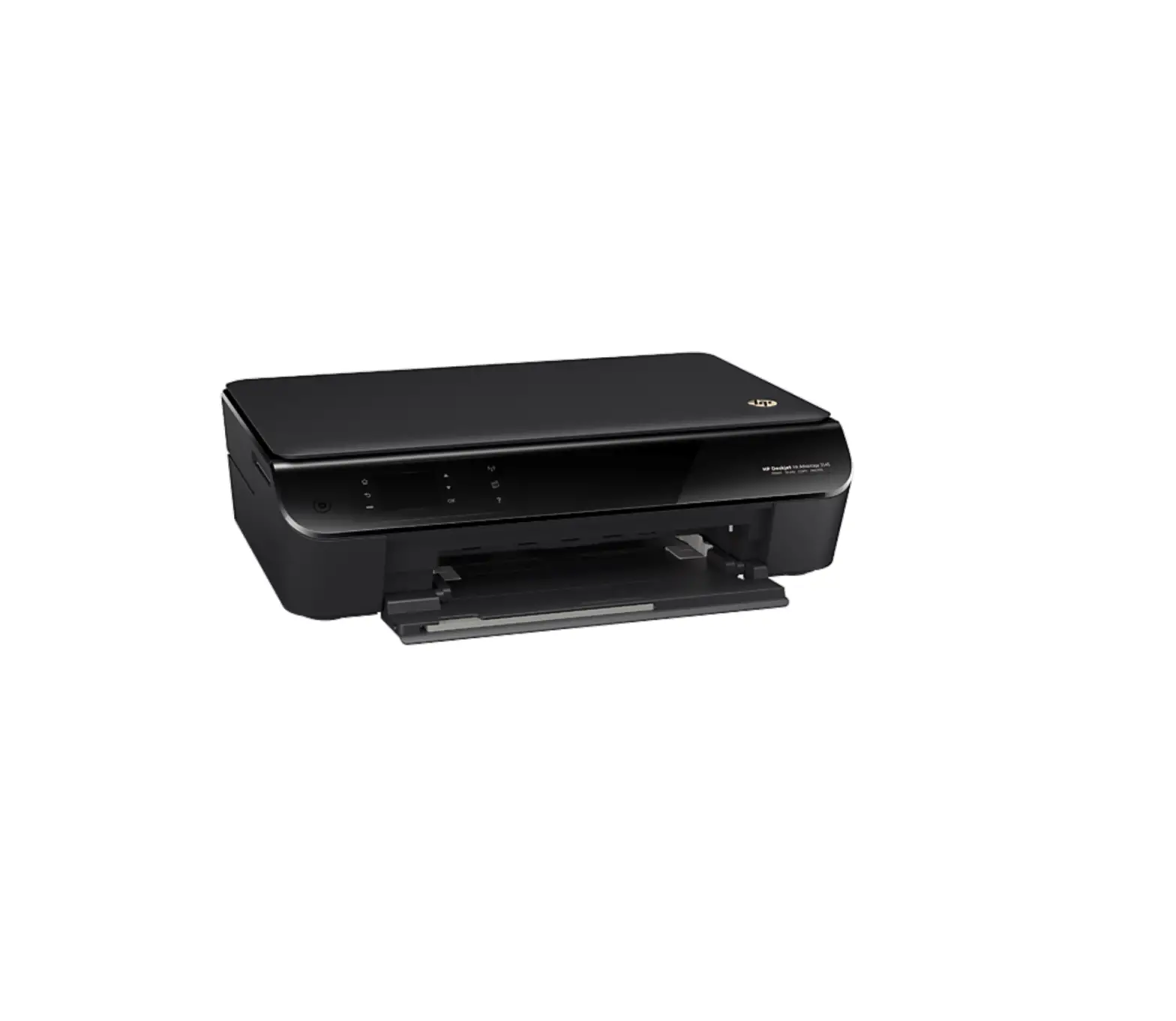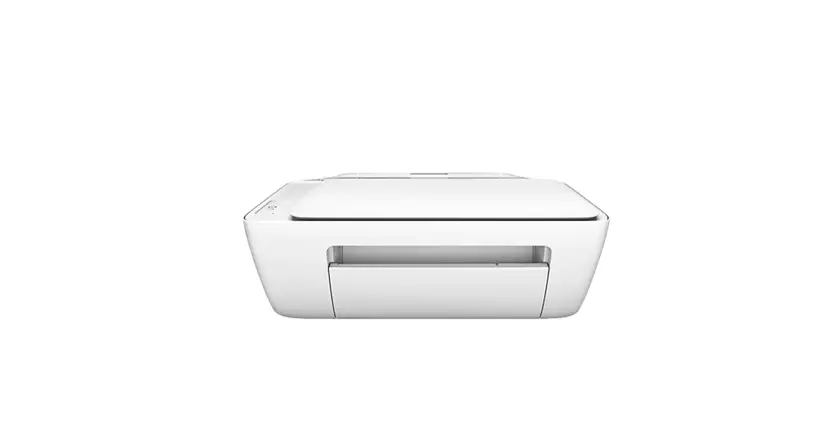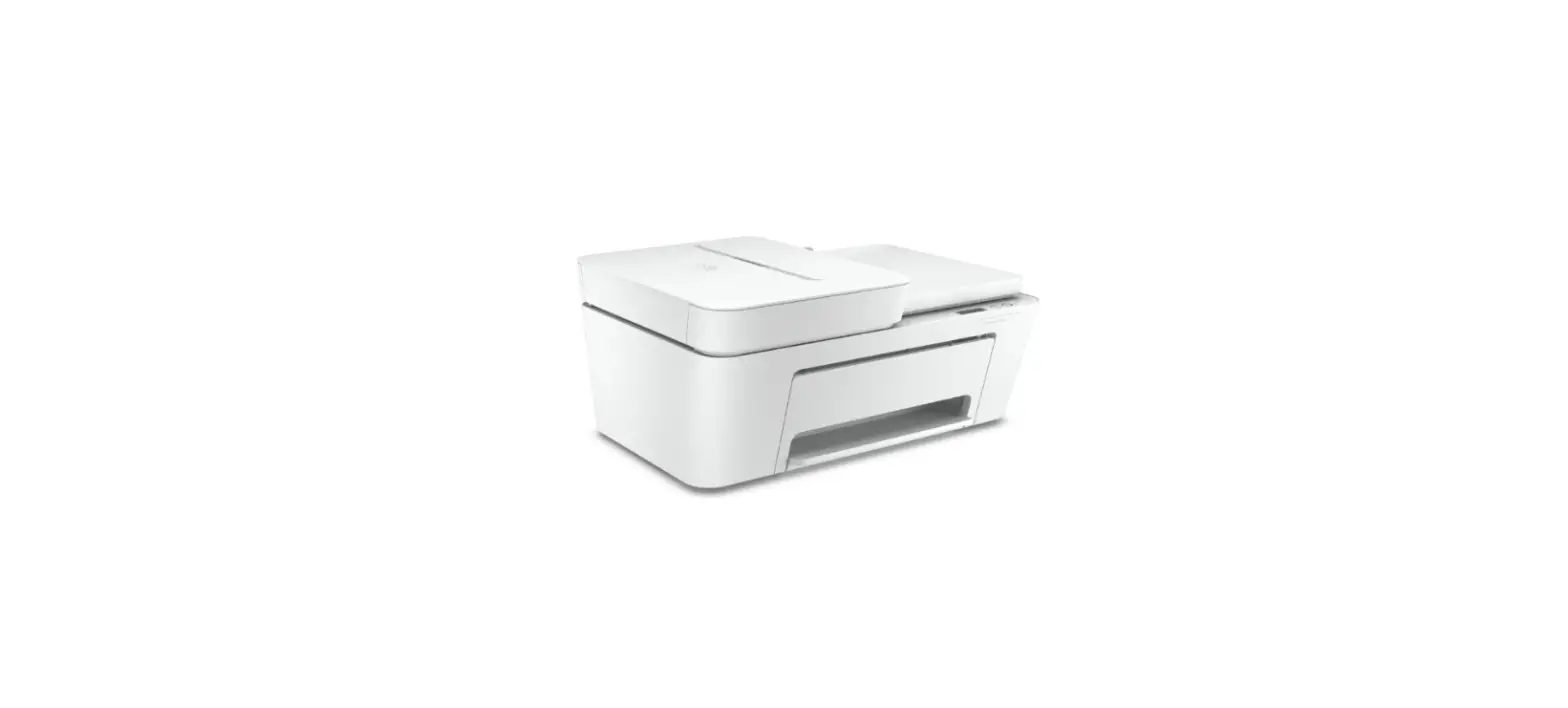

HP DeskJet Setup an Printer
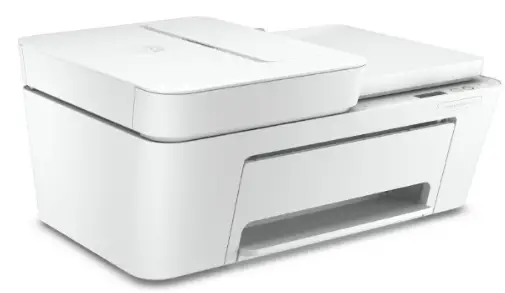
How to Setup an HP Printer
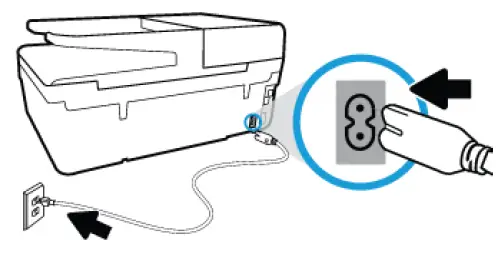
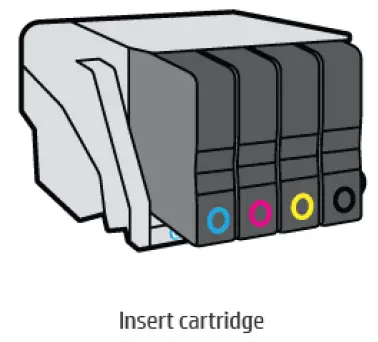
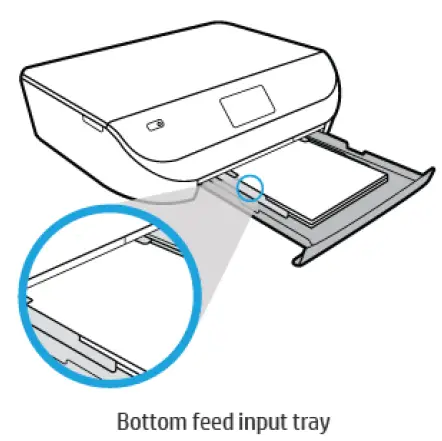
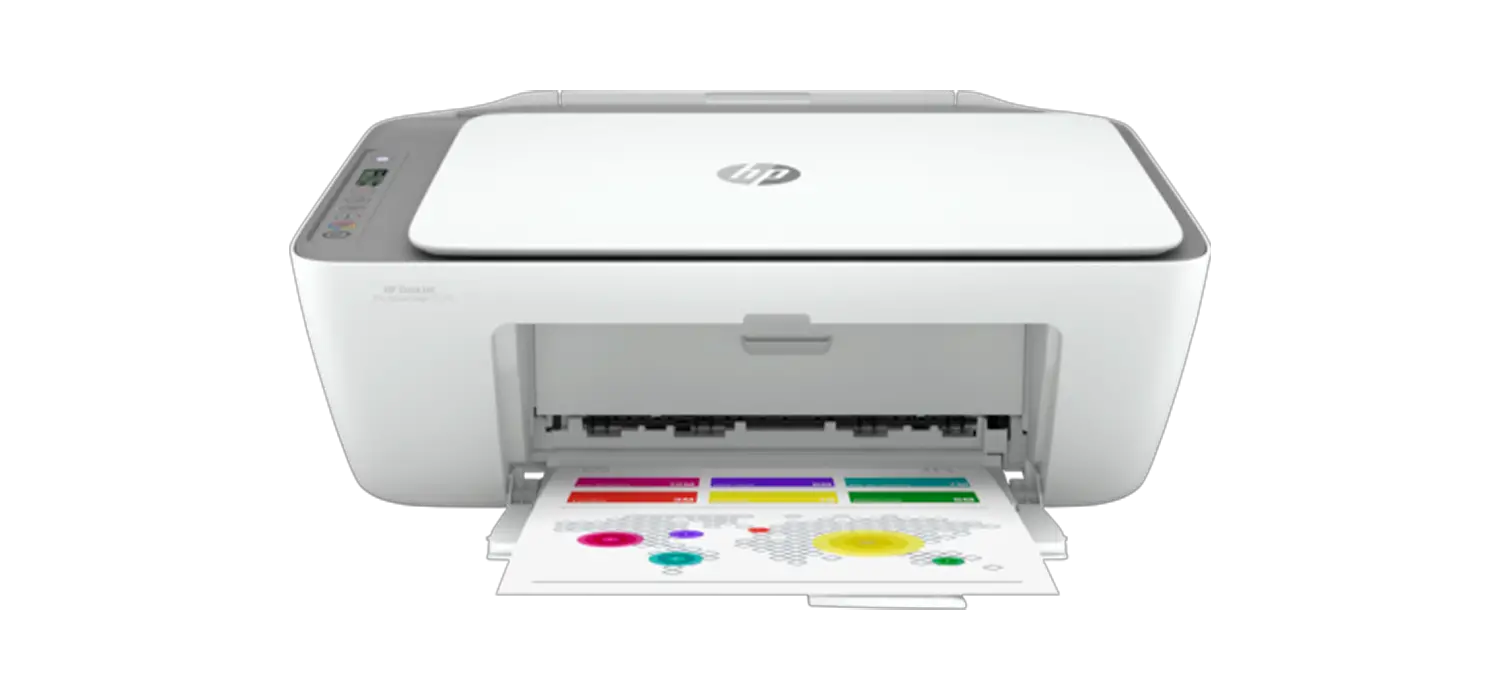
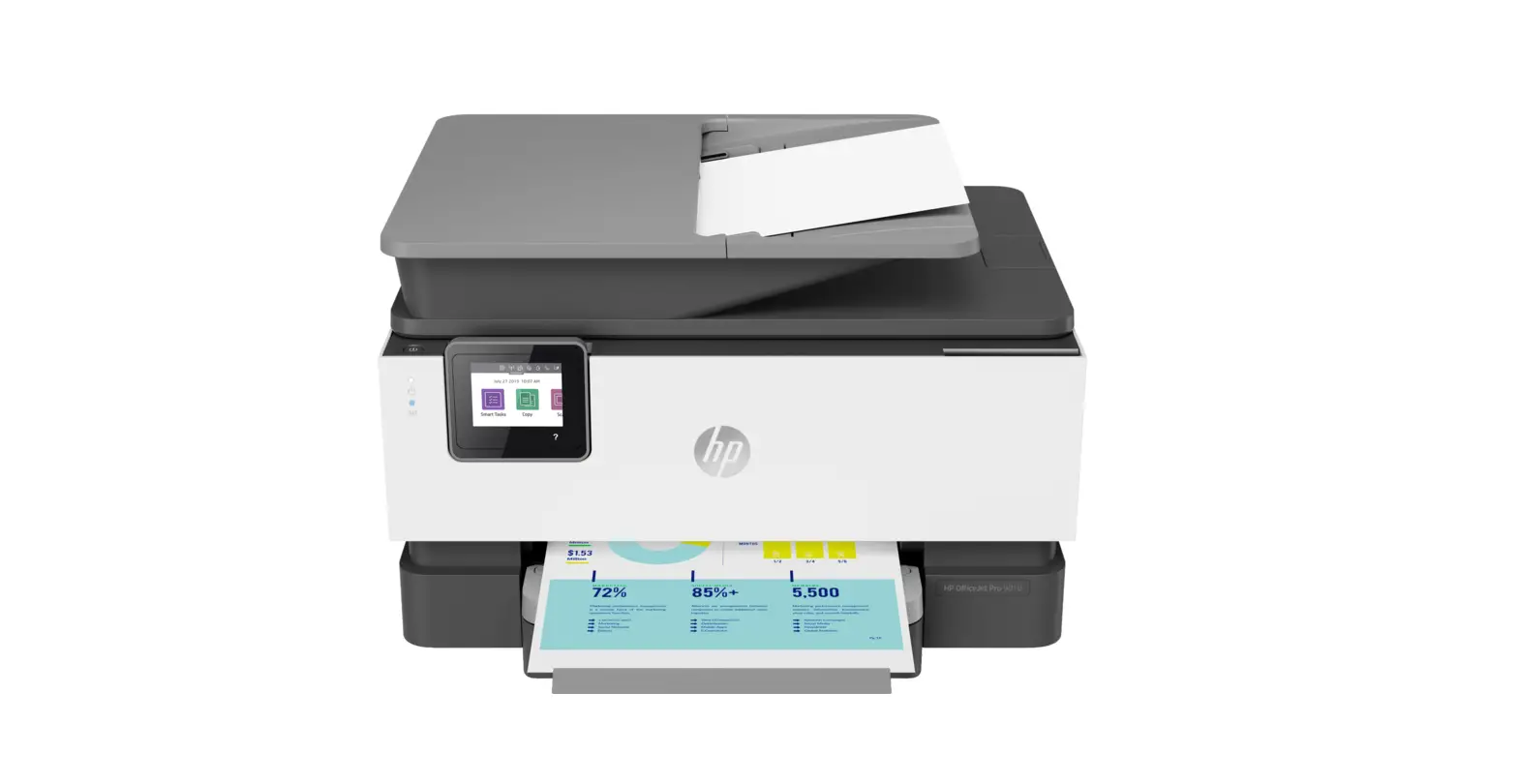
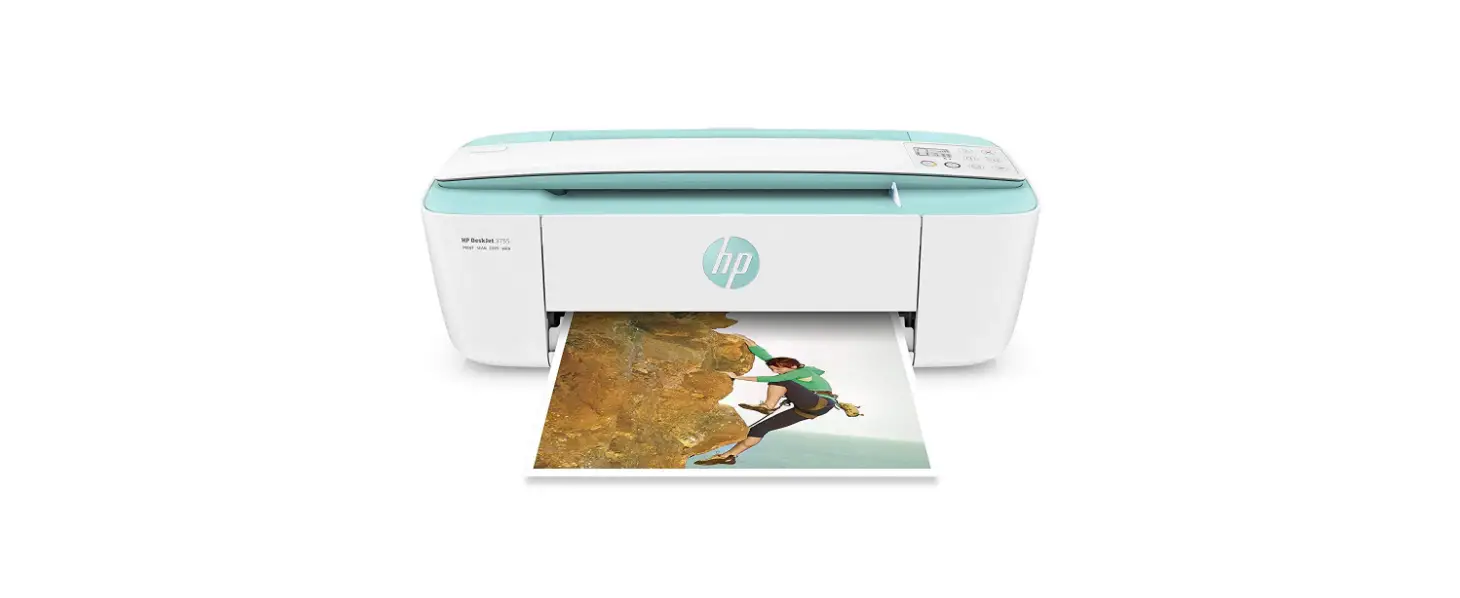
To set up a printer for the first time, remove the printer and all packing materials from the box, connect the power cable, set control panel preferences, install the ink cartridges, and then load paper into the input tray. Please review the steps below.
- 1
- Remove from box
- 2
- Connect power
- 3
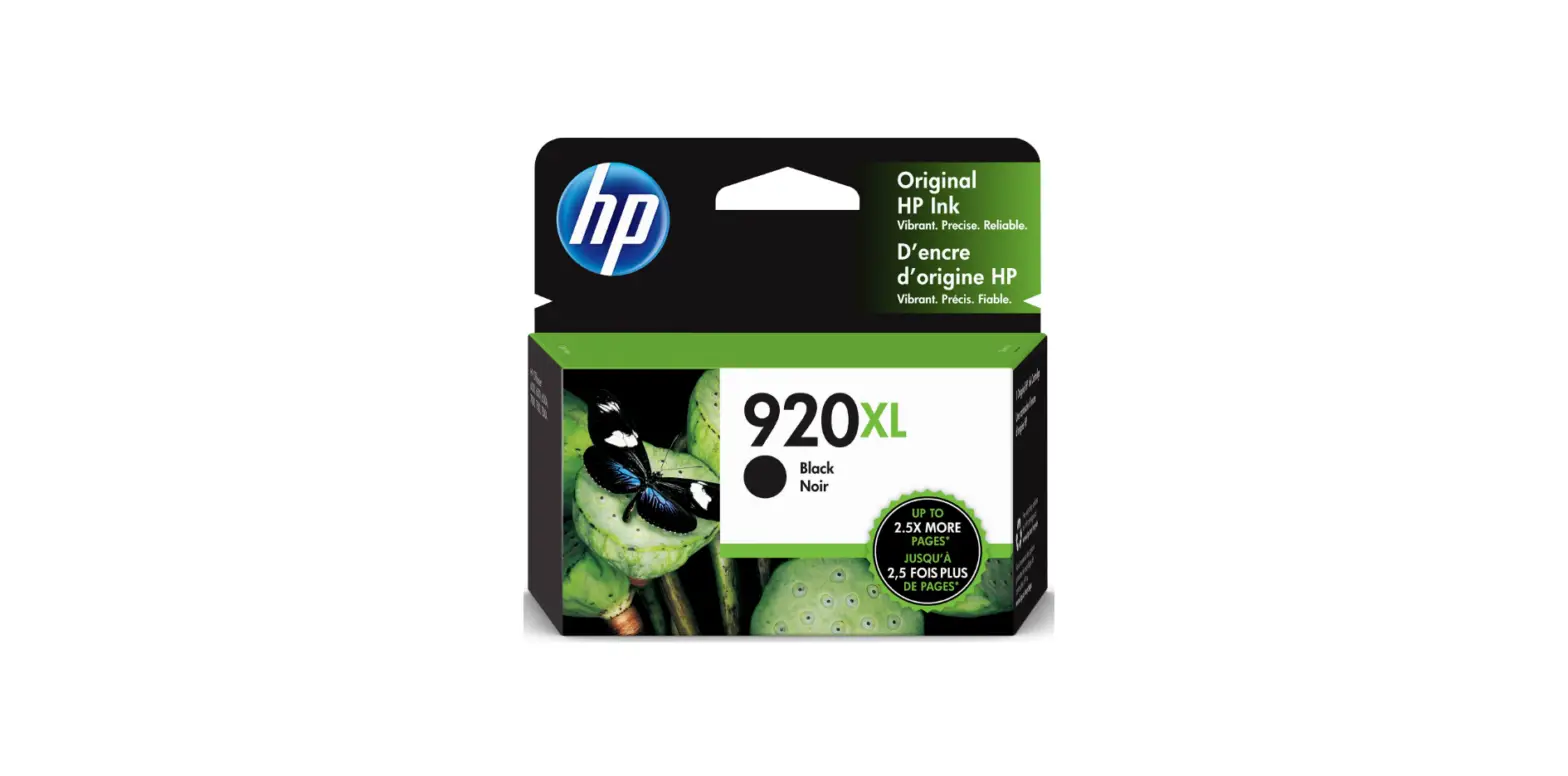
- Install cartridges
- 4
- Load paper
- 5
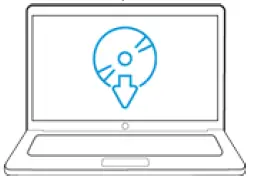
- Download, install and connect
- 6
- Register
- 7
Sign up for HP instant ink
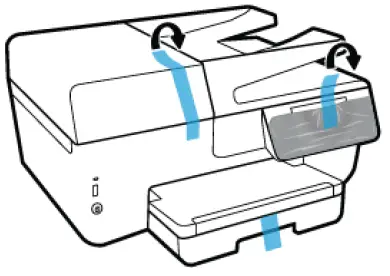
- Remove the tape and packing materials from outside the printer

- Plug the printer into a power source, turn on the printer
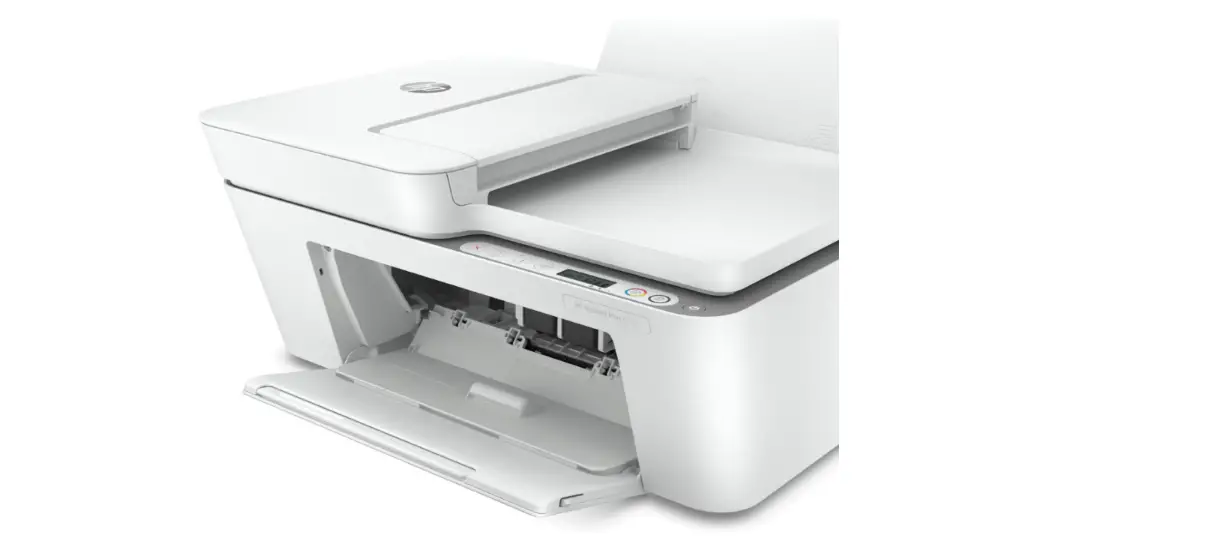
- Open the ink cartridge access door.
- Wait until the carriage is idle and silent before you proceed
- Remove the tape on the ink cartridges before inserting them in the carriage. Caution
- Close the cartridge access door & follow the instructions on the printer.
- For print quality purposes, the printer may print an alignment page.
- Follow the instructions on the alignment page to complete the ink cartridge alignment. Install & Align the ink cartridges

Pictures shown are for illustration purposes only - Open the ink cartridge access door.
- Wait until the carriage is idle and silent before you proceed
- Remove the tape on the ink cartridges before inserting them in the carriage. Caution
- Close the cartridge access door & follow the instructions on the printer.
- For print quality purposes, the printer may print an alignment page.
- Follow the instructions on the alignment page to complete the ink cartridge alignment.
- Load paper into the input tray

- Pictures shown are for illustration purposes only
- Depending on the Printer type load a stack of plain white paper in the main input tray and push until the paper stops. Gently slide in the paper width guides until they lightly rest against the edges of the paper.
- Download, install software, and connect the printer

- Go to Software and Driver Downloads, enter your printer model, if prompted, and then confirm the OS version.
- Download the recommended printer software & driver
- Install downloaded software
- Choose the connection type when prompted by the software and follow onscreen instructions.
- Register the printer

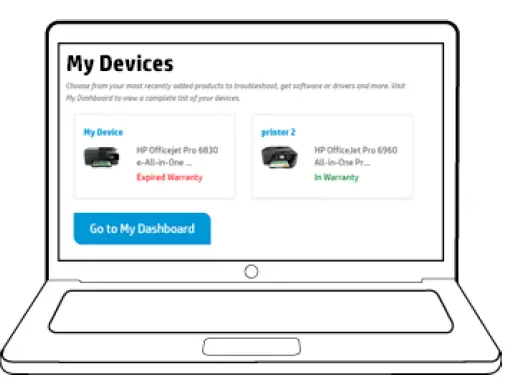
- If you did not register your printer while installing the software, by taking just a few quick minutes to register, you can enjoy your own personal product dashboard with easier access to support, product and service information, relevant solutions, and more.
- Sign up for HP Instant Ink

- HP Instant Ink is an ink cartridge replacement service. You do not need to purchase replacement ink cartridges from retail stores when you are enrolled in HP Instant Ink.
- If you did not sign up for instant ink service while installing the software, to know more go to https://instantink.hpconnected.com
- Instant ink is currently available in limited countries.
- NOTE: Check if your HP printer works with Instant Ink