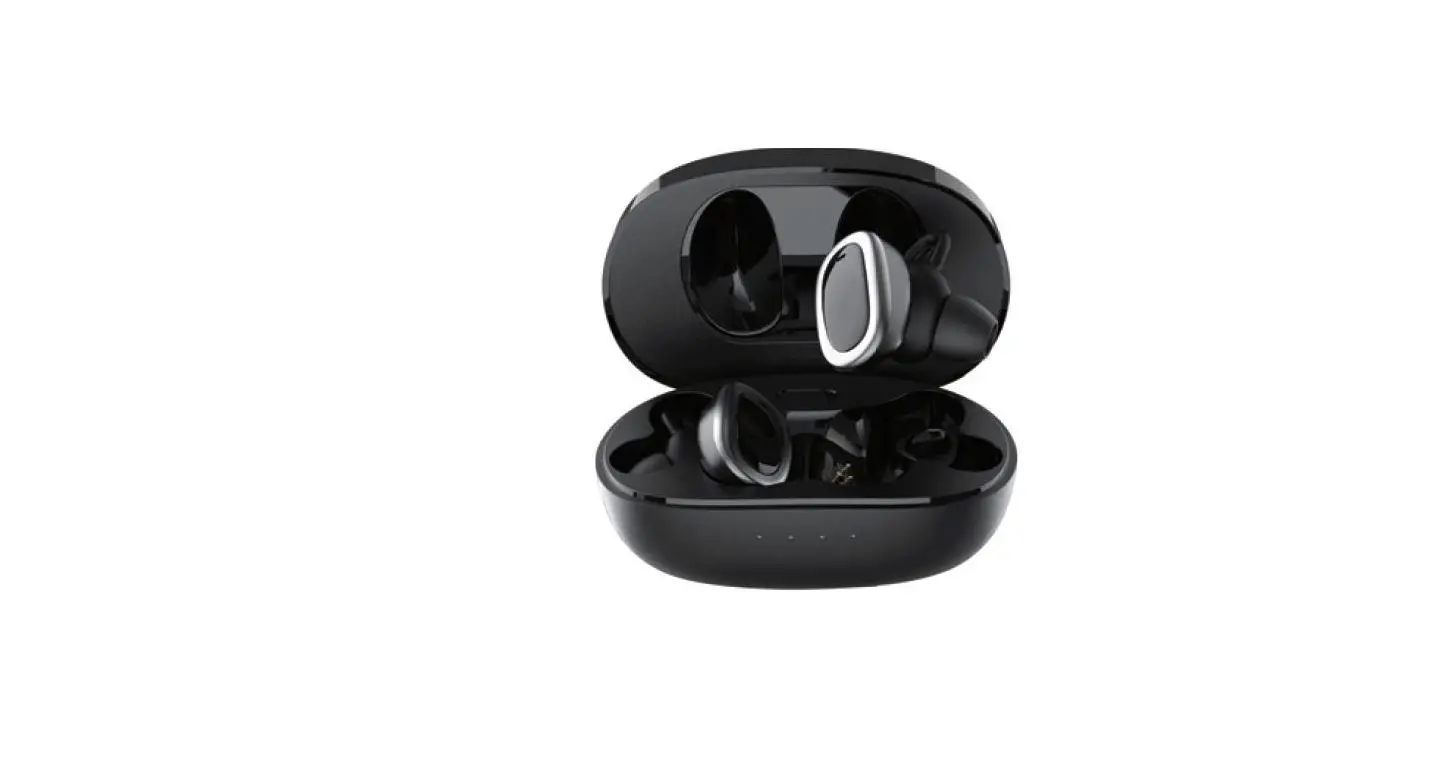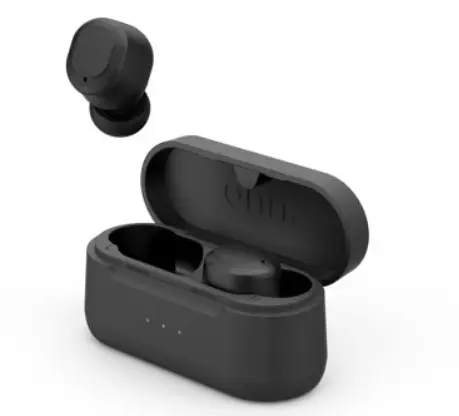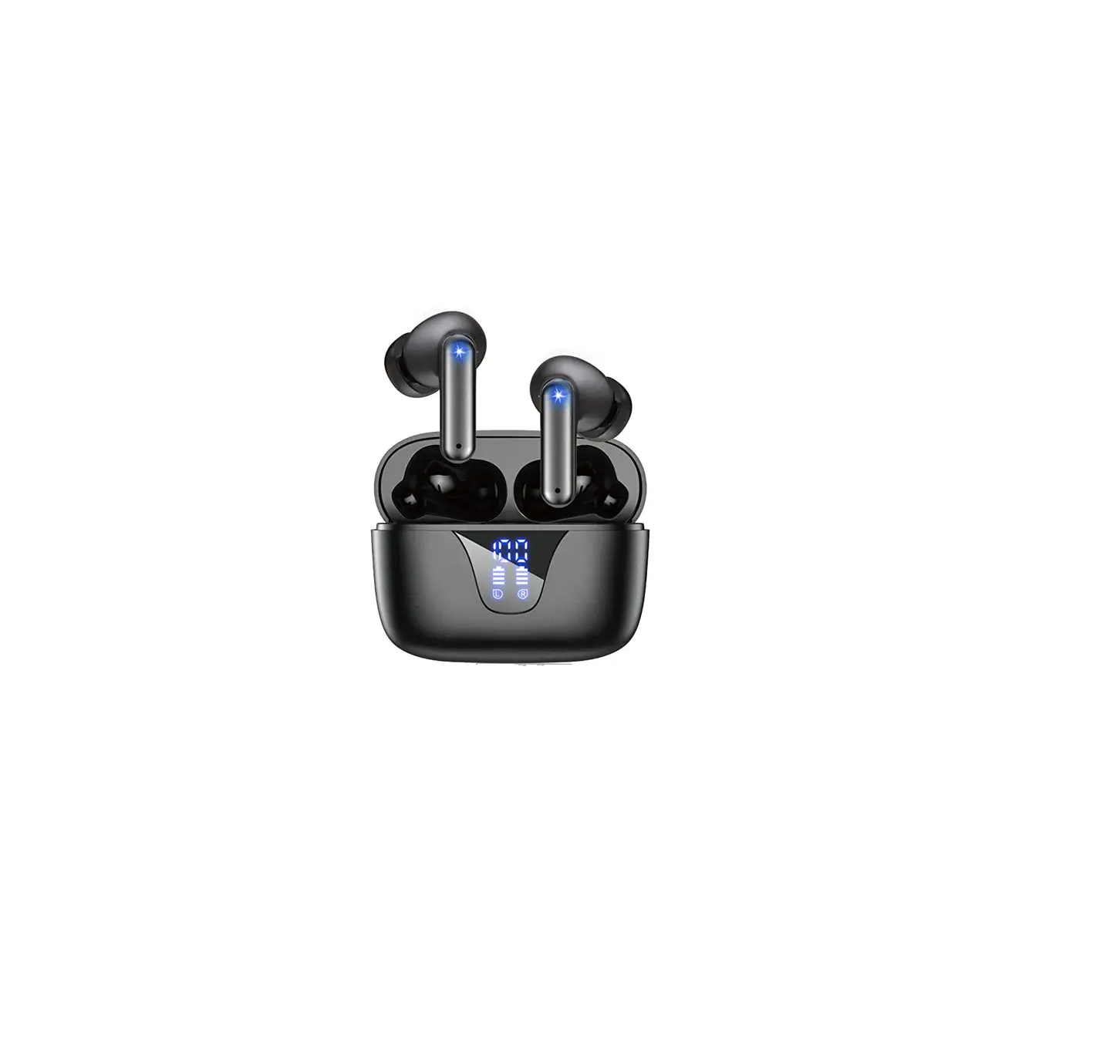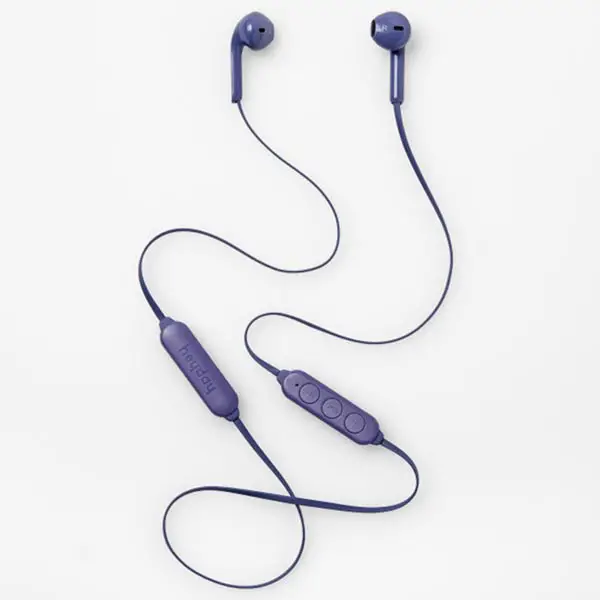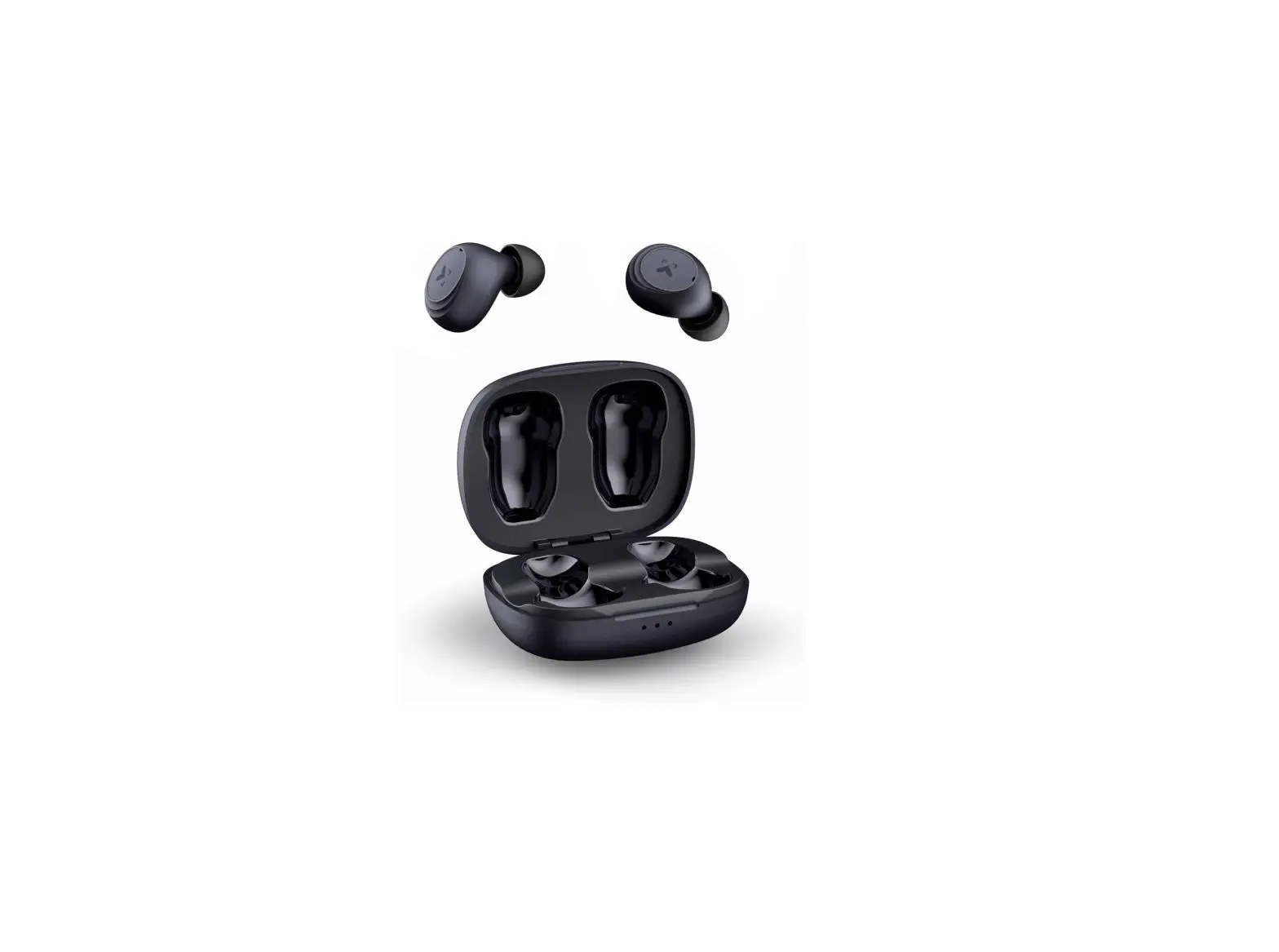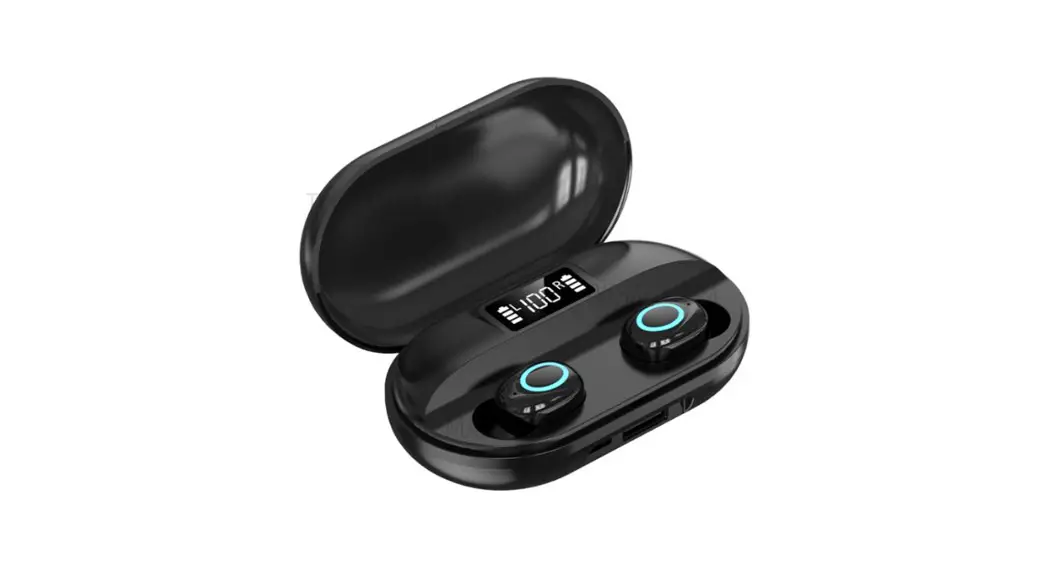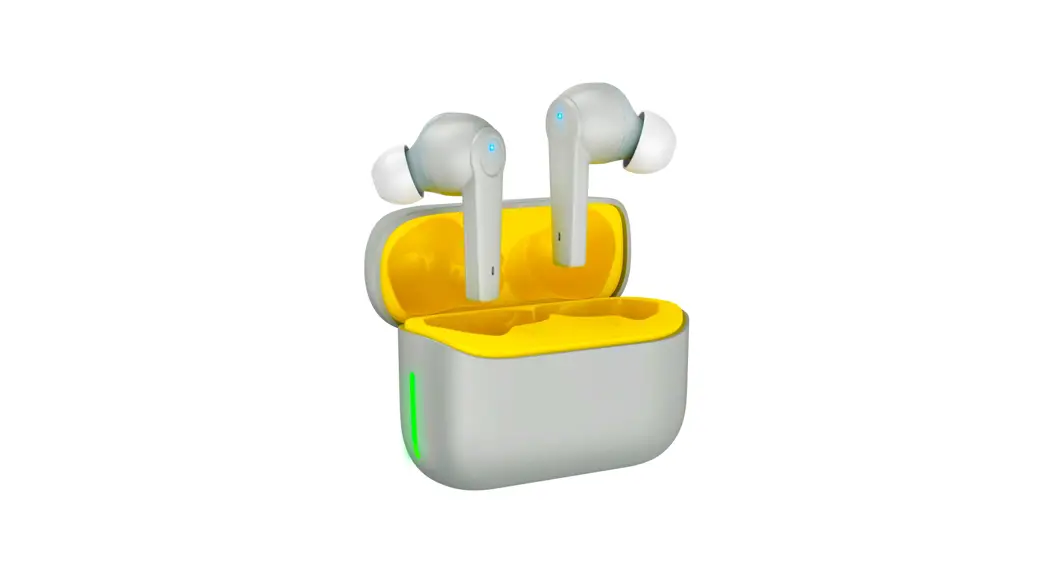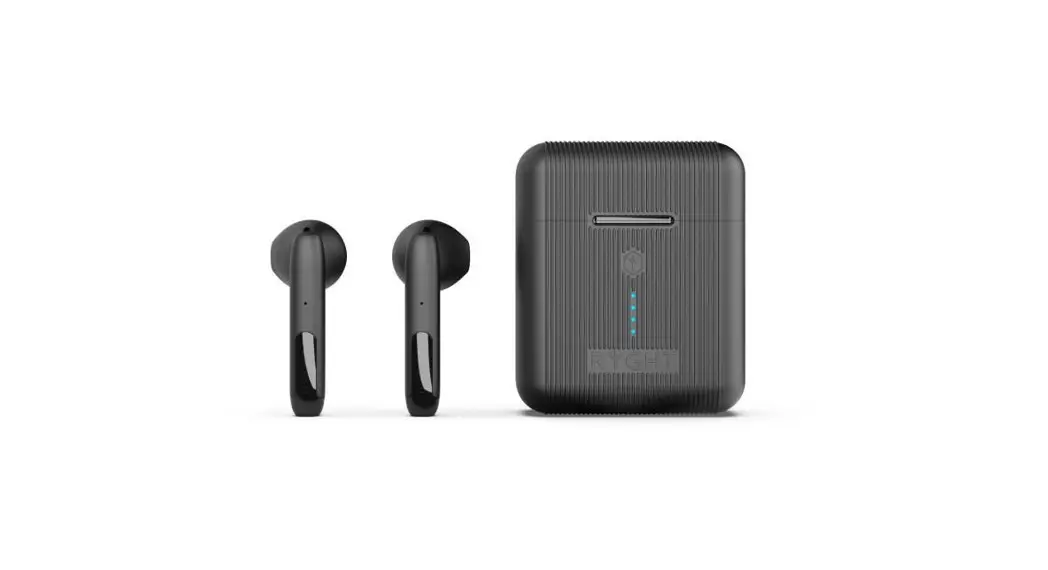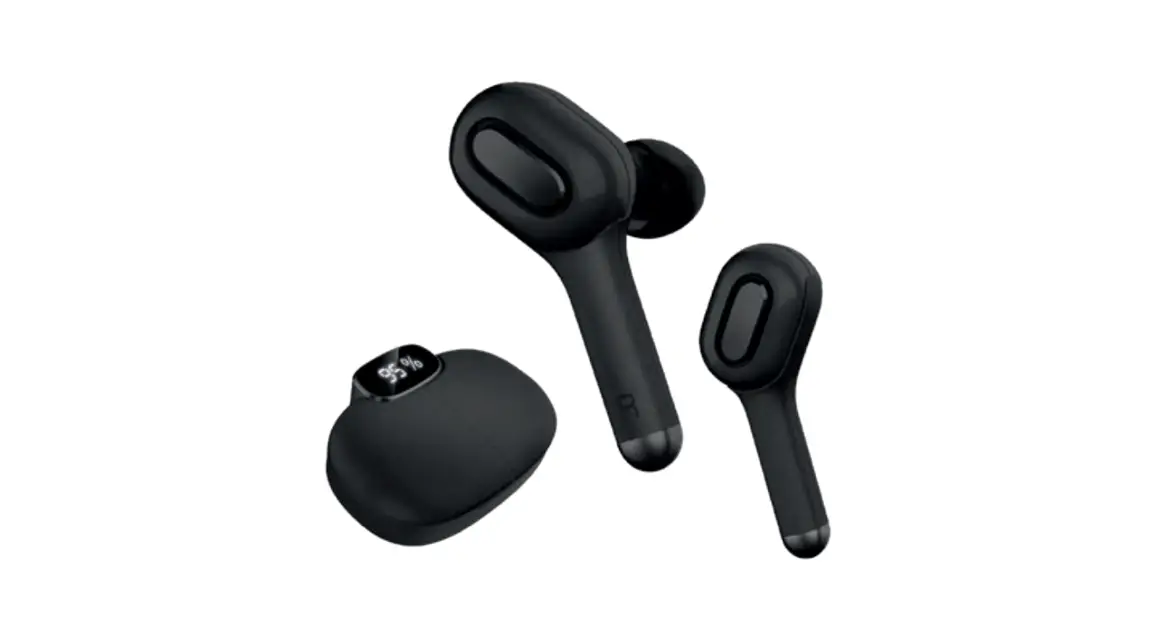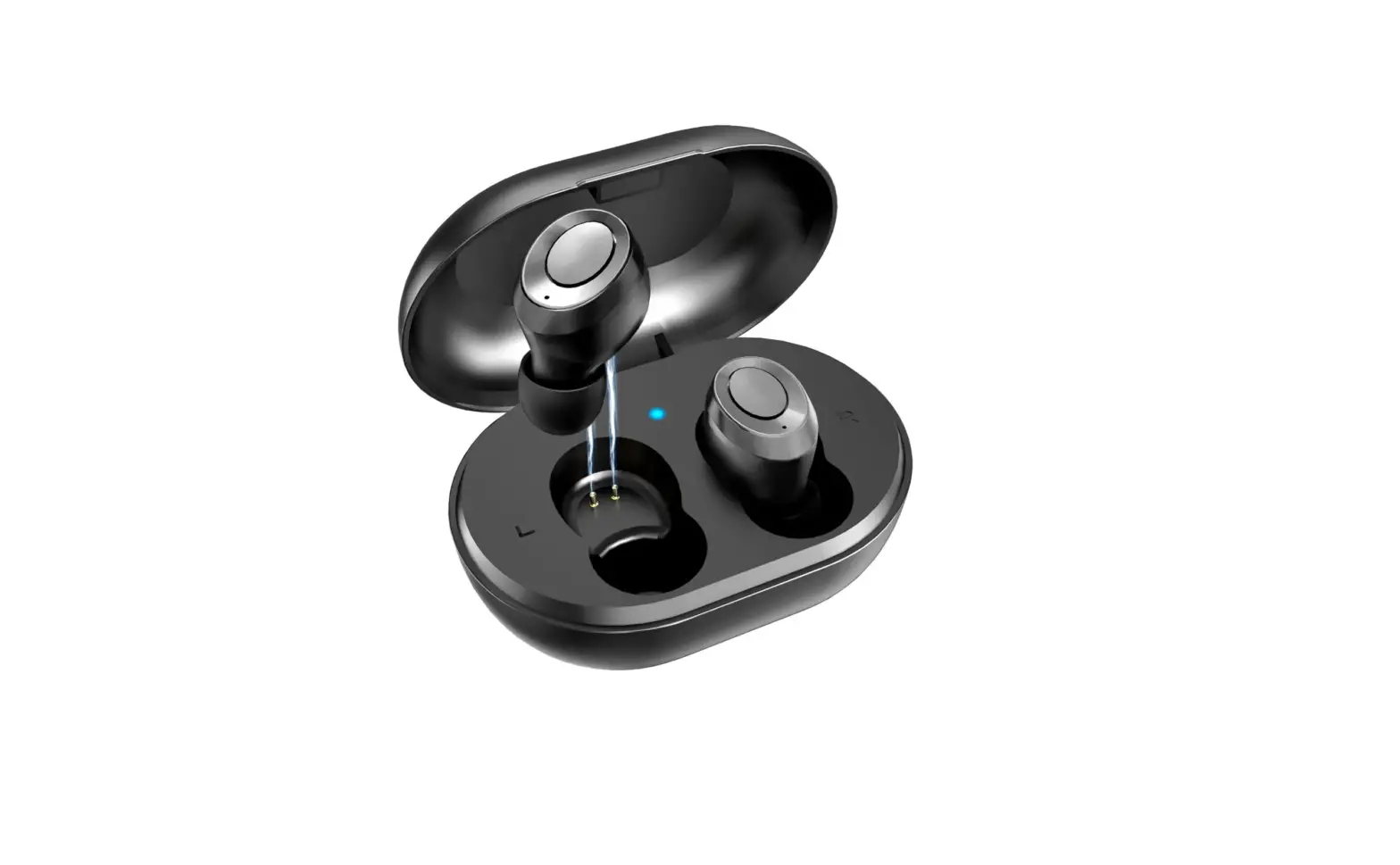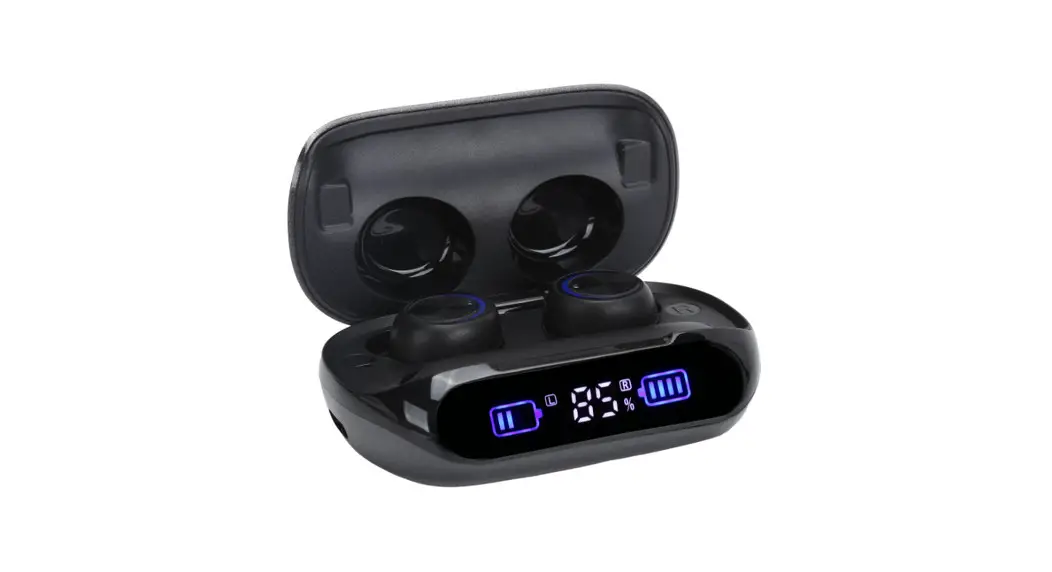
 CELLULAR RC-5616 Wireless Earbuds
User Manual

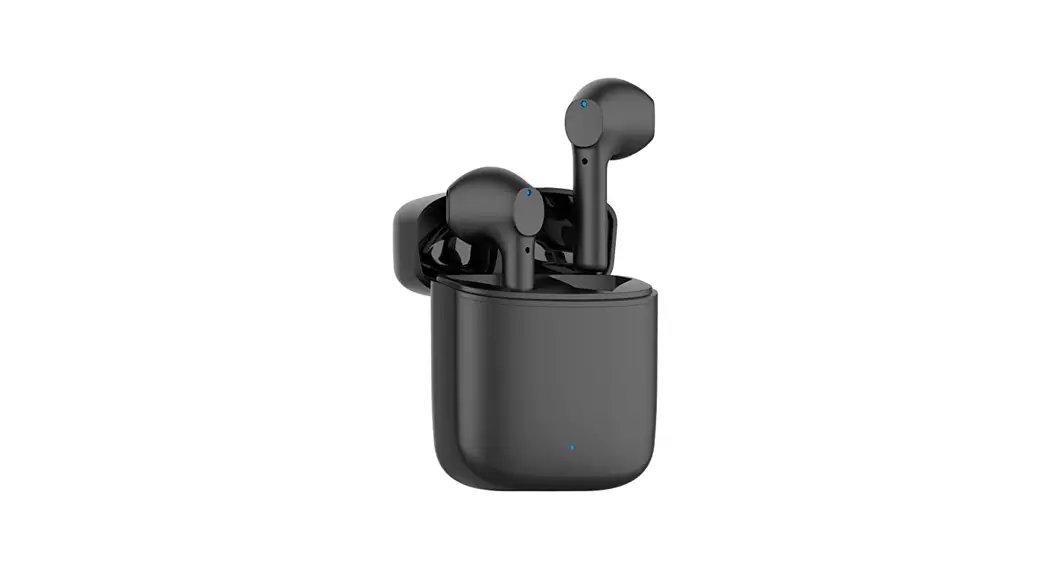
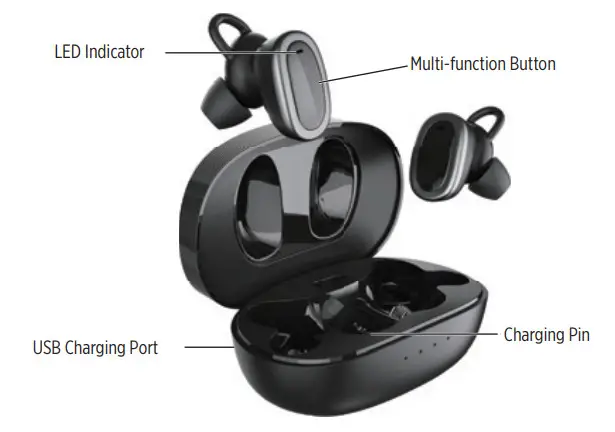
PRODUCT SCHEMATIC
INCLUDED IN BOX
| – Earbuds | – Type-C Charging Cable |
| – Silicone Eartip Covers | – User Mamual |
PAIRING INSTRUCTIONS
| BLUETOOTH CALLING | |
| Caller ID | The number will be read aloud |
| Answer Call | Click the multifunction button while receiving a call |
| End Call | Click the multifunction button once during a call |
| Reject/Ignore Call | Double click the multifunction button |
| MUSIC & AUDIO | |
| Play/Pause | Single click the MF buttons to play/pause |
| Next Track | Double click the Right Earbud |
| Previous Track | Double click the left Earbud |
| Volume + | Press and hold the Right MI buttons for second |
| Volume – | Press and hold the left MI buttons for second |
| GENERAL | |
| Turn On/Off | Press and hold MF buttons for 2 seconds/ 5seconds |
| Activate Siri/Voice Asst. | Triple click the multifunction button |
MONO MODE
Turn on only the earbud you wish to use and follow the same steps while keeping have successfully paired your Earbuds to a Bluetooth-enabled device, that device will recognize and remember your Earbuds for automatic re-pairing.
This means that the next time you wish to use your Earbuds with the same smart device, pairing will happen automatically and without the need to revisit your device’s Bluetooth display screen.
CHARGING
Insert the EARBUDS into their corresponding charging CHAMBER in the case, respectively marked L and R. Insert the included Type-C USB charging cable into the side of the charging case and connect to a power source.
When they have finished charging, earbud LEDs will turn off to indicate they are fully charged.
When the battery voltage drops to 3.3V, the Earbuds prompt you to “Battery Low” once every 30 seconds, the Earbuds automatically power off when the battery voltage is low to 3.0V.
FAQ
Q1: Pairing fails
- Make sure the earbuds and your Bluetooth device are next to each other or within meters and there are no obstacles.
- There are no signal interferences nearby check the question “Connection is not stable for signal interference conditions”.
- Try to reboot your Bluetooth device.
Q2: I paired the earbuds with my phone before, but I failed to pair them with my phone again.
Turn on the Bluetooth of your phone and in “MY DEVICES”, choose ” RC-5616 ” and tap “Forget This Device”. Then pair the earbuds with your phone again.
Q3: Power runs out fast The earbud’s playtime varies according to the volume level and audio content.
Please put the earbuds back into the charging case to avoid unnecessary power consumption
Q4: The earbuds which are being charged in the charging case reconnect to my phone.
When the charging case is out of power during charging, the earbuds will automatically turn on and reconnect to the last paired Bluetooth device.