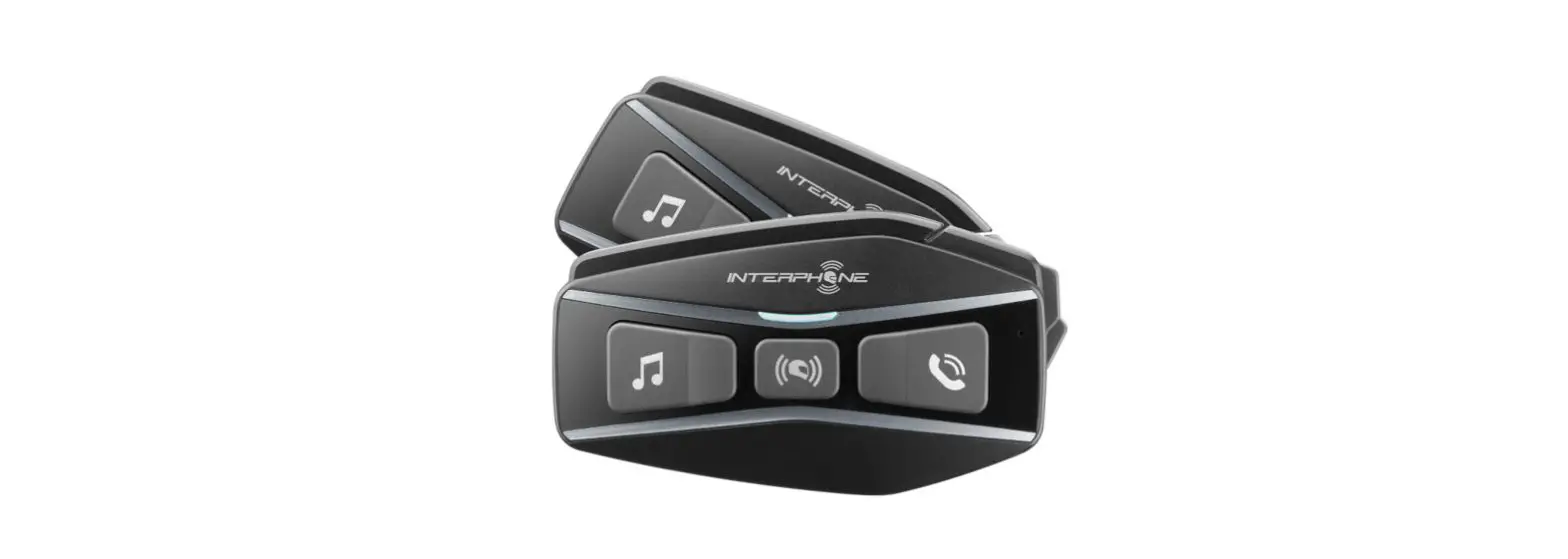
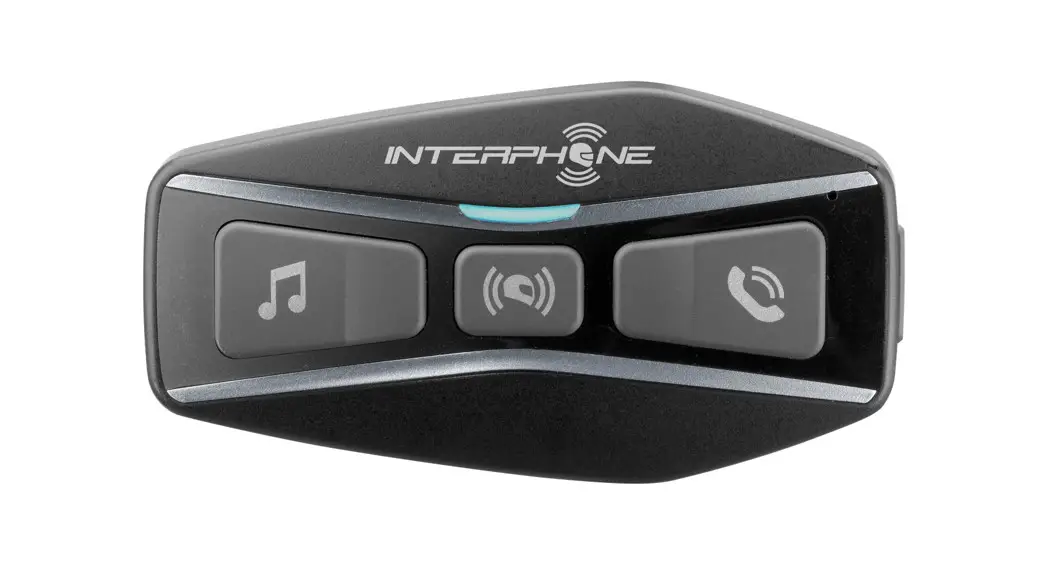
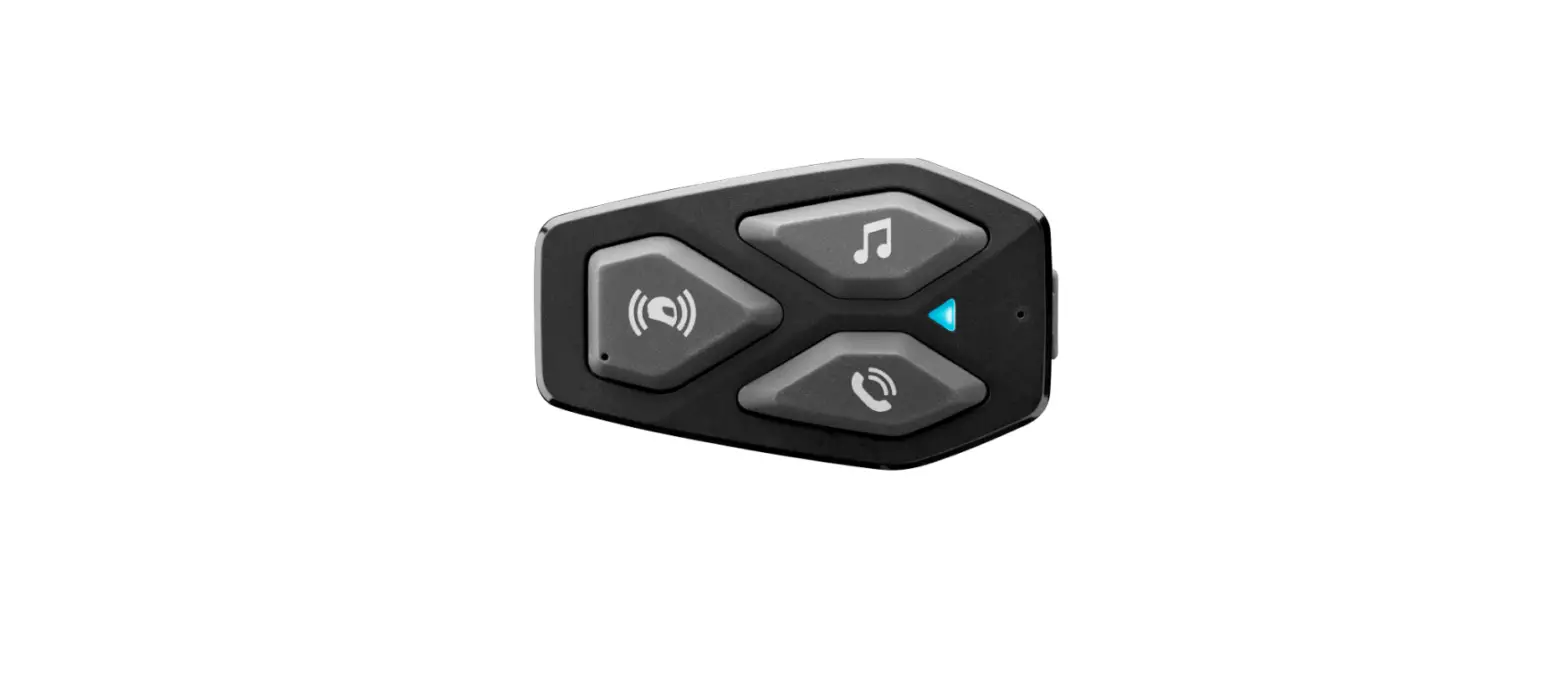
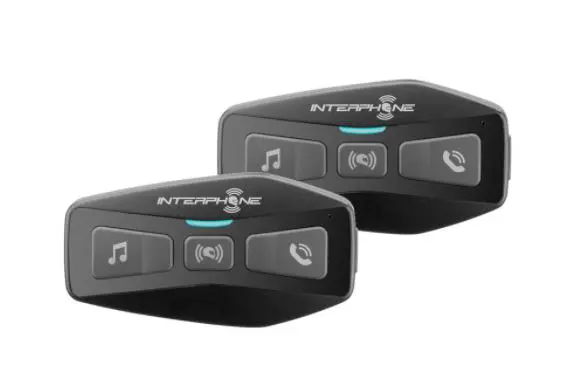
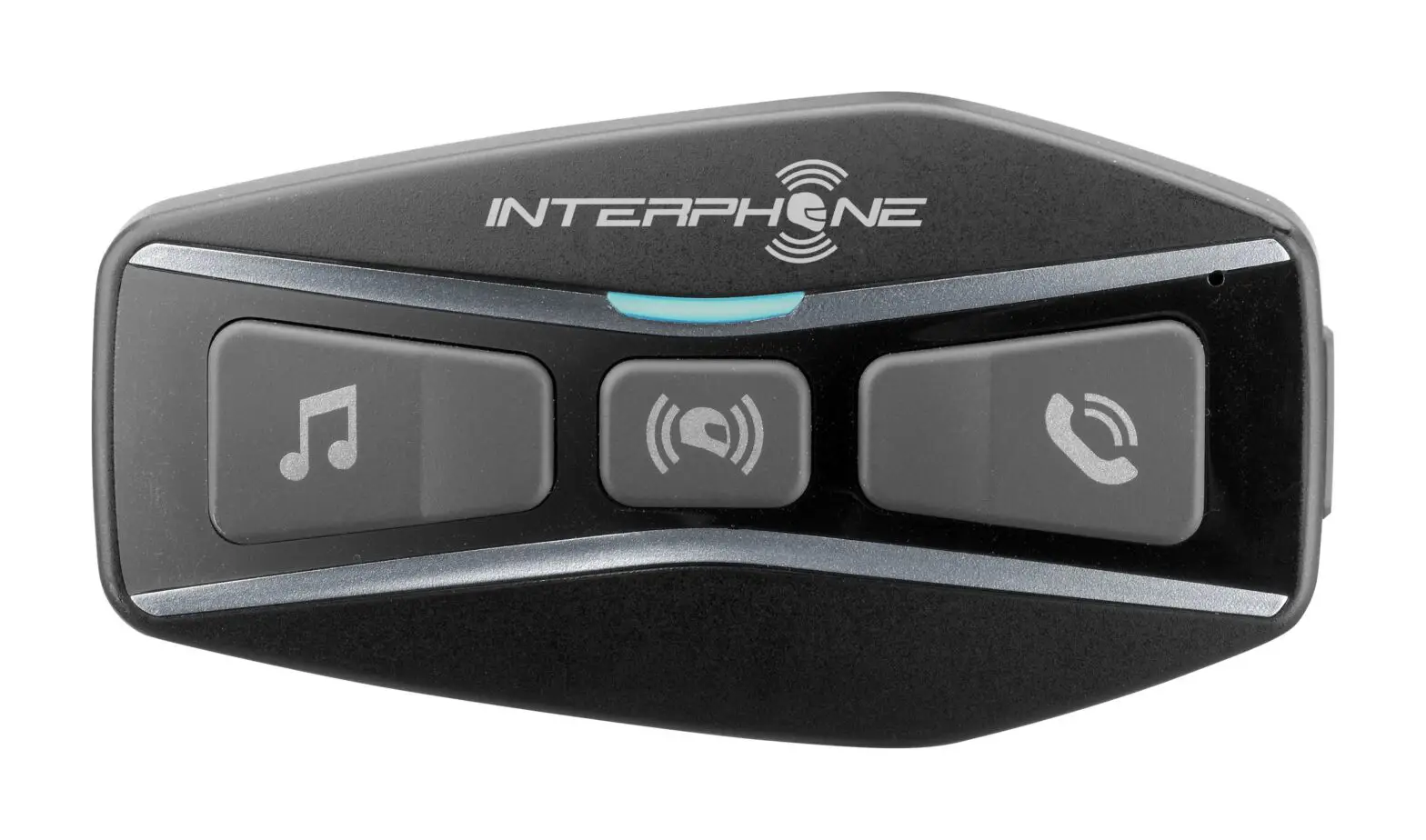
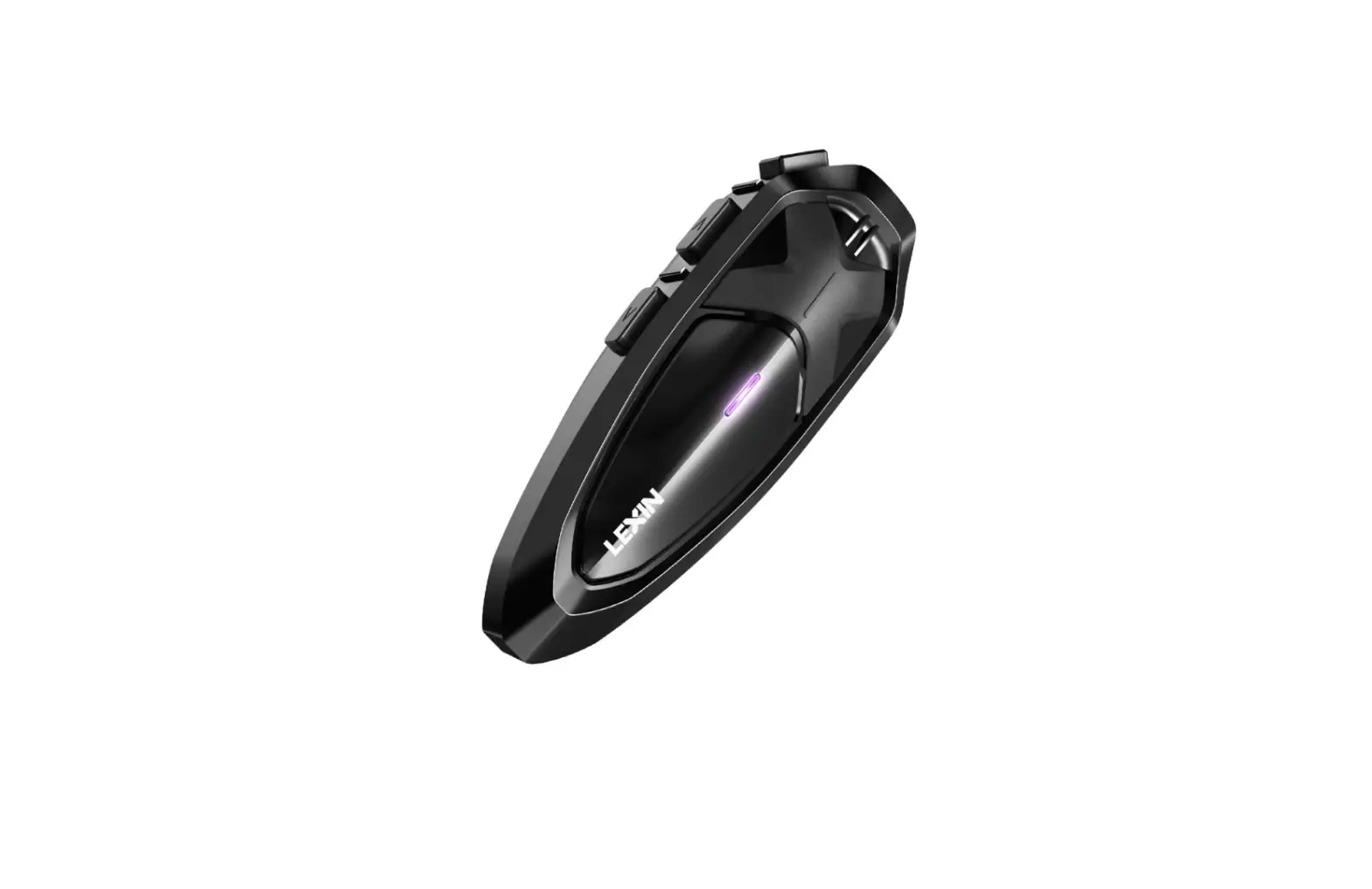
U-COM 8R Motorcycle Intercom
Product Information
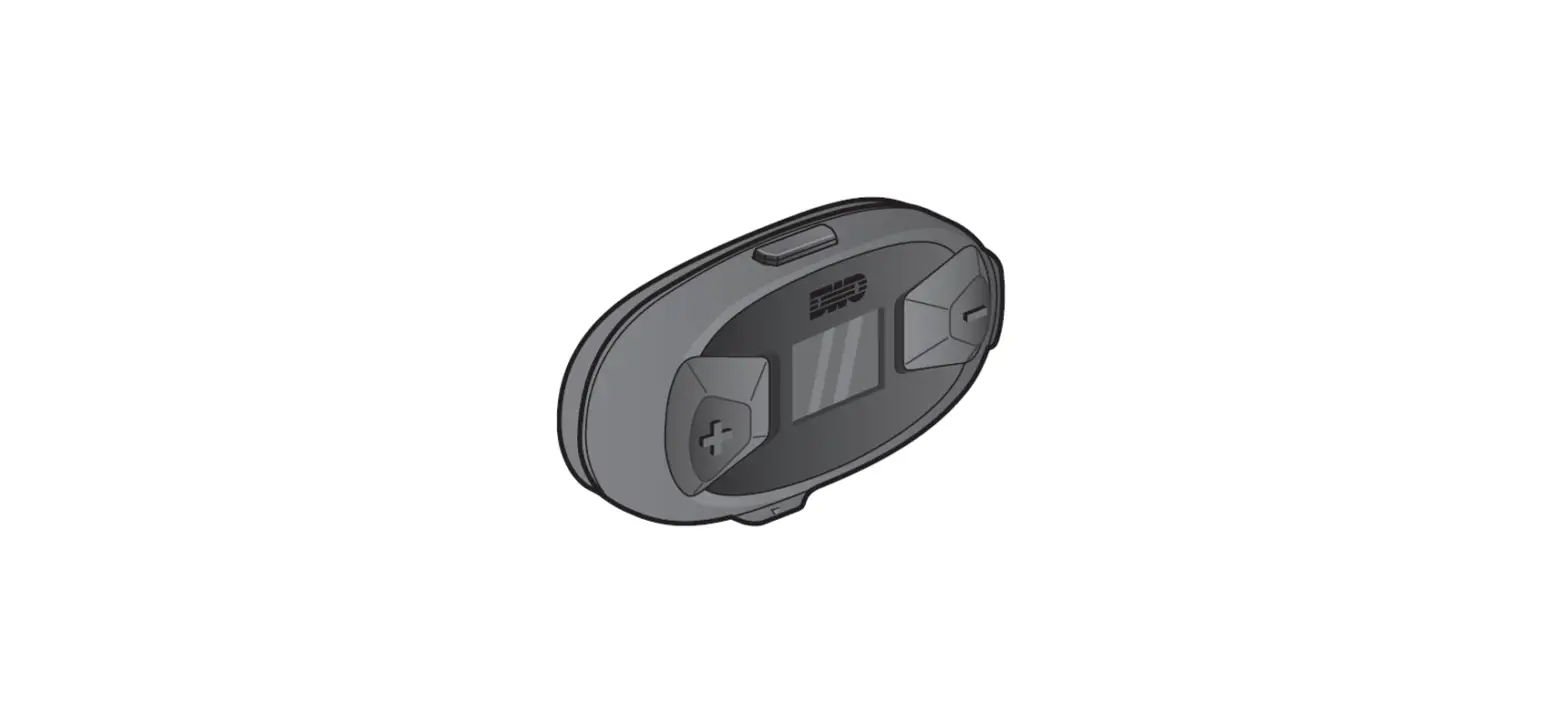
The U-COM 8R is a Bluetooth headset with various features for
music playback, phone calls, and intercom communication. It has a
built-in rechargeable battery and LED indicators to display
charging status. The headset also has volume adjustment buttons and
a configuration menu for customizing settings. It is FCC compliant
and adheres to safety regulations.
Product Usage Instructions
Charging
To charge the U-COM 8R headset, connect it to a power source
using the provided charging cable. While charging, the LED
indicator will be red. When the headset is fully charged, the LED
indicator will turn blue.
Power On/Off
To power on the headset, press and hold the Center Button along
with the Music Button for 1 second. Alternatively, you can tap the
Center Button and Music Button simultaneously. To power off the
headset, press and hold the Center Button for 1 second.
Volume Adjustment
To increase the volume, press the + Button. To decrease the
volume, press the – Button.
Battery Check
To check the battery level of the headset, refer to the LED
indicators during charging. The red LED indicates that the headset
is currently charging, while the blue LED indicates that it is
fully charged.
Phone, Music Pairing
- Press and hold the Center Button for 10 seconds to access the
Configuration Menu. - To enter Phone Pairing mode, tap the + Button.
- On your mobile phone, search for Bluetooth devices and select
the U-COM 8R headset from the list of detected devices. - If prompted, enter “0000” as the PIN. Note that some mobile
phones may not ask for a PIN.
Music Operation
To play music, press the Music Button for 1 second. To pause
music, press the Music Button for 2 seconds. To go to the previous
track, press the – Button for 1 second. To skip to the next track,
press the + Button for 1 second.
Mobile Phone Call Making and Answering
To answer an incoming call, tap the Phone Button. To end a call,
press the Phone- Button for 2 seconds. For speed dialing, press the
Phone Button for 3 seconds. To reject an incoming call, press the
Phone Button for 2 seconds.
Mesh Intercom On/Off
To turn on or off the Mesh Intercom feature, tap the Intercom
Mesh Button.
Intercom Pairing
- Press and hold the Center Button of two U-COM 8R headsets for 5
seconds until the red LEDs of both units start flashing
rapidly. - The two headsets will be automatically paired.
Intercom Start/End
To start an intercom conversation with a friend, tap the Center
Button once for the first friend, twice for the second friend, and
triple times for the third friend.
Setting
To access the Configuration Menu and adjust various settings,
press and hold the Center Button for 10 seconds.
Troubleshooting
Factory Reset
If you want to restore the headset to factory default settings,
use the Factory Reset option in the configuration menu. The headset
will automatically restore the default settings and turn off.
Certification and Safety Approvals
The U-COM 8R headset is FCC compliant and meets safety
regulations. The equipment complies with FCC radiation exposure
limits and specific operating instructions must be followed for RF
exposure compliance. The distance between the antenna and one’s
head surface should be 59.5mm to ensure safe usage.
U-COM 8R Manual
Charging
Red LED: Charging Blue LED: Fully charged
Power On/Off
Power On : Center Button + Music Button for 1 sec Power On : Tap the Center Button + Music Button
Volume Adjustment
+ Button – Increase the volume – Button – Decrease the volume
Battery Check
Phone, Music Pairing
1. To access Configuration Menu, press and hold the Center Button for 10 second. 2. To enter Phone Pairing, tap the + Button. 3. Search for Bluetooth devices on your mobile phone. Select the headset in the list of the devices
detected on the mobile phone. 4. Enter 0000 for the PIN. Some mobile phones may not ask for the PIN.
Music Operation
Play music: Press the Music Button for 1 second. Pause music: Press the Music Button for 2 second. Track back: Press the – Button for 1 second. Track forward: Press the + Button for 1 second.
Mobile Phone Call Making and Answering
Answering a call: Tap the Phone Button Ending a call: Press the Phone- Button for 2 seconds. Speed dial: Press the Phone Button for 3 seconds. Rejecting a call: Press the Phone Button for 2 seconds.
Mesh Intercom On/Off
Tap the Intercom Mesh Button.
Intercom Pairing
1. Press and hold the Center Button of two Bluetooth systems for 5 seconds until red LEDs of both units start to flash rapidly.
2. The two headsets will be automatically paired.
Intercom Start/End
1st Friend: Tap the Center Button once. 2nd Friend: Tap the Center Button twice. 3rd Friend: Tap the Center Button triple times
Setting
Configuration Menu: Press the Center Button for 10 seconds.
Troubleshooting
Factory Reset
If you want to restore the headset to factory default settings, use the Factory Reset in the configuration menu. The headset automatically restores the default settings and turns off.
Certification and Safety Approvals FCC Compliance Statement
This device complies with part 15 of the FCC rules. Operation is subject to the following two conditions: (1) This device may not cause harmful interference, and (2) This device must accept any interference received, including interference that may cause undesired operation. This equipment has been tested and found to comply with the limits for a Class B digital device pursuant to part 15 of the FCC rules. These limits are designed to provide reasonable protection against harmful interference in a residential installation. This equipment generates, uses and can radiate radio frequency energy and, if not installed and used in accordance with the instructions, may cause harmful interference to radio communications. However, there is no guarantee that interference will not occur in a particular installation. If this equipment does cause harmful interference to radio or television reception, which can be determined by turning the equipment on and off, the user is encouraged to try to correct the interference by one or more of the following measures: -Reorient or relocate the receiving antennae -Increase the separation between the equipment and the receiver -Connect the equipment into an outlet on a circuit different from that to which the receiver is connected. -Consult the dealer or an experienced radio/TV technician for help.
FCC RF Exposure Statement This equipment complies with FCC radiation exposure limits set forth for an uncontrolled environment. End users must follow the specific operating instructions for satisfying RF exposure compliance. The antenna used for this transmitter must not transmit simultaneously with any other antenna or transmitter, except in accordance with FCC multi-transmitter product procedures. When equipped, the distance between antenna and one’s head surface is 59.5mm.
FCC Caution Any changes or modifications to the equipment not expressly approved by the party responsible for compliance could void user’s authority to operate the equipment. Certification et homologation de sécurité Déclaration de conformité FCC Cet appareil est en conformité avec la partie 15 des règles de la FCC. Son fonctionnement est soumis aux deux conditions suivantes : (1) Cet appareil ne doit pas créer d’interférences préjudiciables et (2) Cet appareil doit accepter toutes les interférences reçues, y compris celles qui pourraient entraver son bon fonctionnement. Cet équipement a été testé et jugé conforme aux limites pour un appareil numérique de classe B, conformément à la partie 15 des règles de la FCC. Ces limites sont conçues pour fournir une protection raisonnable contre les interférences nuisibles dans une installation résidentielle. Cet équipement
génère et utilise de l’énergie radio fréquence et, s’il n’est pas installé et utilisé conformément. aux instructions, il peut occasionner des interférences nuisibles au niveau des communications radios. Cependant, il n’existe aucune garantie que ces interférences ne se produiront pas dans une installation particulière. Si cet équipement génère des interférences nuisibles à la réception de la radio ou de la télévision (ce qu’il est possible de déterminer en mettant l’équipement hors tension, puis sous tension), l’utilisateur est invité à suivre une ou plusieurs des mesures suivantes pour corriger le problème des interférences en prenant l’une des mesures suivantes : -Modifier l’emplacement ou l’orientation de l’antenne de réception. -É loigner l’appareil du récepteur. -Brancher l’appareil sur une prise située sur un circuit différent de celui du récepteur. -Consulter le revendeur ou un technicien expérimenté pour obtenir de l’aide.
É noncé FCC sur l’exposition aux radiations RF Cet équipement est conforme aux réglementations FCC d’exposition aux radiations définies pour un environnement non contrôlé. Les utilisateurs doivent respecter les instructions d’exploitation spécifiques pour répondre aux exigences de conformité sur l’exposition aux RF. L’antenne utilisée pour cet appareil ne doit pas fonctionner en même temps qu’une autre antenne ou émetteur, sauf s’il y a conformité avec les procédures FCC des produits multi-émetteurs. Cet appareil est conforme à l’exigence d’exposition aux RF. Lorsque équipé, la distance entre l’antenne et la surface de la tête est de 59.5mm.
Précautions FCC Tout changement ou modification non expressément approuvé par la partie chargée de la mise en conformité peut annuler le droit de l’utilisateur à utiliser l’équipement.
Industry Canada(IC) Statement This device complies with Industry Canada license-exempt RSS standard(s). Operation is subject to the following two conditions: (1)this device may not cause interference, and (2)this device must accept any interference, including interference that may cause undesired operation of the device. Le present appareil est conforme aux CNR d’Industrie Canada applicables aux appareils radio exempts de licence. L’exploitation est autorisee aux deux conditions suivantes : (1) l’appareil ne doit pas produire de brouillage, et (2) l’utilisateur de l’appareil doit accepter tout brouillage radioelectrique subi, meme si le brouillage est susceptible d’en compromettre le fonctionnement.
IC RF Exposure Statement Cet équipement est conforme aux limites d’exposition aux radiations de la FCC définies pour un environnement non contrôlé. Les utilisateurs finaux doivent suivre les instructions d’utilisation spécifiques pour satisfaire à la conformité d’exposition RF. L’antenne utilisée pour cet émetteur ne doit pas émettre simultanément avec d’autres antennes ou émetteurs, sauf en conformité avec les procédures FCC relatives aux produits multi-émetteurs. Lorsque équipé, la distance entre l’antenne et la surface de la tête est de 59.5mm.