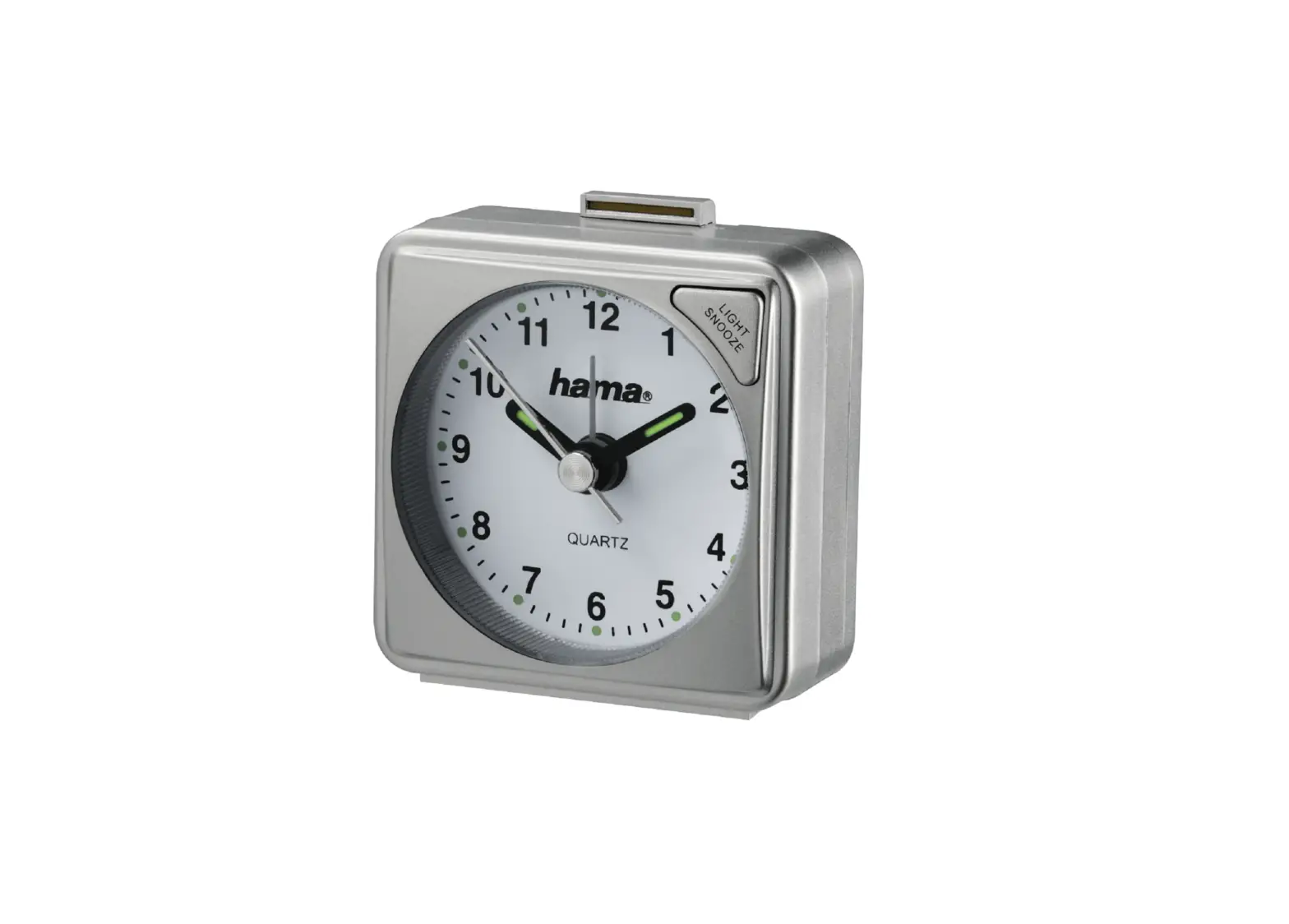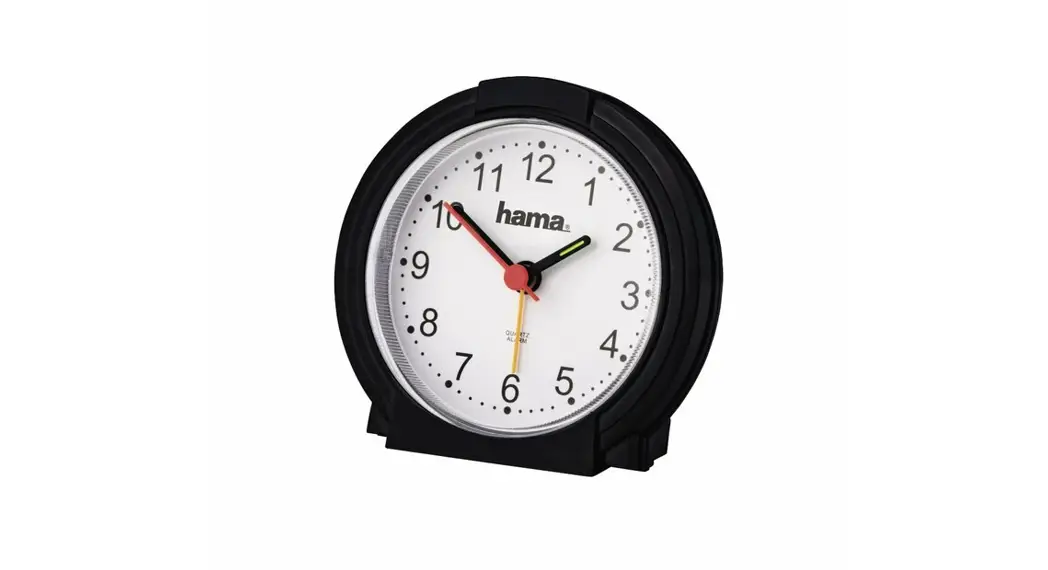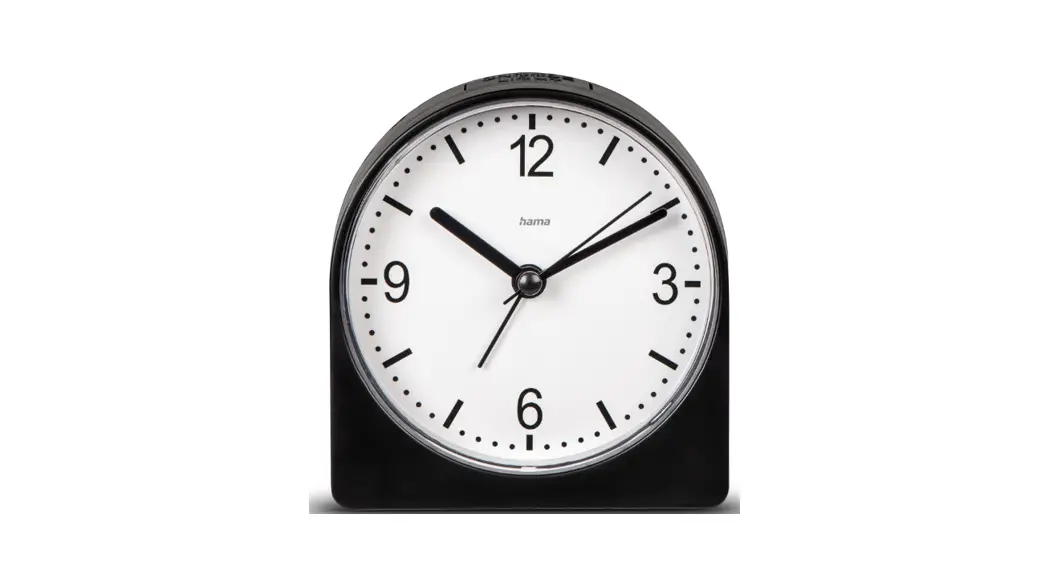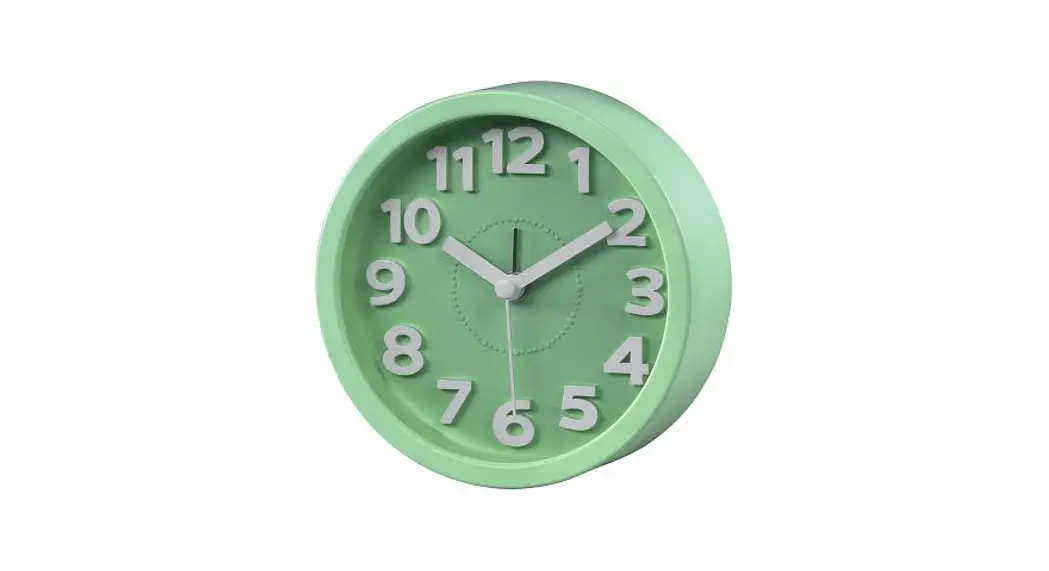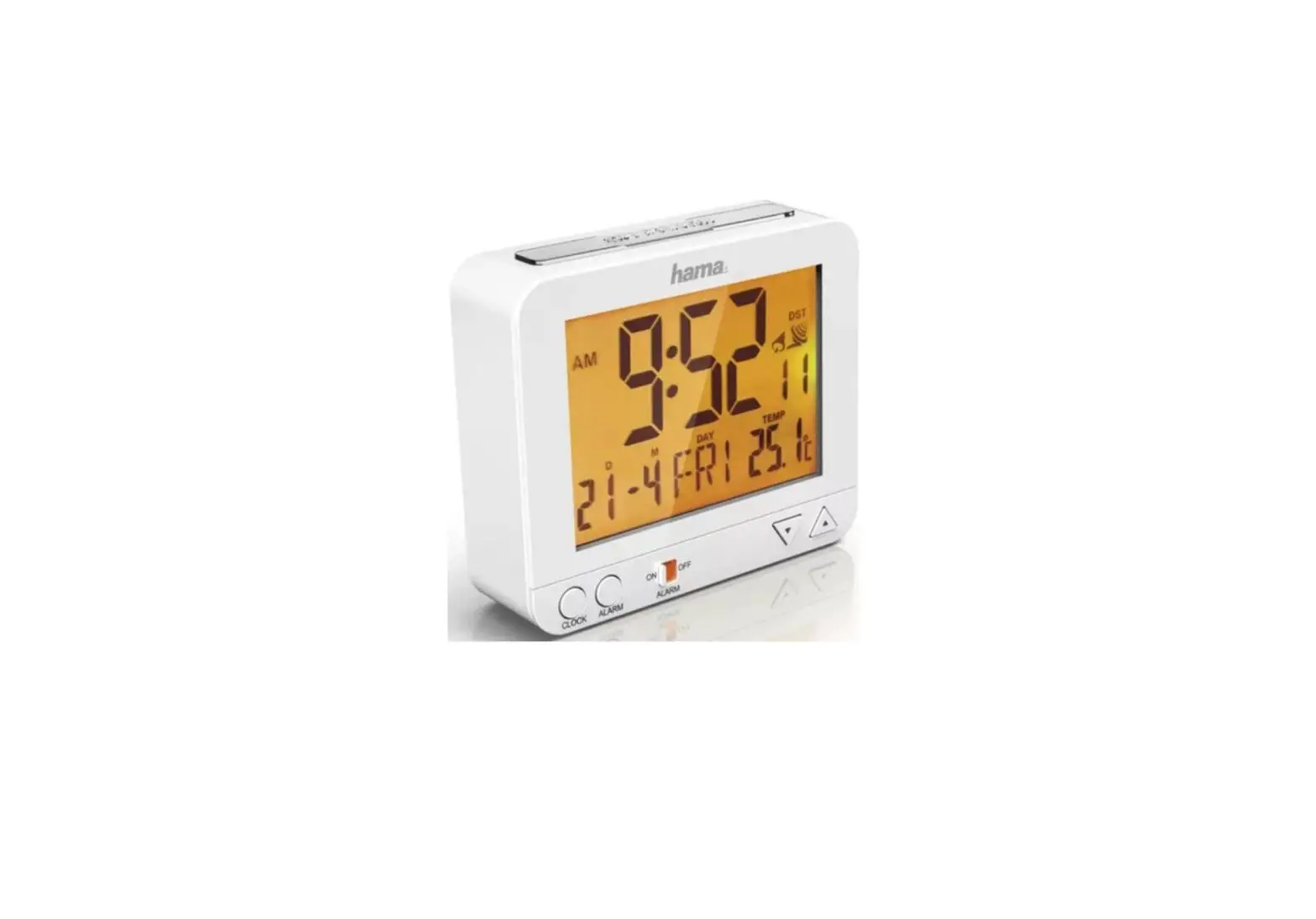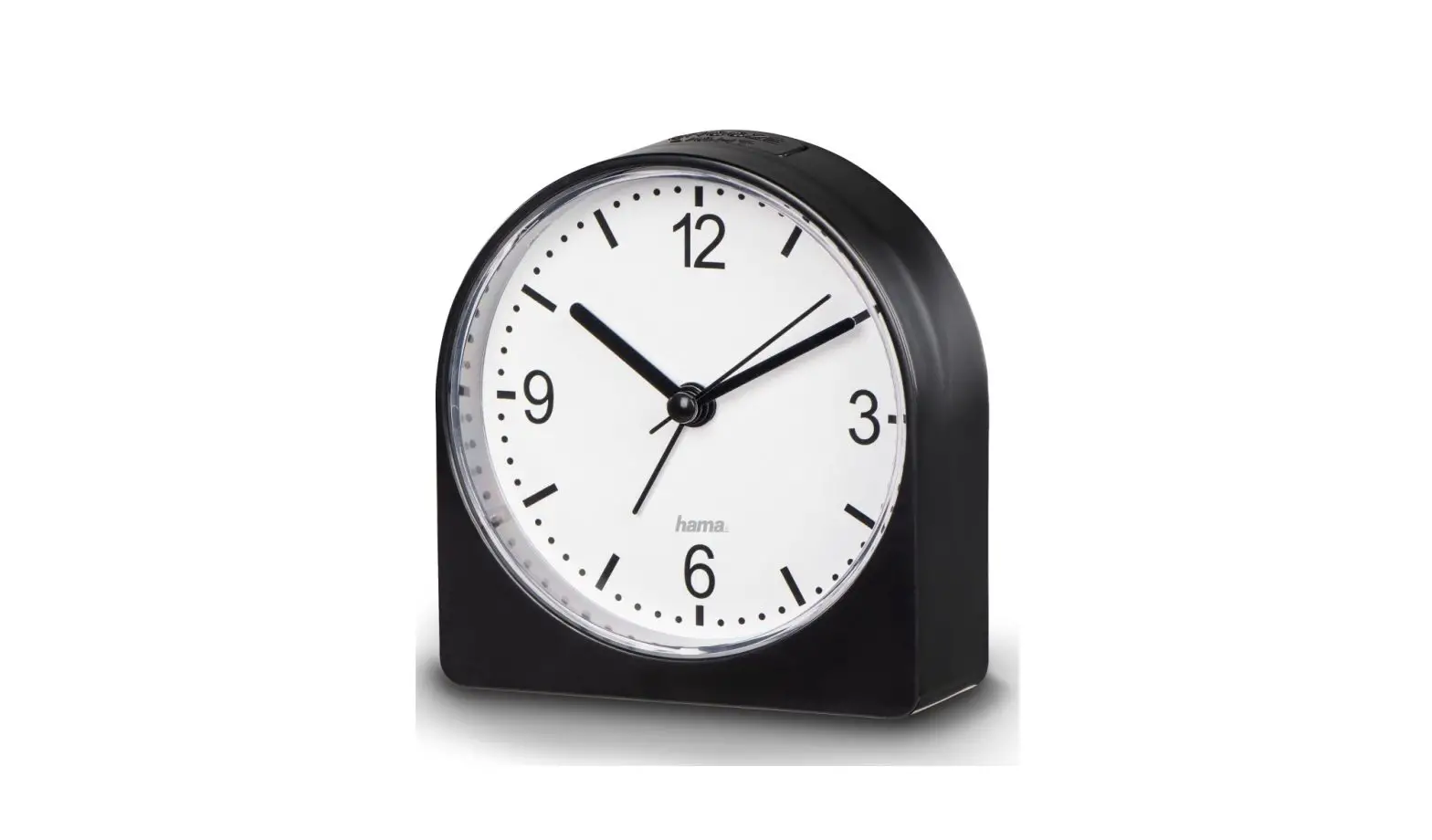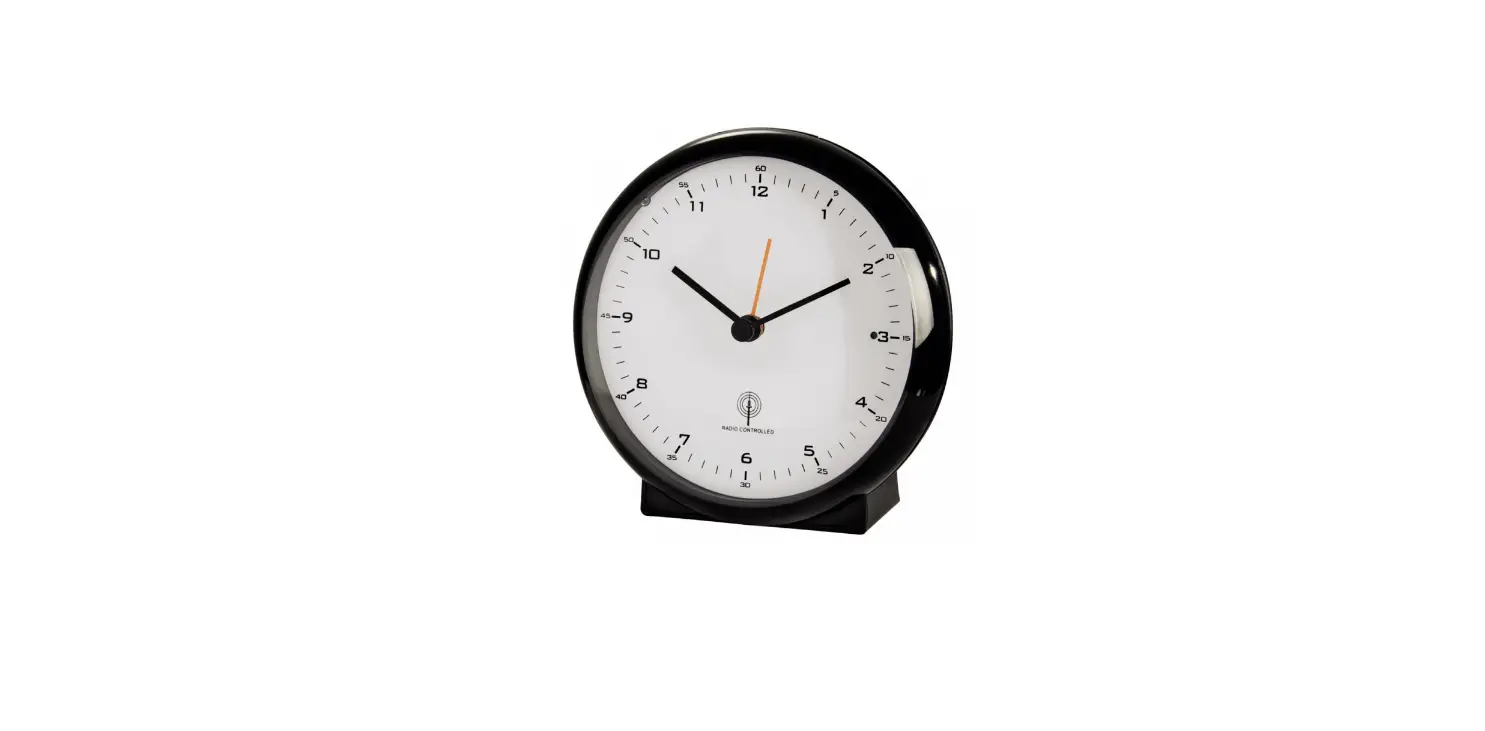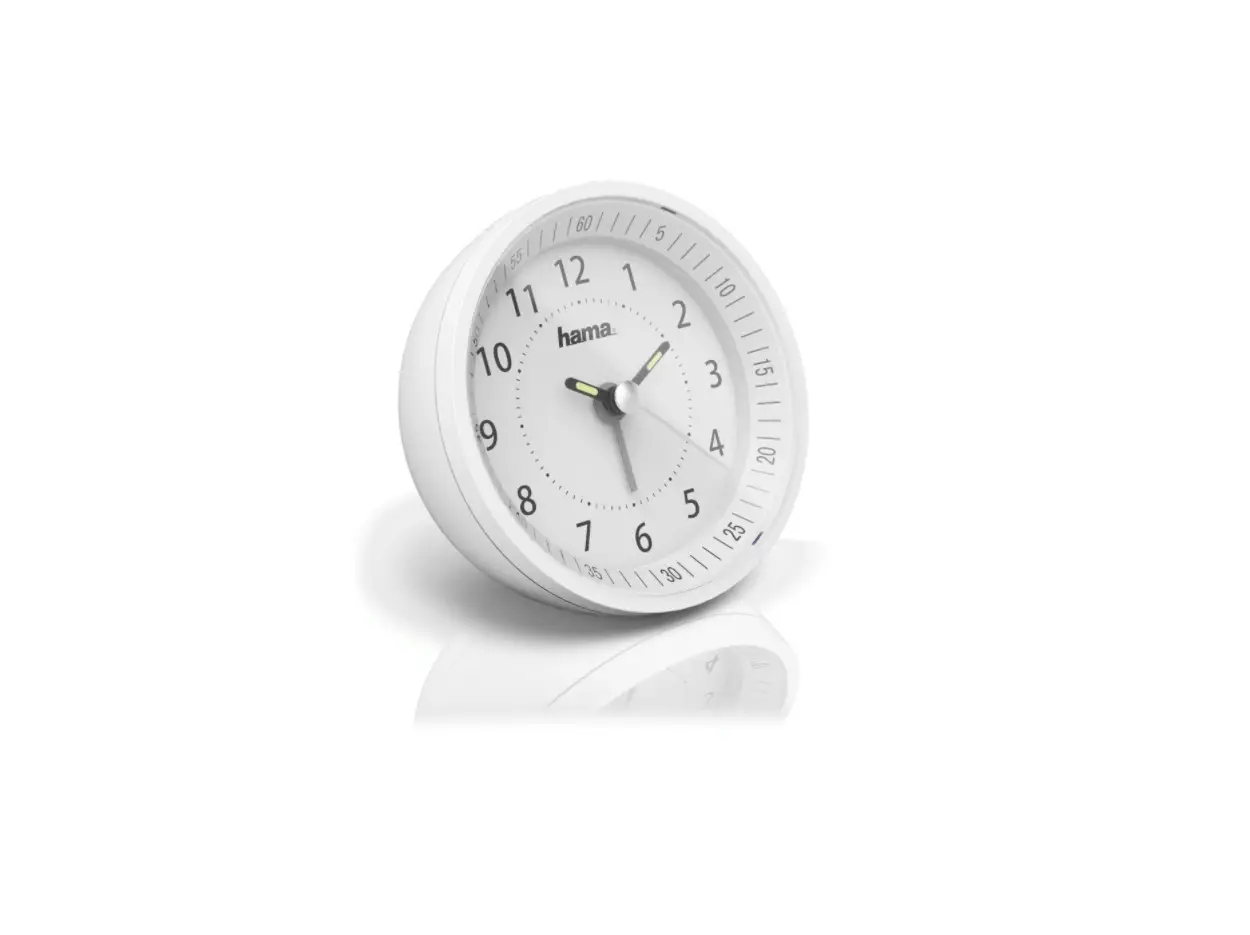
hama Travelling Alarm Clock A50
Safety Notes
- The product is intended for private, non-commercial use only.
- Protect the product from dirt, moisture and overheating, and only use it in a dry environment.
- Do not drop the product and do not expose it to any major shocks.
- Do not attempt to service or repair the product yourself. Leave any and all service work to qualified experts.
- Do not modify the product in any way. Doing so voids the warranty.
- Keep the packaging material out of the reach of children due to the risk of suffocation.
- Dispose of packaging material immediately according to locally applicable regulations.
- Use the product for its intended purpose only.
- Do not use the product in the immediate vicinity of heaters or other heat sources or in direct sunlight.
- Do not use the product in areas where the use of electronic devices is not permitted.
- Do not operate the product outside the power limits given in the specifications.
- Do not open the device or continue to operate it if it becomes damaged.
- Keep this product, as all electrical products, out of the reach of children!
- Use the item only in moderate climatic conditions.
 | Warning – Batteries |
| |
Getting Started
- To open the battery compartment, press the edge of the battery compartment lid upwards gently by the groove on the underside of the alarm clock.
- Remove the battery that was already inserted into the clock, remove the protective film if necessary as well as the contact interrupter and the re-insert the battery with the correct polarity.
Operation
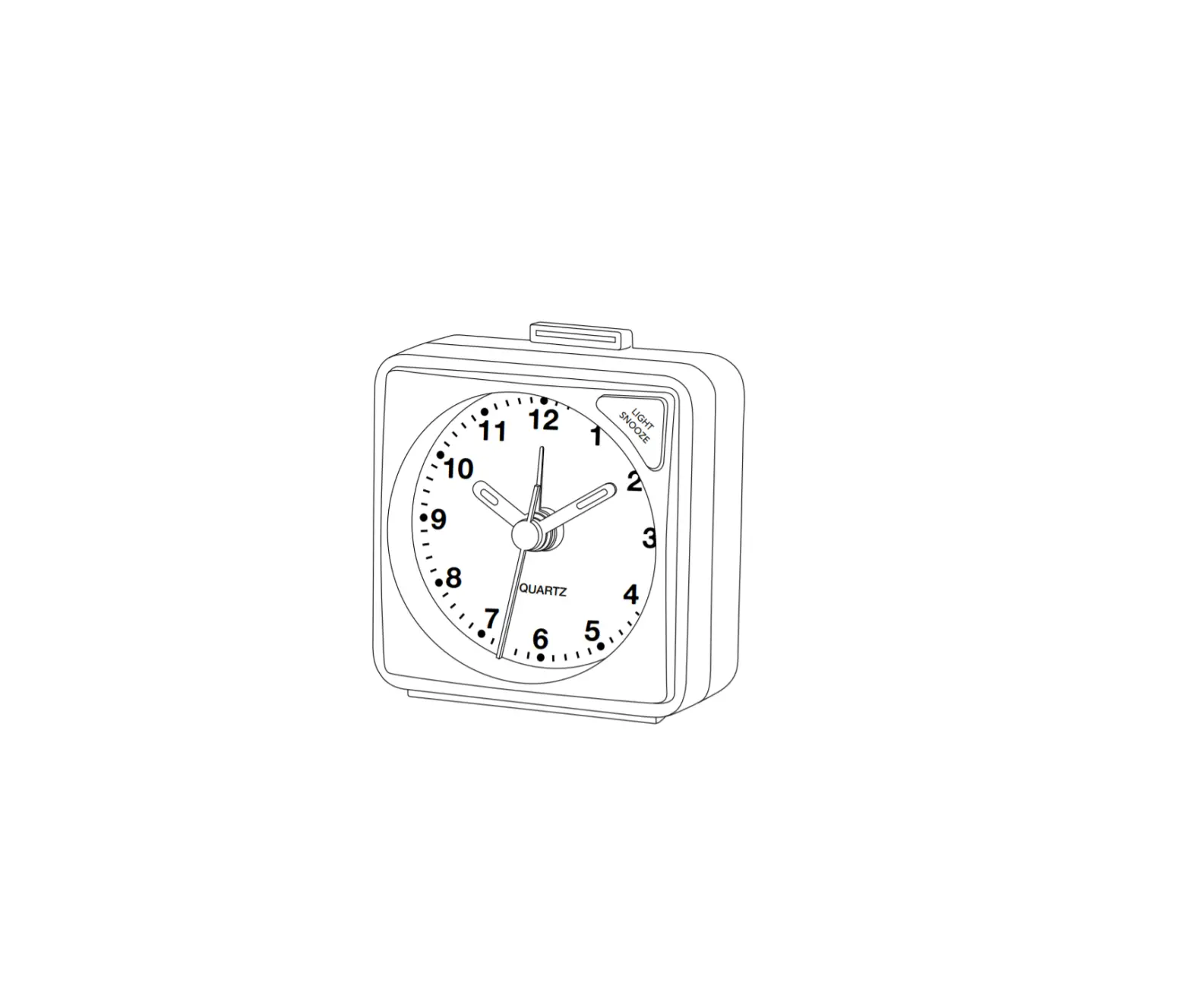
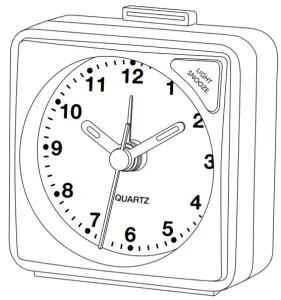
Press the LIGHT/SNOOZE button to light up the display.
Setting the time
- Turn the setting wheel
 on the back in the direction indicated by the arrow to set the current time (hours/minutes).
 - To set the seconds, remove the battery to stop the seconds. Put the battery back in to start the seconds hand again at the right second.
 on the back in the direction indicated by the arrow to set the current time (hours/minutes).
Alarm
- Move the setting wheel
 on the back of the alarm clock in the direction of the arrow to set the appropriate alarm time. The hand for the alarm time moves in an anticlockwise direction.
 - Pull the sliding switch on the back outward or up
 to enable the alarm. When the alarm is enabled, a coloured bar is visible from the front.
 - When the alarm time is reached, the alarm tone sounds, getting progressively louder.
- Press the sliding switch down
 , to shut off and disable the alarm.
 on the back of the alarm clock in the direction of the arrow to set the appropriate alarm time. The hand for the alarm time moves in an anticlockwise direction.
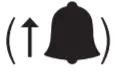 to enable the alarm. When the alarm is enabled, a coloured bar is visible from the front.
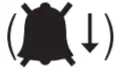 , to shut off and disable the alarm.
 | Note |
| While the alarm signal is sounding, press the LIGHT/SNOOZE button to activate the snooze function. The alarm signal will be stopped for 5 minutes, after which it will sound again. | |
Warranty Disclaimer
Hama GmbH & Co KG assumes no liability and provides no warranty for damage resulting from improper installation/mounting, improper use of the product or from failure to observe the operating instructions and/or safety notes.
Technical Data
Alarm Clock A50 | 1,5 V |
Recycling Information
Note on environmental protection: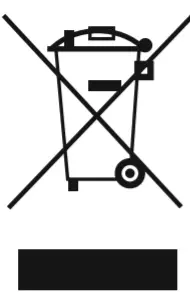 After the implementation of the European Directive 2012/19/EU and 2006/66/EU in the national legal system, the following applies: Electric and electronic devices as well as batteries must not be disposed of with household waste. Consumers are obliged by law to return electrical and electronic devices as well as batteries at the end of their service lives to the public collecting points set up for this purpose or point of sale. Details to this are defined by the national law of the respective country. This symbol on the product, the instruction manual or the package indicates that a product is subject to these regulations. By recycling, reusing the materials or other forms of utilising old devices/ Batteries, you are making an important contribution to protecting our environment.
Hama GmbH & Co KG
86652 Monheim/ Germany
Service & Support
 www.hama.com
 +49 9091 502-0

All listed brands are trademarks of the corresponding companies. Errors and omissions excepted, and subject to technical changes. Our general terms of delivery and payment are applied.